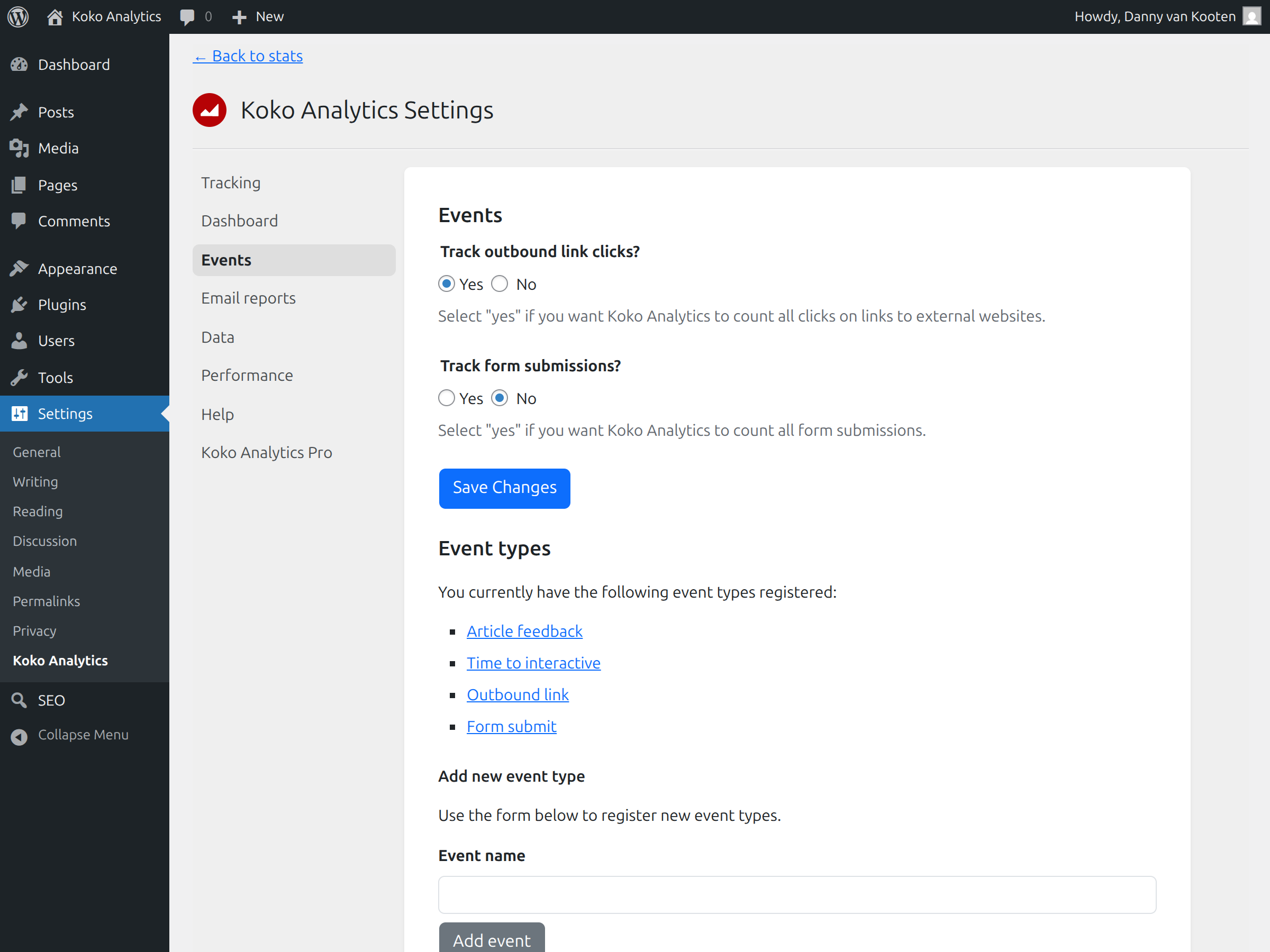
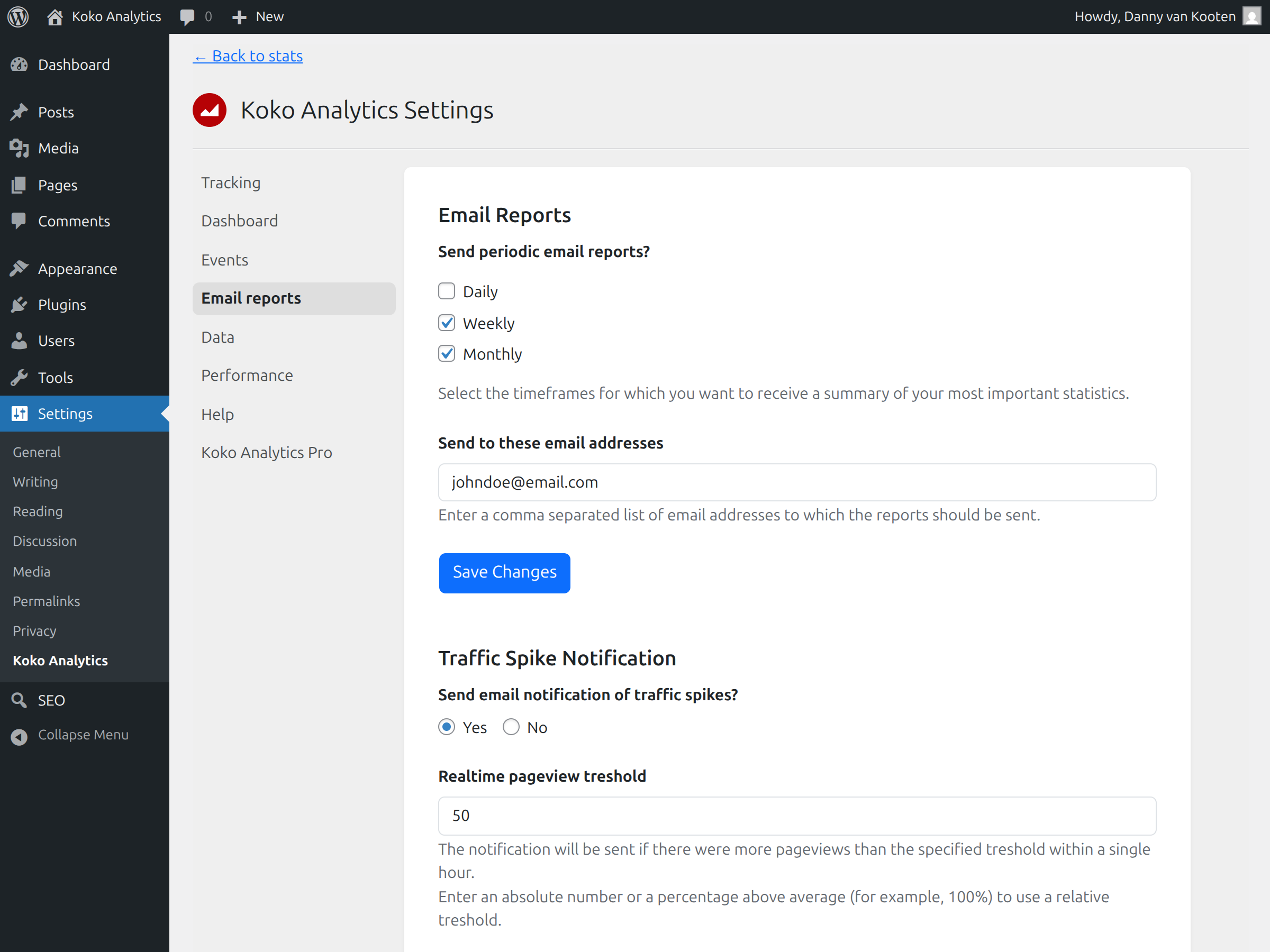
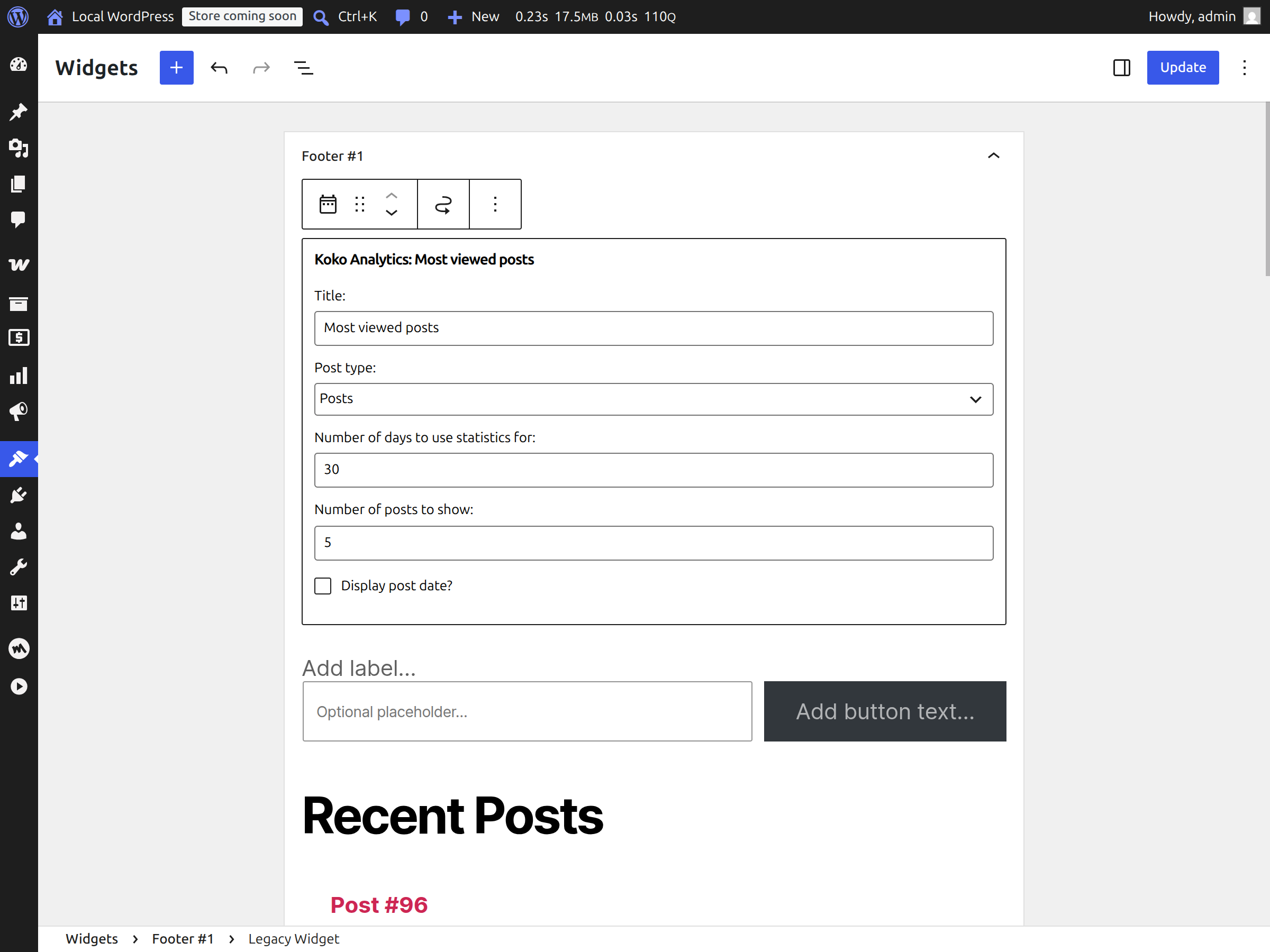
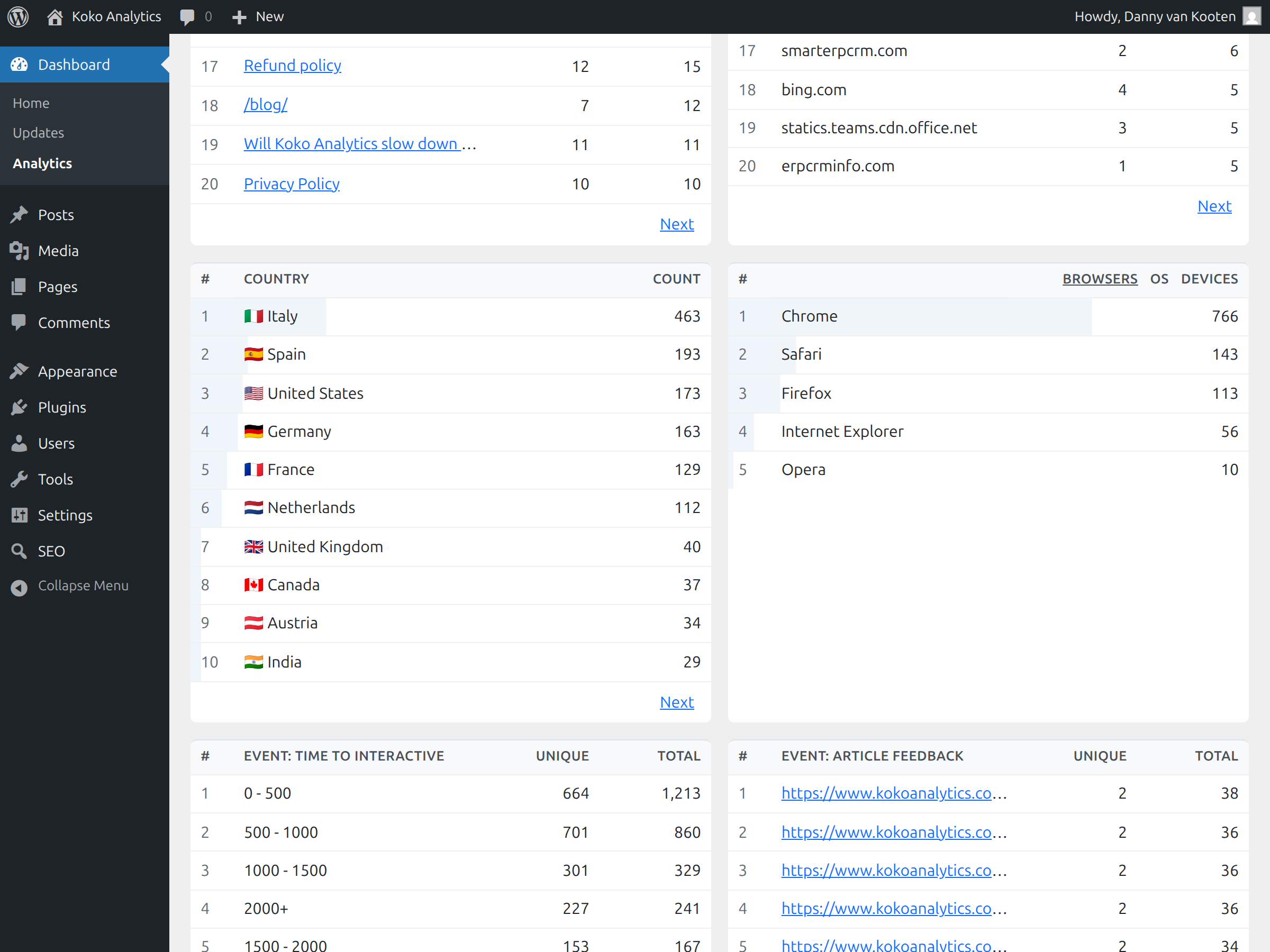
Koko Analytics is a privacy-friendly and lightweight Google Analytics alternative for WordPress sites. It is a plug and play solution to get GDPR compliant insights into your website visitors without requiring any third-party services.
Why choose Koko Analytics?
Important insights
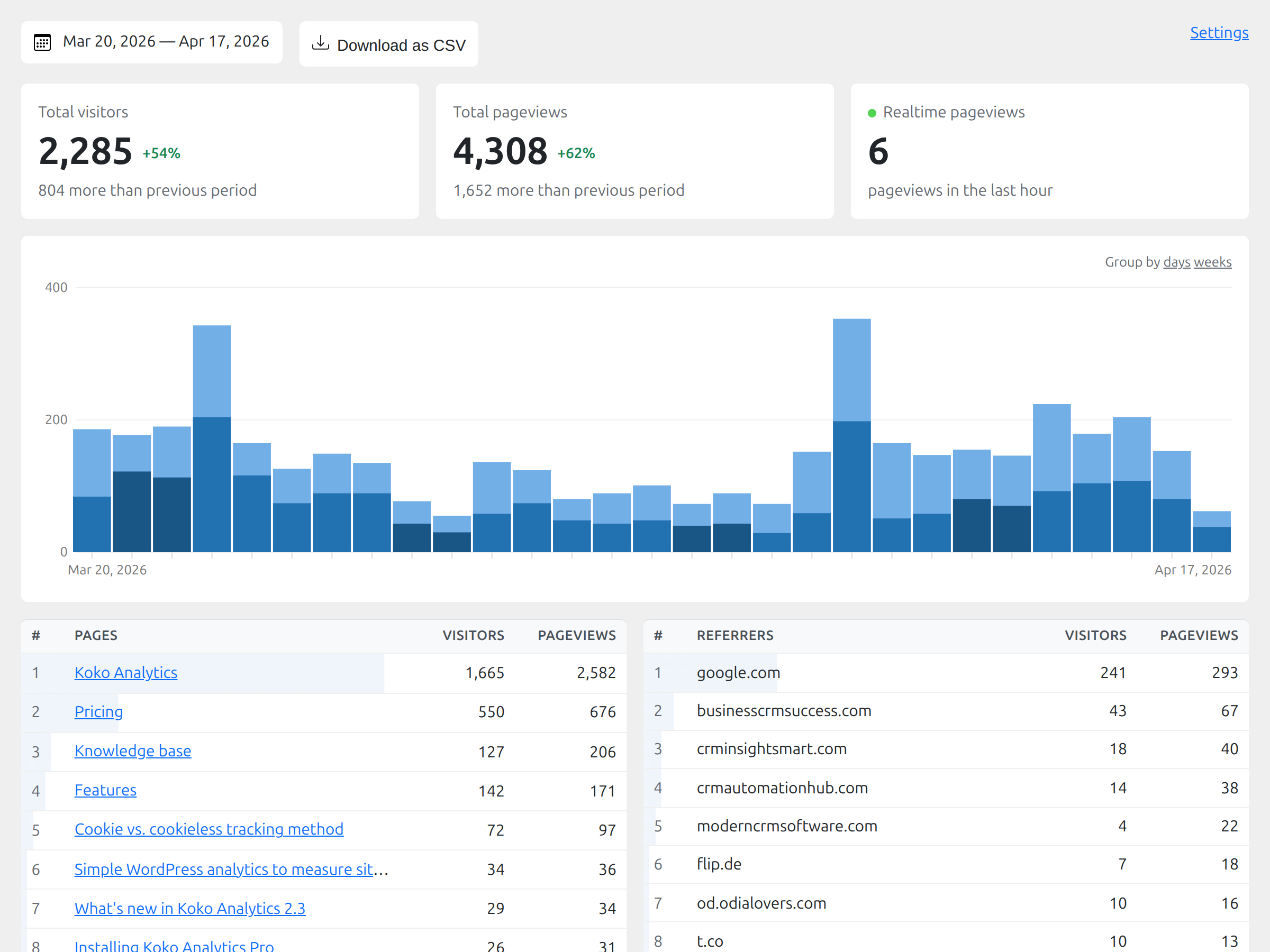
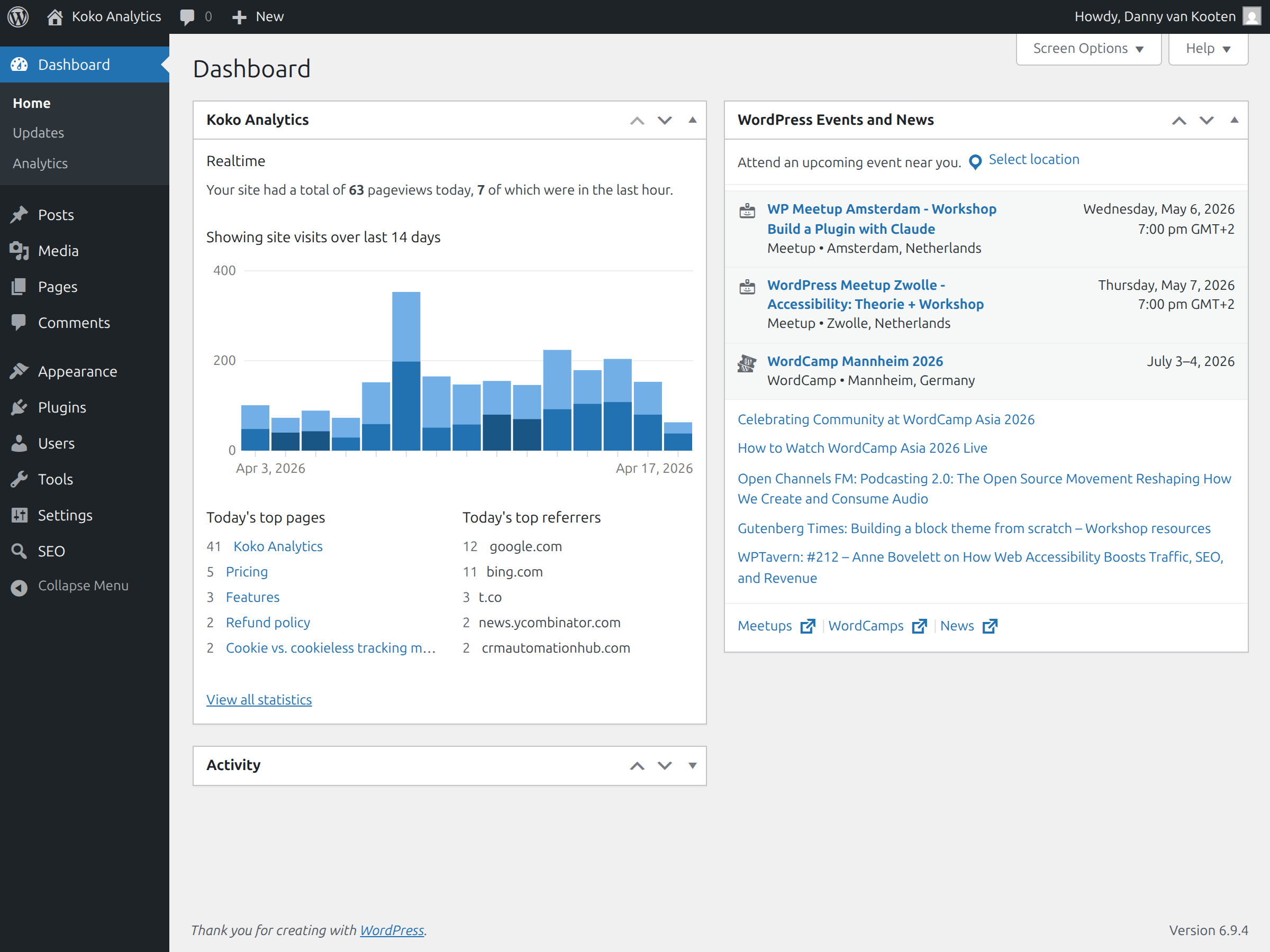
Koko Analytics provides you with simple and effective analytics. There are no complicated reports to dig through. All the important metrics are visible from a quick glance at your analytics dashboard, right inside your WordPress admin.
Privacy-friendly analytics
Koko Analytics is a privacy-friendly solution for WordPress. It can be used without any cookies, no personal data is processed or stored and nothing is shared with any third-party. That makes it suitable for GDPR, CCPA, and PECR-compliant website statistics.
Lightweight website statistics
Koko Analytics is lightweight. It adds less than 1 kilobyte of data to your pages and is fully compatible with all kinds of caching setups. WordPress is bypassed entirely for its collection endpoint, making the impact on your site’s performance as close to zero as possible.
Open source analytics
Koko Analytics is open source released under the GPL license, just like WordPress itself. The source code is publicly available. Everyone has the right to run, study, share or modify the source code.
Yes. Koko Analytics is a WordPress analytics plugin that shows pageviews, visitors, top pages, and referrers inside your WordPress dashboard.
Does Koko Analytics use cookies?
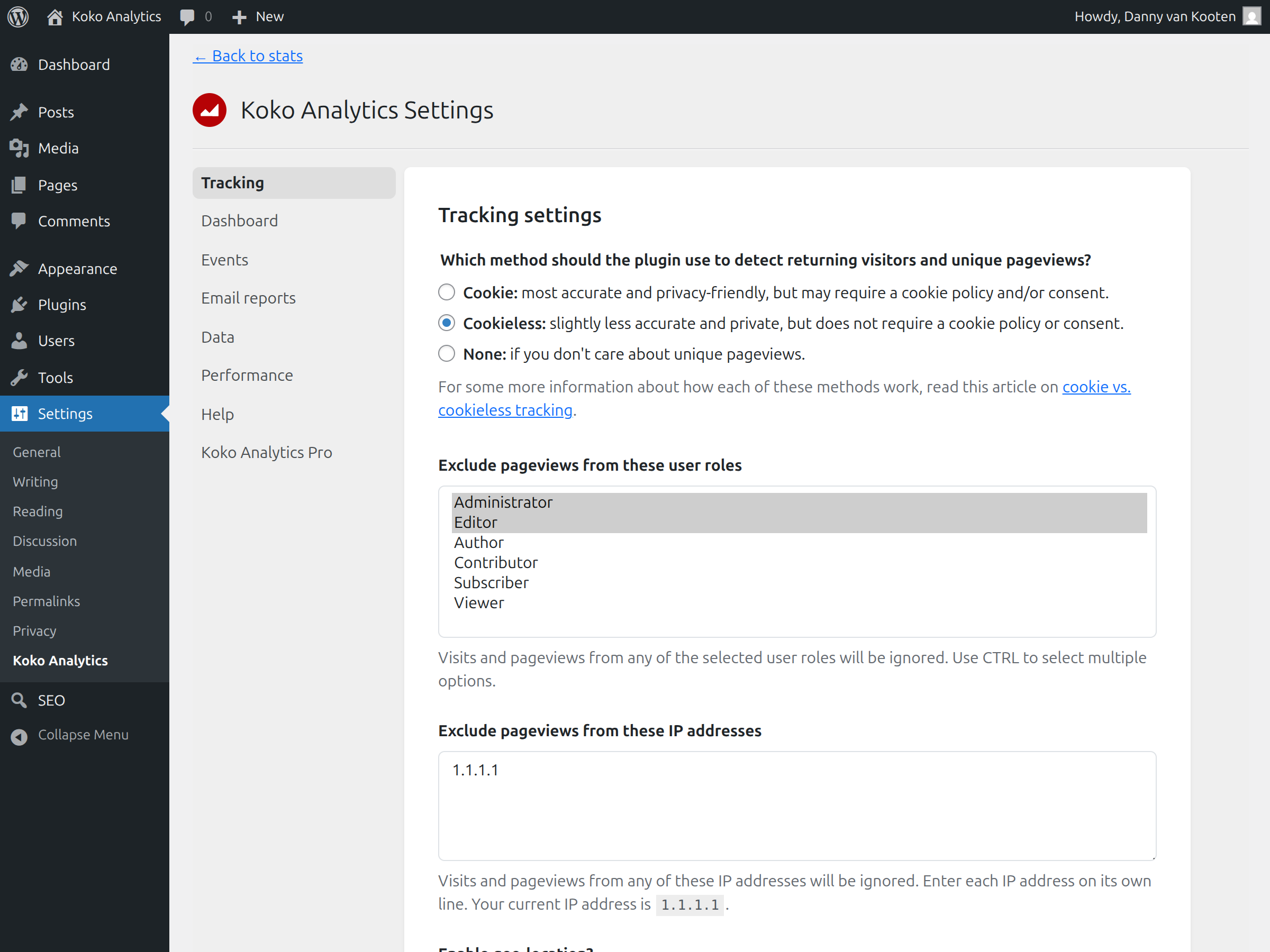
Cookies are optional in Koko Analytics. You can use the plugin without cookies for privacy-friendly website statistics. Read more in the guide: Does Koko Analytics use cookies?
Will Koko Analytics slow down my site?
No. Koko Analytics adds less than 1 KB to your HTML, works with cached pages, and uses an optimized collection endpoint to keep performance impact as low as possible.
Is Koko Analytics privacy-friendly?
Yes. Koko Analytics does not process or store personal data, does not use third-party analytics services, and only stores aggregated counts.
Is Koko Analytics open source?
Yes. Koko Analytics is open source analytics released under the GPL license, just like WordPress itself. Anyone can inspect how it works.
Do I need an account to use Koko Analytics?
No account is needed. Koko Analytics runs on your own WordPress site, and statistics start recording after activation.
Can I import my statistics from another analytics plugin?
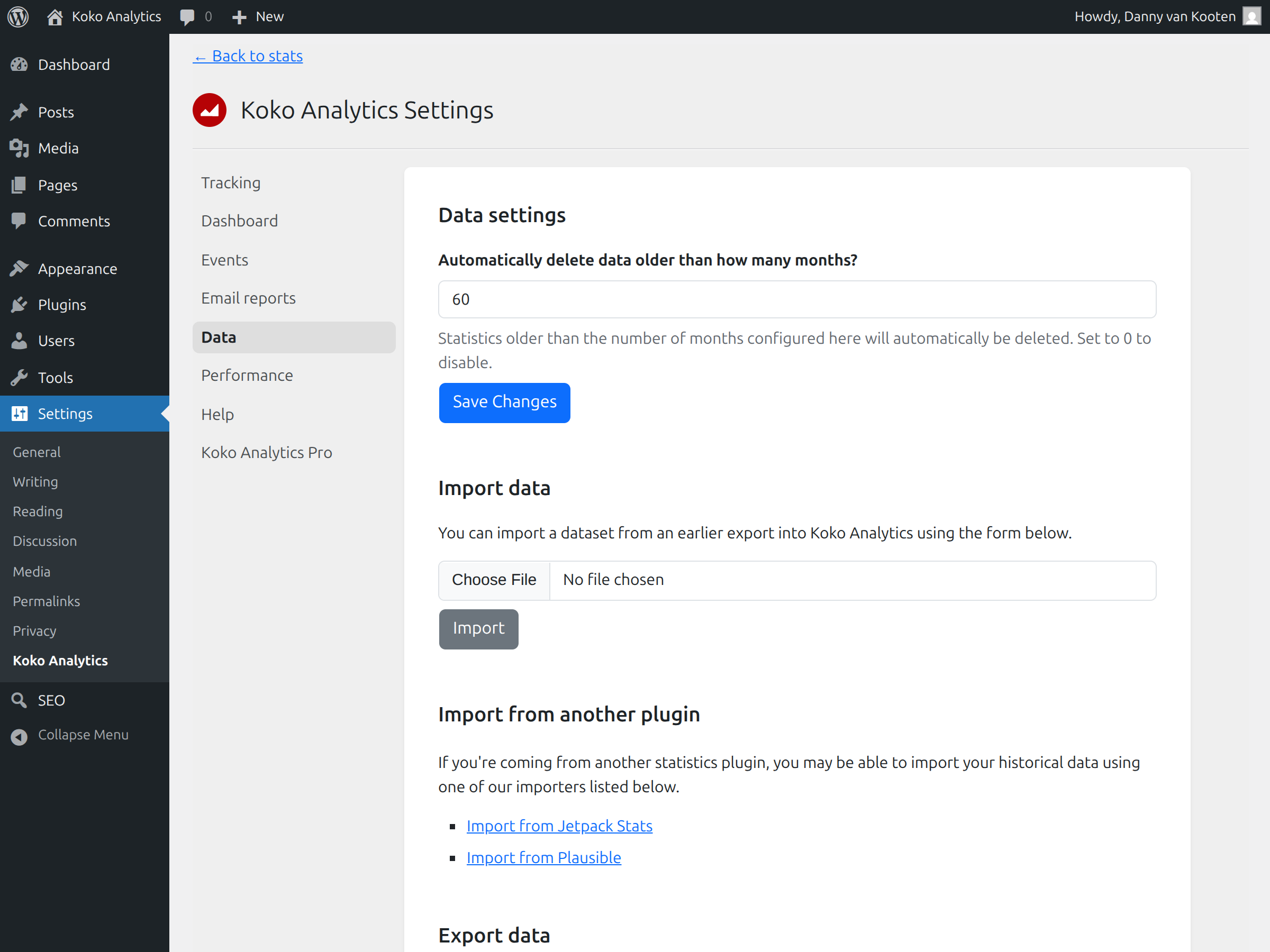
Yes. Koko Analytics ships with built-in importers for Jetpack Stats, Plausible Analytics, Burst Statistics, Statify, WP Statistics, Independent Analytics, and SlimStat Analytics, so you keep your historical pageviews, visitors, and referrers when you switch. You will find them under Settings > Koko Analytics > Data.
Does Koko Analytics work with cached pages?
Yes. Koko Analytics is compatible with pages served from many types of cache.
Where do I report security bugs found in this plugin?
Please report security bugs found in the source code of the plugin through the Patchstack Vulnerability Disclosure Program. The Patchstack team will assist you with verification, CVE assignment, and notify the developers of this plugin.
security: enforce the same access checks for public dashboard pages and REST API requests, fixing bypasses of Pro password protection.
dashboard: reduce crawler and cache load by only accepting read requests, canonicalizing query parameters, and hiding pagination and date navigation on public dashboards.
dashboard: only enable component sorting in the admin dashboard, where changes can be saved.
perf: process aggregation buffers in chunks to reduce peak memory usage on busy sites.
docs: show the dedicated support address to Pro users on the help page.
2.5.2
tracking: fall back to fetch() in browsers without support for navigator.sendBeacon.
security: stricter validation of pageview and event data, rejecting control characters that could corrupt the buffer file.
data: increase the aggregation interval to 65 seconds to reduce the frequency of scheduling conflicts.
ux: show admin notice with location of analytics dashboard after initial plugin activation.
2.5.1
tracking: more aggressive bot filter lists.
dashboard: add new Koko Analytics logo and brand colors.
2.5.0
import: add importers for Burst Statistics, Statify, WP Statistics, Independent Analytics, and SlimStat Analytics.
import: fix updating existing referrer statistics during imports.
dashboard: improve the styling of KPI metrics, charts, tables, pagination, and the Pro upsell.
dashboard: dim the realtime component when filtering by page.
data: run database migrations immediately after resetting tables.
2.4.1
import: fix Plausible importer compatibility with PHP 7.4.
security: harden data import validation and output escaping.
dashboard: fix collation mismatch when querying by path containing utf-8 characters.
dashboard: return a 403 response and prevent indexing when visited by bots or crawlers.
compatibility: raise the minimum supported WordPress version to 6.2.