

The best free live chat plugin for WordPress. Add LiveChat (live chat & help desk software) to WordPress sites to provide great support and boost …
| Author: | engagebay (profile at wordpress.org) |
| WordPress version required: | 5.0 |
| WordPress version tested: | 6.8.2 |
| Plugin version: | 1.1.5 |
| Added to WordPress repository: | 31-10-2019 |
| Last updated: | 11-09-2025 |
| Rating, %: | 100 |
| Rated by: | 3 |
| Plugin URI: | https://www.engagebay.com/service/free-live-c... |
| Total downloads: | 11 083 |
| Active installs: | 100+ |
 Click to start download |
|
EngageBay Live Chat Support helps you connect with your website visitors instantly.
Add a powerful live chat widget to your WordPress site and provide real-time customer support to boost engagement and capture more leads.
???? Why Businesses Use EngageBay Live Chat
- ???? Communicate with visitors in real time
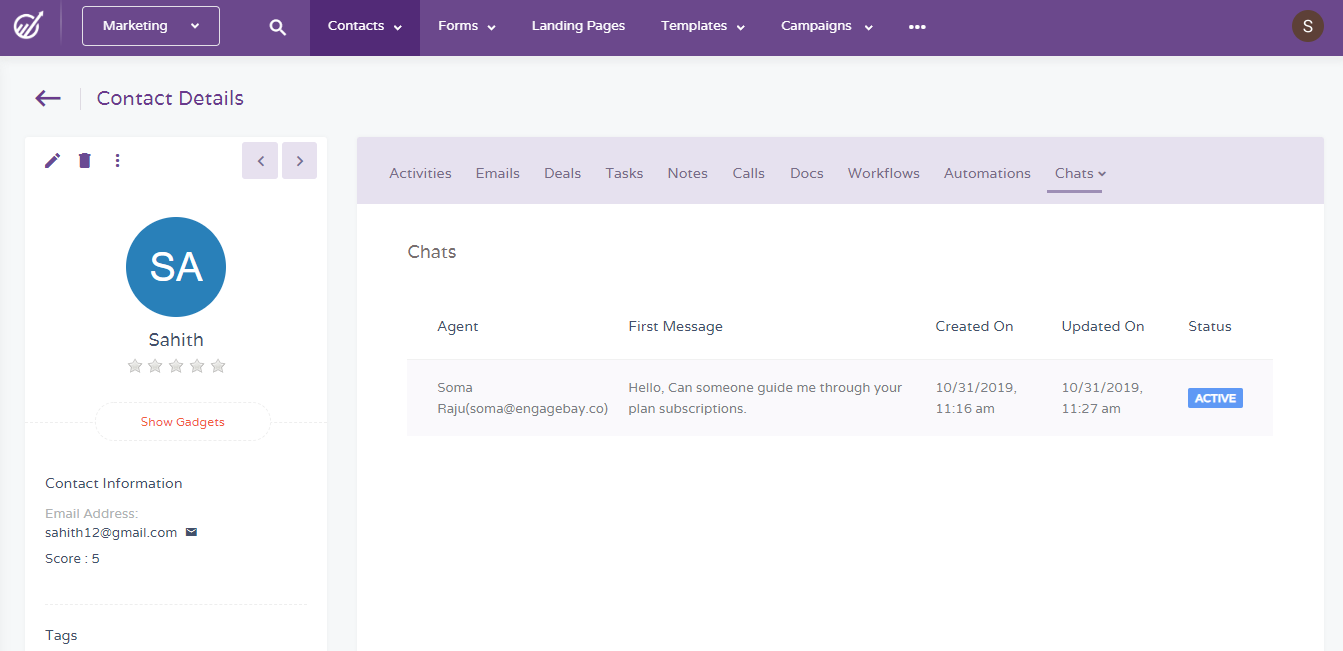
- ????️ Track the entire customer journey in one place
- ???? Send proactive messages to invite visitors to chat
- ???? Access detailed chat transcripts for insights
- ???? Build trust and enhance your brand reputation
- ???? Provide agents with full customer information during chats
- ⭐ Collect customer feedback after each session
- ???????????? Collaborate as a team for quick solutions
- ???? Measure performance with in-depth reports & analytics
- ???? Use the upcoming chatbot feature for automated engagement
???? Key Features
- ????️ Install the chat widget on unlimited websites at no extra cost
- ???? Fully customize the chat widget to match your brand style
- ⌨️ Create shortcuts for common replies to save time
- ???? Seamlessly transfer chats between agents
- ???? Track visitors as they browse your site for context-based support
- ???? Send chat transcripts via email once sessions end
Why Choose EngageBay Live Chat Support?
Unlike generic chat plugins, EngageBay combines live chat + CRM + helpdesk into a single powerful platform. That means every chat becomes a potential lead or support ticket automatically.
Screenshots
FAQ



ChangeLog