Confetti is a small plugin that fires a confetti animation on any page of your WordPress site. I built it because a thank you page or a sign up confirmation is a happy moment for your visitor, and a plain “Success” message doesn’t do much with it. A burst of confetti does.
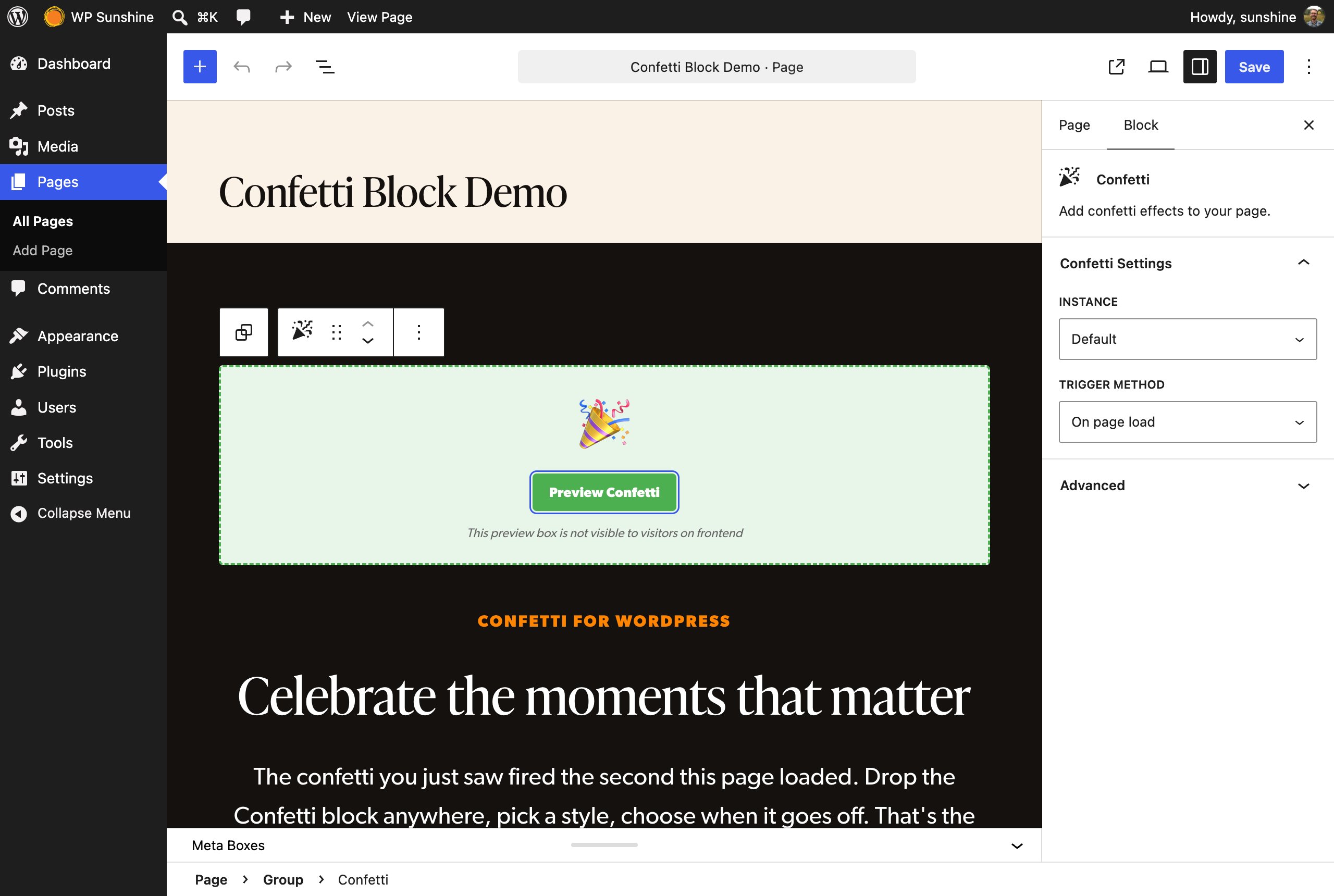
Pick a style on the settings page, watch it run in the live preview, then drop the Confetti block or the [confetti] shortcode on any page. That’s the whole setup.
Basic Cannon – one burst fired from a single spot, the classic
Realistic Cannon – five overlapping bursts of different sizes so it looks like a real cannon
Repeating Cannon – keeps firing for as long as you set, changing angle and spread each time
Fireworks – bursts going off at random spots near the top of the screen
Burst – three quick pulses that radiate out from the center and hang in the air
School Pride – two steady streams firing in from the left and right edges
Falling – confetti drifting down from above, one piece at a time
Every style runs right on the settings page, so you can try each one before you save.
Fire confetti on page load, on scroll, or on click
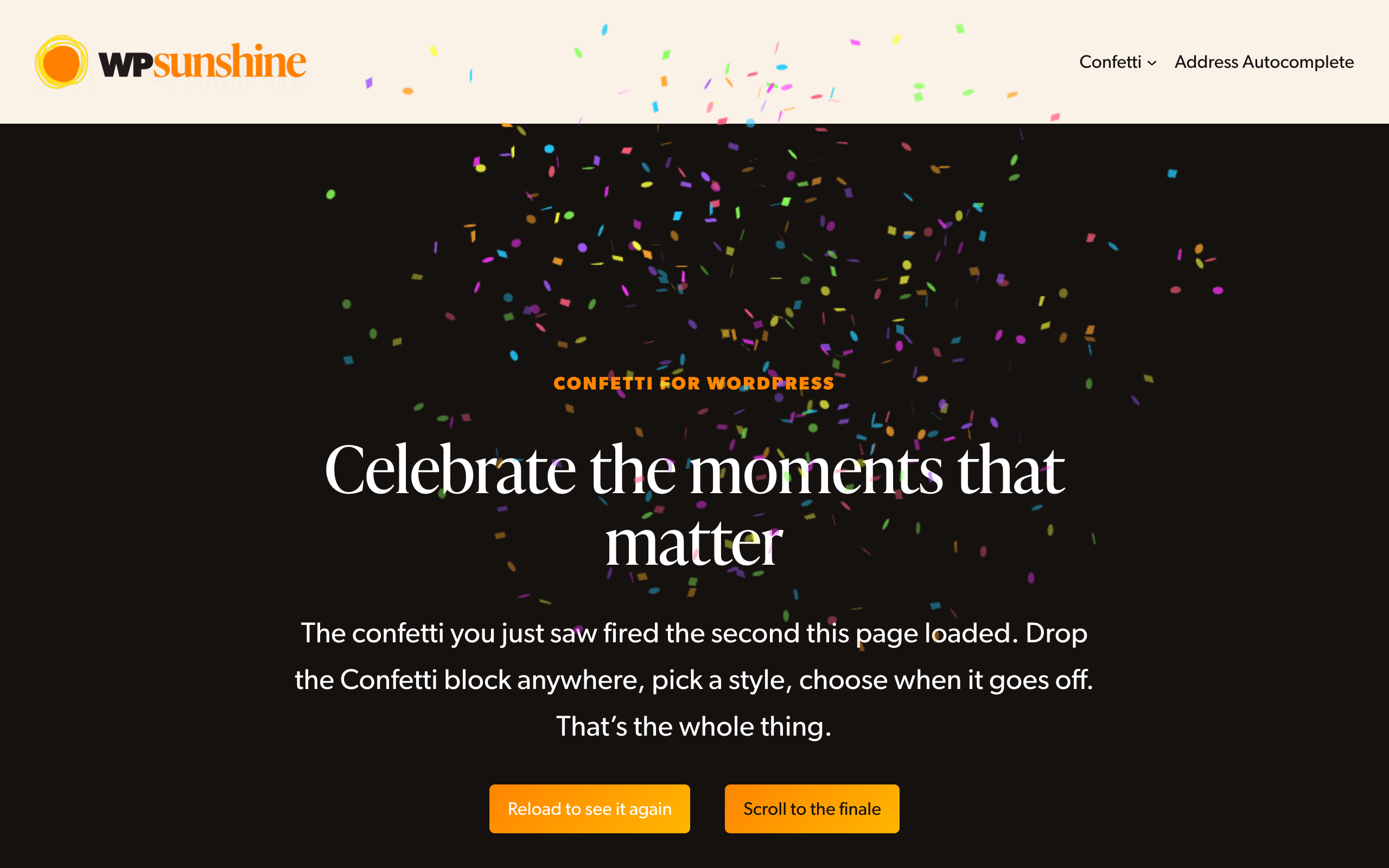
Page load. Add the Confetti block or [confetti] shortcode and the effect fires as soon as the page opens. Good for thank you pages and confirmation pages.
Scroll into view. Set the block to wait until it scrolls onto the screen, so the confetti lands when the visitor reaches that spot on a long page.
Click. Add the CSS class wps-confetti to any button or link and it fires when clicked. Want a specific style on one button? Use wps-confetti-style-fireworks instead. No code needed, and it works with the “Additional CSS class” field in the block editor.
Your own code. Call wps_launch_confetti_cannon() or fire a confetti event on the document from any script.
The confetti script only loads on pages that actually use it, so the rest of your site isn’t carrying any extra weight.
Confetti for WooCommerce, forms, courses and memberships (Premium)
The free version fires confetti wherever you place the block or shortcode. Confetti Premium hooks into the plugins you already use, so the confetti goes off on its own at the right moment: after a purchase, a form submission, a completed course, a new membership, an applied discount code and more.
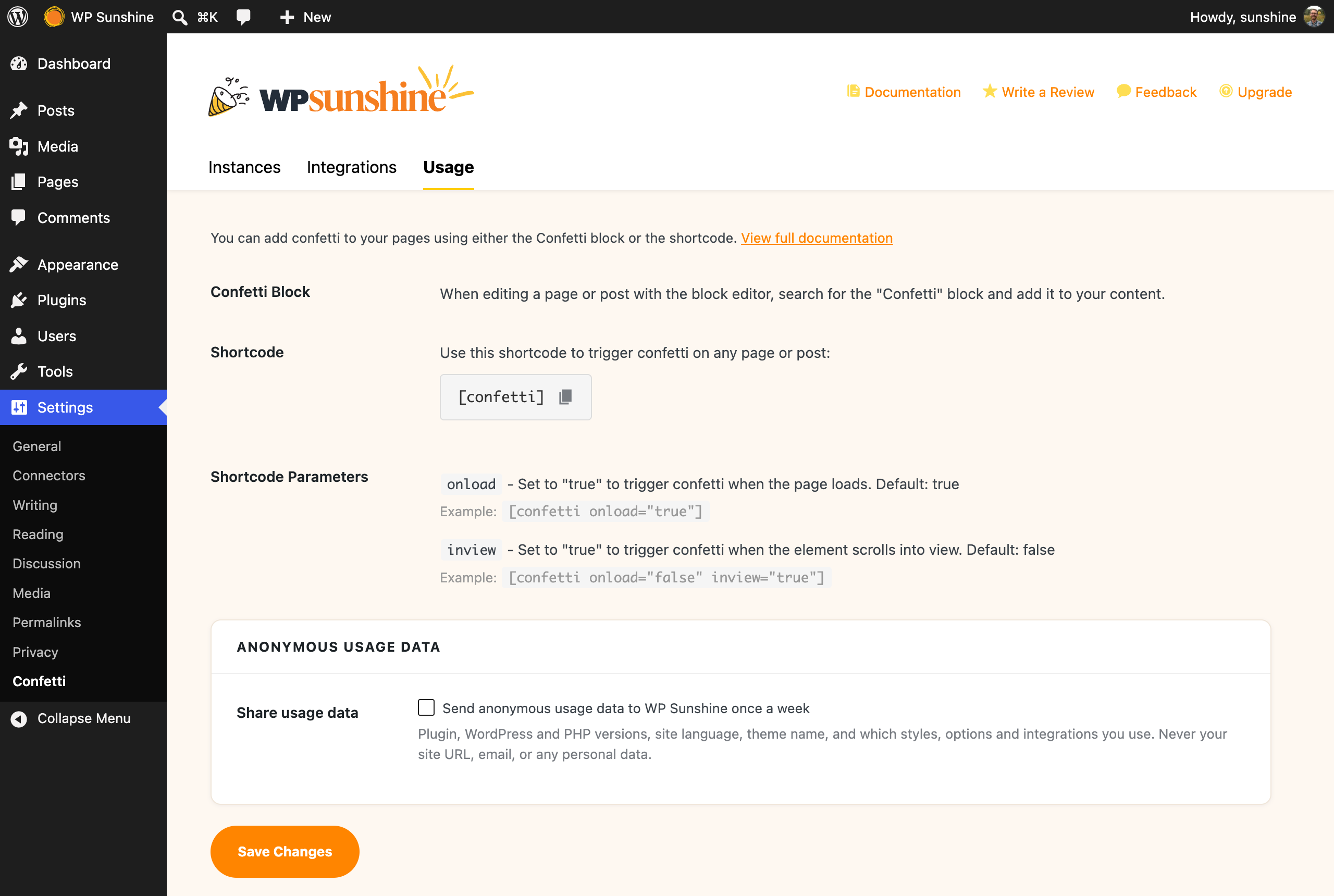
Confetti can send me anonymous usage data once a week, but only if you say yes on the welcome page you see after turning the plugin on. It is off until then, and you can turn it off any time from the Usage tab. What is sent: plugin, WordPress and PHP versions, site language, theme name, which confetti styles and options you use, and which integrations are turned on or available. Your site URL, email address, and personal data are never sent.
External services
WP Sunshine email list. The welcome page you see after turning the plugin on offers to sign you up for emails about Confetti. When you click “Sign up and continue”, the plugin sends the first name and email you entered, plus your site’s time zone, to wpsunshine.com. Nothing is sent if you click “Continue without signing up” or skip the page. See the WP Sunshine privacy policy.
Anonymous usage data. Only if you tick the box on the welcome page or the Usage tab, the plugin sends anonymous usage data to wpsunshine.com once a week: plugin, WordPress and PHP versions, site language, theme name, which confetti styles and options you use, and which integrations are turned on or available. Your site URL, email address, and personal data are never sent. Nothing is sent while the box is unticked. See the WP Sunshine privacy policy.
Open the page in the editor and add the Confetti block, or paste the [confetti] shortcode anywhere in the content. The effect fires as soon as the page loads. Confetti Premium can also fire it automatically after a WooCommerce order, a form submission or a course completion without adding anything to the page.
Can I fire confetti when a button is clicked?
Yes. Add the CSS class wps-confetti to any button or link and it fires your saved effect when clicked. To use a different style on a specific button, use the style name instead, like wps-confetti-style-fireworks or wps-confetti-style-school. In the block editor, these go in the “Additional CSS class(es)” field under Advanced. You can also fire it from your own JavaScript with wps_launch_confetti_cannon().
Can the confetti wait until the visitor scrolls to it?
Yes. The Confetti block has a trigger setting. Choose “when it scrolls into view” and the effect waits until that part of the page is on screen. The shortcode does the same with [confetti inview="true"].
Does Confetti work with WooCommerce?
The free version works on any page, including the WooCommerce order received page, if you add the block or shortcode to it. Confetti Premium connects to WooCommerce directly, so the confetti fires on every completed order with no page editing, and it can also fire when a discount code is applied at checkout.
Does Confetti work with Gravity Forms, WPForms, Ninja Forms or Contact Form 7?
Confetti Premium integrates with all of these plus WS Form, Formidable Forms, Fluent Forms, Forminator, SureForms and more. You pick which forms get confetti and which effect each one uses. The free version can still fire on any confirmation page you send the visitor to after submitting.
Can I change the confetti colors?
Custom colors are part of Confetti Premium, along with shapes, emojis, custom SVG uploads, size and speed. The free version uses a rainbow palette.
Will this slow down my site?
No. The confetti script only loads on pages that use the block, shortcode or click class. Every other page is untouched.
Does the plugin collect any data?
Only if you turn it on. Anonymous usage data is off by default and can be enabled or disabled any time from the Usage tab. It never includes your site URL, email address or any personal data.
Where do I report security bugs found in this plugin?
Please report security bugs found in the source code of the Confetti plugin through the Patchstack Vulnerability Disclosure Program. The Patchstack team will assist you with verification, CVE assignment, and notify the developers of this plugin.
Enhancement: The Integrations tab now lists FluentCart among the plugins Confetti Premium works with.
2.0.1 – September 28, 2026
New: A welcome page after you first turn the plugin on, with an optional email signup and the anonymous usage data question. The usage data notice on the settings page is gone.
New: A Settings link under Confetti on the Plugins page.
Enhancement: The Integrations tab lists every plugin Confetti Premium works with, grouped by type, and shows which ones are active on your site.
2.0 – September 21, 2026
New: Rebuilt settings screen. Choose a style, adjust it, and preview it right there on the page.
New: Seven confetti styles to choose from, including fireworks, falling confetti and school pride.
New: Fire confetti from any button or link by adding the CSS class wps-confetti, or pick a style for that one button with a class like wps-confetti-style-fireworks.
New: Optional anonymous usage data. It is off until you say yes, and you can turn it off any time from the Usage tab.
Enhancement: The Confetti block now has its own settings. Choose whether confetti fires when the page loads, or when the block scrolls into view.
Enhancement: Copy the shortcode from the Usage tab with one click.
Enhancement: The confetti script only loads on pages that use it, instead of every page.
Change: Your existing settings carry over automatically the first time you open the new screen.
1.3.8
Add: Cross promotions
Enhancement: Shortcode description on settings page
1.3.7
Current version compatibility
1.3.6
How it properly requires jquery
1.3.5
Fix PHP 8 warnings
1.3.4
Add – “onload” attribute for shortcode to allow confetti to not trigger automatically
1.3.3
Fix – Do not output empty settings variables as they were causing JS errors
1.3.2
Fix – Conflict with other plugins saving post data caused during WPCS code changes
1.3.1
Fix – Not updating selected style on settings save
1.3
Add – Ability to trigger confetti via click via CSS or custom JS event
Add – Adhere better to WPCS
Update – Better naming conventions around “options” in code variables
1.2.4
Add – Shortcode filters to make it extendable
1.2.3
Fix – Confetti block preview button not working
1.2.2
Add – Updates to accommodate Delay feature in Premium
1.2.1
Fix – Doesn’t immediately hide notice for review when button clicked
1.2
Change – Remove jQuery dependency
1.1.4
Update available integrations
1.1.3
Update – admin styling
1.1.2
Update available integrations
1.1.1
Update available integrations
1.1
Update – Improved methods for outputting necessary JS to allow for more flexible use cases
Change – Addons filter
1.0.8
Fix – Code for block was causing confetti JS to load on every page
Change – Restructured admin settings code format
Change – Updated settings page header format
Update – Updated version of confetti JS script
Add – Gentle request for a review after 15 days
1.0.7
Fix – Showing proper license expiration for (no longer available) lifetime license holders
Change – Update branding and styling of plugin
1.0.6
Update compatibility with WP 5.9
1.0.5
Fix – JavaScript issue preventing confetti from running when using JS minify plugins
1.0.4
Fix – JavaScript issue preventing confetti from running
1.0.3
Fix – Explicitly set settings post URL to prevent issues after deactivating premium license
Change – How output JS handles defaults priority
1.0.2
Change – Bring everything for premium in here, not in free
1.0.1
Change – Adjustments to make managing core vs premium easier
1.0
Initial public release!
0.3
Fix – Add additional esc_* functions where necessary
Change – Redid code to make including premium add-ons cleaner and easier