
Send replies to messages you received trough a default Contact Form 7 contact form and you store with Flamingo.
Send replies to messages you received trough a default Contact Form 7 contact form and you store with Flamingo.
Features
- Send replies to messages received trough a default “Contact Form 7” contact form
- Store replies on your mail server’s ‘Sent Items’ folder
- Dashboard Widget lists incoming messages
- Email replies are text-only
Requirements
- Familiarity with configuration and usage of both Contact Form 7 and Flamingo
- Contact Form 7 installed and activated
- Flamingo installed and activated
- PHP IMAP extension installed and enabled on your web server
- PHP 8.0 or newer with OpenSSL
Privacy
Bonaire processes and displays personal data stored by Flamingo, including sender names, email addresses, subjects, and message bodies. Account credentials are stored locally in the WordPress database using authenticated encryption. Sending a reply transmits its content and recipient address to the configured SMTP and, when enabled, IMAP servers.
Screenshots
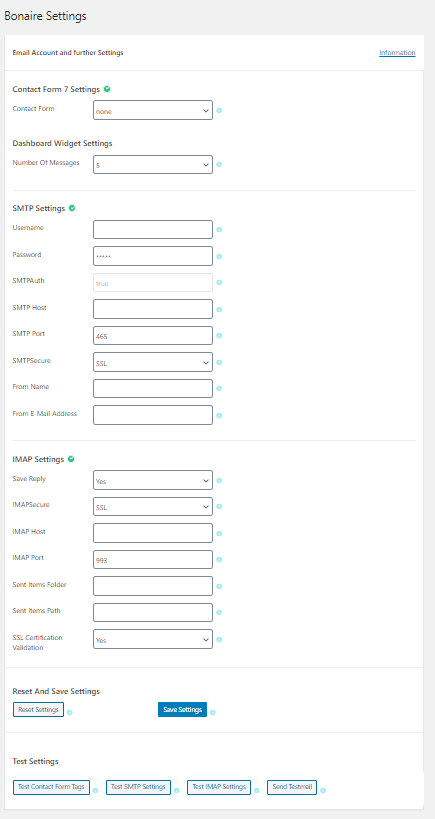
Settings Page
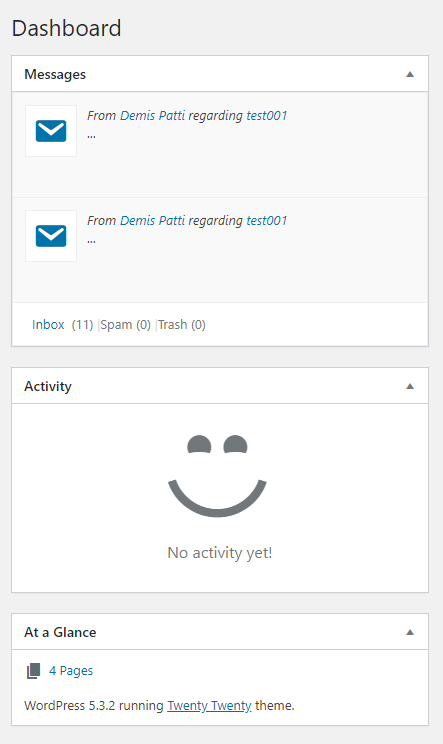
Dashboard Widget
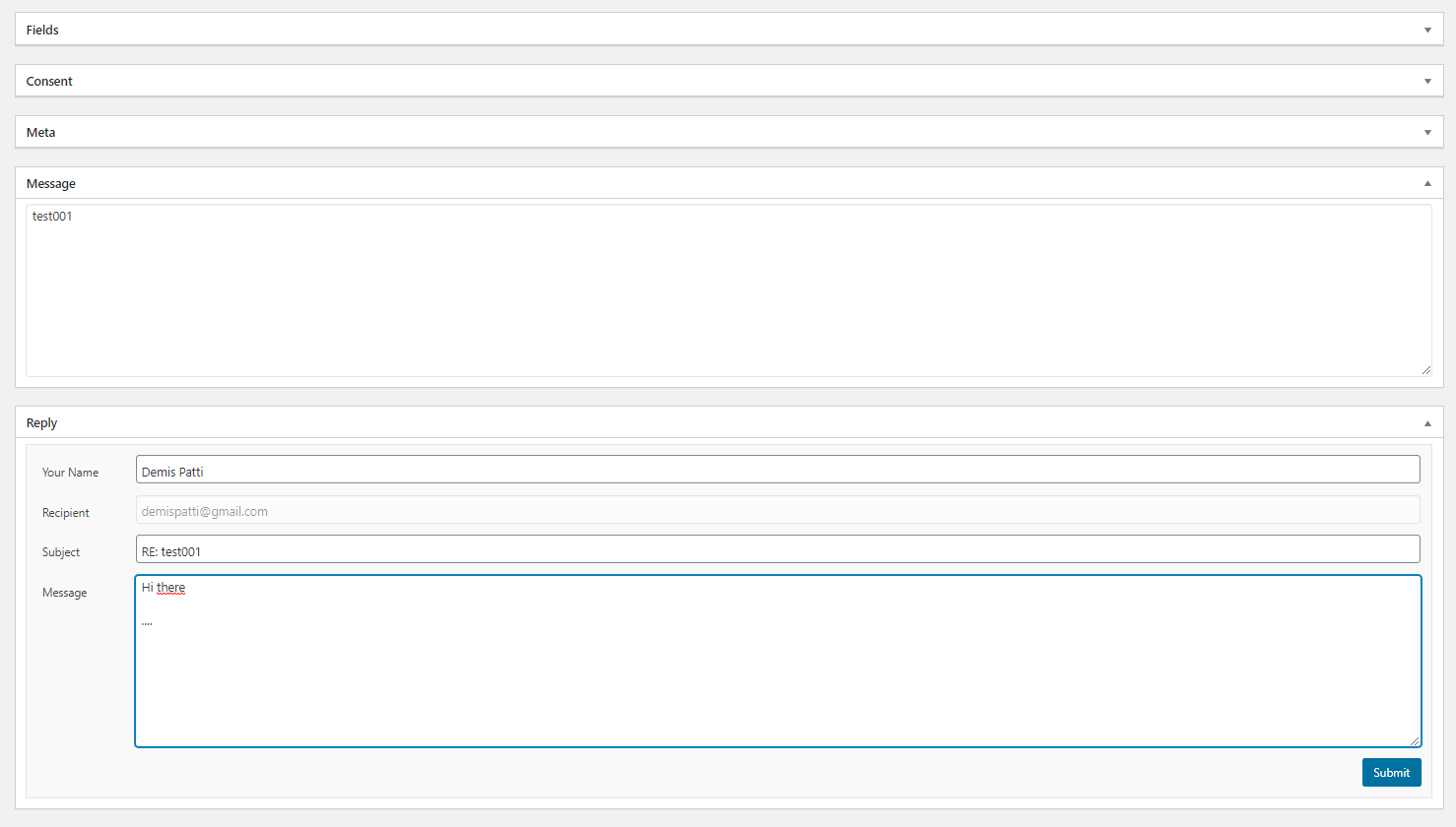
Reply Form
Where do I interact with this plugin and how does it work?
Please visit the plugin help tab for further information.
Why doesn’t it show up in the settings menu after installing and activating?
Most likely, this is because you didn’t install and activate the plugins Bonaire was made for, namely ‘Contact Form 7’ and ‘Flamingo’.
After installing and activating these two plugins, Bonaire will show up on in the settings menu.
I have the two plugins installed and activated but it doesn’t work!
That’s unlikely.
First of all, you have to enter the email account settings for the email account that you use on the contact form. You can do that on the settings page “Settings -> Bonaire”.
If you want to store your replies in your mail server’s “Sent Items” folder, you have to enter your IMAP settings, too.
Are there any known limitations?
- Handling attachments is not supported
- Simple plain text email format for now (no html format yet)
- Supports one contact form for now
Can you help me?
Yes. I have a look at the plugin’s support page once or twice a month and I provide some basic support there.
Are there any known issues?
No.
ChangeLog
1.1.1
- Security: Removed the publicly shared legacy credential key from the plugin package.
- Compatibility: Credentials saved by releases up to 1.0.0 with the shared fallback key must be entered once again; installation-specific legacy values still migrate automatically.
- Improved: Scoped the visual layer to the Bonaire settings screen and removed global WordPress admin typography overrides.
- Improved: Added file-based cache busting for the maintained settings stylesheet.
- Updated: Added automated PHP 8.0/8.2/8.5, JavaScript syntax, and WordPress Plugin Check validation.
1.1.0
- Security: Added administrator capability checks to every AJAX action.
- Security: Escaped message, subject, sender, form, and settings output to prevent stored XSS.
- Security: Replaced the hard-coded credential key fallback with authenticated AES-256-GCM encryption based on WordPress salts.
- Security: Kept read support for legacy encrypted values and migrates them when settings are saved.
- Security: Removed a fatal IMAP error path and restored automatic SMTP TLS negotiation.
- Fixed: Activation hooks now target the actual plugin entry file.
- Fixed: Consistent version and compatibility metadata across the plugin.
- Fixed: Legacy object-shaped settings are normalized safely and password characters are preserved.
- Fixed: Settings can be saved safely even when the admin script registry is not initialized.
- Fixed: Contact Form 7 6.1.7 and Flamingo 2.6.4 integration uses their current object APIs.
- Improved: Declared Contact Form 7 and Flamingo as required plugins.
- Updated: AlertifyJS to 1.14.0 and Tooltipster to 4.2.8.
- Updated: Requires WordPress 6.7 and PHP 8.0; tested with WordPress 7.1.
Version 1.0.0
- First commit

