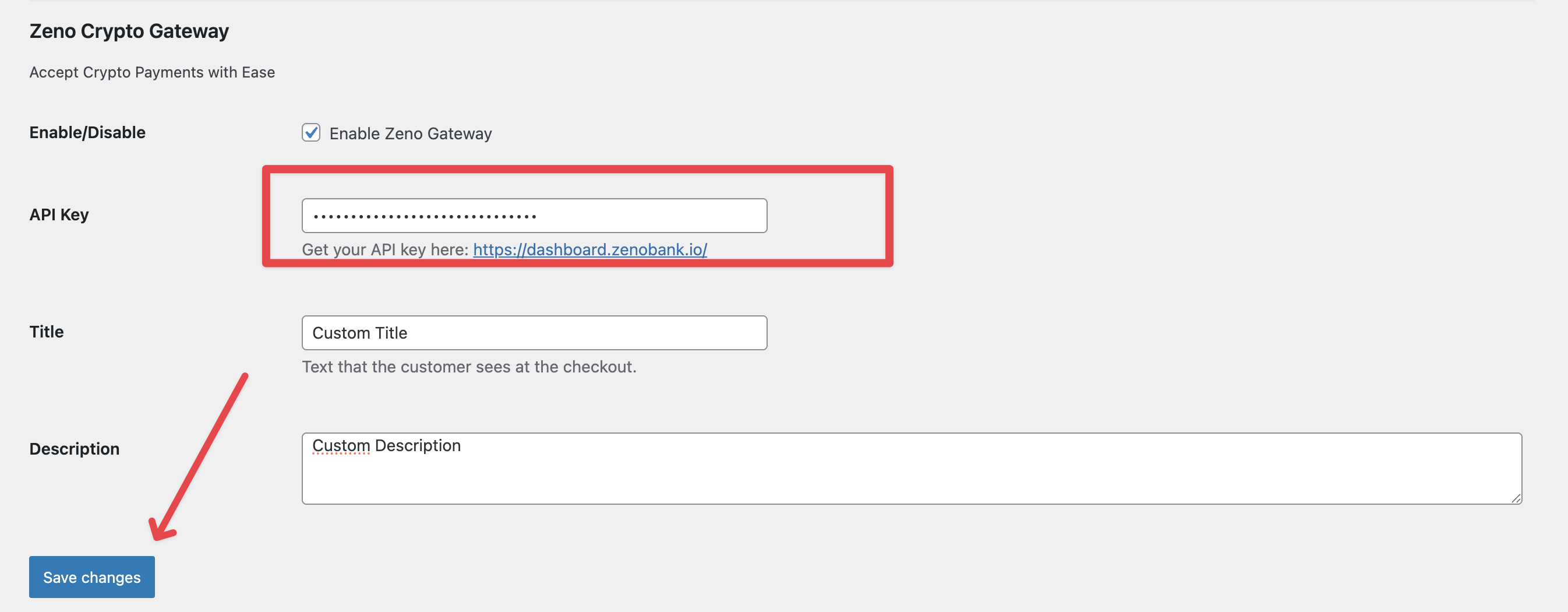
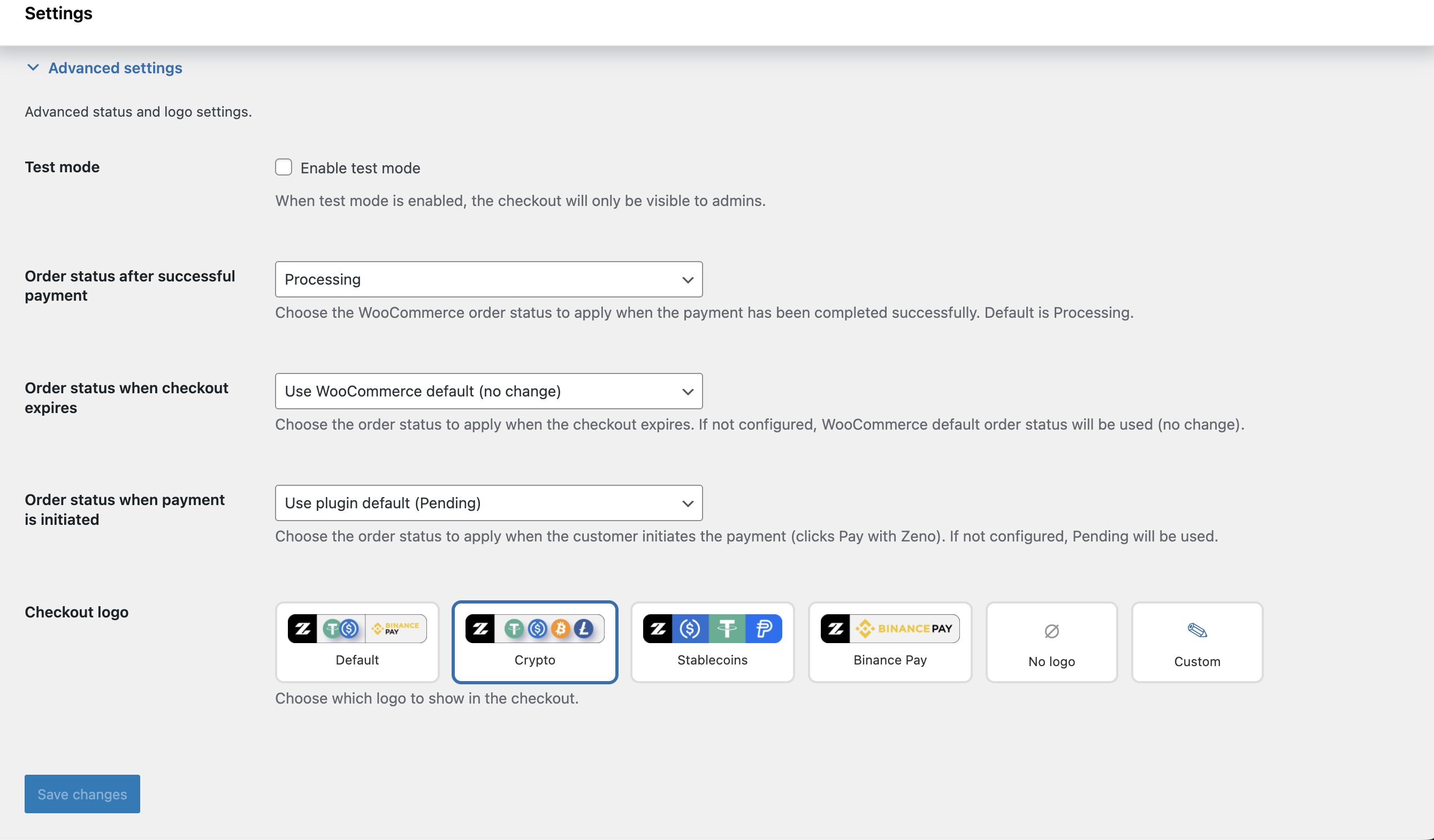
Open-source crypto payments for WooCommerce with 0% fees and instant settlement.
| Author: | zenobank (profile at wordpress.org) |
| WordPress version required: | 6.0 |
| WordPress version tested: | 7.1.5 |
| Plugin version: | 1.2.8 |
| Added to WordPress repository: | 15-10-2025 |
| Last updated: | 19-11-2026 |
| Rating, %: | 100 |
| Rated by: | 6 |
| Plugin URI: | |
| Total downloads: | 4 749 |
| Active installs: | 300+ |

Click to start download
|
Start Accepting Crypto Payments in 2 minutes.
0.1% Flat Fee and no KYC.
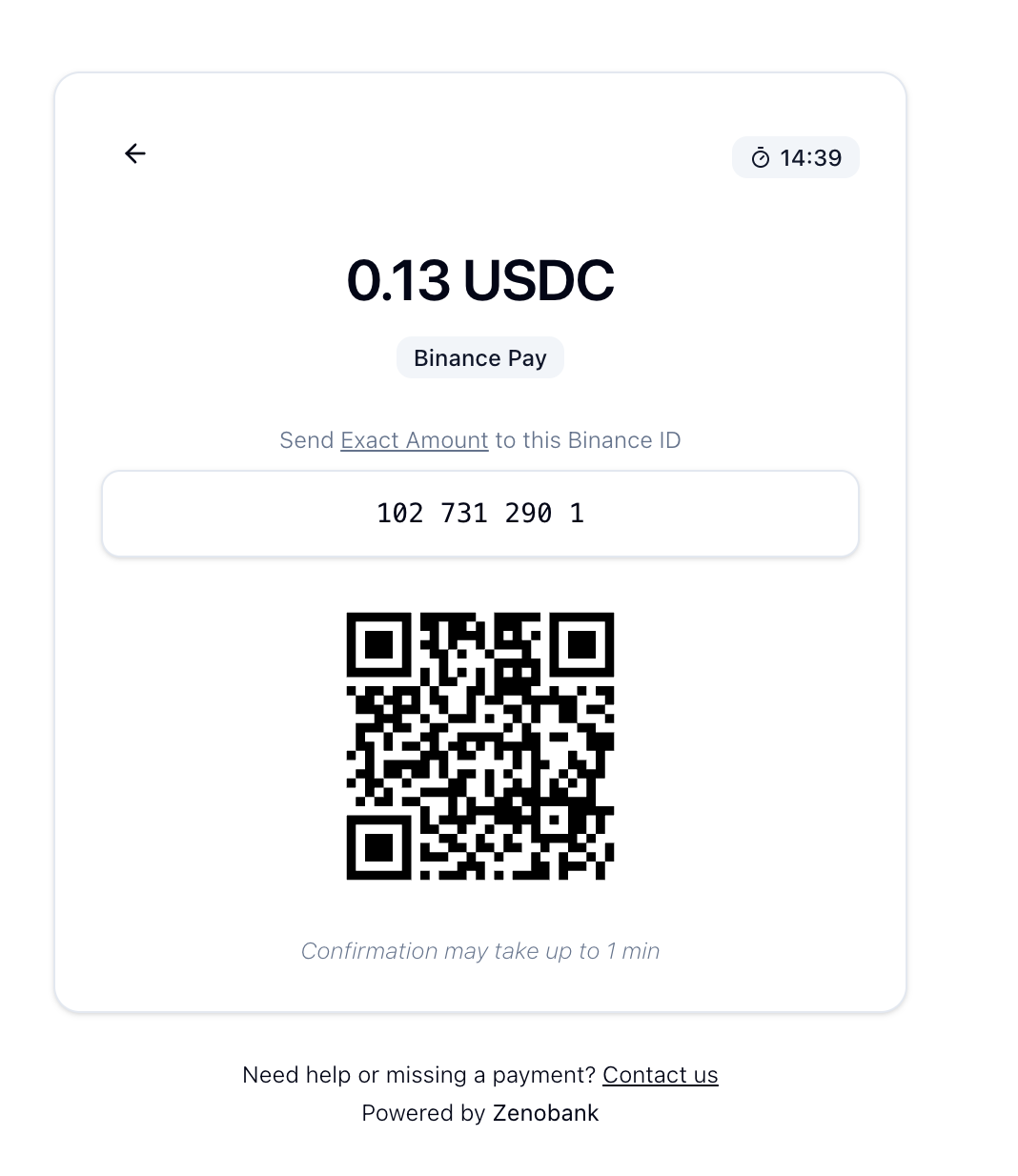
Binance Pay payments go directly to your Binance account (no merchant account required).
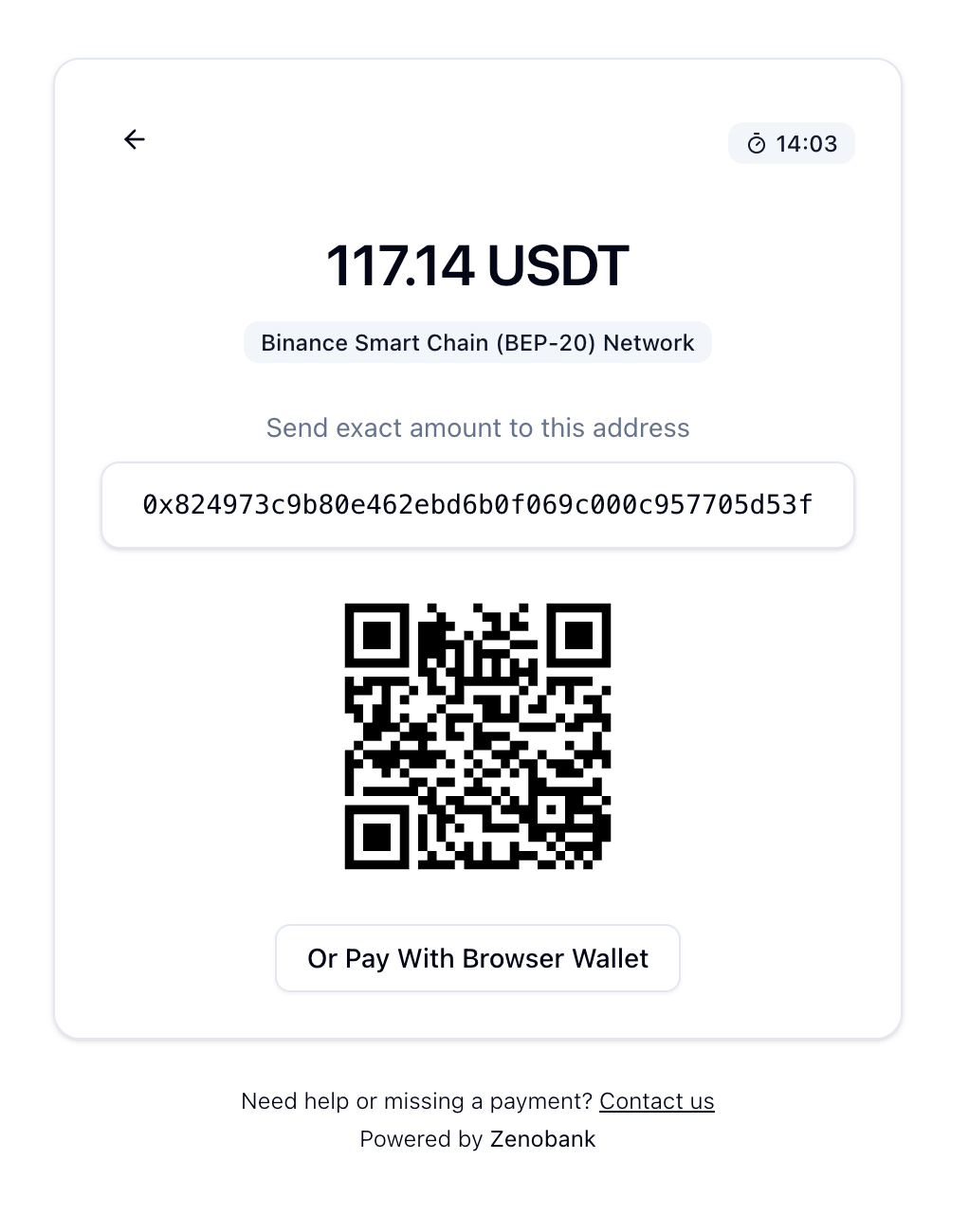
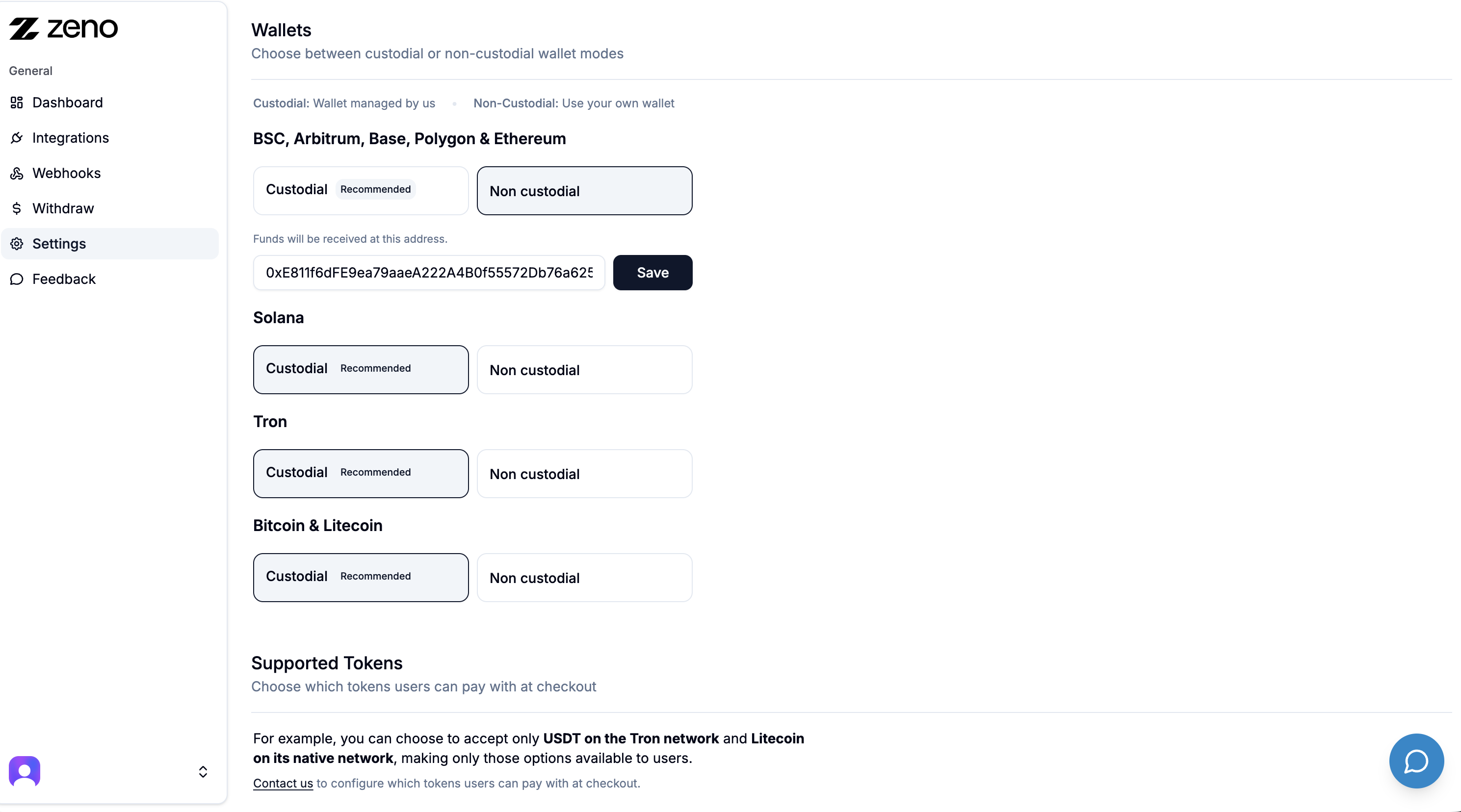
For On Chain payments (Arbitrum, Base, Ethereum, etc.), choose between Custodial and Non Custodial mode.
Custodial: we hold the funds for you.
Non Custodial: funds go directly to your own wallet.
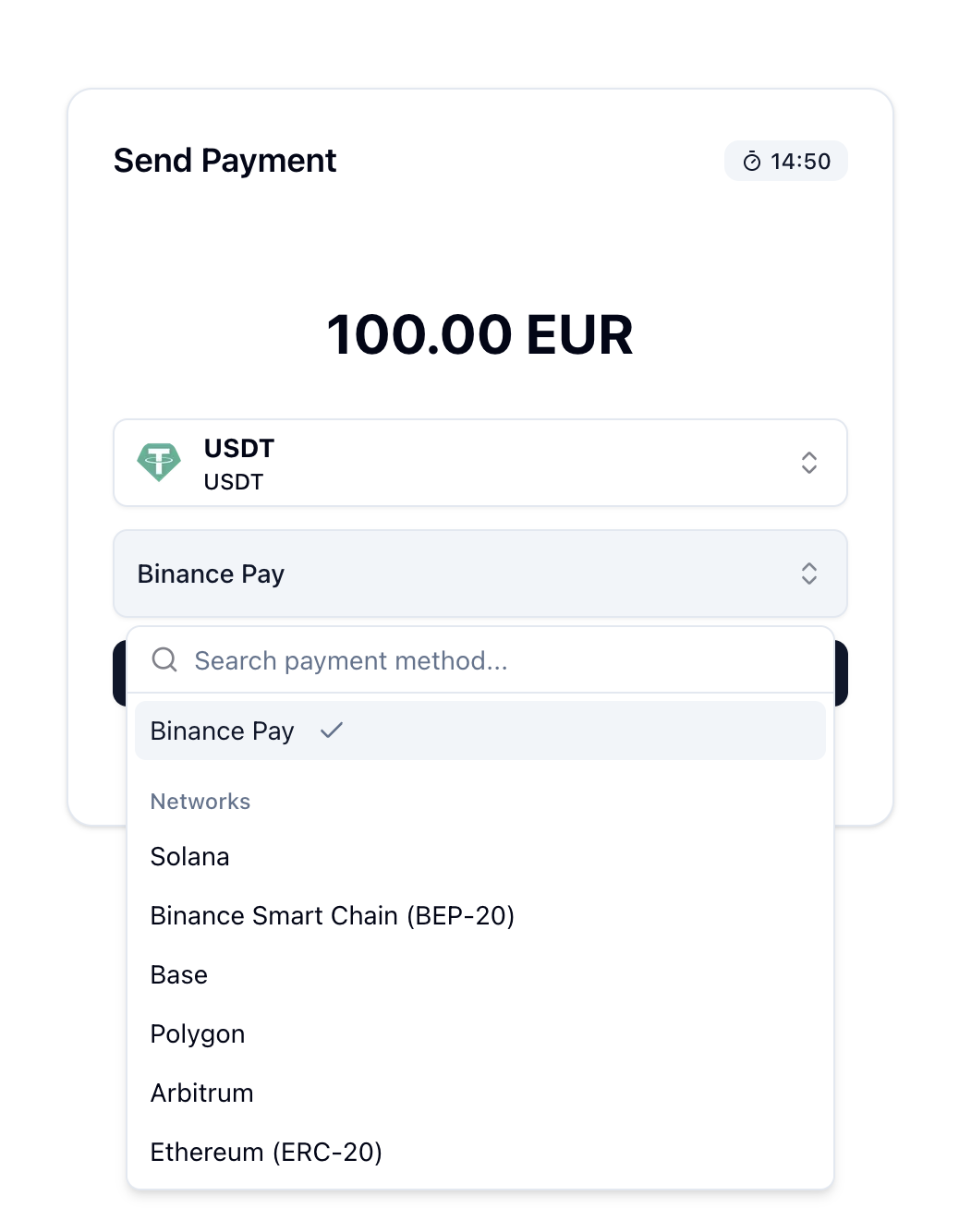
Checkout demo
Questions? Check the FAQs
24/7 Support:
External services
This plugin sends order data (amount, currency) to api.zenobank.io to process crypto payments.
Terms of Service | Privacy Policy
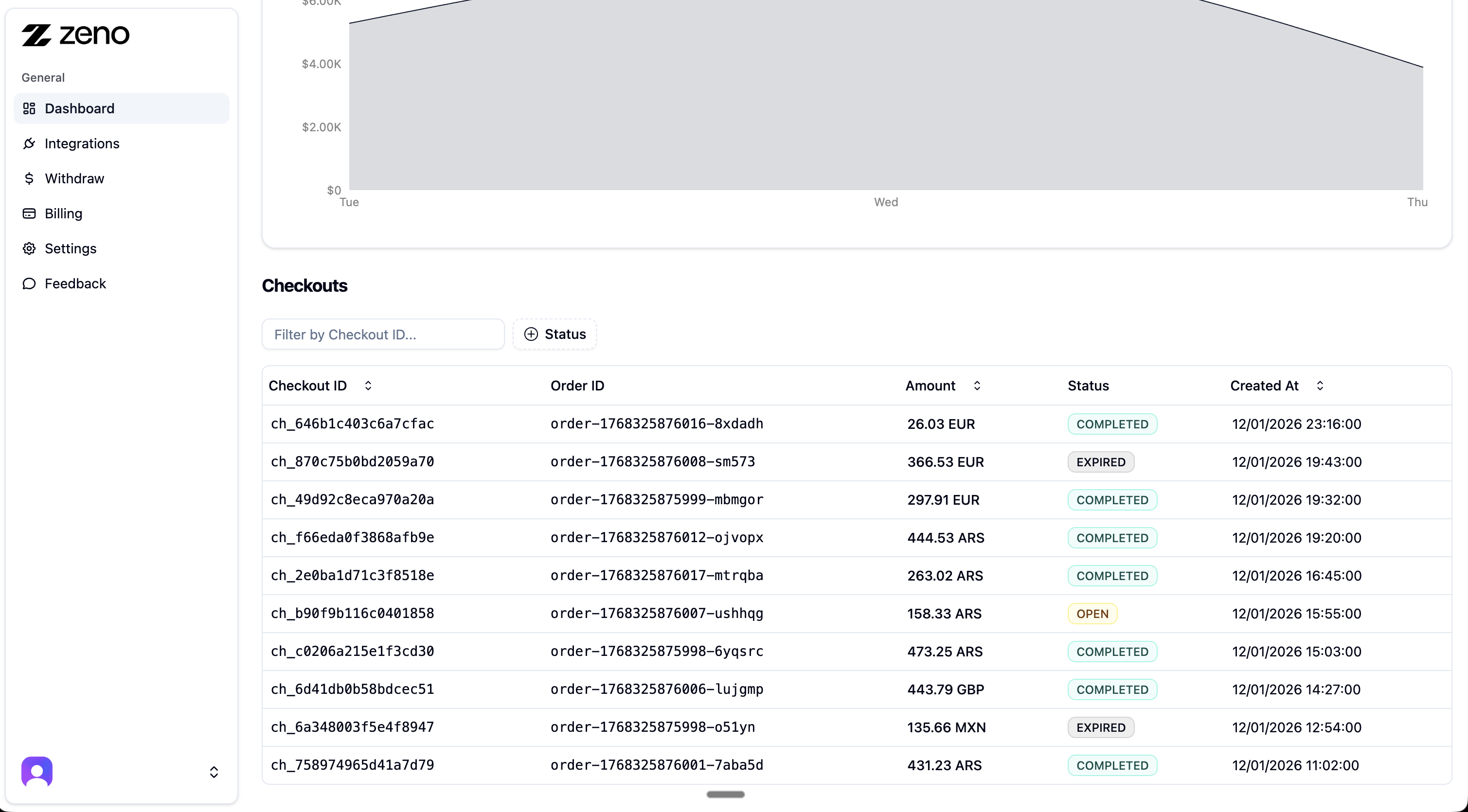
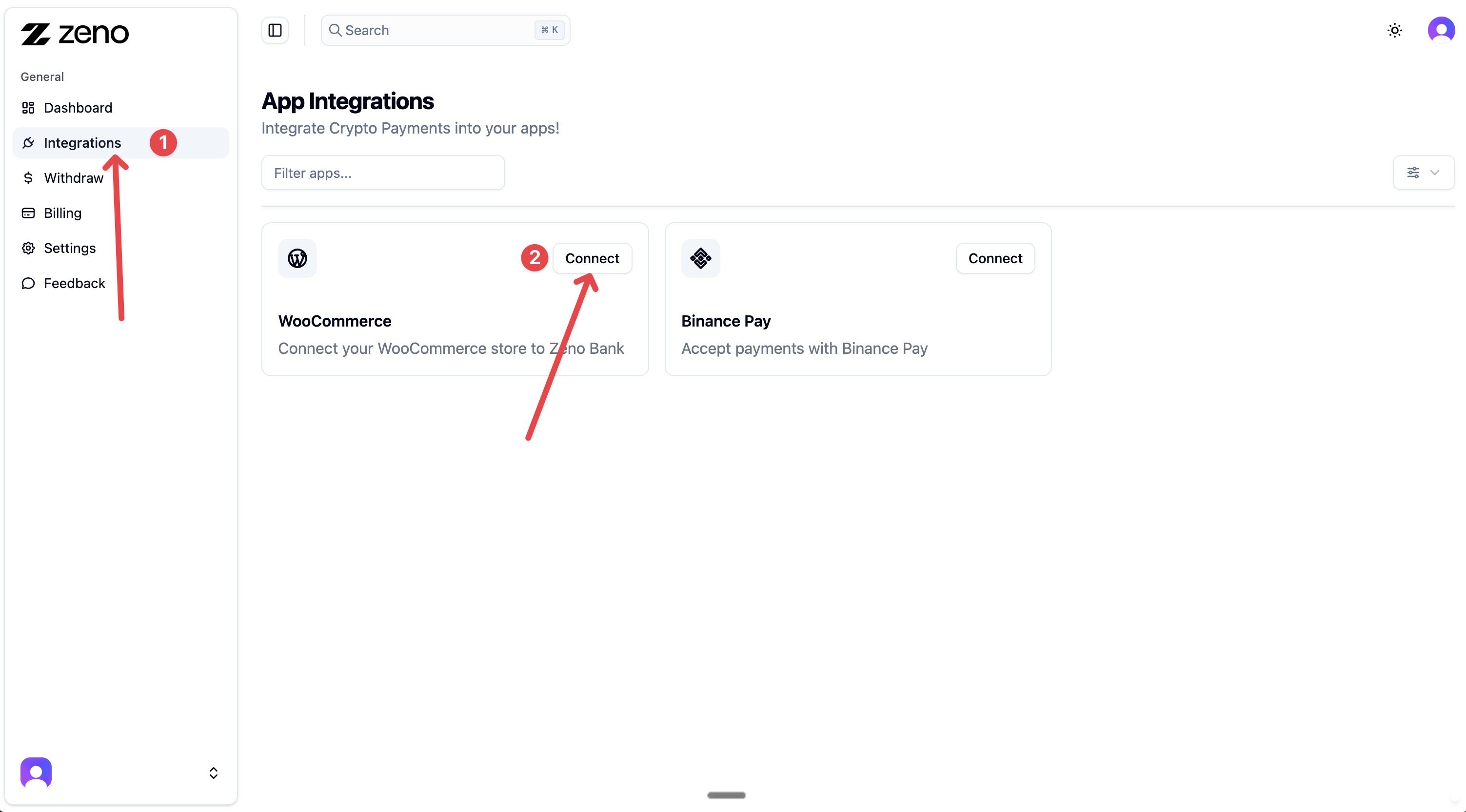
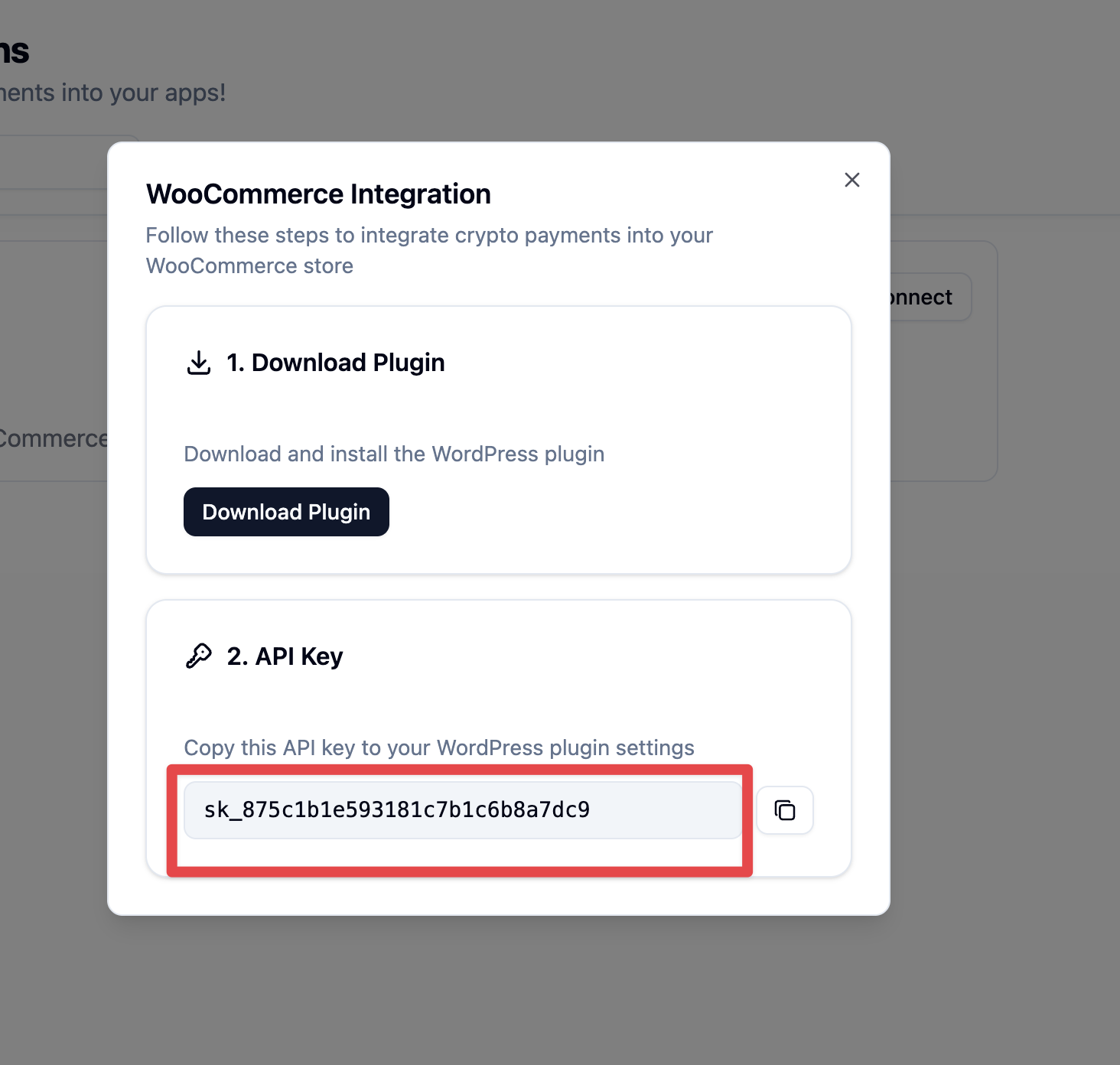
Screenshots
ChangeLog
1.2.8
- Webhook now acknowledges (200) events for checkouts that are not WooCommerce orders paid with Zeno, such as payment links, instead of returning 403 “Invalid webhook token”
1.2.7
- Default title is now “Pay with Crypto” and the description can be left empty
- Removed the unused return URL handler (?wc-api=zcpg_return); payments are confirmed only by webhook
- Fixed duplicated “Payment confirmed via webhook.” order note
- Orders now store the Zeno checkout ID as the transaction ID, linked to the checkout in the Zeno dashboard, and show it in the payment note
- Requests to the Zeno API now send a User-Agent with the plugin, WordPress, WooCommerce and PHP versions
- Tested up to WordPress 7.1 and WooCommerce 11.3.0
1.2.6
- Security: webhook and return URL now reject requests when the webhook secret is missing, and only accept orders paid with Zeno
- The webhook secret is now created per site when missing (fixes multisite network activation and subsites added later)
1.2.5
- Added “Enable debug logging” option under Diagnostics (off by default). The plugin no longer writes to the WooCommerce log unless this is enabled
1.2.4
- Declared compatibility with WordPress 7.0
1.2.3
- Updated plugin name and description
1.2.2
- Plugin Checker fixes and metadata cleanup
1.1.1