Jooosi Fon: the #1 Self-hosted Google Fonts and Custom Fonts Manager for WordPress
Jooosi Fon is a GDPR-friendly font WordPress plugin made for designers and developers that is advanced, easy to use, and intuitive to give you complete control over your fonts and typography in WordPress.
FEATURES
Jooosi Fon is packed full of features designed to streamline your workflow. Some of our favorites are:
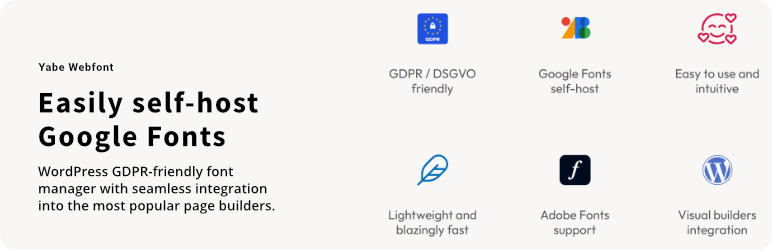
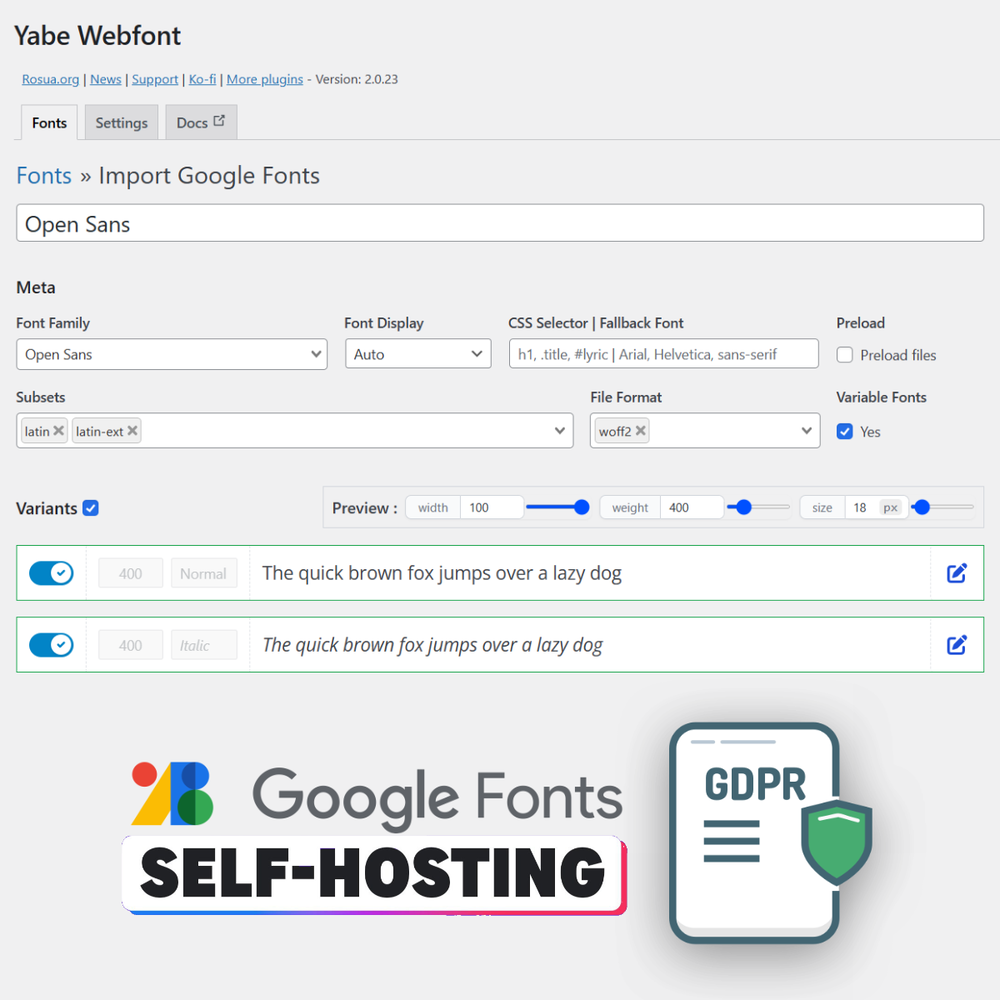
GDPR / DSGVO friendly: You can import/self-host Google Fonts files from your server through your WordPress admin page. Fewer reasons to worry about GDPR / DSGVO compliance.
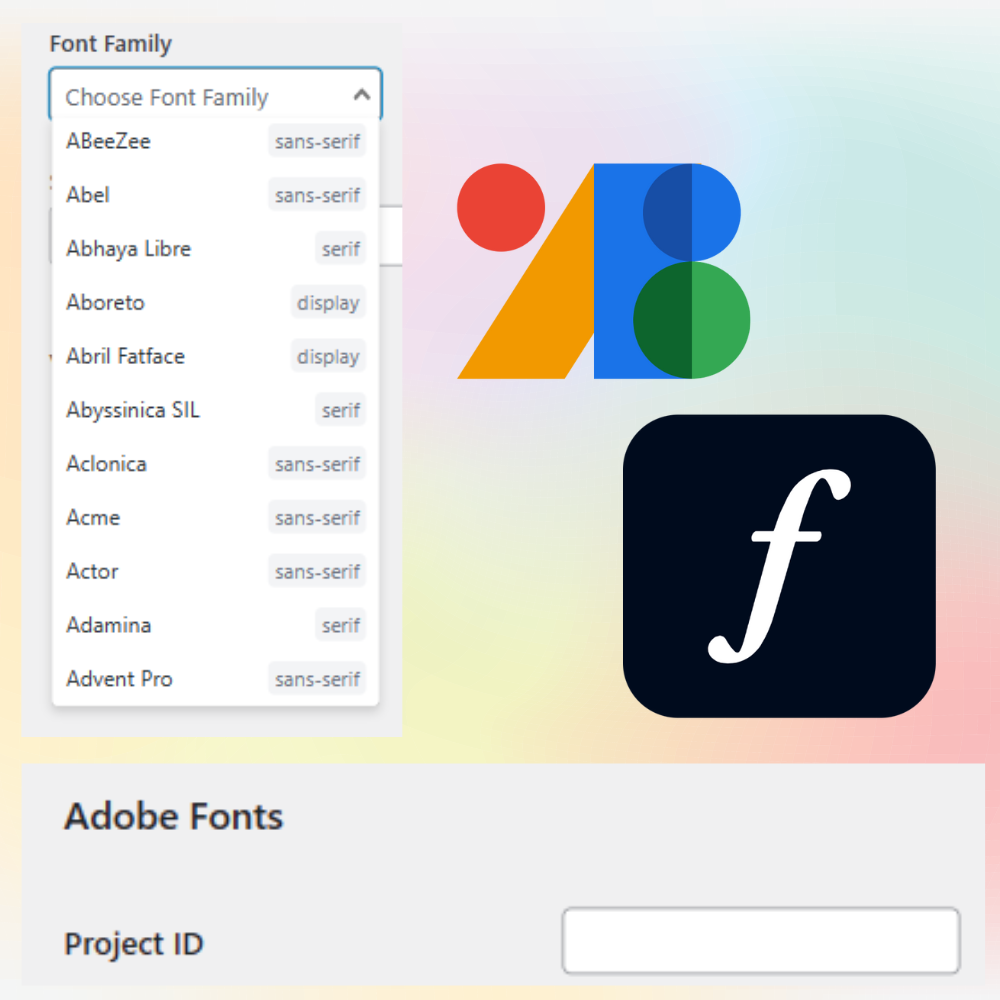
Google Fonts and Adobe Fonts ready: Start using any available fonts on Google Fonts and Adobe Fonts.
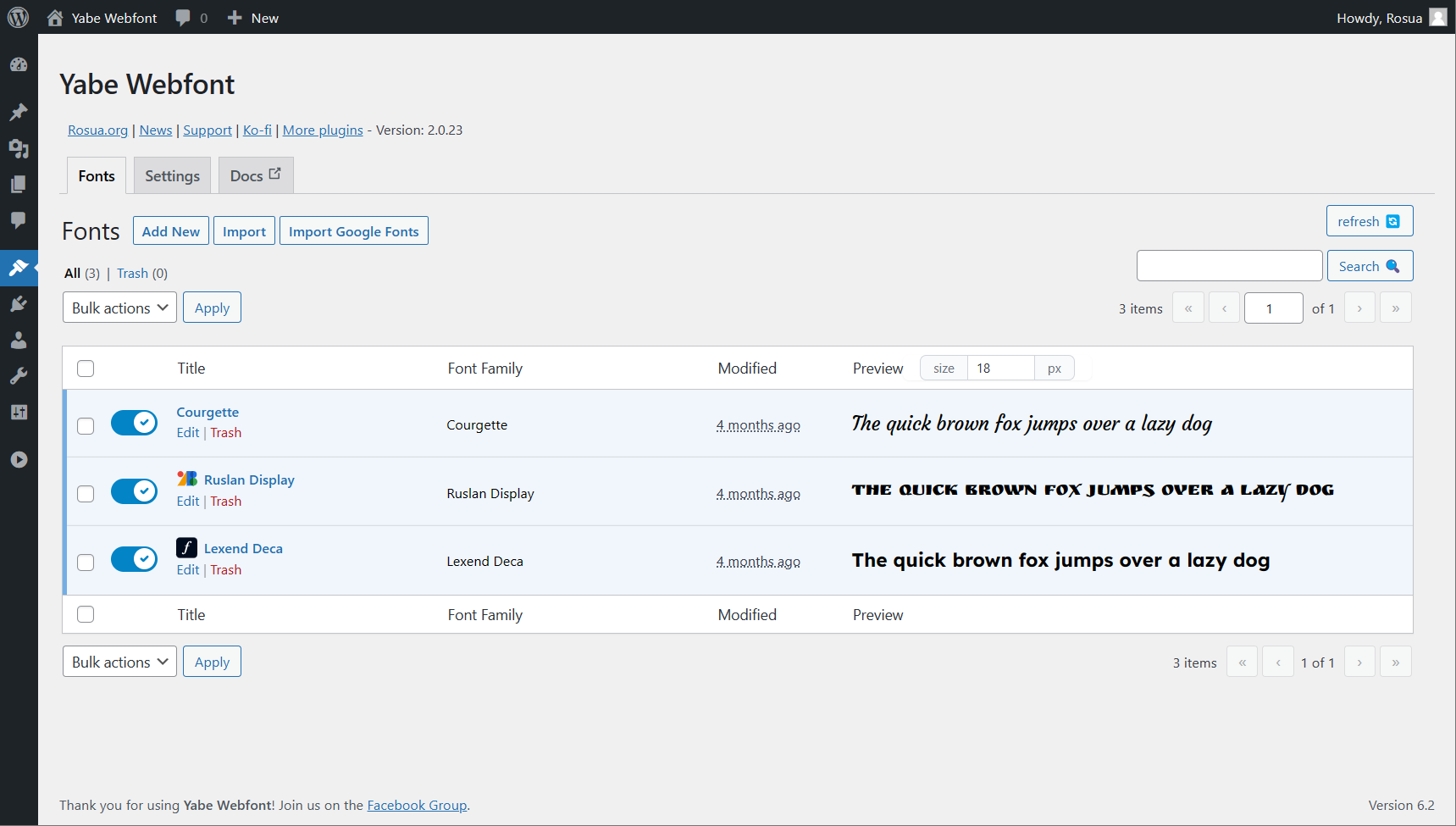
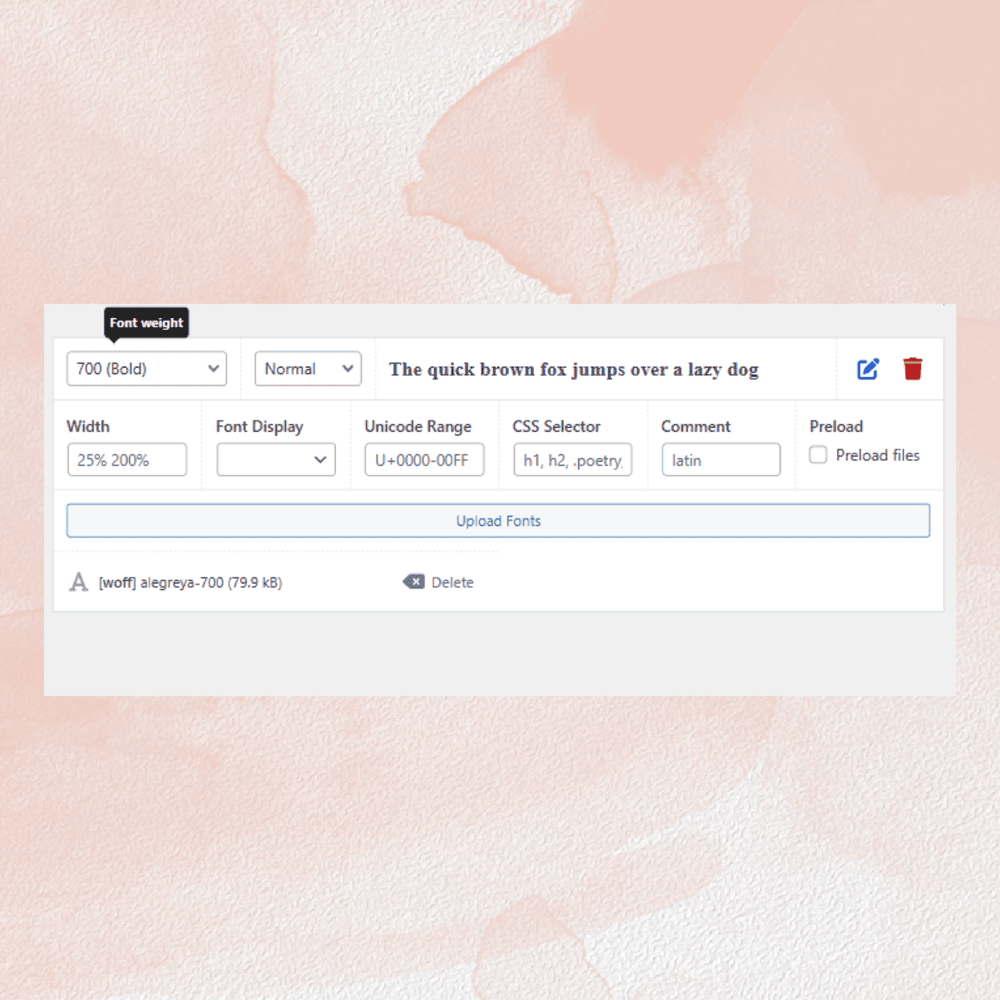
Custom Fonts: A dedicated custom fonts manager for WordPress. The central place to manage all your fonts and typography.
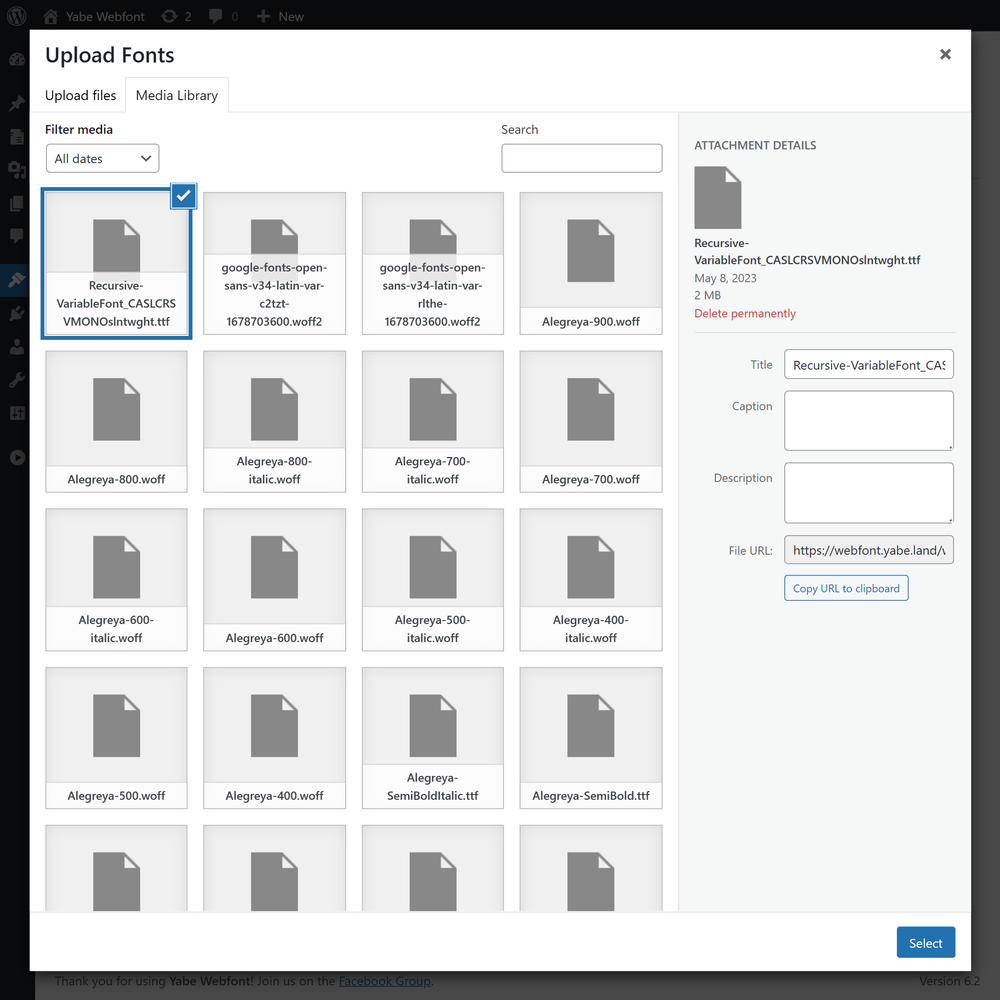
Easy to use: Add custom fonts to your WordPress site with a simple and intuitive interface. No coding knowledge is needed. You can upload the font files using the WordPress media uploader. No FTP is required.
Fine-tuning: Complete control over your fonts and typography. On 90% of use cases, the default one is good to go.
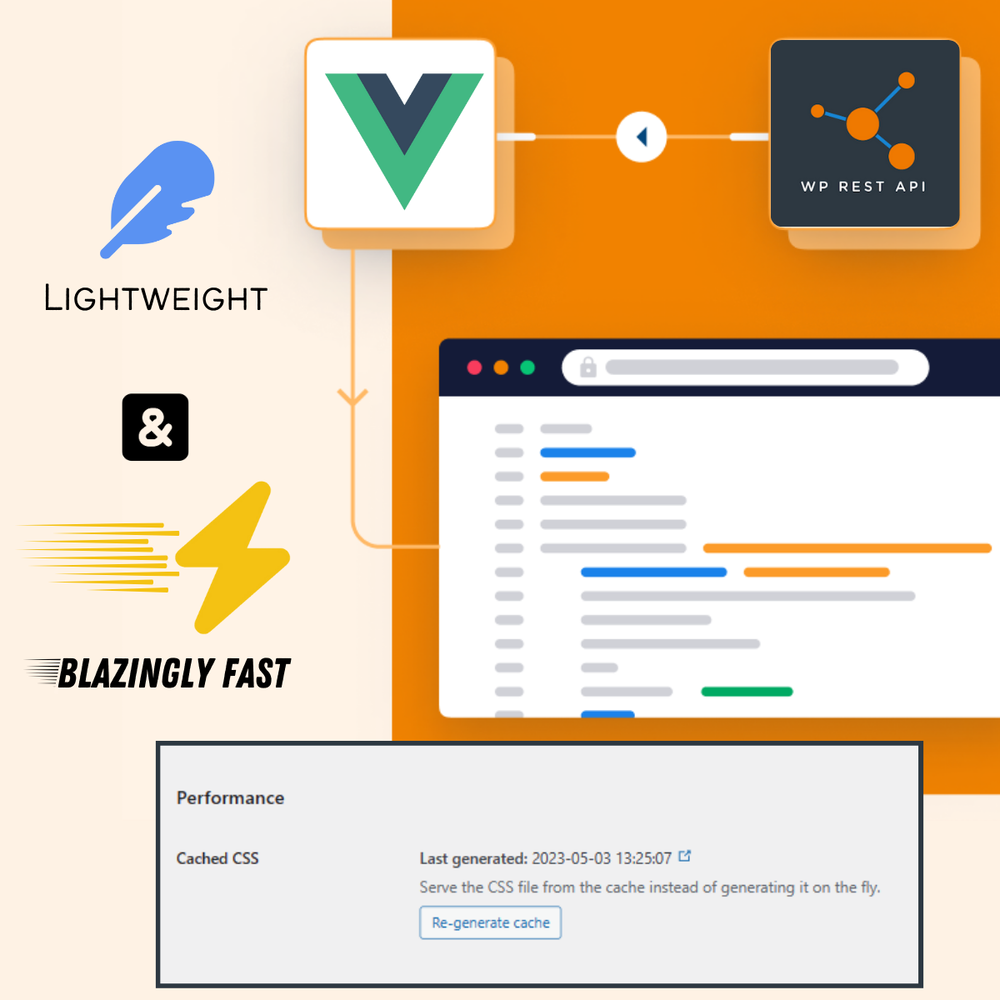
Lightweight and blazingly fast: The font management system uses WordPress REST API and a modern JavaScript framework for an instant, responsive user experience. The front page cache ensures fast loading and reduces database queries.
Variable Fonts support: The format allows a single font file to contain multiple stylistic variations.
Multisite support: The plugin is compatible with WordPress Multisite (Activate the plugin on the site level).
SEAMLESS INTEGRATION
The font must be available for use across different platforms. Jooosi Fon is famous for seamlessly integrating with the most popular visual/page builders:
WPML styles affecting the Jooosi Fon admin page when the WPML plugin is active.
1.1.4 – 2026-09-19
Fixed
Bricks 2.x integration when font favorites are not initialized.
1.1.3 – 2026-09-02
Fixed
Repair a missing font library table and add a manual Yabe Webfont migration action in Settings.
Changed
Test compatibility with WordPress 7.1.
1.1.2 – 2026-09-02
Fixed
Fix the Yabe Webfont to Jooosi Fon upgrade migration and make legacy data cleanup optional.
1.1.1 – 2026-08-26
Fixed
Prevent scoped release builds from generating broken proxies for WordPress functions declared by test stubs.
1.1.0 – 2026-08-26
Added
Added migration tool to import data from Custom Fonts by Brainstorm Force
Added migration tool to import data from Custom Adobe Fonts
Added migration tool to import data from Elementor Pro Custom Fonts
Added migration tool to import data from Fonts Plugin
Added migration tool to import data from Use Any Font
Changed
Rebrand the Yabe Webfont plugin as Jooosi Fon and move product links to fon.jooo.si.
Refresh the plugin’s admin page
Custom Fonts bulk upload now automatically detects the font family and variant from the uploaded file name
Use --jf--family-{font-slug} for generated CSS custom properties while retaining --ywf--family-{font-slug} as a backward-compatible alias.
Replace the Rosua EDD license updater with Easy Digital Downloads’ official Software Licensing SDK while preserving existing license activations.
Move legacy font uploads and generated cache files from uploads/yabe-webfont to uploads/jooosi-fon during the 2.x rebrand upgrade.
Mark the temporary 2.x rebrand migrations and compatibility shims for complete removal in Jooosi Fon 3.0.0.
1.0.114 – 2026-07-28
Fixed
Prevent header warnings when LifterLMS sends headers after Jooosi Fon frontend output.
Changed
Use WordPress APIs to enqueue cached CSS, font preloads, and inline scripts.
1.0.100 – 2026-03-17
Changed
Improve WordPress.org changelog formatting and keep release notes in sync across releases.
1.0.98 – 2026-02-05
Added
Etch integration [Pro]. Type “ywf” on the Etch’s CSS editor to see the font list.
Changed
Test compatibility with WordPress 6.9
1.0.90 – 2025-11-10
Added
Added opt-out settings to control Google Fonts disabling in page builders (Bricks, Elementor, Oxygen, Breakdance, Slider Revolution, FunnelKit) while maintaining GDPR compliance by default
[Elementor] Added compatibility with Elementor v4 Atomic Widgets editor
1.0.78 – 2025-06-25
Changed
[Breakdance] Ensure compatibility with Breakdance 2.5.0 and later
Fixed
Multiple subsets for variable fonts are not loaded properly
1.0.75 – 2025-06-11
Changed
Ensure compatibility with Bricks 2.0-beta and later
Fixed
Duplicate import of Google Fonts variable font files
1.0.74 – 2025-06-11
Added
Google Fonts data are now loaded through the local machine.
1.0.71 – 2025-03-30
Changed
Remove the “[Jooosi Fon]” prefix/label from the font selection list [ticket#172]
[Known issue] Compatibility issue with some browsers that doesn’t allow to input custom font weight when adding/editing a font on the Jooosi Fon dashboard page [ticket#179]
Update dependencies
1.0.70 – 2024-12-05
Changed
Test compatibility with WordPress 6.7
Update dependencies
1.0.69 – 2024-09-04
Changed
Google Fonts’ variable font subset is now loaded properly
1.0.67 – 2024-07-18
Changed
Test compatibility with WordPress 6.6
[Beaver Builder] Fallback font is now always defined
1.0.66 – 2024-04-30
Changed
Plugin license activation process
1.0.65 – 2024-04-12
Changed
Test compatibility with WordPress 6.4
1.0.64 – 2024-03-05
Changed
Sort the font list by the font name in the visual builder’s font picker.
Freshen up the plugin’s admin page UI.
1.0.63 – 2024-01-31
Changed
Apply weight and width axes automatically for variable font (ttf/woff2) only if no existing file is found in the current variant.
1.0.62 – 2024-01-16
Changed
Ensure compatibility with all Adobe Fonts embed approach
1.0.60 – 2023-12-15
Changed
[Cwicly] Ensure compatibility with the latest Cwicly version.
Added migration tool to import data from Dplugins Font Hero
Added migration tool to import data from Bricks’ Custom Fonts
1.0.54 – 2023-09-13
Changed
[Builderius] Ensure compatibility with the latest Builderius version.
1.0.53 – 2023-09-12
Changed
[Pinegrow] Pinegrow now available on the Free version.
1.0.51 – 2023-08-18
Changed
[Gutenberg] Ensure compatibility with the latest Gutenberg version.
1.0.50 – 2023-08-17
Added
Added option to disable Google Fonts API that loaded manually by the theme or plugin
Changed
Ensure compatibility with WordPress 6.3 and later.
[Builderius] Builderius now available on the Free version.
[Gutenberg] Ensure compatibility with Twenty Twenty-Two theme.
1.0.49 – 2023-08-04
Changed
The preload font files are now limited to woff2 file format only.
1.0.48 – 2023-07-12
Changed
Ensure the uploaded font files are now stored in the wp-content/uploads/yabe-webfont folder.
1.0.47 – 2023-06-30
Added
Search Google Fonts by categories with syntax :category name. For example, :handwriting will return all fonts with the handwriting category and :sans Open will return all fonts with the sans category and the word Open in the font name.
Search Google Fonts with extended syntax. Check out the documentation for more information.
Changed
Uploaded font files are now stored in the wp-content/uploads/yabe-webfont folder instead of the wp-content/uploads/yyyy/mm folder.
1.0.46 – 2023-06-28
Changed
[GeneratePress] Ensure compatibility with GeneratePress