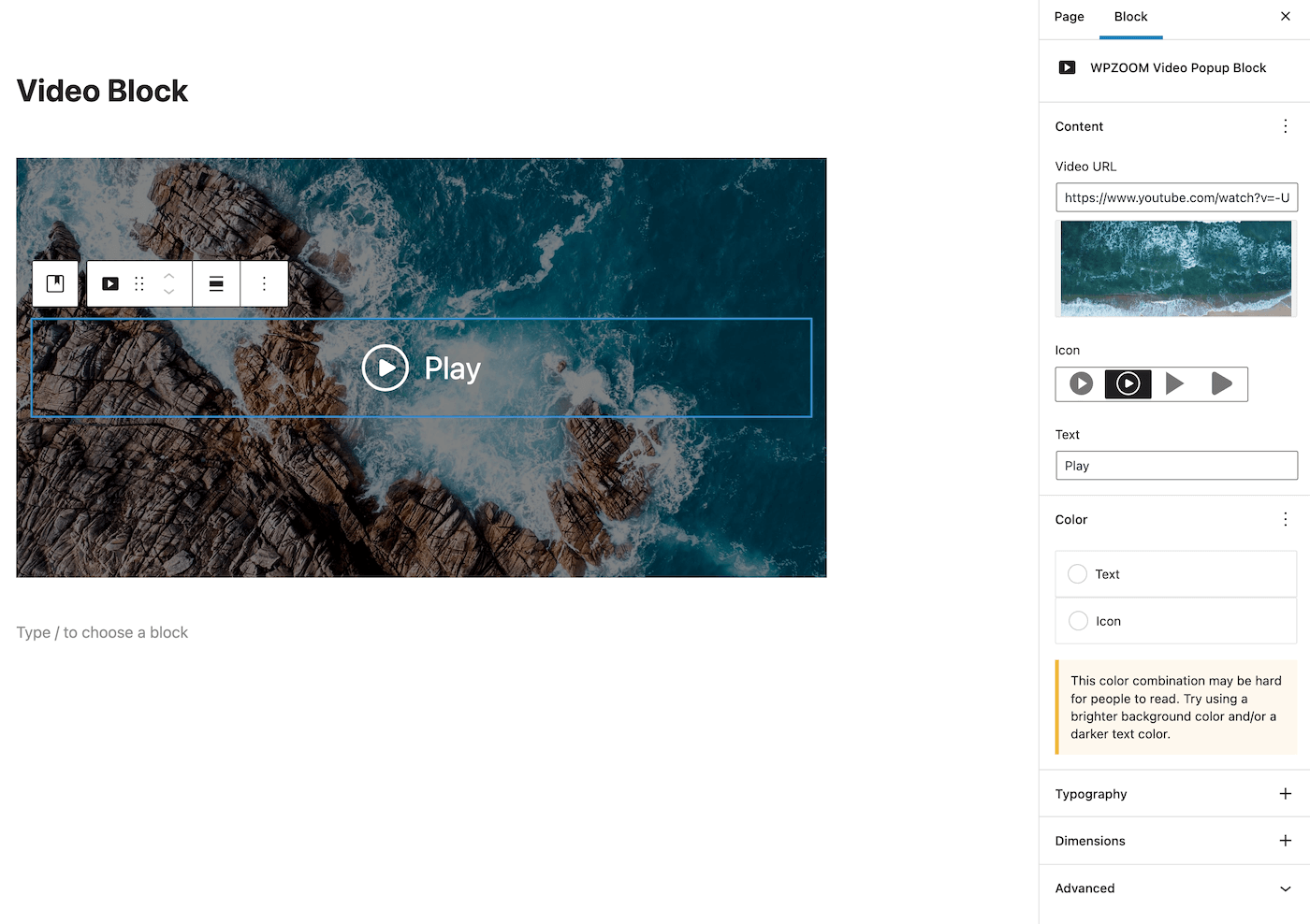
Show a YouTube/Vimeo video in a popup when clicked
| Author: | WPZOOM (profile at wordpress.org) |
| WordPress version required: | 6.4 |
| WordPress version tested: | 7.1.5 |
| Plugin version: | 1.1.9 |
| Added to WordPress repository: | 24-08-2022 |
| Last updated: | 19-11-2026 |
| Rating, %: | 94 |
| Rated by: | 6 |
| Plugin URI: | https://www.wpzoom.com/plugins/ |
| Total downloads: | 145 372 |
| Active installs: | 10 000+ |
 Click to start download |
|
Video Popup & Lightbox Block for WordPress
Display YouTube, Vimeo, TikTok, and MP4 videos in beautiful lightbox popups. Add customizable play buttons anywhere on your site that open responsive video popups – perfect for hero sections, portfolios, and landing pages.
A simple yet powerful Gutenberg block that enhances your website with engaging video content.
Features
- Works with Vimeo & YouTube videos
- Supports YouTube Shorts videos in portrait orientation — NEW
- Supports TikTok videos in portrait orientation — NEW
- Supports self-hosted (MP4) videos
- Customize the Play button as you want
- Choose your Play icon
- Simple & Lightweight block
- Single-block plugin that can be installed directly in the editor. No bloat!
Perfect for Block Themes (FSE – Full Site Editing Themes)!
Recommended Themes & DEMO
Inspiro Blocks – NEW
Inspiro Lite
Inspiro Premium
Inspiro PRO – NEW
Quick Tips
Place this block inside a Cover block.
Read more –> How to add a Video Popup in the Header Hero in Inspiro Lite using Gutenberg
Additional Resources
Screenshots
ChangeLog