
Change your WooCommerce checkout page with a multi-step checkout page. This will let your customers…
Create a better user experience by splitting the checkout process in several steps. This will also improve your conversion rate.
The plugin was made with the use of the WooCommerce standard templates. This ensure that it should work with most the themes out there. Nevertheless, if you find that something isn’t properly working, let us know in the Support forum.
Features
- Sleak design
- Mobile friendly
- Responsive layout
- Adjust the main color to your theme
- Inherit the form and buttons design from your theme
- Keyboard navigation
Available translations
Tags: multistep checkout, multi-step-checkout, woocommerce, checkout, shop checkout, checkout steps, checkout wizard, checkout style, checkout page
Screenshots
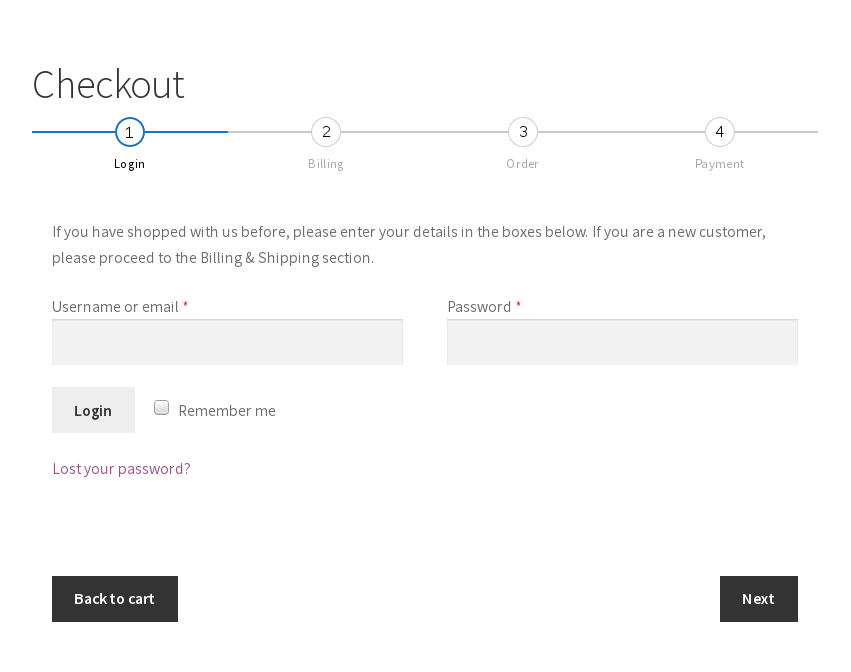
Login form
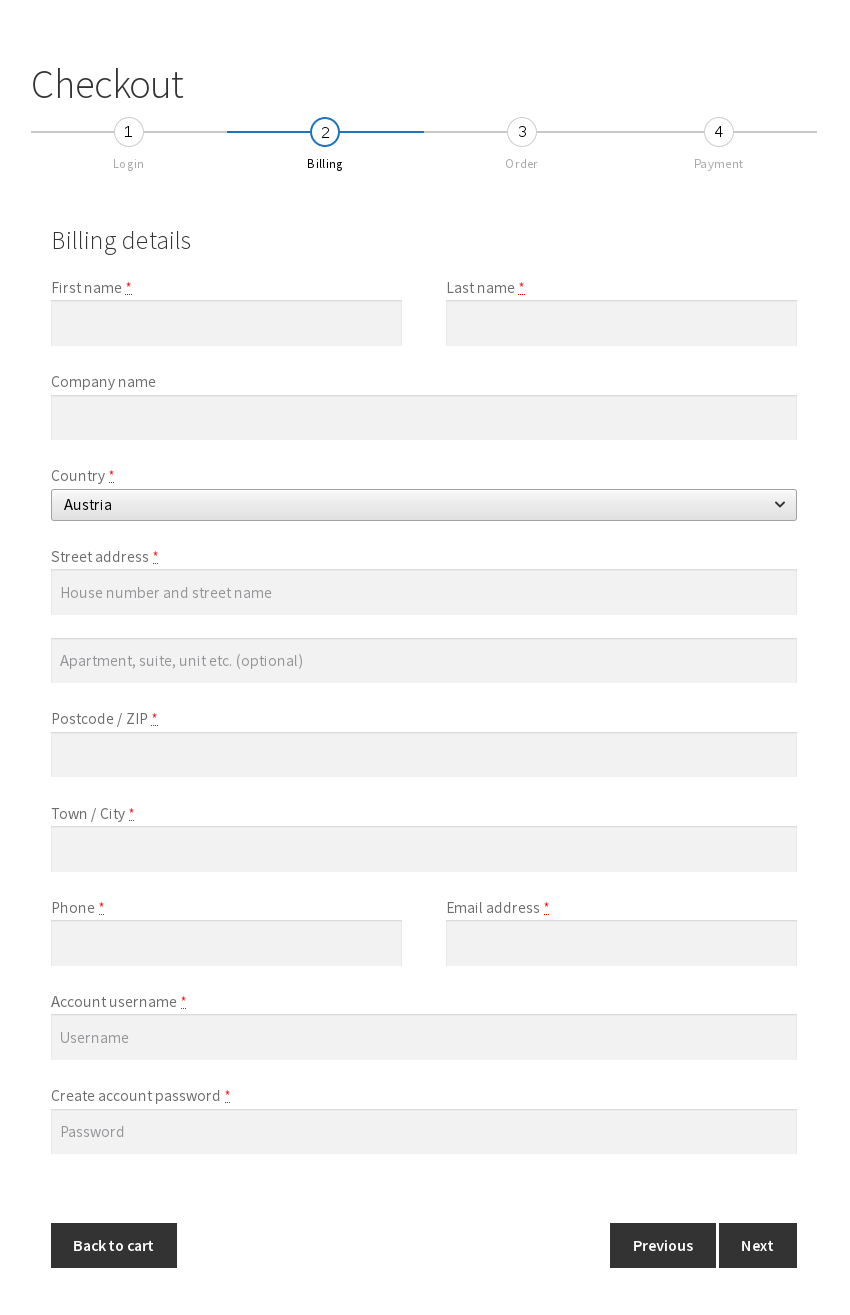
Billing

Review Order

Choose Payment

Settings page
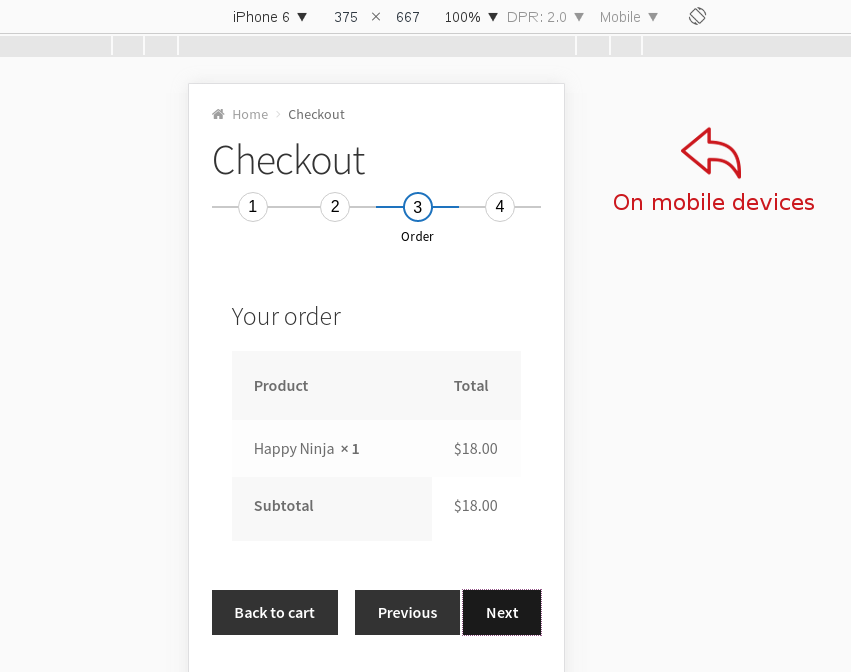
On mobile devices
Why is the login form missing on the checkout page?
Make sure to enable the Display returning customer login reminder on the "Checkout" page option on the WP Admin -> WooCommerce -> Settings -> Accounts page
Is the plugin GDPR compatible?
The plugin doesn’t add any cookies and it doesn’t modify/add/delete any of the form fields. It simply reorganizes the checkout form into steps.
My checkout page still isn’t multi-step, though the plugin is activated
Make sure to purge the cache from any of the caching plugins, or of reverse proxy services (for example CloudFlare) you’re using.
Another possible cause could be that the checkout page isn’t using the default [woocommerce_checkout] shortcode. For example, the Elementor Pro checkout element replaces the default [woocommerce_checkout] shortcode with its HTML counterpart. Go to the “WP Admin -> Pages” page, open the checkout page for editing and make sure the [woocommerce_checkout] is present there.
ChangeLog
2.27 2024-02-11
- Compatibility with the Huntor theme
- Fix: the steps don’t scroll up to the top on the Flatsome theme
2.26 2023-10-16
- Fix: open the Login step when clicking the “Please log in” link in the “Account already registered” message
- Feature: option to place the input fields from the Delivery & Pickup Time Date plugin in a separate step
2.25 2023-06-24
- Compatibility with the Mollie Payments plugin
2.24 2023-05-19
- Fix: missing “next/previous” button with the Elementor Pro checkout widget
- Fix: the Payment section was missing on the Blocksy theme, when the payment is in a separate step
- Fix: use the “default” checkout layout type from the Astra Addon Pro plugin
- Compatibility with the WooCommerce “Custom Order Tables” feature
2.23 2023-02-03
- Fix: add the “woocommerce_checkout_before_order_review” action hook
- Compatibility with the Fastland theme.
See changelog for all versions.

