A Responsive Simple Flickr Photostream & Album Gallery With Shortcode to publish your gallery anywhere in WordPress.
This plugin helps you display your Flickr photos and albums directly on your website. Built with PHP API integration and Bootstrap responsive CSS, it works smoothly across all devices and screen sizes.
View Pro Demo Flickr Gallery Premium
Learn More About Pro: Flickr Gallery Premium Features
Where To Buy: Buy Flickr Gallery Premium
You can showcase your Flickr photostream, albums, and profile on any page, post, or sidebar widget using simple shortcodes. The setup process takes just a few minutes.
Video Tutorial
VIDEO
Getting Started
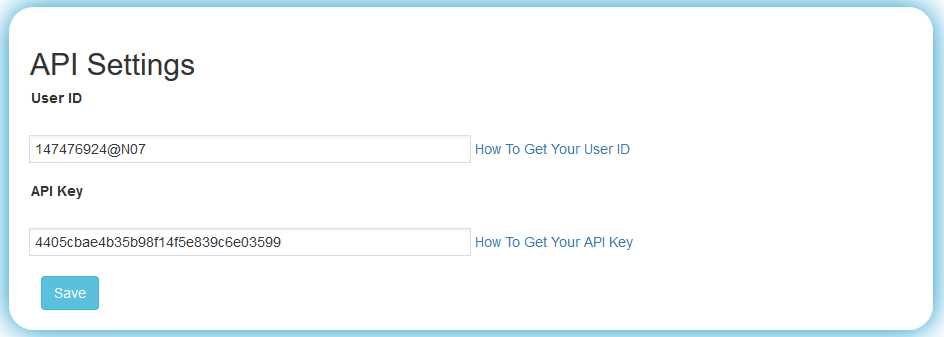
To start using the plugin, you need your Flickr User ID and Flickr API Key . Add these in the API Settings page, create your gallery, and paste the shortcode wherever you want it to appear.
Note: Flickr currently allows API key creation only for Flickr Pro subscribers.
Free Version Features
Display Flickr Photostream on your site
Show Flickr Albums and collections
Responsive gallery design for all devices
Widget support for sidebars and footers
Shortcode support for pages and posts
Column layout settings (desktops, tablets, mobiles)
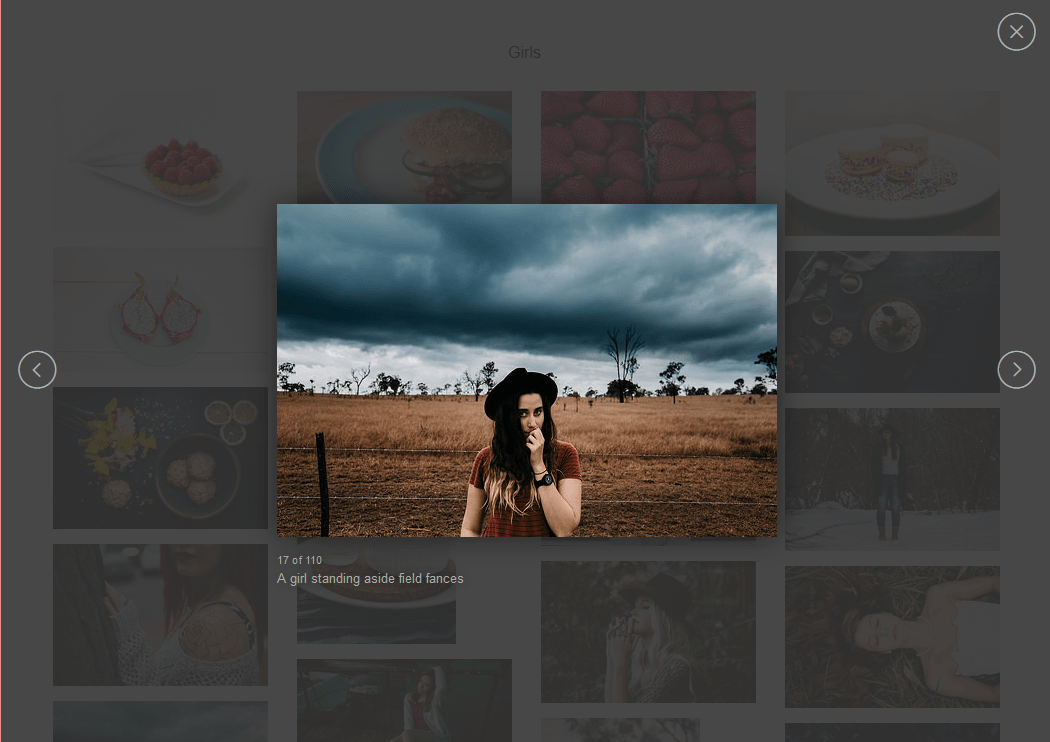
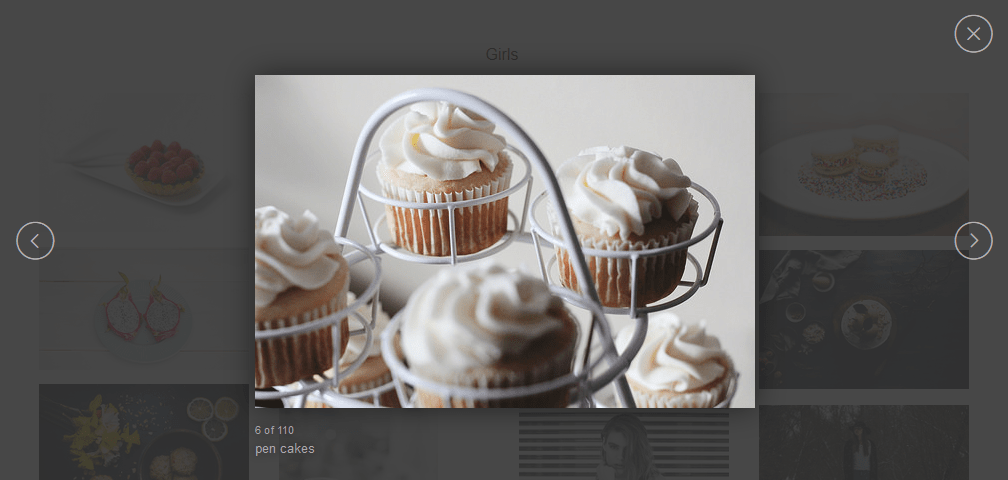
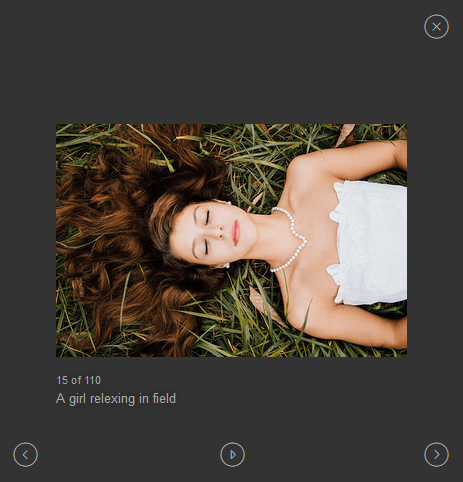
Built-in lightbox for image viewing
Image border and styling options
Center and responsive image alignment
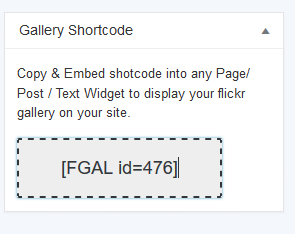
Easy copy shortcode functionality
Pro Version Features
Upgrade to Pro for additional features:
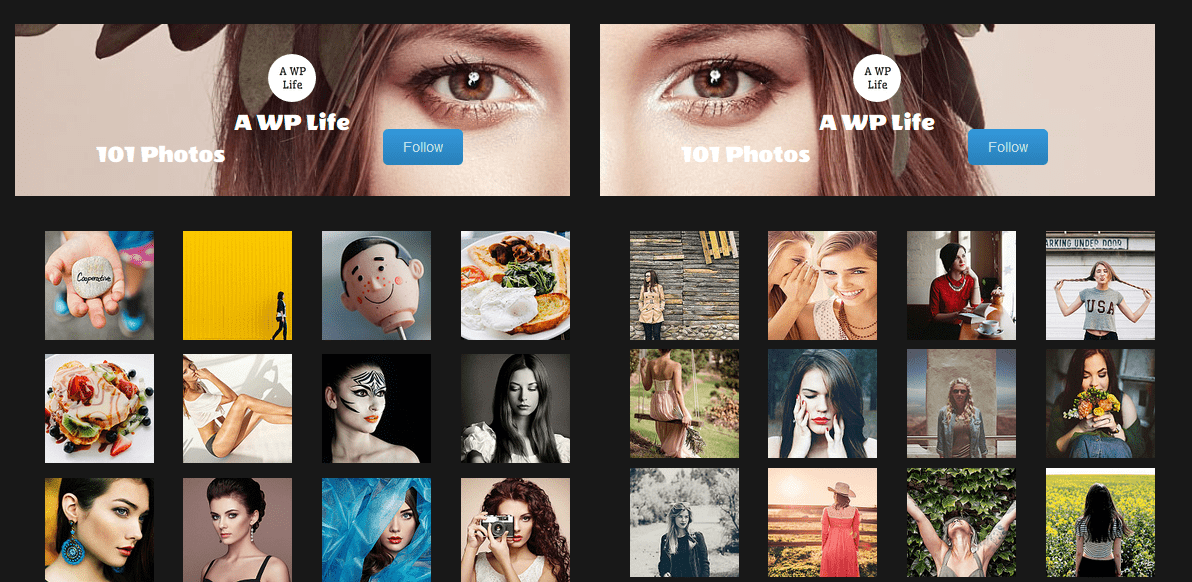
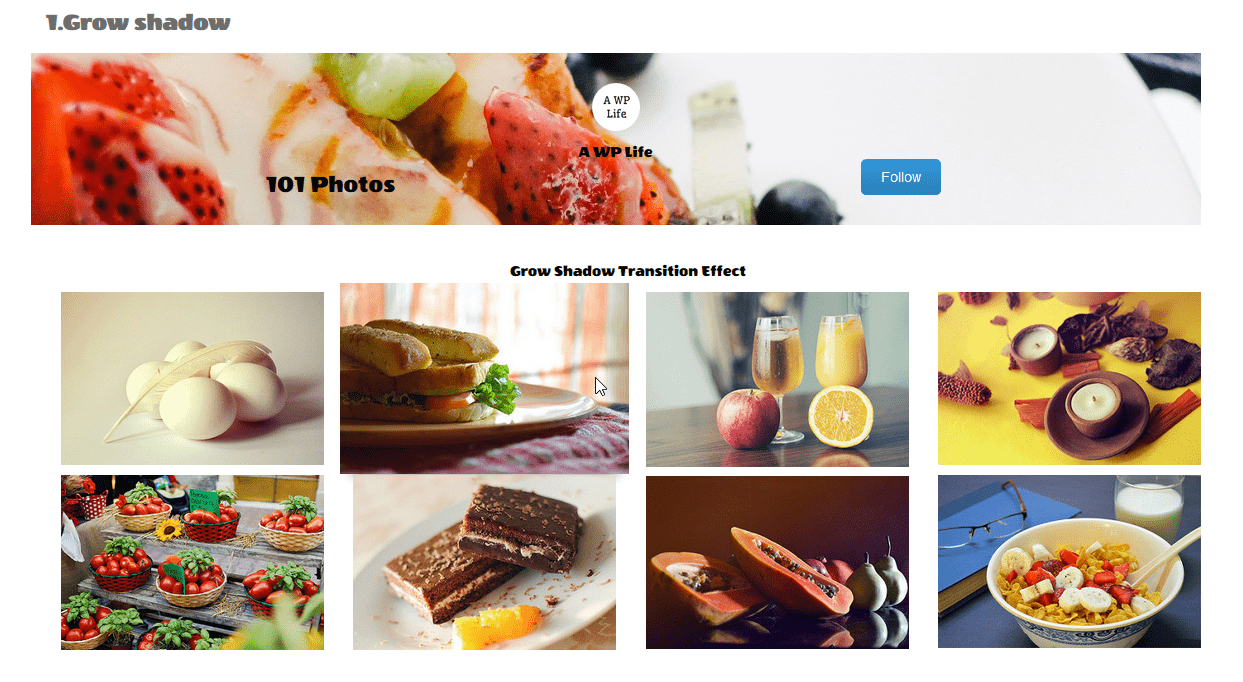
Responsive profile header with follow button
Fetch and display private Flickr photos
Display videos from your Flickr photostream
Justified gallery layout option
Pagination settings for large galleries
Photo limit up to 500 images
30+ hover effects for albums and photostream
Multiple lightbox styles with transition effects
Custom CSS field for styling
Multiple galleries on same page with slideshow
Different lightbox image sizing options
Color customization for lightbox title and icons
Shadow and glow effects for thumbnails
2D transition effects
Gallery title and post settings
Screenshots
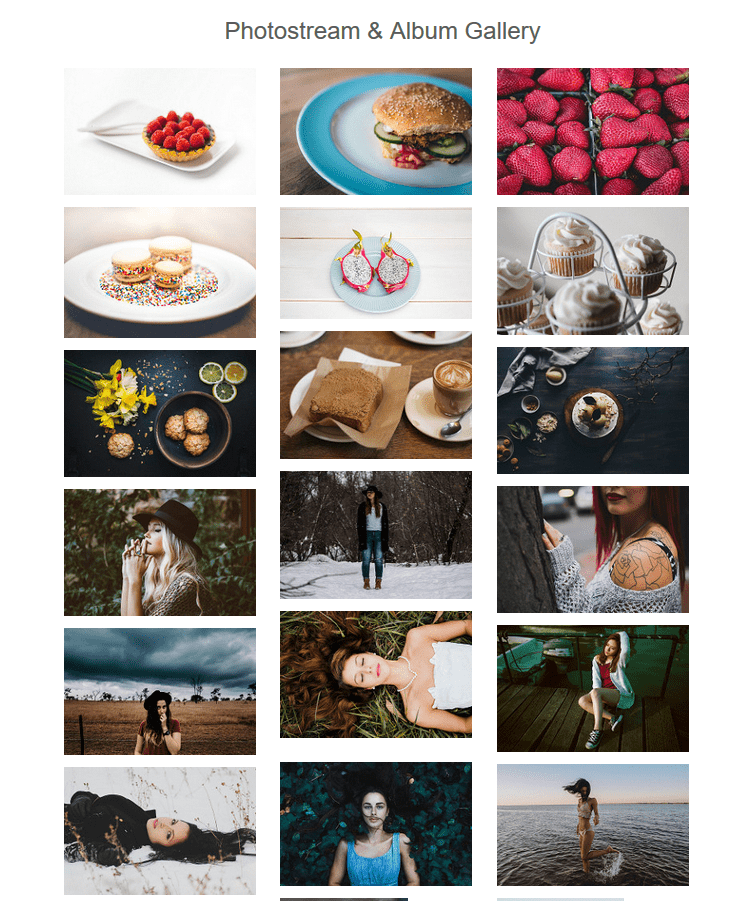
Flickr Photostream and Album gallery
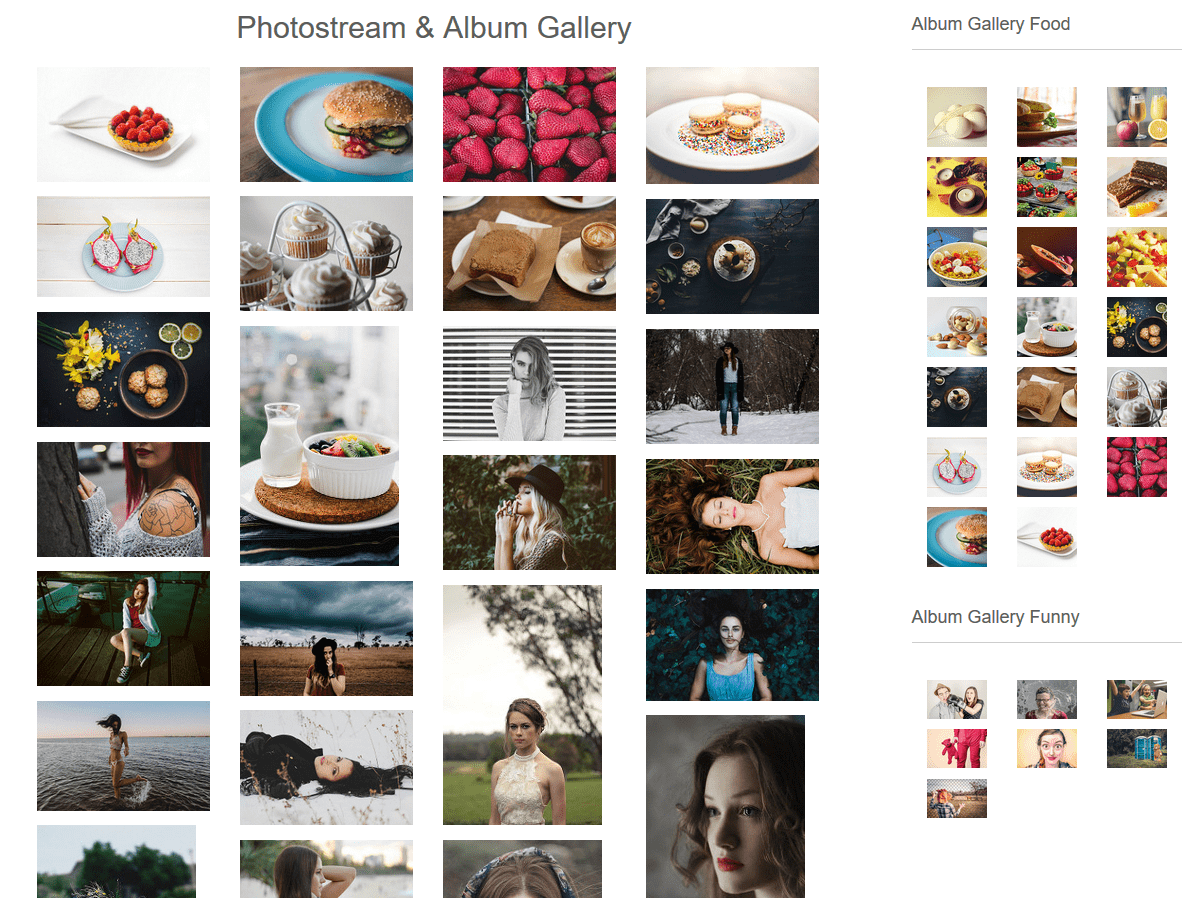
Photostream Gallery & Multiple Album Gallery in Widgets
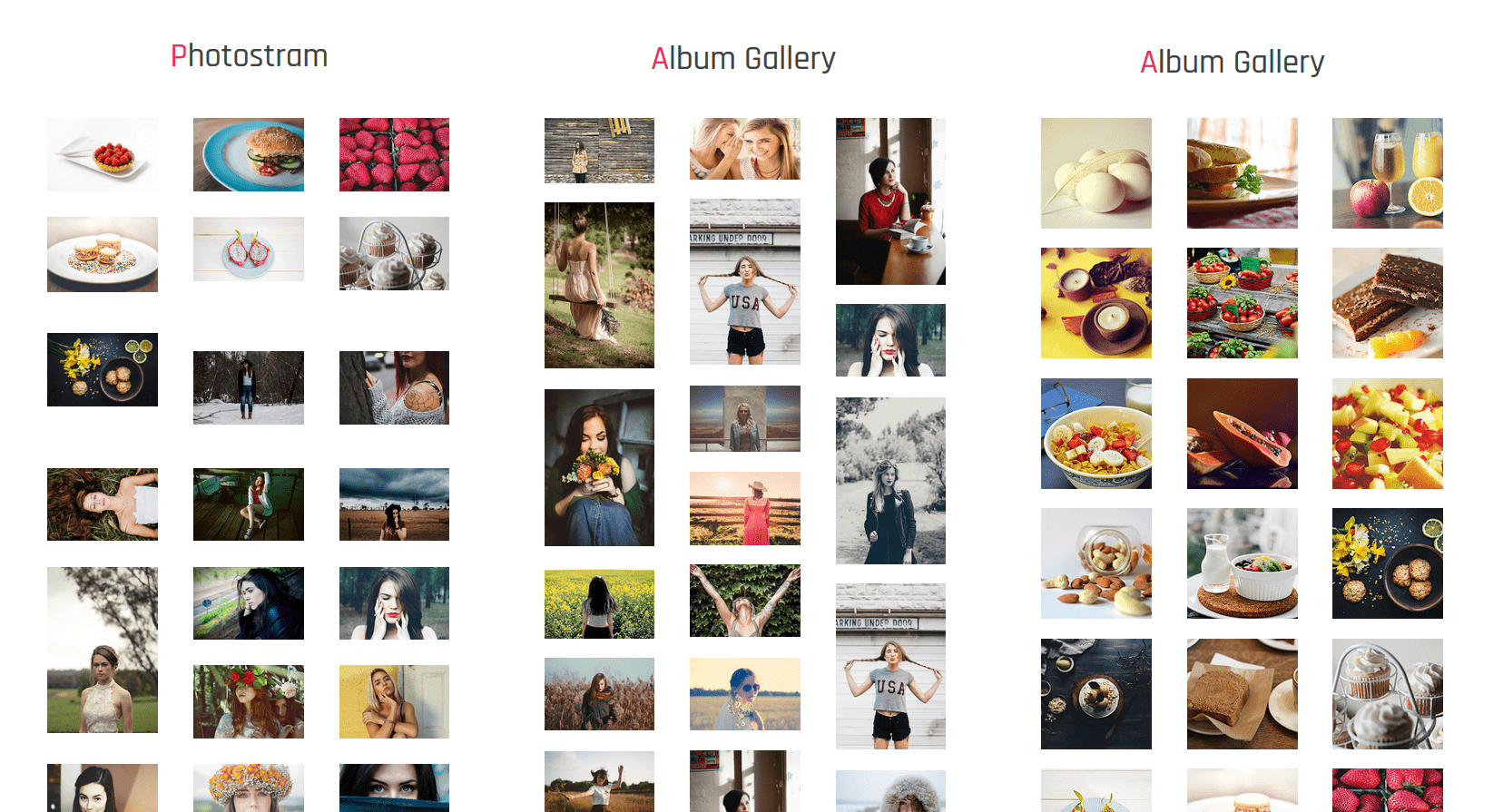
Multiple Gallery in Footer section
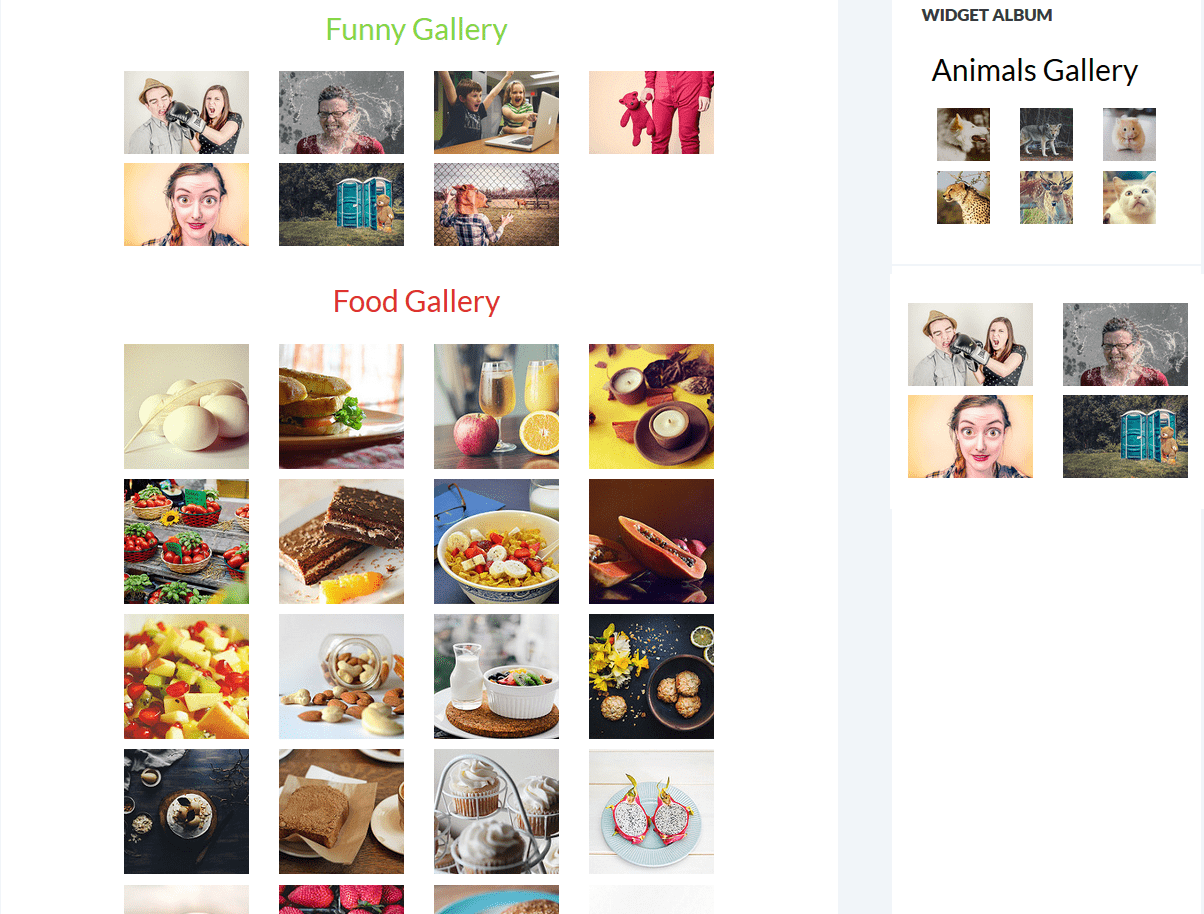
Multiple Album Gallery in Page
Large desktop lightbox preview
Lightcase lightbox preview
Lightbox preview on mobile phones
Profile and Follow Button settings (Pro)
Hover Effects options (Pro)
User ID and API Key Settings page
Shortcode display
FAQ
How do I get my Flickr User ID?
Visit this guide that shows you step-by-step how to find your Flickr User ID from your Flickr profile.
How do I create a Flickr API Key?
Follow this tutorial to create your API key. Note that currently only Flickr Pro subscribers can create API keys.
Can I display multiple albums on one page?
Yes, you can create multiple galleries and place their shortcodes on the same page. Each gallery can show a different album from your Flickr account.
Does this plugin work with Elementor or Gutenberg?
Yes, the plugin generates shortcodes that work with any page builder including Elementor, Gutenberg, and classic editor.
Why are my photos not loading?
Check that your User ID and API Key are entered correctly in the API Settings page. Also verify that your Flickr photos are set to public visibility.
Can I display private Flickr photos?
The free version only displays public photos. The Pro version includes support for fetching and displaying private photos.
How do I add the gallery to a widget?
Go to Appearance → Widgets, add a Text widget to your sidebar, and paste your gallery shortcode inside it.
Is this plugin mobile responsive?
Yes, the gallery is fully responsive and adjusts automatically to different screen sizes including desktops, tablets, and mobile phones.
What image sizes are supported in the lightbox?
The plugin supports multiple image sizes for lightbox preview. You can configure the thumbnail and lightbox image sizes in the gallery settings.
How do I customize the gallery appearance?
Use the gallery settings to adjust columns, borders, and layout. For advanced customization, the Pro version includes a custom CSS field.
Where can I get support?
For questions or issues, please visit the plugin support forum .
ChangeLog
1.5.2
Modern API Settings Page: Redesigned the API Settings page with a “Hyper-Modern” UI, featuring glassmorphism cards, mesh gradients, and improved input styling.
New Thumbnail Size: Added Small 320px (url_n) option to the Gallery Settings.
Tested with WordPress 6.9
New Masonry layout & hover effect
1.5.1
Tested with WordPress 6.9
1.5.0
Tested with WordPress 6.8.3
Bug fixes
1.4.9
Tested with WordPress 6.8
Bug fixes
1.4.8
Tested with WordPress 6.7.2
Bug fixes
1.4.7
Fixed Twenty Twenty-Five theme conflict
Tested with WordPress 6.7.1
Bug fixes
1.4.6
Tested with WordPress 6.7.1
Bug fixes
1.4.5
Tested with WordPress 6.6.2
Bug fixes
1.4.4
Tested with WordPress 6.6.2
1.4.3
Tested with WordPress 6.6.1
1.4.2
Tested with WordPress 6.5.4
1.4.1
Bug fixes
Tested with WordPress 6.5.2