Sell products or services on your site using a PayPal and Stripe Button
Do you want to easily sell items or services your site? This is the plugin just for that. Setup is easy to connect to PayPal and Stripe. We’re also an official PayPal & Stripe Partner.
Have a question or problem?
If you have any problems, questions, or issues please create a support request and we will get back to you quickly!
Watch this 1 minute video to learn how the plugin works:
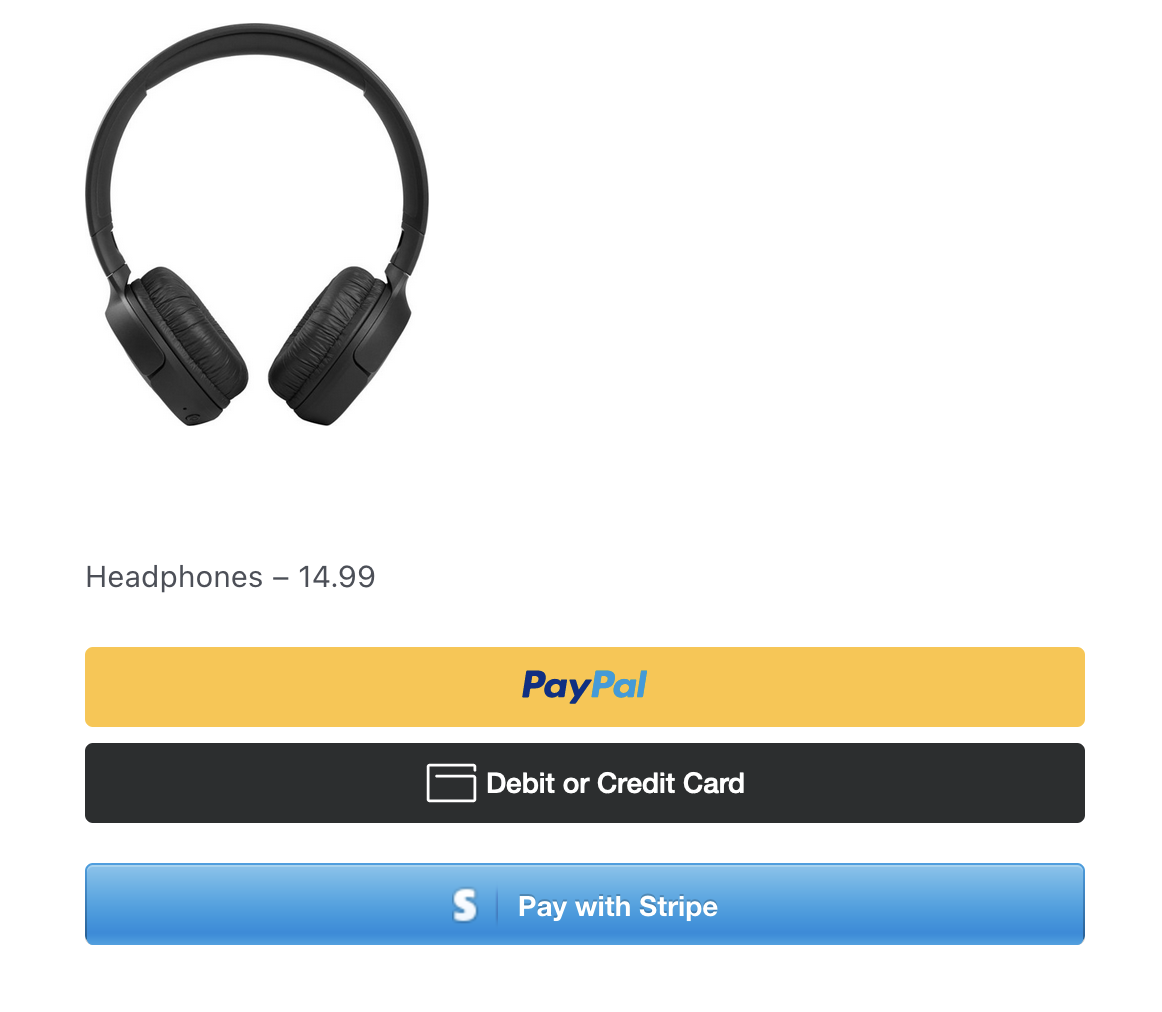
You can place a PayPal / Stripe Buy Now button anywhere on your site where you want to sell something. Your customers can then pay for your products or services or they can pay by Debit or Credit Card or PayPal account.
What makes this PayPal / Stripe plugin powerful is its simplicity. You don’t have to spend days setting up an eCommerce Solution. Just install this PayPal / Stripe plugin and in just a few minutes customers from around the world can start buying products or services from your website using PayPal / Stripe.
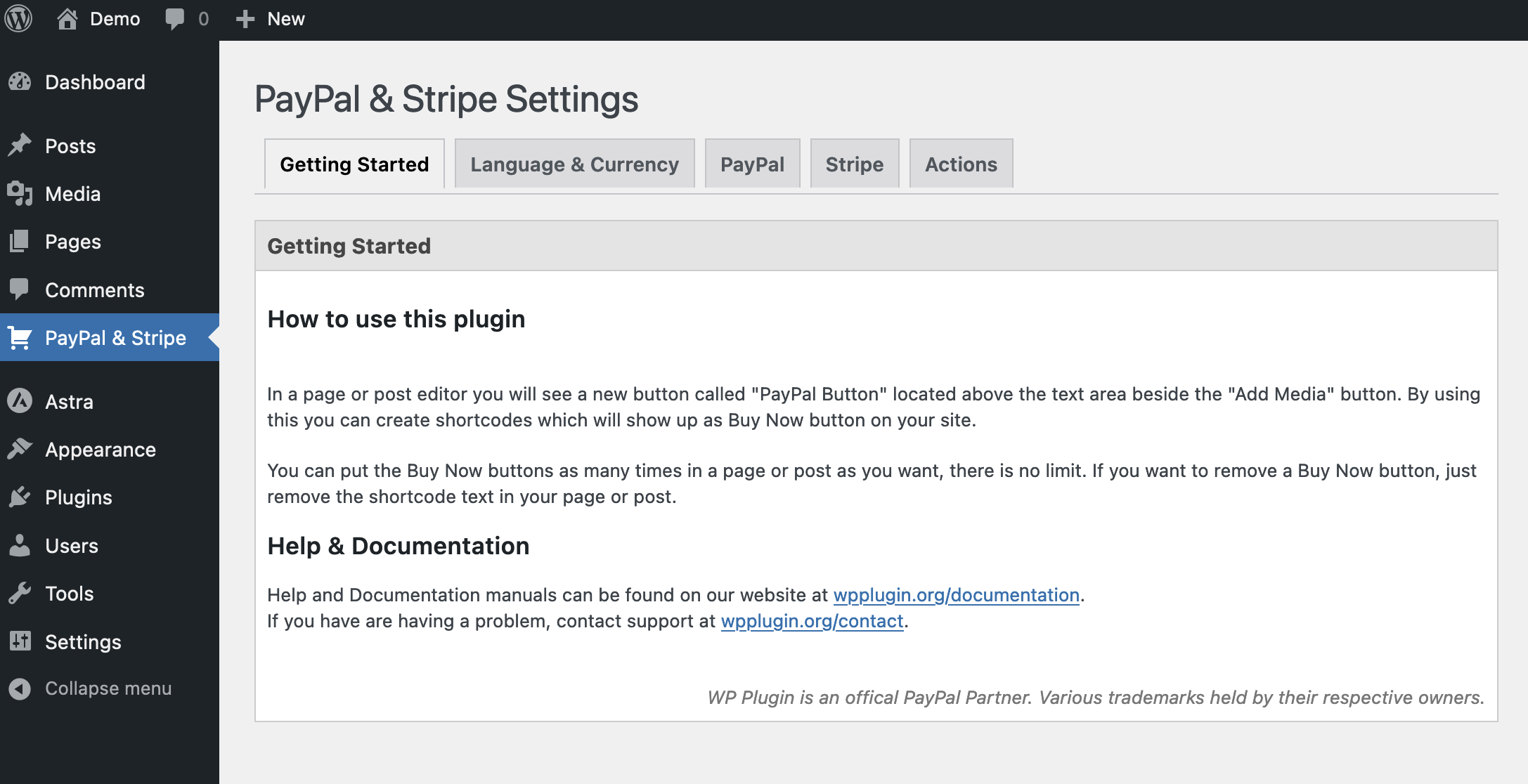
On the settings page of the plugin you will find clear instructions on how to sign up for a PayPal / Stripe account if you don’t have one already. This PayPal / Stripe plugin also provides instructions for how to setup a PayPal / Stripe Sandbox account – which will allow you to setup a fake PayPal / Stripe buyer and seller account (with fake money) so you can test everything before you start selling to the public.
This PayPal / Stripe plugin works with any WordPress theme.
Easy PayPal & Stripe Buy Now Button Features
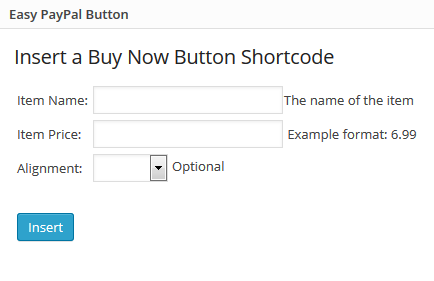
PayPal Button Inserter – Just enter your items name, price, etc. and it make the Buy Now button for you
Works with any WordPress Theme
Built in support for 18 languages (PayPal currently supports 18 languages)
Built in support 25 currencies (PayPal currently supports 25 currencies)
Choose from 4 different PayPal button designs
PayPal testing through SandBox
PayPal authorization mode – sale or authorize
Choose how the PayPal window opens
Choose a cancel payment url
Choose a successful payment url
Easy PayPal & Stripe Buy Now Button Pro
We offer a Pro version of this PayPal & Stripe plugin for business owners who need more features.
WPPlugin is an official PayPal and Stripe Partner based in Boulder, Colorado. You can visit WPPlugin’s website at wpplugin.org. Various trademarks held by their respective owners.
In your page or post editor, you will see a button called PayPal Button to create shortcodes automatically.
Or if you want to manually make a PayPal button place [wpecpp name='Product name goes here' price='6.99'] in a post or page where you want your a PayPal button to show.
Can I put more then one shortcode on the same post / page?
Yes, there is no limit to the amount of PayPal Buy Now buttons you can put on one post / page, or your entire site.
Fix – Resolved “translation loading triggered too early” notice (and related “headers already sent” warnings) on WordPress 6.7+ by no longer translating option defaults before the init hook.
2.0.4
1/28/26
Fix – PayPal debit and credit card payments now correctly redirect to the success URL configured in global settings.
2.0.3
12/9/25
Fix – PayPal SDK loading conflict causing PayPal buttons to not display on some websites.
Fix – PayPal Commerce Platform API call check status issue.
2.0.2
12/3/25
Fix – Fixed PayPal SDK loading conflict when multiple buttons are placed on the same page.
2.0.1
5/15/25
Fix – Fixed small security issue on settings page.
Change – Removed PayPal & Stripe connect notices.
2.0
4/30/25
New – Added button manager.
New – The code is now correctly setup for plugin translation into different languages.