WP Data Access is a WordPress plugin that gives you access to any database table
| Author: | Passionate Programmers B.V. (profile at wordpress.org) |
| WordPress version required: | 4.8.3 |
| WordPress version tested: | 6.5.2 |
| Plugin version: | 5.5.1 |
| Added to WordPress repository: | 22-12-2017 |
| Last updated: | 25-04-2024 |
| Rating, %: | 100 |
| Rated by: | 79 |
| Plugin URI: | https://wpdataaccess.com/ |
| Total downloads: | 427 612 |
| Active installs: | 10 000+ |
 Click to start download |
|
We are currently completely rebuilding our code base and switching to an intuitive App Builder with a new Table Builder and a new Form Builder. The new App Builder does not yet contain all features available in the old tools, but the features that are available are much easier to use and most options are applied to tables and forms in real time. More features will be added within the next month.
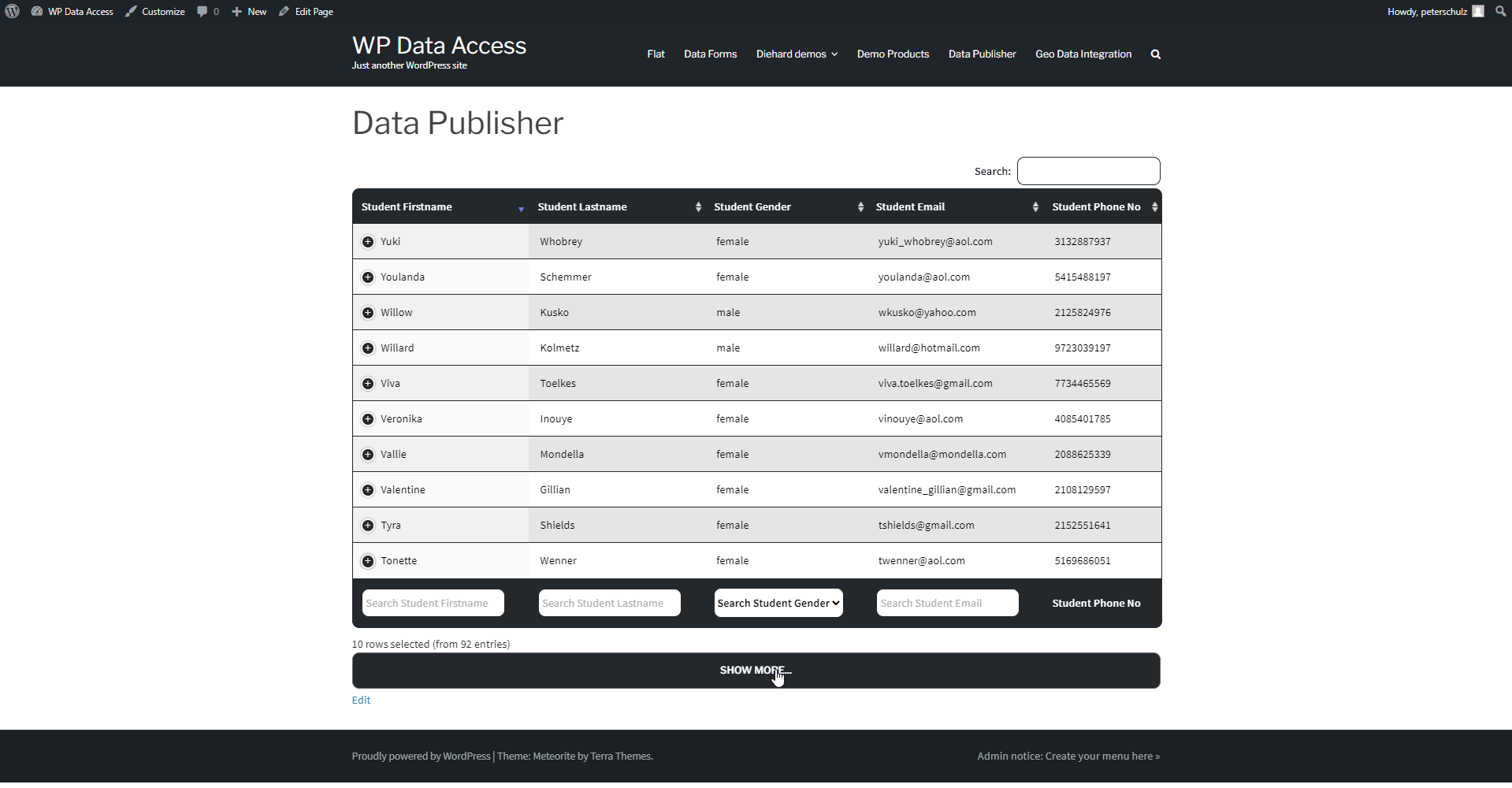
Create professional responsive data tables within minutes. An intuitive table builder supports many features on mouse click and layout and behavior changes of almost any element of a DataTable through an advanced options section. Data tables are based on the famous DataTables plugin for jQuery supporting any database table size.
Use the form builder to create highly customizable data apps for back-end and front-end. Customization is supported through templates, supporting many features like master-detail pages, lookups, inline editing, advanced search features, dynamic hyperlinks, WordPress role management integration and many more.
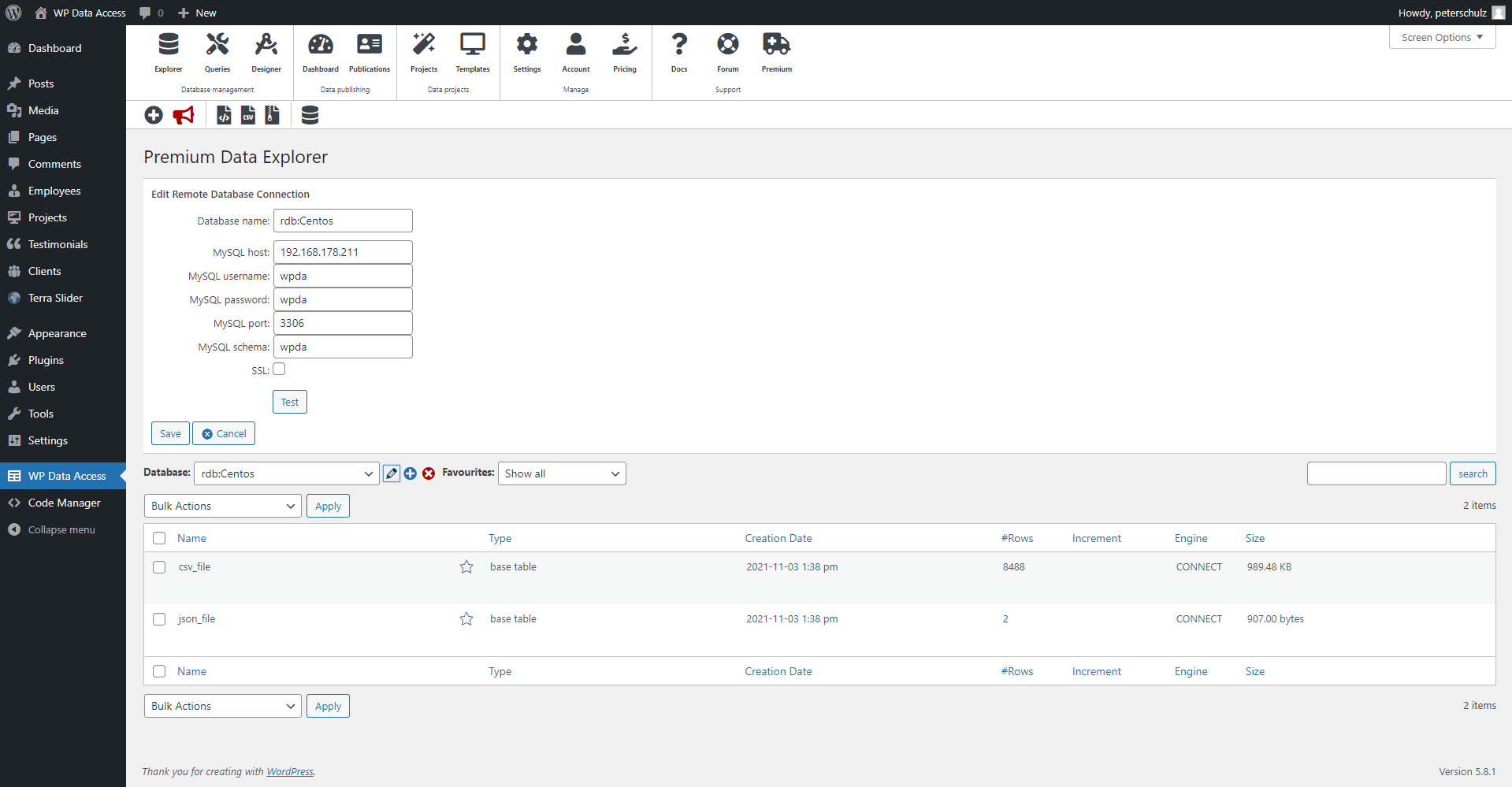
Manage data and databases with the user-friendly Data Explorer or use the Query Builder to write SQL queries from the WordPress dashboard. Remote database access to MariaDB and MySQL is available for all versions. Premium users can access foreign databases like SQL Server, PostgreSQL, Oracle and MS Access through our premium proxy server and auto sync CSV (including Google Sheets), JSON and XML files.
App Builder
Build data driven intuitive apps with the new Table Builder and Form Builder
- Table Builder for Data Table generation
- Grid driven Form Builder
- Intuitive Theme Builder
- Computed fields (in real-time updatable through inline fields)
- Aggregations (in real-time updatable through inline fields)
- Conditional lookups
- Many global and inline search options
- Inline editing
- WordPress media library integration
- Export to PDF, CSV, JSON, XML, SQL, Excel
- App Manager to grant user access
- Execute apps on the back-end and front-end
- Run while you build
- More to come soon… (master-detail forms, search panes)
Data Tables
Intuitive table builder to create professional data tables for back-end and front-end in minutes
- Easy to use, highly customizable
- Fully responsive
- Many styling options including an intuitive Style Manager
- Many searching and sorting algorithms
- Many static and interactive filters (search panes, search forms, search builder and more)
- Server-side processing (supporting very large tables)
- Client-side processing (great for fast searching and sorting of small tables)
- Export to CSV, Excel, PDF and SQL
- Fully customizable and programmable buttons
- Integrated geolocation search
- Custom queries and custom post types
Data Apps
Data Projects is a form builder that helps to create highly customizable data driven WordPress apps for back-end and front-end
- Auto generated CRUD pages
- Highly customizable through Project Templates
- Lookups (supporting drop-down lists and autocomplete fields)
- Master-detail pages
- Turn Data Projects into state of the art responsive apps with Data Forms
- Inline editing
- Many advanced search features
- WordPress role integration
- WordPress media library integration
Data Management
The Data Explorer helps WordPress users to manage local and remote data and databases directly from the WordPress dashboard
- Manage local and remote data and databases
- Global search and replace on multiple databases and tables
- Import SQL and CSV files (supports ZIP for large import files)
- Exports to SQL, CSV, JSON and XML (supports extremely large table exports)
- Rename, copy, truncate, drop, optimize and alter tables
- Manage table and column settings (advanced search, geolocation, inline editing and more)
Remote Databases and Remote Data Files
Connect to remote databases and auto sync remote data files
- Remote databases and remote data files are available to all plugin tools
- A premium remote connection wizard helps to setup connections to:
- Remote databases: SQL Server, Oracle, PostgreSQL, MariaDB, MySQL and MS Access (file based)
- Remote data files: CSV, JSON and XML files (e.g. sync Google Sheets)
Query Builder
Execute SQL queries directly from the WordPress dashboard
- Work on multiple SQL queries simultaneously using tabs
- Save and reuse queries (for data tables and charts)
- Protects WordPress table structures and data
- Interactive Visual Query Builder for user with limited or no SQL knowledge
Dashboards and Widgets
Widgets are highly customizable and can be shown on dashboards (back-end), webpages (front-end), and external websites
- Manage all your data in one location
- Share your data widgets anywhere (back-end, font-end and other websites)
- Give specific users and user groups access to locked dashboards
- Allow users to create their own dashboards
- Low cost Business Intelligence solution
Geolocation search
Create a searchable geolocation map from a database table
- Google Maps integration
- Many customizable settings per database table
- DataTables integration
- Search map within adjustable radius
Charts
Charts builder for creating charts from SQL queries
- Google Charts integration
- Query Builder integration
- Visual Query Builder integration for users with little or no SQL knowledge
- Many chart types directly selectable from drop-down list
Data Designer
Create tables and indexes using an intuitive user interface
- Create tables and indexes
- Modify tables and indexes
- Supports reverse engineering and reconciliation
Plugin Settings
Many detailed plugin settings are available to manage the plugin user interface and behavior
Useful Links
Screenshots