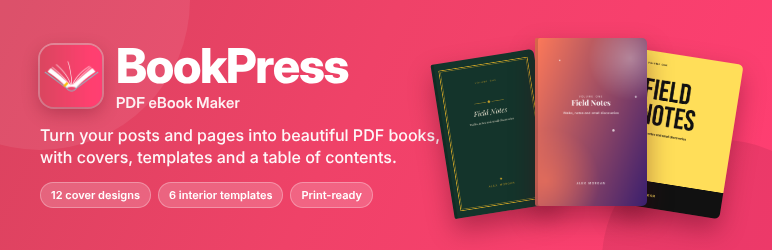
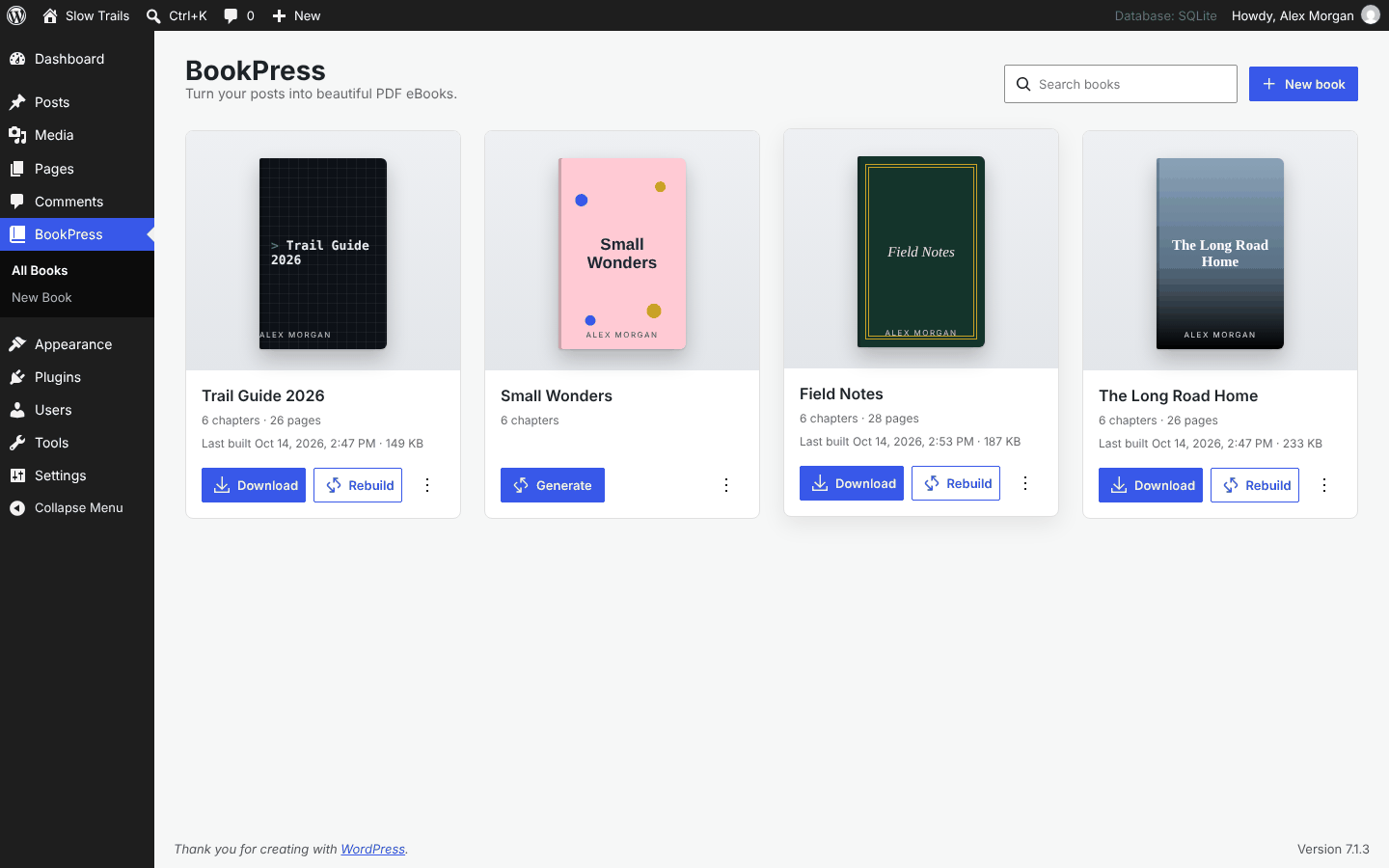
BookPress turns your WordPress content into a polished PDF book. Choose the posts, pages or custom post types you want, arrange them into chapters and parts, pick a cover and an interior template, and download a print-ready PDF from your dashboard. You don’t need any design or coding skills.
Formerly WP Book.
Video walkthrough
See every feature in five minutes, from choosing a cover to downloading the finished book:
A cover for every book
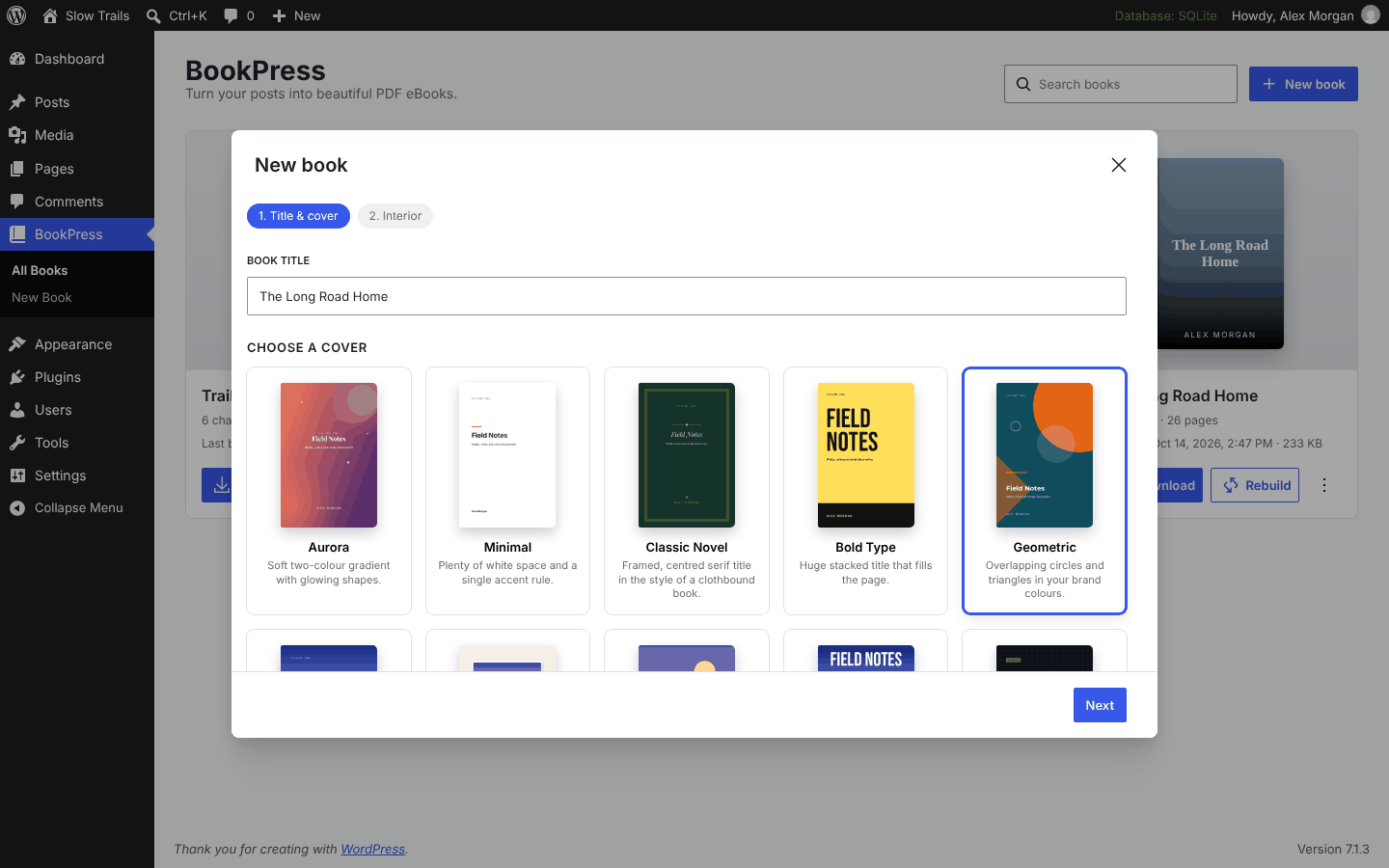
Choose from 12 cover designs and make them your own:
Full-bleed Photo, Photo Frame, Split and Magazine for covers with a picture
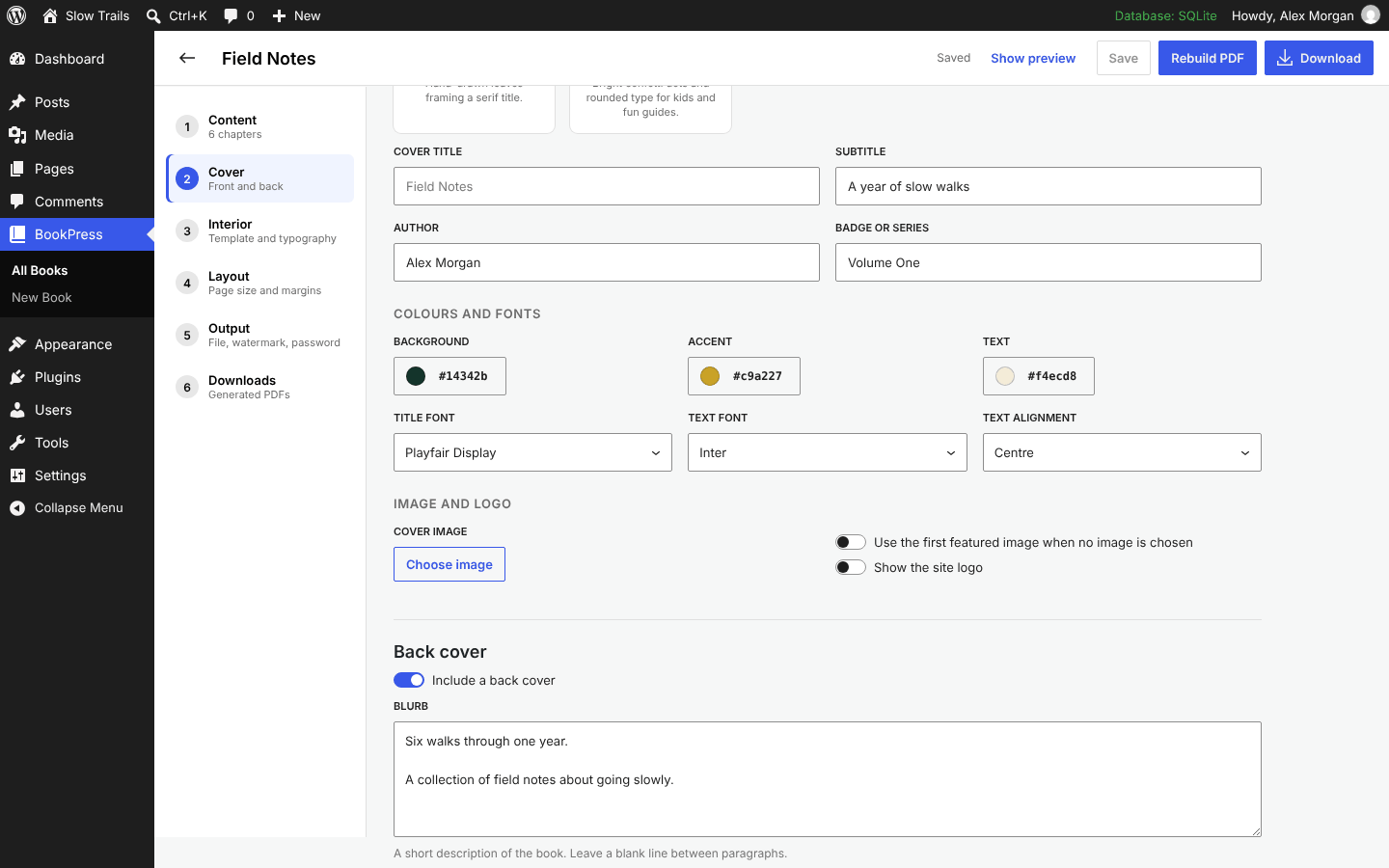
Set your own title, subtitle, author, series or volume badge, colours, fonts and alignment.
Auto cover: one click builds a cover from your theme’s colours, your site logo and the first featured image.
Back cover with a blurb, an author bio and a QR code that links to your site.
Print cover: back, spine and front on one sheet with bleed, ready for print-on-demand services. The spine width follows your page count.
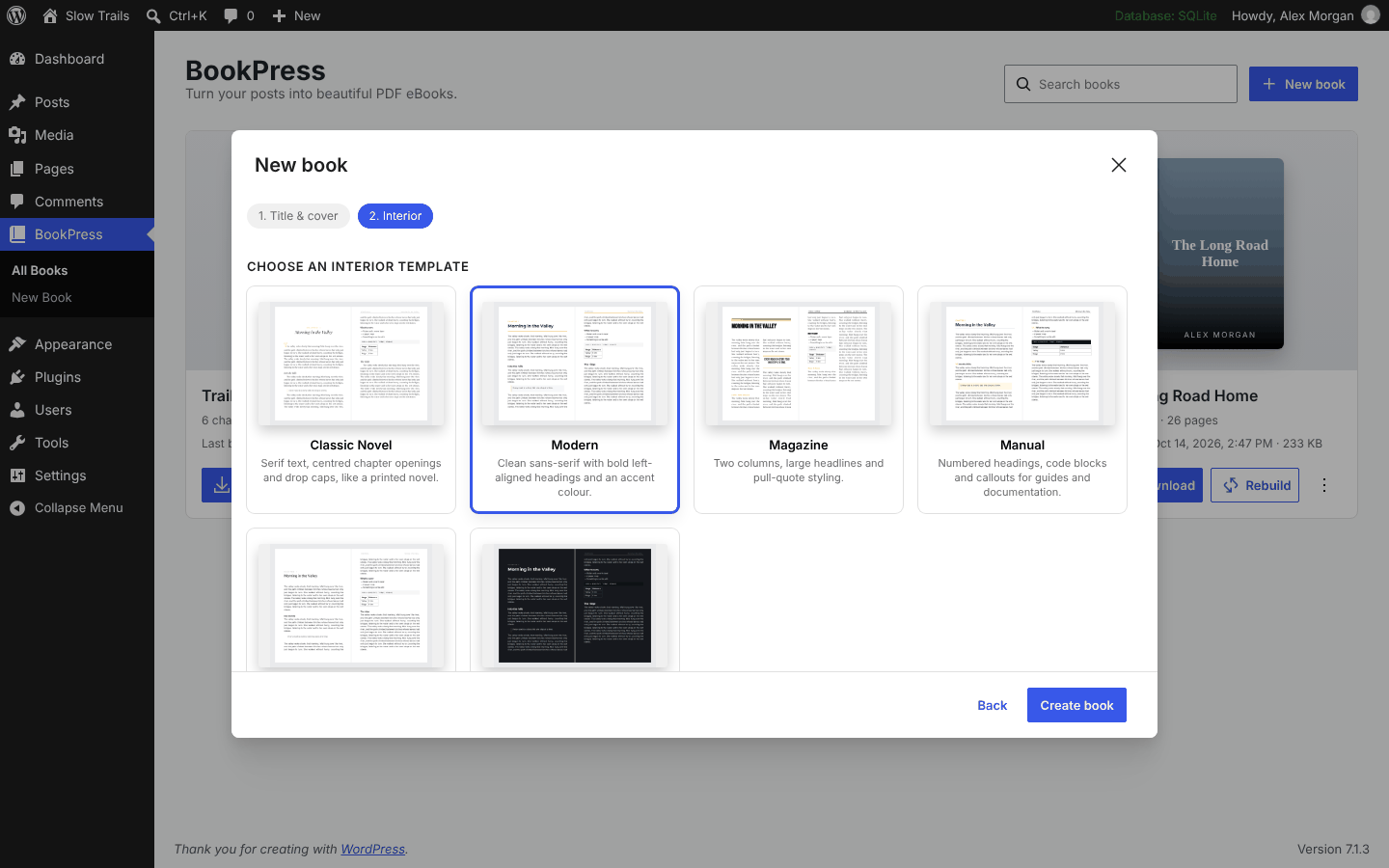
Interior templates
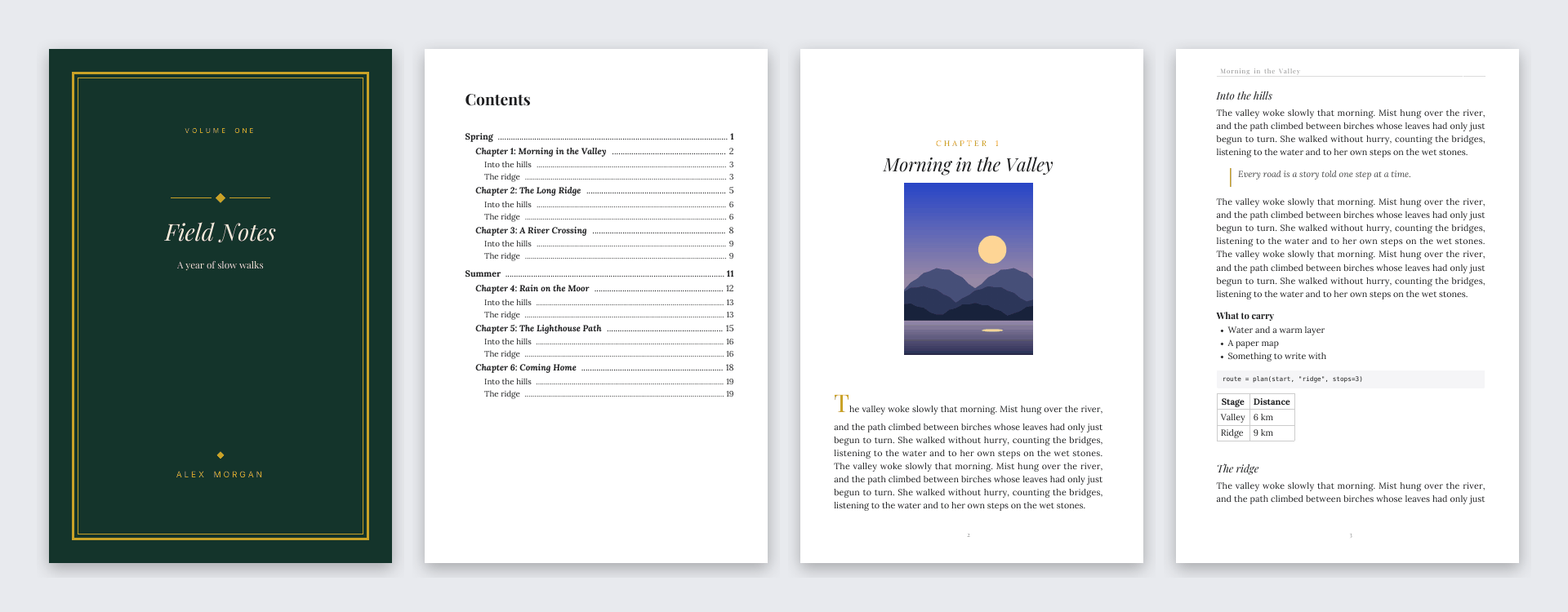
Classic Novel: serif text, centred chapter openings and a raised initial.
Modern: clean sans-serif with an accent colour.
Magazine: two columns, big headlines and pull quotes.
Manual: numbered headings, code blocks and callouts for documentation.
Minimal: quiet typography and generous margins.
Dark Reader: light text on dark pages for reading on screens.
Fine-tune the font, size, line height, justification, paragraph indents and drop caps.
Everything a real book needs
Title page, copyright page, dedication and preface
Automatic table of contents with page numbers and links
Chapter numbers and part dividers
Running headers with the chapter title, and page numbers
Mirrored margins and right-hand chapter starts for print
PDF bookmarks, metadata, an optional watermark and an optional password
Trade book sizes (6×9, 5.5×8.5, 5×8 and more) as well as A4, A5 and Letter
Built for real sites
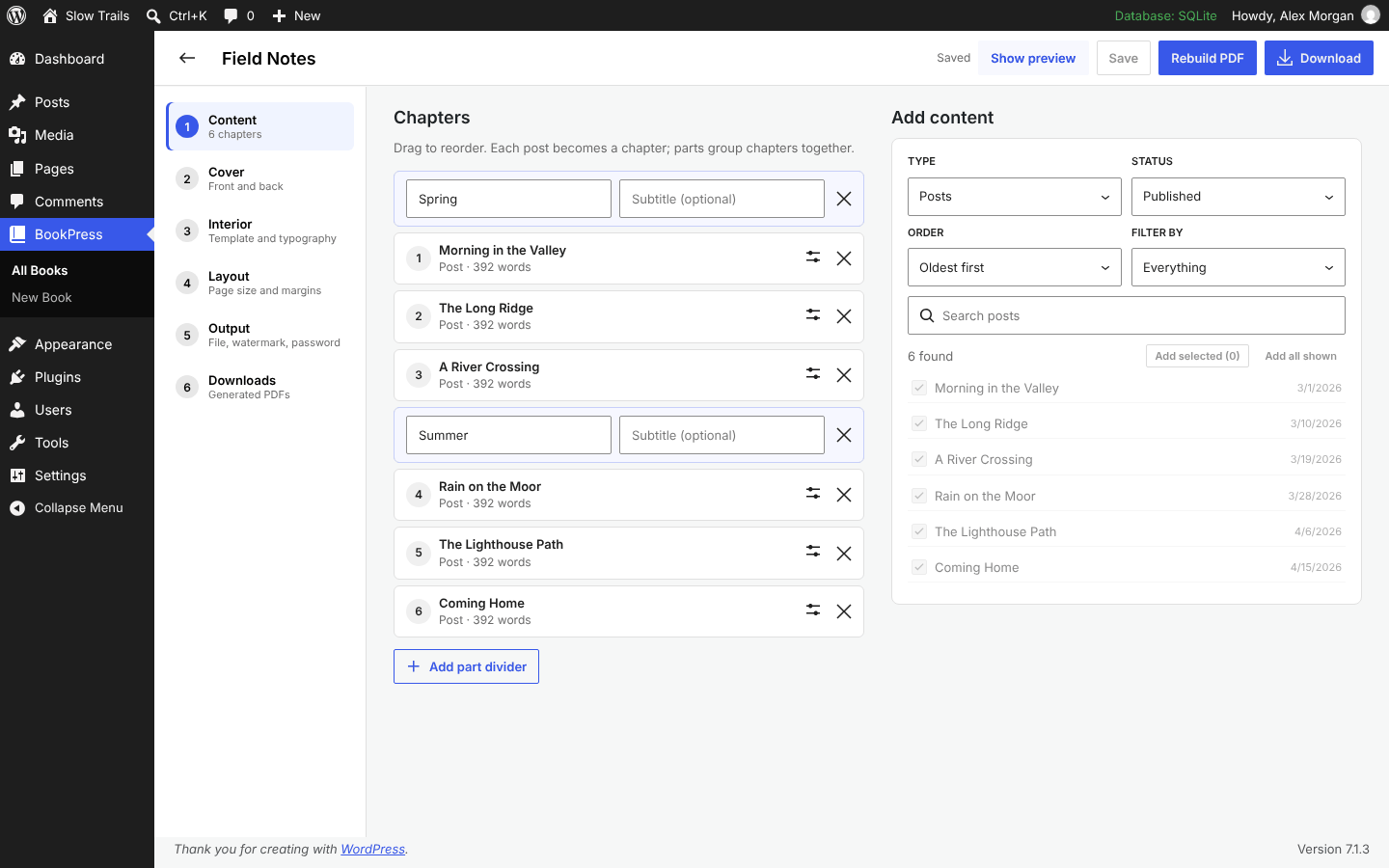
Drag-and-drop chapters: search and filter your content by type, status, category or tag, then reorder.
Live preview of the cover and sample pages while you edit.
Background generation with a progress bar, so long books don’t time out.
Download history: your last PDFs are kept and offered through a secure link that only logged-in editors can use.
Blocks and shortcodes are rendered; scripts, ads and remote content are left out.
Chinese, Japanese, Korean, Arabic, Hebrew, Indic and other scripts are supported with optional font packs, downloaded with one click.
Works on PHP 7.4 to 8.4.
Privacy
BookPress does not send your content anywhere. PDFs are created on your server and stored in a protected folder in your uploads directory.
External service: font packs
BookPress includes fonts for Latin, Greek and Cyrillic text. Fonts for other scripts (Chinese, Japanese, Korean, Arabic, Hebrew, Indic scripts and more) are large, so they are not bundled. When an administrator clicks Download under Interior → Languages, BookPress downloads these fonts from the open-source mPDF project on GitHub (raw.githubusercontent.com). Nothing is downloaded unless an administrator asks for it, and only the font files are requested: no content or personal data is sent. Each file is checked against a stored SHA-256 checksum before it is used. GitHub’s terms of service and privacy statement apply to these downloads.
Editors and administrators, meaning users with the edit_others_posts capability. Developers can change this with the wpbook_base_capability filter. A book only includes posts that the person generating it is allowed to read.
Where are the PDFs stored?
In wp-content/uploads/wp-book/books/, in a folder protected by deny rules and with random file names. Downloads go through a secure link that only logged-in users who can manage books can open.
My book has hundreds of posts. Will it time out?
No. Books are generated in the background using Action Scheduler, the same queue many popular plugins use, with progress shown in the editor. A 400-page book takes a few seconds on a typical server.
Can I print my book?
Yes. Choose a trade size such as 6 × 9 in, turn on mirrored margins, and enable Print cover in the Output step. You’ll get the interior PDF and a separate cover sheet with spine and bleed.
Can I customise the cover and template designs?
Yes. Copy any file from the plugin’s templates/ folder to a bookpress/ folder in your theme and edit it there. You can also add your own designs with the wpbook_covers and wpbook_templates filters.
I used WP Book 1.x. What happens when I update?
The old Settings → WP Book screen now opens BookPress. Custom templates added with the wp_book_get_templates filter appear as legacy interior templates. Books from 1.x were never saved, so there is nothing to migrate. Create a book and add your posts.
My book has Chinese, Japanese, Arabic or Hindi text. Why do I see empty boxes?
These scripts need fonts that are too large to bundle with the plugin. Go to Interior → Languages in the book editor and download the font pack for your language (an administrator must do this once), then build the book again. BookPress tells you after a build when a font pack is missing.
Which PHP and WordPress versions are supported?
WordPress 6.4 or later and PHP 7.4 or later, including PHP 8.4.