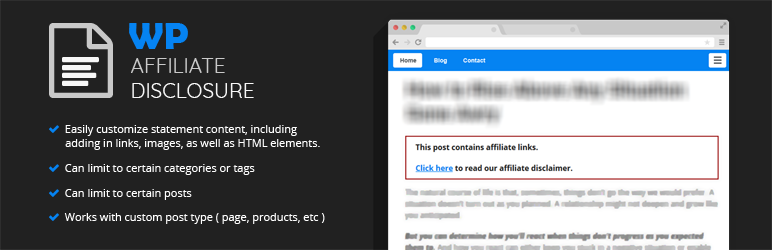
Automatically add a customizable, FTC-compliant disclosure statement across your WordPress website based on the rule(s) you define.
If you’re an affiliate marketer, blogger, or website owner, and you’re promoting products of companies from US, UK, or Canada, the FTC (Federal Trade Commission) requires you to tell your visitors that you will be compensated if they purchase something through your affiliate link(s).
However, adding the disclosure statement manually into each posts would be a hassle – But worries no more…
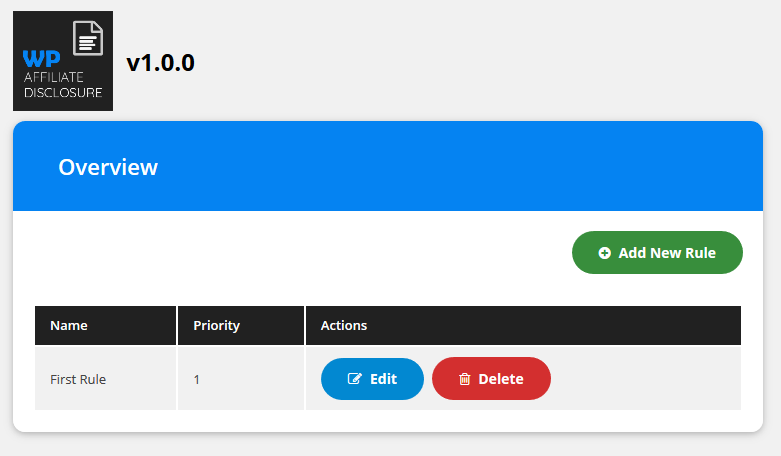
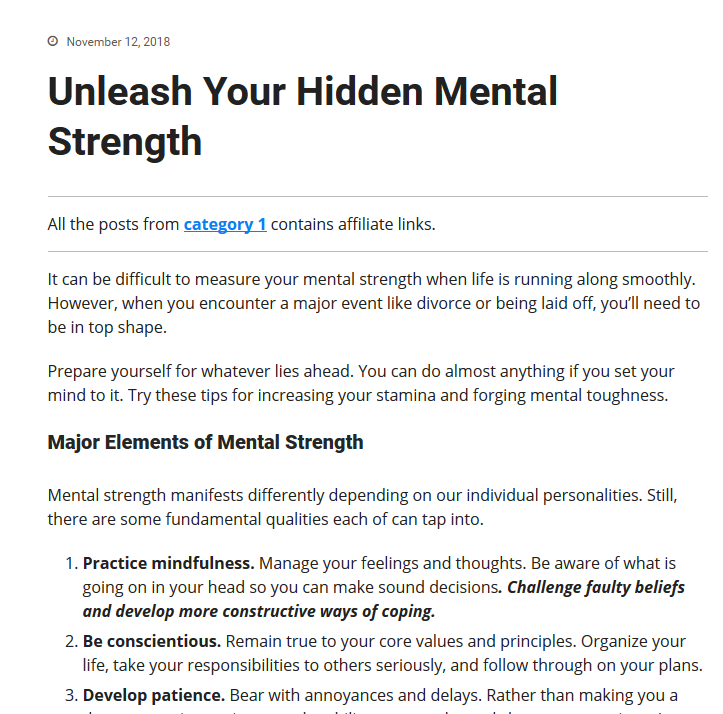
WP Affiliate Disclosure allows you to add a customizable, FTC-compliant disclosure statement that will automatically display across your WordPress website based on the rule(s) you define.
My disclosure is not showing on any posts
Check that you have a published rule, the display position is enabled, the post type and conditions match the post you are viewing, and any page or CDN caches have been cleared. Some custom themes and builder templates bypass WordPress’s standard content filter; in those cases, use shortcode placement or test with a default WordPress theme.
My disclosure shows on the wrong pages
Review the rule conditions. Use taxonomy slugs for category or tag targeting, post IDs for individual posts, and priority ordering when multiple rules can match the same post.
Can I change the disclosure statement?
Yes. You can.
Can I add links into the statement?
Yes. You can.
Can I add images into the statement?
Yes. You can.
Can I limit to which post the statement is shown?
Yes. You can.
Can I specify which post the disclosure statement should display?
Yes. You can.
Can I specify only posts with a certain categories that should show the disclosure statement?
Yes. You can.
Is the plugin compatible with all WordPress themes?
WP Affiliate Disclosure is compatible with most of the themes that follow wordpress coding practices and standards. However, since every wordpress themes has its own coding structure, it’s pretty difficult to promise that this plugin will absolutely work with just any themes in the market.
Does the plugin work with Oxygen Builder?
Oxygen Builder renders post content through its own template pipeline and does not call WordPress’s standard the_content filter. This means automatic filter-based disclosure insertion will not work for pages built with Oxygen. To add a disclosure on Oxygen-built pages, use the Affiliate Disclosure block directly inside your Oxygen template, or insert the [affiliate_disclosure] shortcode in a Code Block element within your Oxygen layout.
Does version 1.5 change anything for the Classic Editor?
No. Automatic disclosures, the [wpadc] and [affiliate_disclosure] shortcodes and your rules work exactly as before. The block, sidebar and patterns only appear in the Block Editor.
What happens if I add the block to a post that already has an automatic rule?
The block wins. The post shows one disclosure: the block’s. Automatic insertion is skipped for that post only when the block would actually show a disclosure; an empty or broken block never removes your automatic disclosure.
Where is Import / Export?
Under WP Affiliate Disclosure > Tools in the WordPress admin menu. Export downloads a JSON file with your rules, templates, settings and styling. Import shows a preview of what will change before anything is written. Choose Merge to add to the existing rules or Replace to overwrite them; Replace saves a backup of what it overwrote, which you can download.
Moving settings between sites
Export on the old site, then import the file on the new site. Rules that target specific posts or terms are matched by slug on the new site; anything that cannot be found is listed in the preview as a warning so you can fix it. Files made by a newer version of the plugin are refused with a clear message.
Per-post overrides apply to the post, not to one rule
In the editor sidebar you can disable the disclosure for a post or override its text, placement or style. An override applies to every automatic rule that matches that post. If you set a placement, only the first matching rule (by priority) is shown, once, at that position. If you set only the text and two rules match (one before, one after), both show the override text. The [wpadc] shortcode in the post also uses the override text and style unless the shortcode sets its own text, template, style or rule attribute; [wpadc rule="N"] always shows rule N’s own text and style.
I put the disclosure block in a header or footer template part
Block themes can place the block in a template part. Header: the block’s disclosure is shown and the automatic one is skipped. Footer: both may show (a duplicate, never a missing disclosure). To stop the duplicate, add add_filter( 'wpadc_post_has_disclosure_block', '__return_true' ); for the affected post types, turn on “Disable for this post”, or use a rule whose position is shortcode only.
I hid the disclosure block (or the group it is in)
A block hidden with the editor’s Hide option, or hidden on some screen sizes, does not count as a disclosure. The automatic disclosure is shown instead, so it is never missing. If the block is hidden only on some screen sizes, both disclosures may show on the screen sizes where the block is visible. To avoid that, leave the block visible everywhere or turn on “Disable for this post”.
What happens to the block if I deactivate the plugin or go back to 1.4?
The block also saves a plain-text copy of its disclosure in the post. While the plugin (1.5 or later) is active, the copy is never shown: the block is rendered fresh with your current text and style. If the plugin is deactivated, or rolled back to 1.4.x (which does not know the block), WordPress shows the plain-text copy instead, so the post still has a disclosure. The copy is updated each time you save the post in the block editor; if you later change a rule’s or template’s text, the copy keeps the old text until the post is saved again. If such a post also matches an automatic rule in 1.4.x, both may show.
Developers: emptying the block with the wpadc_block_render filter
If a wpadc_block_render filter returns an empty string for a disclosure block in the post content, the plugin still treats the post as having a block and skips the automatic disclosure, so the post shows none. When your filter empties a block, also return false from wpadc_post_has_disclosure_block for that post so the automatic disclosure is shown.
Is the plugin translation ready?
Yes, absolutely! The plugin comes with a PO file that you can use to translate WP Affiliate Disclosure to any desired language.