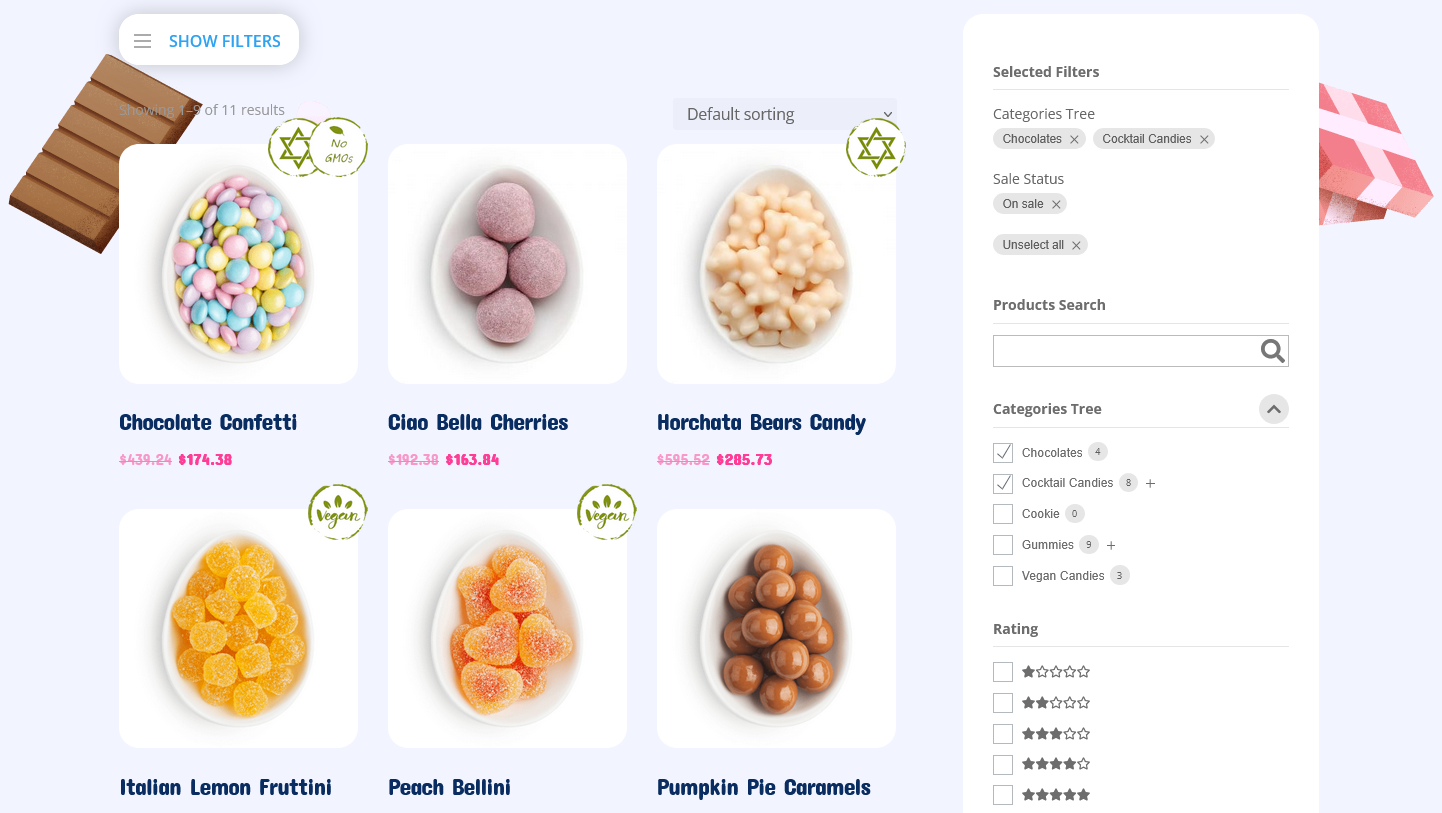
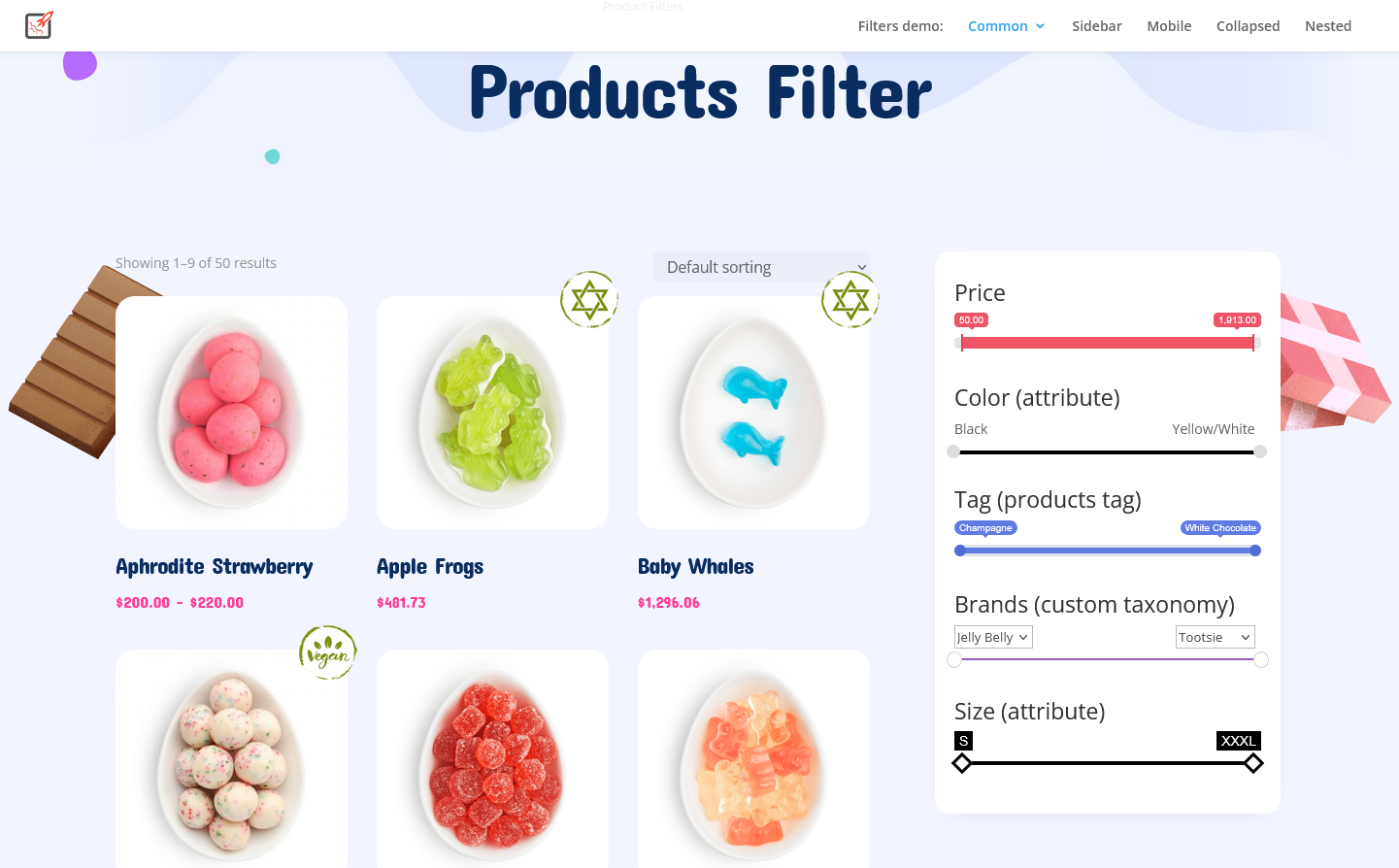
⚡ WooCommerce product filters, ready in one click.
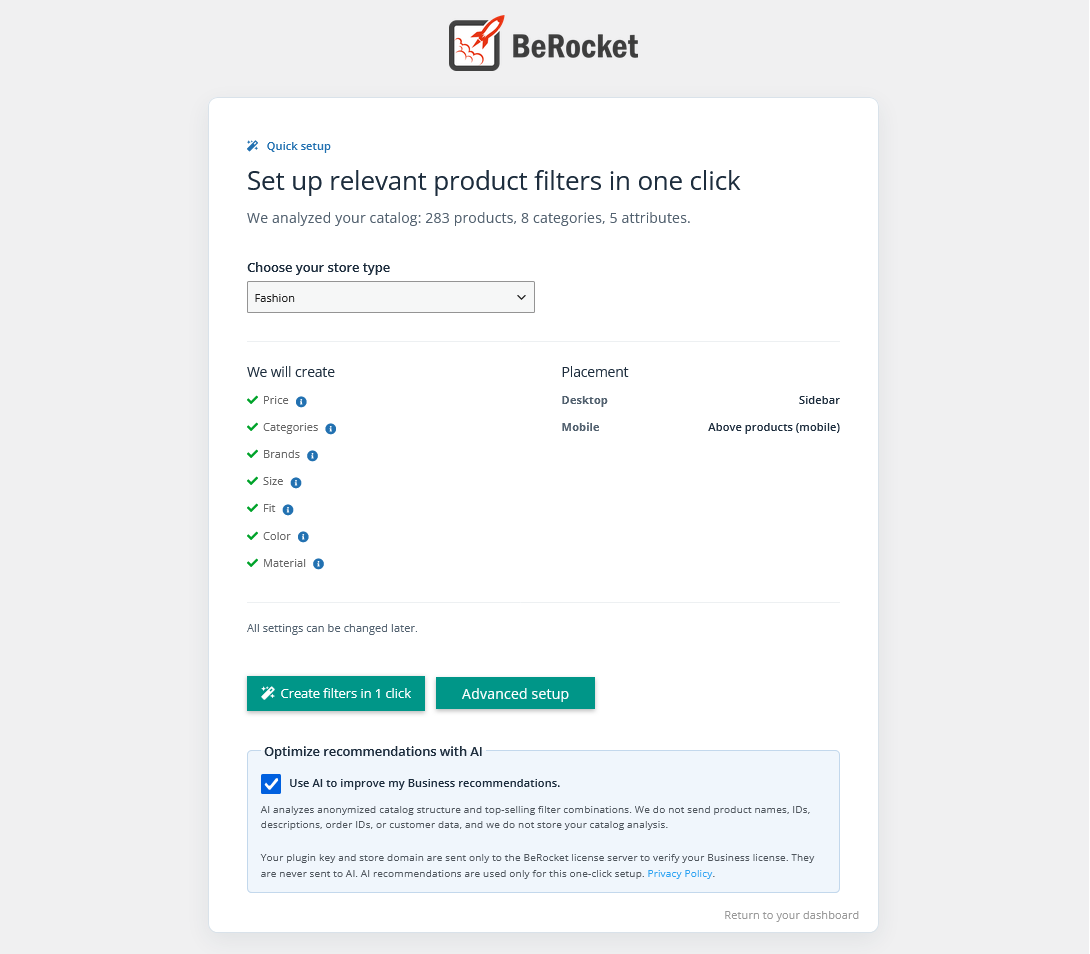
Advanced AJAX Product Filters analyzes your catalog, recommends useful filters, and creates responsive desktop and mobile filter groups automatically.
No coding and no lengthy setup. You can edit every filter later.
New: One-click filter setup
* Detects useful product categories and attributes
* Creates Price, Categories, Brands, Color, Size and other relevant filters
* Places filters on desktop and mobile
* Avoids duplicate filter definitions
* Works with your existing WooCommerce catalog
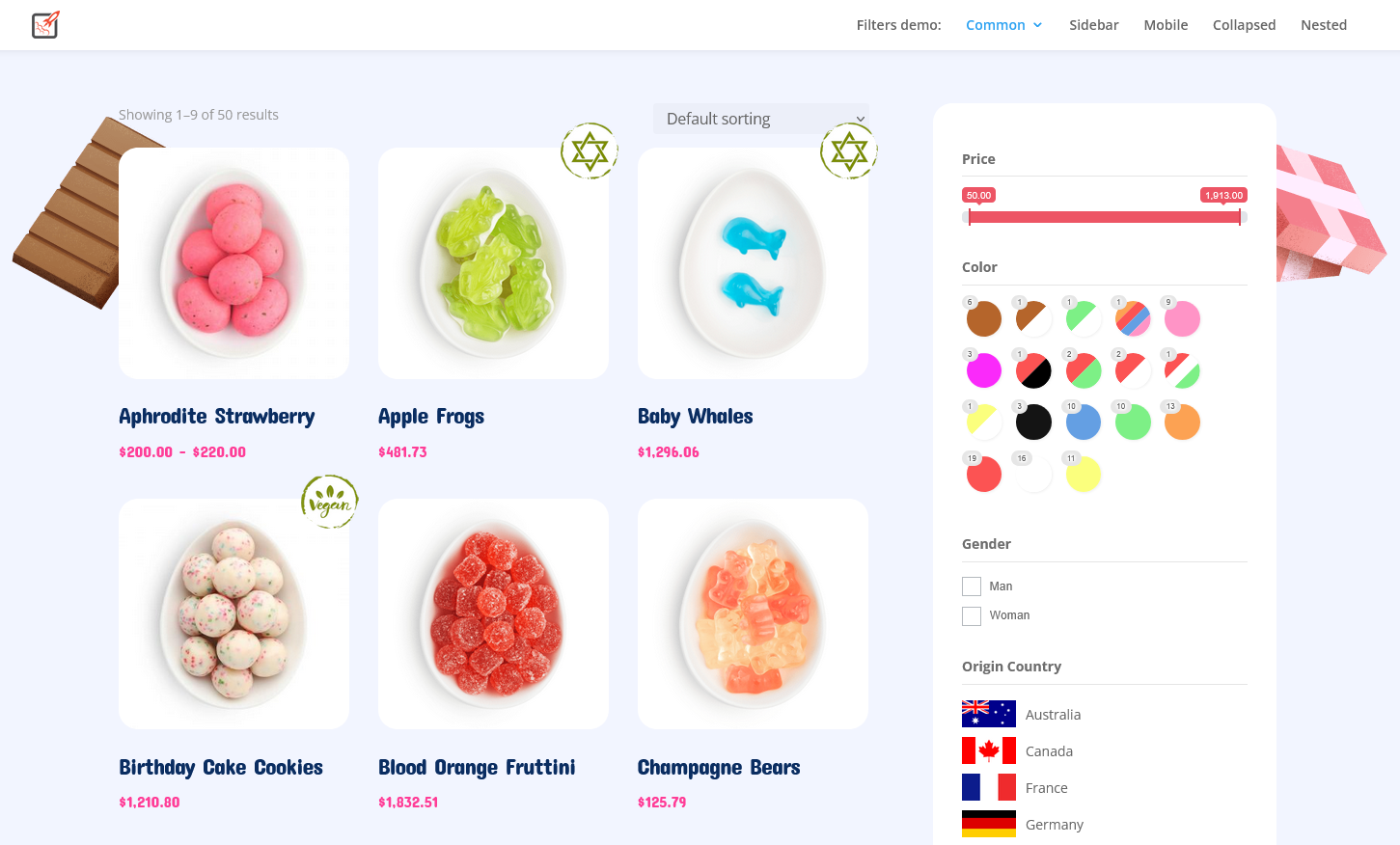
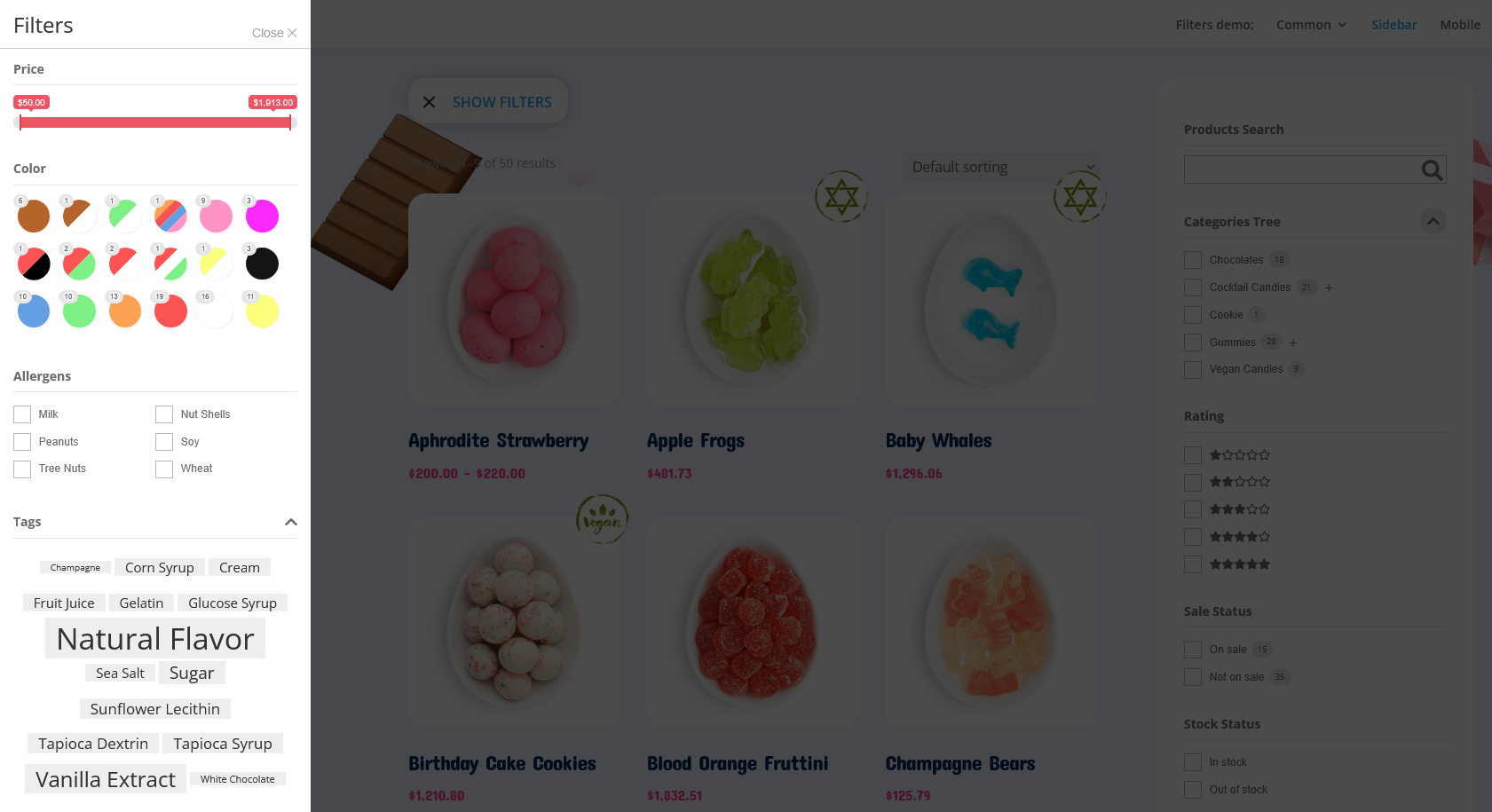
Give your customers the power to find products instantly. WooCommerce Ajax Products Filter lets users filter, sort, and search products without reloading the page. Fast, flexible, and compatible with most themes and page builders.
Already packed with features in the free version, and even more powerful with Pro and Business versions.
✨ Free Features
Everything you need to create professional product filters:
Ajax Filtering, Pagination and Sorting – update results instantly without reloading.
Drag & Drop Filter Builder – design filters with ease.
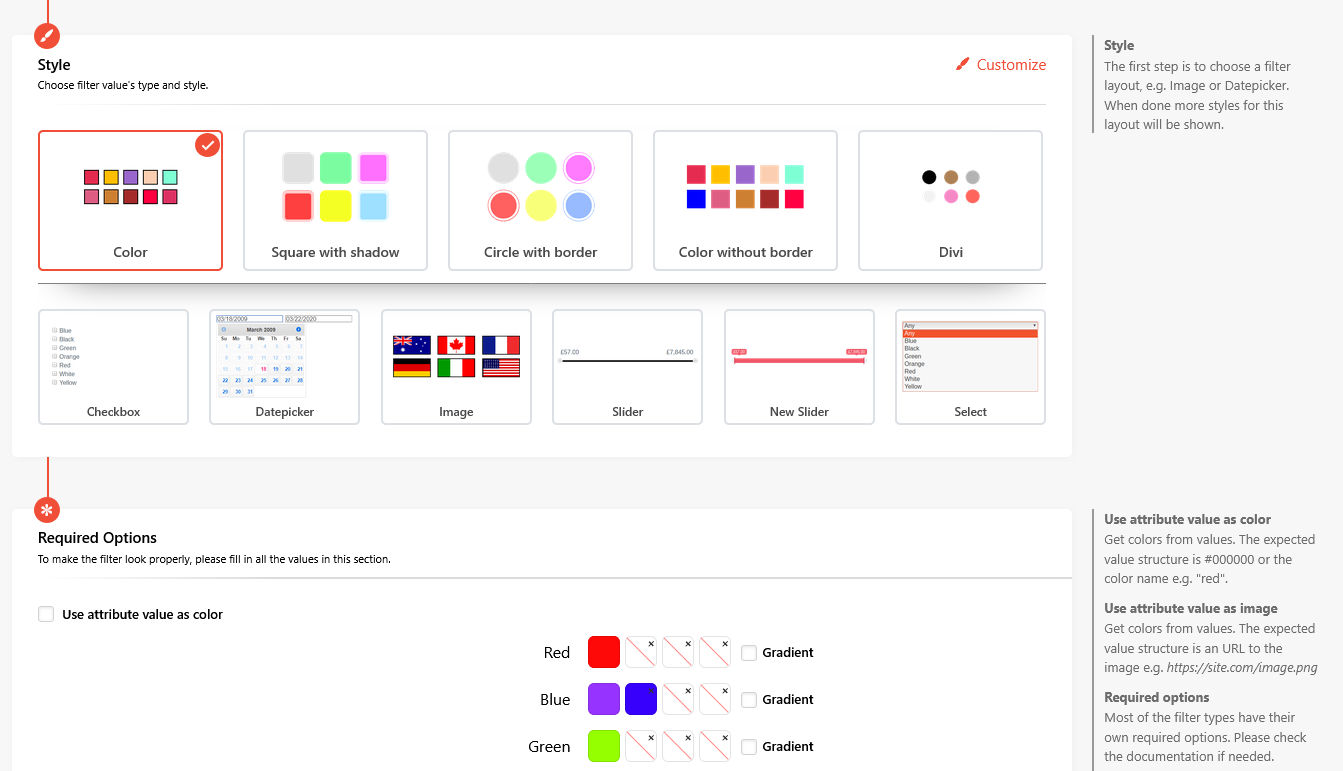
Filter Types: checkboxes, dropdowns, radio buttons, sliders, color/image swatches.
Filter Layouts: collapse on load, collapse on title click, nested filters, hierarchical display, limit height with scroll, hide extra values under “Show More” button.
In editor [br_filters attribute=price type=slider title="Price Filter"]
In PHP do_shortcode('[br_filters attribute=price type=slider title="Price Filter"]');
⚙️ Shortcode Options:
attribute(required) – product attribute, e.g. price or length. Don’t forget that WooCommerce adds the pa_ suffix for created attributes.
So if you create a new attribute jump, its name is pa_jump
type(required) – checkbox, radio, slider or select
operator – OR or AND
title – whatever you want to see as a title. Can be empty
product_cat – parent category id
cat_propagation – should we propagate this filter to child categories? Set 1 to turn this on
height – max filter box height. When height is met, the scroll will be added
scroll_theme – used if height is set and actual height of the box is more
Yes, the plugin is compatible with most themes for WooCommerce. If you experience any issues, we provide ways to adjust via custom code or settings.
Can I use this plugin with Elementor / Divi / Beaver Builder?
Yes, the plugin integrates with popular page builders and works inside custom layouts.
Is it translation ready?
Yes, you can translate all texts via .po/.mo files or from the plugin’s settings page.
Do I need coding knowledge to use this plugin?
No coding is required. Filters can be built with drag-and-drop. Developers can use hooks for advanced customization.
What’s the difference between Free, Pro, and Business?
The free version includes everything most stores need. Pro adds advanced filter types, SEO options, and styling. Business adds filter statistics, custom SEO per page, and priority support.
How can I get support if my WooCommerce plugin is not working?
If you have problems with our plugins or something is not working as it should, first follow these preliminary steps:
Test the plugin with a WordPress default theme to ensure that the error is not caused by the theme you are currently using.
Deactivate all plugins you use and check if the problem is still occurring.
Ensure that your plugin, theme, and WordPress and WooCommerce versions (if required) are updated and that the problem you are experiencing has not already been solved in a later plugin update.
If none of the previously listed actions help you resolve the issue, please submit a ticket in the forum and accurately describe your problem. Specify the versions of WordPress and WooCommerce you are using, as well as any other information that may assist us in resolving your issue as swiftly as possible. Thank you!
How can I get more features for my WooCommerce plugin?
You can get more features with the premium version of Advanced AJAX Product Filters, available on BeRocket page. Here you can read more about the premium features of the plugin and make it give it its best shot!
How can I try the full-featured plugin?
You can try this plugin’s admin side here. Configure plugin the way you need to check the results.
Feature – Added full-width and start, center, and end alignment options for the Apply Filters button.
Feature – Added Outline selected-filter chips with thin borders and visible keyboard focus.
Feature – Added a customizable label before selected filters, separately for widgets and the area above products.
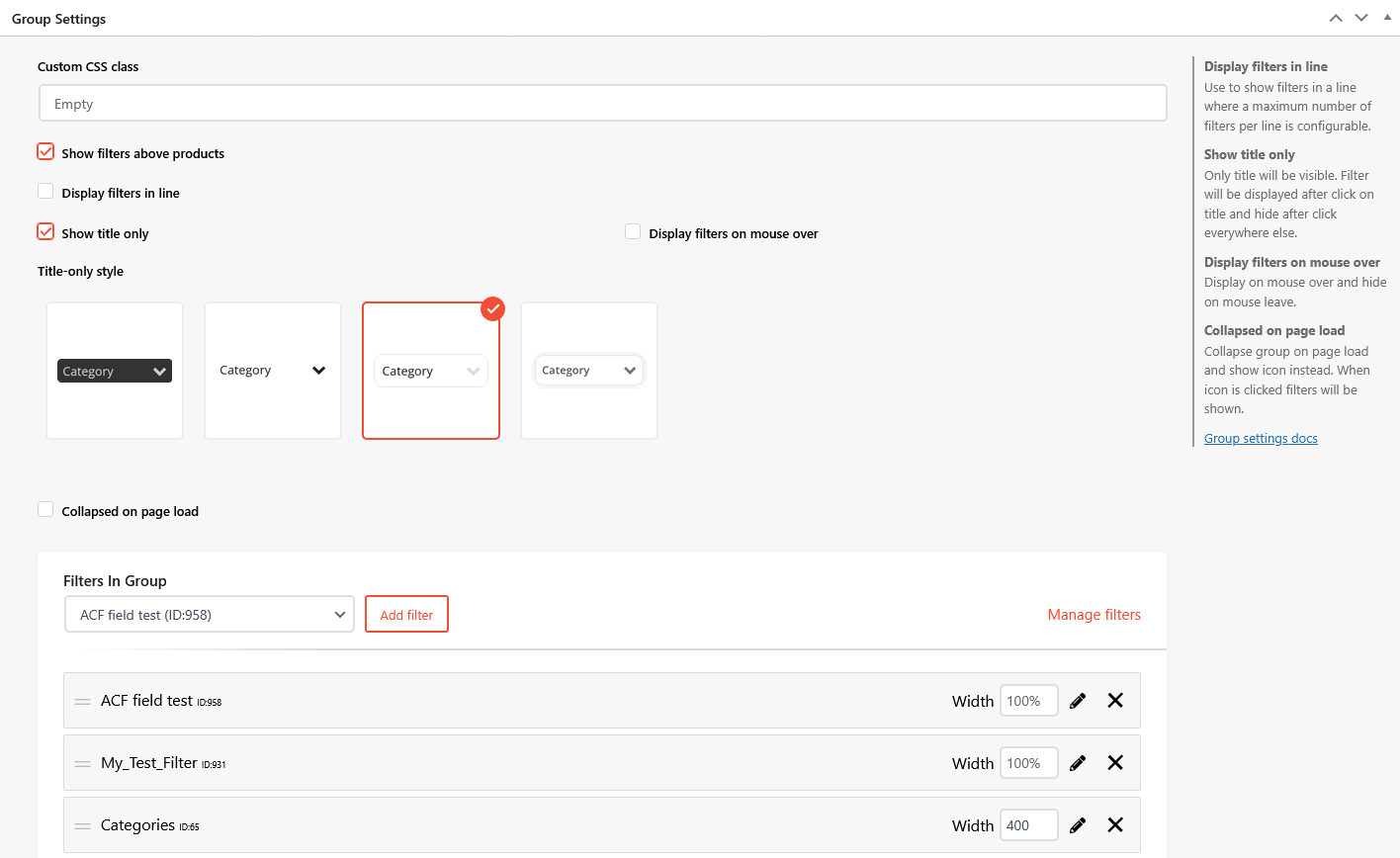
Feature – Added five title-only group styles and five collapse button styles in Pro.
Feature – Added filter container background, border, and corner radius controls in Business.
Feature – Added filter header background, inner padding, bottom divider, and header-to-body margin controls in Business.
Fix – Matched filter header corners to rounded container borders, including collapsed and title-only filters.
Fix – Improved Customize column widths, hidden empty sections, color picker fields, and selected-filter label alignment.
Fix – Prevented stale Woodmart infinite scroll responses during AJAX filtering.
Security – Hardened malformed AJAX filter parameters in Flatsome, WPBakery, and Business One-Click AI integrations.
Enhancement – Updated seasonal admin notices and BeRocket Framework to 3.1.5.
3.4
Feature – Added compact Select2 multiple-selection displays: selected count or first value plus remaining count, including Select2 Classic.
Feature – Added Compact, Soft and High contrast filter design presets.
Feature – Added optional selected-value counts beside multi-select filter titles, updated after AJAX filtering and reset.
Enhancement – Improved filter import/export, group references, and default settings.
Fix – Improved variation filtering and cache updates, hierarchical taxonomy URLs, ID sliders, and color filter styles.
Enhancement – Updated BeRocket Framework to 3.1.3 with CDN release metadata, reduced updater API traffic, isolated invalid catalog records, improved banner tracking, and an SVG account icon.
Enhancement – Updated compatibility declarations for WordPress 7.1.3 and WooCommerce 11.2.1.
3.3
New: Added optional selected-value badges beside multi-select filter titles, with plain numbers on grey circles. Available with or without minimization, in expanded and collapsed filters; counts update during AJAX filtering and reset. Price and single-selection filters are excluded.
New: Added optional Compact, Soft and High contrast filter design presets in all editions. Existing designs remain unchanged by default.
New: Added BeRocket Single Filter and BeRocket Filter Group blocks for the Gutenberg editor.
Improved: Gutenberg previews now load the existing filter styles and safely hydrate sliders and select controls.
Improved: Gutenberg selectors show published filters and groups to WooCommerce managers, with cached editor data.
Security: Hardened Gutenberg server previews, selector data and slider labels.
3.2.3.2
Hotfix: Fixed the Business Filter Statistics Regenerate and Clear buttons in the Product Filters settings form.
3.2.3.1
Fix – Load the slider script for the Divi filter style.
3.2.3
Enhancement – Added an SEO title template that leaves the page title unchanged and improved per-page SEO settings.
Enhancement – Added WPML translation support for Business SEO meta title, H1 title and meta description.
Enhancement – Updated Divi 5 filter module labels.
Enhancement – Updated framework.
Security – Hardened framework validation and output handling.
Fix – Correct Selected Filters Area visibility when filters yield no selections.
Fix – Use the product table collation when regenerating Additional Tables.
3.2.2
New: Business AI recommendations for one-click filter setup.
New: Business AI can create a Featured Products intelligent filter from recent sales patterns.
New: Featured Products can include 5–7 diverse, sales-backed product combinations using real WooCommerce attributes.
New: Clean public URLs for Intelligent Filters without the internal bgt_ prefix.
Improved: Featured Products use natural customer-facing labels and SEO-friendly value slugs.
Improved: Featured Products are placed after Brands, ahead of lower-priority filters such as Size and Material.
Improved: AI recommendations prioritize useful product diversity instead of creating multiple color variations of the same product profile.
Improved: The AI option clearly explains when recent sales data is insufficient and becomes available automatically when useful combinations are found.
Improved: Existing one-click setups can receive newly recommended filters without duplicating definitions or overwriting manually edited groups.
Improved: Legacy Intelligent Filter URLs with the bgt_ prefix redirect to clean canonical URLs.
Improved: Reduced memory usage when processing variation attributes in large catalogs.
Improved: More reliable AI processing with caching, request locking, strict response validation and automatic fallback to standard recommendations.
Security: Improved validation of Product Table requests and Divi heading settings.
Fix: JavaScript-generated Intelligent Filter URLs no longer restore the internal bgt_ prefix.
Fix: AI opt-in no longer invalidates the prepared catalog analysis before processing.
Fix: Reused filter definitions no longer incorrectly fail the one-click health check.
Fix: Featured Products now use the correct filter type, admin title, URL slug and placement in desktop and mobile groups.
Fix: Several filter style and compatibility issues.
3.2.1
New: Set up relevant product filters in one click from the setup wizard or the empty Product Filters page.
New: One-click setup analyzes the catalog and recommends useful filters such as Price, Categories, Brands, Color, Size, Availability, On sale, Rating, and Tags.
New: One-click setup creates responsive desktop and mobile filter groups while reusing the same filter definitions.
New: Improved automatic placement detection for shop sidebars, with reliable plugin-controlled fallbacks.
New: Pro and Business store type presets: Fashion, Electronics, Furniture, Auto parts, Cosmetics, and General store.
New: Smooth Check filter style for Pro and Business.
Improved: One-click Categories use the Smooth Check style in Pro and Business, with Grey Check fallback in Free.
Improved: Better default styles for color, brand, checkbox, price, and category filters created through one-click setup.
Improved: Faster and more reliable Additional Tables generation for large catalogs.
Improved: Better handling of existing one-click filters and groups without duplicate filter definitions.
Security: Hardened Product Filter editor output against stored cross-site scripting.
Security: Hardened Additional Tables attribute handling against SQL injection.
Security: Hardened WPBakery compatibility output against reflected cross-site scripting.
Fix: Prevented Additional Tables generation status from repeatedly resetting during generation.