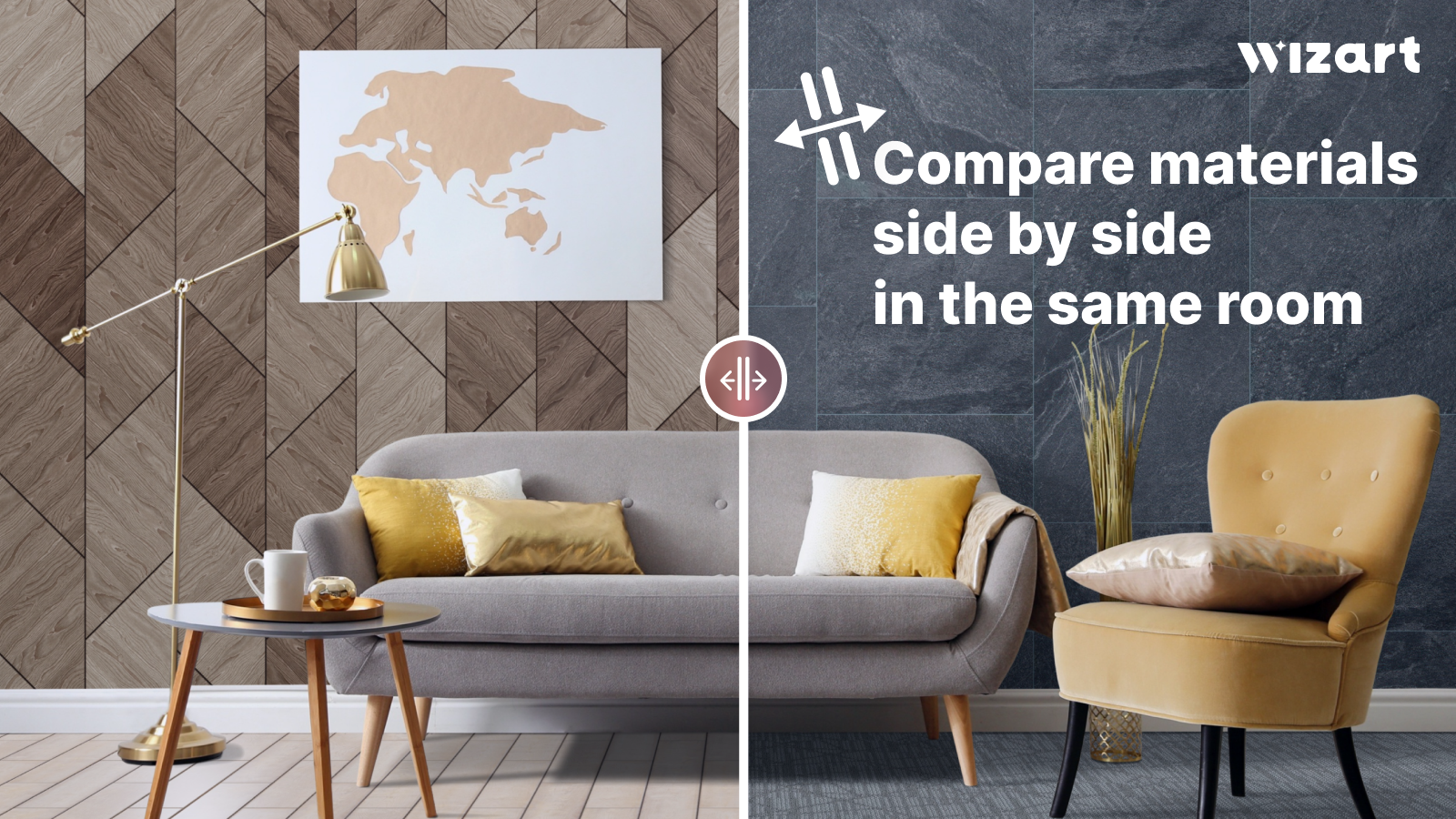
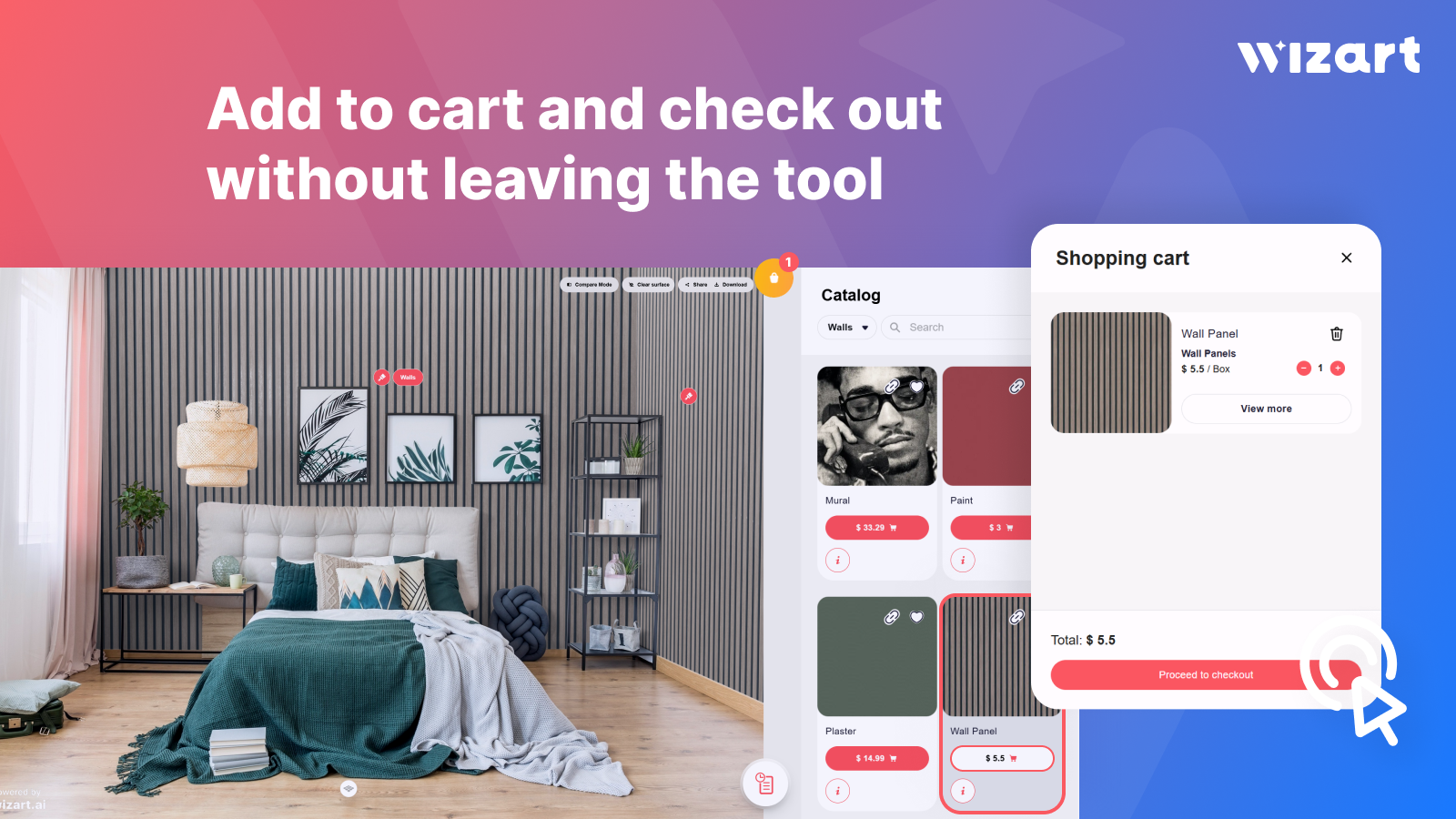
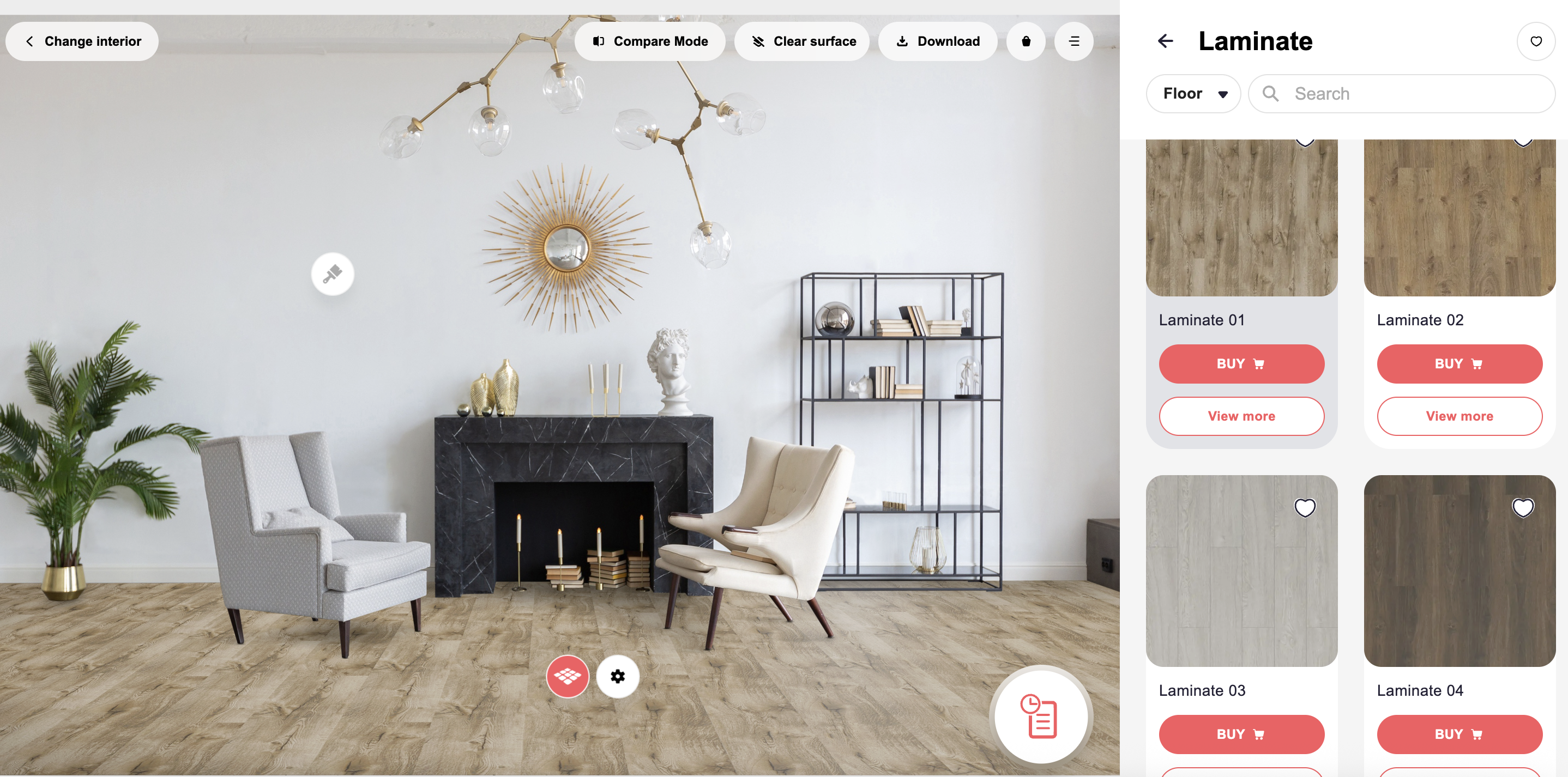
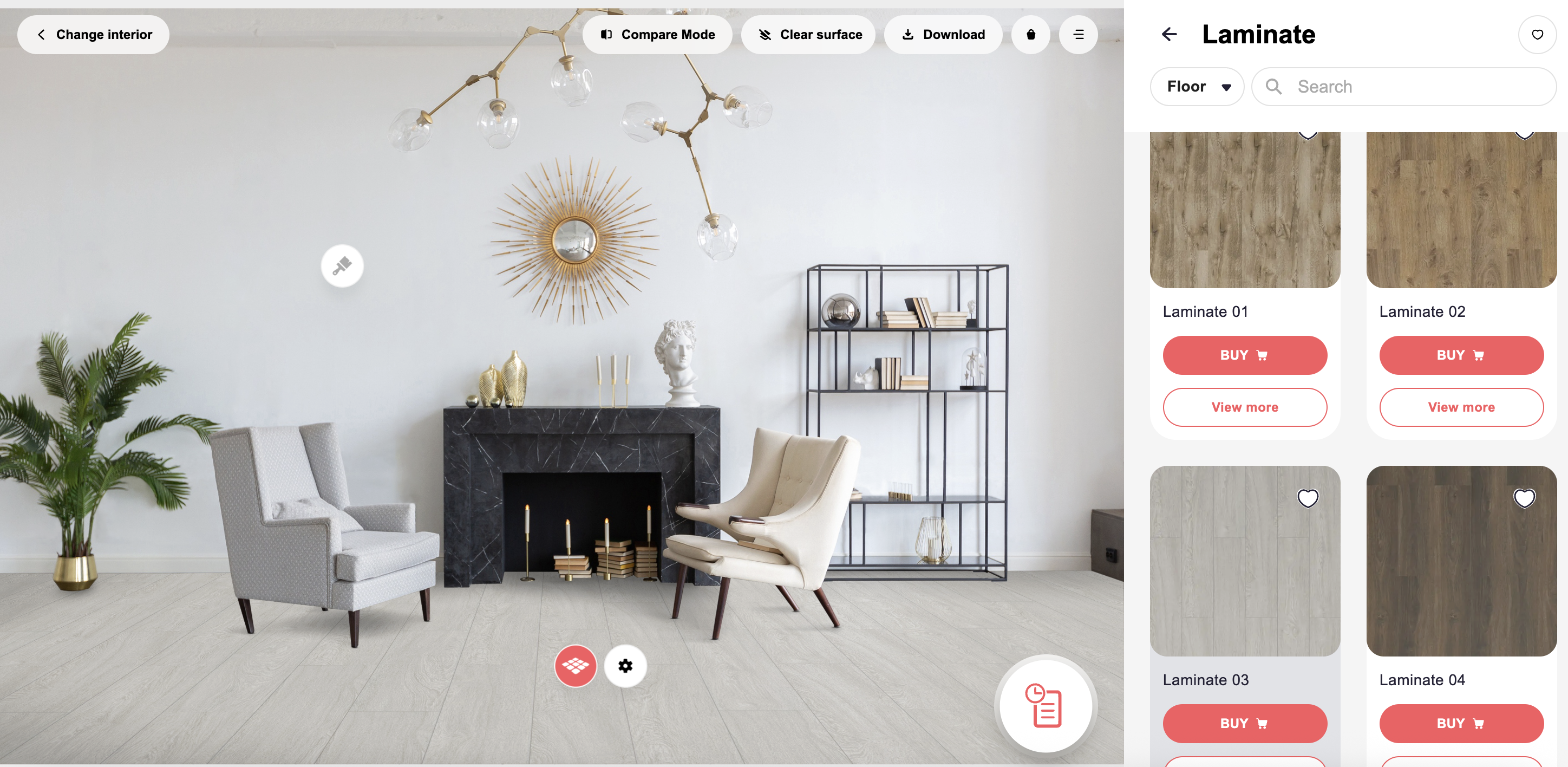
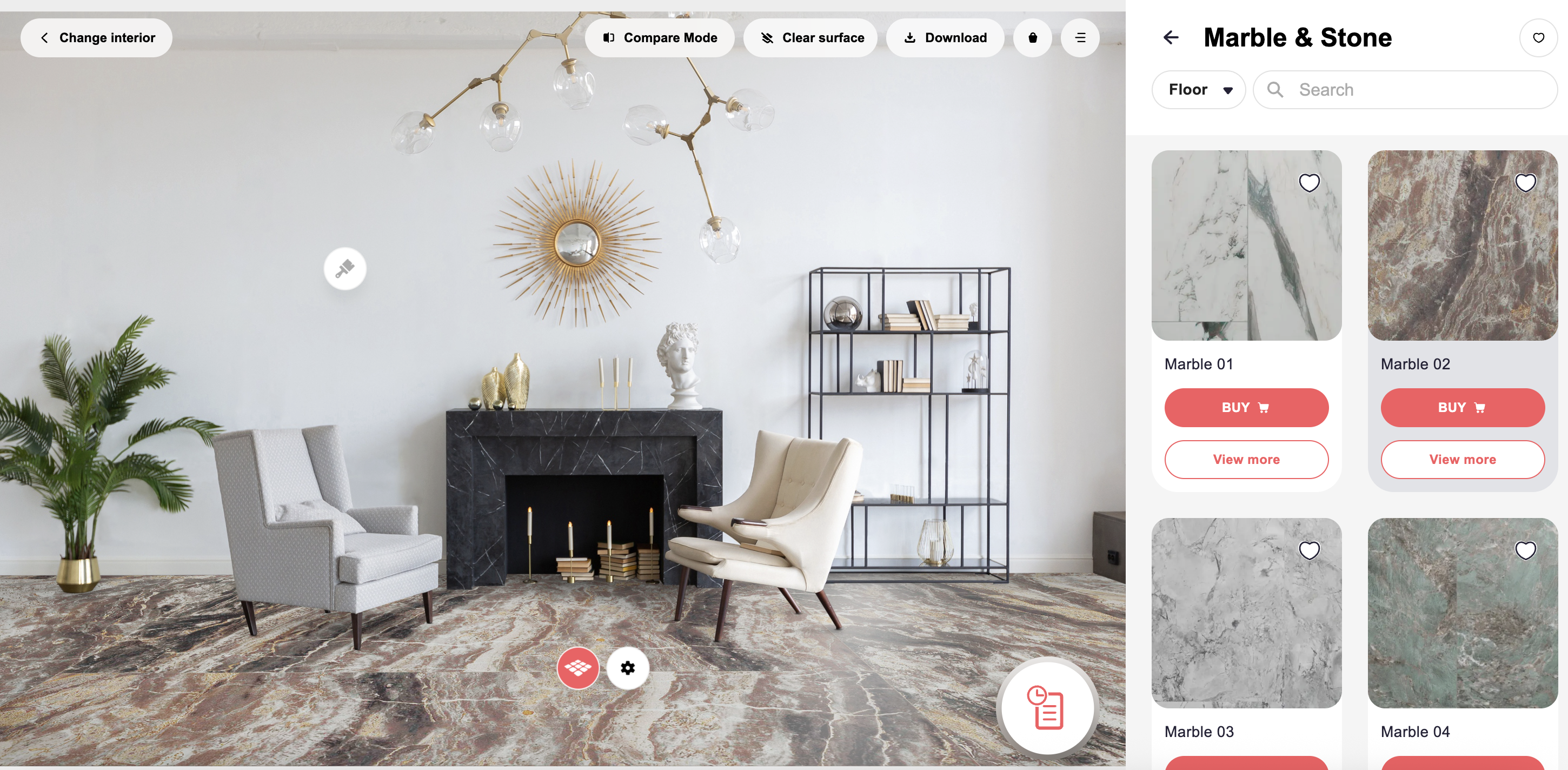
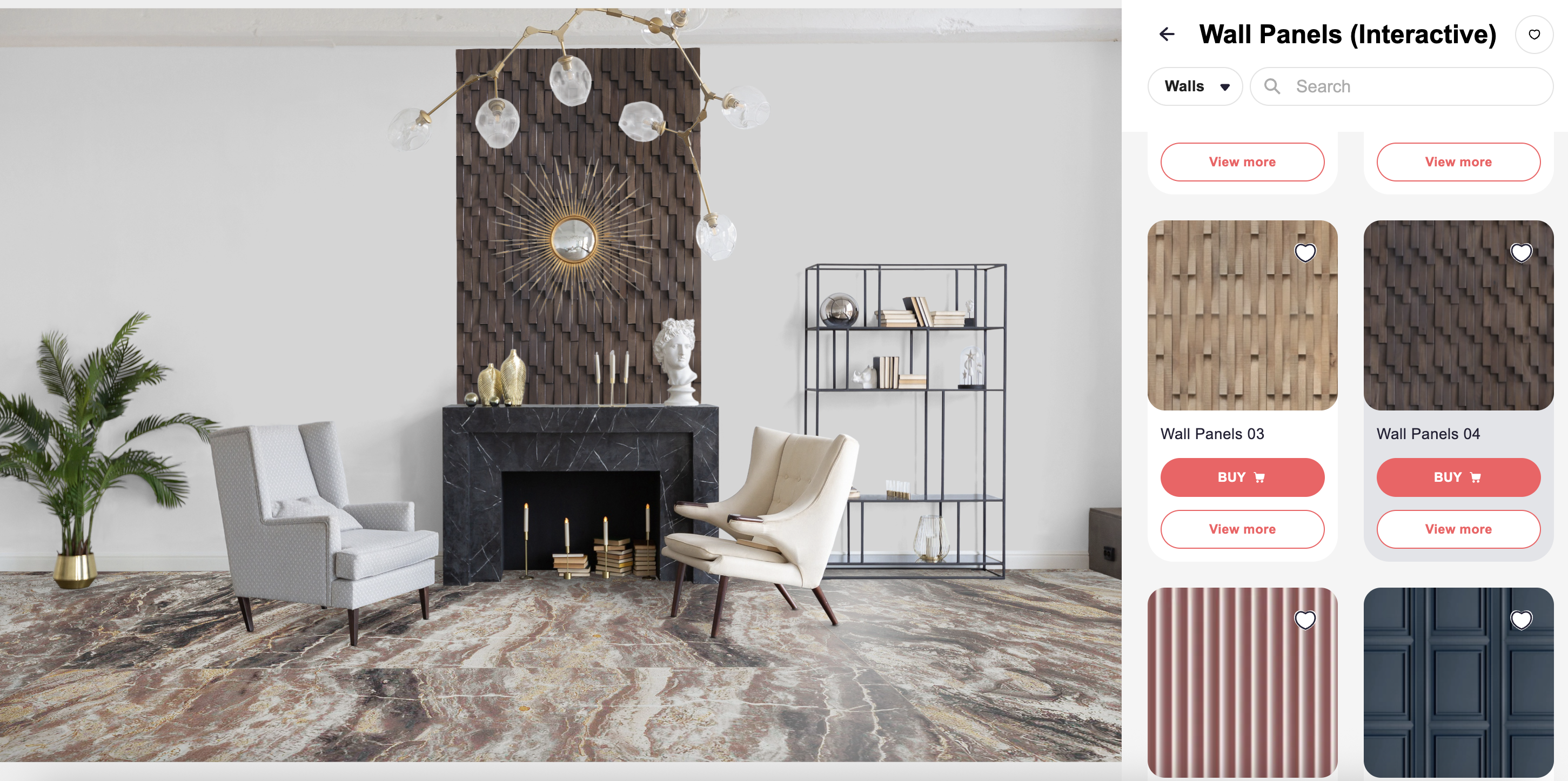
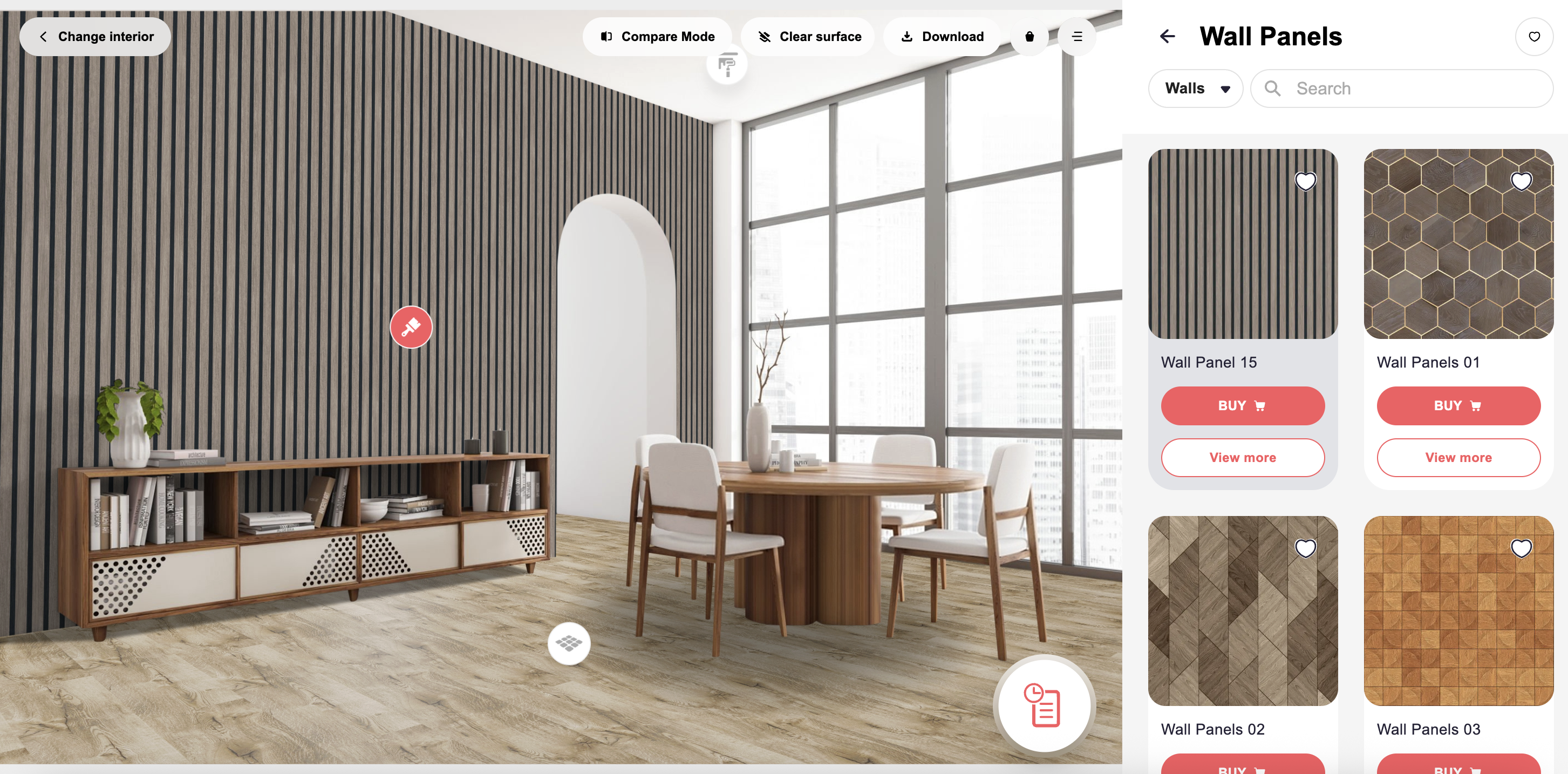
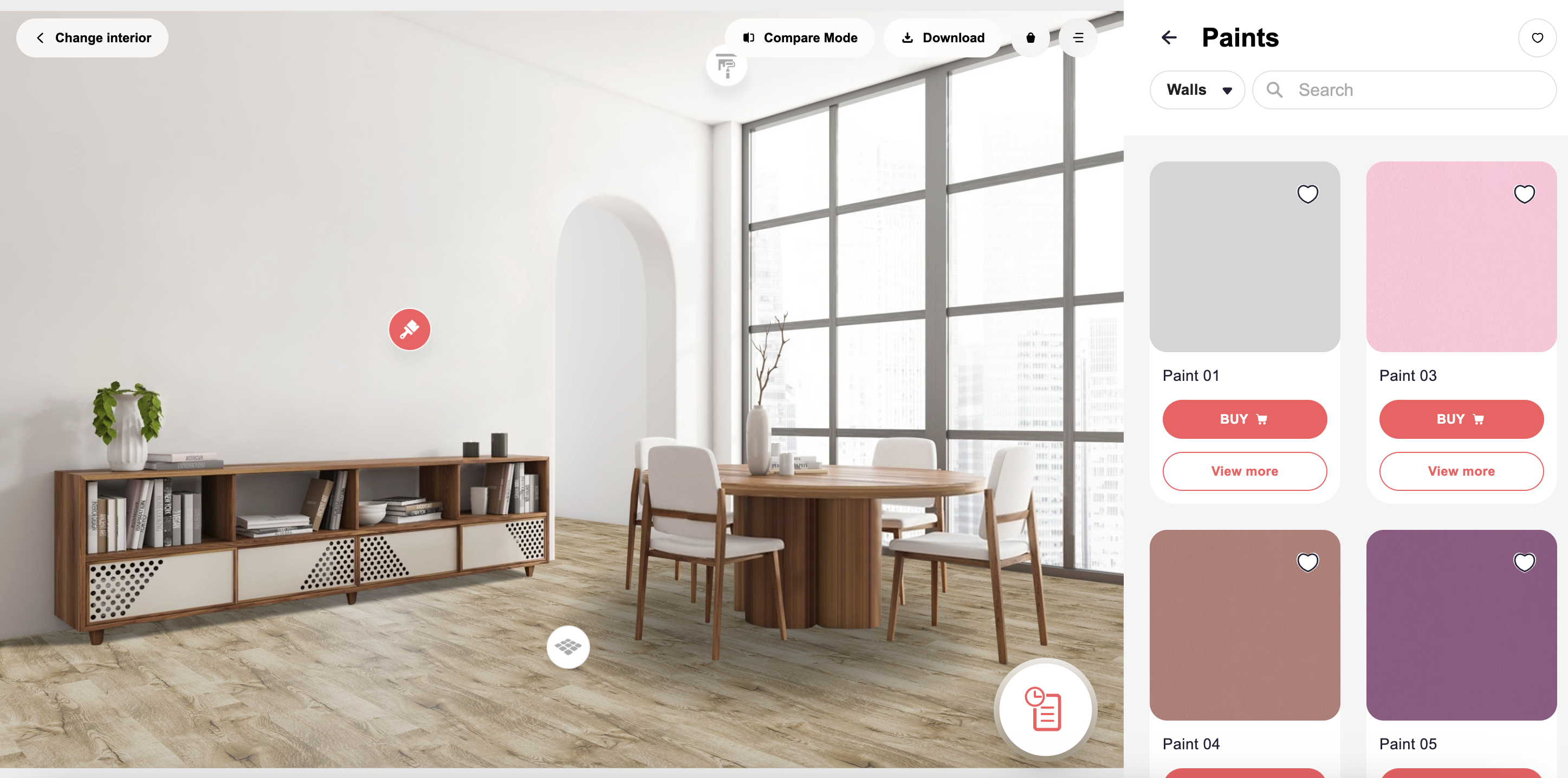
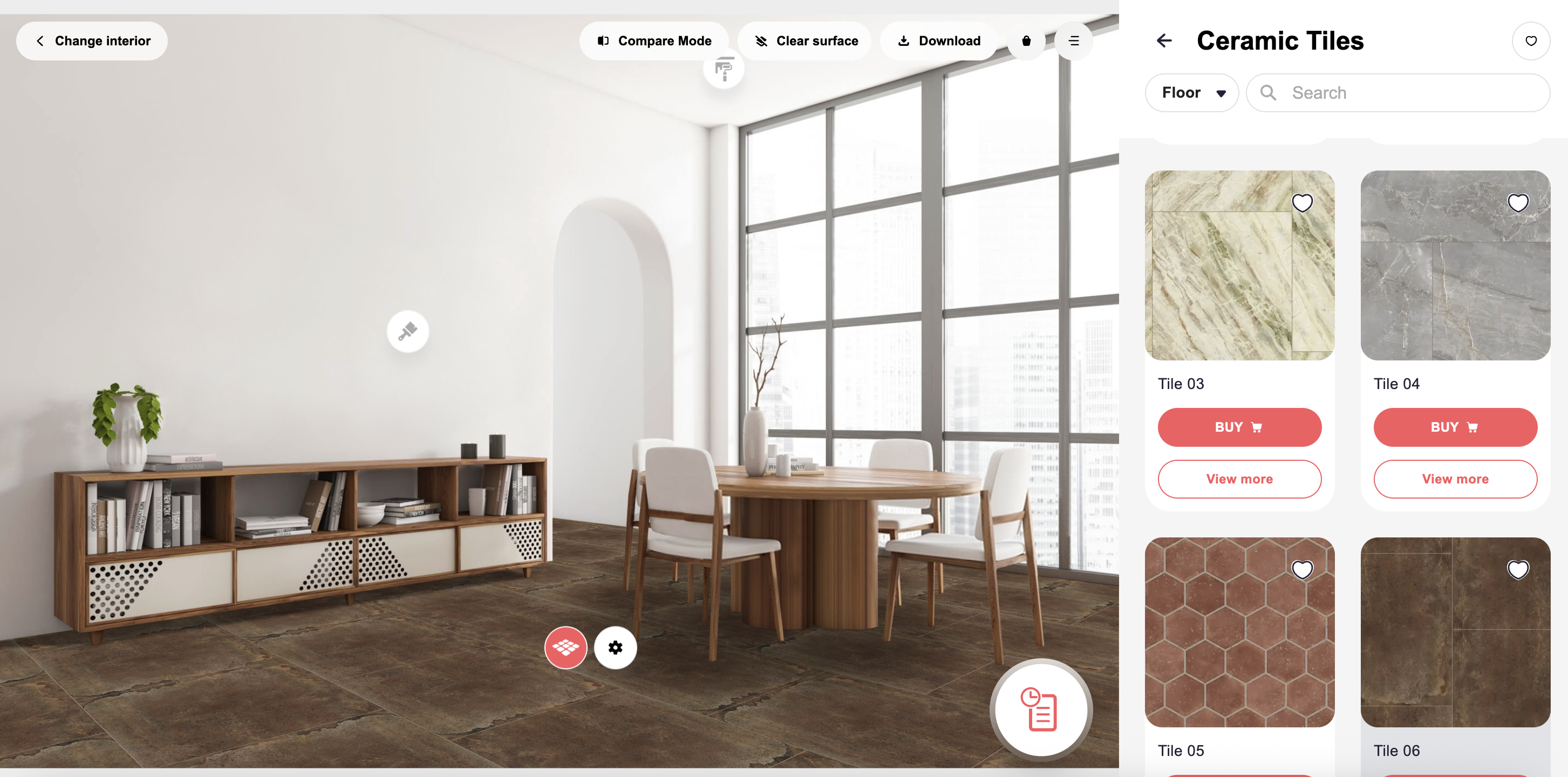
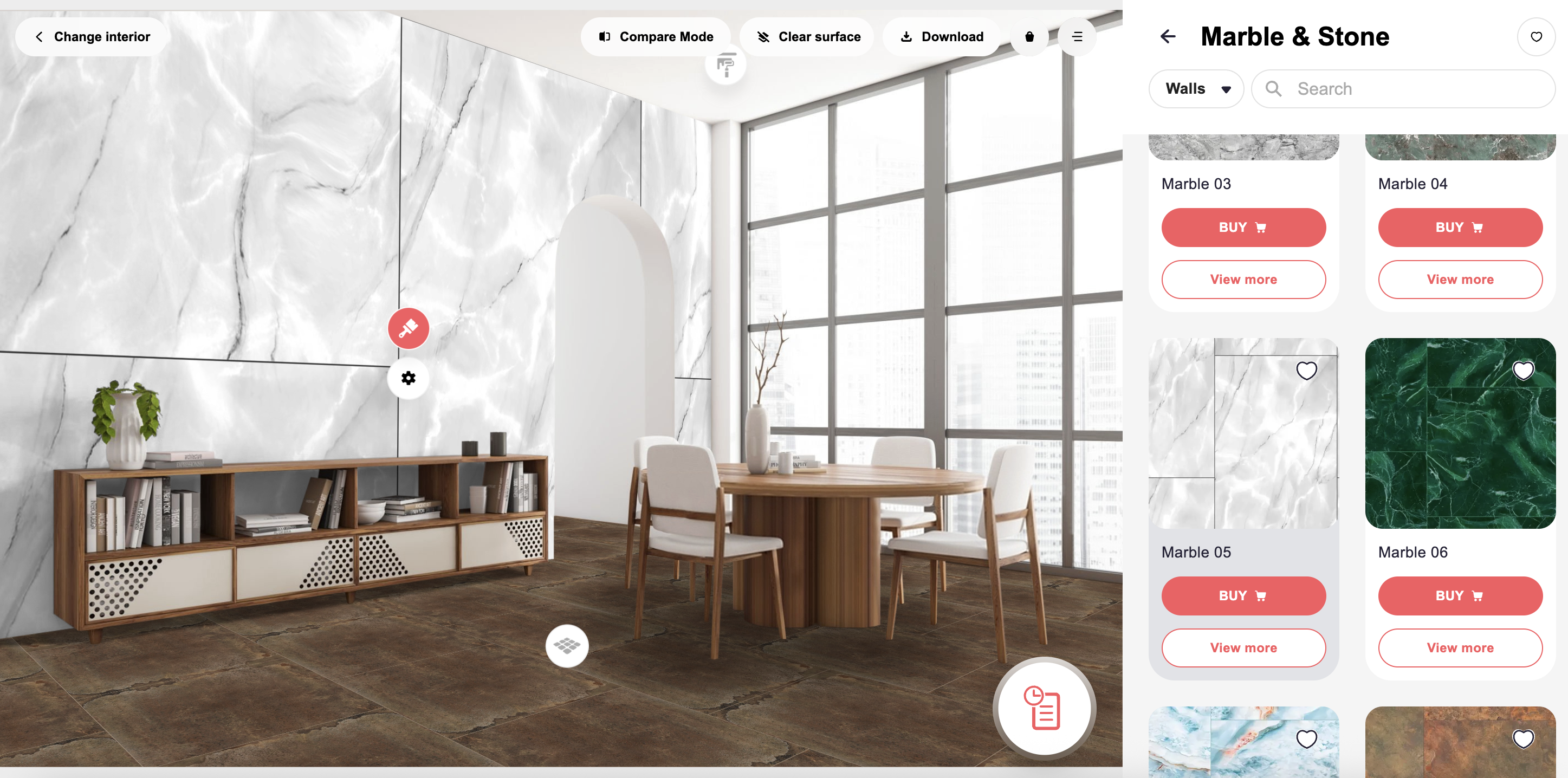
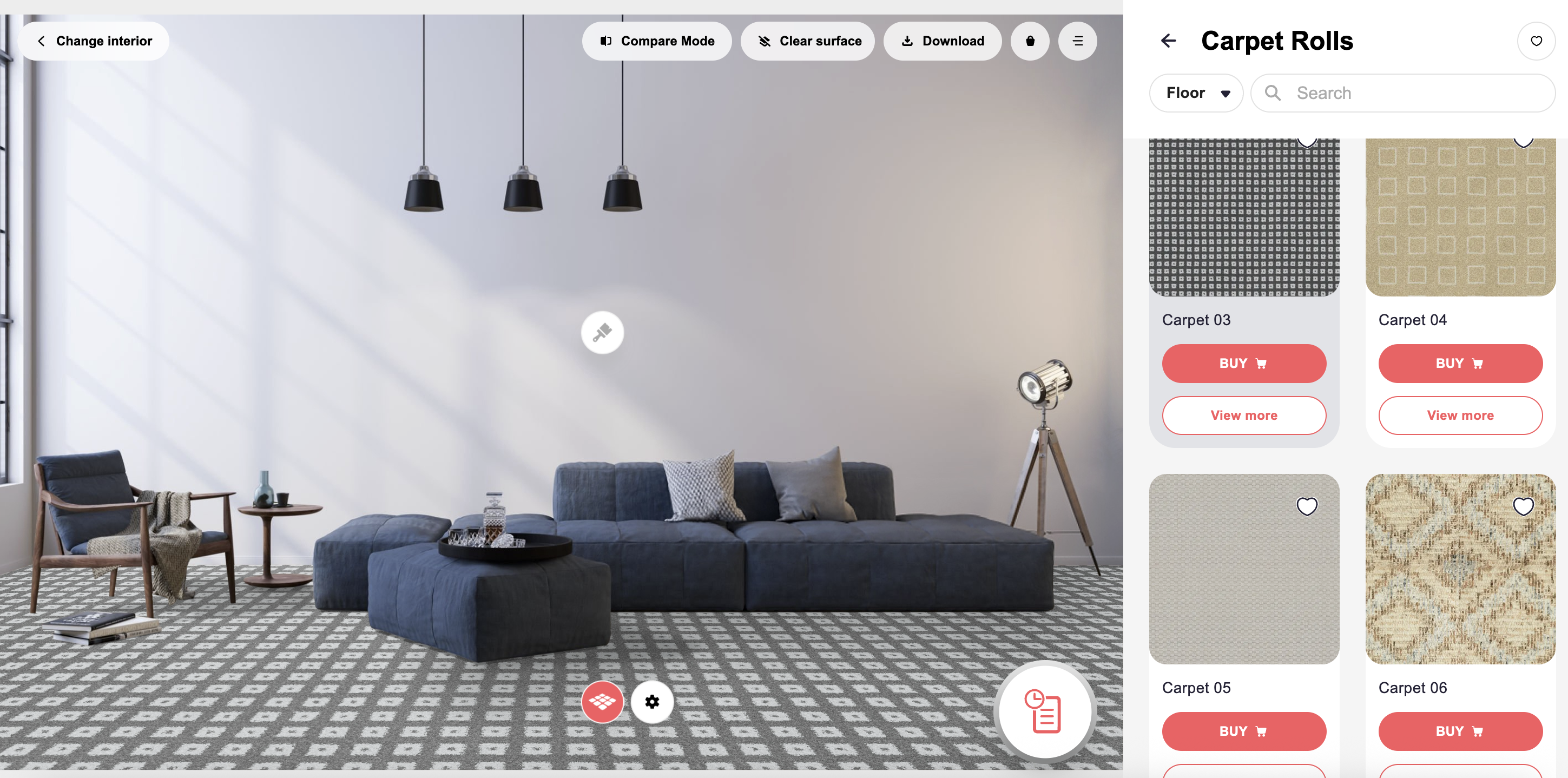
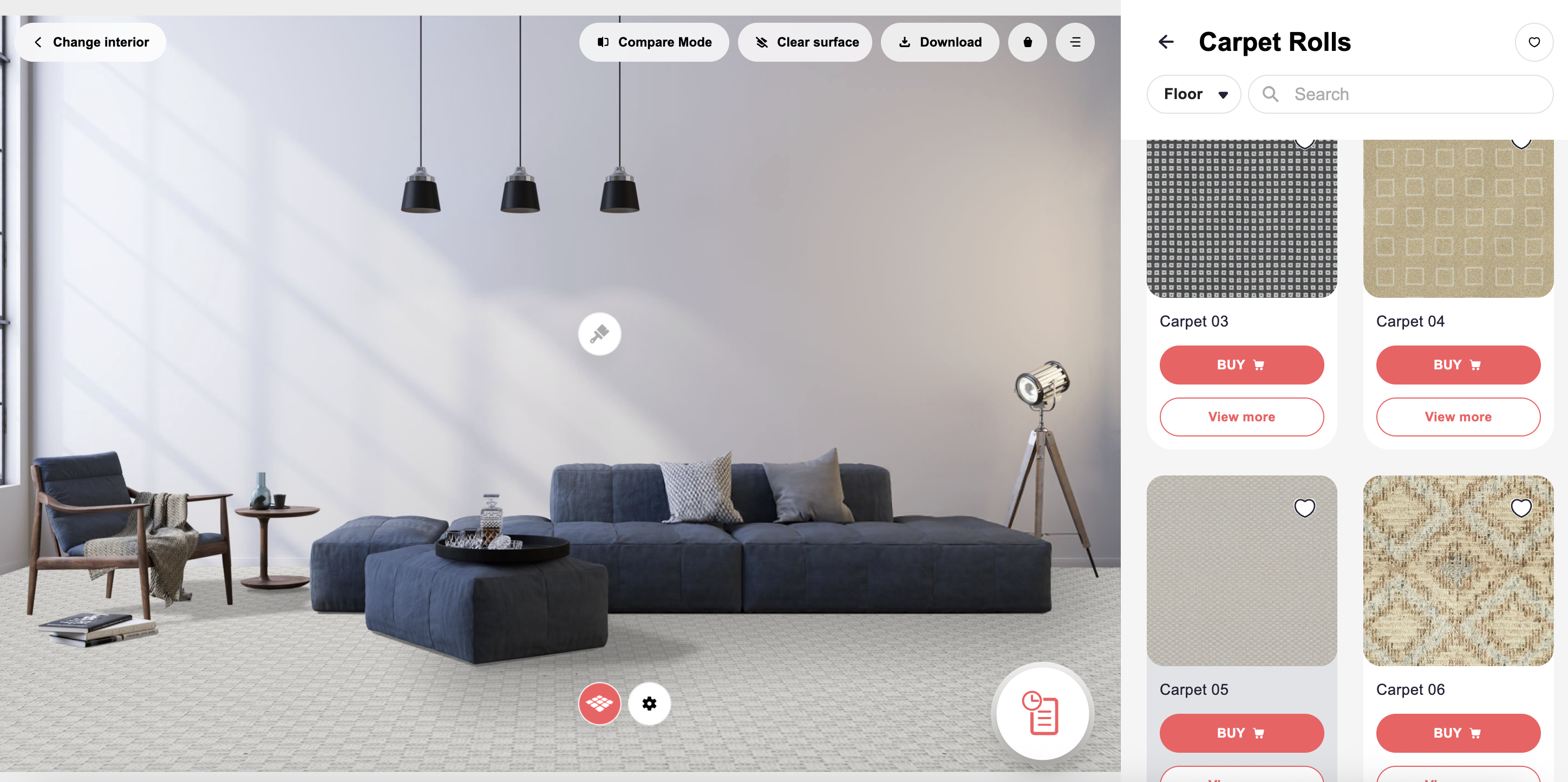
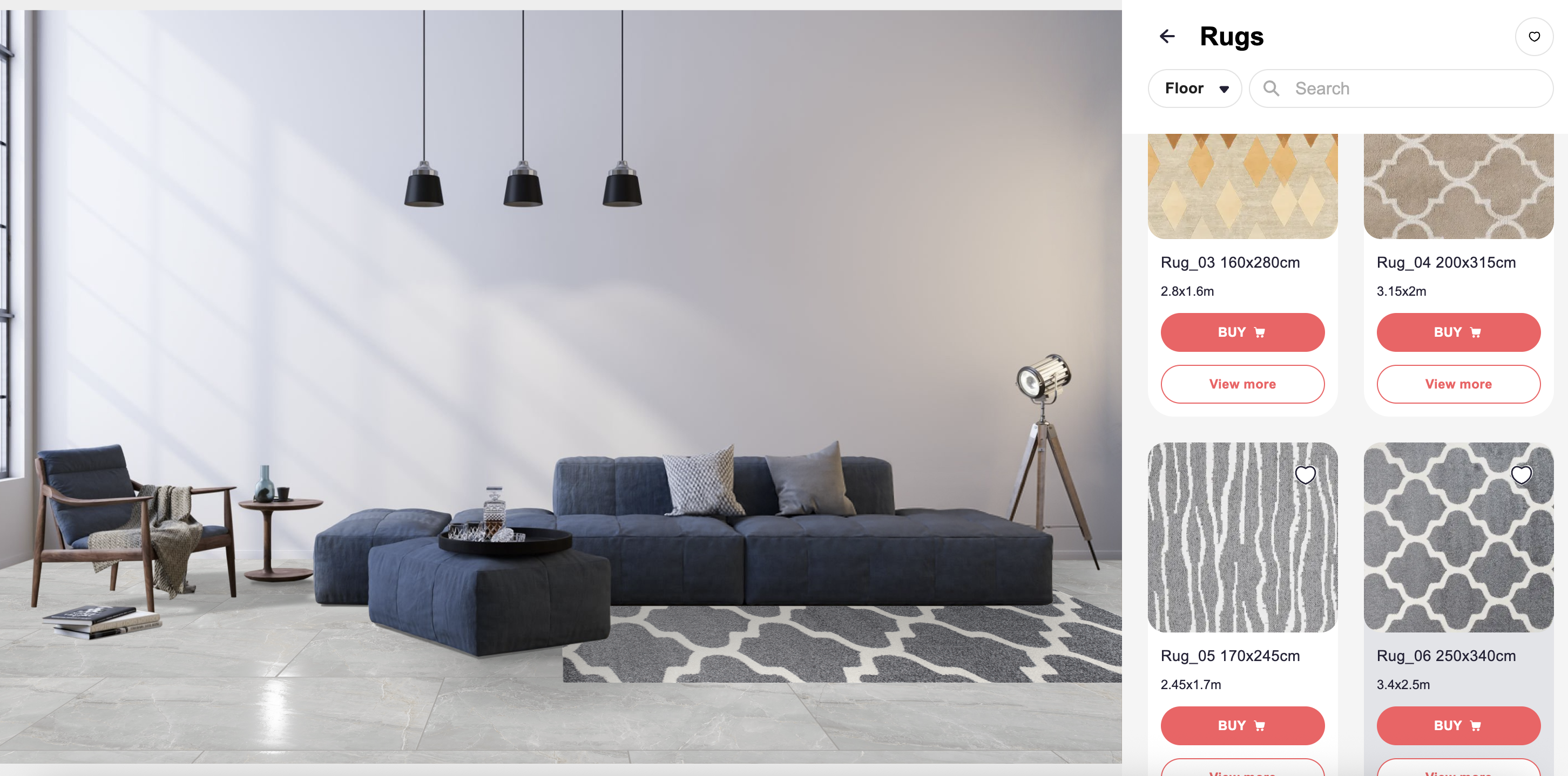
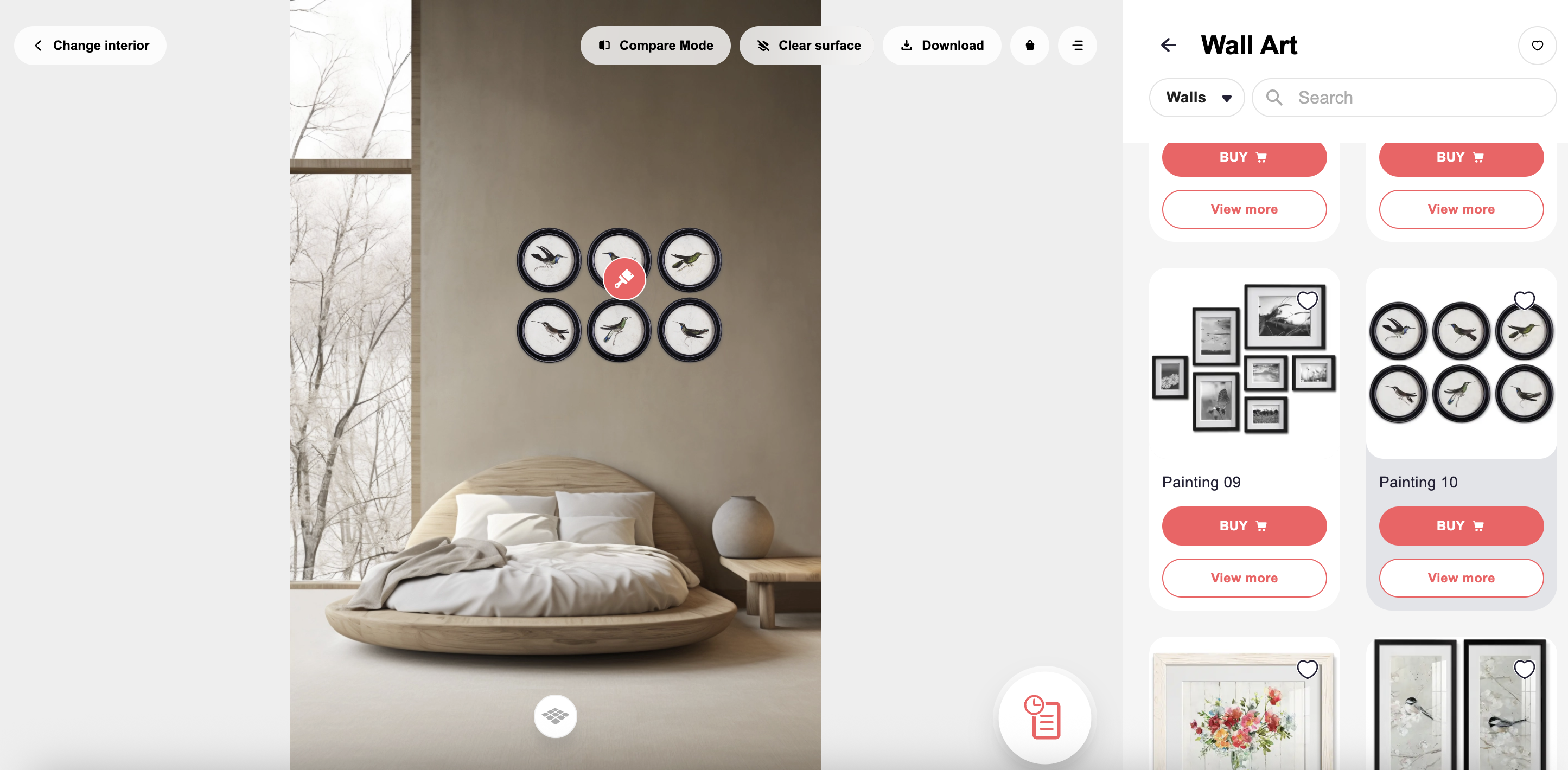
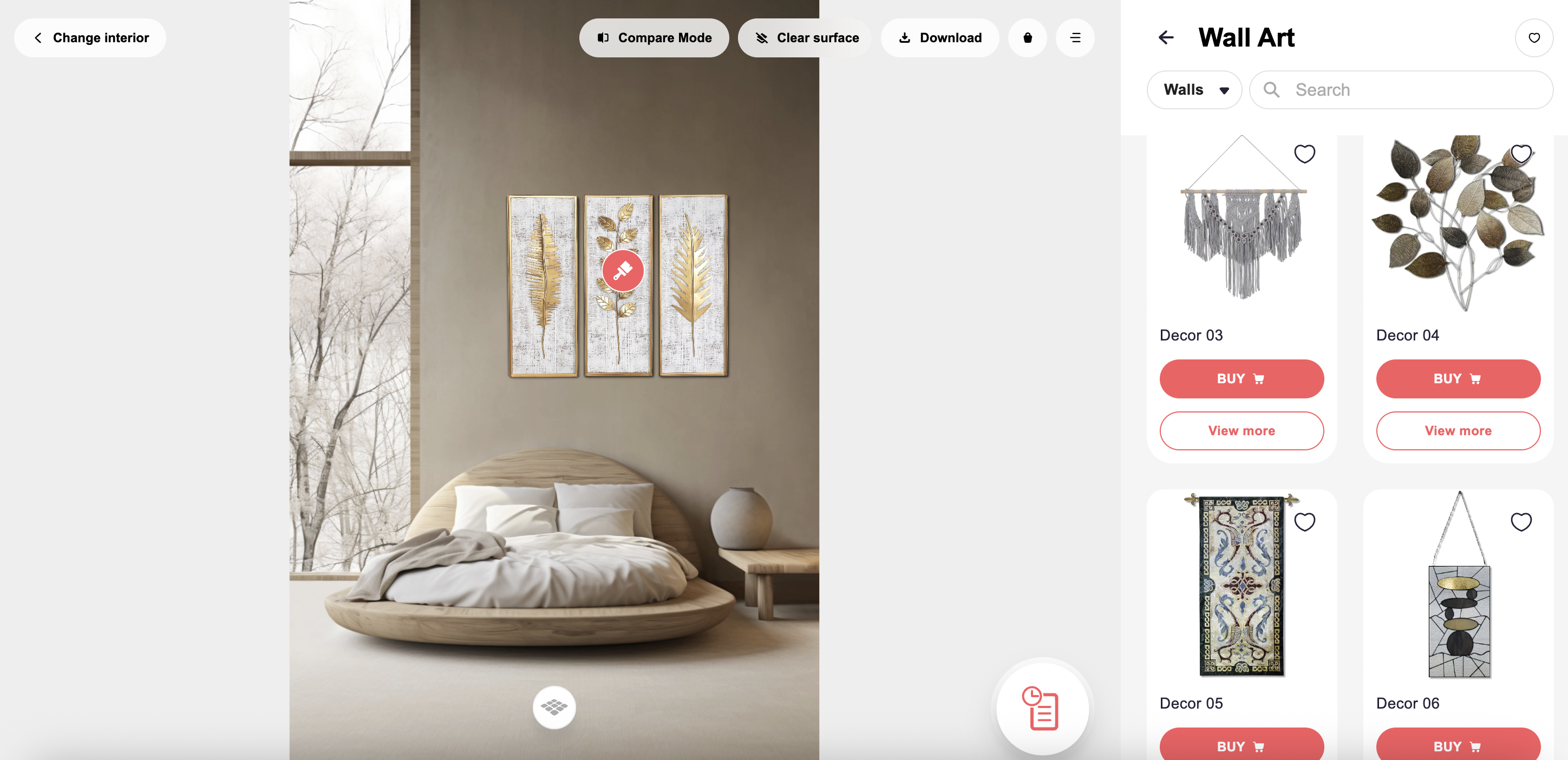
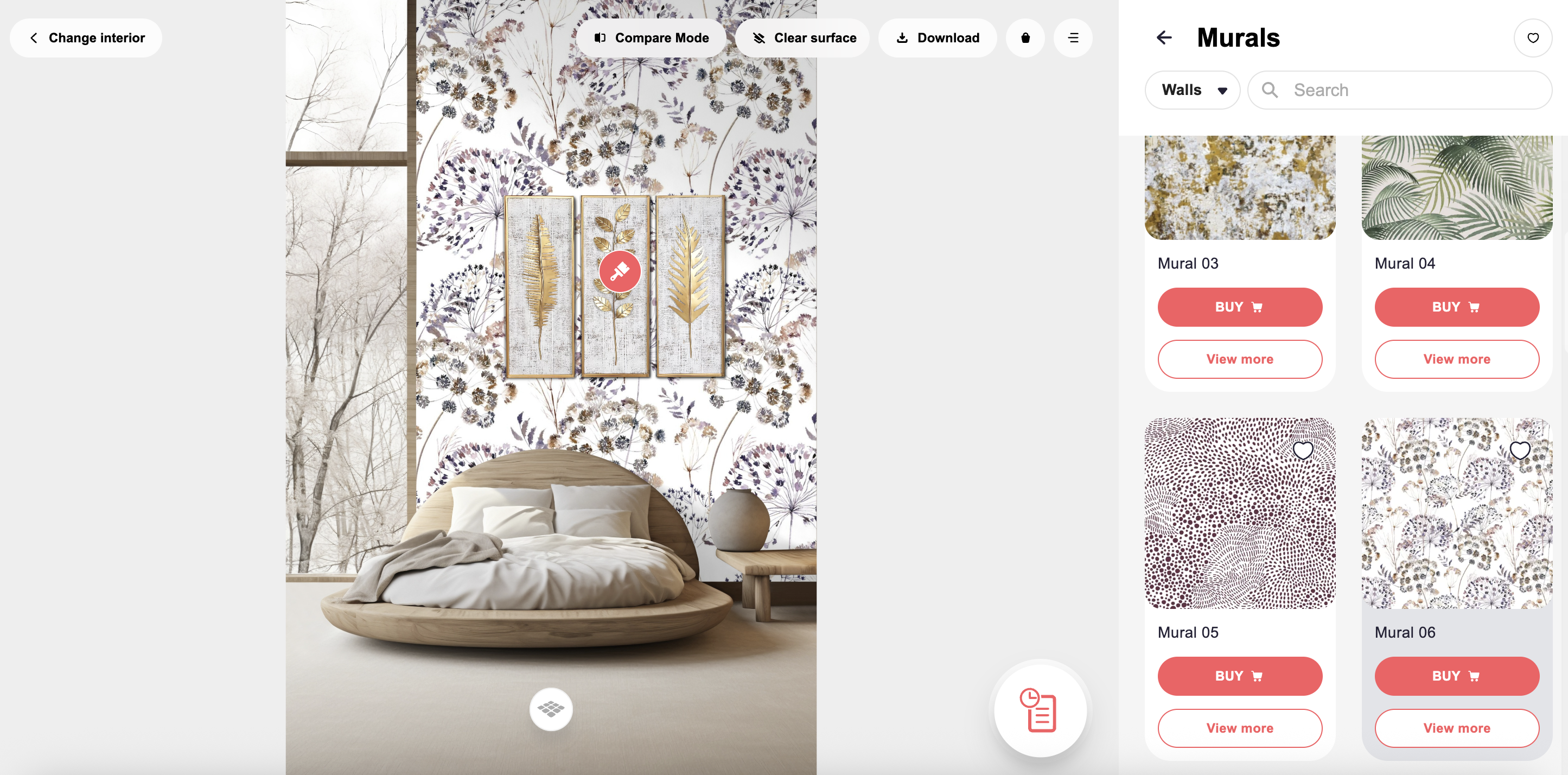
How Wizart Room Visualizer works – See the app in action!
Install Wizart Visualizer on your WordPress or WooCommerce store
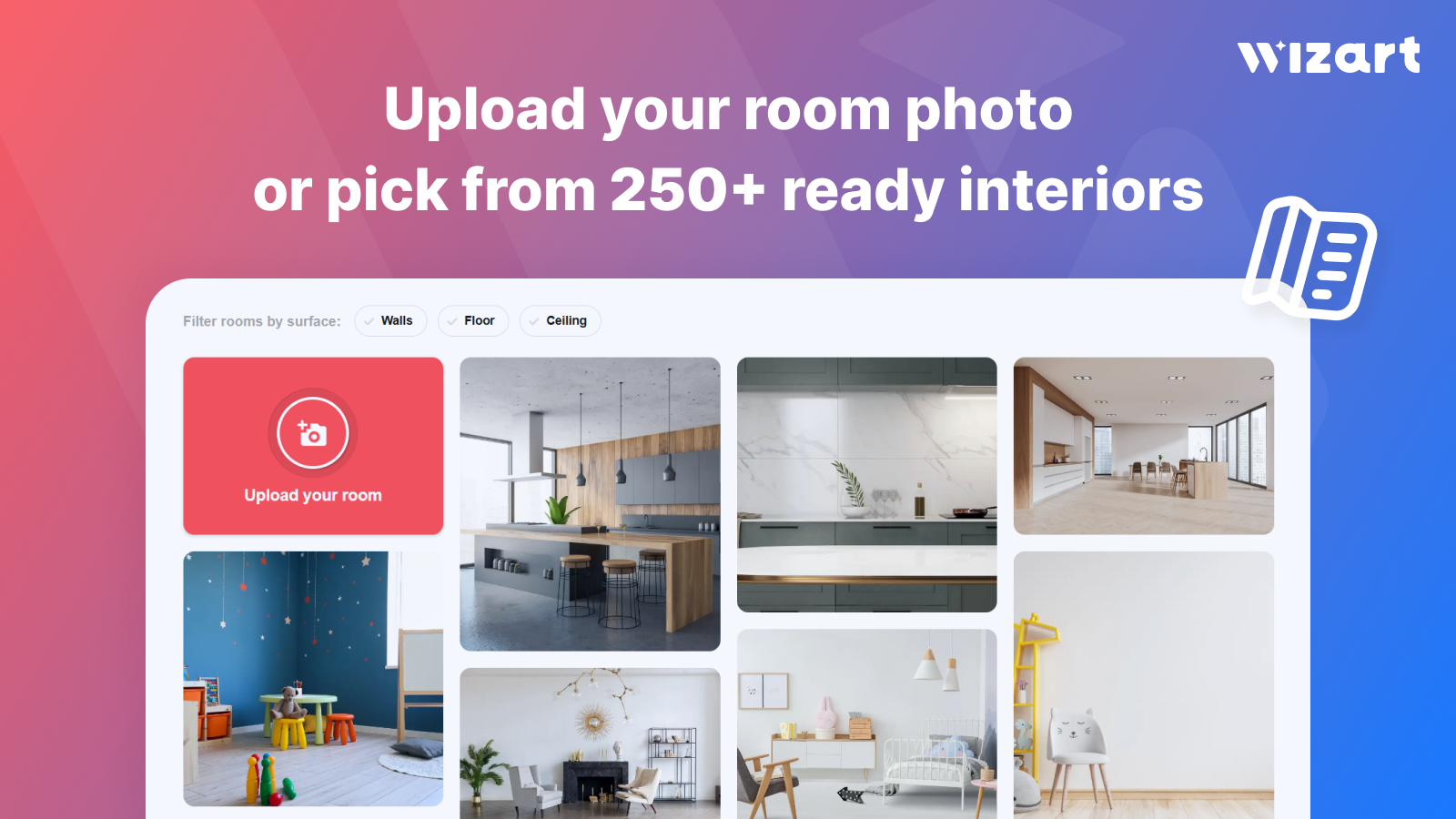
Let shoppers upload photos of their rooms and choose products from your catalog
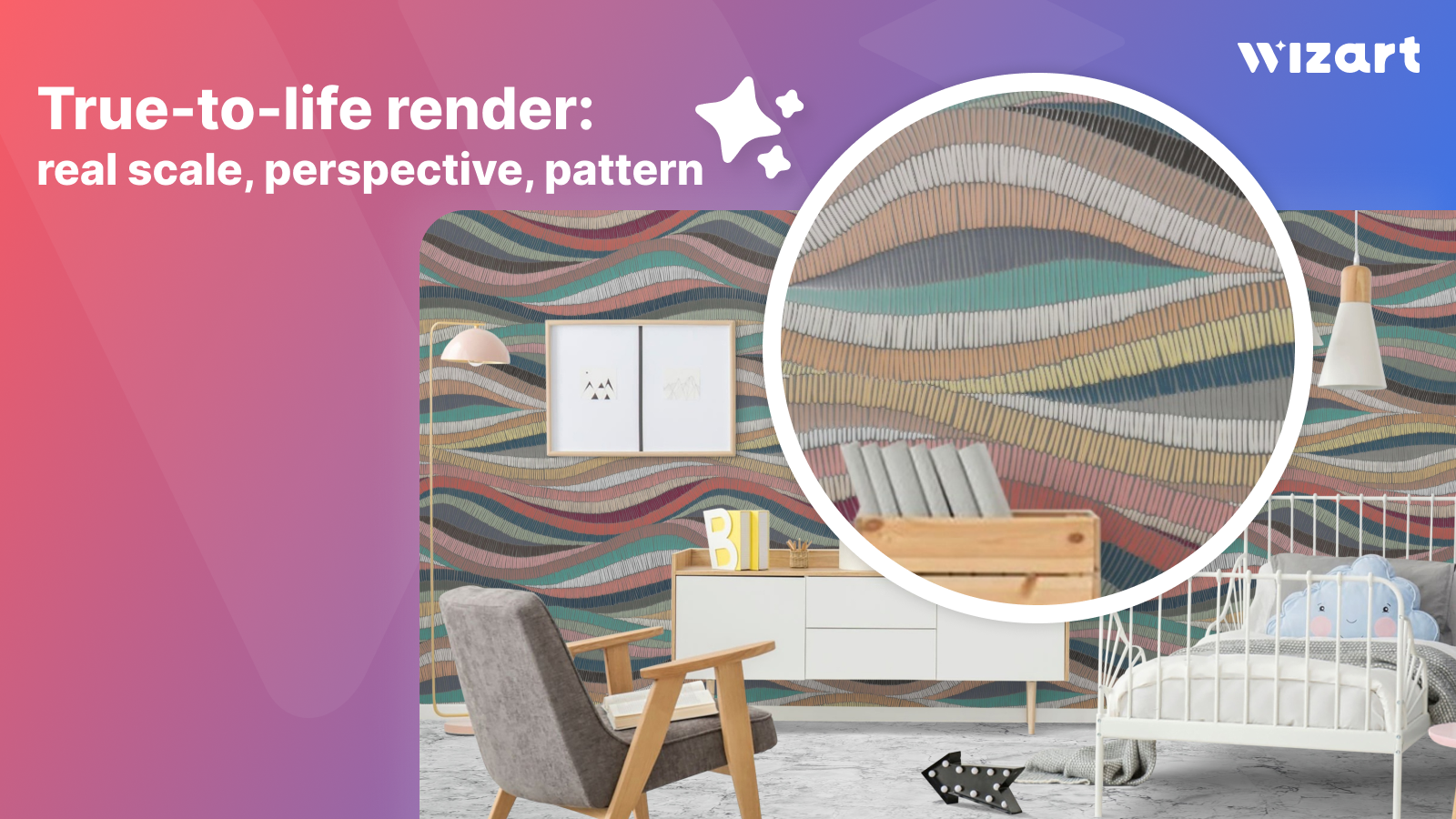
Show them vivid, realistic, AI-powered visualizations instantly
Watch your engagement, conversions, and sales KPIs soar
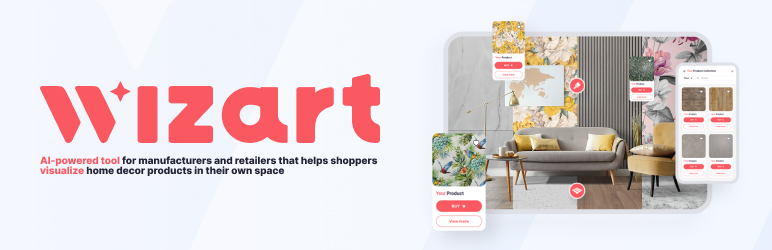
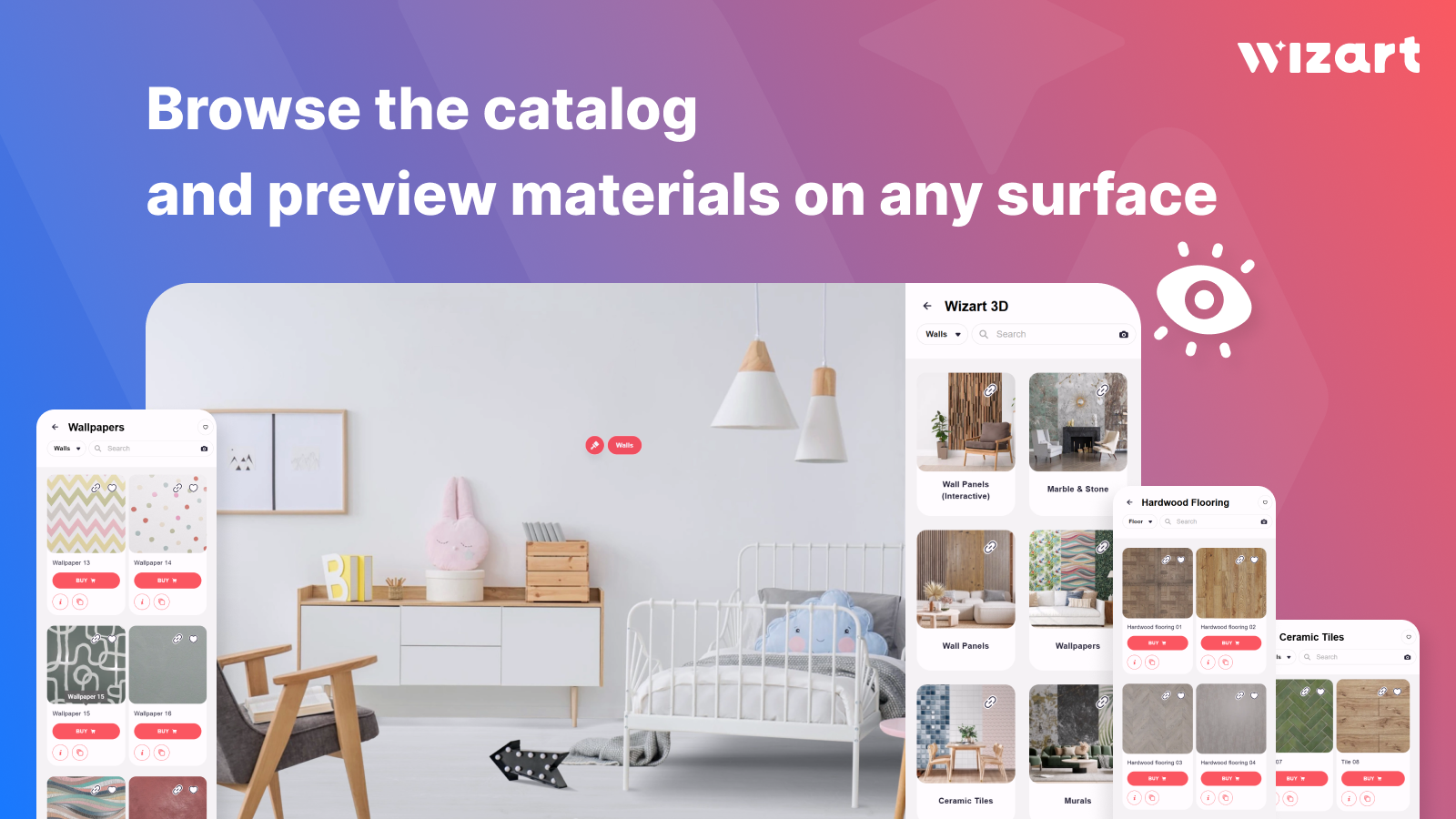
The types of products you can visualize
Wallpapers
Wall panels
Flooring
Paints
Tiles
Carpets
Rugs
Wall Art
Murals
Custom-made home decor products
Any other products upon your request
How Wizart Visualizer Fuels Business Growth
By delivering a truly personalized shopping experience, Wizart Visualizer transforms how customers interact with your products – driving measurable impact at every stage of the sales journey.
The Results:
– x5 increase in conversions
– x4 faster sales cycle
– 40% reduction in product returns
– 27% higher engagement rate
Wizart Visualizer WordPress Plugin allows you to install the Visualizer in a few clicks. Please note that the Visualizer usage is based on subscription payments. See our detailed pricing.
Features You’ll Love
Custom branding
Custom branding: your logo, colors & fonts. Full white label available.
Interactivity & Scaling
Let shoppers arrange rugs, murals, and art with intuitive drag, rotate, and scale controls.
Smart Search & Filtering
Simplify catalog browsing with advanced filters and AI-powered image search.
Shopping Cart Functionality
Drive conversions with built-in checkout features: pricing display, “Add to Cart” button, abandoned cart reminders, and more.
Catalog Synchronization
Your catalog stays in sync automatically from your Wizart account – no manual re-uploads.
Rich Content Tools Enhance your PDPs with interactive content to increase engagement rate.
Analytics & Reports
Track Visualizer performance, gain insights into customer behavior, and refine your marketing with actionable data.
Yes, we offer a complimentary trial period of at least 7 days.
Can I upload my own patterns? What if I don’t have all the images?
When you sign up, we’ll create your Wizart account, giving you full control to upload, manage, and remove your product data.
You can also request access to catalogs from manufacturers and suppliers already on Wizart, so their products can be added to your account without manual uploads.
Your Wizart account supports an unlimited number of SKUs. And if you ever need help with data import, our support team is ready to assist.
What languages do you support?
We support over 15 languages, including English, French, Spanish, German, Polish, Arabic, Portuguese, and Turkish, and can add new ones upon request within 2–4 weeks, free of charge.
A feature I want is missing from Wizart. Is it possible to add it?
We constantly enhance Wizart to deliver a better user experience, releasing updates with new features. If you have an idea that could make personalized shopping with Wizart even better, we’ll gladly review it for inclusion in our development cycle.
Updated marketing copy, demo video link, and screenshots.
3.0.1.2
Release Date – 4 September 2026
Updated tags.
3.0.1.1
Release Date – 3 September 2026
Updated tags.
3.0.1
Release Date – 26 August 2026
Fixed the [wizart_button] shortcode occasionally sending an empty product identifier to the availability check when placed on a page with no resolvable product or collection.
Fixed “Show Catalog” defaulting to hidden instead of shown for merchants who hadn’t explicitly configured it, matching the visualizer’s own intended default.
Updated the visualizer integration to version 1.1.x.
3.0.0
Release Date – 18 August 2026
Internal rewrite of the integration (product/collection/homepage buttons, shortcodes, cache-plugin compatibility).
Automatic import of settings saved by previous versions.
Note: the Homepage (floating) button was redesigned — its appearance may change; please review your buttons after updating.
Removed: the “Show Iframe” integration mode. Use the [wizart_visualizer] shortcode to embed the visualizer inline instead.
Removed: the Homepage (floating) button’s custom-selector placement and its JS callback hooks (onload, onclose, button-click, cart add/remove) — no automatic replacement; contact support if you relied on any of these.
2.0.5
Release Date – 31 October 2024
Bugfix with js library version
2.0.4
Release Date – 24 October 2024
Added new integration type – iframe integration, added new option to display a button on product pages in multiple places
2.0.3
Release Date – 09 September 2024
Improved product availability check in PIM
2.0.0
Release Date – 10 June 2024
Updated settings design
Added more button customization options.
Used webhook woocommerce_before_single_product in product page
1.0.11
Release Date – 23 November 2022
Stabilization
1.0.10
Release Date – 17 November 2022
Performance improvements
1.0.9
Release Date – 18 October 2022
Updated domain name
1.0.8
Release Date – 11 March 2022
Updated link scripts to AWS
1.0.7
Release Date – 03 September 2021
Added disable uploading photos
1.0.6.2
Release Date – 12 Jule 2021
Added using sku instead of vendor_code for two-way shopping cart synchronization
1.0.6.1
Release Date – 11 June 2021
Fixed send analytics for iframe method
1.0.6
Release Date – 31 May 2021
Added new parameters for floating and entry buttons
1.0.5
Release Date – 05 April 2021
Added context
1.0.4
Release Date – 03 February 2021
Display render floating button for iframe method
1.0.3
Release Date – 02 February 2021
Added cache for render button
Displaying the integration button when using the plugin Elementor