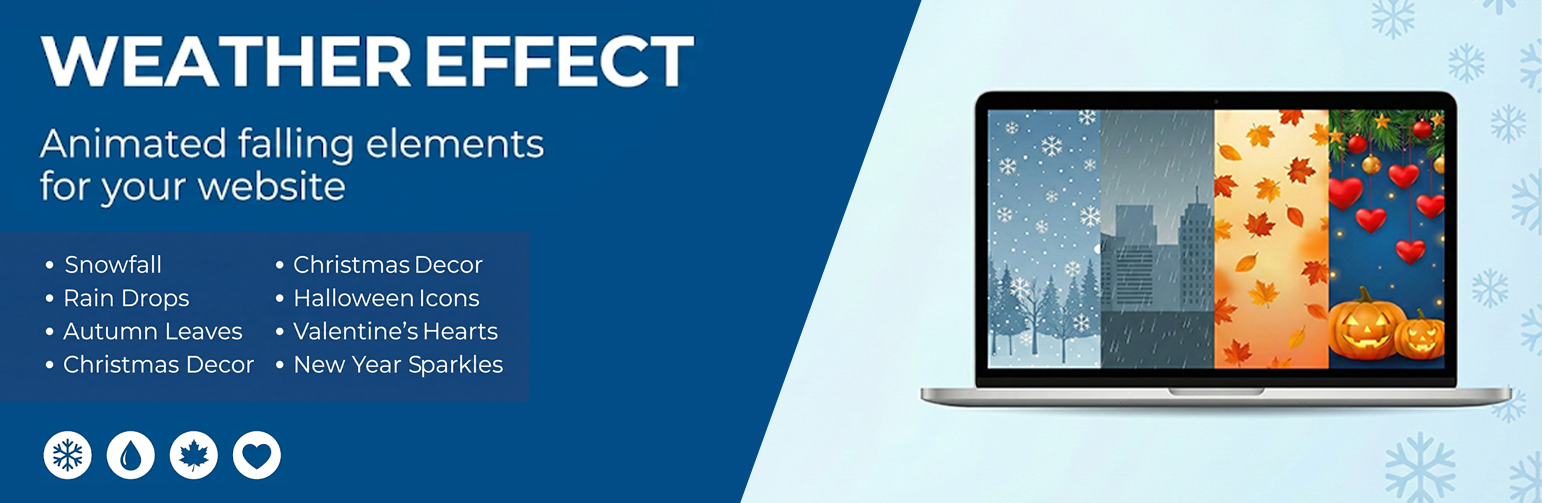
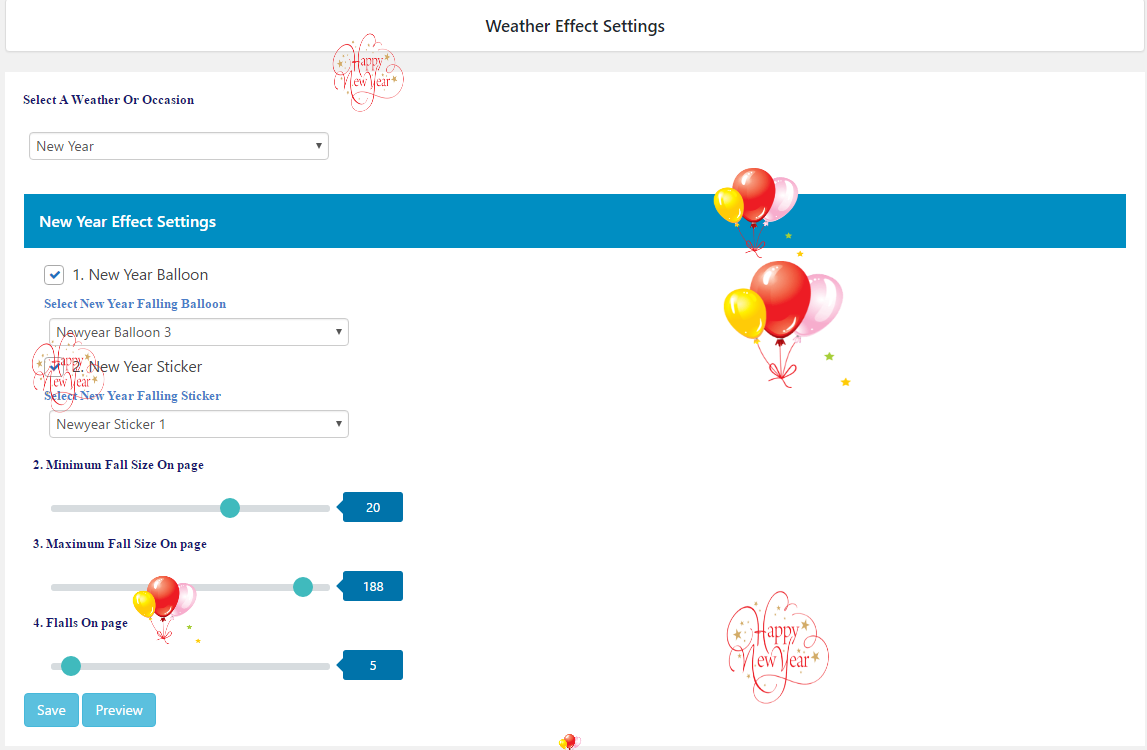
Weather Effect lets you add animated falling objects to your website. You can display snowfall during winter, falling leaves in autumn, rain drops, or festive decorations for holidays like Christmas, Halloween, and Valentine’s Day.
The plugin works by overlaying animated elements on your pages. Visitors see these effects as they browse your site, which can help create a seasonal atmosphere or celebrate special occasions.
Weather Effect adds falling animation effects to your website. Here’s what you can display:
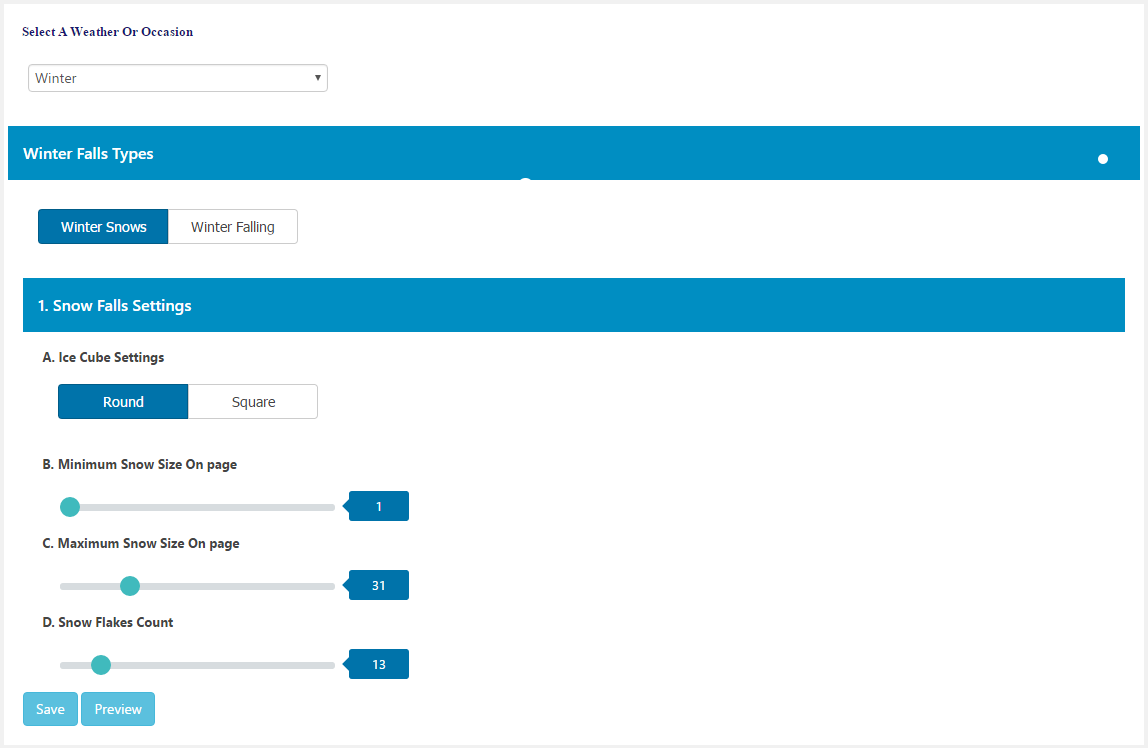
❄️ Snow and snowflakes for winter themes
???? Falling autumn leaves
????️ Rain drops with umbrella graphics
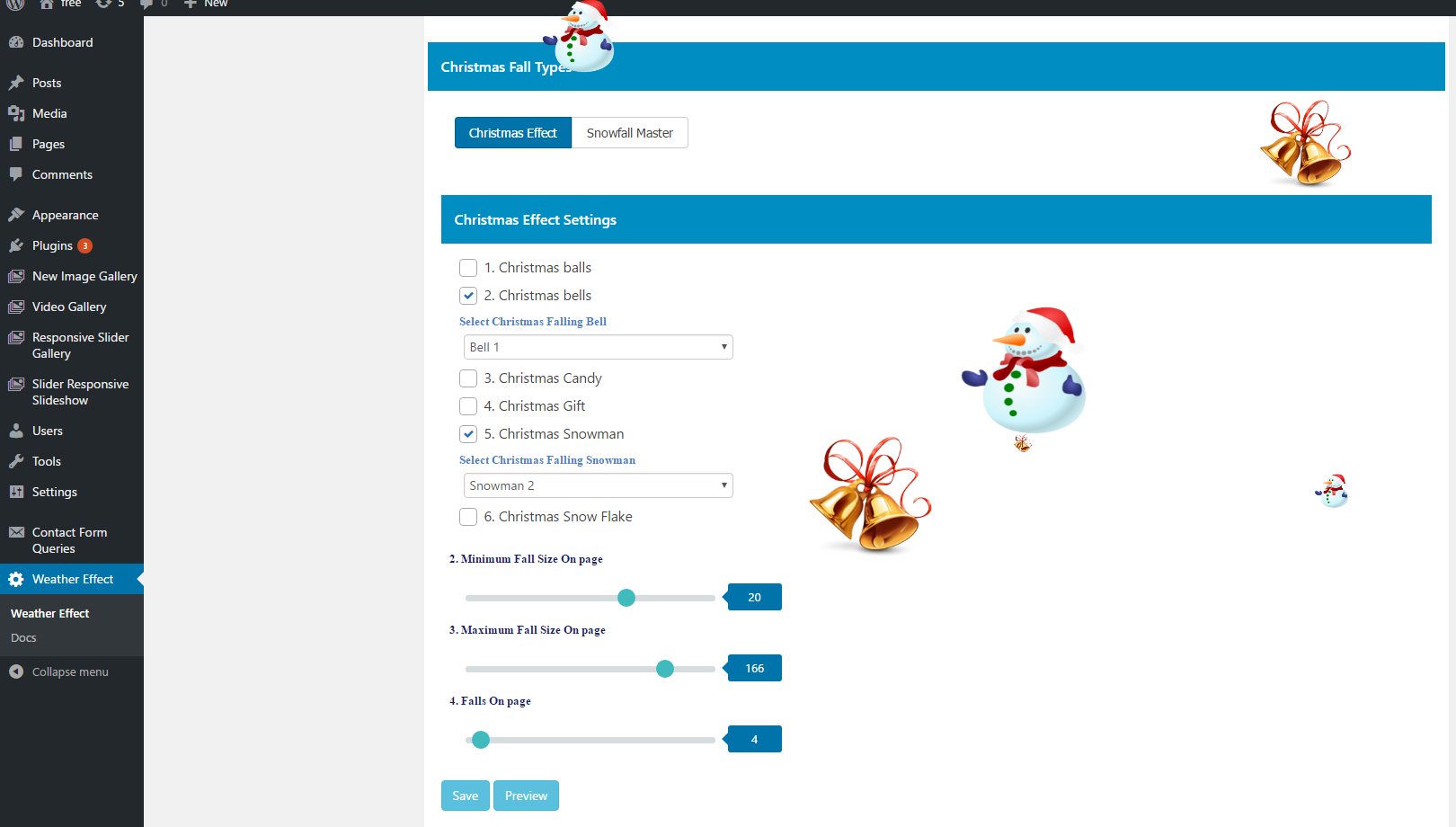
???? Christmas decorations like Santa, bells, candy, and gifts
???? Halloween elements including bats, pumpkins, and ghosts
???? Valentine’s Day hearts and roses
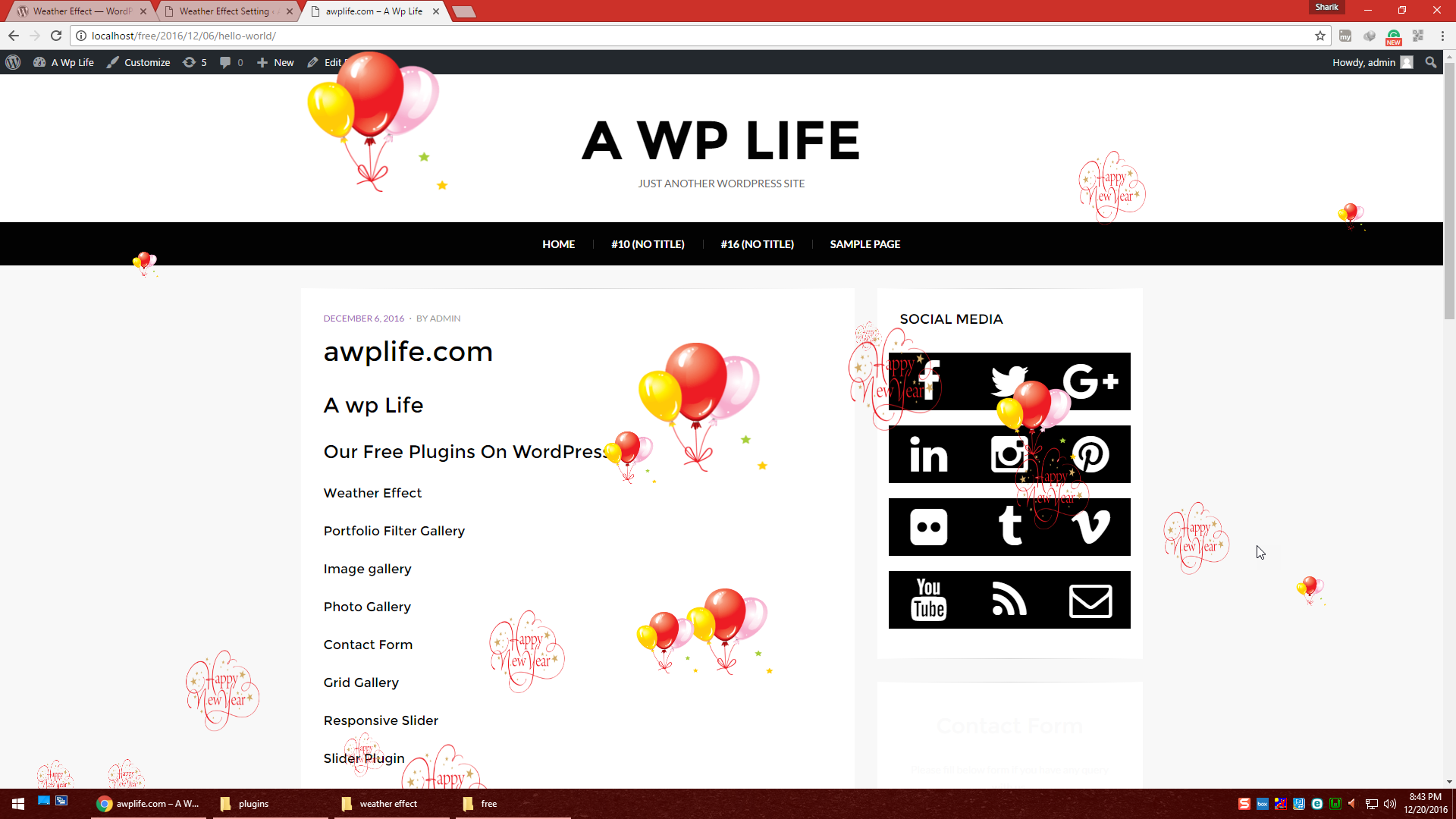
???? New Year balloons and celebration graphics
How It Works
After installing the plugin, go to the Weather Effect settings page in your admin dashboard. Select the season or occasion you want, choose the falling objects, and save your settings. The effects will appear on your website immediately.
You can preview the effects before making them live using the Preview button in the settings panel.
Weather Effect adds animated falling objects to your website. These can be snowflakes, rain drops, autumn leaves, or seasonal decorations like Christmas ornaments or Halloween bats.
Do I need to know coding?
No. The plugin has a settings page where you select what you want to display and save. No coding is needed.
Does it work with my theme?
Weather Effect works with standard WordPress themes. It also works with page builders like Elementor, Divi, and Beaver Builder.
Can I see a preview before going live?
Yes. There is a Preview button in the settings panel. Click it to see how the effects look before saving.
Will it affect my site speed?
The plugin uses JavaScript to display animations. On most websites, this runs smoothly. If you notice any slowdown, you can disable the effects from the settings.
Can I choose which pages show the effects?
In the free version, effects appear on all pages. The pro version lets you exclude specific pages or posts.
Can I use my own images?
The pro version allows you to upload up to 10 custom images. Supported formats are PNG, JPEG, and GIF.
What seasons and occasions are supported?
The plugin includes effects for: Winter, Autumn, Spring, Summer, Rain, Christmas, Halloween, Thanksgiving, Valentine’s Day, and New Year.
Does it work on mobile?
Yes. The animations display on desktops, tablets, and mobile phones.