Product Category Showcase for WooCommerce is a powerful plugin that allows you to display your product categories in a beautiful and engaging way. Whether you run a fashion store, electronics shop, or any other type of online business, this plugin helps you highlight your categories to boost sales and improve user experience.
Instead of hiding product categories in a dropdown or sidebar, this plugin puts them front and center with a stylish display that’s easy to customize and fully responsive.
Perfect for:
Clothing boutiques with seasonal collections.
Gourmet food stores with multiple departments.
Digital download shops with different file types.
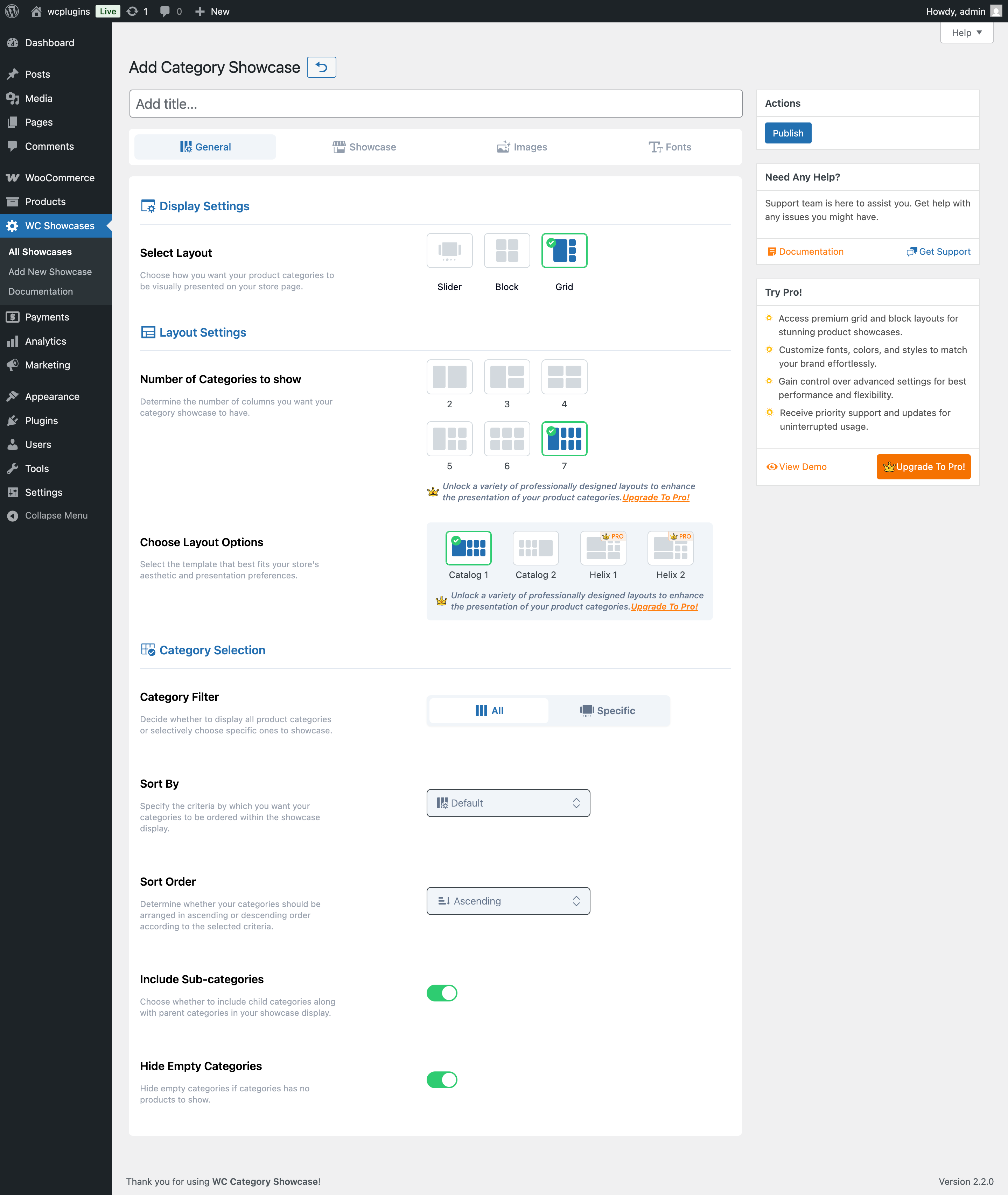
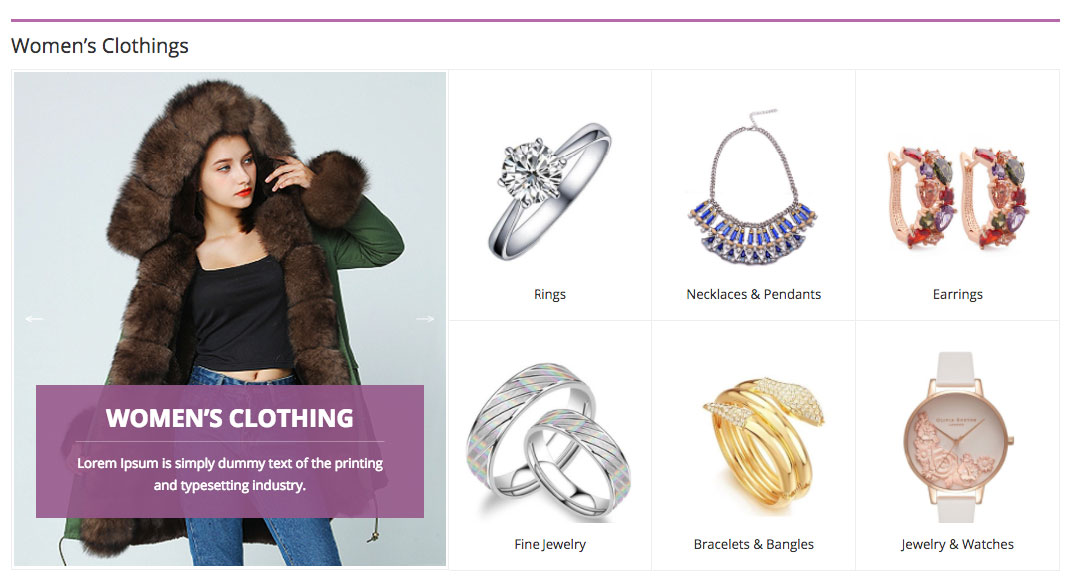
With this plugin, you can create eye-catching category showcases without writing code. Simply choose a layout (Slider, Block, or Grid), pick your categories, and drop the generated shortcode anywhere on your site.
Key benefits:
Encourage browsing with modern category displays.
Highlight featured or high-margin categories to increase sales.
Provide a seamless shopping experience across desktop and mobile.
Save time with a simple, shortcode-based setup.
???? Free Features
Multi-Layout Displays – Choose Slider, Block, or Grid layouts for flexible presentation.
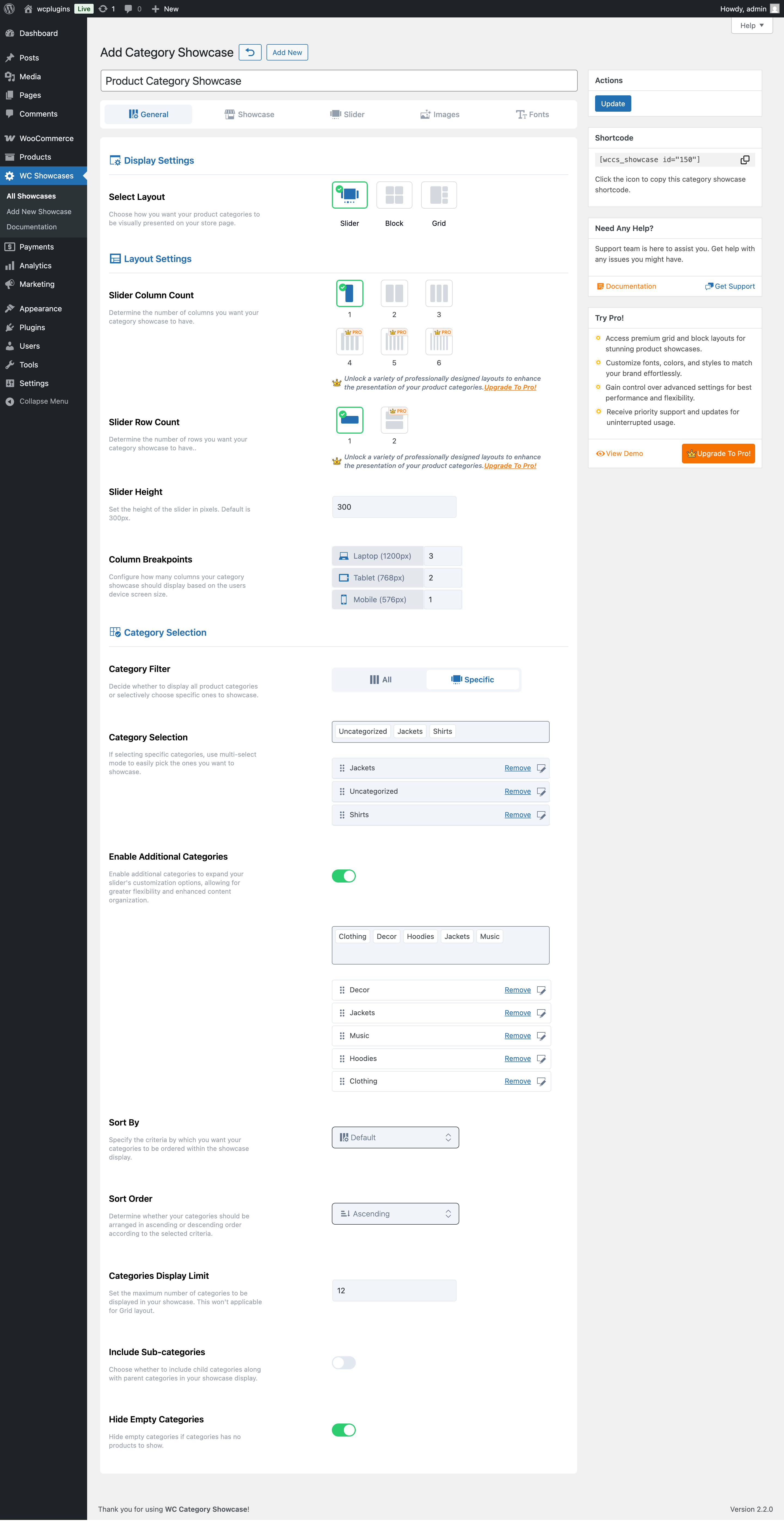
Featured & Additional Categories – Highlight main categories and add up to 6 supporting ones.
Unlimited Slider Categories – Add as many categories as you want to your carousel.
Responsive & Mobile Friendly – Works beautifully across all devices.
Shortcode Support – Insert showcases anywhere using [wccs_showcase id=”123″].
Category Filtering & Sorting – Display all or selected categories, sort by name/date/ID.
This may have bugs and a lack of many features. If you want to contribute to this project, you are more than welcome. For reporting any bugs or feature requests, open an issue on Github.
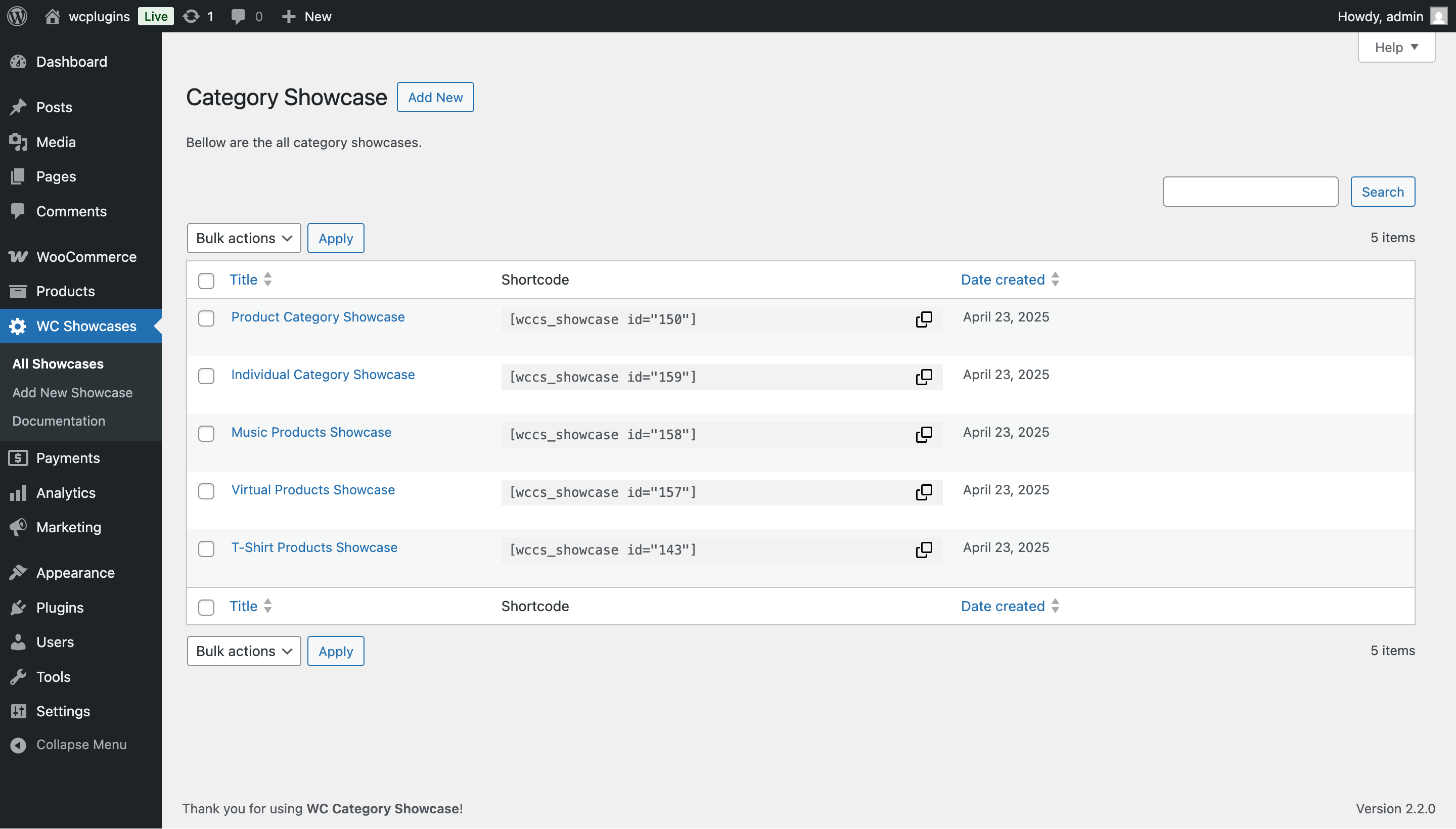
Create a new showcase, choose the desired layout (Slider, Block, or Grid), select the categories you want to display, and publish it. Then insert the generated shortcode [wccs_showcase id=”123″] into any page or post where you want the showcase to appear.
My showcase isn’t showing categories. What should I check?
Ensure you have selected categories in the showcase settings. If you’re using the free version, make sure you have at least one category with products. Also, check that your theme supports WooCommerce and that the plugin is activated.
Can I customize the grid or block layouts?
Yes, you can customize the grid and block layouts by adjusting the settings in the showcase editor. You can change colors, spacing, border radius, and toggle visibility for images, titles, descriptions, and product counts.
Does it work with Elementor and Gutenberg?
Absolutely. Use the shortcode block in Gutenberg or the shortcode widget in Elementor to insert your category showcases anywhere on your site. The plugin is designed to be compatible with all major page builders.
What’s the difference between free and pro?
The free version includes basic layouts and styling. Pro adds advanced templates, ticker carousels, Google Fonts, button customization, and premium support.
How do I get support?
For support, please visit our Support Forum or Contact Us. We’re here to help with any issues you encounter.
Is there a live demo?
Yes, you can view a live demo of the plugin here. This will give you a good idea of how the showcases look and function.
Can I use this plugin with any WooCommerce theme?
Yes, the Product Category Showcase for WooCommerce is designed to be compatible with most WooCommerce themes. However, some themes may have specific styles that could affect the appearance of the showcases. We recommend testing it with your theme to ensure everything looks as expected.
How do I upgrade to the Pro version?
You can upgrade to the Pro version by visiting our Pro Plugin Page and purchasing a license. After purchase, you will receive a download link and license key. Install the Pro version by uploading it to your WordPress site, and then enter the license key in the plugin settings to unlock all premium features.