
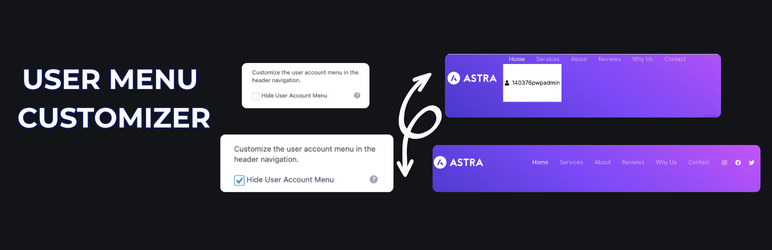
Easily customize or hide the user menu for HivePress in the header navigation using the WordPress Customizer.
| Author: | Tycoonverse (profile at wordpress.org) |
| WordPress version required: | 5.0 |
| WordPress version tested: | 6.8.1 |
| Plugin version: | 1.0.1 |
| Added to WordPress repository: | 28-05-2025 |
| Last updated: | 30-05-2025 |
| Rating, %: | 0 |
| Rated by: | 0 |
| Plugin URI: | https://tycoonverse.com/plugins/user-menu-cus... |
| Total downloads: | 1 484 |
| Active installs: | 90+ |
 Click to start download |
|
User Menu Customizer for HivePress allows you to personalize the HivePress user account menu in the header navigation without coding. This plugin addresses the lack of native customization options in HivePress, offering a user-friendly interface to:
– Toggle visibility of the user menu and its submenu (Listings, Settings, Sign Out).
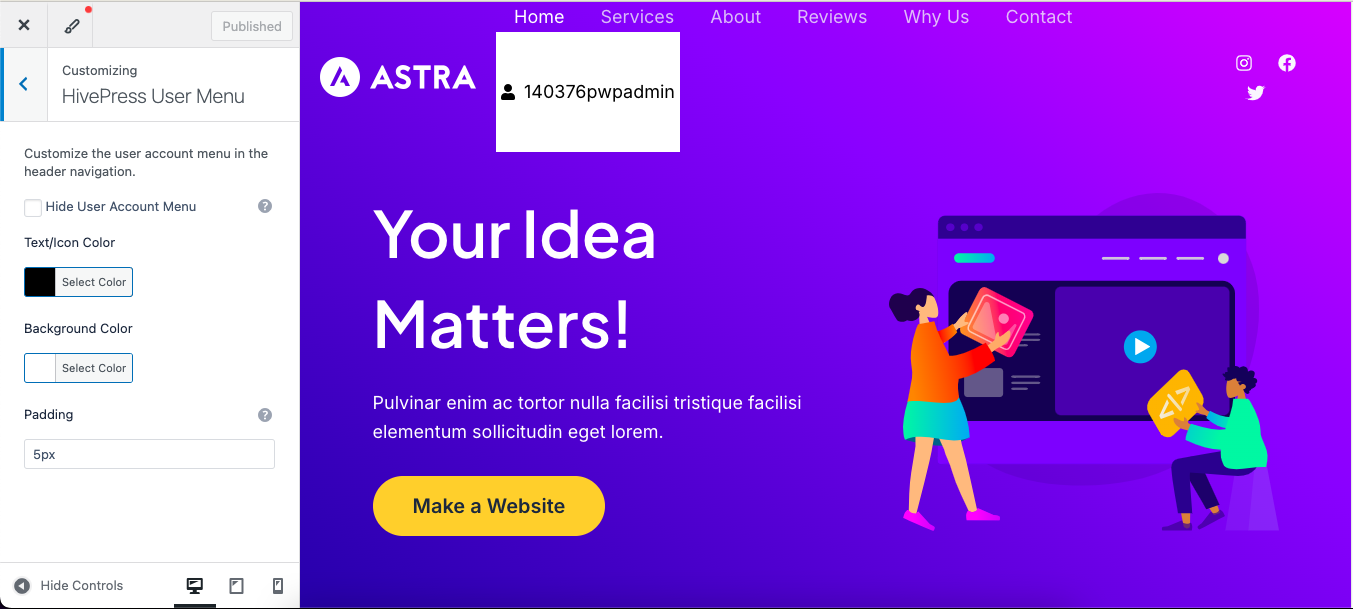
– Customize text/icon color and background color.
– Adjust padding inside the menu button.
All settings are managed via Appearance > Customize > HivePress User Menu. This plugin requires the HivePress plugin to be installed and active.
Screenshots
FAQ

ChangeLog