

Ultimate Twitter Feeds allows you to display customizable Twitter Tweets from any user timeline, any…
| Author: | Milap (profile at wordpress.org) |
| WordPress version required: | 3.4 |
| WordPress version tested: | 7.0 |
| Plugin version: | 0.3 |
| Added to WordPress repository: | 28-07-2021 |
| Last updated: | 20-05-2026 |
| Rating, %: | 100 |
| Rated by: | 1 |
| Plugin URI: | |
| Total downloads: | 7 433 |
| Active installs: | 300+ |
 Click to start download |
|
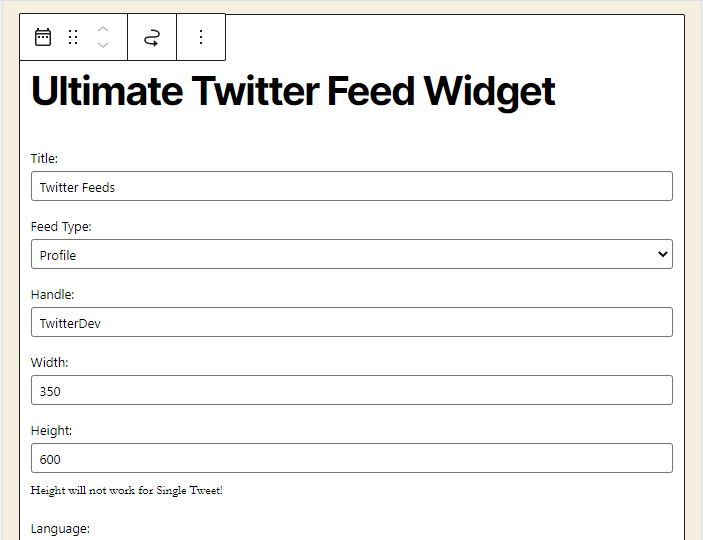
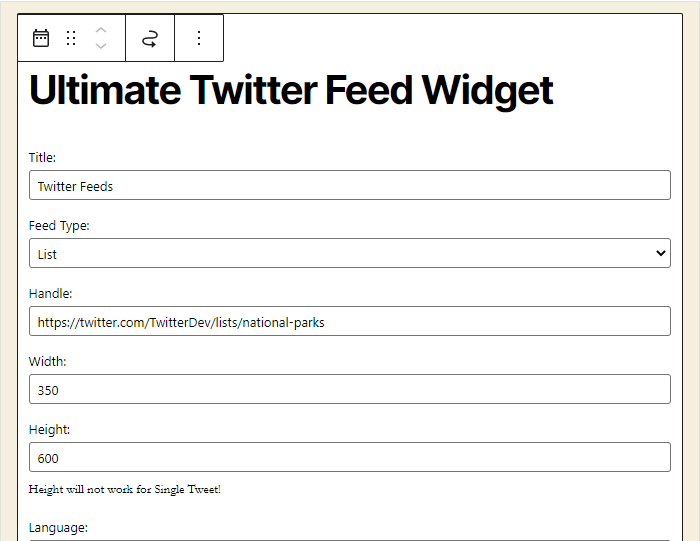
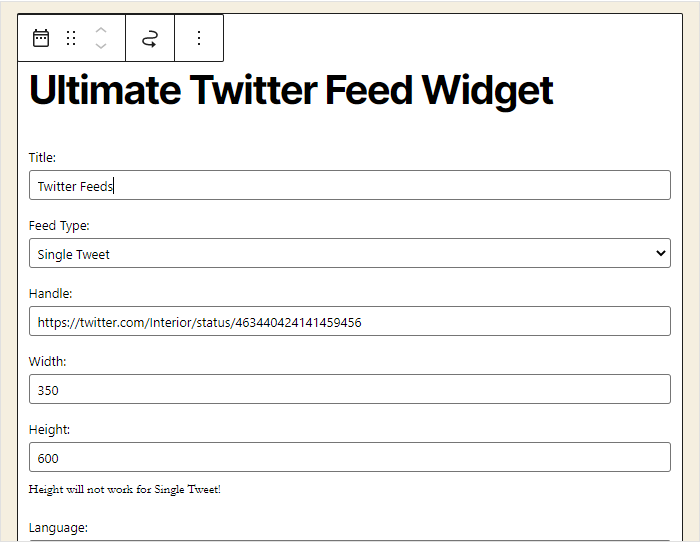
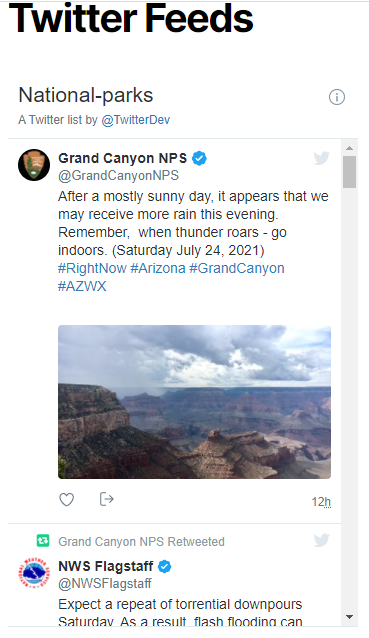
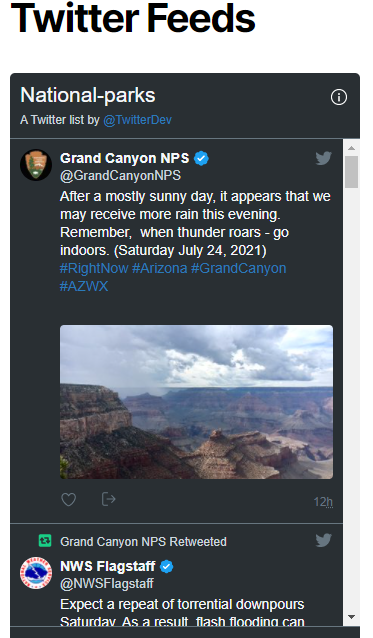
Ultimate Twitter Feeds is a lightweight plugin to display Twitter feeds. Fetch profiles, lists, or single tweets with customizable size, language.
An inside look:
Why should you choose Ultimate Twitter Feeds among the many other plugins?
- Light weight & easy to configure.
- Configuration options like show Tweets from Twitter User Profile, User List and Single Tweet.
- Supports Light and Dark theme.
- Additional options like Width, Height and Language.
- WordPress Block support.
- Fast & helpful support.
Recommended Plugins
The following plugins are recommended for users:
-
WP Power Cache – A high-performance static page caching engine that generates HTML snapshots of your WordPress site for near-instant loading times.
-
Calculate Page Execution Time – Track page execution time easily. Just activate and view page source to see the loading time at the bottom. No configuration needed for WordPress.
-
Facebook Page Feeds Widget – With Facebook Page Feeds Widget, you can display your Facebook Page feeds on your website quickly.
Privacy Notices
With the default configuration, this plugin, in itself, does not:
- use cookies.
- track users by stealth.
- write any user personal data to the database.
- send any data to external servers.
X API Setup (Client ID / Secret)
- Sign in to X Developer Portal: https://developer.x.com/
- Create a Project and App (or open your existing App).
- Enable OAuth 2.0 for the App.
- Add this redirect URI in your X App settings:
https://YOUR_SITE/wp-admin/admin-post.php?action=utfeed_x_oauth_callback - Copy your App Client ID and Client Secret.
- In WordPress admin go to
Settings -> Ultimate Twitter Feeds, paste Client ID/Secret, and clickSave Settings. - Click
Connect with Xand approve access.
Recommended scopes: tweet.read users.read offline.access
Screenshots
FAQ




ChangeLog