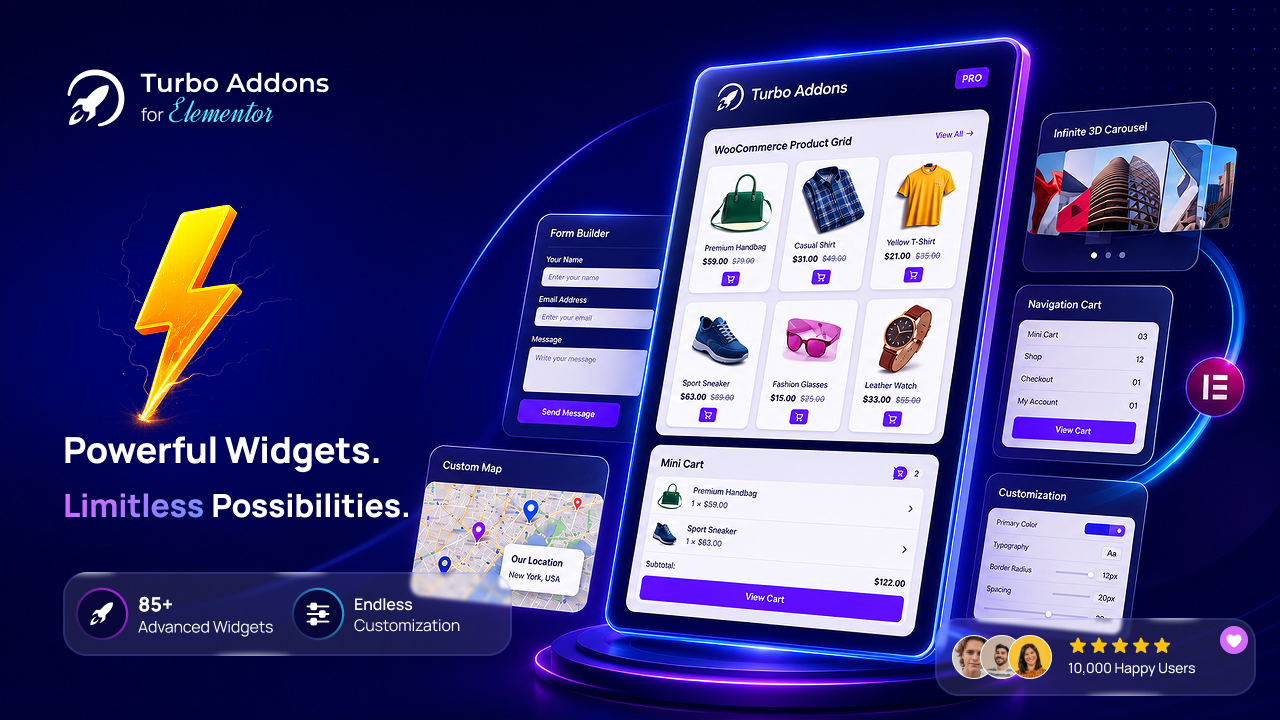
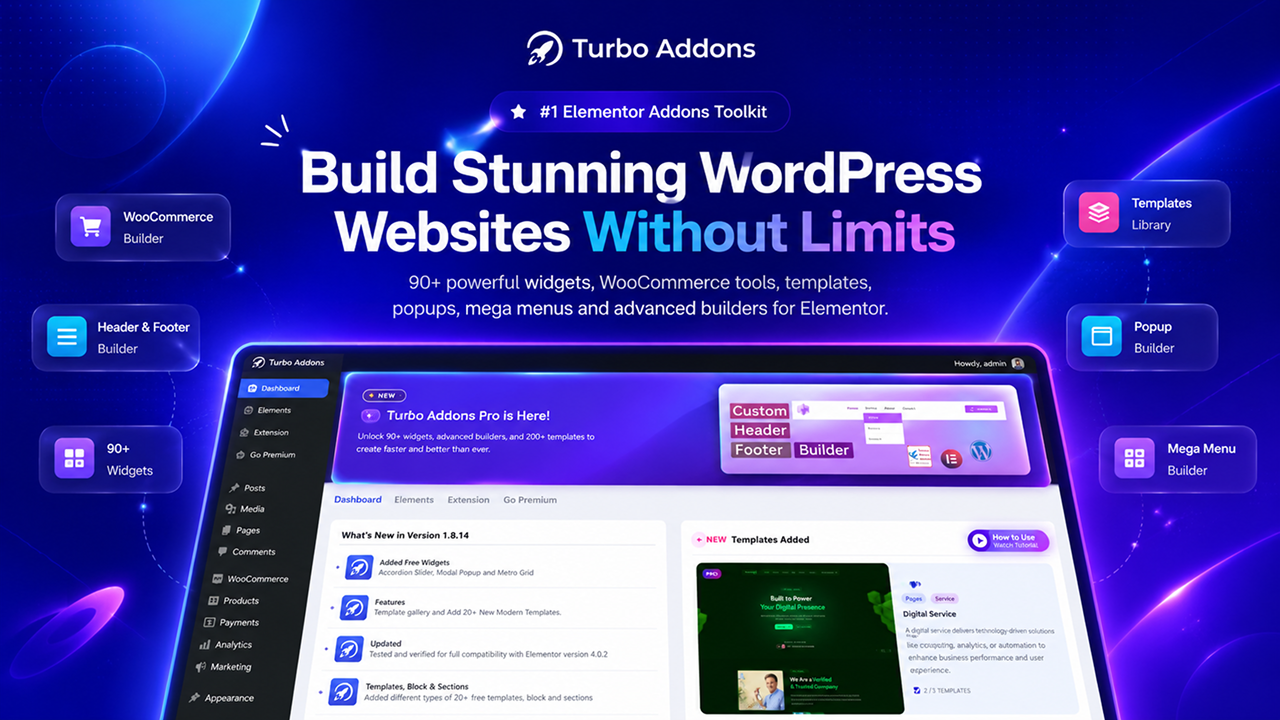
Turbo Addons is your all-in-one toolkit for elementor page builder featuring powerful widgets, WooCommerce, and 200+ ready templates. Build fast, responsive, and professional WordPress websites with ease.
TURBO ADDONS ELEMENTOR HAS 90+ ADVANCED FREE AND PRO ELEMENTOR WIDGETS WITH 200+ READY TEMPLATES, BLOCK, SECTIONS, ELEMENTS & BEST WOOCOMMERCE WIDGETS FOR ELEMENTOR.
Why Choose Turbo Addons for Elementor?
Turbo Addons is your all-in-one free elementor addons to build stunning, fast, and fully responsive WordPress websites without coding.
90+ powerful free and pro widgets
WooCommerce-ready: product grids, categories, cart buttons, product all details
200+ ready-made templates and 100+ ready block/sections
Whether you’re a designer, developer, or business owner Turbo Addons gives you everything you need to build better websites, all in one place.
Dynamic Content (Text, Image & URL) — An Elementor Pro Feature, Now Free
Stop paying for Elementor Pro just to use dynamic tags. Turbo Addons brings the full dynamic-tags experience to the free Elementor editor with 47+ native dynamic tags (35+ core tags + WooCommerce).
Dynamic Text — Post Title, Post Excerpt, Post Date, Post Time, Post Categories, Post Tags, Author Name, Author Bio, Archive Title, Site Name, Site Tagline, Admin Email, Current Year, Current Date/Time, Current User Name/Email, and more.
Dynamic Images — Site Logo, Featured Image, Author Avatar, and Current User Avatar.
Dynamic URLs — Home, Site, Current Page, Post, Author, Login, Logout, Register, Admin, plus WooCommerce Product, Shop, Cart, Checkout, My Account, Orders, Downloads, and Add to Cart URLs.
WooCommerce — Product Image and every key store URL, ready for your shop.
Insert a dynamic tag into any compatible text, image, or link field and the content updates automatically — personalized, always-fresh pages without writing a single line of code.
WOO Product Image Showcase WooCommerce product images with zoom and lightbox effects.
WOO Product Button Add customizable WooCommerce buy now and product action buttons.
WOO Product Cart Display WooCommerce add-to-cart buttons with quantity and icon controls.
Extensions (More Coming Soon):
Turbo Tooltip Extension New! Add tooltips to any Elementor widget instantly. Just activate the extension from the Turbo Addons dashboard no shortcode or coding needed. Once enabled, a Tooltip control panel appears in every Elementor widget for easy setup.
How to Use Turbo Addons for Elementor
Add a Widget:
Open any post or page in the Elementor editor.
In the Elementor widget panel, locate the Turbo Addons category.
Drag and drop the desired widget to your section.
Customize Widget Settings:
Click on the widget to open its customization panel.
Adjust design, layout, and functionality options as needed.
Publish or Update:
After making the desired changes, click Publish or Update to save.
No, you can use all the Turbo Addons widgets with the free version of Elementor. Some advanced features may work better with Elementor Pro.
Where can I get support for Turbo Addons for Elementor?
For assistance, please visit our support page or ask questions via the WordPress support forum.
Can I use Turbo Addons on multiple websites?
Yes, Turbo Addons for Elementor is licensed under GPL v2 or later, allowing you to use it on unlimited websites.
How do I install Turbo Addons for Elementor?
Install it like any WordPress plugin go to Plugins > Add New, search for Turbo Addons for Elementor, click Install, then Activate. Elementor must be installed and active.
Will Turbo Addons slow down my website?
No. Turbo Addons only loads the CSS and JS for widgets that are actually used on the page, keeping your site fast and lightweight.
Is Turbo Addons compatible with all WordPress themes?
Yes, Turbo Addons works with any WordPress theme that supports Elementor.
Do I need coding knowledge to use Turbo Addons?
Not at all. Everything is drag-and-drop inside Elementor. No coding required.
Does Turbo Addons work with WooCommerce?
Yes. Turbo Addons includes widgets designed to work alongside WooCommerce, such as product displays, carousels, and promotional elements. You can build fully functional WooCommerce-powered pages using Elementor and Turbo Addons together.
Can I display WooCommerce products using Turbo Addons widgets?
Yes, several Turbo Addons widgets support dynamic WooCommerce data, allowing you to showcase products, categories, and pricing directly in your Elementor layouts.
What is the difference between the free and Pro versions of Turbo Addons?
The free version includes 50+ widgets covering a wide range of use cases. Turbo Addons Pro unlocks additional premium widgets, advanced styling options, and priority support. You can upgrade at turbo-addons.com/pricing.
How do I upgrade to Turbo Addons Pro?
Visit turbo-addons.com/pricing, choose a plan, and follow the checkout process. After purchase you will receive a license key and the Pro plugin to install alongside the free version.
Will my existing design break if I upgrade to Pro?
No. The Pro version is an add-on that works alongside the free plugin. All your existing widgets and designs remain intact after upgrading.
Is there a refund policy for Turbo Addons Pro?
Yes. Turbo Addons Pro comes with a 14-day money-back guarantee. If you are not satisfied, contact support within 14 days of purchase for a full refund.
Privacy: Usage data (site URL, admin email, plugin version) is now sent only after an administrator opts in from the new admin notice. Nothing is shared without consent.
Security: Template library actions now check the nonce and the user’s permission; the Like/Unlike vote endpoint validates the post, vote and voter ID and limits repeated votes.
Template Library: Pro templates can be inserted only with Turbo Addons Pro and an active license; fixed a case where a template could be inserted twice after switching documents; clearer error messages.
Compatibility: Tested with WordPress 7.1, PHP 8.5 and Elementor 4.3. Replaced Elementor APIs deprecated since 3.1/3.5 (minimum Elementor version is now 3.5).
Bug Fix: Fixed style controls that were declared twice in Preview Card and Image Icon Card (the hover border/background settings now work).
Bug Fix: Scroll Navigation no longer throws errors when a linked section is not on the page; Modal Popup now works with several popups on one page.
Bug Fix: Event Calendar works with several calendars on one page and uses WordPress’s built-in Moment.js (the bundled 2.29.1 had a known vulnerability).
Improvement: Contact Form 7 widget shows a notice in the editor when Contact Form 7 is not active.
Improvement: Asset version strings no longer expose the server path; updated FullCalendar (3.10.5), Typed.js (2.1.0) and canvas-confetti (1.9.4); jQuery 4 readiness fixes.
Bug Fix: Filtering the template library by Pro/Free or category no longer replaces the saved template list, which made the dashboard show only Pro templates (free templates disappeared). The dashboard Templates tab now refreshes the full list every 12 hours.
Bug Fix: The dashboard “Templates Added” slider now shows the latest templates from the API again (it fell back to the static banner because the API response could not be read) and marks Pro/Free templates correctly.
Improvement: Dashboard: the “Unlock Premium Features” card now sits beside the review box, and its card slot shows Turbo Guard (Install / Activate / Upgrade button based on the plugin’s state). Also fixed JavaScript errors on dashboard screens without the theme toggle or widget list.
Version 1.9.5
updated: Updated the template library API
Improvements: Ensure the fast laod the template
Version 1.9.4
Bug Fix: Team Slider — fixed the dots/pagination display issue that could prevent the slider from rendering.
New Feature: Added Elementor dynamic tags for text, image, and URL fields (Post, Author, Archive, Current User, Site Logo, Featured Image, and WooCommerce) — no Elementor Pro required.
New Feature: Logo Carousel — added a Direction control (Left to Right / Right to Left).
Improvement: Read More widget — updated with accurate word-count truncation, smooth expand/collapse animation, auto-hide button, icon position, and hover styling.
Version 1.9.3
New Feature: Added native dynamic tags for Elementor — URL, text, and image tags (Site, Post, Author, Archive, Current User, Site Logo, Featured Image, and more) so widgets can use dynamic content without Elementor Pro.
New Feature: Added WooCommerce dynamic tags — Product, Shop, Cart, Checkout, My Account, Orders, Downloads, Add to Cart URLs, and Product Image.
New Feature: Added a hook-based dynamic URL system with support for tokens like {home_url}, {post_url}, {cart_url} directly inside any link field, extendable via filters.