Transferito is a 1-Click WordPress Migration plugin that allows you to automatically transfer, migrate or clone a WordPress installation to a new location.
Now quicker, easier and simpler than ever. Our WordPress Migration plugin, has the ability migrate any WordPress site (Yes.. even localhost installations) in seconds.
Whether your WordPress migration is a small WordPress site from your local development environment or a large WordPress site on live web server. Our WordPress migration plugin has the capability to successfully move, clone, migrate and transfer your WordPress site.
FREE Features
Unlimited FREE WordPress Migrations upto 250MB
Real 1-Click WordPress Migration
Full automatic restoration & installation to a new location – No import tools needed
Move your WordPress site quicker than ever
Migrate local WordPress websites
We automatically update all your links and URLs
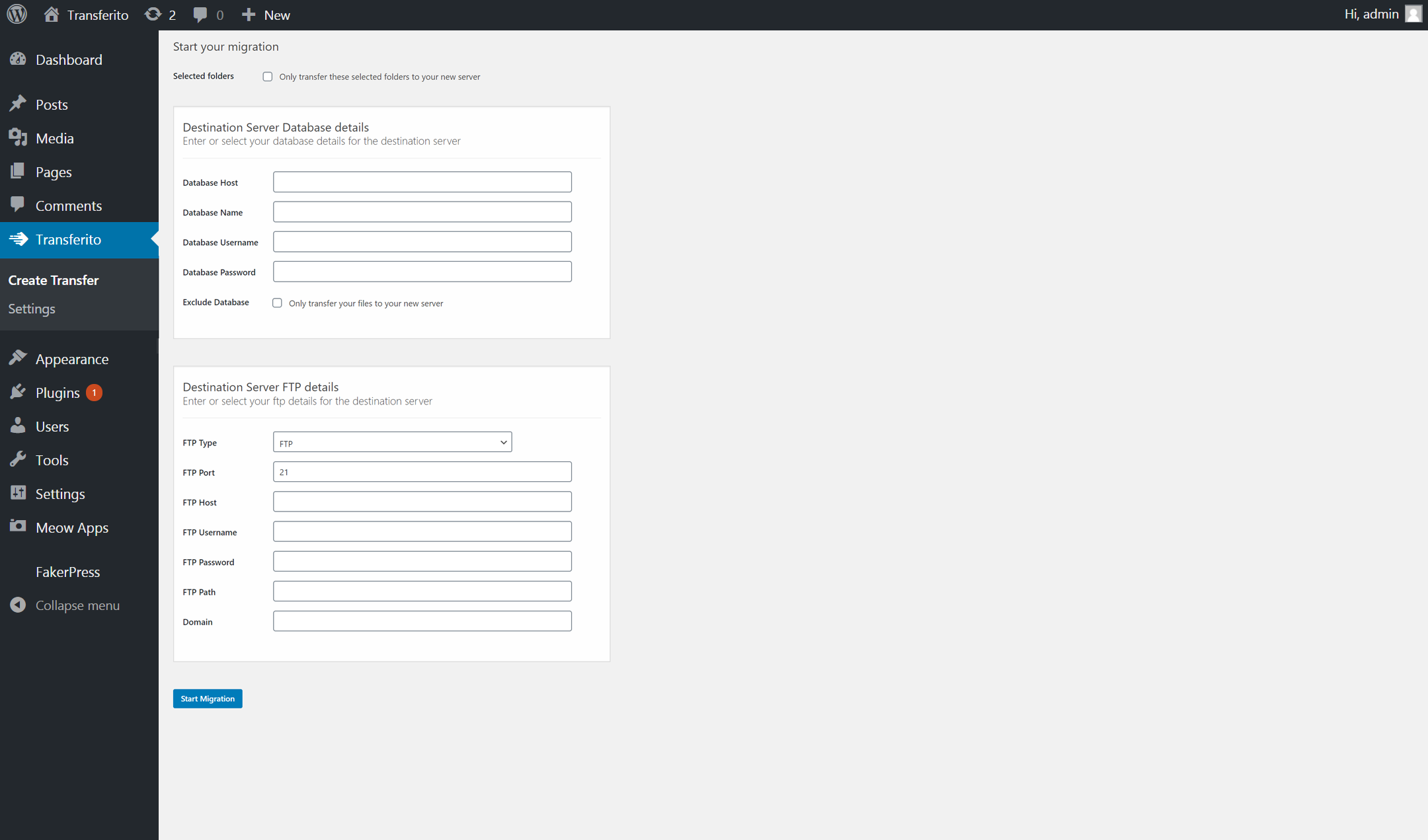
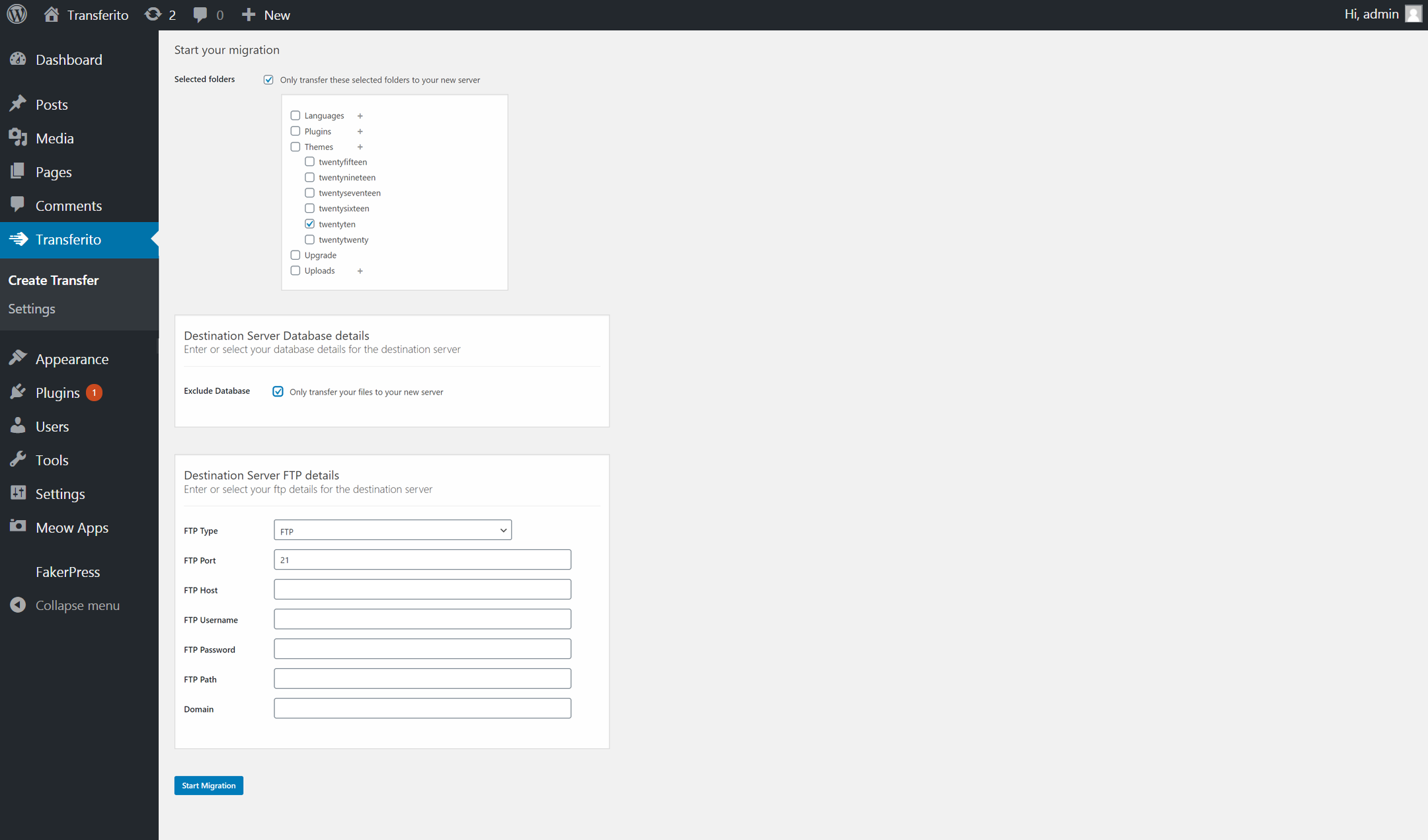
Choose what to migrate – Exclude the database during migration or just transfer selected folders
Clone, Transfer, Migrate, Move, Copy, Restore WordPress websites without any downtime
Migrations happen on your server – So we never copy your site
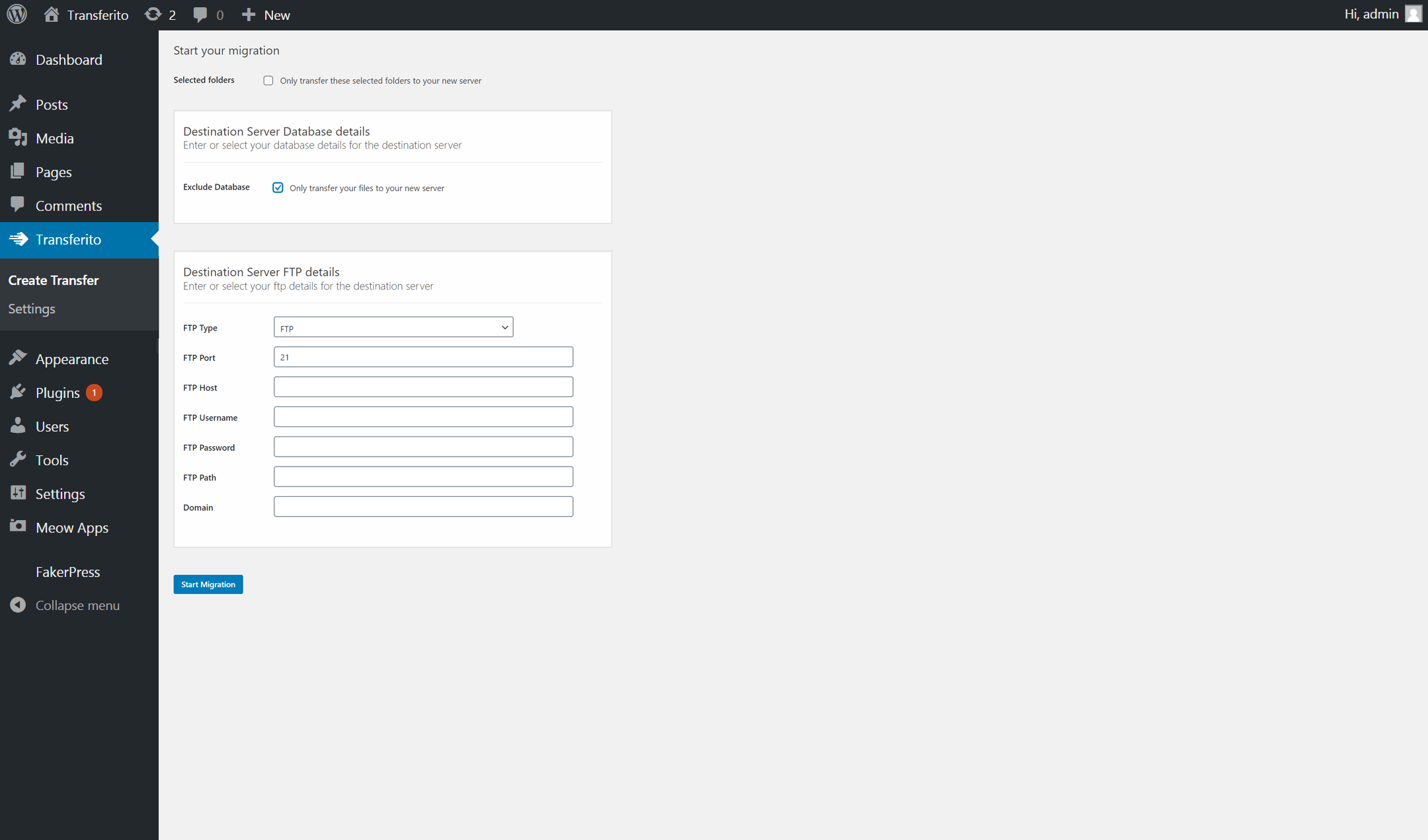
Use FTP, SFTP or cPanel credentials to migrate your WordPress site
Any FTP, SFTP, Database or cPanel details are immediately deleted once the transfer has finished
We remove the plugin from your new location so you don’t have to
How our plugin works
We pride our WordPress migration plugin on being a real 1-Click WordPress duplicator / migrator plugin. That just works!
We’ve worked hard to simplify the WordPress migration process and make it easier than ever to move your WordPress site to new domain or to a new host.
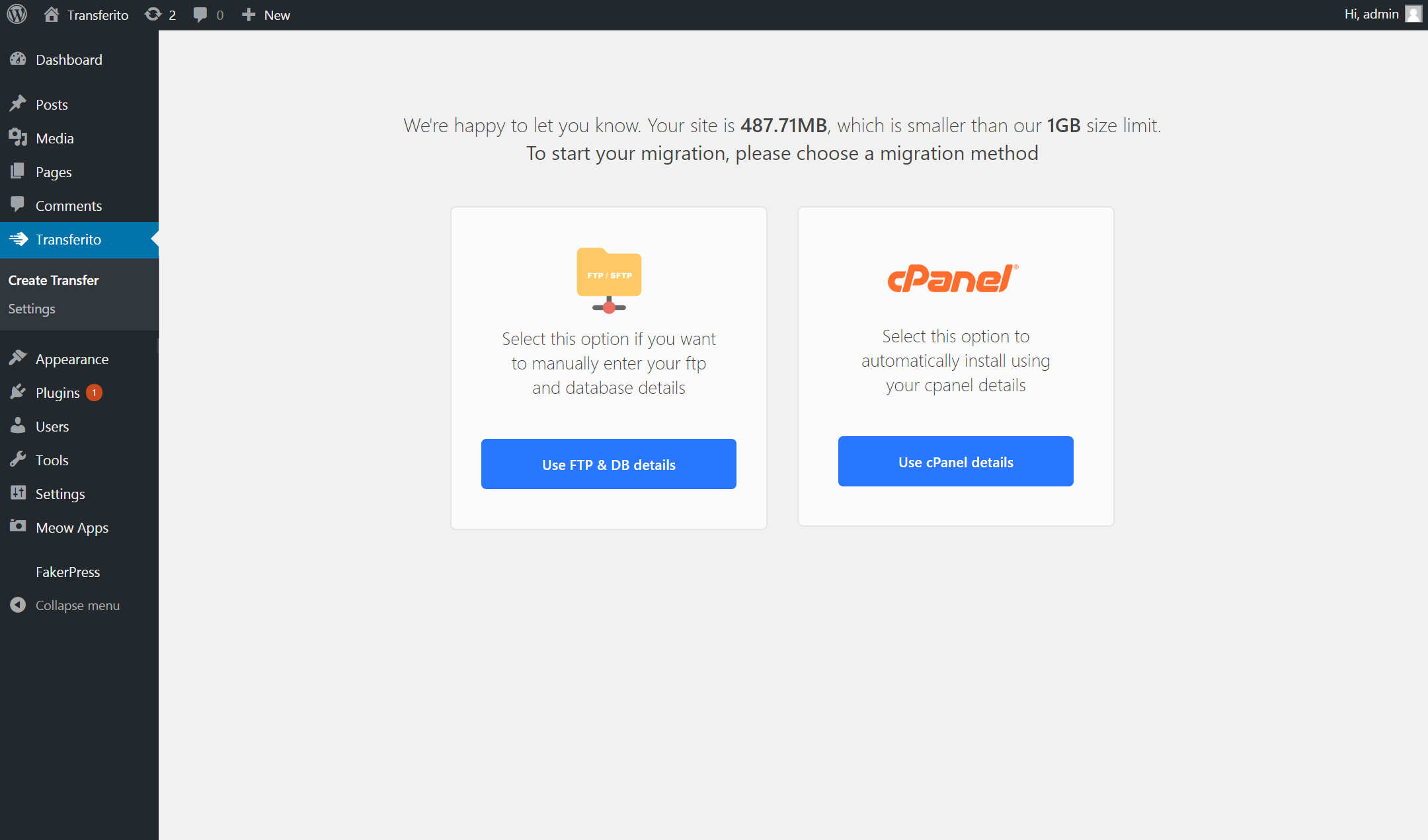
We have two migration methods:
1. Manually enter your SFTP/FTP and database details
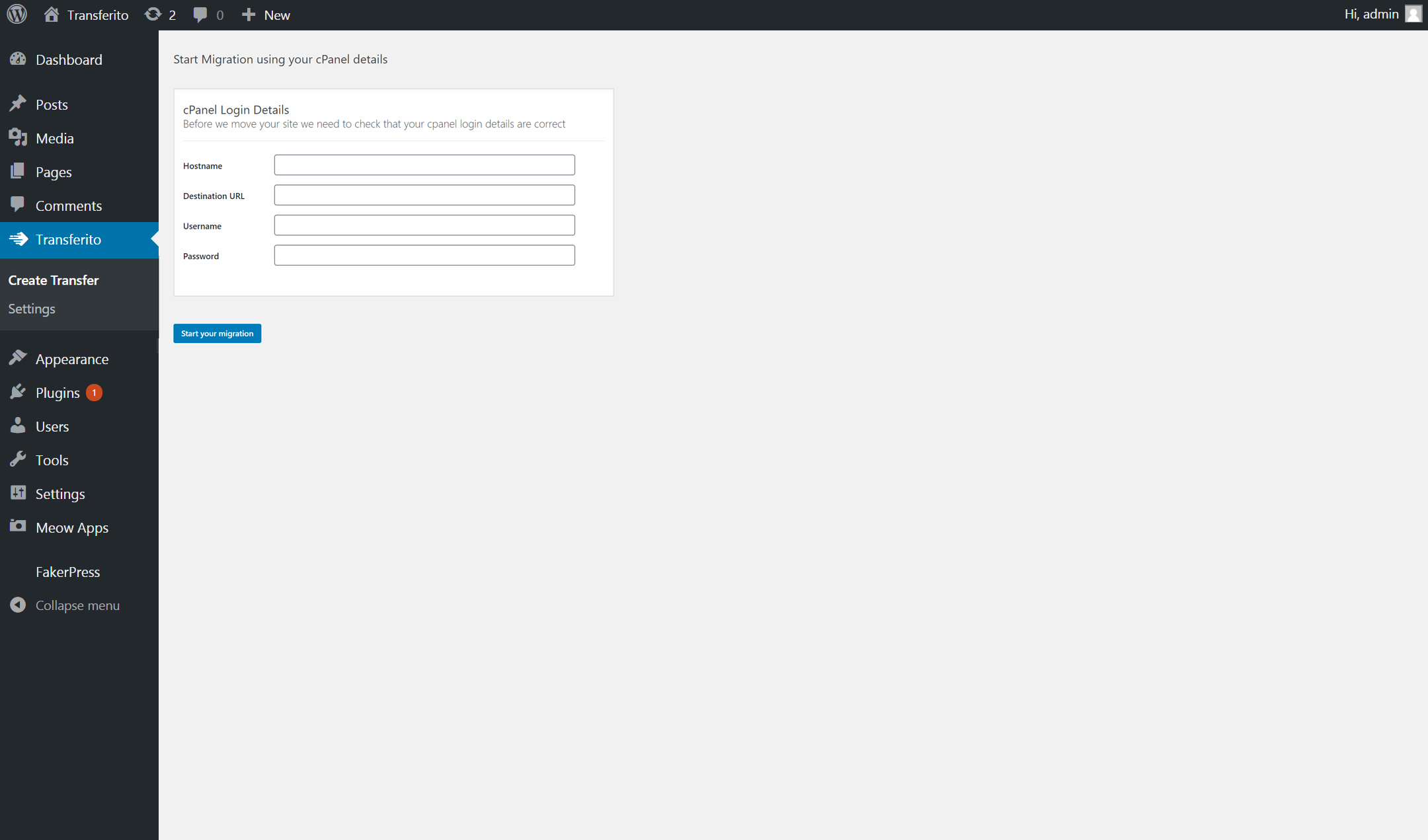
2. Enter your cPanel login & choose your domain – Then your database & FTP details are created automatically for you. Making WordPress migrations even easier. Brilliant for the less technical user.
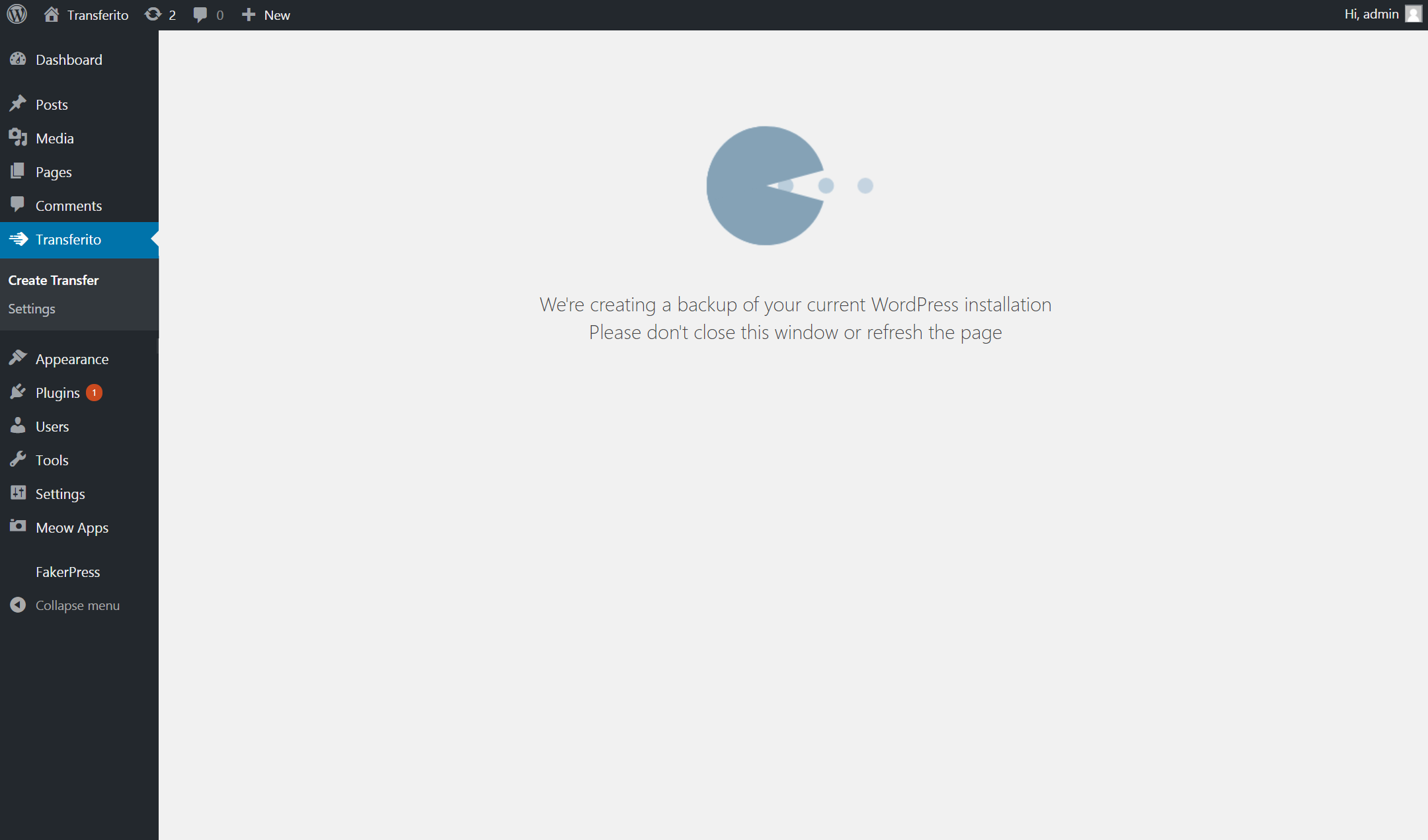
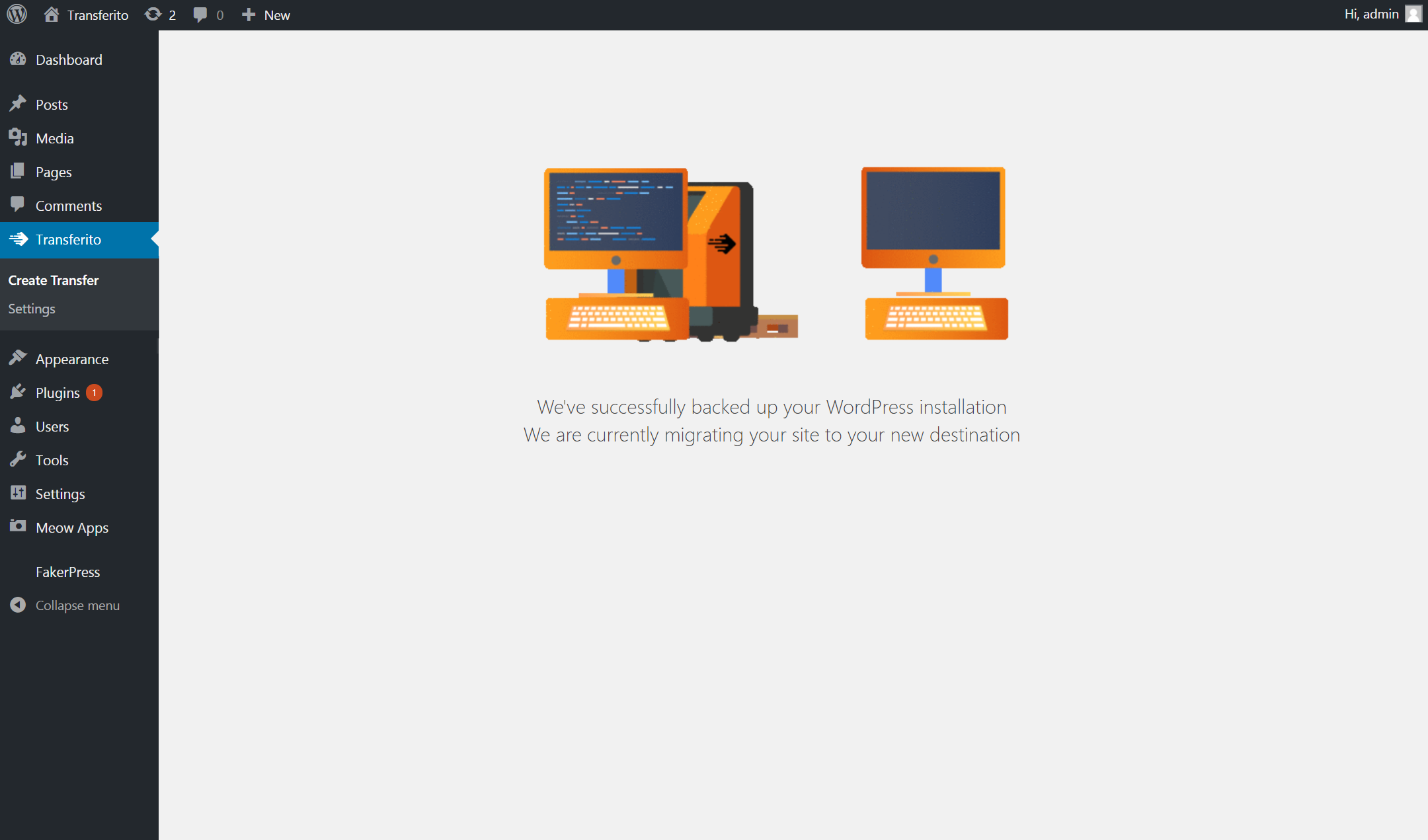
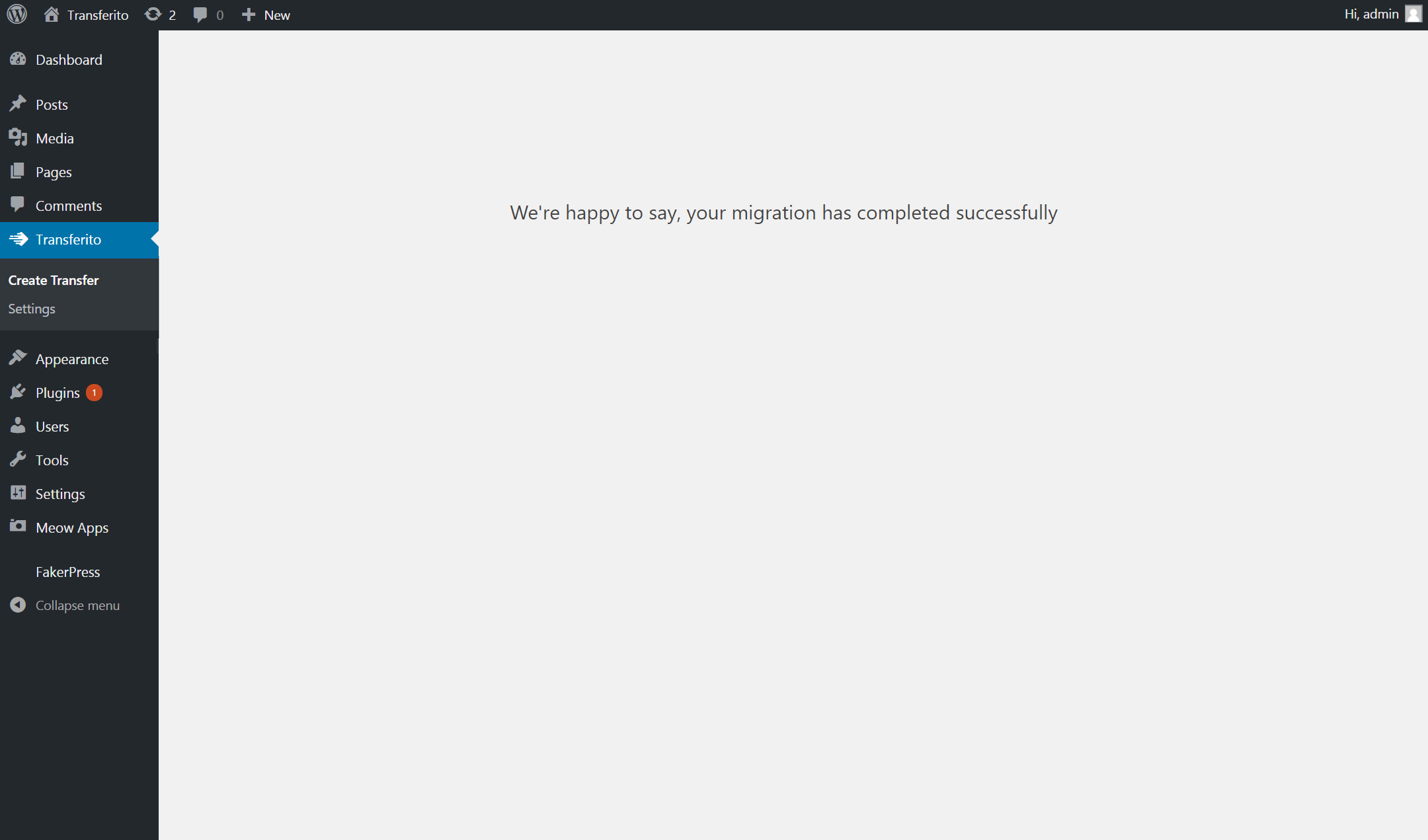
Once you click the “Start Migration” button. We export your WordPress site and then automatically (Yes.. you read that correctly!) migrate your WordPress site with updated links & URLs to your new location.
Want to unlock our extra features?
With Transferito Premium, you get access to our extra amazing features.
24/7 dedicated support for your WordPress migrations
Access to migration specialists on hand to deal with complex WordPress migrations
Migrate, move, transfer, clone WordPress sites larger than 250MB
Access to our cloud platform – migrate without ever having to install a plugin
Use our cloud migration tool that copies a site to your local environment
Can I migrate a WordPress site from my local machine
Yes!! That is what the plugin has been designed to do. You can now migrate a local WordPress website, to any host, within seconds. The speed of the migration is dependant on your internet speed.
Can I only transfer WordPress files?
With our WordPress Migration plugin. You are able to transfer your files and your database with one click to a new location.
Do I need an account on transferito.com
No, we offer FREE WordPress migrations for sites upto 250MB.
Any website that is larger than 250MB will need a valid subscription or a transfer credit to migrate your WordPress website.
To purchase a subscription or a single transfer credit, view Transferito Premium pricing today!
Is Transferito free?
Our WordPress migrations are 100% FREE for any WordPress site that is less than 250MB. We do not require an email address or for you to register to use our WordPress migration plugin.
To purchase a subscription or a single transfer credit, view Transferito Premium pricing today!
How long does it take to migrate a WordPress website?
An average WordPress migration will take 45 seconds. Although depending on the size of your WordPress installation, the time it can take to migrate will increase.
If you are migrating / moving a local WordPress website. The time it will take to move your WordPress website will be dependant on your internet connection speed.
Where are my files stored?
If you are not migrating a WordPress site from your local machine. We never store your files as the migration magic happens on your servers.
If you are migrating from your local development machine. We temporarily upload your site to a secure environment. These files are permanently deleted once your migration has finished.
What happens to my FTP/STFP/cPanel and database details
We temporarily store these details on our secure server. These details are only used to connect to your server and update your wp-config file.
Once your migration has finished, all these details are permanently deleted.
What is the maximum size of WordPress website that can be migrated
If you are using our FREE version the maximum size WordPress site you can migrate is 250MB.
Although if you have our premium version. Depending on your subscription. The maximum size will vary between 1TB and 50TB.
To see more about the pricing options, view Transferito Premium pricing today!
What web hosts can you migrate to
We’ve tested moving and transferring WordPress sites to different domains on a large number of the major WordPress web hosts.