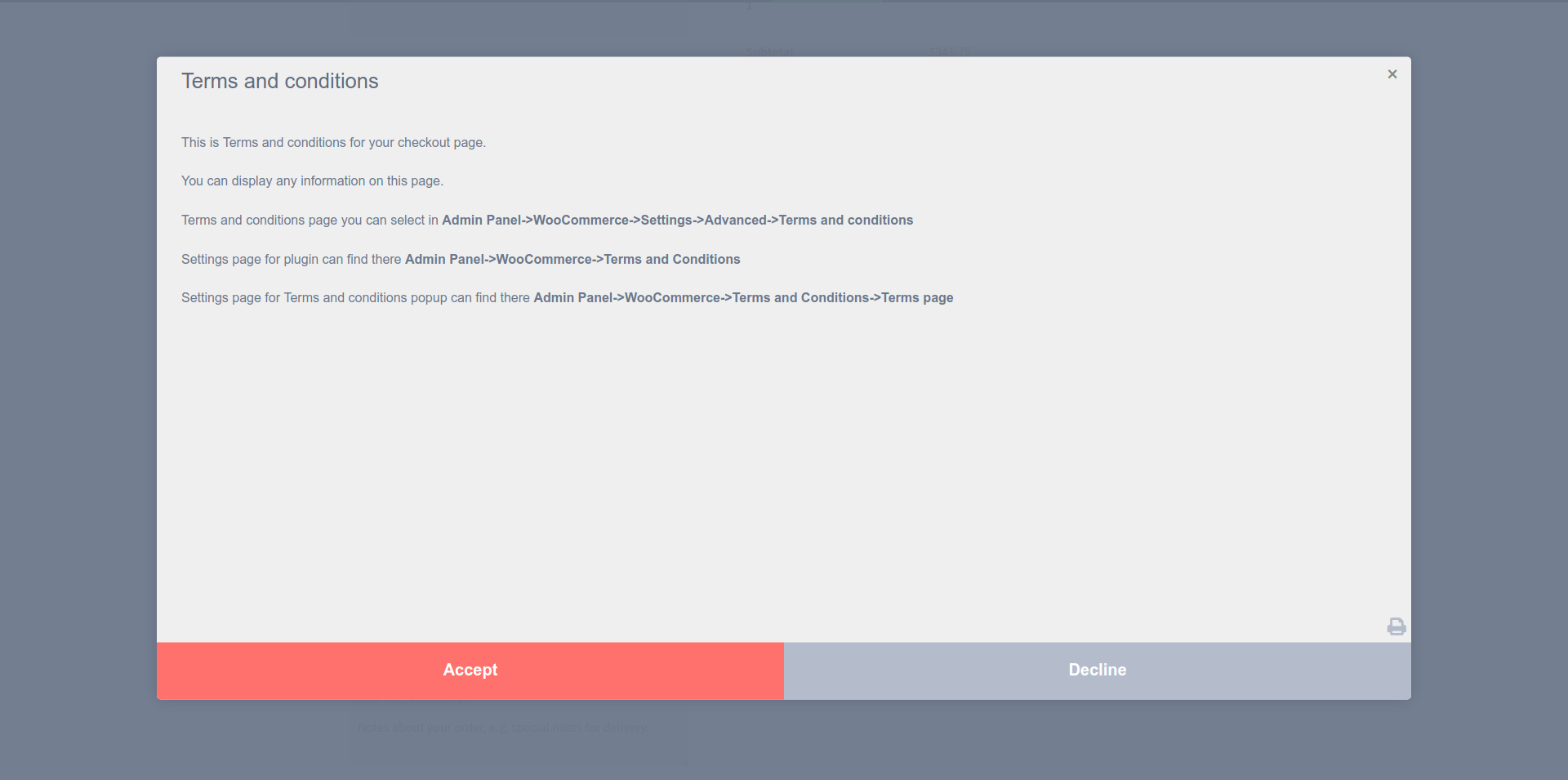
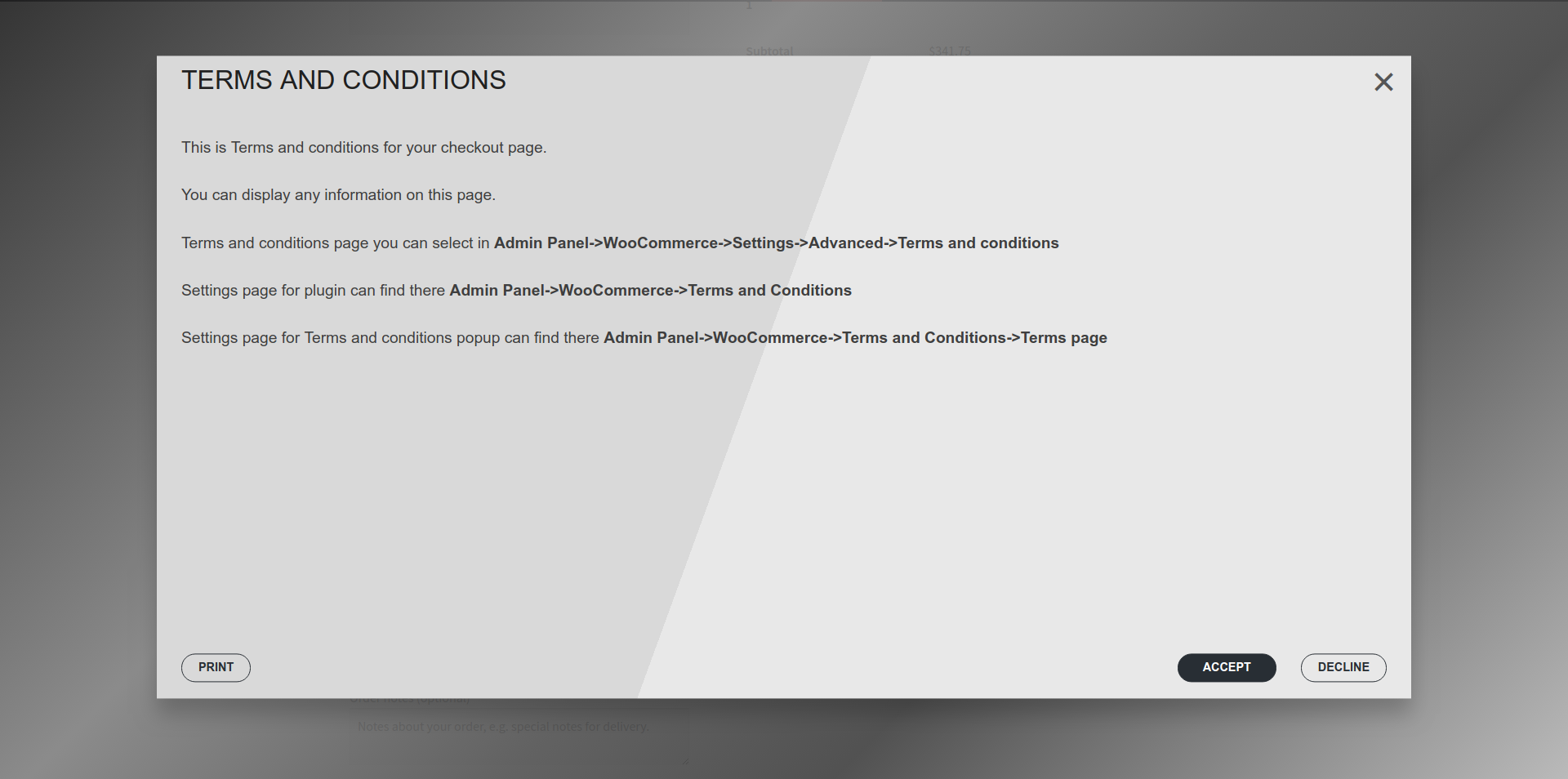
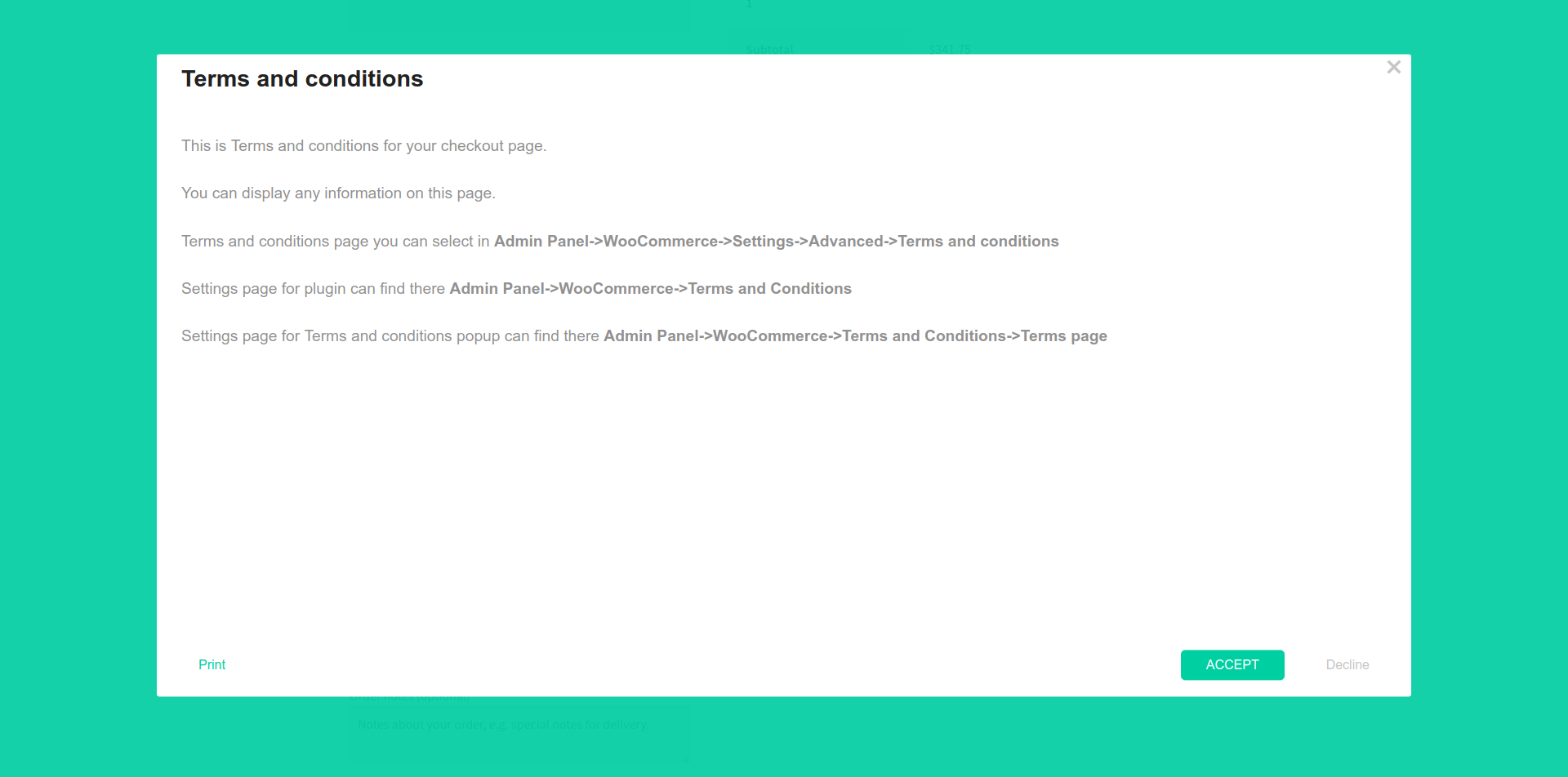
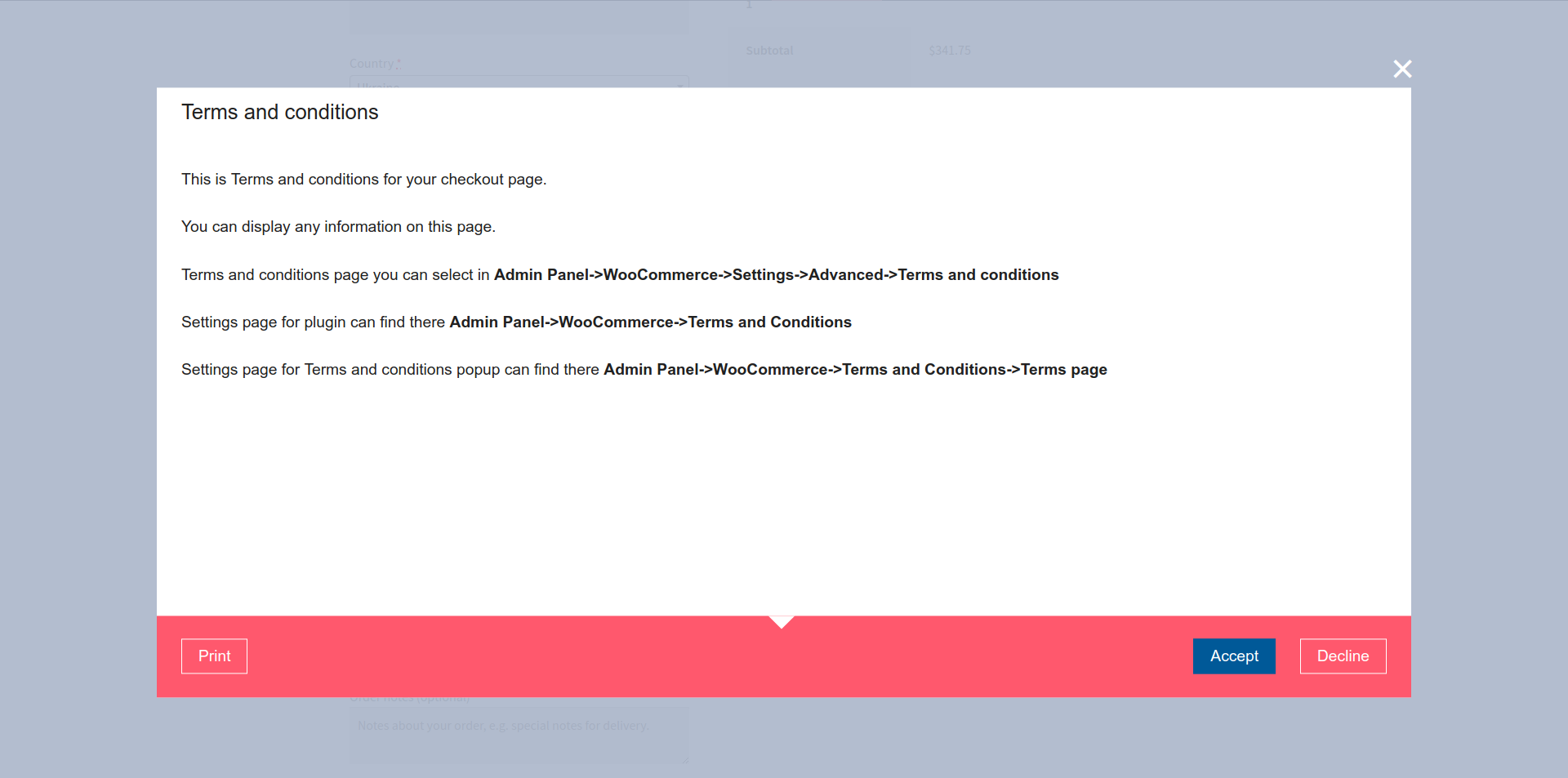
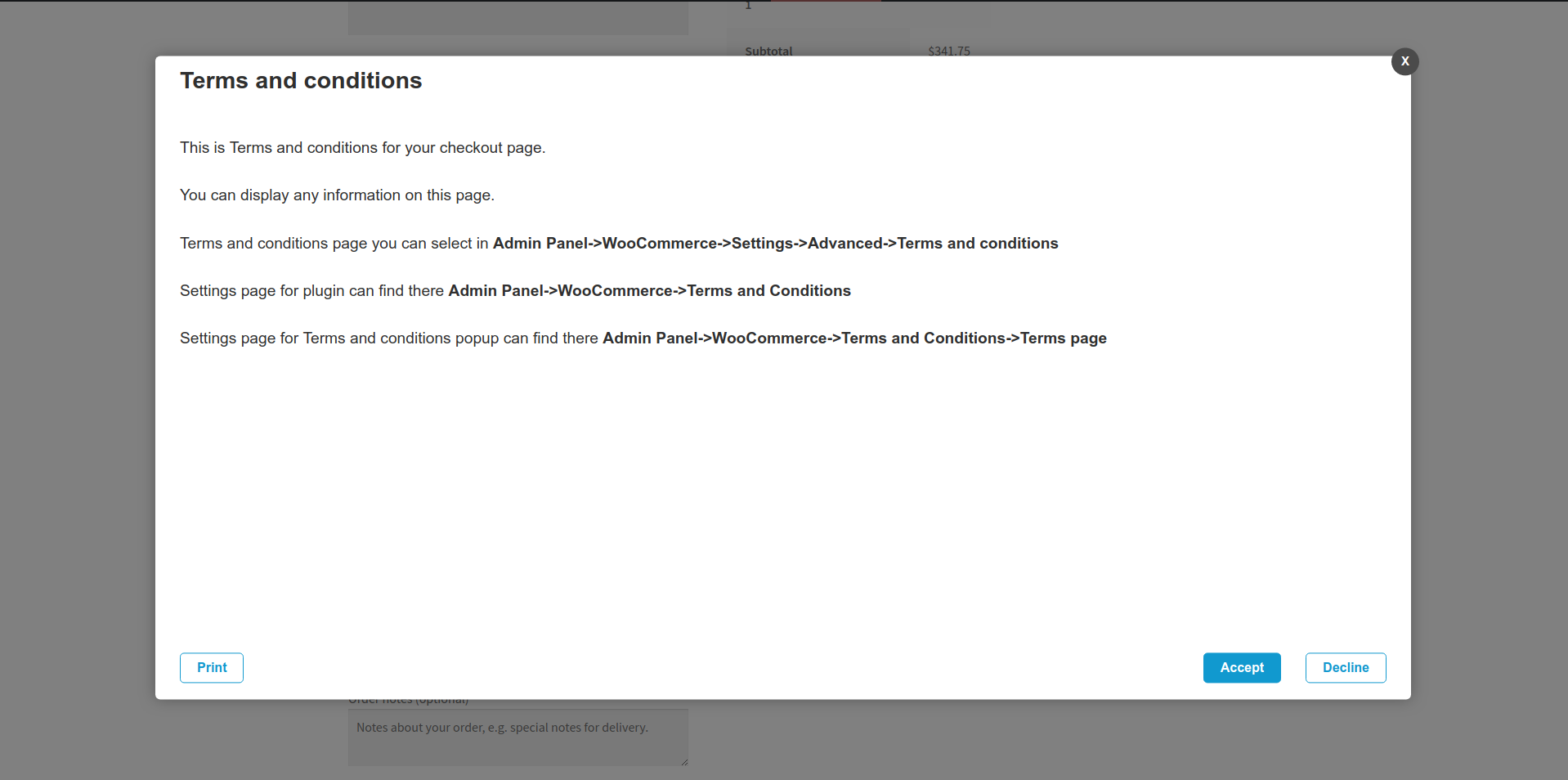
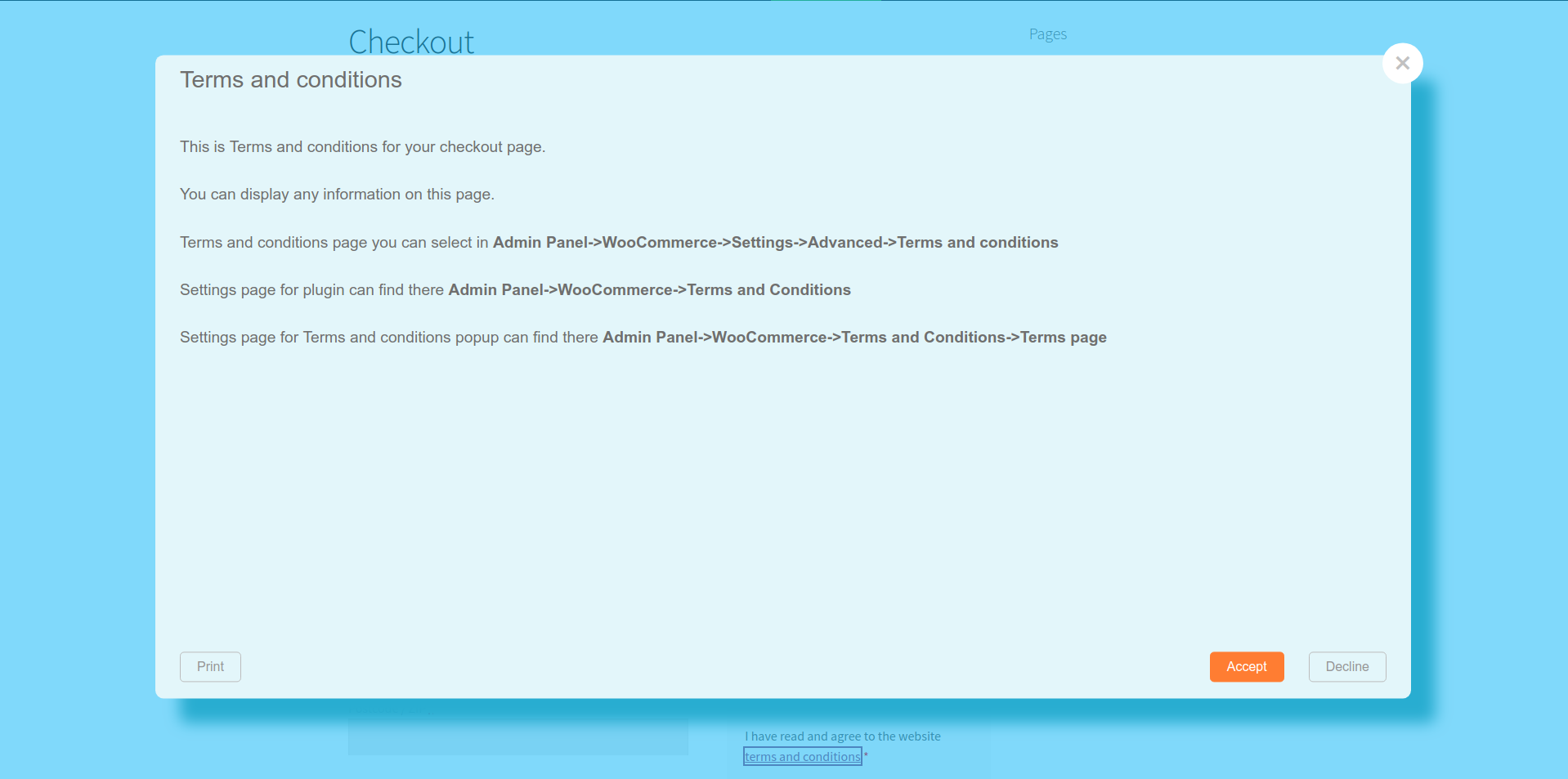
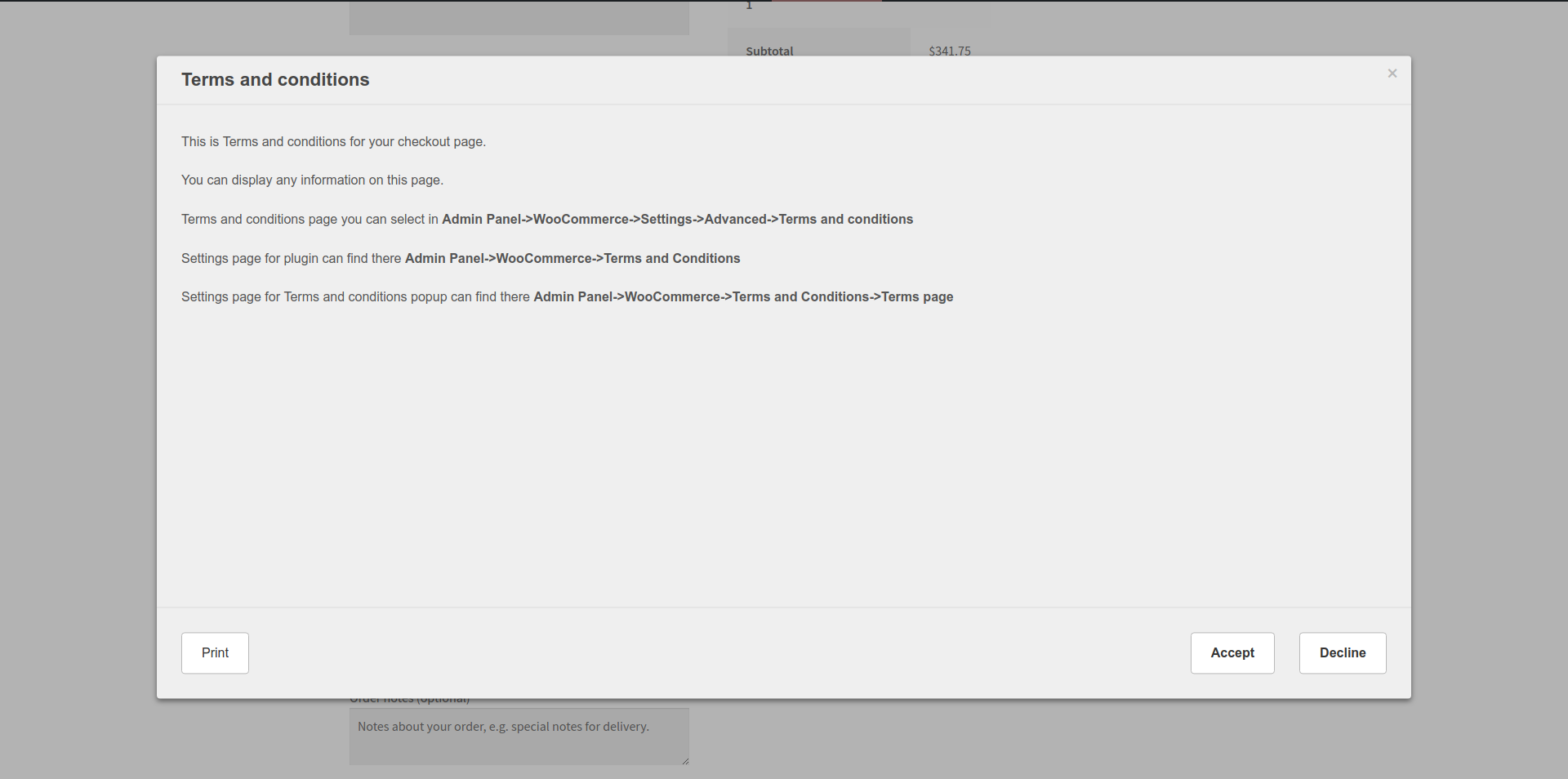
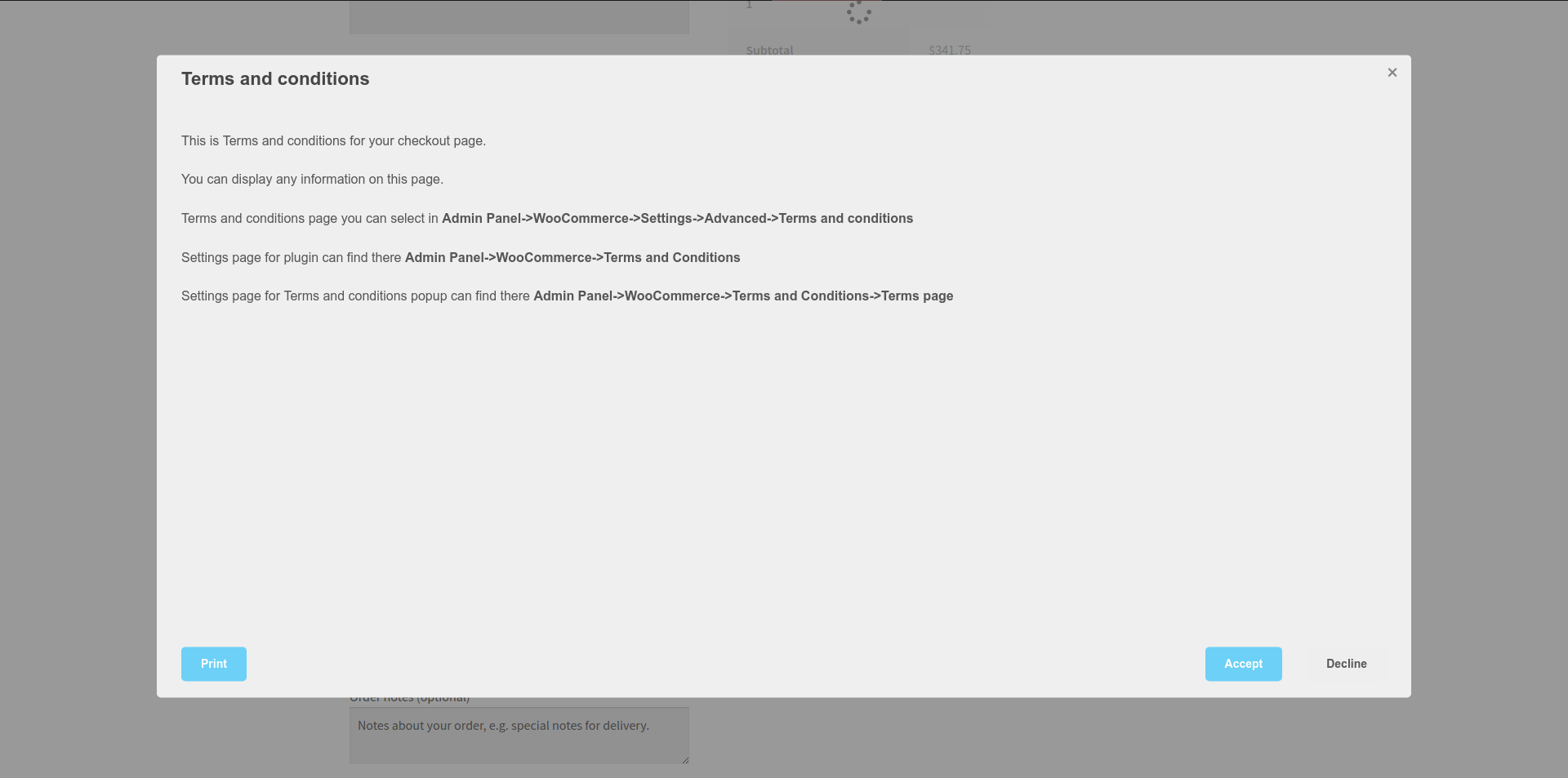
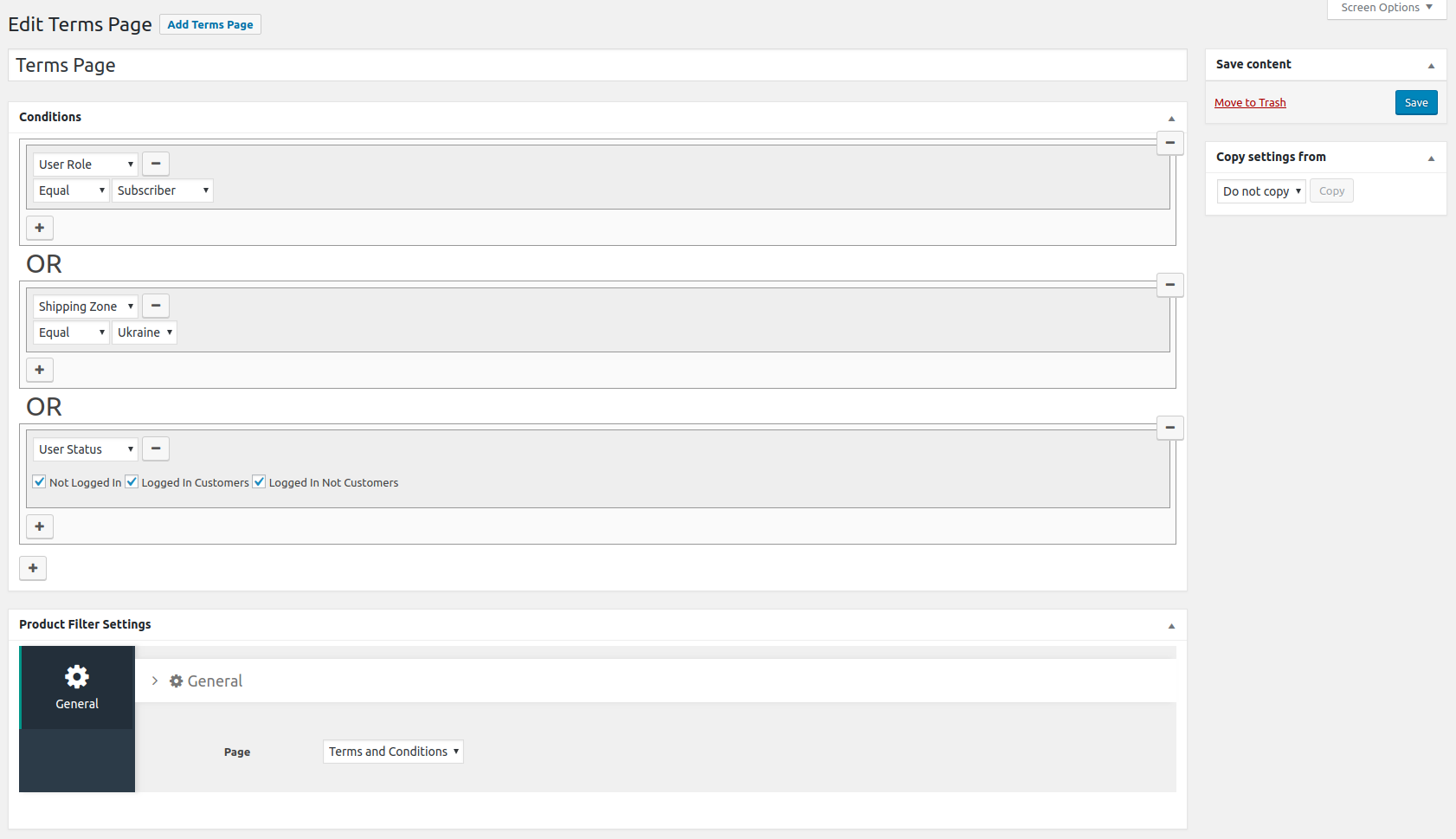
Terms and Conditions Popup for WooCommerce plugin allows your customers to see the terms and conditions without leaving the checkout page. Terms and conditions have great advantages for users and administrators in terms of liability and security. Terms and Conditions Popup for WooCommerce gives the possibility to display this type of information in a popup window and so make its consultation quick and simple.
Features:
✅ Popup for WooCommerce terms and conditions
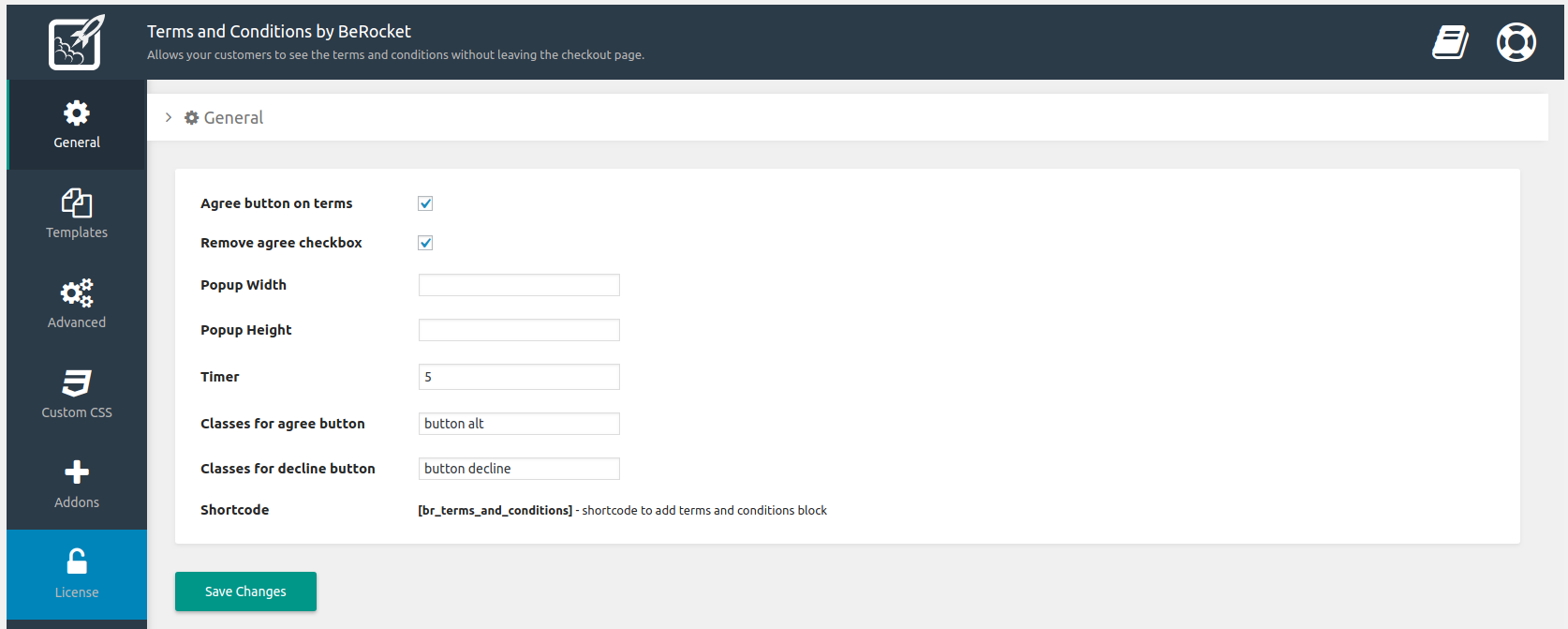
✅ Custom height and width for popup
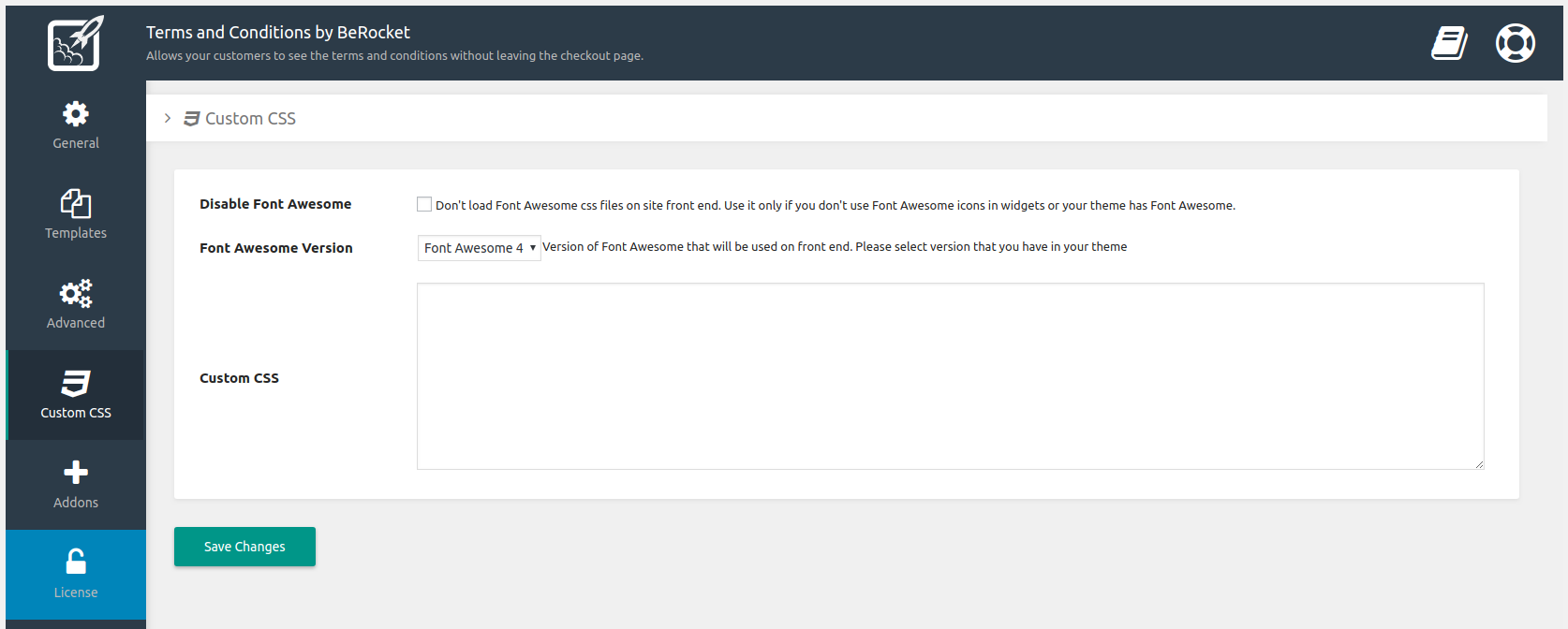
✅ Custom CSS for front end pages
Features in Version 3.5:
✅ Agree and decline buttons on popup instead checkbox on page
✅ Timer before popup can be closed
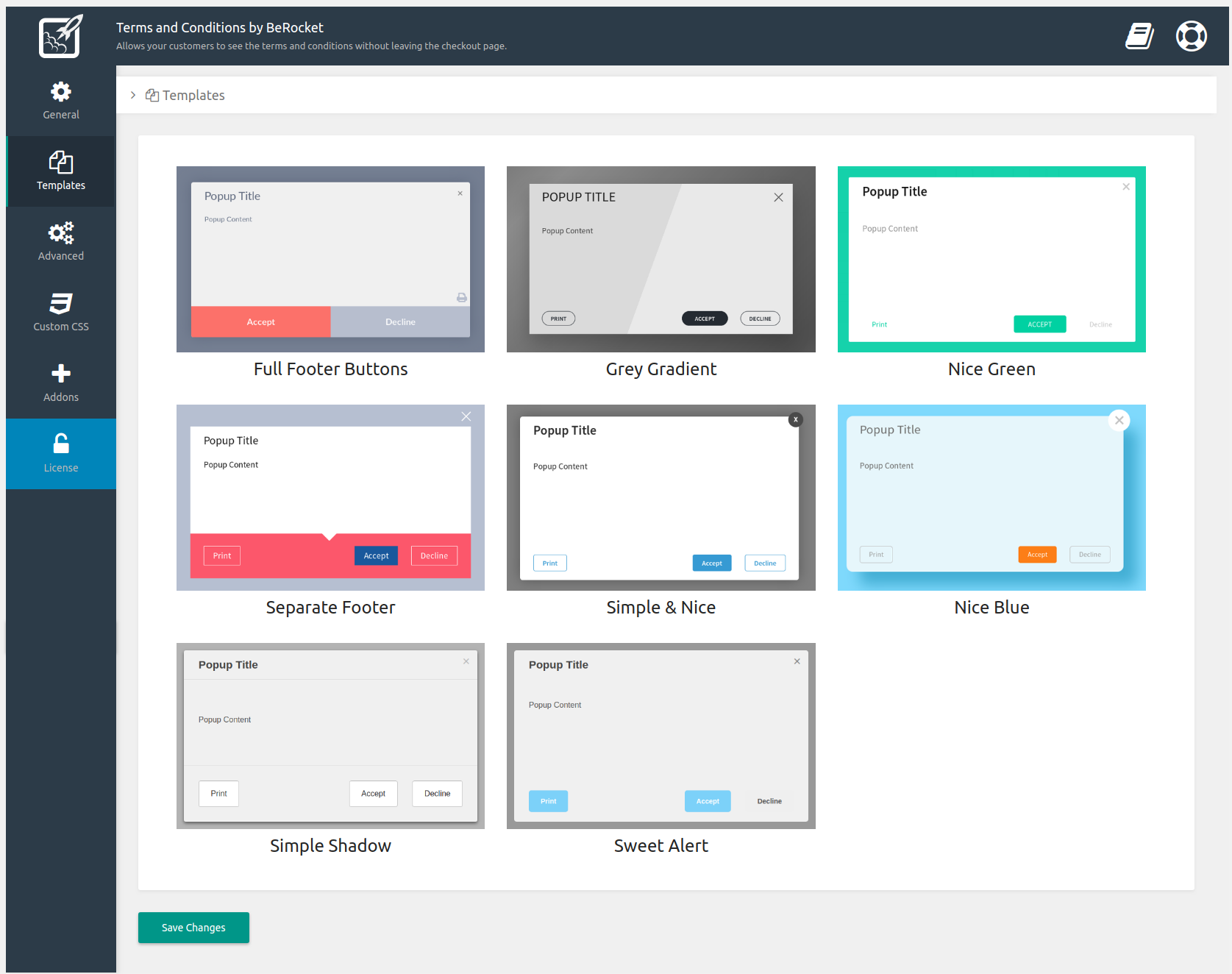
✅ Customization for Terms and Conditions Popup
✅ Shortcode to add Terms and Conditions to any form
Terms and Conditions Popup for WooCommerce has been tested and compatibility is certain with the following WooCommerce plugins that you can add to your site:
Compatibility with all themes is impossible, because they are too many, but generally if themes are developed according to WordPress and WooCommerce guidelines, BeRocket plugins are compatible with them.
How can I get support if my WooCommerce plugin is not working?
If you have problems with our plugins or something is not working as it should, first follow this preliminary steps:
Test the plugin with a WordPress default theme, to be sure that the error is not caused by the theme you are currently using.
Deactivate all plugins you are using and check if the problem is still occurring.
Ensure that your plugin version, your theme version and your WordPress and WooCommerce version (if required) are updated and that the problem you are experiencing has not already been solved in a later plugin update.
If none of the previous listed actions helps you solve the problem, then, submit a ticket in the forum and describe your problem accurately, specify WordPress and WooCommerce versions you are using and any other information that might help us solve your problem as quickly as possible. Thanks!
Feature – Added a Readable document view with a limited text width and increased line spacing in the terms popup.
Enhancement – Added a choice of a thin reading progress bar or a bar with a visible percentage.
Enhancement – Updated BeRocket Framework to 3.1.5 with complete field exports, custom import/export converters, and support for plugins without premium product links.
3.7
Feature – Open the configured public terms page in a new tab from the popup without changing agreement.
Feature – Show scroll progress for the existing terms content, including short text and content size changes, without changing consent or closing requirements.
Enhancement – Improved compatibility with WooCommerce Store API modules.
Fix – Corrected translations of terms and privacy policy text.
Enhancement – Added or improved settings import/export and backup restoration.
Enhancement – Updated BeRocket Framework to 3.1.3 with CDN release metadata, reduced updater API traffic, isolated invalid catalog records, improved banner tracking, and an SVG account icon.
Enhancement – Updated compatibility declarations for WordPress 7.1.3 and WooCommerce 11.2.1.
3.6.4
Enhancement – Updated BeRocket framework.
Security – Hardened framework validation and output handling.
3.6.3
Enhancement – Harden locked features validation
Enhancement – Small speed improvement
Enhancement – Harden Global settings validation
Fix – Global settings, some options were not editable