

SVG Editor lets you easily change SVG colors directly within WordPress using our intuitive interface. No external software needed.
| Author: | Digages (profile at wordpress.org) |
| WordPress version required: | 5.0 |
| WordPress version tested: | 7.0.2 |
| Plugin version: | 1.1 |
| Added to WordPress repository: | 11-04-2025 |
| Last updated: | 27-07-2026 |
| Rating, %: | 100 |
| Rated by: | 3 |
| Plugin URI: | https://digages.com/ |
| Total downloads: | 2 312 |
| Active installs: | 100+ |
 Click to start download |
|
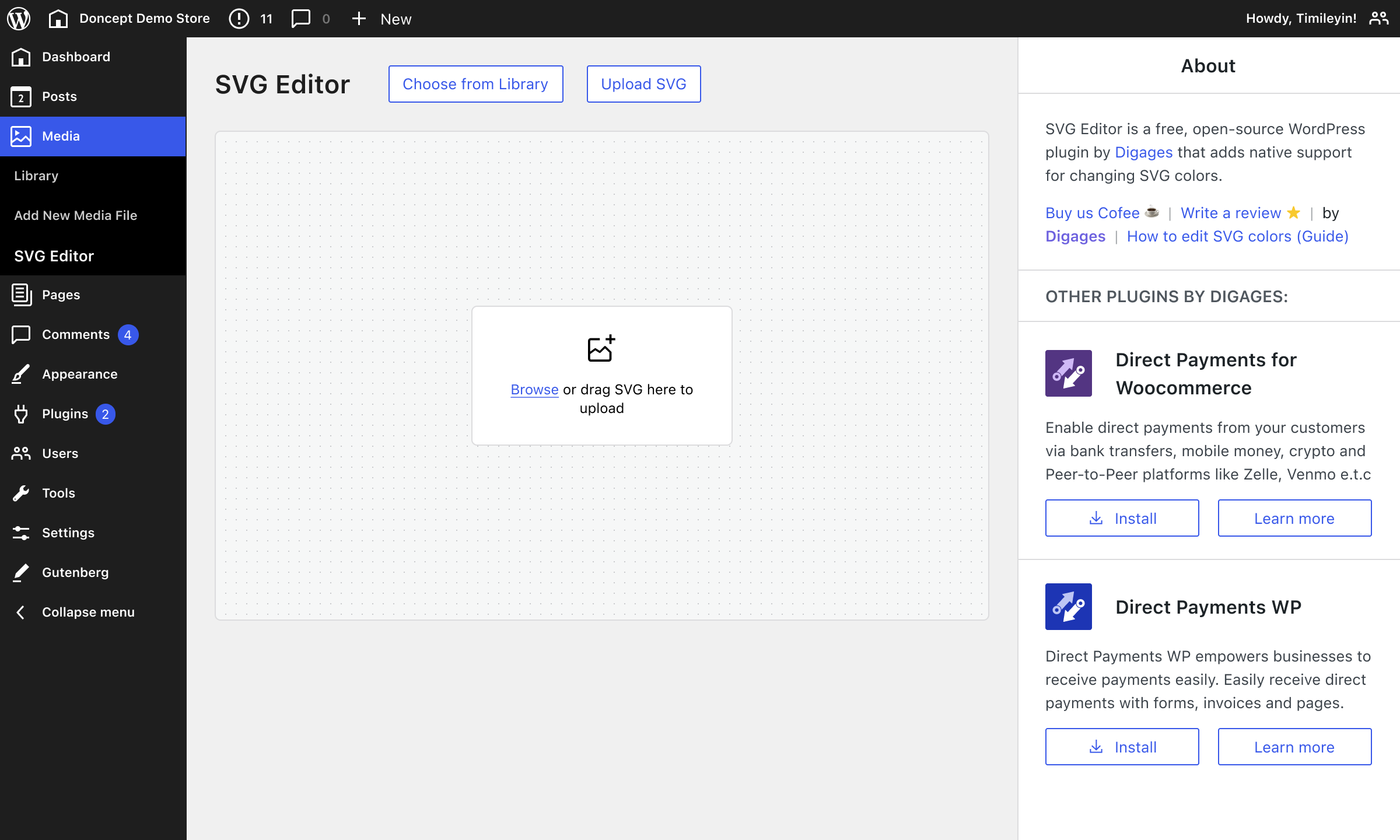
SVG Editor adds native support for uploading and editing SVG (Scalable Vector Graphics) directly within your WordPress Media Library. Easily change the colors of your favorite icons, images, and vector assets without needing any external design software.
Whether you’re a web designer, developer, or content creator, SVG Editor is here to simplify your workflow and save you time.
Features:
- Enable SVG Uploads: Allows you to safely upload SVG files to your WordPress site.
- View SVGs in Media Library: Preview your SVG files directly within the WordPress Media Library.
- Native WordPress Integration: Works seamlessly within the WordPress Media Library.
- Simple Color Editing: Change SVG colors with our intuitive interface.
- Sanitized SVGs: Automatically cleans SVG code to prevent security risks and ensure safe usage.
- Preserves SVG Integrity: Maintains the scalability and quality of your vector graphics.
- Mobile Responsive: Easily edit SVG on the go.
About Digages:
SVG Editor is a free and open-source plugin developed and maintained by Digages. We’re committed to creating tools that make WordPress more powerful and easier to use.
What’s Next?:
If you like this plugin, then consider checking out our other plugins:
-
Direct Invoices – Invoicing & Payment Requests for WordPress
-
Engraver for WooCommerce – Personalize and Customize WooCommerce Products
External API Notice
This plugin optionally connects to an external API to fetch additional plugin listings. The core functionality of the plugin is fully independent and remains unaffected if the API is not used.
We value user privacy and ensure that no personal or sensitive data is sent to the external API.
Screenshots
FAQ


ChangeLog