The Simplest way to sell digital downloads and set up payment forms with Stripe, Paypal…
| Author: | WPSmartPay (profile at wordpress.org) |
| WordPress version required: | 4.9 |
| WordPress version tested: | 6.2.2 |
| Plugin version: | 2.7.8 |
| Added to WordPress repository: | 11-06-2020 |
| Last updated: | 30-07-2023 |
| Rating, %: | 98 |
| Rated by: | 17 |
| Plugin URI: | https://wpsmartpay.com/?utm_source=wp-plugins... |
| Total downloads: | 11 350 |
| Active installs: | 200+ |
 Click to start download |
|
The Simplest way to sell digital downloads and accept payments to run your business online. Often, you don’t need a sophisticated store, cart, or checkout process to sell your digital product or take payment. You need a simple payment form to do it all. Do it smartly with WP SmartPay.
Sell your product or set up payment forms with Stripe, PayPal, and Paddle. You can accept donations, crowdfunding, take service payments, and manage downloads with ease.
???? Sell Digital Products Effortlessly
Whether it is ebooks, documents, graphics, songs, videos, photos, or any other media file type, sell it effortlessly with WP SmartPay.
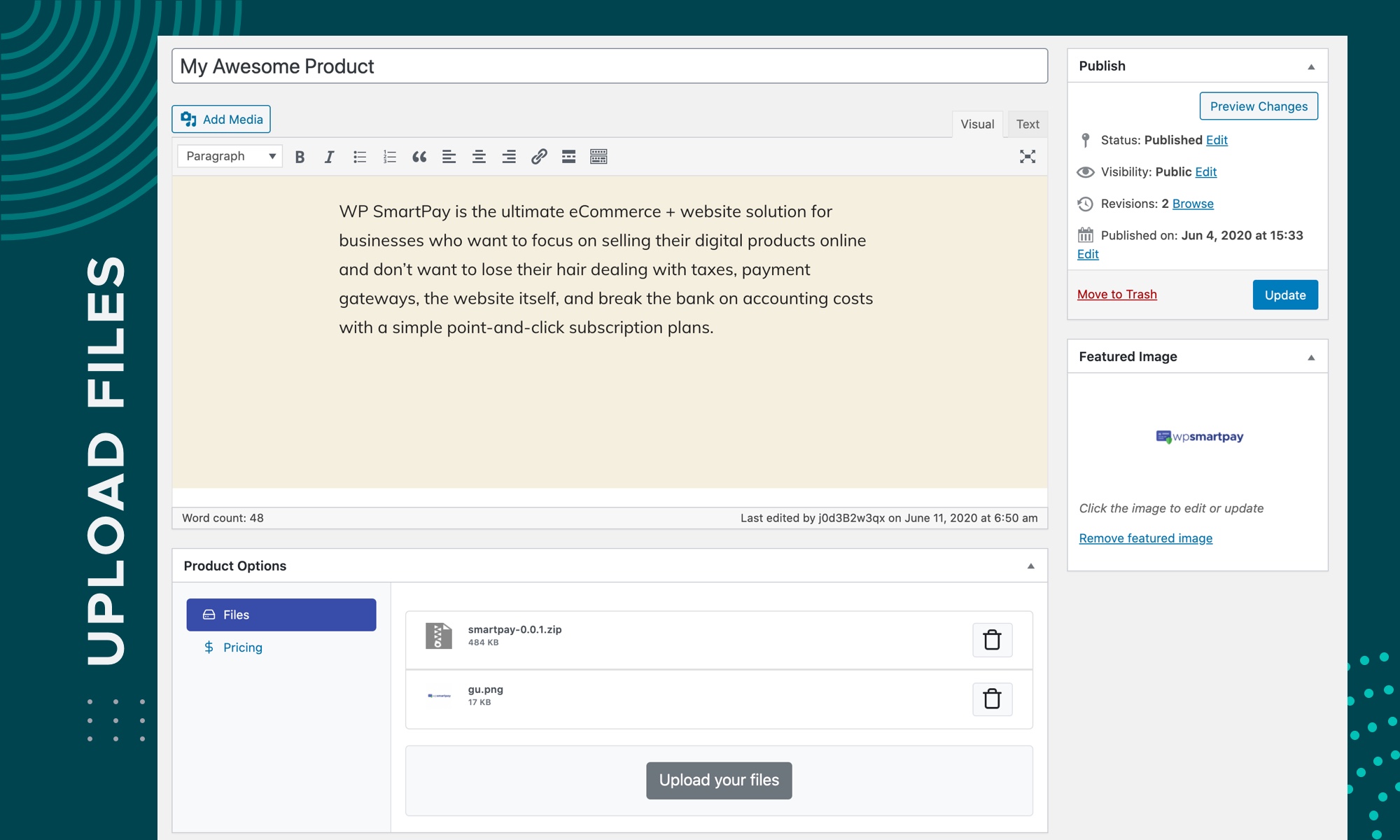
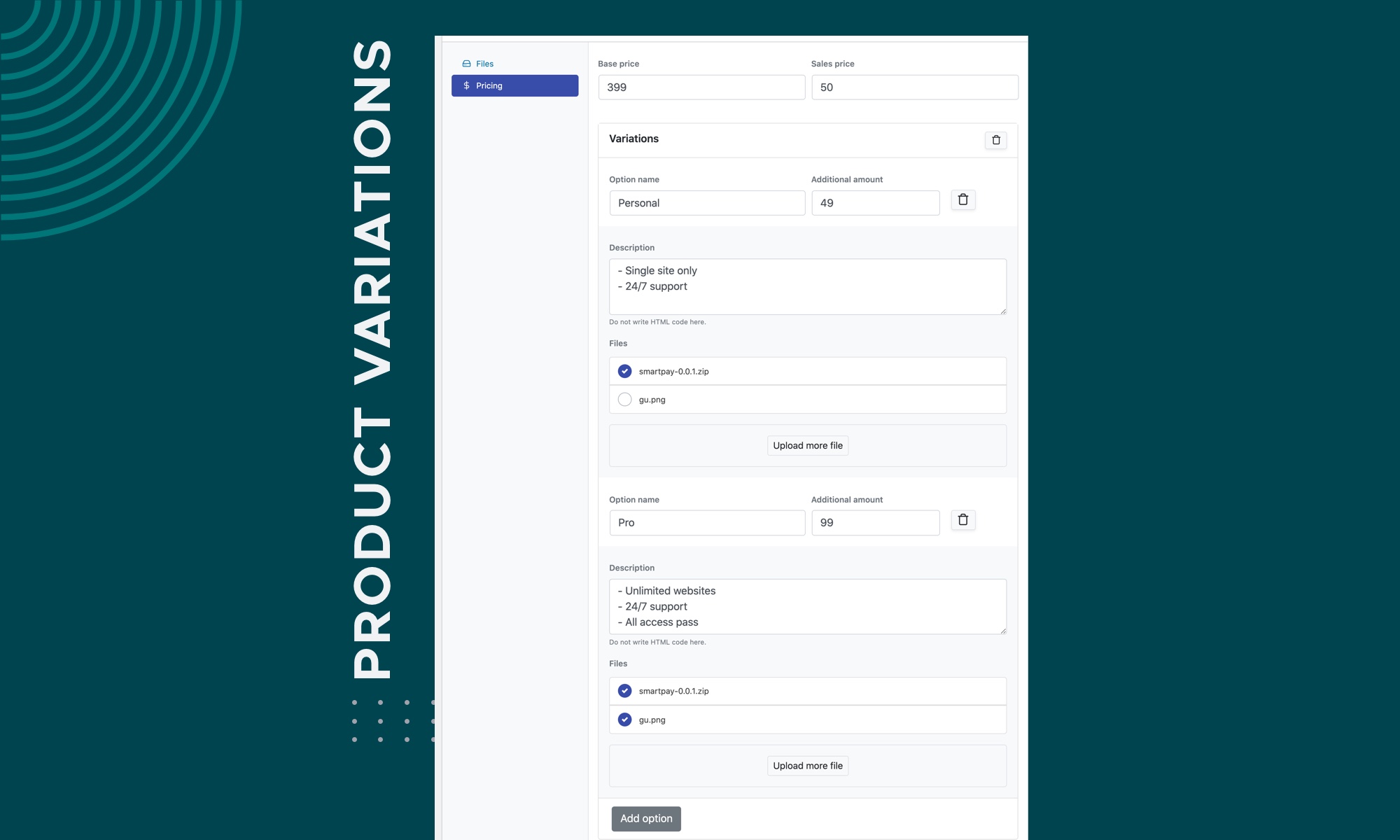
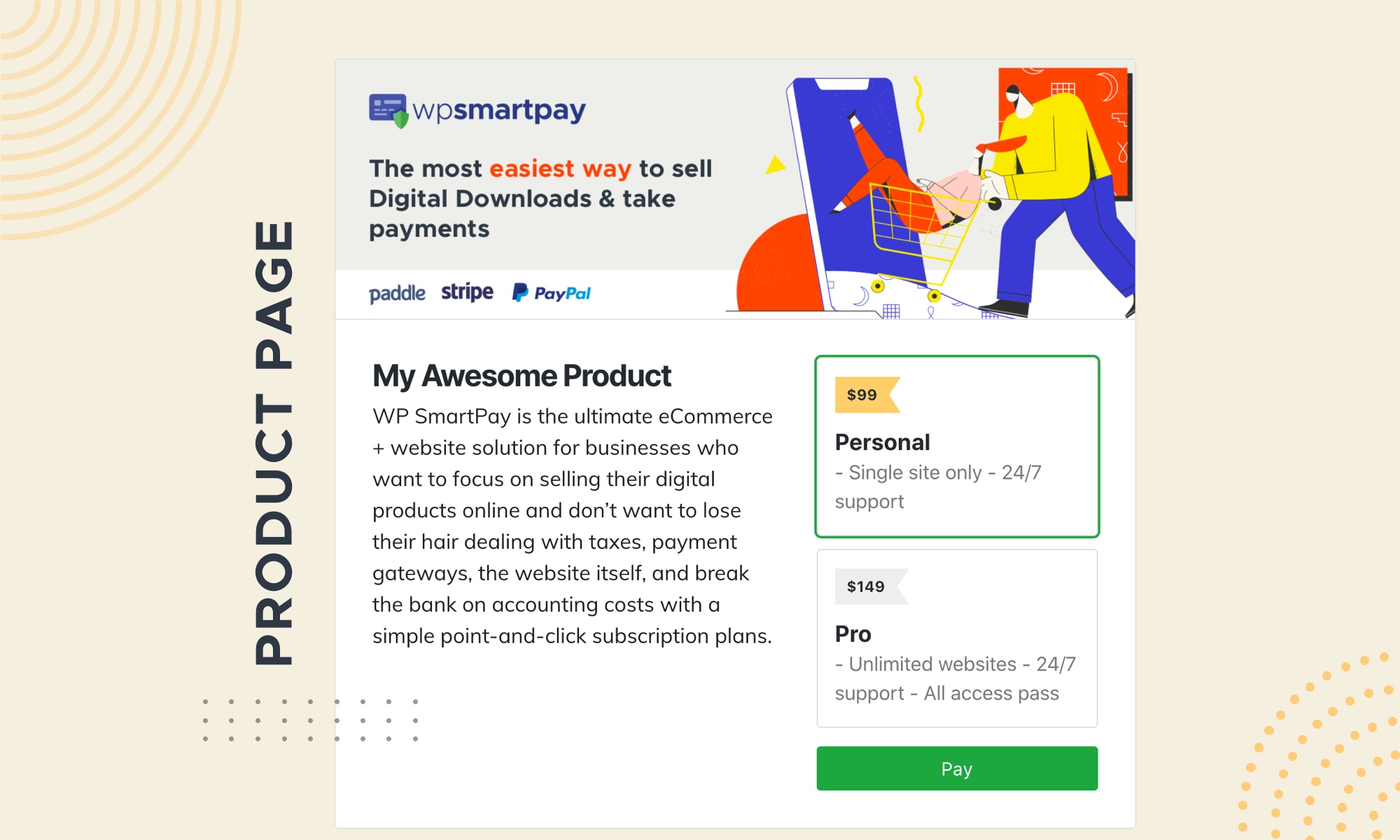
WP SmartPay provides a simple workflow to upload a product, create variations, and attach the files to it. In just a few steps, your shop can be up and running in no time.
Forget complexity and give your audience a world-class checkout and consumption experience.
⛳ Payment Forms Made Simple
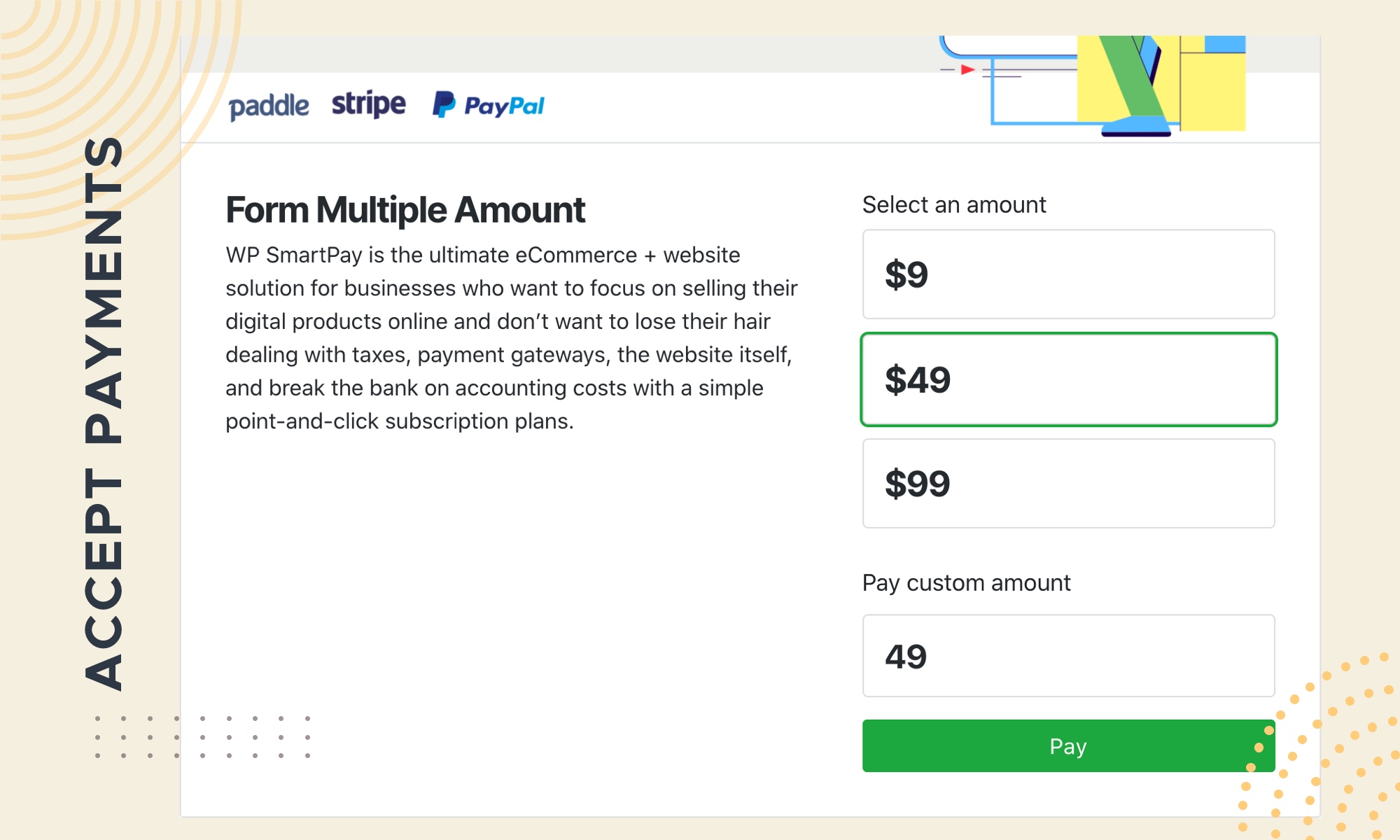
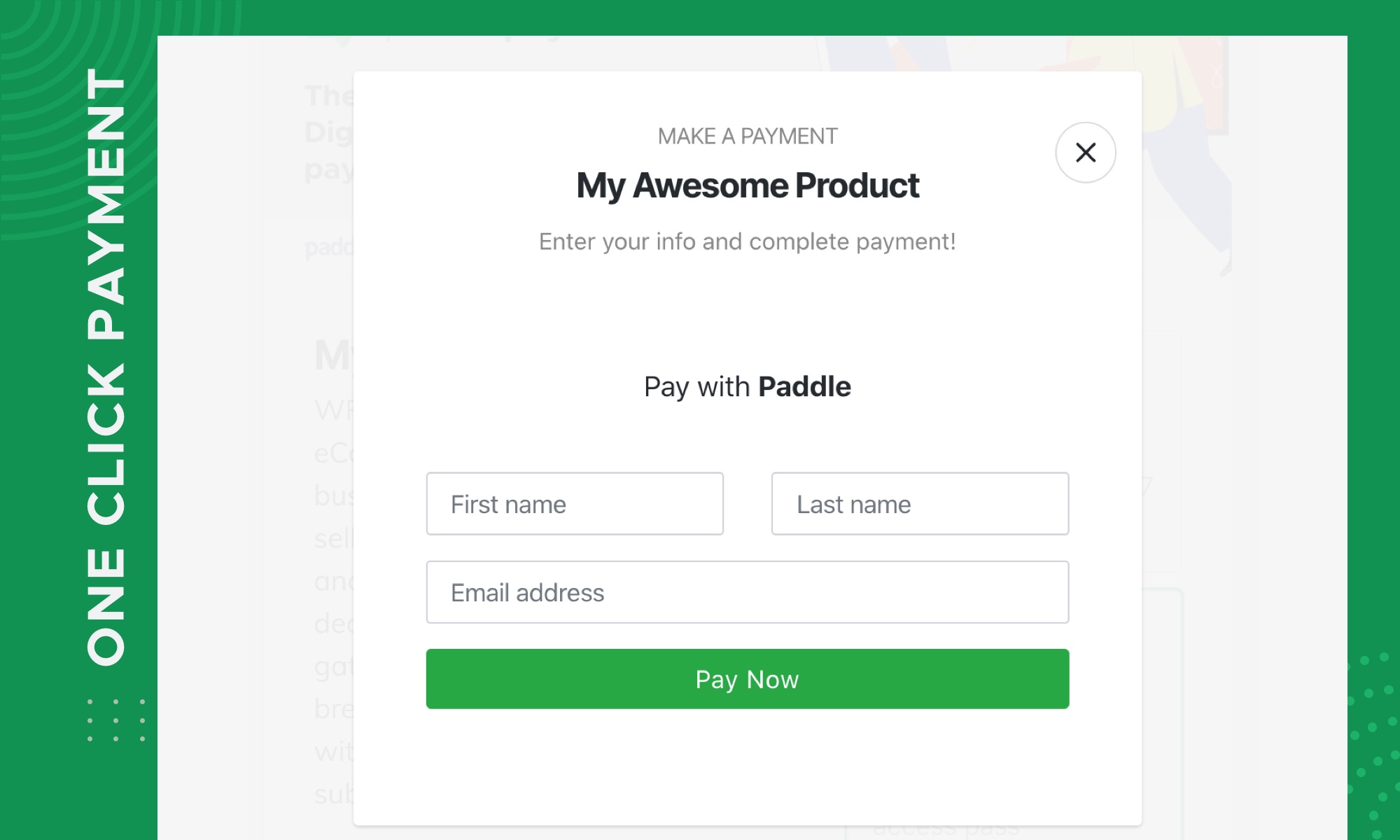
Set up a payment form and start accepting payments with Stripe, PayPal, and Paddle on your WordPress site in no time.
Accept pre-defined payment or give your audience the flexibility to put in the amount they want.
???????? Who Is WP SmartPay For?
- Coaches and consultants selling one-time and recurring services
- Agencies and freelancers accepting one-time and recurring payment for services
- Coaches and website selling eBooks and services
- Sites selling just a few products
- Charities and NGO accepting credit card or PayPal payments for one-time and recurring donations
- Sites selling tickets for events
- Startups accepting Stripe and PayPal payments before building out a custom billing system
- Fitness and yoga studios selling one-time, monthly and annual memberships
- Law consultant accepting one-time and recurring payment for service
???? WP SmartPay Features
- Create unlimited product and multiple variations
- Drag and Drop File uploader
- Sale product at a discounted rate
- Customer management
- Complete order management
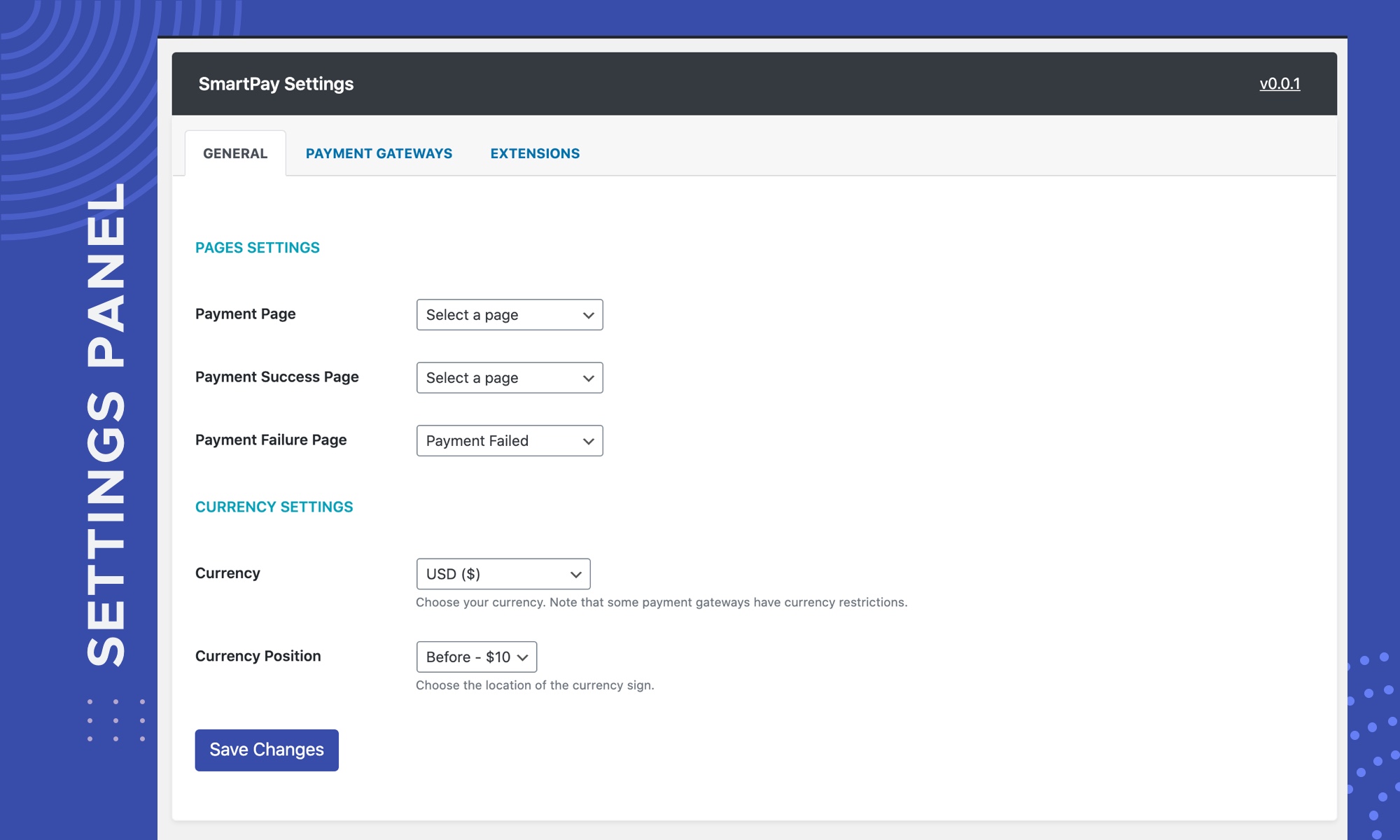
- Customize payment success & failure pages
- Details Reporting
- PayPal standard
- Toggle between test & live modes
- Create unlimited payment forms
- Pre-defined payment form
- Custom amounts – let customers enter an amount to pay
- On-site checkout (no redirect) with custom forms
- Embedded & overlay form display options
- GDPR Friendly: Make your store GDPR compatible with just a few clicks.
???? WP SmartPay Pro Features
If you need more functionality, you can upgrade to WP SmartPay Pro for these additional features:
- Subscription and recurring product sell
- Subscription installment plans for forms
- Stripe payment gateway
- Paddle payment gateway
- Send subscribers payment renewal reminders.
By upgrading to WP SmartPay Pro, you also get access to one-on-one help from our knowledgeable support team and our extensive documentation site.
Upgrade to WP SmartPay Pro Now
???? Payment Gateway Integrations
- PayPal – The most used and widely available international payment gateway. WP SmartPay’s core version comes with PayPal standard support.
- Stripe – is the best payment processor that supports many languages, countries, and currencies. Check support for your country.
- Paddle – accept PayPal, Credit/Debit card payment without the tax hassle. If your country doesn’t support PayPal or Stripe, then Paddle is your best rescue.
- Razorpay – The most popular and only full-stack payment solution of India. Integrate Razorpay with WP SmartPay and accept, and process payments easily.
- Mollie – is one of the most used and popular payment gateways in Europe and supports various payment methods such as iDEAL, Apple Pay, GPay, Credit Card, PayPal, etc.
- toyyibPay – is an online payment platform for businesses & individuals with the least expensive and free charge rates for certain deals.
- Paytm – More popular Indian digital payments and financial services provider that allow to get the payments with various banks.
- bKash – The most popular mobile payment gateway of Bangladesh. Integrate bKash easily with WP SmartPay.
LOCALE AND CURRENCY SETTINGS
- Stripe currently supports 27 languages, 39 countries, and 135+ currencies.
- Paypal currently supports 200 countries/regions and support 25 currencies
- Paddle currently supports worldwide except few sanctioned and restricted counties.
- Mollie currently available the European Economic Area (EEA) More info at .
- RazorPay support near 100 of currencies check your currency .
- toyyibPay is only available in Malaysia .
- WPSmartPay currently provide for Indian rupee through Paytm.
WP SmartPay lets you set the locale (language) for your payment forms as well as the preferred currency and date formats for your site’s region.
GET HELP
WP SmartPay is backed by top-notch technical support from our globally distributed full-time support team. We also have an extensive documentation site available. If you’re looking for faster support via email, we encourage you to purchase a WP SmartPay Pro license.
Looking for something else?
If WP SmartPay doesn’t quite fit your needs, take a look at some of our other projects.
– Paddle for Easy Digital Downloads – Selling Digital product with Easy Digital Downloads and looking for Paddle integration? Check out our Paddle for Easy Digital Download plugins.
– Paddle for WooCommerce – If you are looking to integrate Paddle for your WooCommerce store, then check out our Paddle for WooCommerce plugin.
Paddle for WordPress
WP SmartPay is the best Paddle integration for WordPress. Since it’s not an add-on, no other plugins are required.
Screenshots
ChangeLog