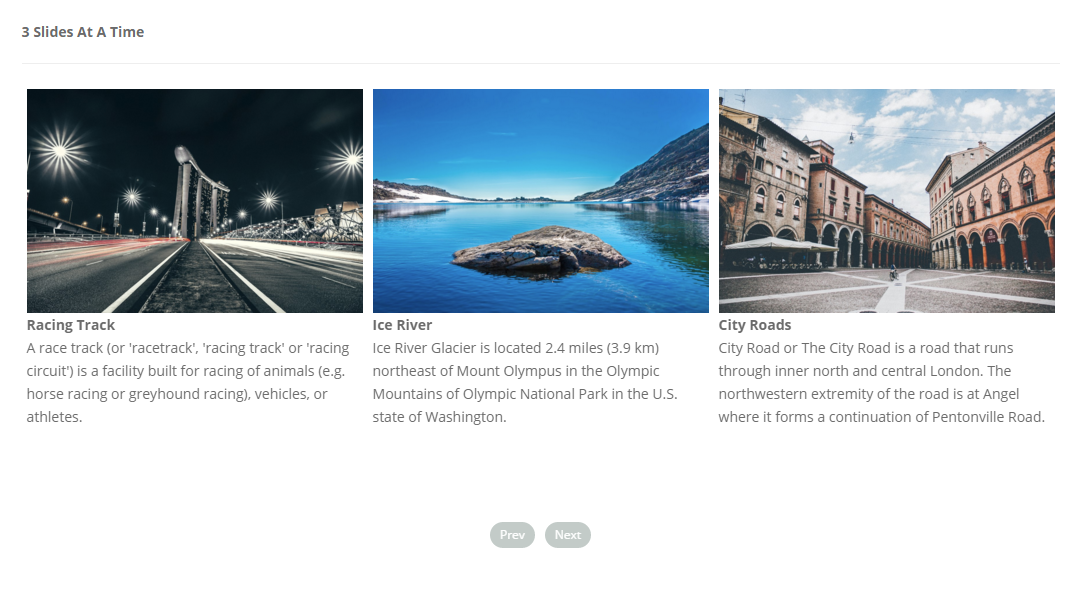
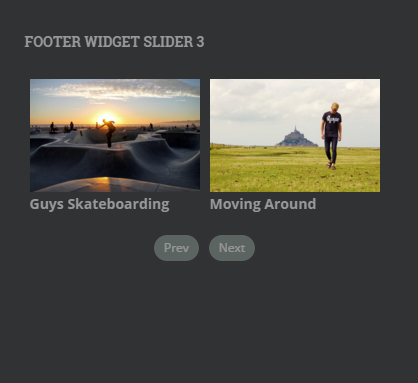
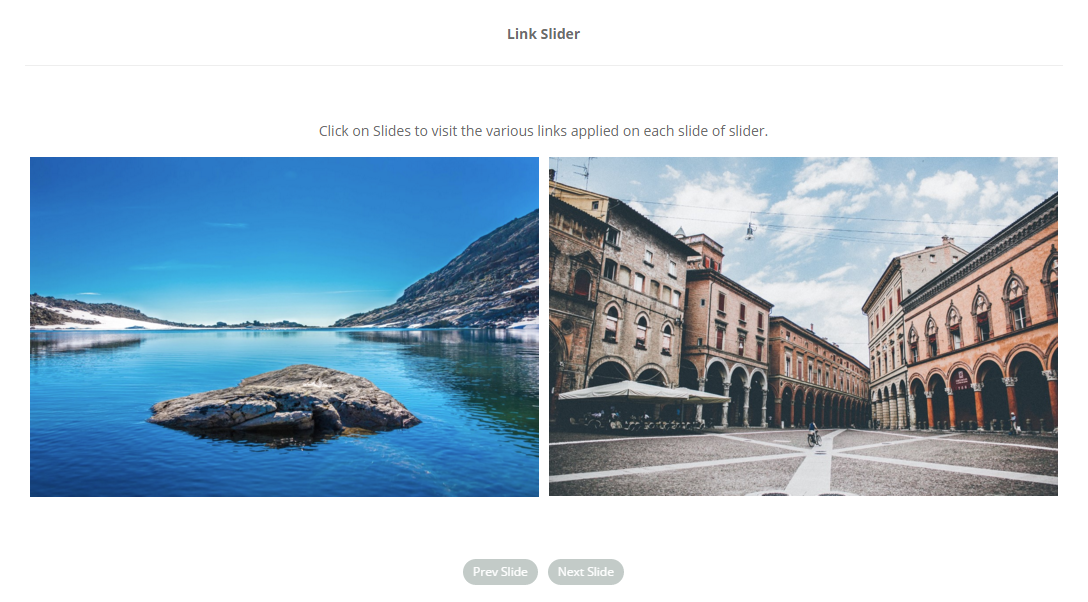
Responsive Slideshow is a free Photo Carousel & Slider Plugin that helps you build swipeable galleries that work smoothly on all devices.
You can create a presentation for your homepage.
It also lets you build a carousel to showcase client logos.
This utility handles everything without any complex coding.
The carousel adjusts automatically to different screen sizes.
Your media will look sharp on desktops, tablets, and phones.
Touch and swipe gestures work out of the box.
Mobile visitors can easily browse through your slides.
After activating the plugin, go to the Responsive Slideshow menu.
Then click “Add New” in the dashboard.
Upload media from your library.
Arrange the slides in your preferred order.
Save your changes.
Finally, copy the shortcode to your page.
Can I add redirects to individual slides?
Yes, each slide has a destination URL field.
You can enter any web address there.
When visitors click that slide, the browser redirects them.
Is the slideshow mobile-friendly?
Absolutely. The slideshow is fully responsive.
It includes touch and swipe support.
The design adjusts to fit any screen size.
It works smoothly on phones and tablets.
How many media items can I add to a slideshow?
There is no fixed limit.
You can add as many media files as you need.
Keep the number reasonable to help page load times.
We recommend keeping it under thirty files.
Can I use the slideshow in my sidebar or footer?
Yes, you can paste the shortcode into any text widget.
The slideshow will resize to fit the widget area automatically.
Does it support touch and swipe gestures?
Yes, touch and swipe navigation is built in.
Mobile visitors can swipe left or right to browse through slides naturally.
How do I change the autoplay speed?
In the settings panel, you can adjust the auto-play timing.
You can also change the transition duration.
Set these values to match your personal preference.
Can I add captions to my slides?
Yes, each slide supports a title and description field.
The text appears as an overlay on the slide.
You can style the text using the available options.
How do I show multiple slides at once like a carousel?
The carousel mode with multiple visible slides is available in the Pro version.
It lets you display multiple slides simultaneously.
The slideshow is not showing on my page. What should I check?
Make sure you have published the entry.
Do not leave it saved as a draft.
Check that you are using the correct shortcode.
Verify the shortcode has the right ID.
Also check if your theme has any JavaScript conflicts.