
Disable promotional Elementor buttons and add CSS enhancements for a cleaner experience.
| Author: | Arlind (profile at wordpress.org) |
| WordPress version required: | 5.0 |
| WordPress version tested: | 7.0.2 |
| Plugin version: | 1.2.0 |
| Added to WordPress repository: | 31-01-2026 |
| Last updated: | 26-07-2026 |
| Rating, %: | 0 |
| Rated by: | 0 |
| Plugin URI: | |
| Total downloads: | 847 |
| Active installs: | 40+ |

Click to start download
|
Sleek Tweaks for Elementor provides a simple way to hide Elementor promotional elements and apply CSS enhancements for a cleaner, more focused experience.
Features:
-
Hide Promos – Hide various Elementor promotional elements including:
- Upgrade buttons and banners
- Go Pro promotions
- AI-related promotions
- Dashboard widgets
- Plugin page promotions
- And many more…
-
CSS Enhancements – Apply useful CSS tweaks:
- Reset default text block margins
- Vertical icon alignment
- Hide Pro widgets in the editor
-
Hide AI Promos – Specifically hide AI-related promotional elements
Screenshots
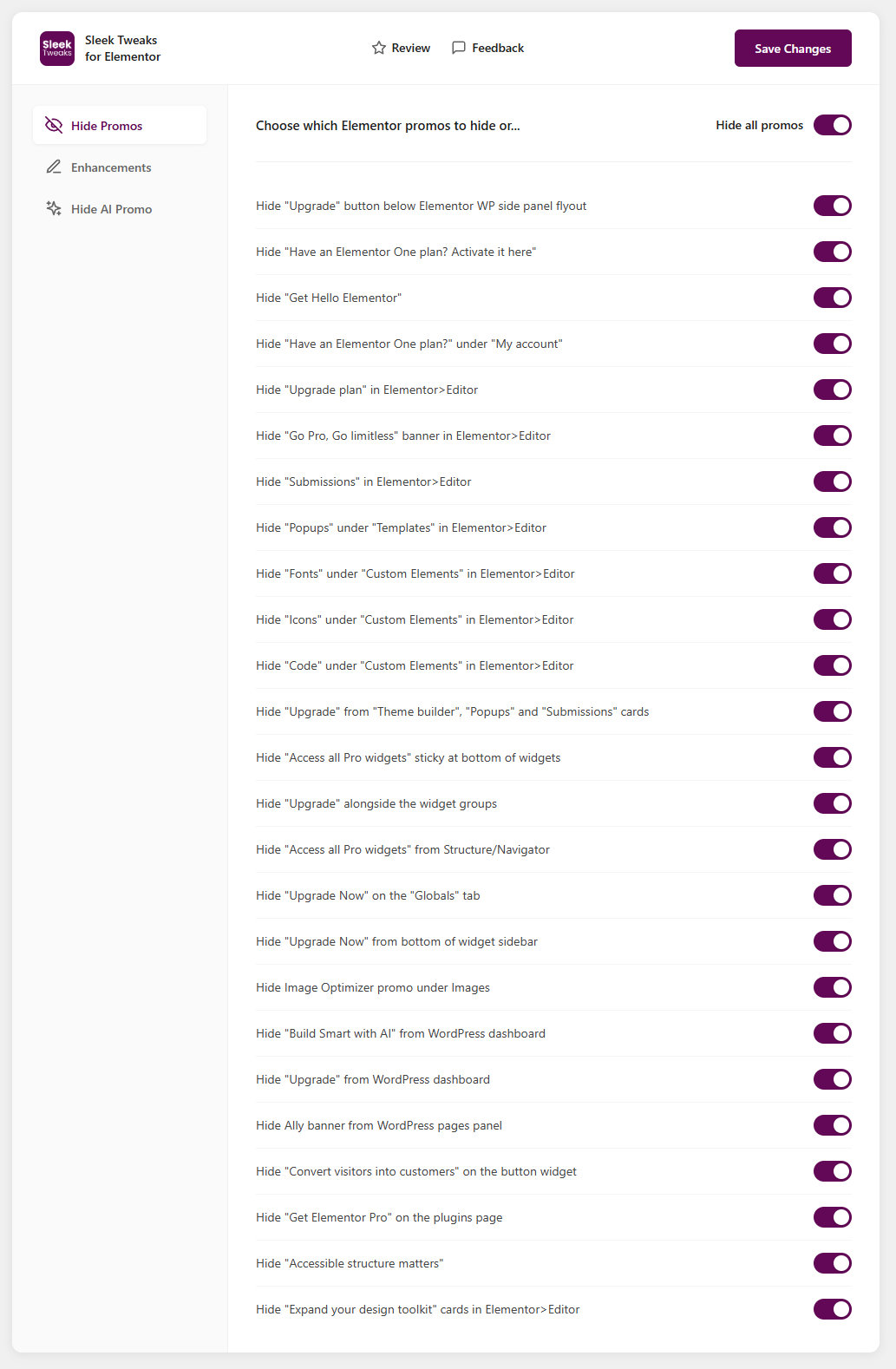
Plugin settings page showing the Hide Promos tab
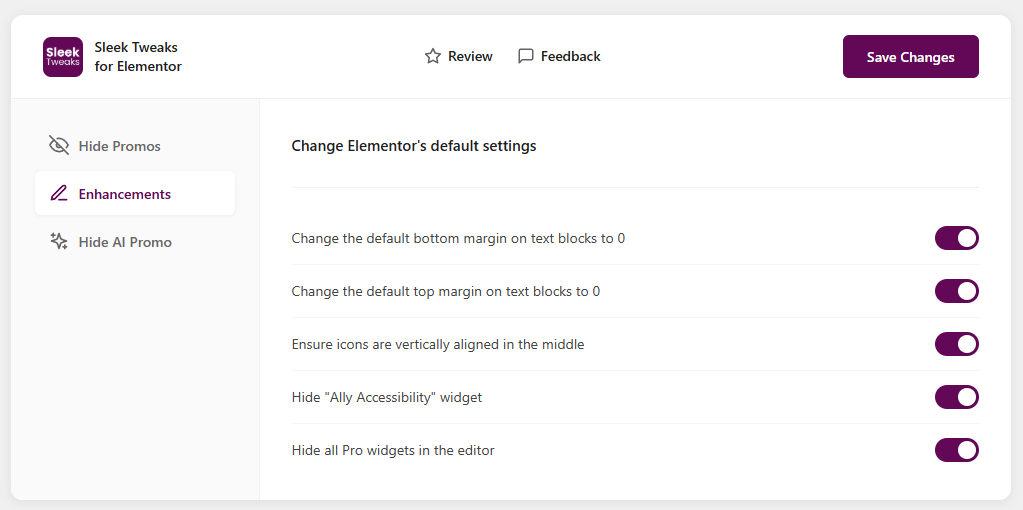
Enhancements tab with CSS options
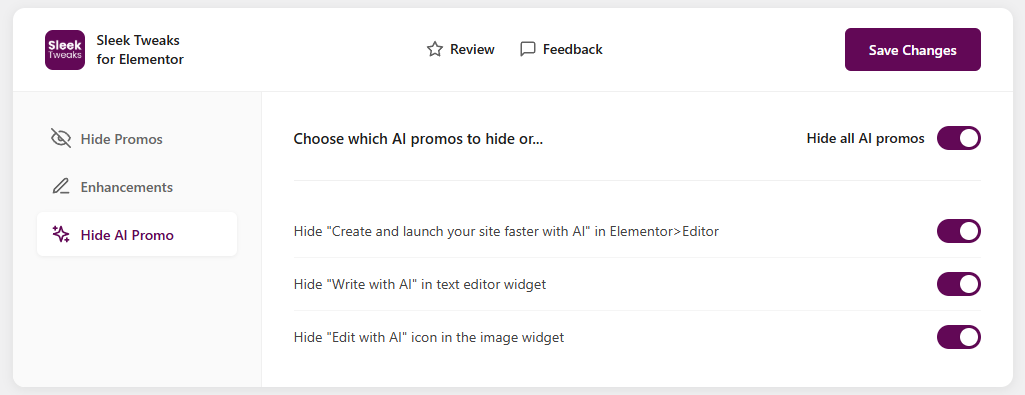
Hide AI Promo tab
Does this plugin require Elementor?
This plugin is designed to work with Elementor and Elementor is needed in order for the plugin to be useful but it can be installed before Elementor to hide promotions in the onboarding screens.
Will this affect my website’s frontend?
The promo hiding features only affect the WordPress admin area and Elementor editor. The CSS enhancements can affect both the editor preview and frontend display.
Are the changes reversible?
Yes, all changes are completely reversible. Simply toggle off any options you no longer want to use.
ChangeLog
1.2.0
- Added options for Elementor 4 Home promotions, including Site Management, Cookie Consent, Image Optimization, Accessibility, Angie, and Site Planner
- Added options to hide the editor toolbar’s Angie and What’s New buttons
- Added options to hide the Build with AI action and Atomic Elements activation notice
- Added options to hide the Theme Builder promotion, dashboard news feed, and Elementor rating request
- Improved promo hiding inside Elementor’s same-origin editor preview
- Updated the “Access all Pro widgets” sticky option for Elementor 4 markup
- Updated WordPress 7.0 compatibility metadata and normalized source line endings
1.1.0
- Added option to hide hide Elementor upgrade bottom banner inside the editor
- Added option to enable SVG file uploads
- Added option to hide the AI icon on the Structure/Navigator
- Added options to turn on all the custom breakpoints inside the Elementor editor
- Fixing issues with the plugin folder structure
1.0.1
- Initial release
- Hide Promos feature with 25 different promo hiding options
- CSS Enhancements feature with 5 enhancement options
- Hide AI Promo feature with 3 AI-specific hiding options
