Choose right WordPress plugin from thousands others in a moment
Setary — Inventory Management for WooCommerce
Lightning-fast WooCommerce inventory management. Connect your store to Setary to manage product inventory from multiple WooCommerce stores in a famili …
Note: This plugin requires you to have an account with Setary. Get started with a 7-day free trial.
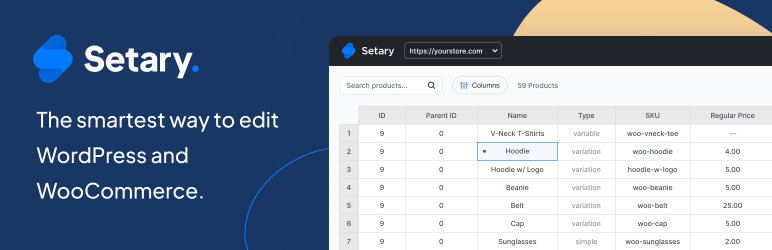
Setary is a complete bulk editor for WordPress and WooCommerce. It loads your content into a lightning-fast spreadsheet so you can update hundreds of records in one place, instead of clicking into each one. It’s also a full WooCommerce inventory management tool, with bulk stock management, pricing updates, and multi-store inventory management built in.
You can bulk edit posts, pages, media, custom post types, taxonomies, and WooCommerce products and variations – all from the same interface. That includes core fields, custom fields from plugins like ACF and Pods, and SEO metadata from Yoast and Rank Math.
Connect your WordPress or WooCommerce site to Setary with this helper plugin and start bulk editing your content in a spreadsheet.
Edit posts, pages, media, and any custom post type registered on your WordPress site – events, courses, listings, staff profiles, portfolio items, and anything else added by your theme or plugins. Each post type appears as its own tab in the spreadsheet.
Bulk Edit WooCommerce Products and Variations
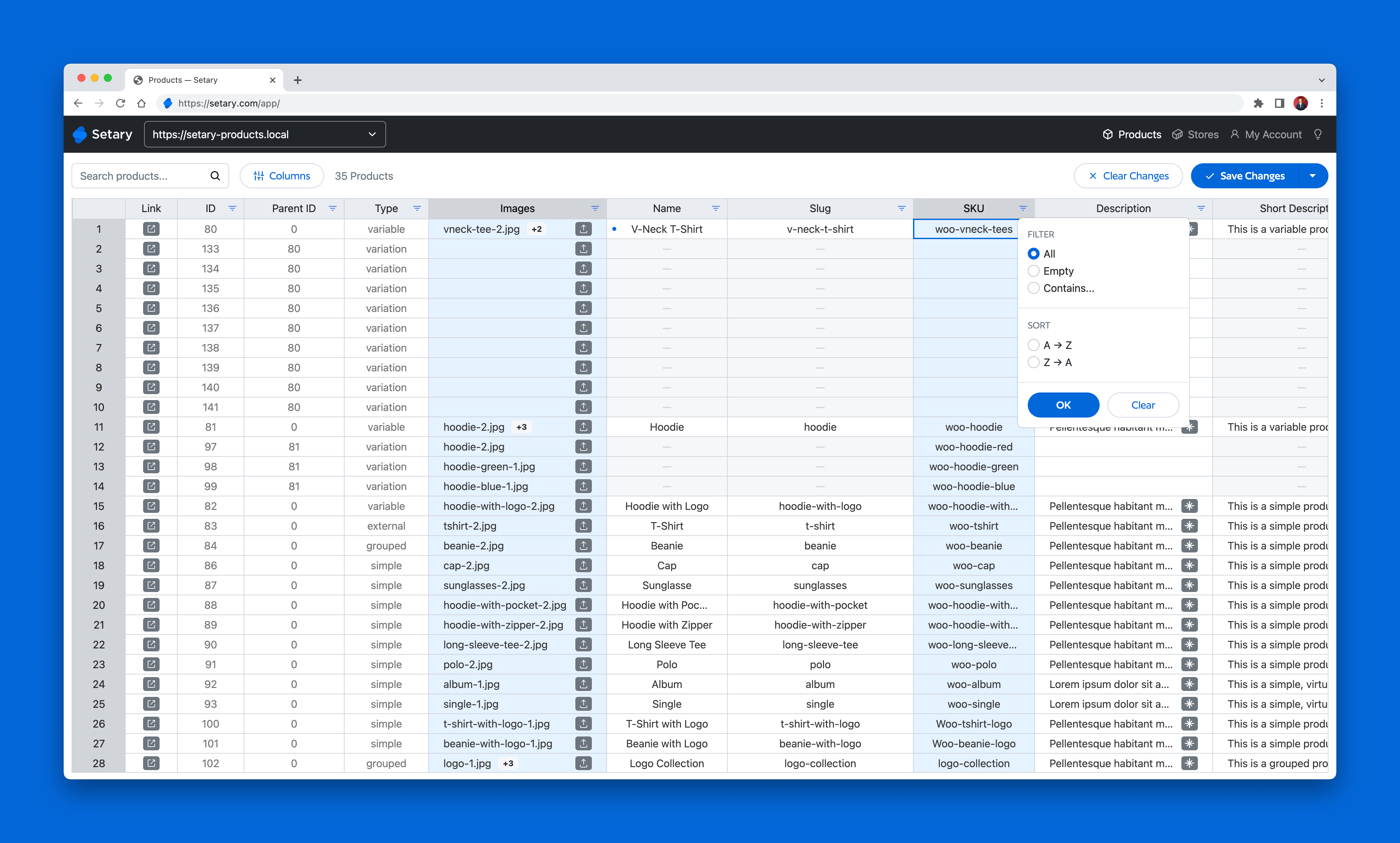
Setary’s WooCommerce inventory management spreadsheet lets you bulk update WooCommerce stock, prices, titles, descriptions, SKUs, attributes, categories, tags and custom fields across hundreds of products and variations. Each product and variation appears as a row, making variations as easy to edit as the parent product.
Manage Categories, Tags, Attributes and Custom Taxonomies
Manage your WordPress and WooCommerce taxonomies directly in their own tabs, instead of only editing them per-post or per-product. This makes it much faster to clean up or restructure how your content and product catalog are organized.
Edit Custom Fields and SEO Metadata
Setary reads custom fields registered by any plugin and lets you edit them in the spreadsheet. That covers Advanced Custom Fields, Pods, Meta Box, Yoast SEO and Rank Math.
Advanced Bulk Actions
Filter the spreadsheet, select multiple records, and apply bulk edits in one go. Increase or decrease prices by a percentage, add sale prices, append text to titles, replace words, and more.
Manage Multiple WordPress and WooCommerce Sites
Add multiple WordPress and WooCommerce sites to Setary and manage them all in one place. If you run the same products across multiple WooCommerce stores, you can push changes from one store to others by matching products on Name, SKU, Slug or ID. It’s perfect for multi-location inventory management.
Import and Export WooCommerce Products
Quickly add new WooCommerce products and variations either by using the Import from CSV button or by creating new rows in the spreadsheet. Export your products to CSV at any time.
Bulk Edit WooCommerce Product Descriptions with AI
Setary’s AI assistant suggests improved versions of your existing WooCommerce product descriptions. Run the AI tool, pick the version you prefer, and apply it across multiple products.
3rd Party Integrations
Setary integrates with Advanced Custom Fields (ACF), LifterLMS, WP Fusion and more. Got a suggestion for a new integration? Get in touch.
Lightning-Fast
Setary runs outside of your WordPress site and connects via the WooCommerce and WordPress APIs, so it doesn’t slow down your admin or your visitors. Even on large sites with thousands of records, the spreadsheet loads instantly.
Affordable WordPress and WooCommerce Bulk Editing
Managing your WordPress content and WooCommerce inventory needn’t cost the world. Setary’s prices start from just $12/mo. Get started today with a free 7-day trial.
Fast Support
If you run into an issue, we’ll be on hand to help. Setary is customer-driven, and your happiness is important to us.
Setary bulk edits posts, pages, media, any custom post type registered on your WordPress site, and WooCommerce products and variations. You can also manage categories, tags, attributes and custom taxonomies in their own tabs. Custom fields from plugins like ACF and Pods are supported, as is SEO metadata from Yoast and Rank Math.
Does Setary work with custom post types from my theme or plugins?
Yes. Any post type registered on your WordPress site appears as its own tab in the Setary editor. That includes post types created by themes, plugins or custom code – for example events from The Events Calendar, courses from LearnDash, or listings from a directory plugin.
Does Setary store my data?
No. Setary doesn’t store any of your WordPress or WooCommerce data on its servers. It connects to your site via the API and updates your content and inventory in real time.
How does Setary work?
Setary pulls your content from your WordPress or WooCommerce site via the API and loads it into a spreadsheet. When you save your changes, Setary pushes the updated cells back to your site.
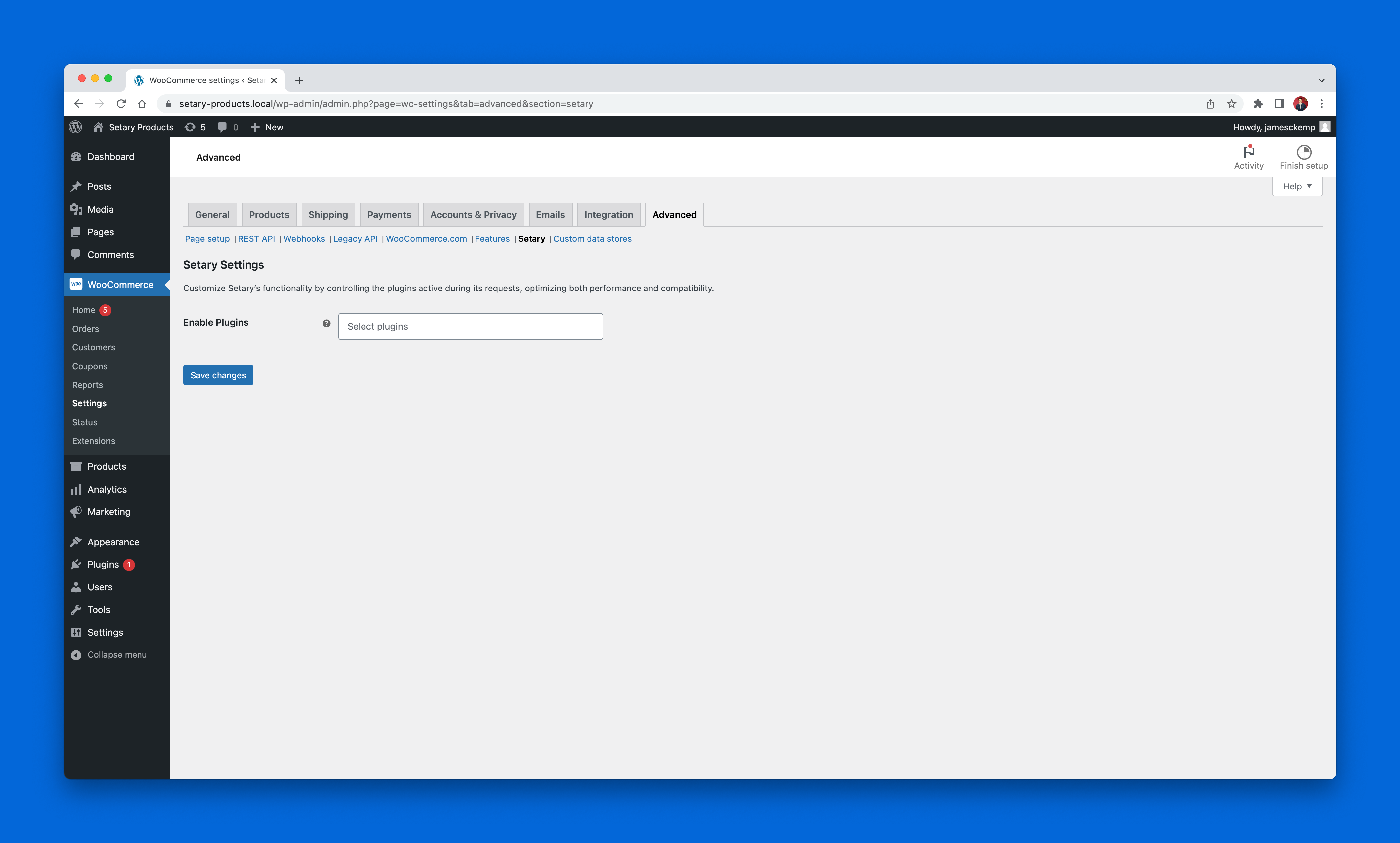
This helper plugin makes it easier to fetch posts, WooCommerce products and variations from your site, and lets us choose which fields are fetched in order to improve performance.
Do you have a demo I can try?
Yes. You can spin up a demo store and try Setary for yourself. The demo resets after 48 hours, so make any changes you like.
How do I activate the WordPress post types I want to bulk edit?
Go to Settings > Setary in your WordPress admin and tick the post types and taxonomies you want to be able to bulk edit. They’ll then appear as tabs along the bottom of the spreadsheet in the Setary app, alongside your WooCommerce products.
How many records can I manage?
There’s no limit on how many WordPress posts or WooCommerce products you can manage with Setary. To make the spreadsheet easier to use on large sites, you can filter the list by any field and save your favorite filter combinations.
Can I edit WooCommerce products AND variations?
Yes. Both products and variations appear as rows in the spreadsheet, so bulk editing variations is just as easy as editing the parent product.