

Encourage your website visitors to scroll down and view more content with this simple plugin.
| Author: | echoplugins (profile at wordpress.org) |
| WordPress version required: | 5.2 |
| WordPress version tested: | 7.1.5 |
| Plugin version: | 1.3.3 |
| Added to WordPress repository: | 01-04-2024 |
| Last updated: | 30-08-2026 |
| Rating, %: | 100 |
| Rated by: | 2 |
| Plugin URI: | https://www.echoknowledgebase.com/documentati... |
| Total downloads: | 8 242 |
| Active installs: | 900+ |
 Click to start download |
|
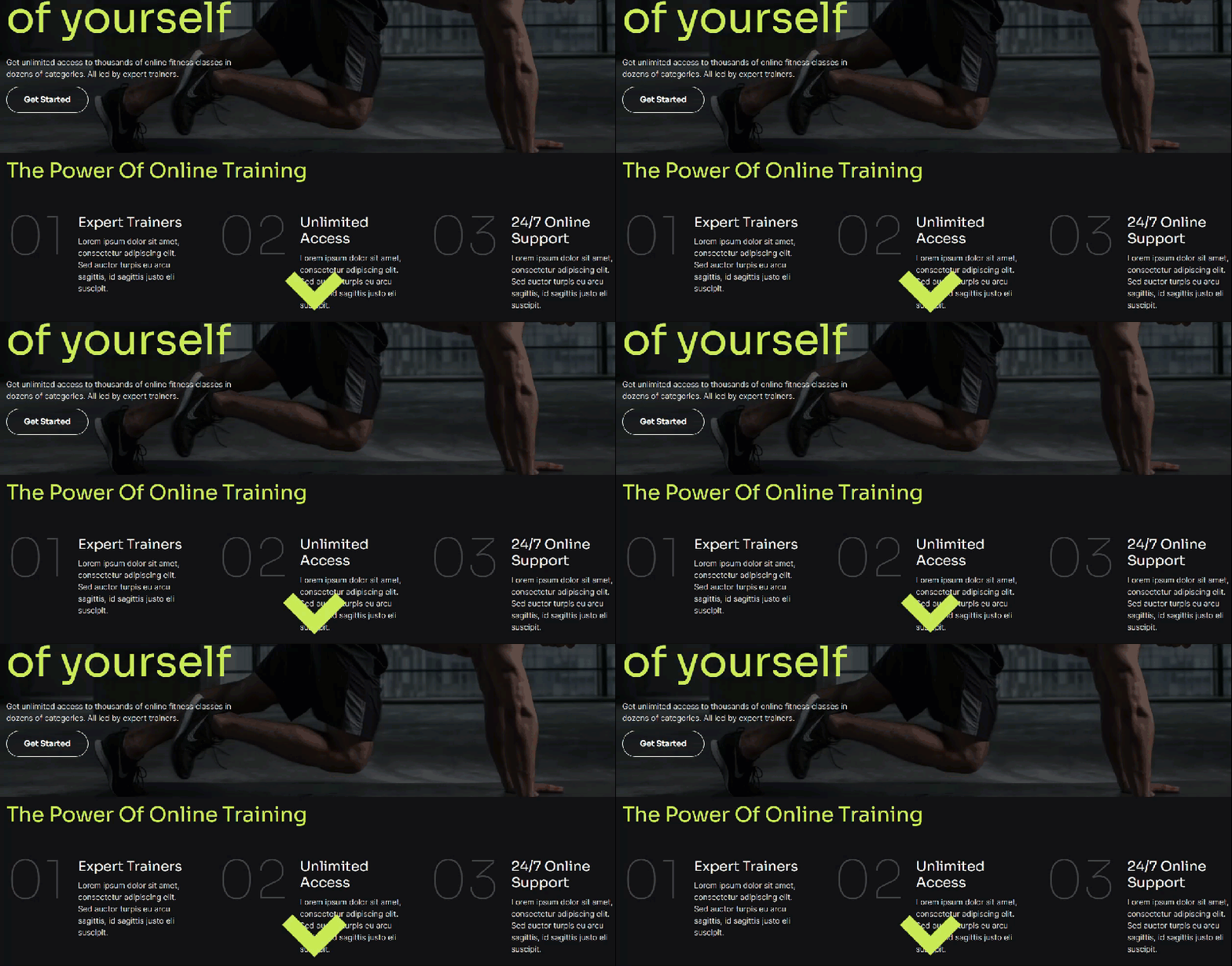
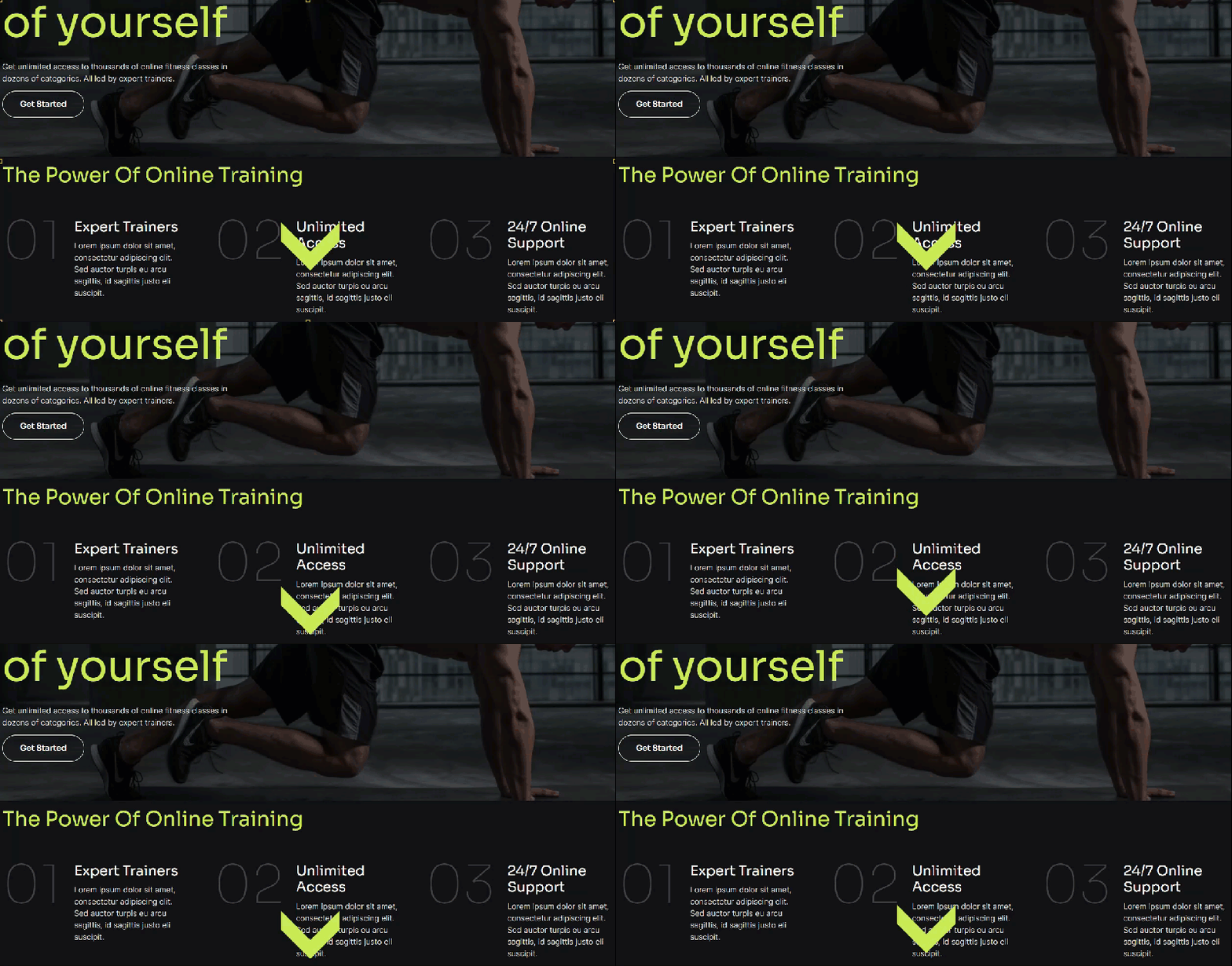
Scroll Down Arrow is an easy-to-use WordPress plugin that displays a downward-pointing arrow. It provides users with a visual cue that there is more content further down the page.
Features of the plugin include:
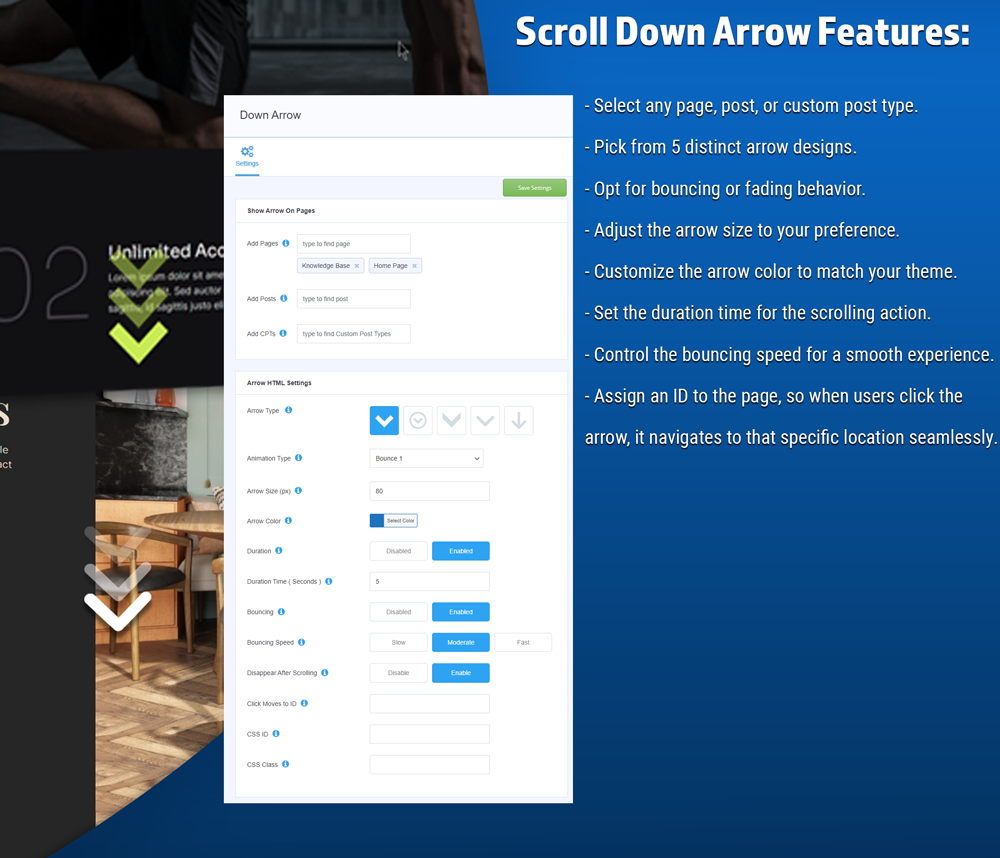
- Adds an arrow to any page
- Adds an arrow to any post type
- Compatible with themes
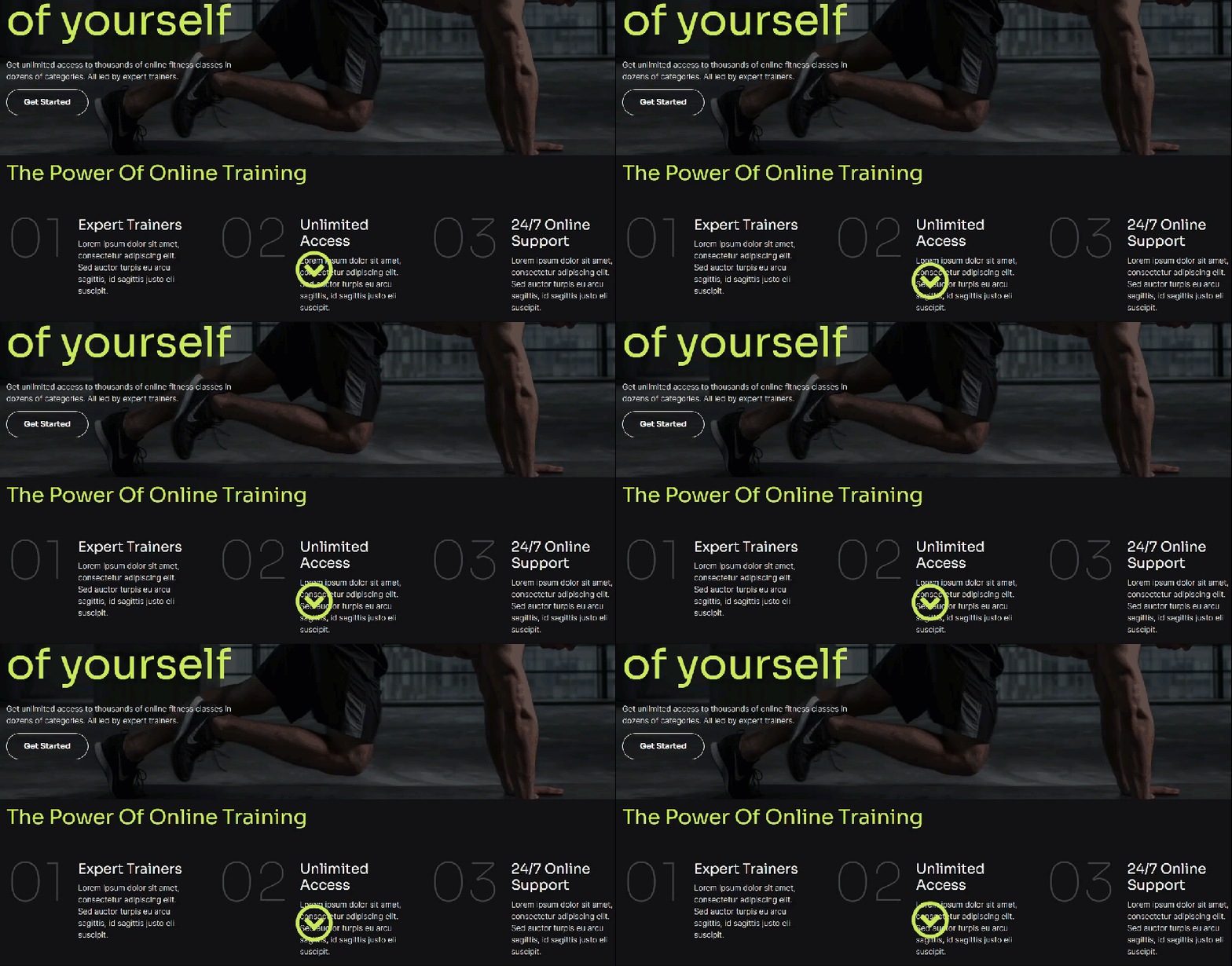
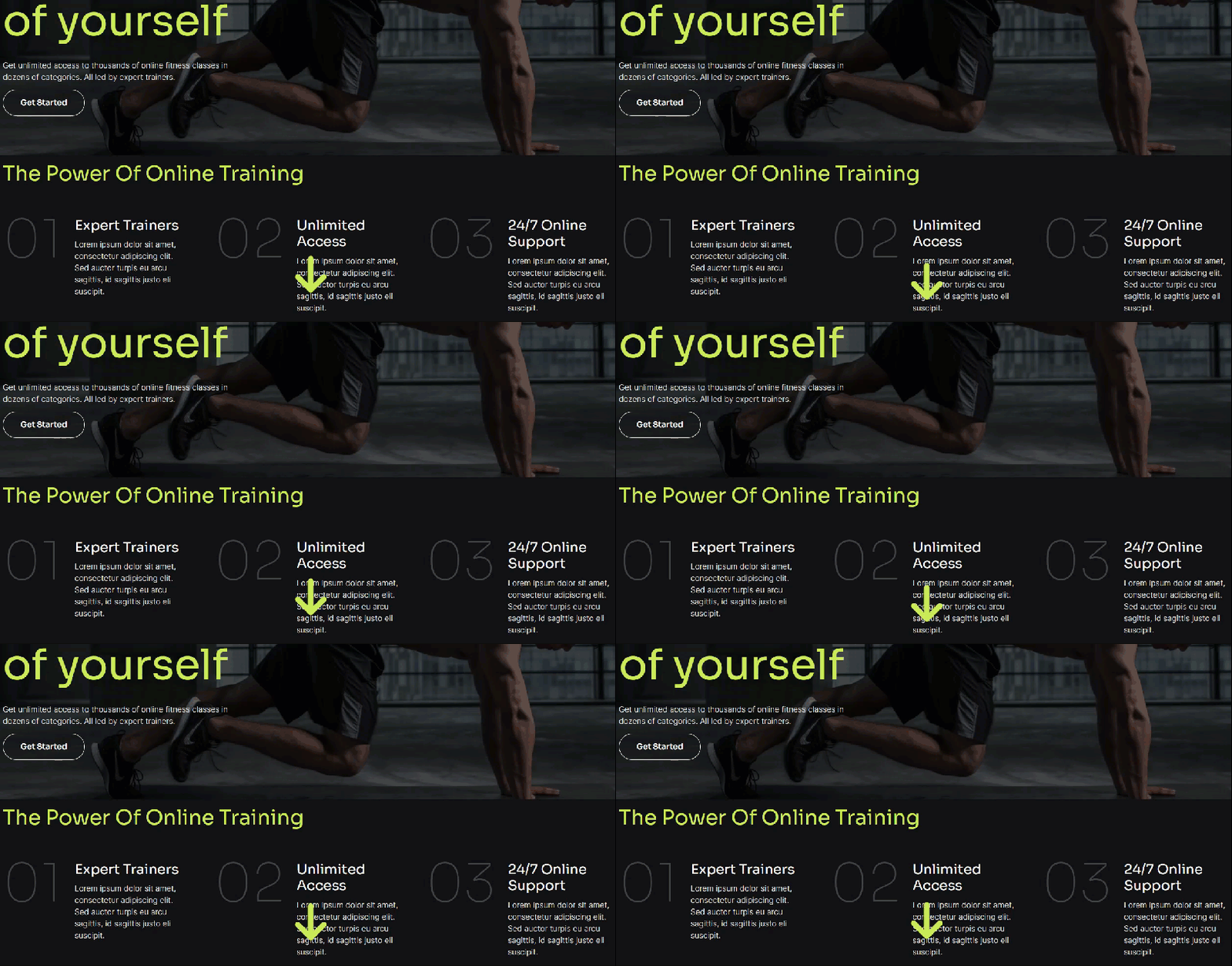
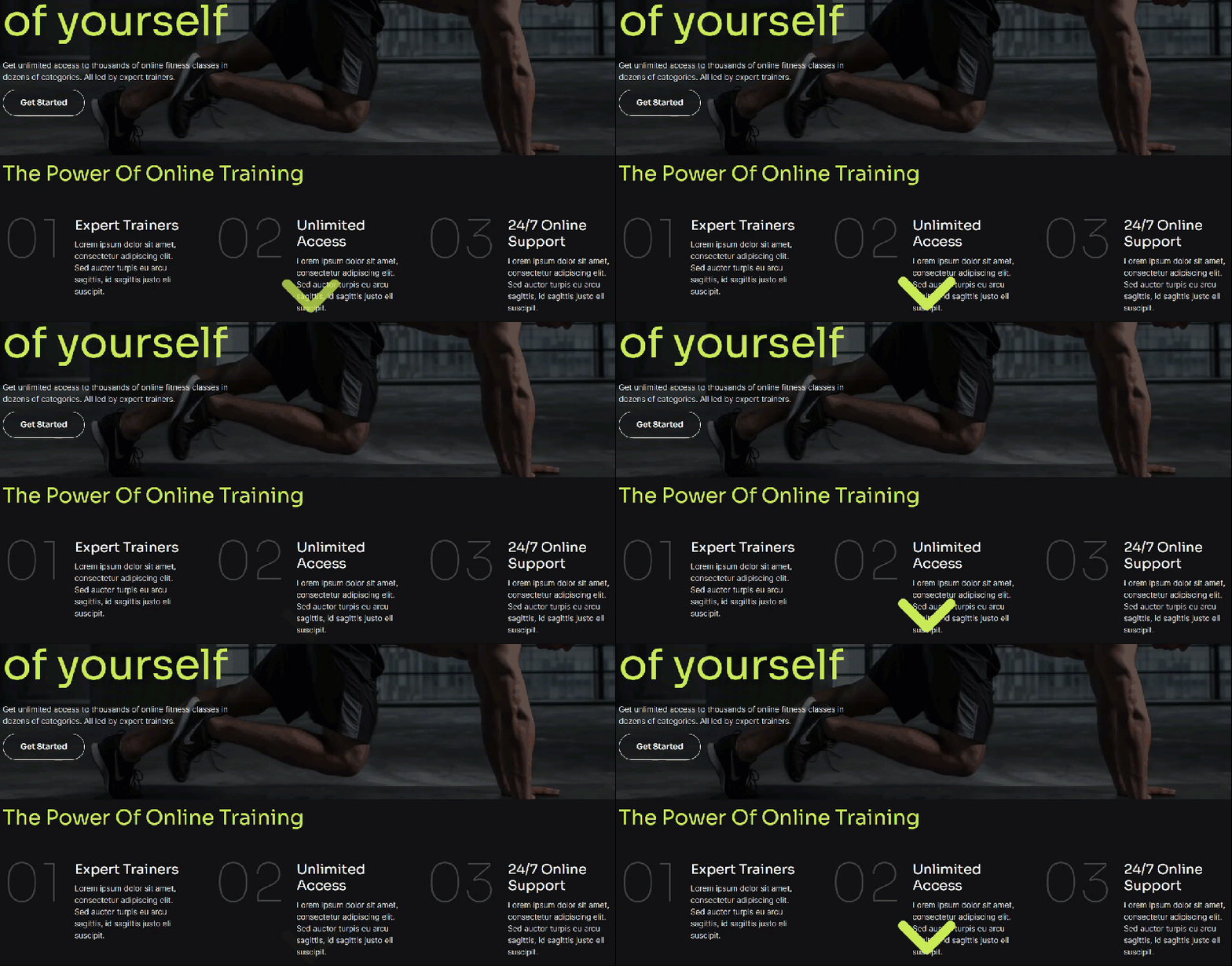
- Offers 5 arrow shapes
- Offers custom image uploads [ NEW ]
- Requires no coding
- Allows independent customization of each arrow
- Sets the duration of arrow visibility
- Choose any size and color
- Bouncing animation to attract attention
- Selectable bouncing speed
- Option to disable bouncing
- Configurable permanent display of the arrow
- Customizable fade-away of the arrow upon scrolling
- Adds CSS Classes for further customization
- Enables linking to specific page sections, guiding users to a chosen CSS ID upon arrow click
More information can be found at Echo Knowledge Base.com.
⭐ OUR FREE COMPLEMENTARY PLUGINS ⭐
✅ Echo Knowledge Base is a documentation plugin for WordPress. Create knowledge base, docs, FAQs, and wikis easily. Learn More
✅ Help Dialog Chat offers a chatbot-like dialog for better customer support and increased leads and sales. The Help Dialog Chat includes FAQs, search, and a contact form. Learn More
✅ Creative Add-Ons for Elementor helps you write articles and documents faster and more easily using our powerful and practical Elementor widgets. Learn More
✅ Show IDs reveals IDs on admin screens, including posts, pages, custom post types and taxonomies, and others. Learn More
Screenshots
FAQ
ChangeLog