
Gallery with highly customizable interface, advanced and FREE WordPress images gallery. Responsive gallery with advanced mobility support.
| Author: | RoboSoft (profile at wordpress.org) |
| WordPress version required: | 3.3 |
| WordPress version tested: | 6.5 |
| Plugin version: | 3.2.19 |
| Added to WordPress repository: | 14-07-2015 |
| Last updated: | 06-04-2024 |
| Rating, %: | 86 |
| Rated by: | 388 |
| Plugin URI: | https://robosoft.co/gallery |
| Total downloads: | 1 948 712 |
| Active installs: | 50 000+ |
 Click to start download |
|
Gallery on your website it’s really attractive and a very important part of your pages. If you looking for a fast, easy plugin with a simple and very beautiful, highly customizable design ALL DEMOS YOU CAN FIND HERE
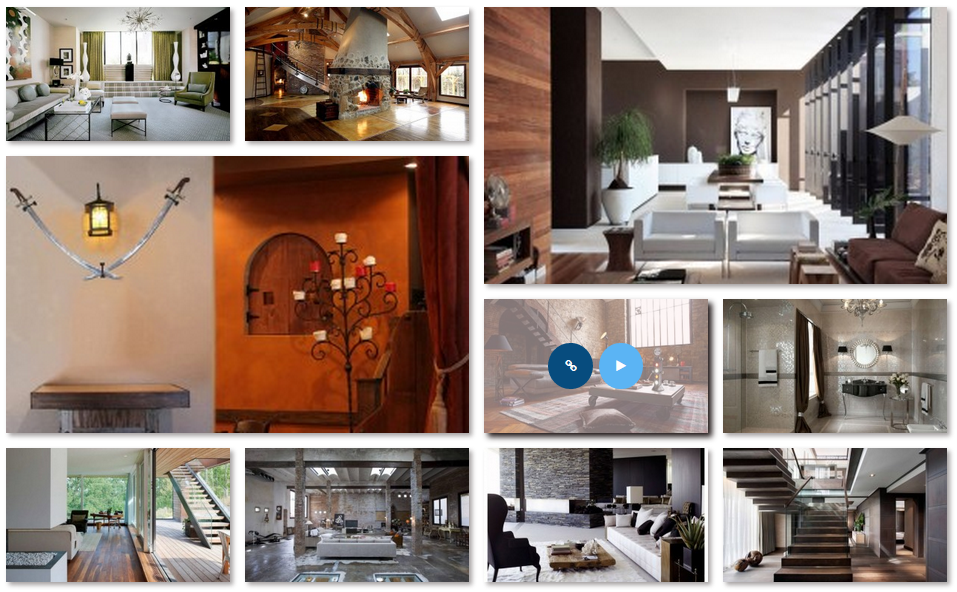
With our plugin, even newbies in WordPress will be able to create their first gallery in a few minutes and at the same time WordPress professionals get advanced tools and freedom of creativity. Just download this plugin and you’ll not look for any other plugin anymore! Gallery Showcase with the previews of all views
Demos
Grid Layout Demo with Fade hover effect
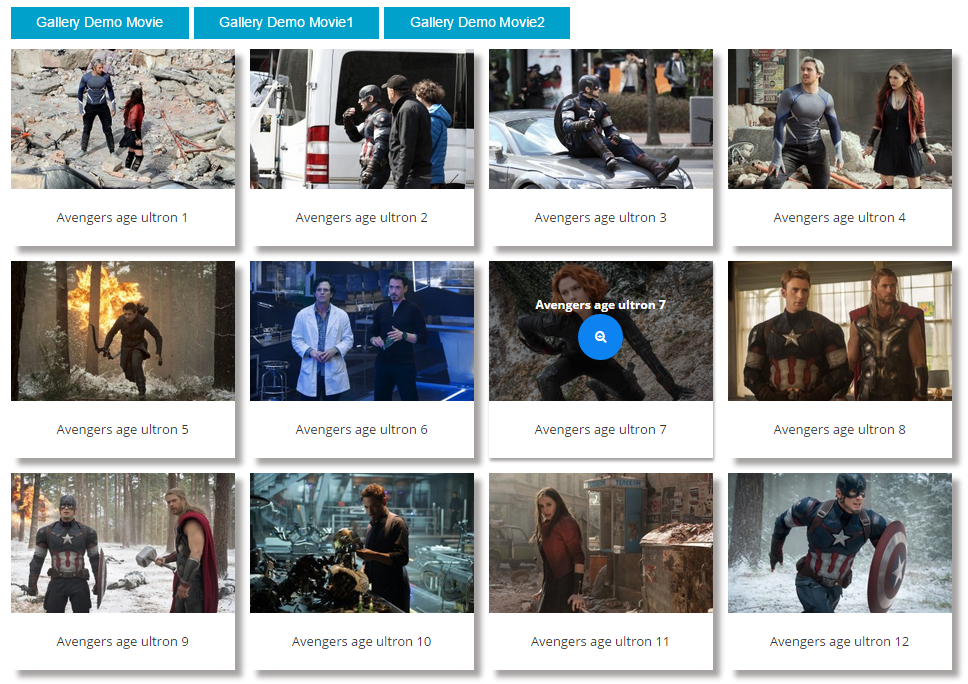
Multi Categories Polaroid style Movie Demo with classic layout
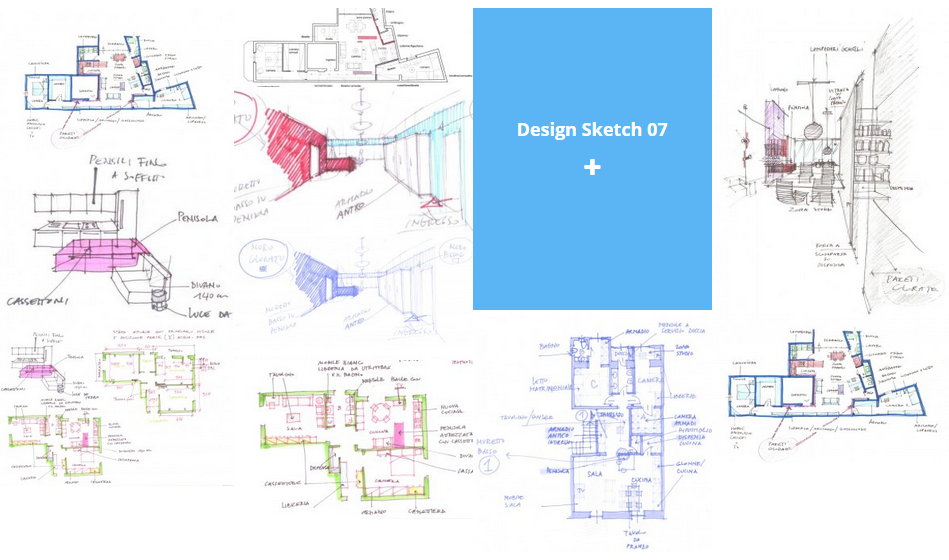
Design Sketch Demo with grid layout
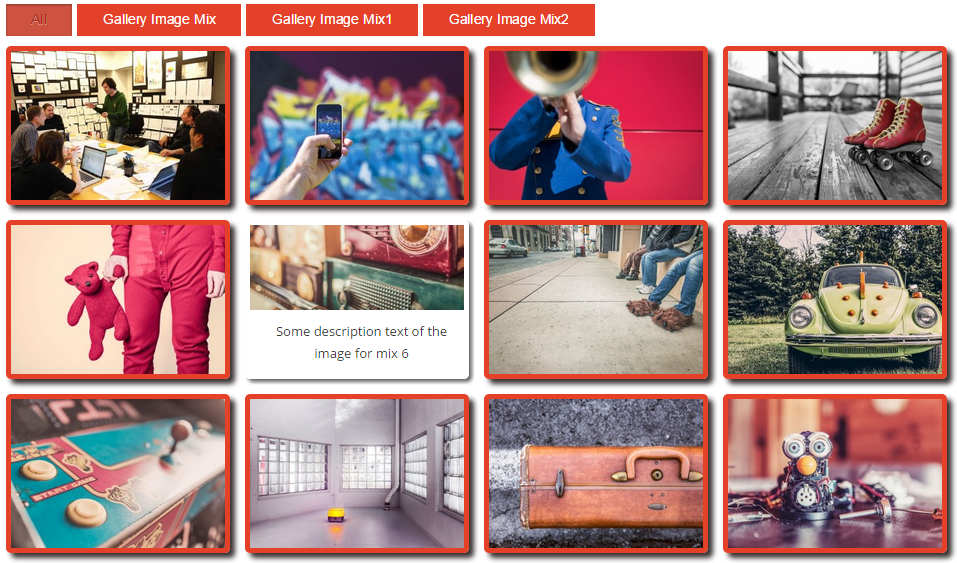
Multi Categories Demo with custom interface colors and classic layout
Key Features
- No Right click / Content protection – in Robo gallery possible to disable right click to prevent copying of the gallery content. Content copy protection is very important for every photographer’s portfolio photos.
- Lightbox no right-click / Content protection – in Robo gallery possible to disable right-click to prevent copying of the gallery lightbox content. Content copy protection is very important for every photographer’s portfolio photos.
- One click setup – implemented one-click wizard with the 5 types: image grid, mosaic, masonry, polaroid, and youtube gallery.
- No limits – no limits for the number of instances with 5 free types: photo grid, mosaic, masonry, polaroid, and youtube grid.
- No limits for images/photos – no limits for the number of images/photos in every album.
- Gutenberg block – implemented Gutenberg gallery block for simple and fast configuration of the plugin in Gutenberg editor.
- Fully responsive and Mobile features – plugin implemented with advanced settings for different devices’ screen sizes.
- Fade effects – one of the hover animations it’s a classic fade effect.
- Batch images upload – advanced media manager which allows uploading batch of images with one click. Just drag and drop a set of the gallery images and it’s uploaded automatically to the server.
- Auto-resizing for thumbnails and images – media manager allow you to make additional customization of the images, rotary, flip, crop, and manually resize.
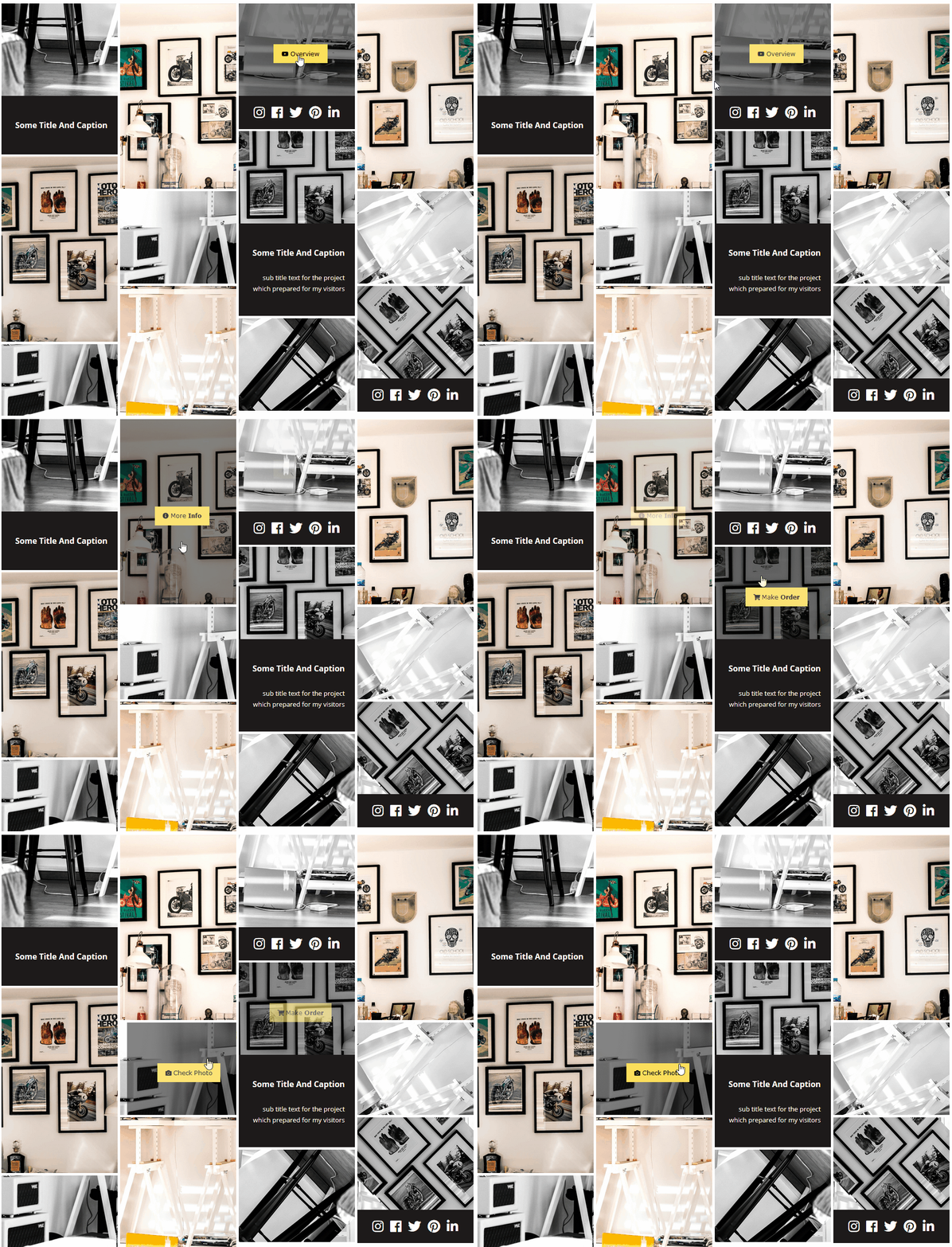
- Customizable 15 hover effects – all hover effects work in cooperation with interface configuration options. You can easily change the style and colors of the hover animation elements.
- Implemented to avoid AJAX libs conflicts – code implemented in native WordPress style as a result our plugin doesn’t have any conflicts and works really stable.
- Polaroid gallery – with our plugin you can create a Polaroid layout just with a few clicks.
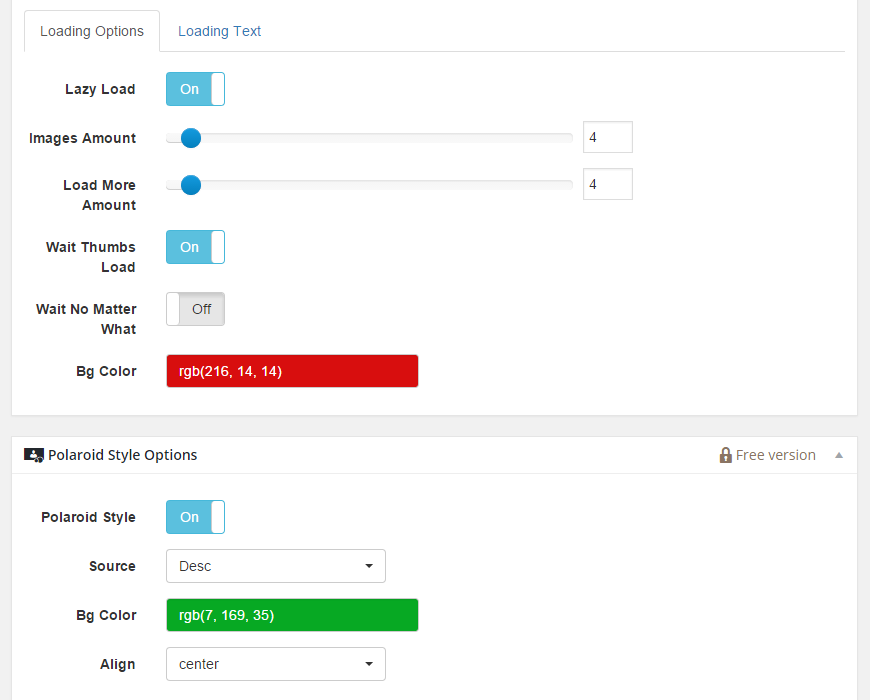
- Advanced Polaroid Styles – Polaroid styles are implemented with advanced functionality. Implemented left, right and center image titles alignment. Polaroid description panel of the image’s background color selector.
- Build in colors selector – you can easily change the color of any interface element.
- Social sharing – gallery lightbox supports social sharing on Twitter, Facebook, google plus and Pinterest.
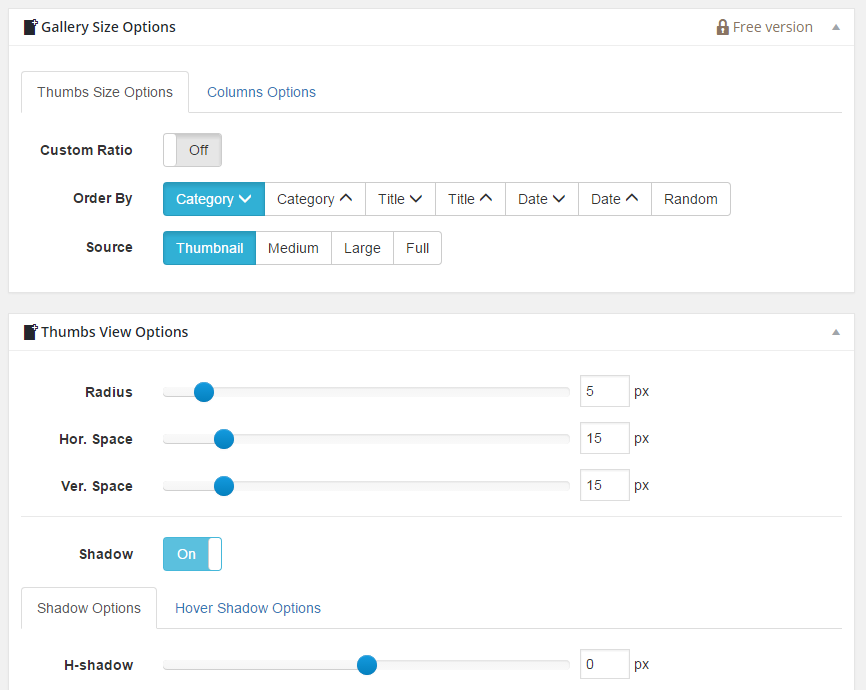
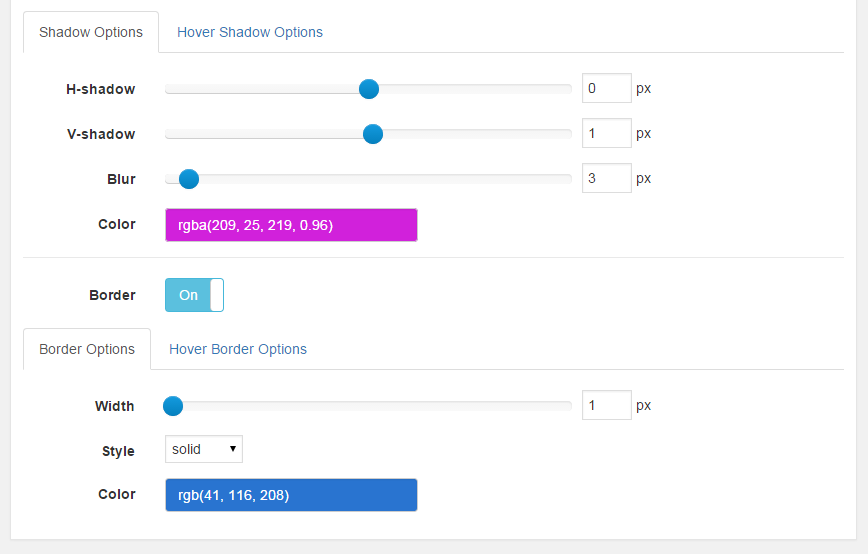
- Build in borders and shadows settings – borders and shadows have advanced options for configuration design and style of this gallery interface elements.
- Font settings – build in advanced text style editor options. With these options, you can fully customize the title, caption, and description of every image
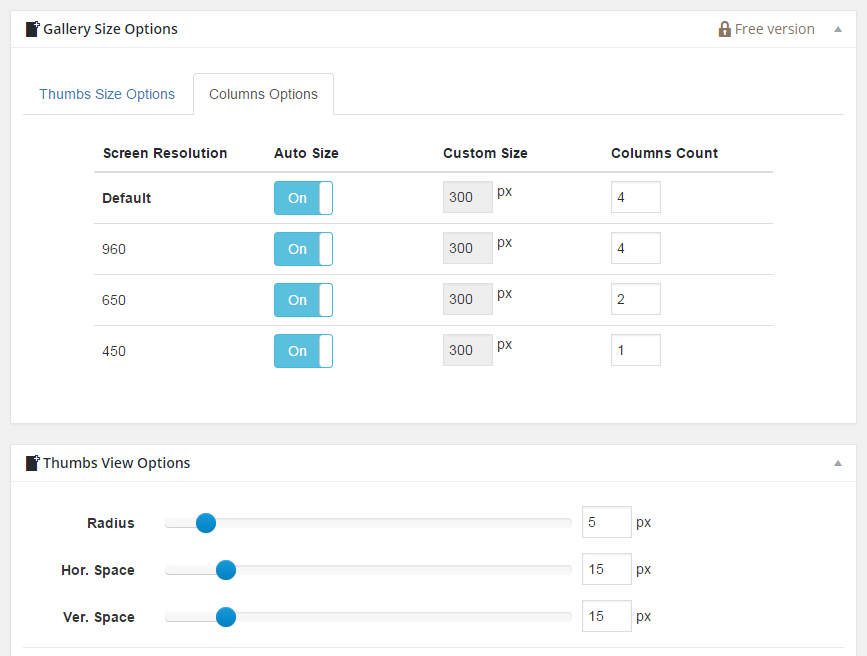
- Different resolutions – implemented advanced size control options where you can define layout or fixed size for the interface elements on different screen resolutions
- Implemented in native WordPress style using native classes – native for WordPress implemented without any hacks and tricks
- Multi Categories – multi categories albums support. You can create your own galleries tree, depending on your needs
- Classic layout – layout could have a classic style or grid layout, and every item on the page could have its own styles and settings
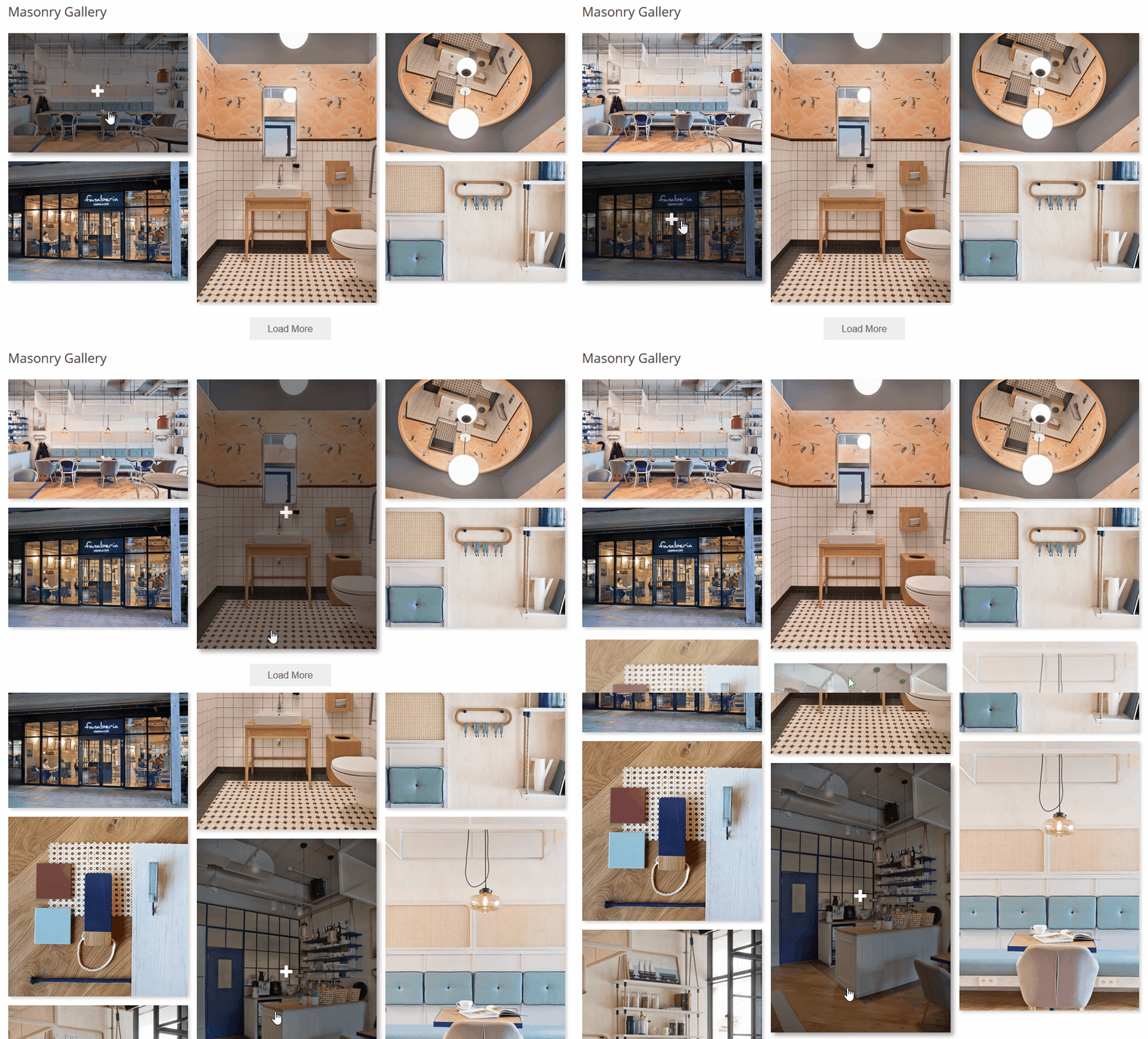
- Advanced pagination function – pagination function implemented in google load more style
- Work in IE, Firefox, Safari, Opera, Chrome – work properly in all the latest versions of the popular browsers
- Lazy loading option – implemented advanced lazy loading options, for the case when you have big sets of images you can define the amount of the galleries images for the first load and for the next steps of the load more options
- Advanced cache options – implemented advanced images caching options
- Overlay effects – all hover effects of the thumbnails are highly customizable and have a full set of options
- Backend text settings preview – all images titles, captions, and descriptions are highly customizable also we have a life preview of the changes in the backend
- Resizing crop function – in media managed you’ll find a great set of very useful features for example images crop, and manual resizing
- Optional mobile touch support – our plugin supports mobile devices and you can customize responsive gallery layout settings for different screen sizes
- Custom ordering of the images – ordering for all images could be easily changed manually in the media manager or you can find order by options in general settings
- Ability to insert plugin to the WordPress post, page, widget – every item could be inserted in to post, page or widget with a build shortcode tag or using a wizard button – shortcode generator in post or page editor
- Lightbox social buttons – in plugin settings you can turn on/off social buttons
- Lightbox background color – in lightbox settings you can change the color of the background with a comfortable color selector
- Lightbox background transparency – in lightbox settings you can change the transparency of the background with a comfortable color selector
- Lightbox font color – in lightbox settings you can change the color of the font with a comfortable color selector
- Lightbox font transparency – in lightbox settings you can change the transparency of the font with a comfortable color selector
- Advanced Compatibility – implement advanced compatibility options to avoid conflict with libraries of other plugins and themes. You can switch between modes to find the proper value for your case.
- Advanced Social Sharing – advanced social sharing functionality in a lightbox. Implemented deep linking functionality for the images social sharing services Facebook, Twitter, Pinterest, Google+, VK
- Click Thumbnails – advanced click functionality. You can use click-on buttons or on the gallery thumbnails to enlarge images or open the image link. With the new functionality, you can combine absolutely different features of the clicking functionality.
- Alignment – alignment of the photo gallery in the post or page depends on your needs. You don’t need to use HTML tags or some CSS tricks this function gonna help you to align your image gallery the way you need. Possible to select one from implemented alignment modes: left, right, and center for image alignment inside post or page content.
- Padding – new padding options. Define custom values in pixels for padding thumbnails block in post or page content. Is it possible to define padding from the left, right, top and bottom side
- Post Generator – new function for the automatic post creation with a gallery tag inside it. Advanced post manager implemented with additional functions for customization and management of all your posts in one place.
- Description Panel – new image description panel in a lightbox with a few different themes. The settings section makes you able to change content panel theme styles. In the description panel, you can define a few content sources. Image title, image caption or image description.
- Swipe in Lightbox – lightbox supports the swipe effect on multiple mobile devices. Swipe properly work in the lightbox for all images. Tested for Android and iOS.
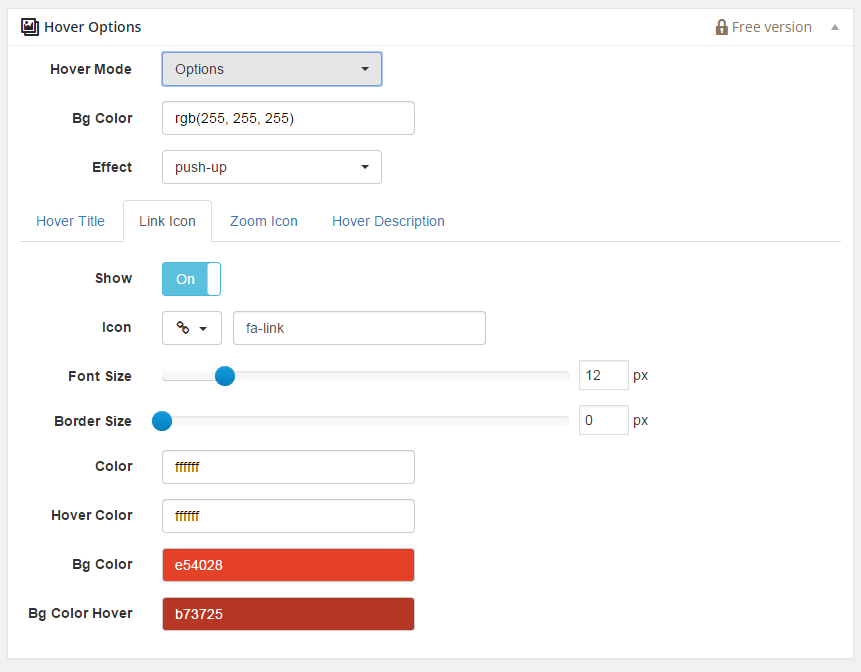
- Advanced Link Button Design – front end interface have link button. This button provides linking functionality on every thumbnail.
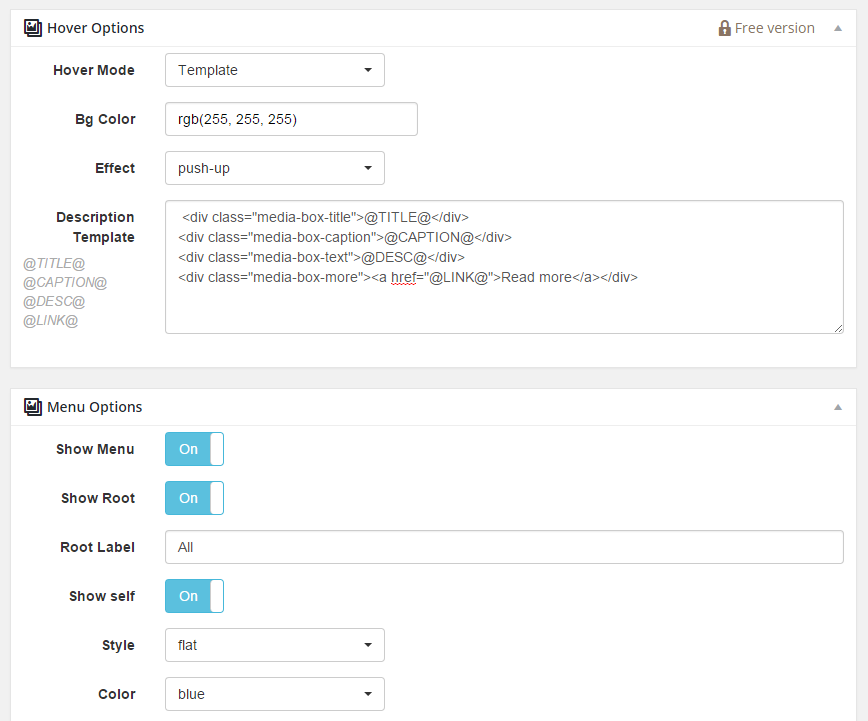
This interface button has a wide range of front-end interface customization options. You can easily change this button color, border and icon. - Hover Description Template – every image contain description field. In additional parameters of the image hover, you can define some HTML tags or build-in tags for customization of the image description.
- Plugin Compatibility Settings – in plugin settings you can customize general plugin settings to avoid conflicts with other plugins or WordPress themes.
- Admin Interface Modes – in plugin settings you can customize plugin interface settings to avoid conflicts with another plugin.
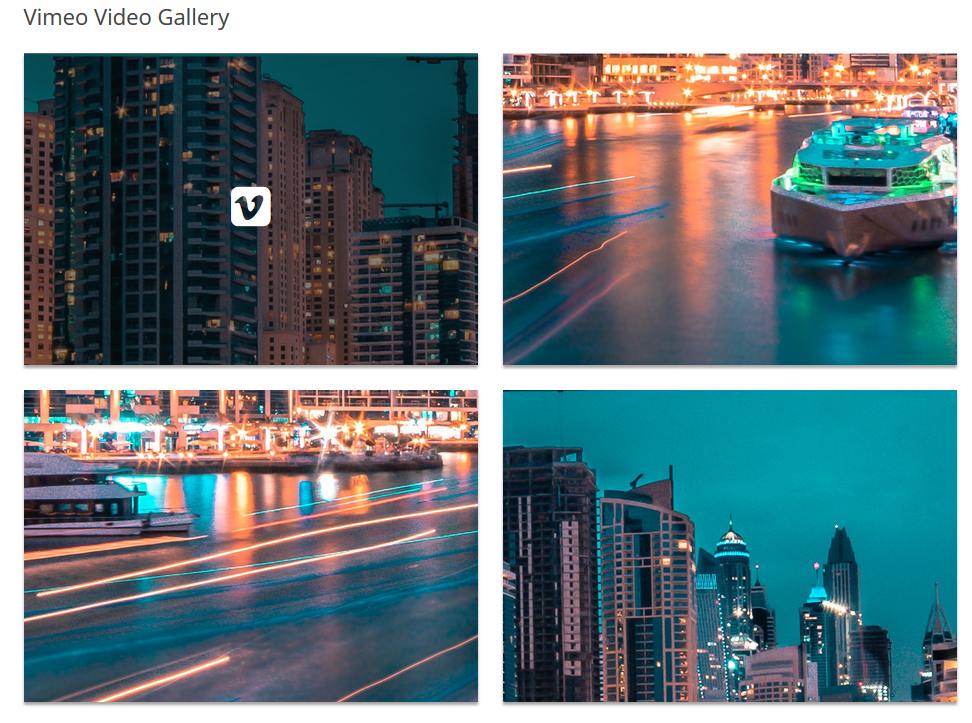
- Video Links – in the media manager every image have a separate option for a video link. Video links could be specified to the youtube feed or Vimeo.
- Images Custom Ratio – in plugin settings you can define a custom ratio for every picture. Every gallery could have personal settings for this option.
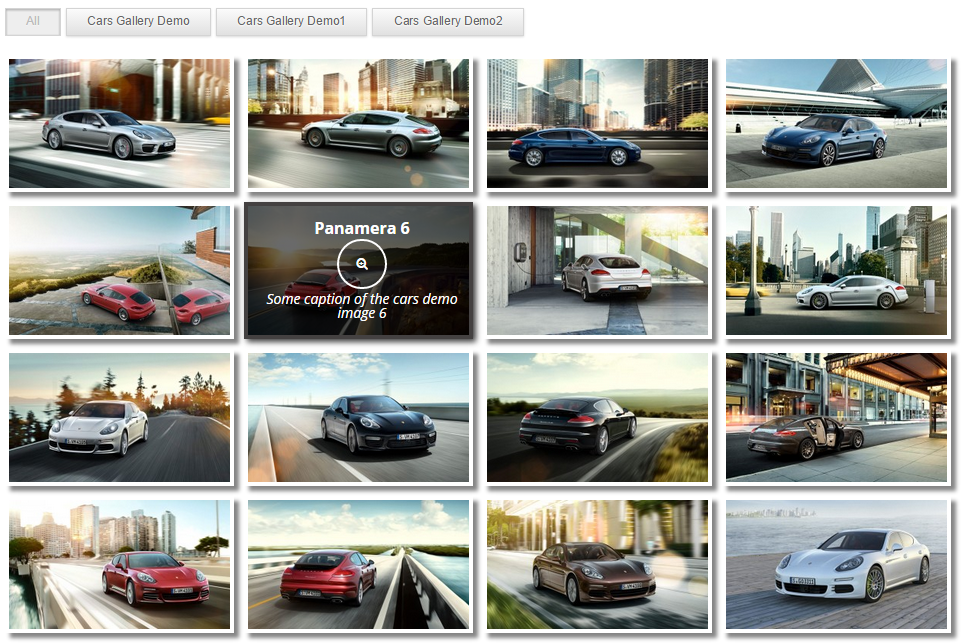
- Thumbnails Fade Effect – implemented Fade effect for the hover of the photo thumbnails. With such a hover animation effect become more attractive and eye-catching.
- Advanced Load more function – implemented very attractive navigation mode. Auto pre-loading images like an endless list of images. Load more functions have a lot of customization options to make it work the way you need.
- SEO code optimization – implemented a few front-end code output modes. One simplified mode with all core front-end code elements and another mode with additional not visible elements. This option has additional modes. These SEO output modes give you default output mode, thumbnail, and thumbnail+links mode.
- Template – in our plugin, we have an advanced template engine for images description. Every hover text of the image could be edited and customized with built-in template options.
- Cache – incredible new super cache option makes your page load ten times faster. This function use absolutely new model of the image load. When you enable cache for big-size galleries it’s gonna be much faster and more effective to use our plugin. Your visitors will be really surprised by the speed of the page load.
- Support Videos – every image has an option where possible to define a video link for every particular picture.
- Elementor Block – in the Elementor page builder you can use the built-in Elementor block in our plugin.
- Slider – possible to create an image slider with mobile-friendly interface and support touchscreen devices. In slideshow mode, you can upload photos to the image slideshow and configure different interface elements to navigate between slides. Possible to create an unlimited amount of photo sliders with different text on the description panel. You can use a title, caption or photo description as a text source for every slide of the image slider.
Pro Key Features
- 50+ pre-configured styles – one-click setup of the gallery with required type and theme styles. These styles are classified into 6 categories with different types of grid layouts and interface views.
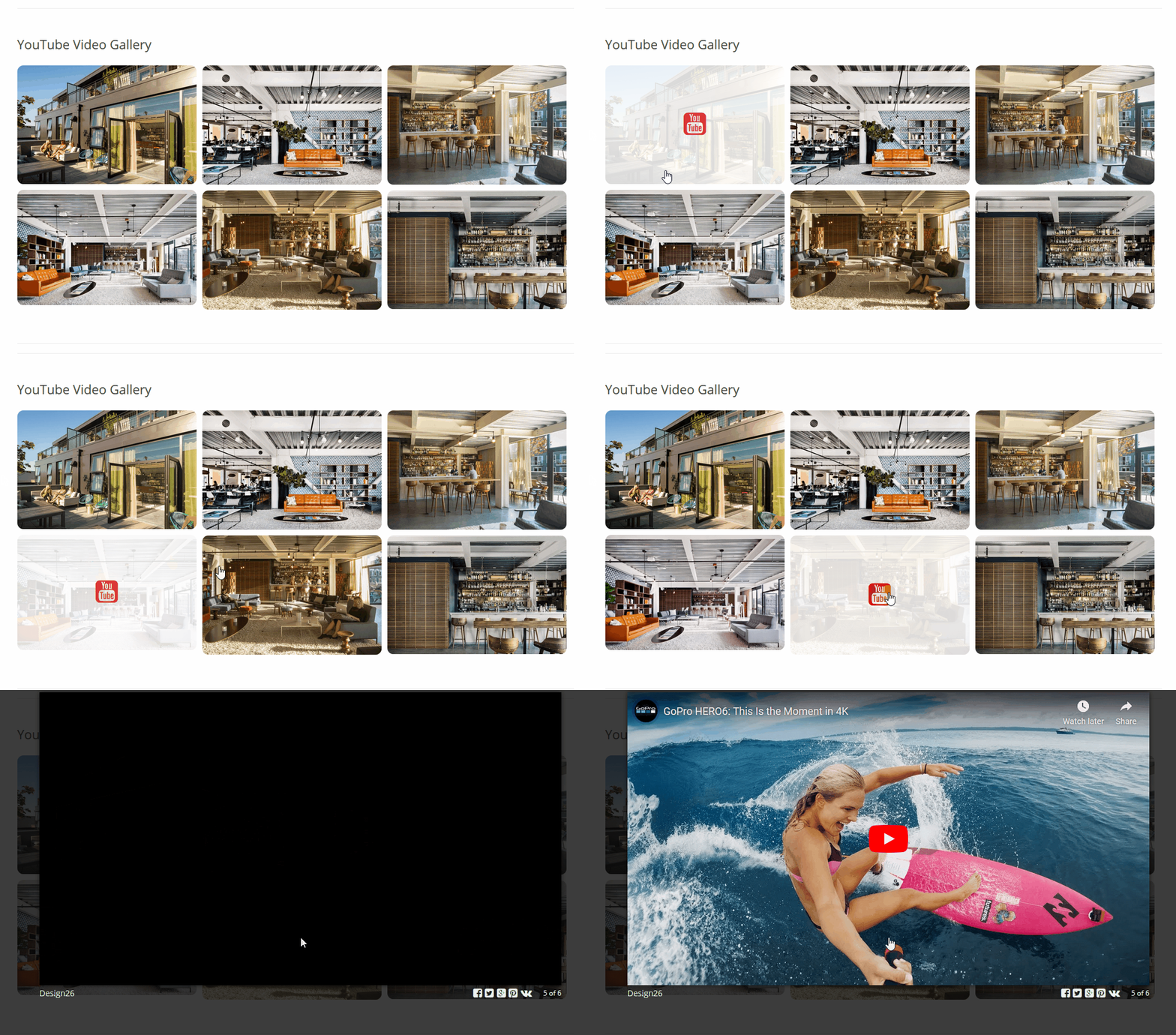
- Advanced Youtube Gallery – pre-configured 6 views for the youtube feeds mode. Every instance has a full set of design configuration controls.
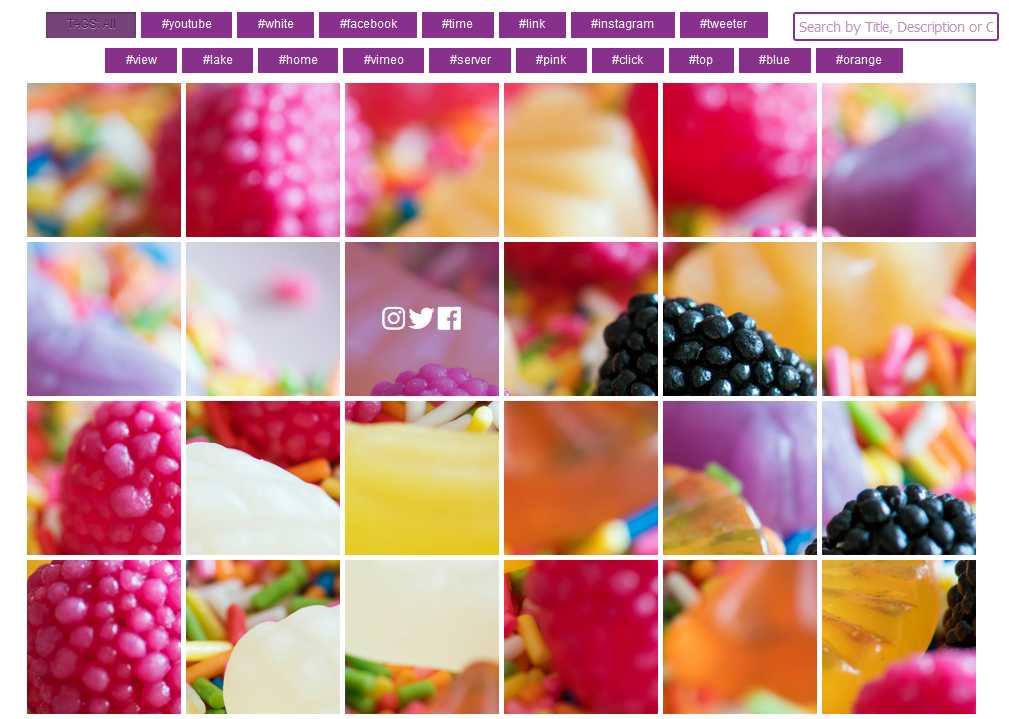
- Advanced Photo Grid Themes – pre-configured 8 views for the image grid view with additional advanced interface and layout configuration settings.
- Advanced Masonry Themes – pre-configured 8 views for the masonry grid views with additional advanced interface and layout configuration settings. Added smart resizing mode for the resizing images automatically for the building of the masonry grid layout.
- Advanced Mosaic Themes – pre-configured 6 views for the mosaic grid views with additional advanced interface and layout configuration settings.
- Advanced Polaroid Themes – pre-configured 8 views for the polaroid grid views with additional advanced interface and layout configuration settings.
- Advanced Wall Style Themes – pre-configured 8 views for the wall style grid view with additional advanced interface and layout configuration settings.
- Advanced Menu Settings – full access to the configuration of the top grid filters and navigation buttons. With the configuration of the navigation menu styles and modes.
- Advanced Tags Navigation – tags navigation mode for the top navigation menu.
- Advanced Polaroid Settings – configuration of the polaroid content source and design for the description panel.
- Advanced Size Settings – set of size options, grid spacing, column management, and mobile-friendly settings for mobile devices.
- Advanced Lightbox Settings – customizable colors, styles and visibility of the navigation elements in the lightbox popup.
- Advanced Hover Settings – multiply colors configuration for the overlay, buttons and all text for the additional hover elements like title, caption and description.
- Advanced Pagination Settings – configuration of the load more function workflow. Modification of the styles and colors of the pagination interface element.
- Advanced Layout Settings – image grid settings, different layout settings for the desktop site version and mobile devices. Android or iOS, mobile-friendly gallery layout.
- Advanced Resizing Settings – for the masonry grid implemented a new automatic, advanced thumbnail resizing function.
- Youtube Playlist – fast import of the youtube playlist videos in a few clicks.
- Youtube Channel – fast import of the youtube channel videos in a few clicks.
- Image Link – every image have a personal link field. You can set a different link for every image.
- Tags for images – every image contain description field. In additional parameters of the image hover, you can define some HTML tags or build-in tags for customization of the image description.
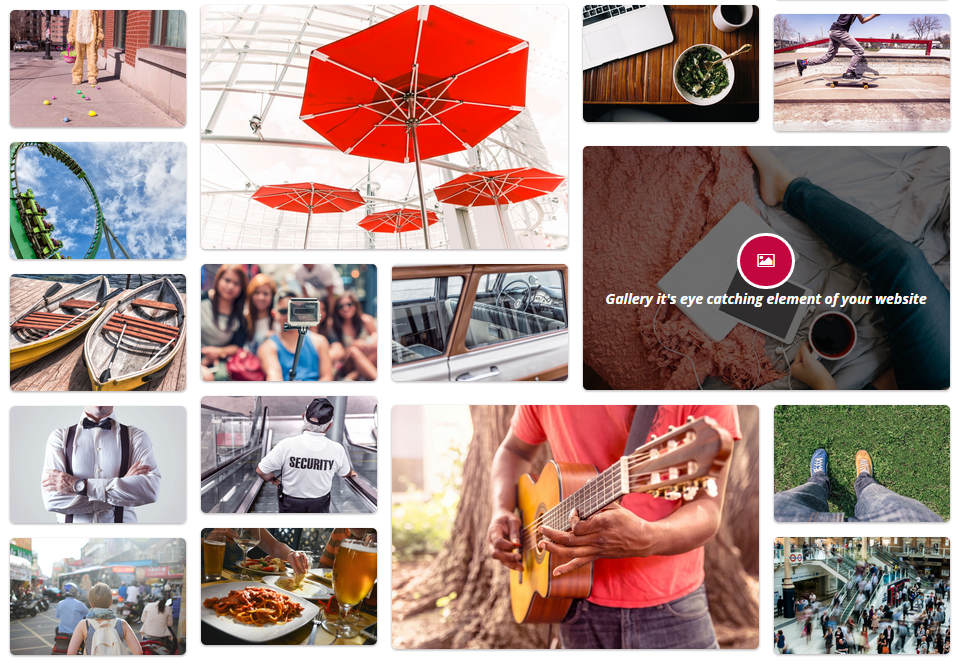
- Grid layout – in plugin implemented not only a classic gallery layout, but also a grid layout for the modern style with different sizes of thumbnails.
- Smart Links – implemented smart image links and video links parsing algorithm. Implemented auto-detection links with turned-off link navigation buttons
- Hover layout template – hover effects have a set of advanced options. For example, you can customize the layout of the hover effect with build tags
- Customizable Grid – every image has additional options for customization of the layout of the photos, as result, you can build a fully custom gallery grid, depending on your needs. You can decide which size of the thumbnails matrix you need on your website
- Customizable hover icons – all icons of the gallery buttons are fully customizable and every icon could be easily changed with the build icons wizard
- Gallery widget – every item could be inserted in to post, page or widget with a build shortcode tag or using a wizard button – shortcode generator in the post or page editor
- Clone – if you have hundreds of galleries on the website this feature is really useful for you! Clone settings of one gallery to apply it to another one. So you can copy styles of the source item to as many galleries as you need with just one click.
- Custom Thumbnails Shadows – shadow it’s a very …
Screenshots
FAQ
ChangeLog