

Connect your WordPress application with Rebrandly and create branded links re-using the same domain name
| Author: | Rebrandly (profile at wordpress.org) |
| WordPress version required: | 3.0.1 |
| WordPress version tested: | 7.1.4 |
| Plugin version: | 1.0.3 |
| Added to WordPress repository: | 17-02-2022 |
| Last updated: | 27-10-2026 |
| Rating, %: | 0 |
| Rated by: | 0 |
| Plugin URI: | https://github.com/rebrandly/wordpress-plugin... |
| Total downloads: | 4 480 |
| Active installs: | 100+ |
 Click to start download |
|
By installing this plugin and configuring it to connect with your Rebrandly account,
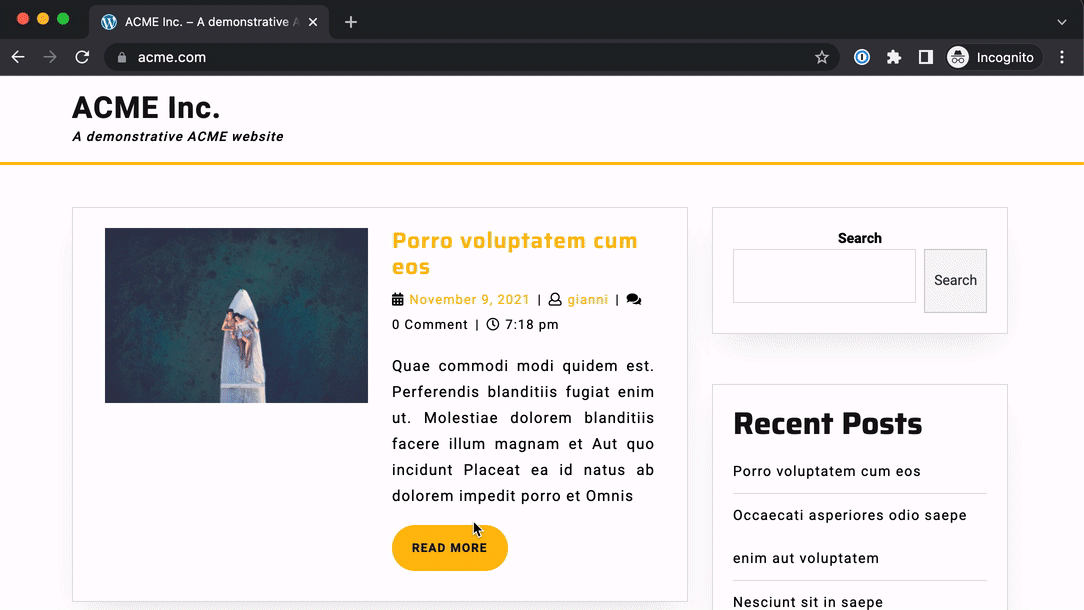
you will be able to create branded links using the same domain as of your WordPress website/app.
Unlock the opportunity for your team to freely create branded links via Rebrandly,
while still safely serving your own content from your WordPress application.
Here are a few steps necessary to use this:
- Install the plugin in your WordPress
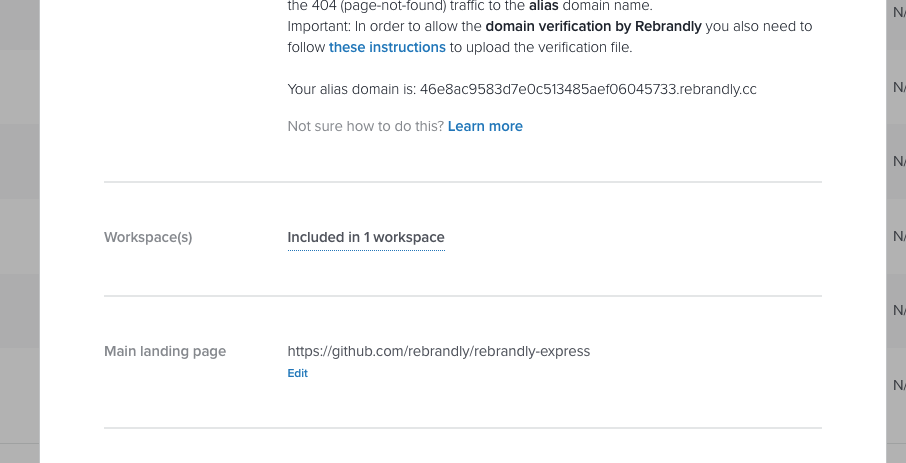
- Connect the domain to Rebrandly as Alias Domain, and take note of the autogenerated value for the alias
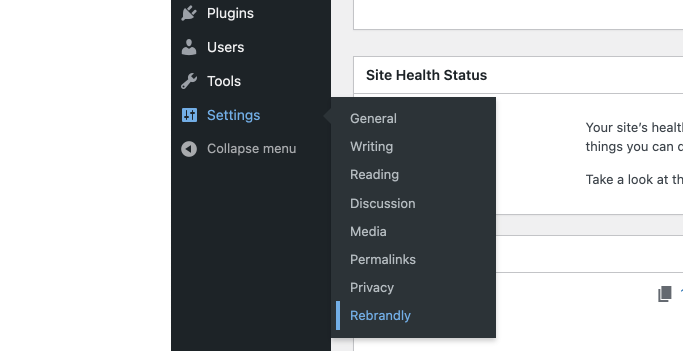
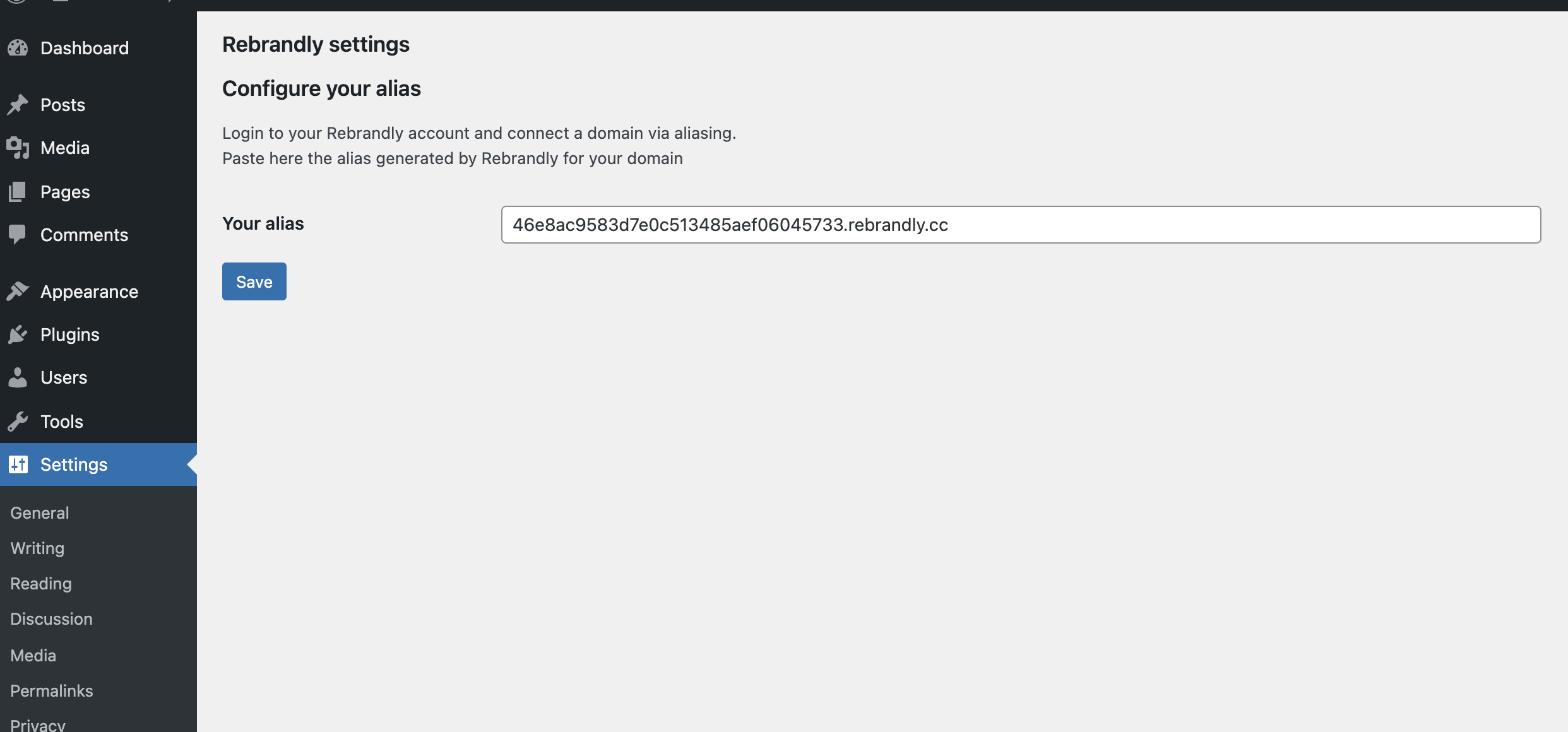
- Set the alias name in the Admin menu (Settings > Rebrandly) and Save your settings
Screenshots
FAQ

ChangeLog