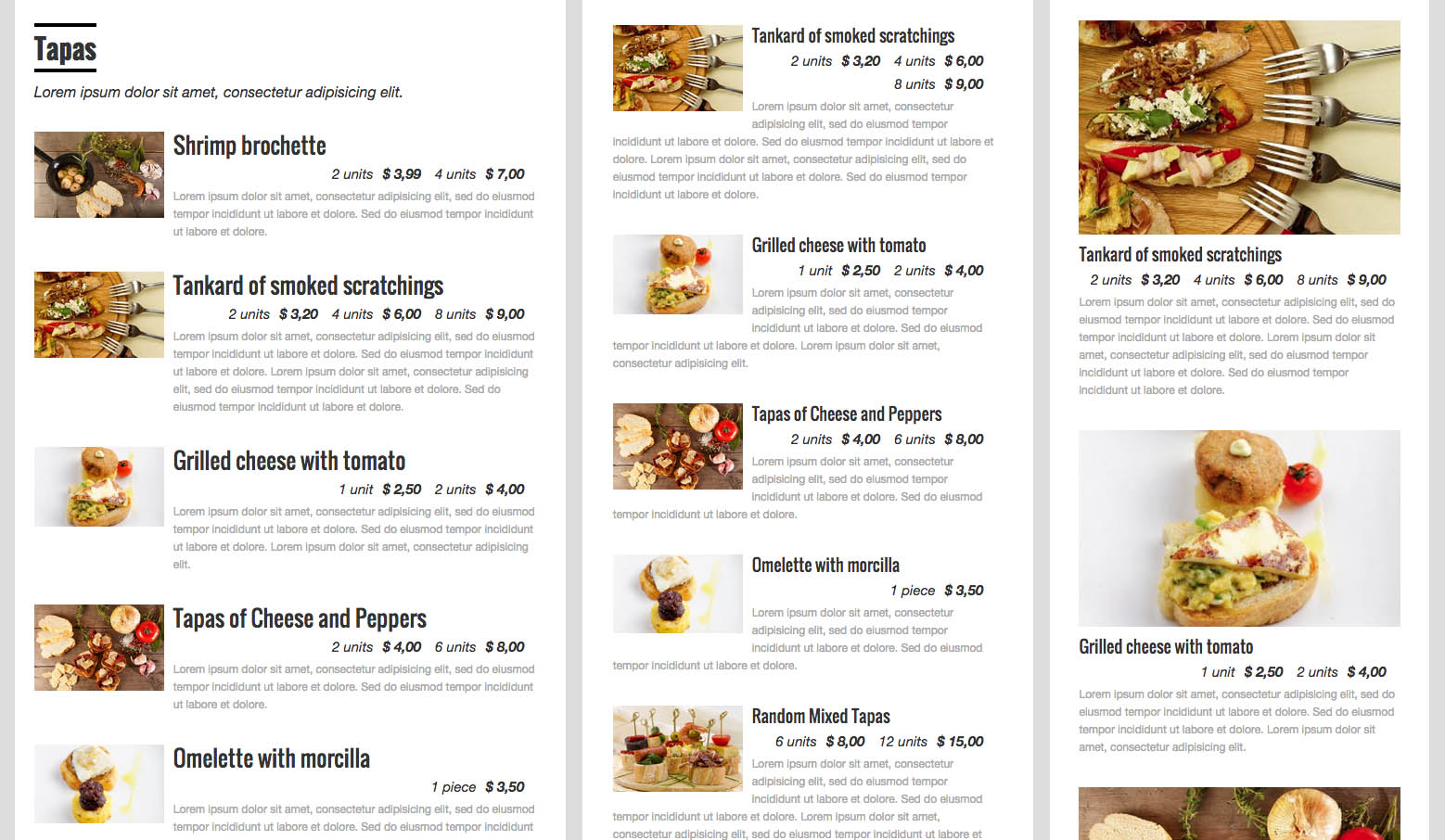
Create restaurant menu for bars, cafes and eateries. Drag and drop UI. Includes images, descriptions, sizes and prices.
How do I create a restaurant menu?
Click on Rest. Menus in your WordPress admin sidebar. Click on Add New to create your first entry and save the post.
You will see a window inside the post editor with two buttons, one to insert new Menu Items, and the other to add Section Headers.
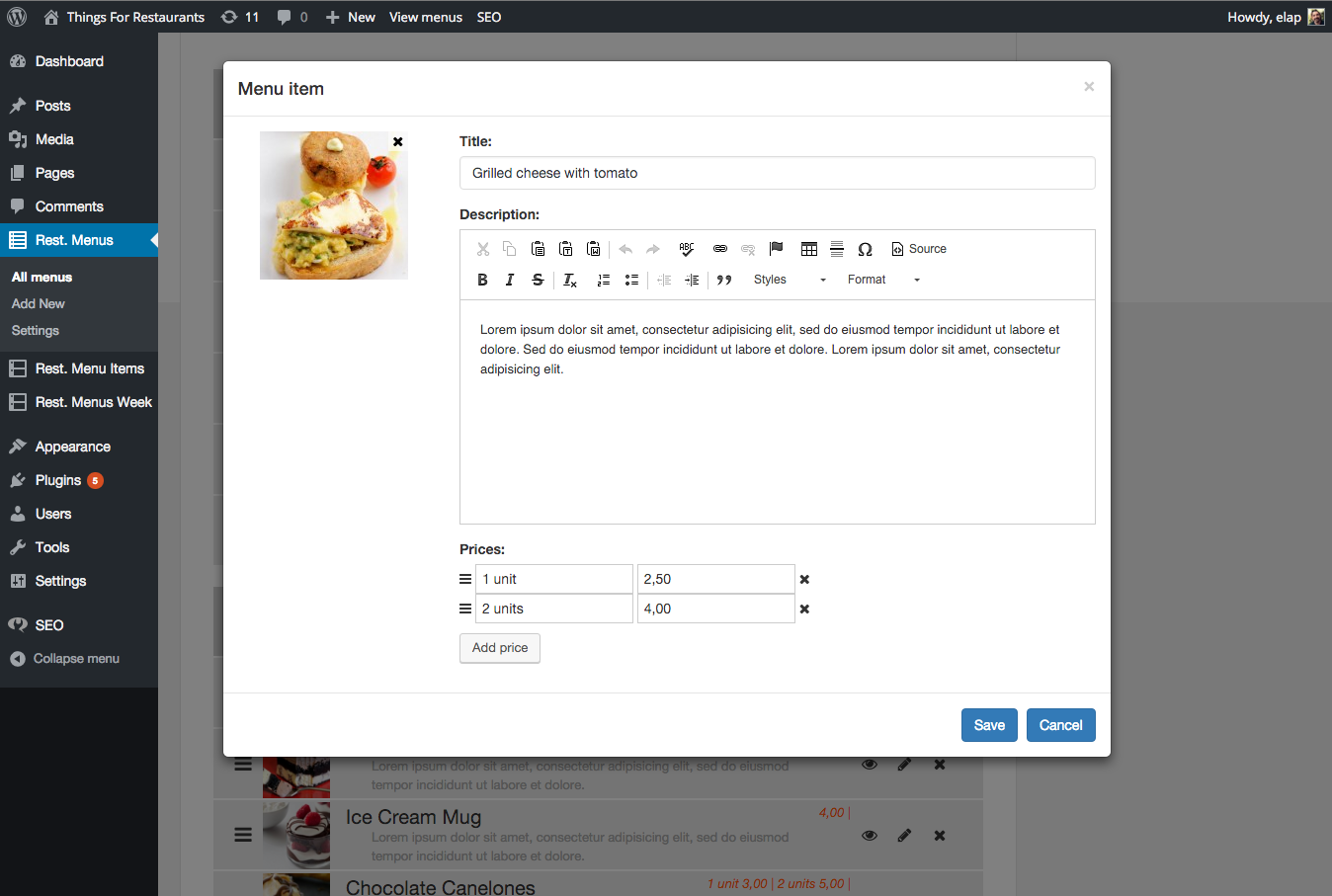
Add the items you want and provide them with a title, picture, description, sizes and prices. Each item has three icons on the right: to hide in the front, to edit the item and to delete the item.
Group your items inserting Section headers, eg. Starters, Lunch, Dinner, Breakfast, Desserts, etc.
How do I display the menu on my website?
After saving your menu post create a new Page. Simply click on Pages -> Add New in your WordPress admin sidebar. Give your new page a title, for example, The Menu.
To display your menu in a simple list, use the shortcode with the id of the menu. You will find the shortcode in the table list of menus or inside the menu editor.
[erm_menu id=123]
How do I create a variable menu?
Click on Rest. Menus Week in your WordPress admin sidebar. Click on Add New to create your first entry and save the post.
Add different schedules and assign a menu to each one.
Reorder the schedules with drag and drop.
Insert the shortcode in some page/post.
The page will display the menu that satisfies the first schedule rule. If no rule is satisfied then no menu will be displayed.
You can create rules for different days and for different hours.
How do I manage currency character?
You don’t need to insert the currency on each price. Just go to Rest. Menus -> Settings, insert your currency and in with position you want it to display: before or after the price.
How do I add custom CSS?
You can customize your template in the front end. Go to Rest. Menus -> Settings, insert your CSS and check Insert Custom CSS.
How do I edit Menu Items?
The plugin uses two types of custom posts, one for Menus and other for Menu Items. You can edit your Menu Item from inside de Menu Editor, but you can also edit it from the Menu Item post editor.
The Rest. Menu Items menu is hidden in your admin sidebar, but you can show it from the settings. Go to Rest. Menus -> Settings to unhide it.
Now you will see a new Rest. Menu Items menu in your admin sidebar. You can also edit you Menu Item from here, but you need to add your new items from the Menu Editor.
I have some feature requests, feedback, or questions about the plugin…
You can use the support tab here, or visit the plugin website.