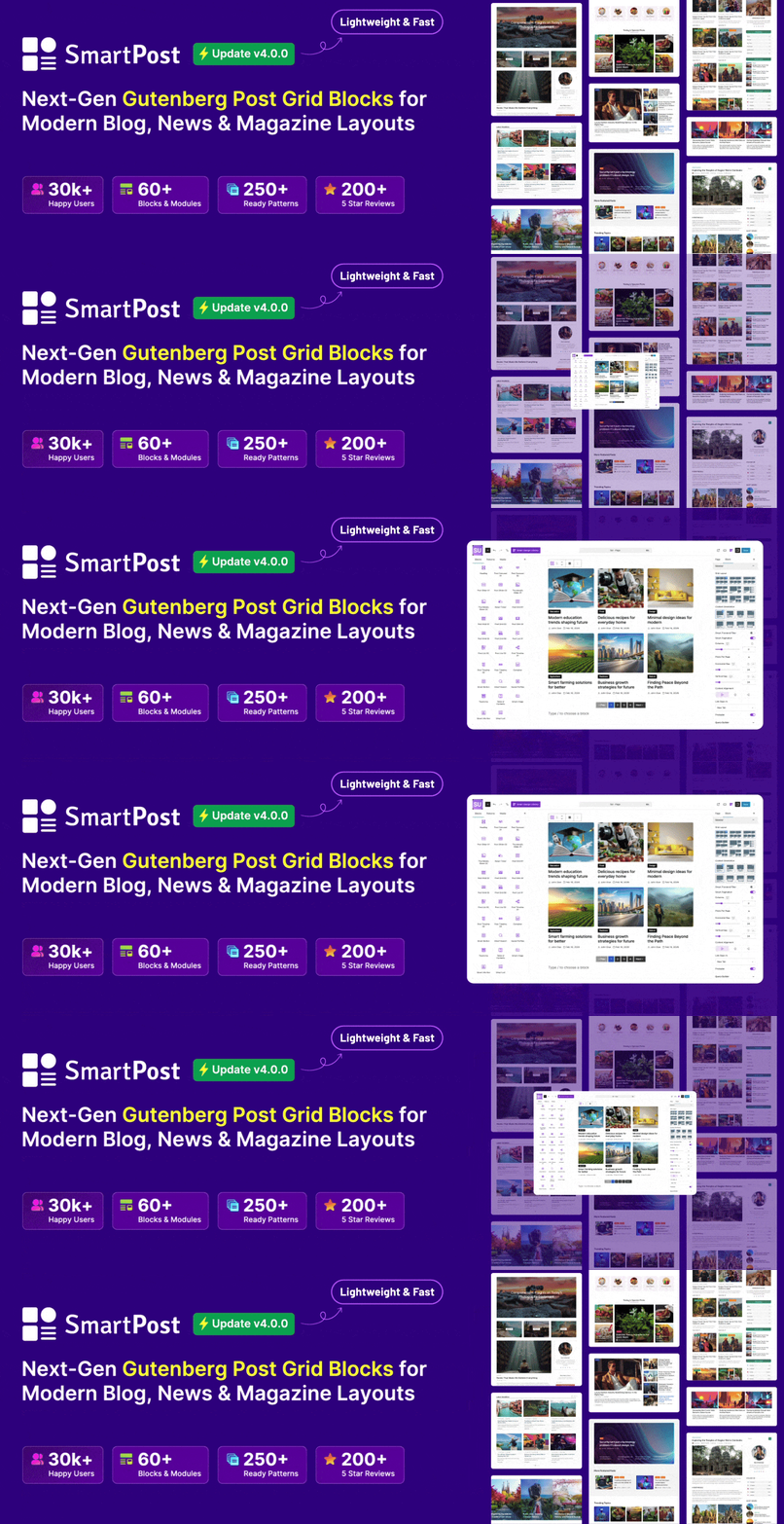
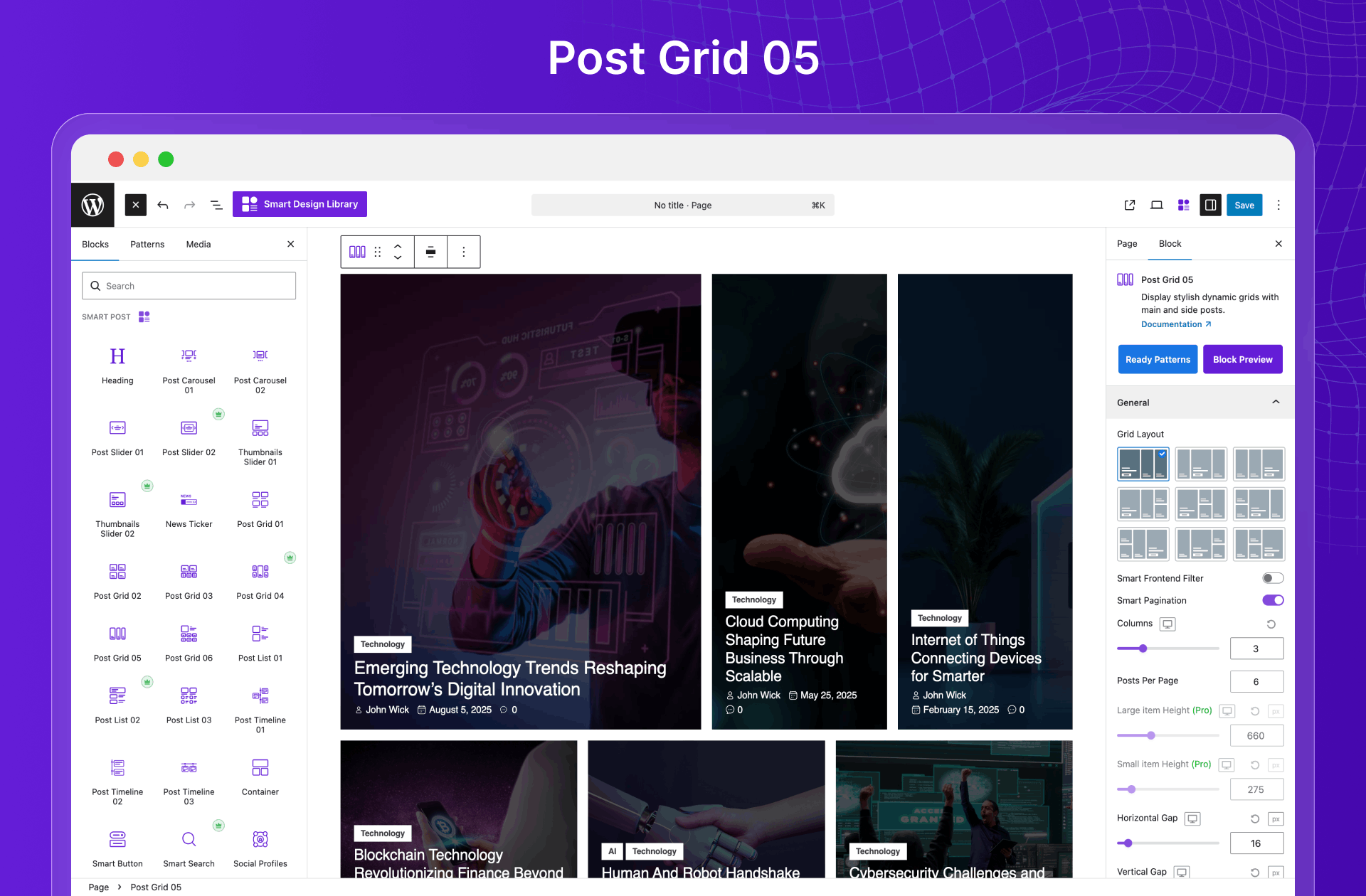
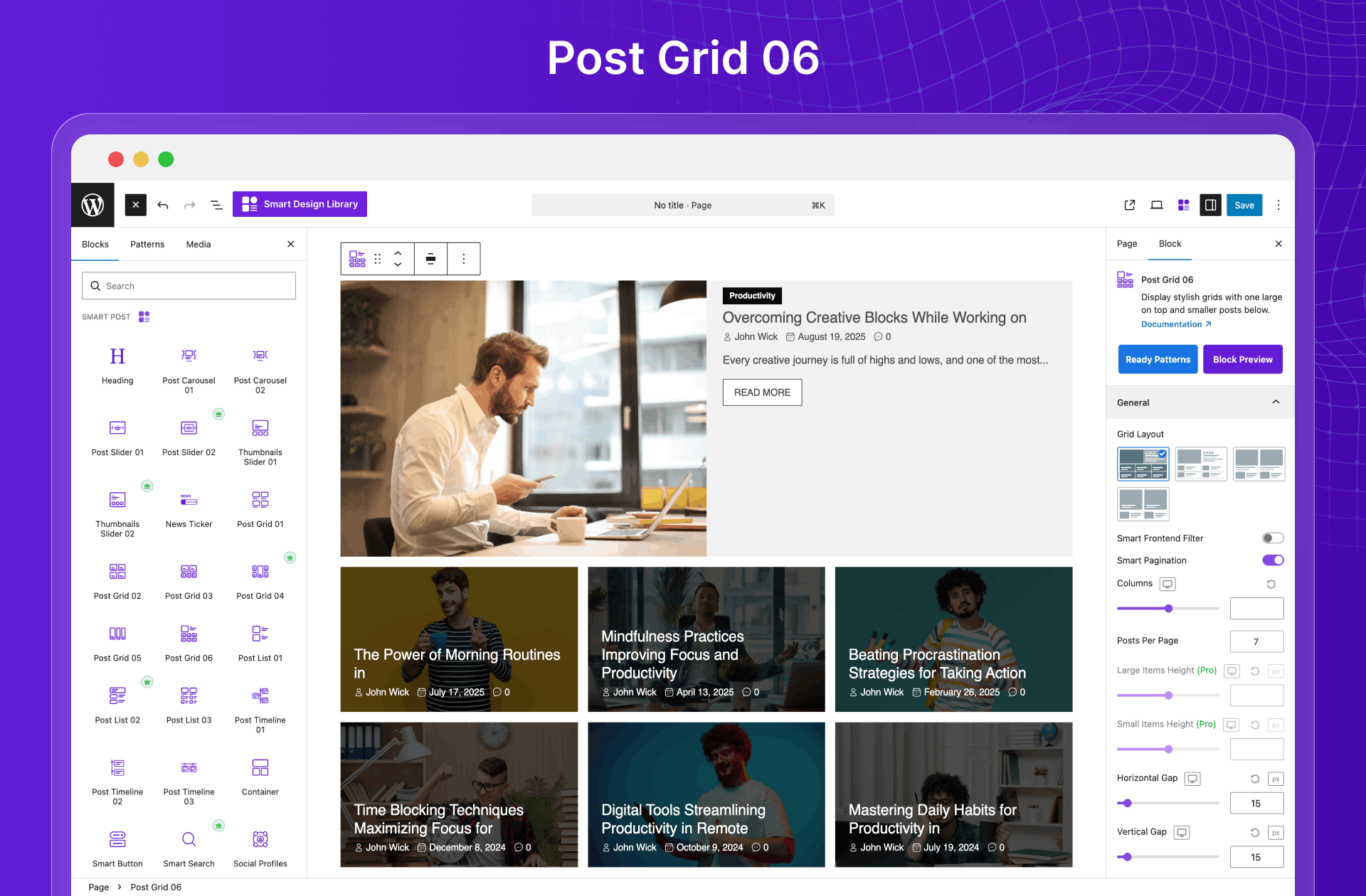
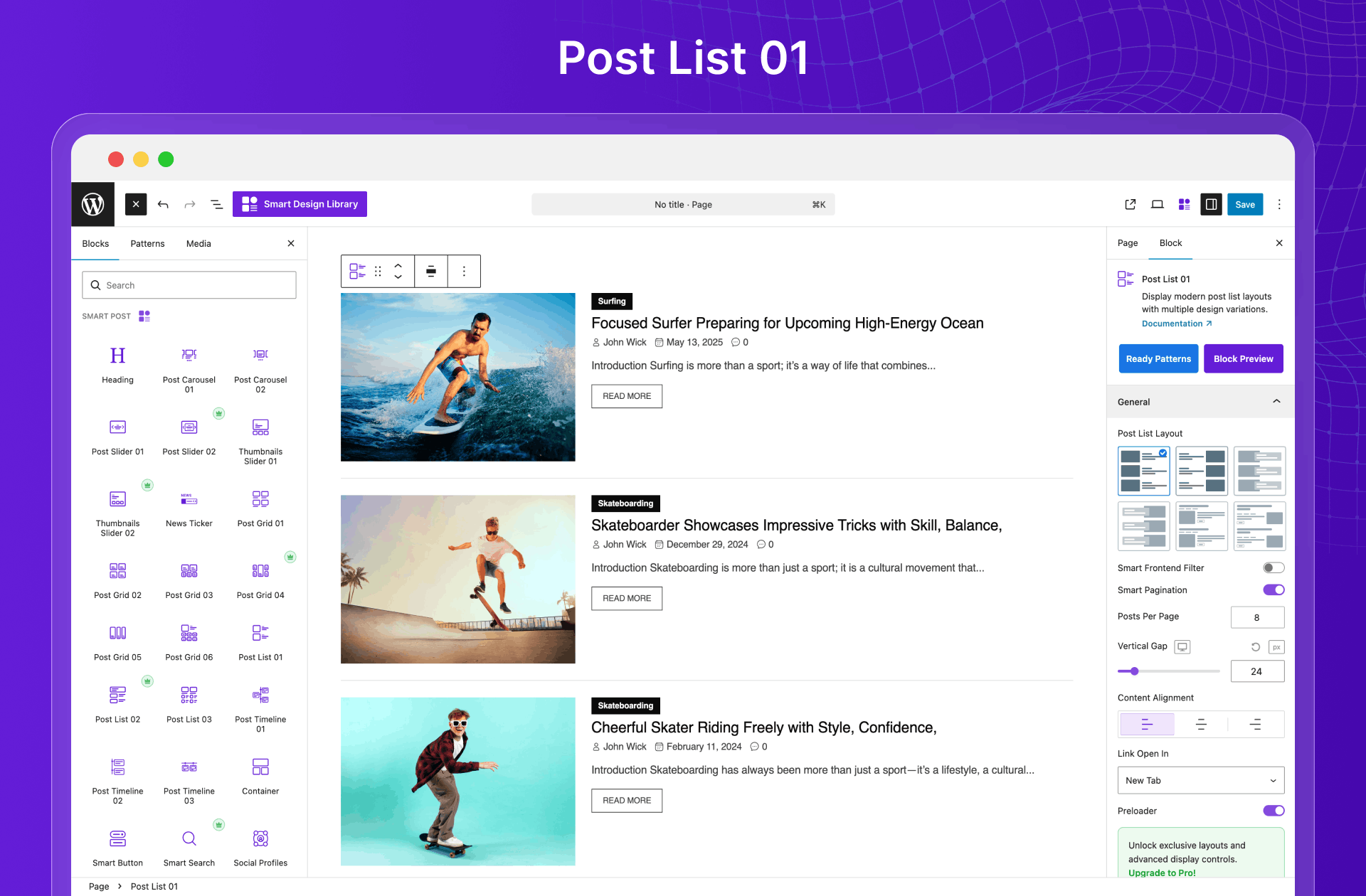
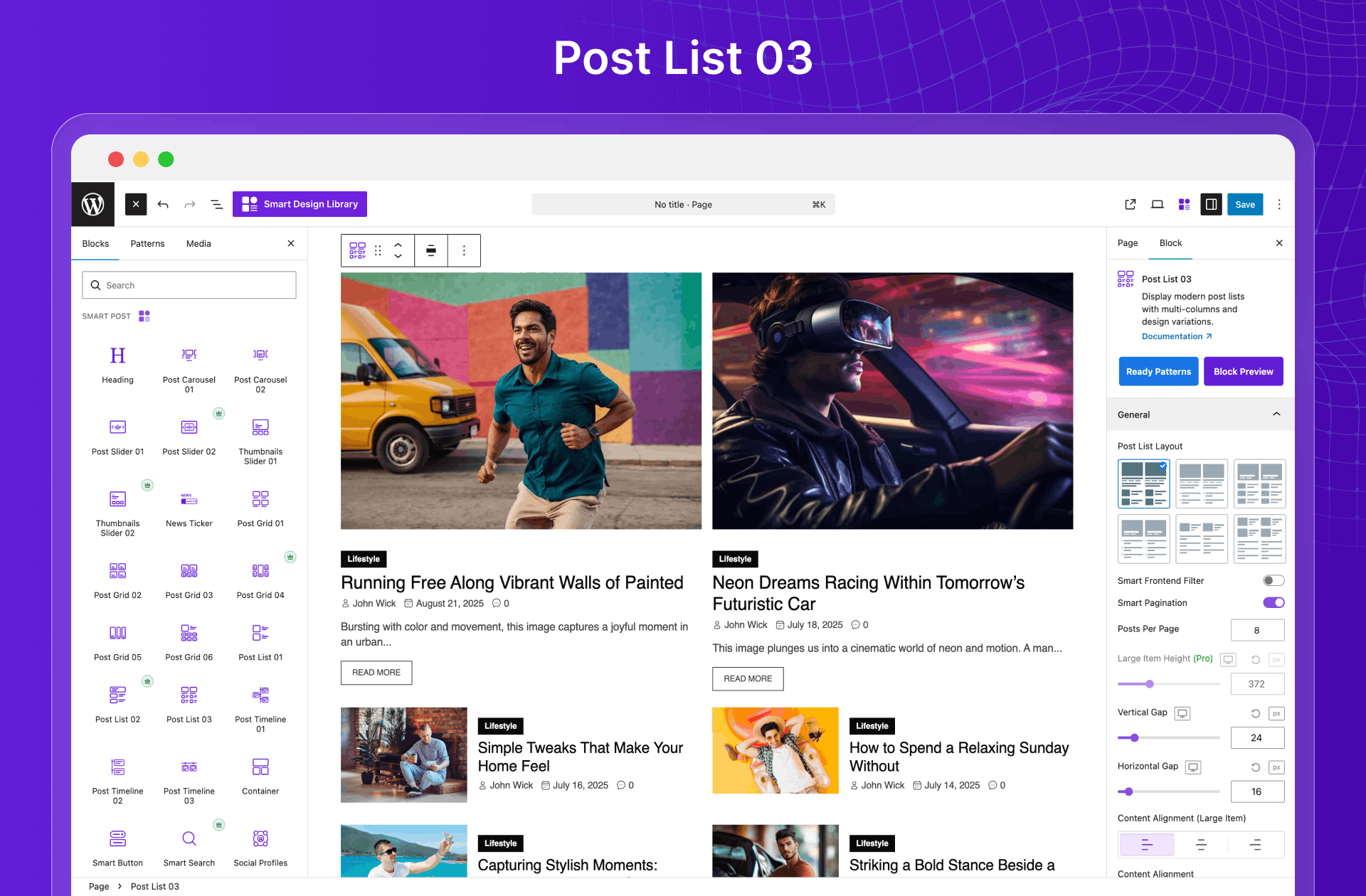
Smart Post is a next-generation Post Grid and Gutenberg Page Builder Blocks plugin designed to help you build stunning blogs, magazines, news portals, and content-driven websites with ease. Whether you’re creating a new site or upgrading an existing one, Smart Post lets you transform your content into modern, engaging layouts in minutes—no coding required.
Build and manage professional websites effortlessly while boosting user engagement with visually appealing post displays and flexible customization options.
Our mission is to empower Bloggers, Writers, Creators, Agencies, Marketers, and Professionals with an all-in-one solution for building modern, content-driven websites with ease. Whether starting fresh or enhancing an existing site, blog, newsroom, news updates, or articles section, Smart Post helps transform your content into engaging layouts—without coding.
By combining powerful features into a single plugin, we simplify website creation and reduce complexity. Smart Post is designed to be beginner-friendly while offering the flexibility and control experienced users need.
???? Perfect for Any Content-Driven Website
With Smart Post, you can build almost any type of website with ease—especially content-driven sites. It features a rich library of ready-to-use, niche-based patterns to help you create stunning layouts effortlessly. It’s the perfect choice for:
✅ Blogs & Personal Websites
✅ News & Magazine Sites
✅ Portfolio Websites
✅ Business & Niche Websites
✅ Sports News Websites
✅ Tech News Websites
✅ Gaming News Websites
✅ Travel Blogs
✅ Fashion Blogs
✅ Food & Recipe Blogs
✅ Lifestyle Blogs
✅ And much more
???? Enhance Your Site with Beautiful Patterns
Transform your website with stunning, ready-made sections designed to grab attention and boost conversions. Everything is at your fingertips to create a professional, high-performing site with minimal customizations. No design complexity, just plug, play, and impress.
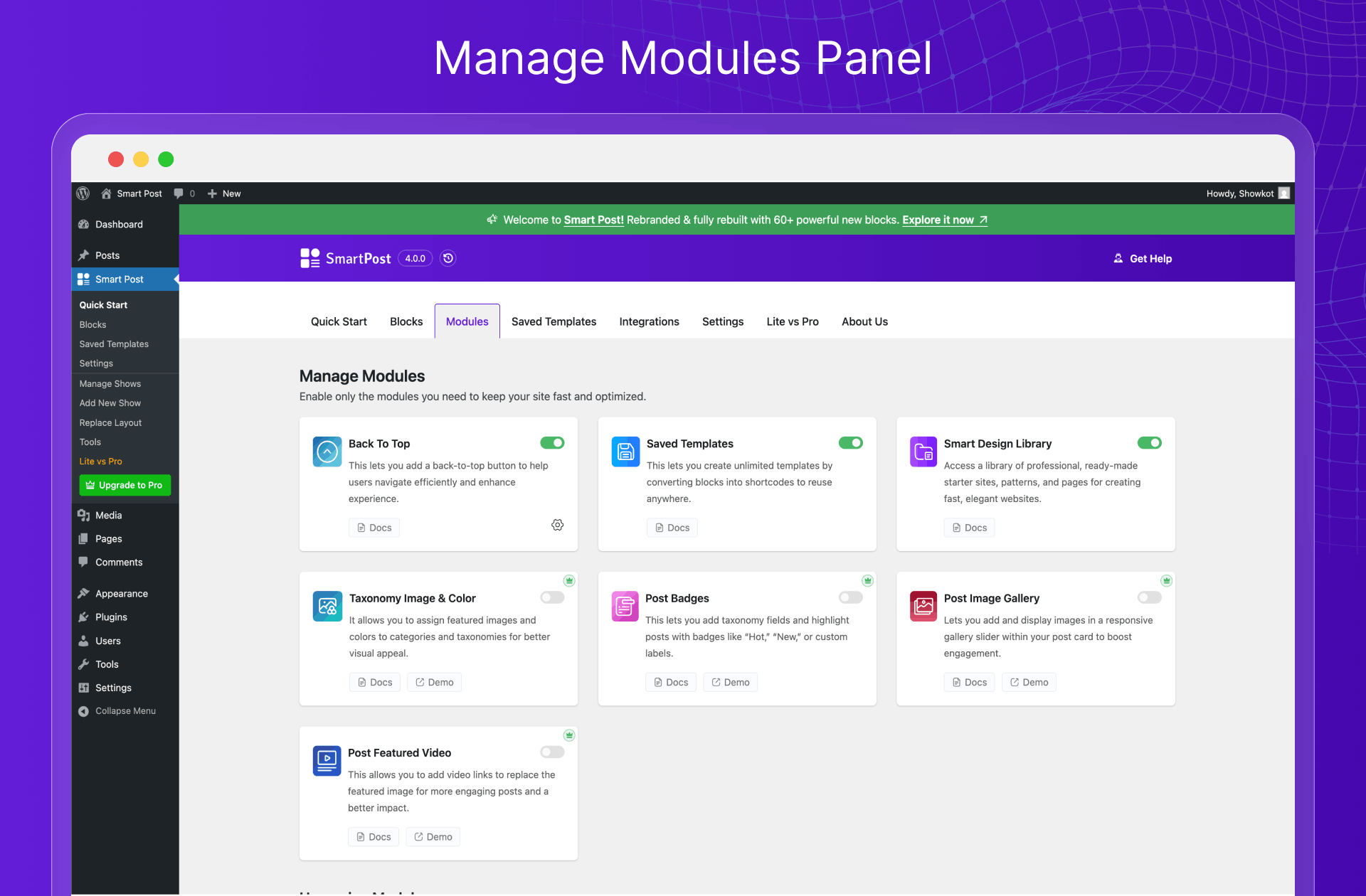
Unlock powerful features that enhance both functionality and user experience—without added complexity. From back-to-top navigation and saved templates to post badges, image galleries, and featured videos, these smart modules help you build faster, engage visitors longer, and create a more dynamic website with ease.
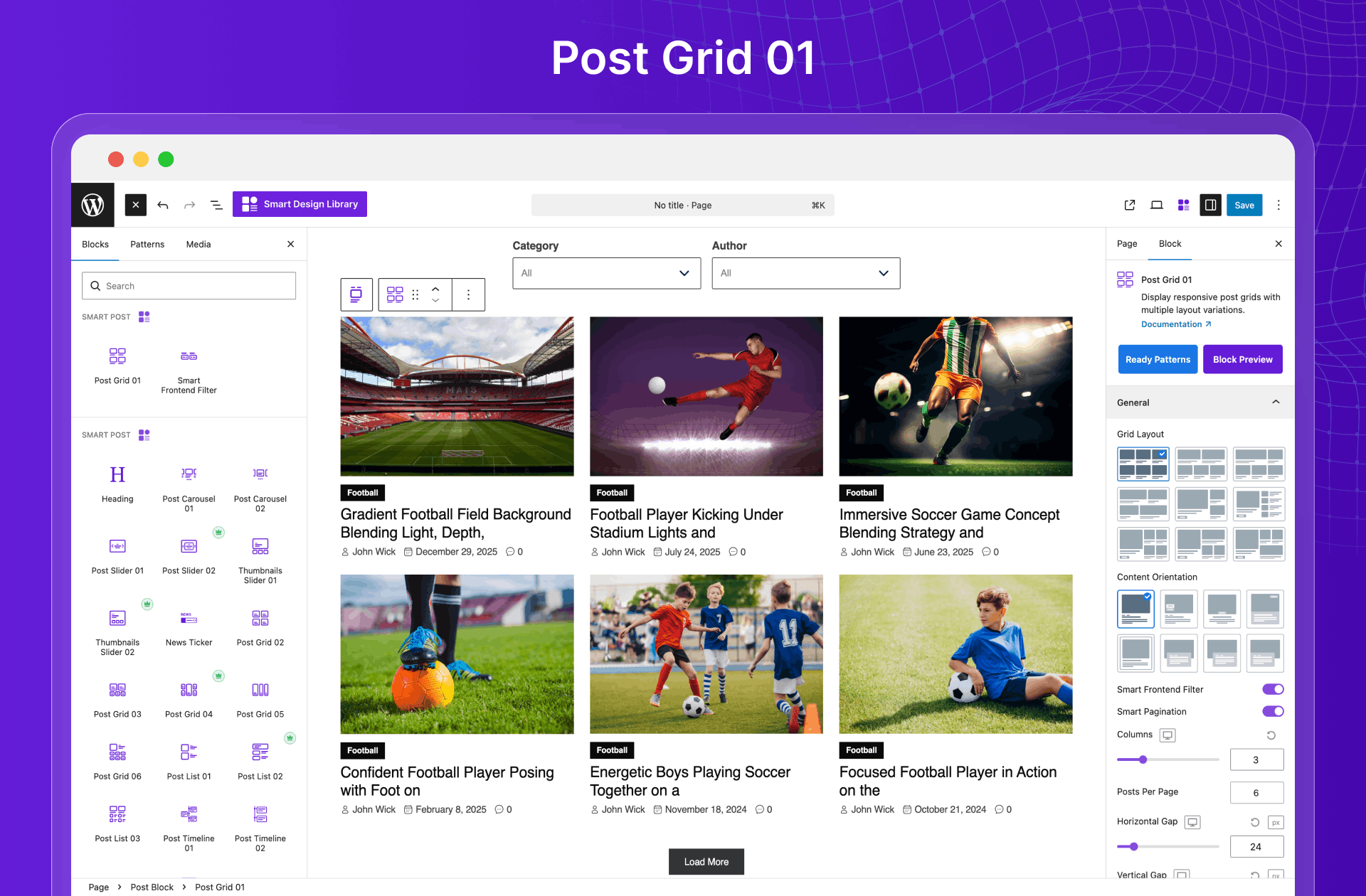
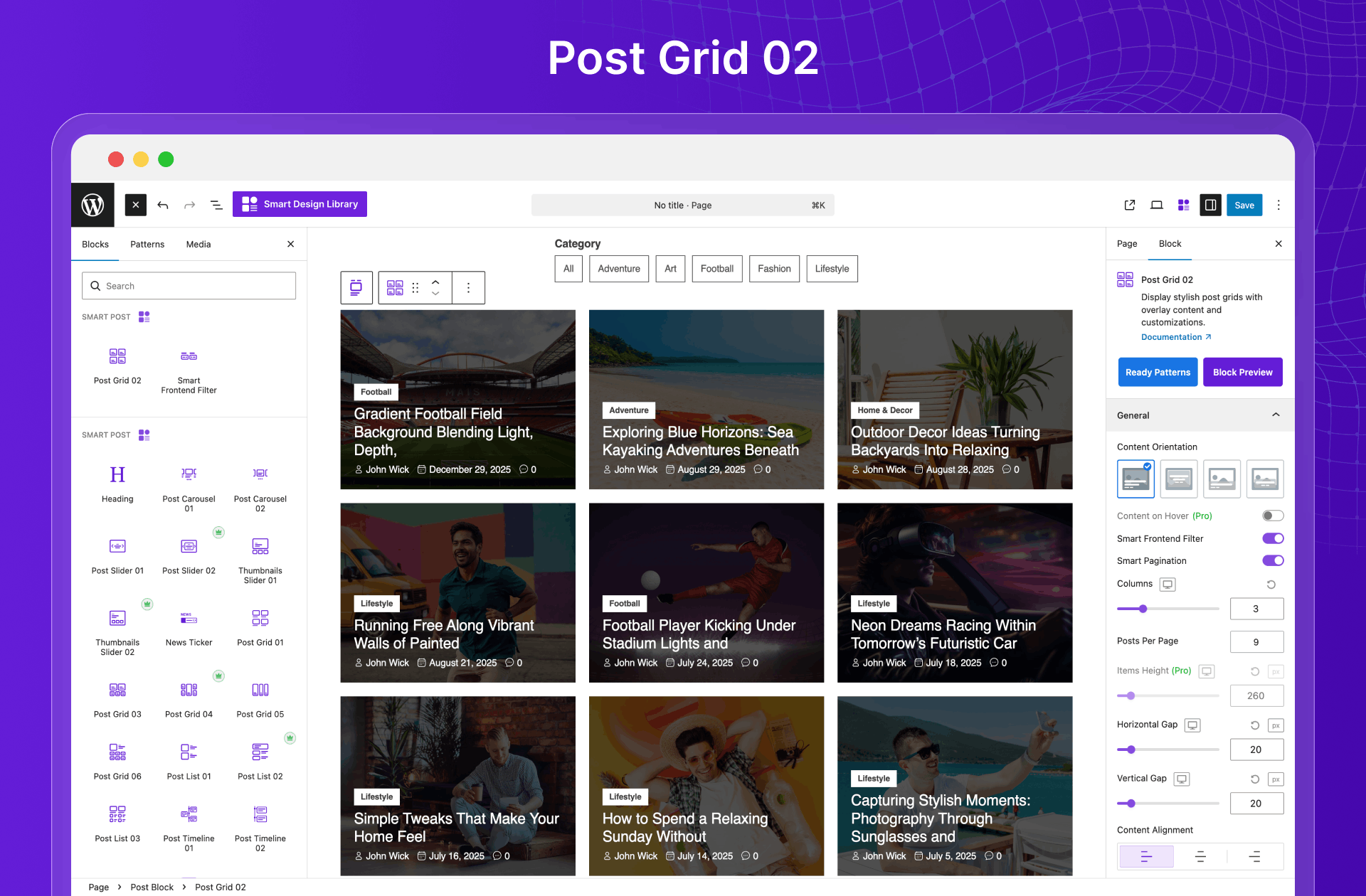
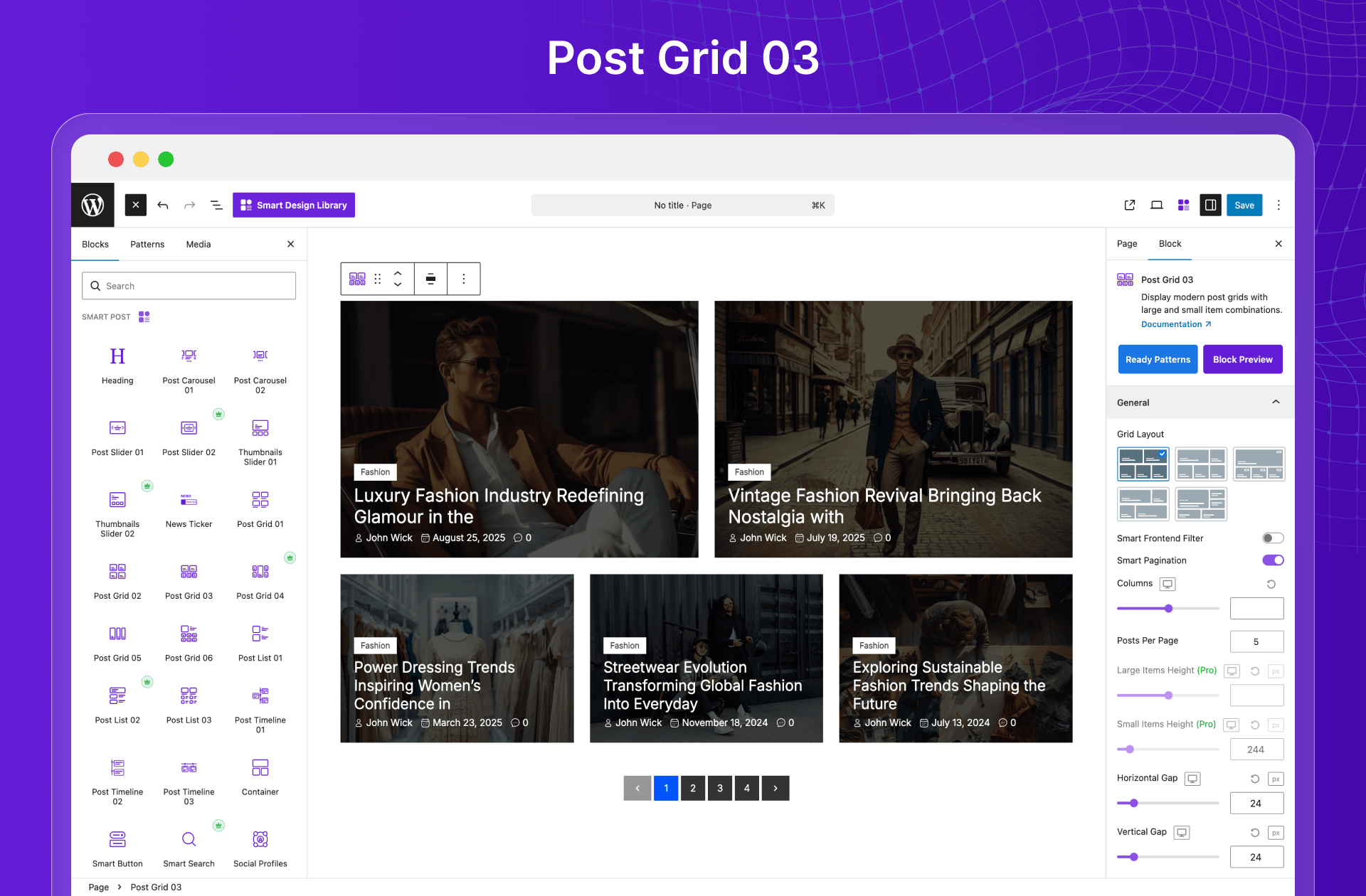
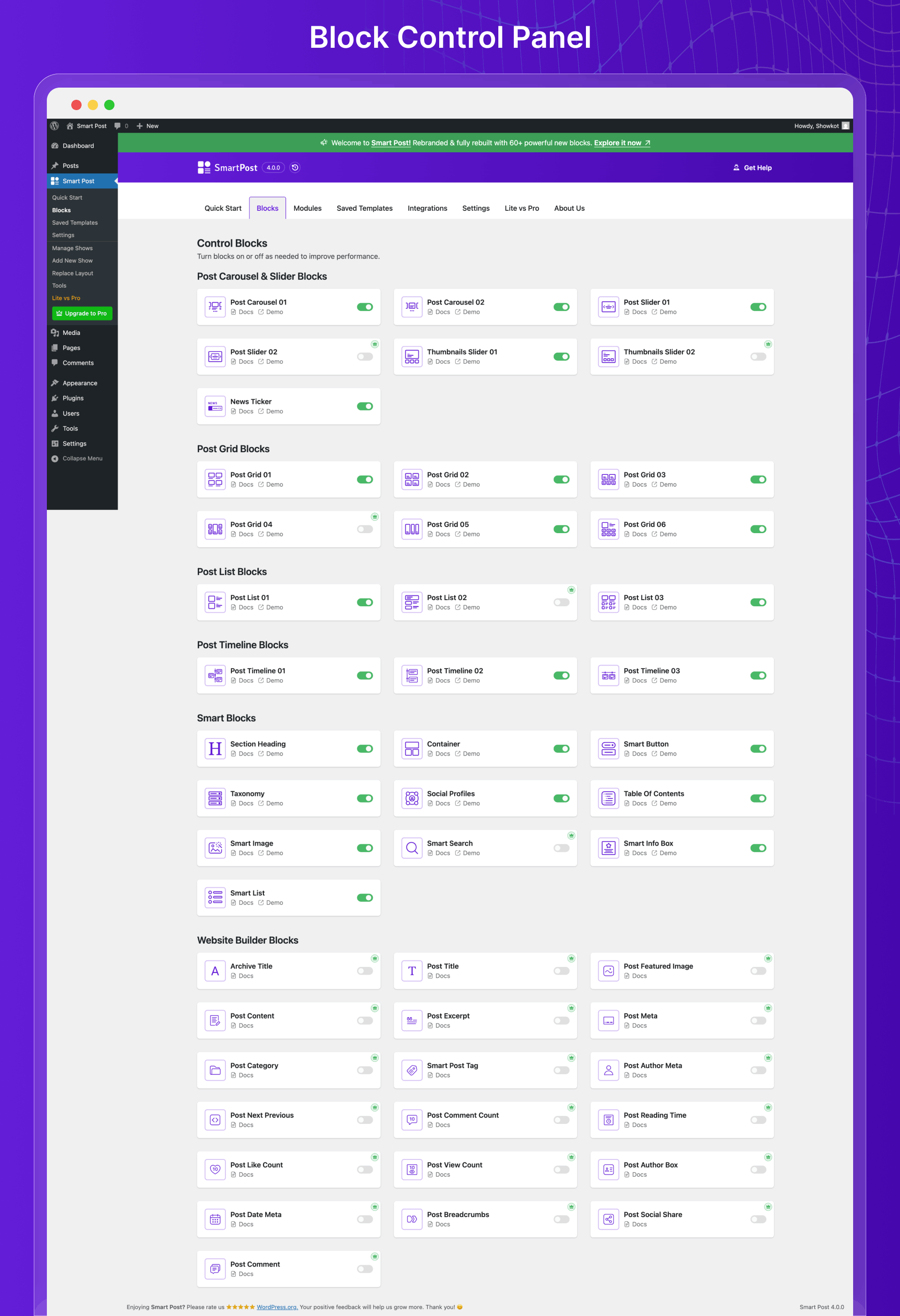
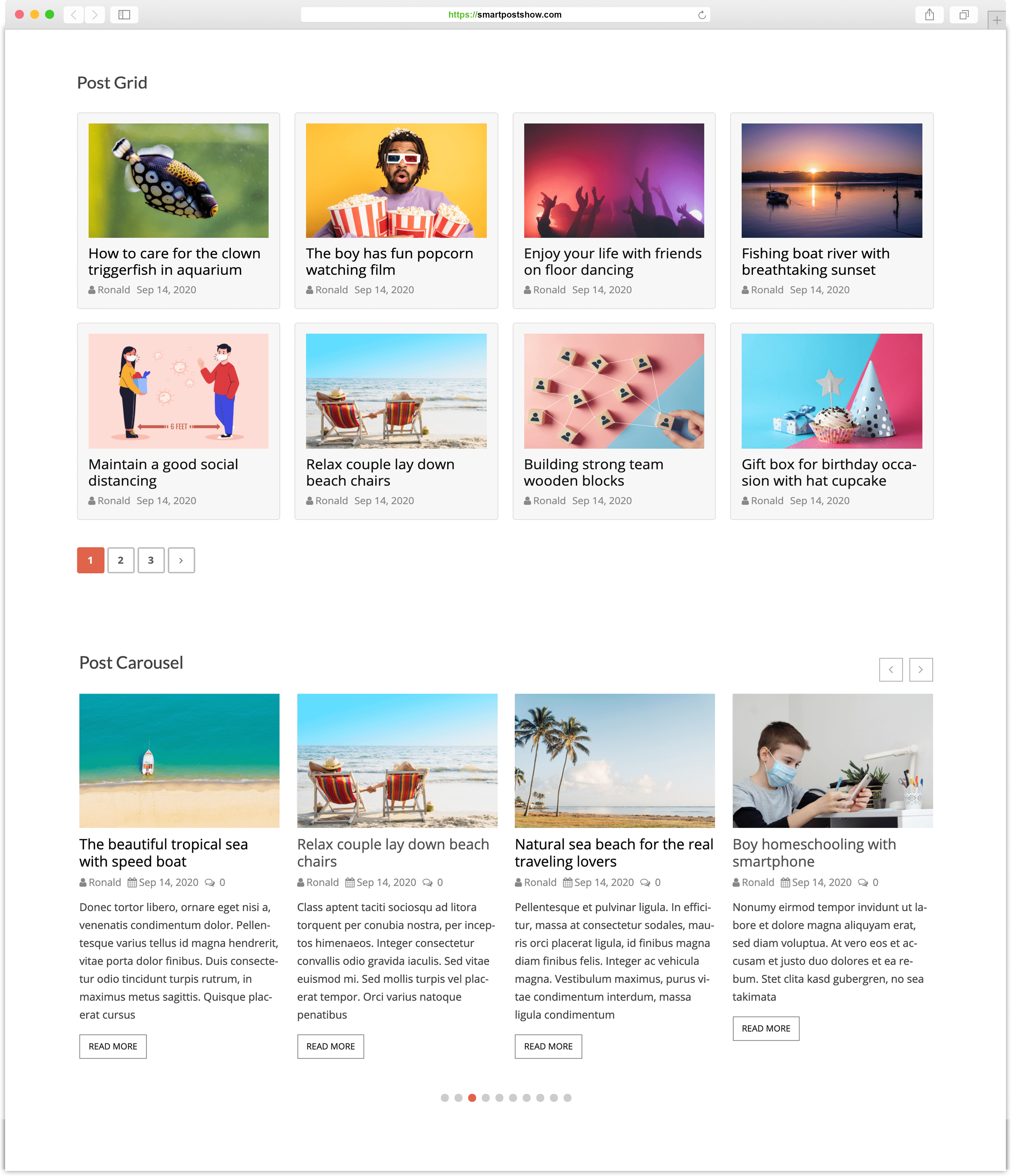
Create responsive grid layouts that showcase your content beautifully across all devices. Capture attention instantly with clean, well-organized designs that are easy to scan and boost engagement. Turn your blog into a visual powerhouse—effortlessly.
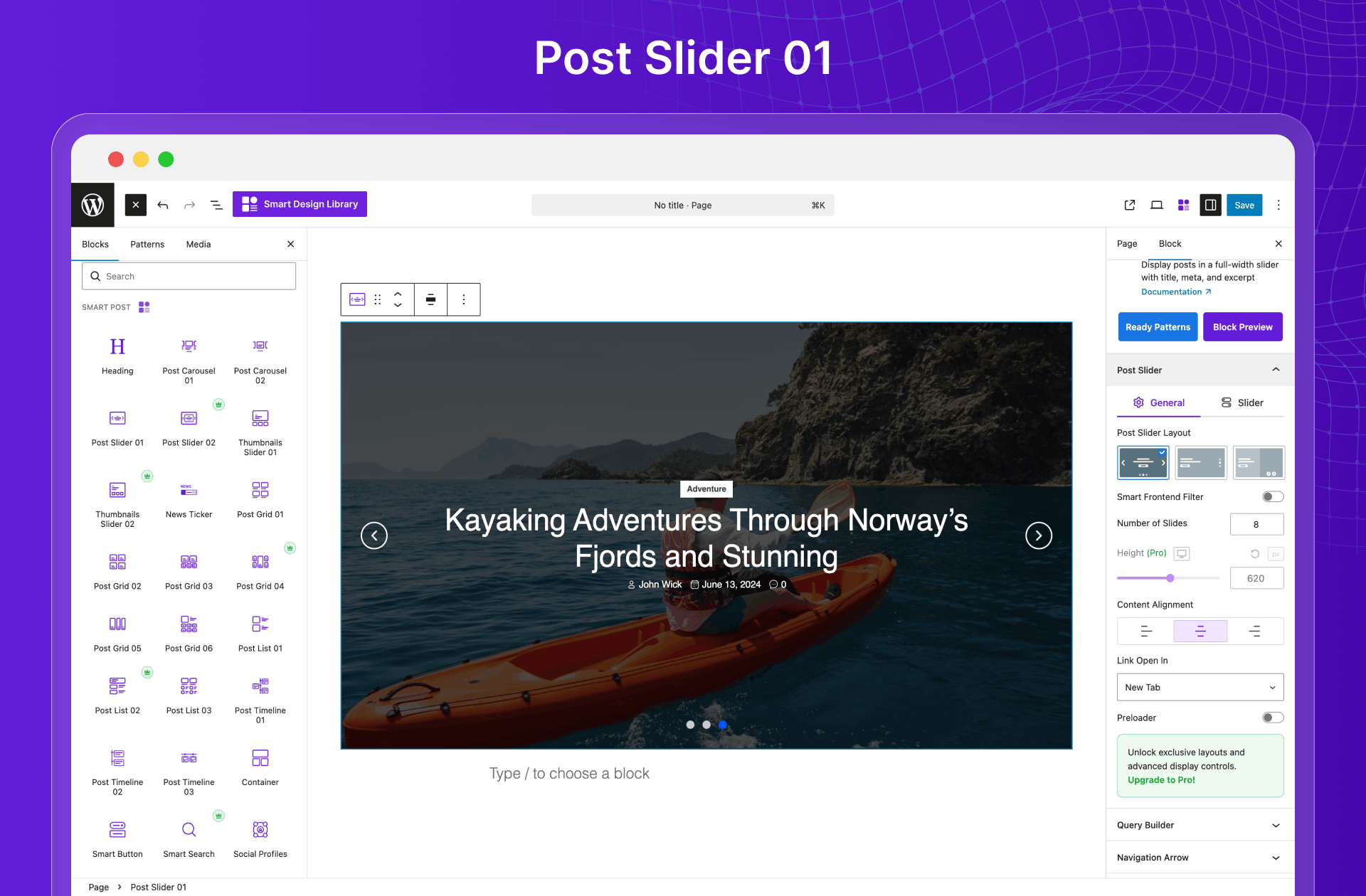
Showcase your top stories with smooth, eye-catching sliders that instantly grab attention. Highlight featured content without clutter and boost clicks with bold visuals and seamless transitions. Available Post Slider Blocks:
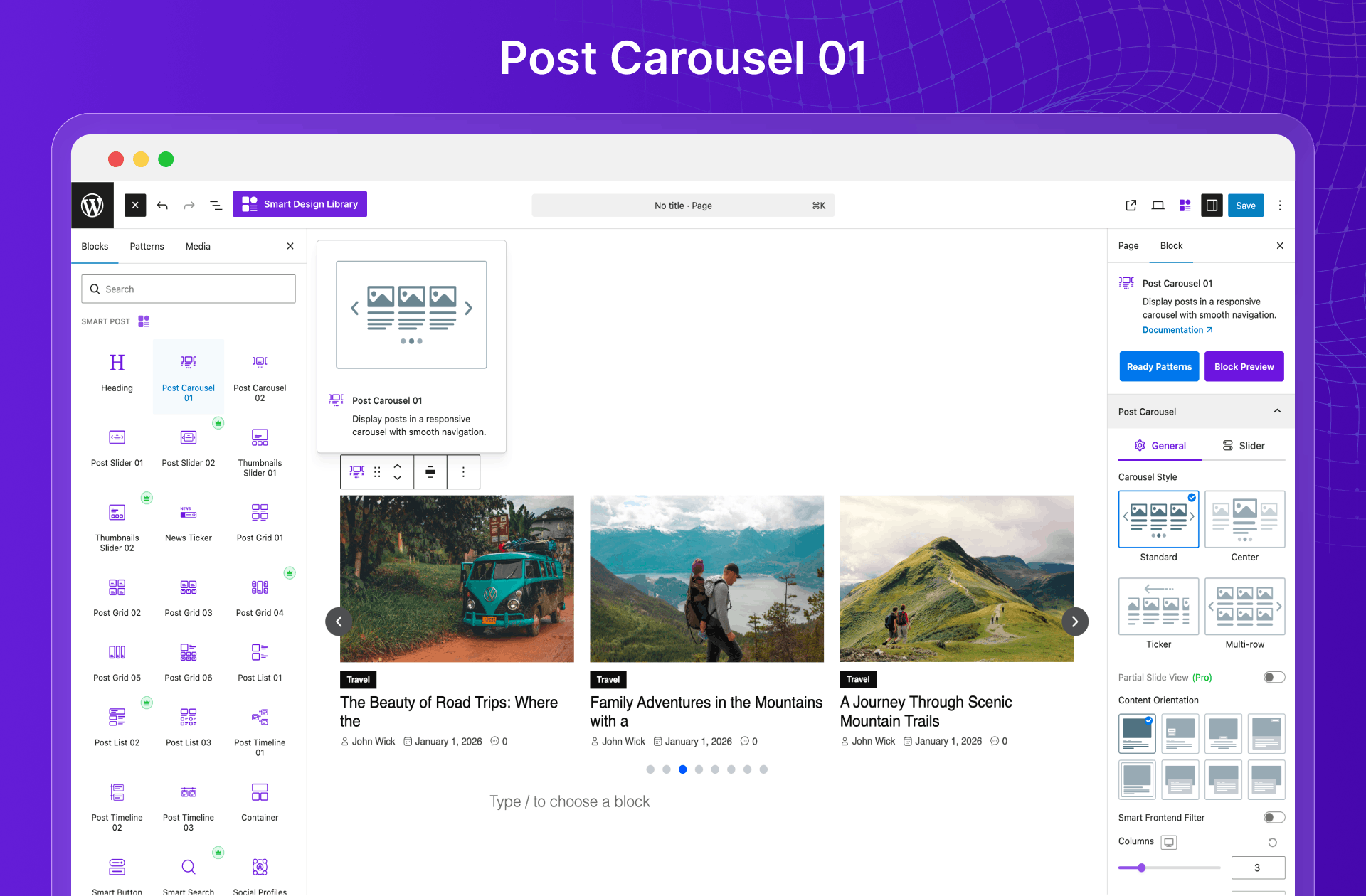
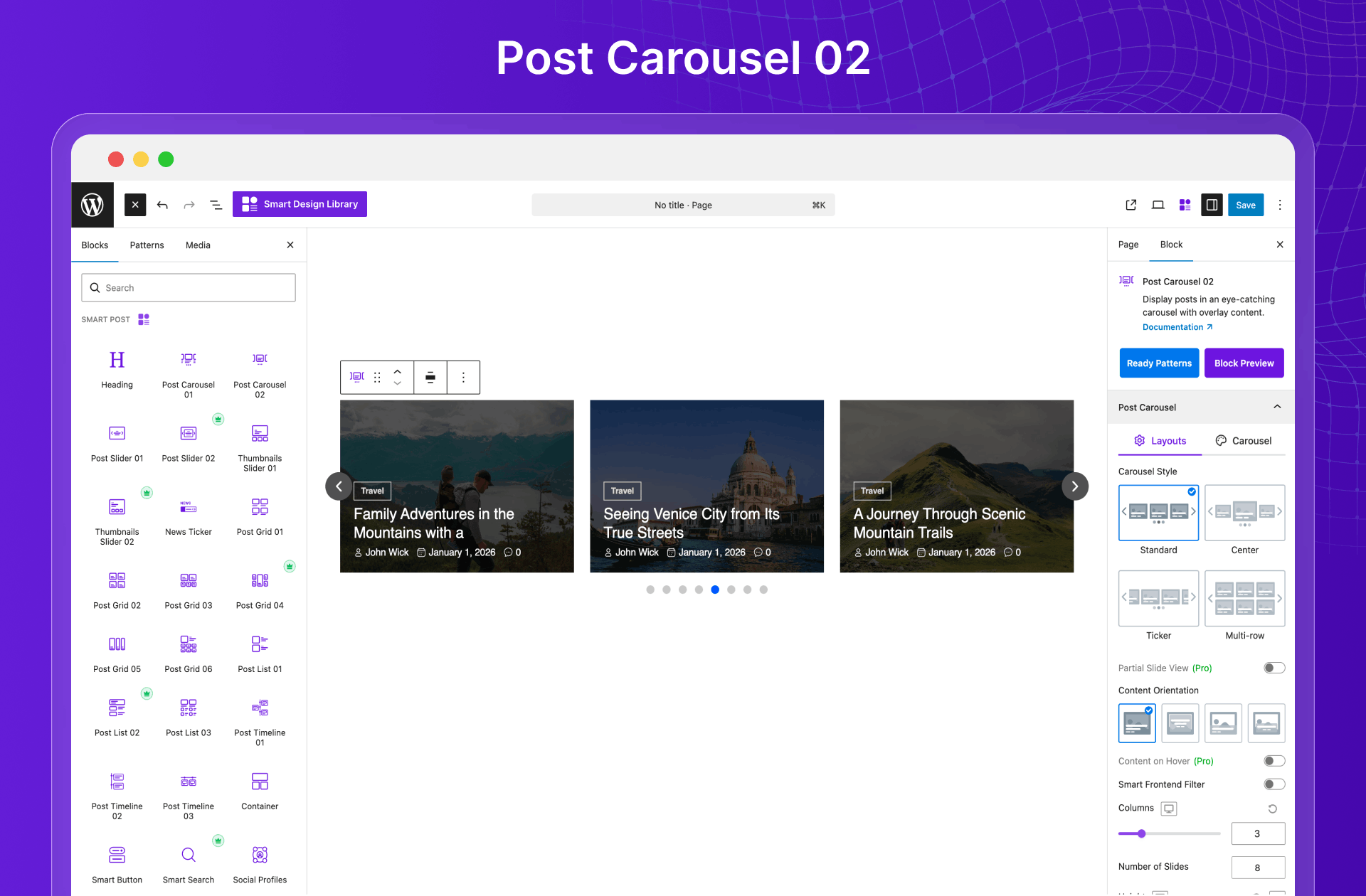
Display more content in less space with smooth, interactive carousels. Keep visitors engaged with swipeable, touch-friendly layouts perfect for featured posts and curated content. Available Post Carousel Blocks:
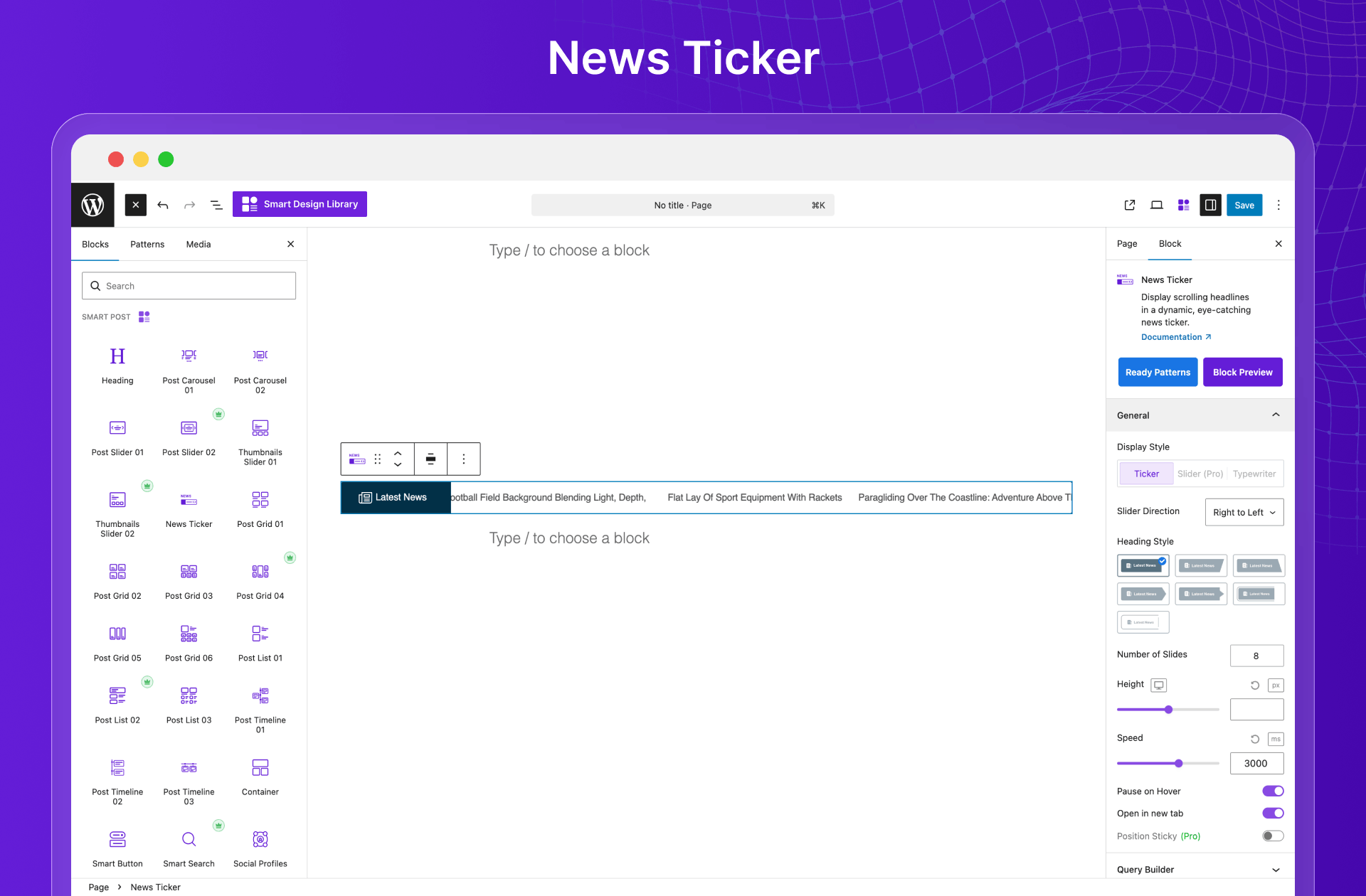
Display real-time, scrolling headlines that instantly grab attention. Perfect for breaking news, updates, and trending stories in a sleek, space-saving format that keeps readers engaged. Available News Ticker Blocks:
Showcase posts with bold, image-first sliders that draw instant attention. Perfect for highlighting featured content with visually rich, engaging previews. Available Post Thumbnail Slider Blocks:
Present content in clean, fast-loading lists that are easy to scan. Ideal for high-volume sites that value clarity, speed, and readability. Available Post List Blocks:
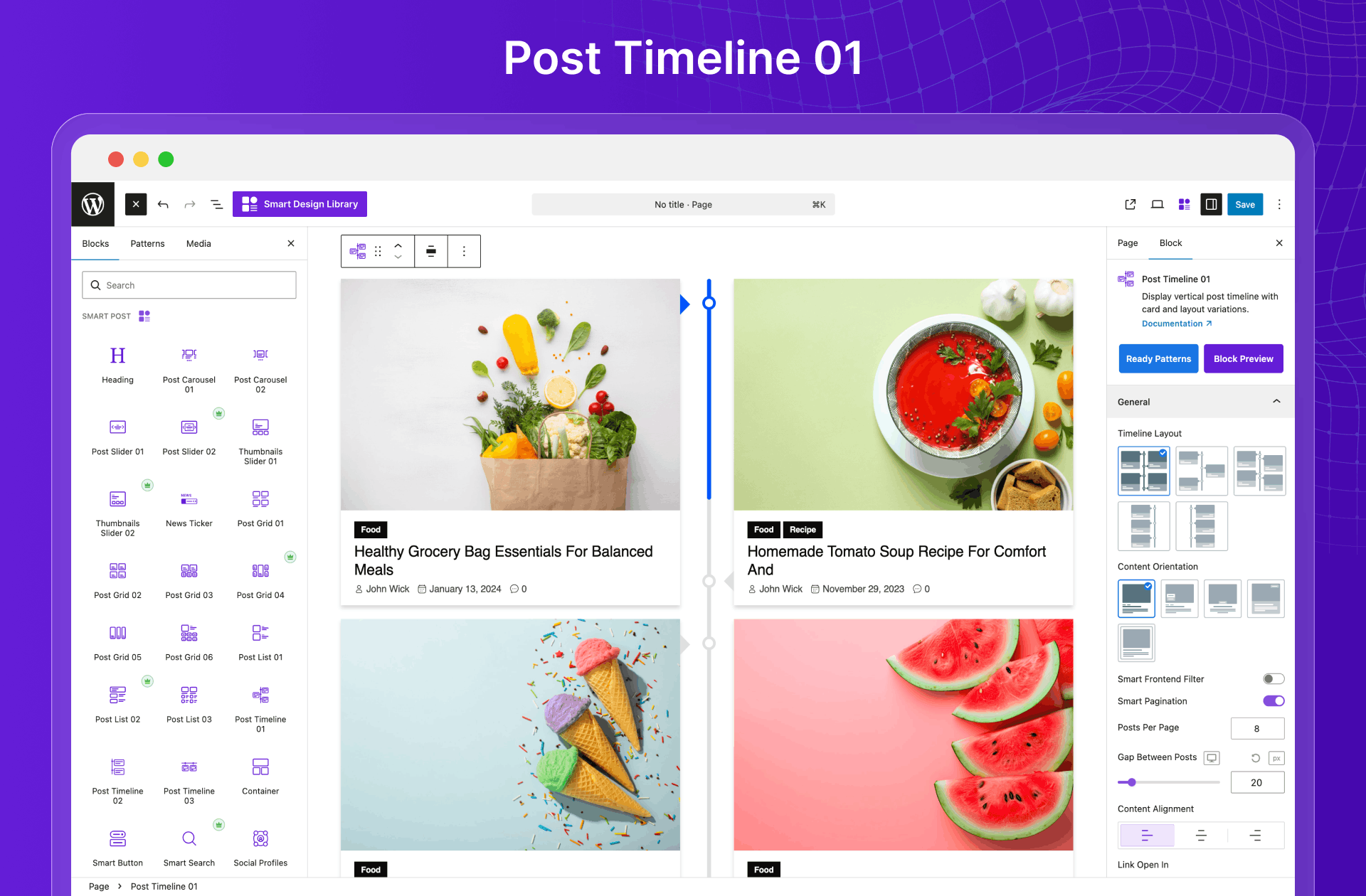
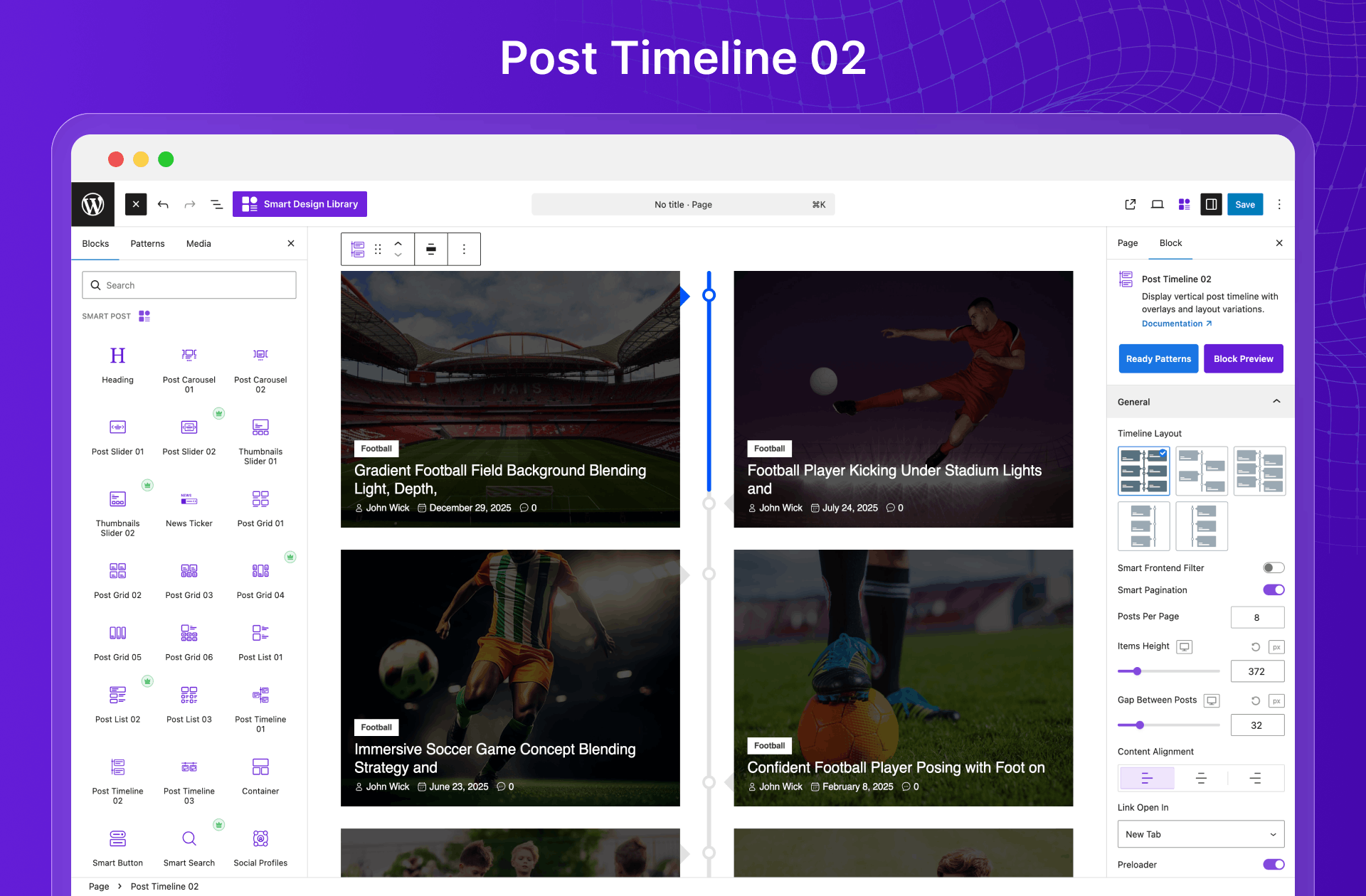
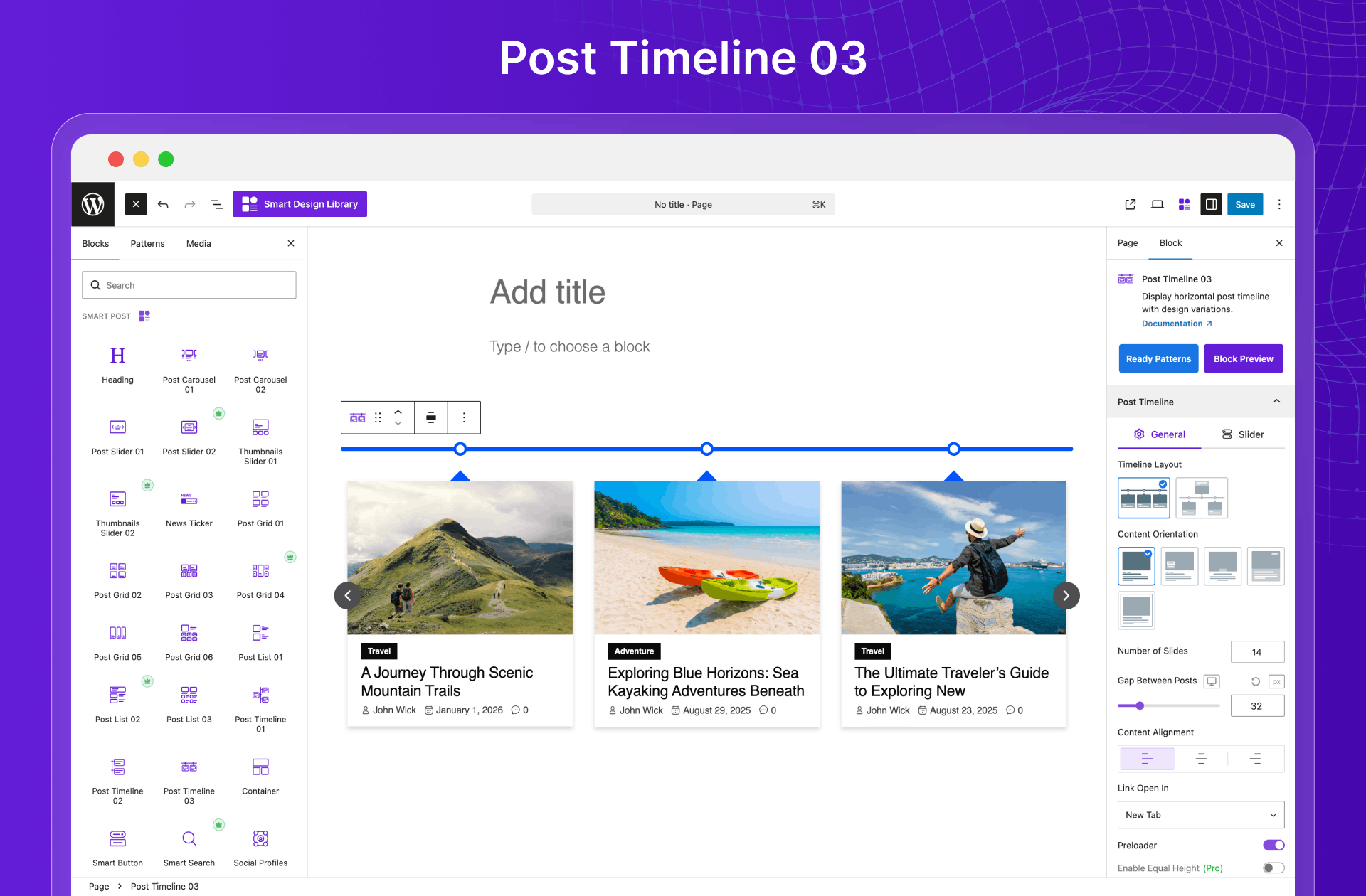
Display content in elegant, chronological timelines. Perfect for storytelling, news updates, or showcasing events with clarity and flow. Available Post Timeline Blocks:
Go beyond basic layouts with 19+ Additional Archive and Single Page Builder blocks. Smart Post introduces a powerful dynamic site builder for Gutenberg, complete with dedicated templates for all essential pages—giving you full control over your site design. Easily build and customize:
Home Page
Single Blog Posts
Archive Pages
Category Pages
Tag Pages
Author Pages
Search Pages
Date Pages
Gutenberg Header & Footer Builder (upcoming)
Take full control of your website’s header and footer with an intuitive visual builder. Start with ready-made templates or create your own from scratch—customize layouts, styles, and elements to match your brand perfectly, without writing a single line of code.
Gutenberg Mega Menu Builder (upcoming)
Upgrade your site navigation with a flexible mega menu builder. Add links, images, and dynamic content to create visually rich, intuitive menus that elevate user experience and engagement.
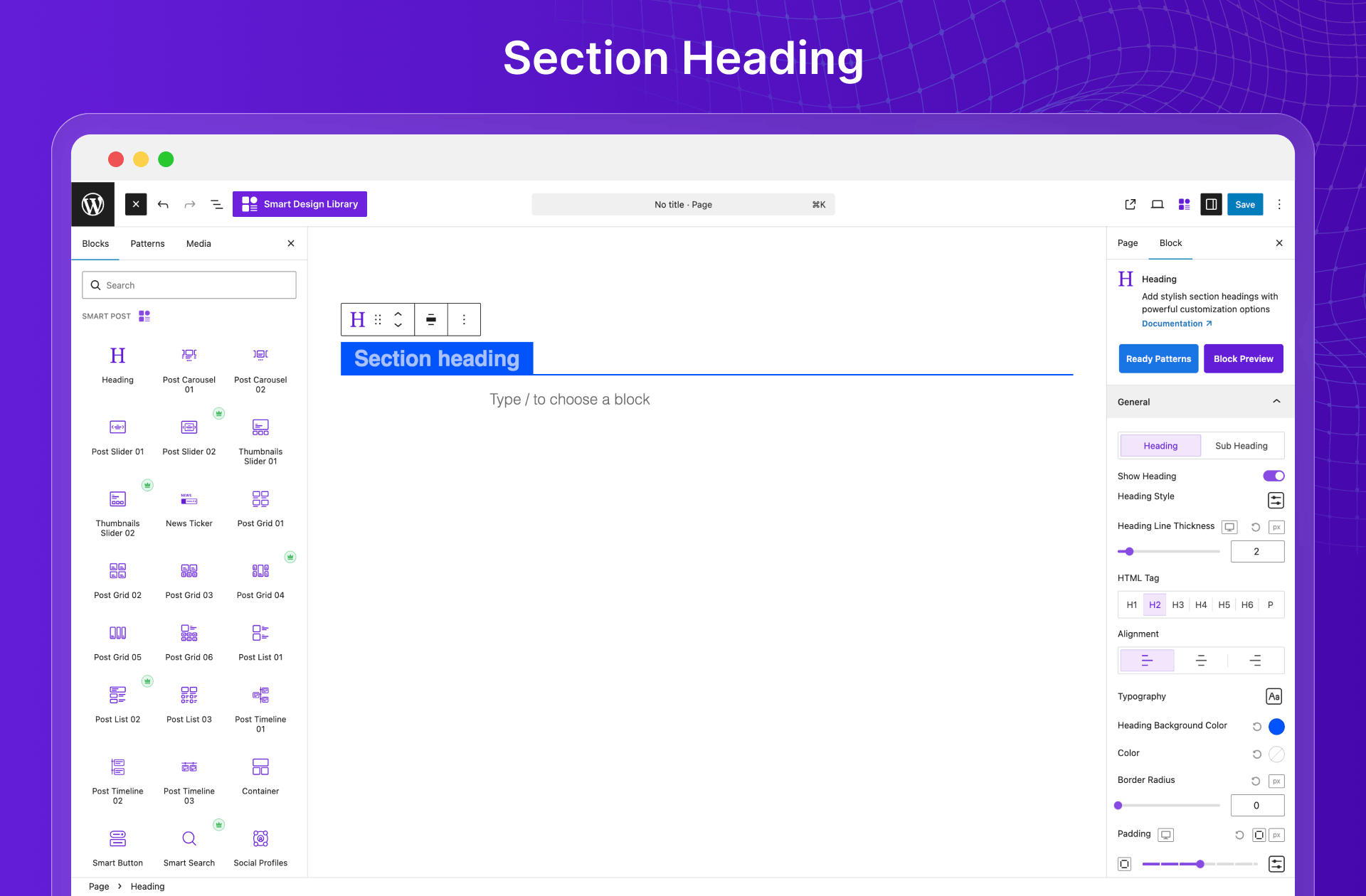
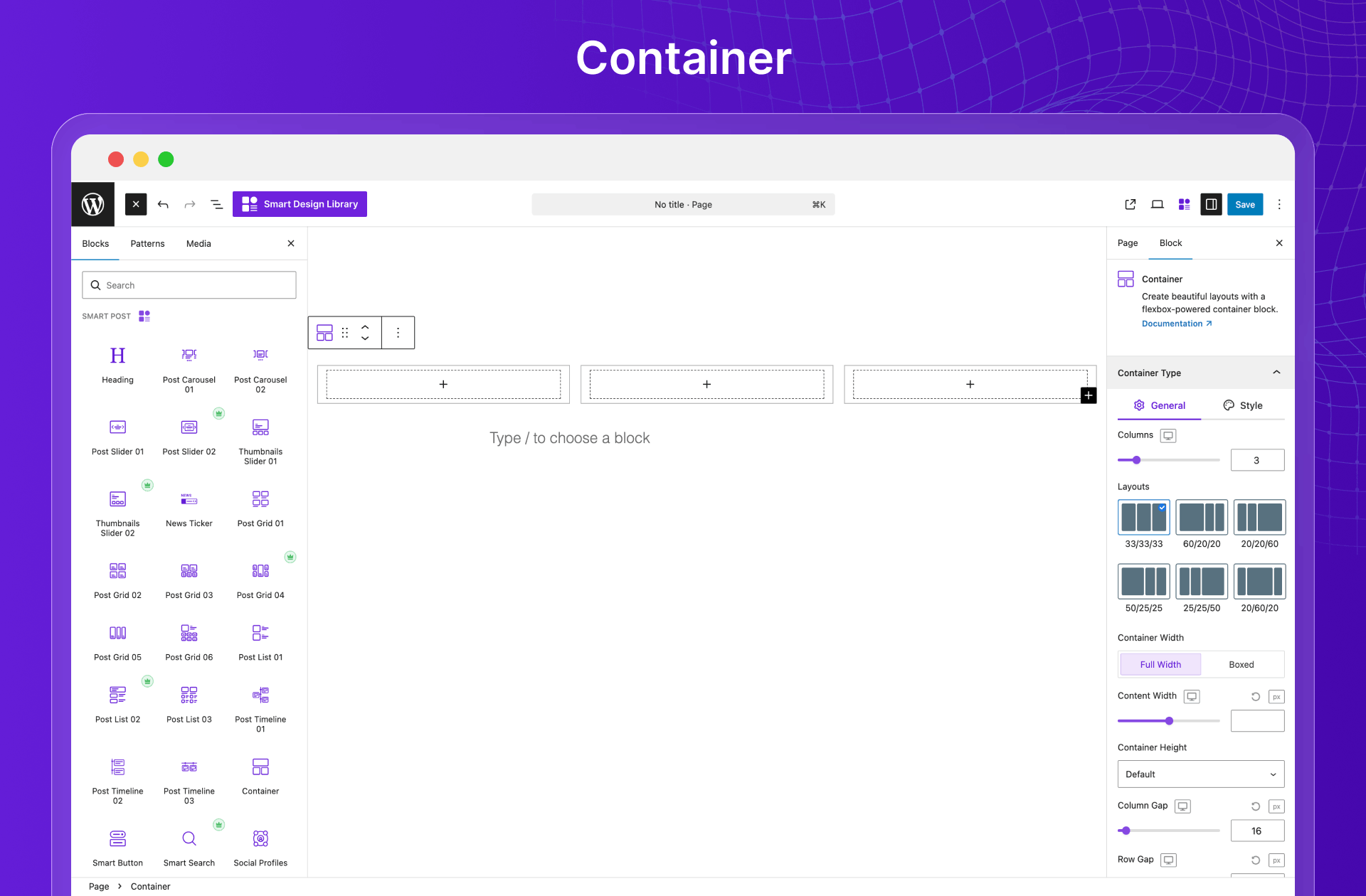
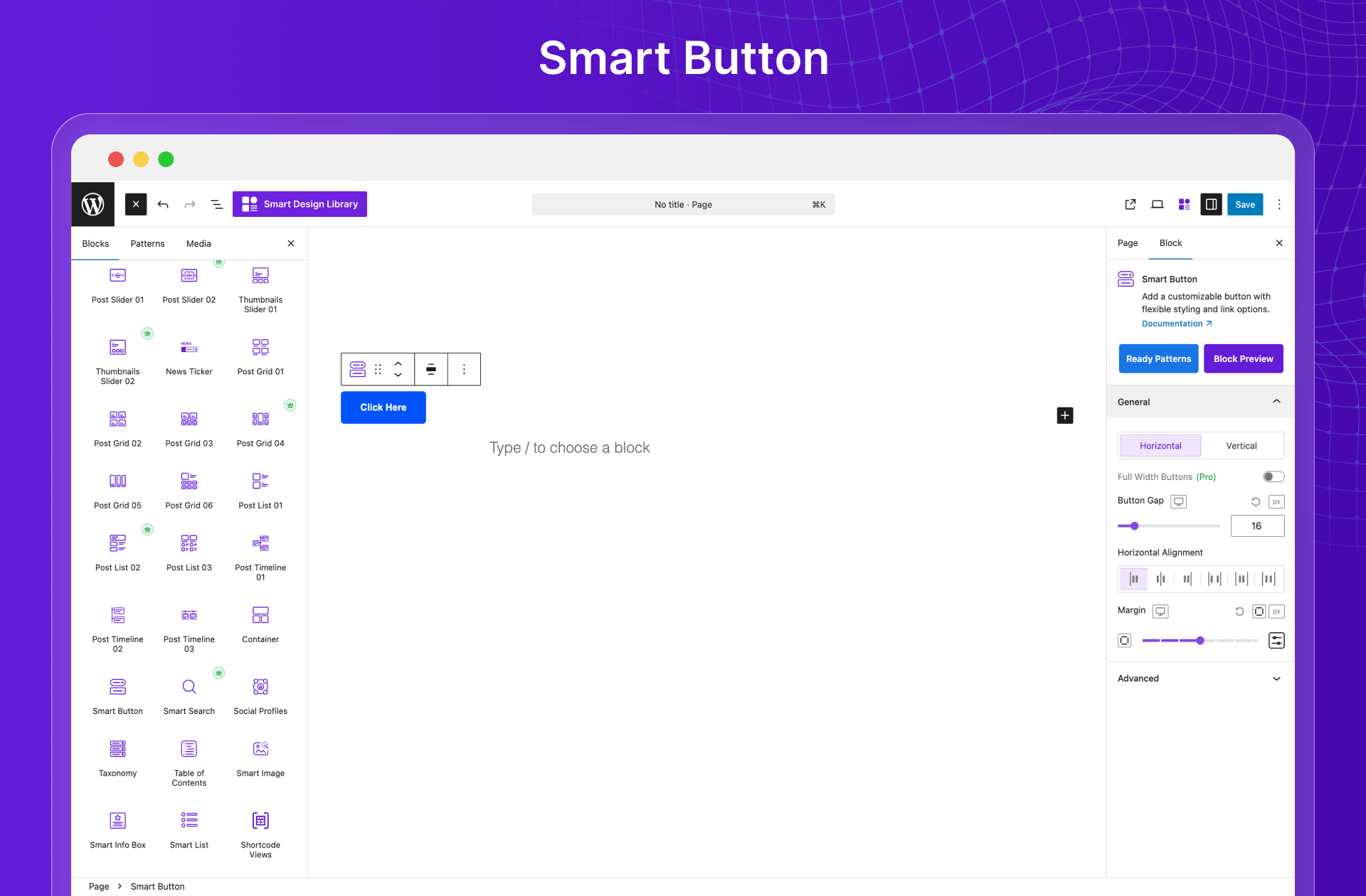
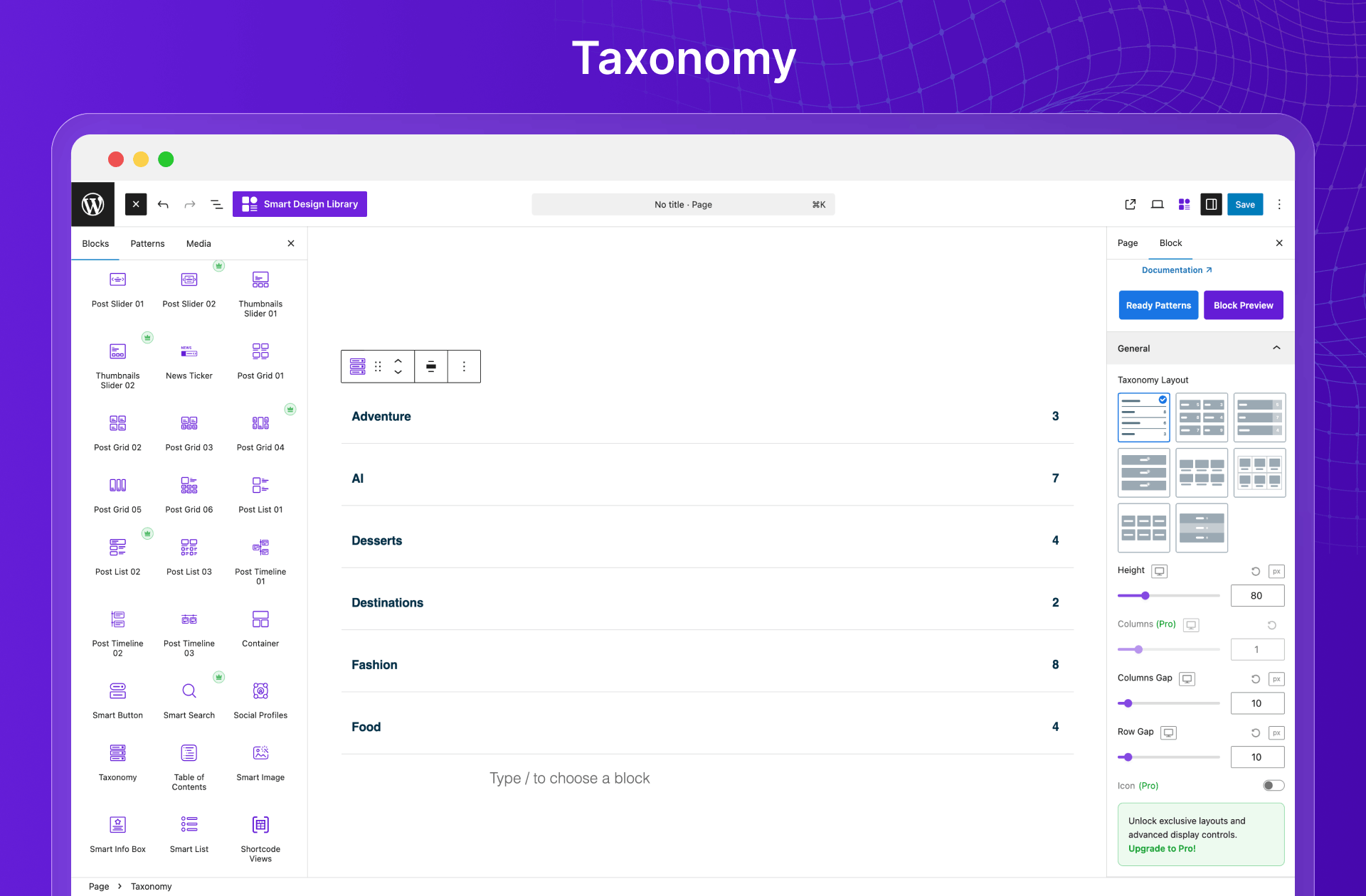
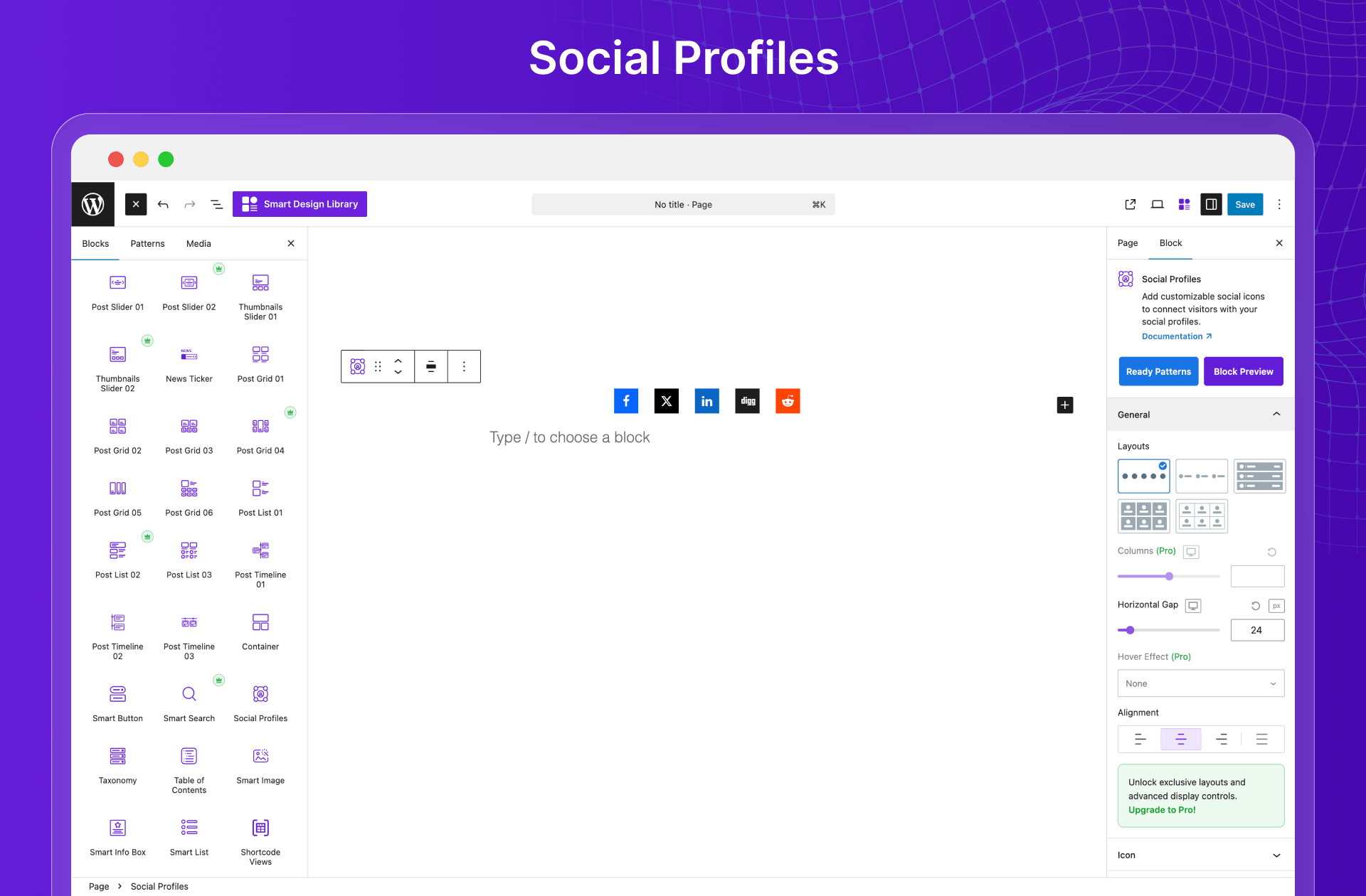
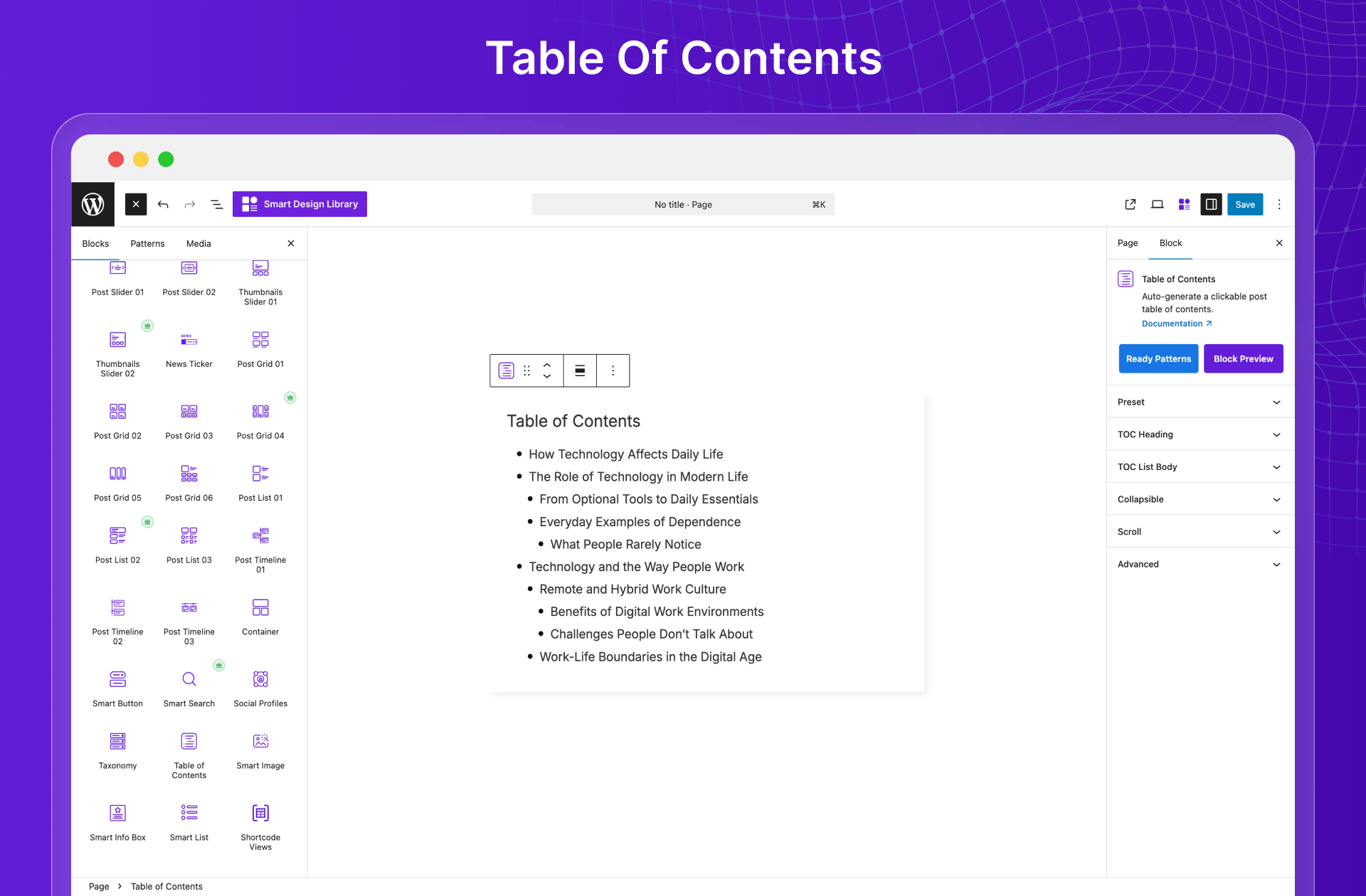
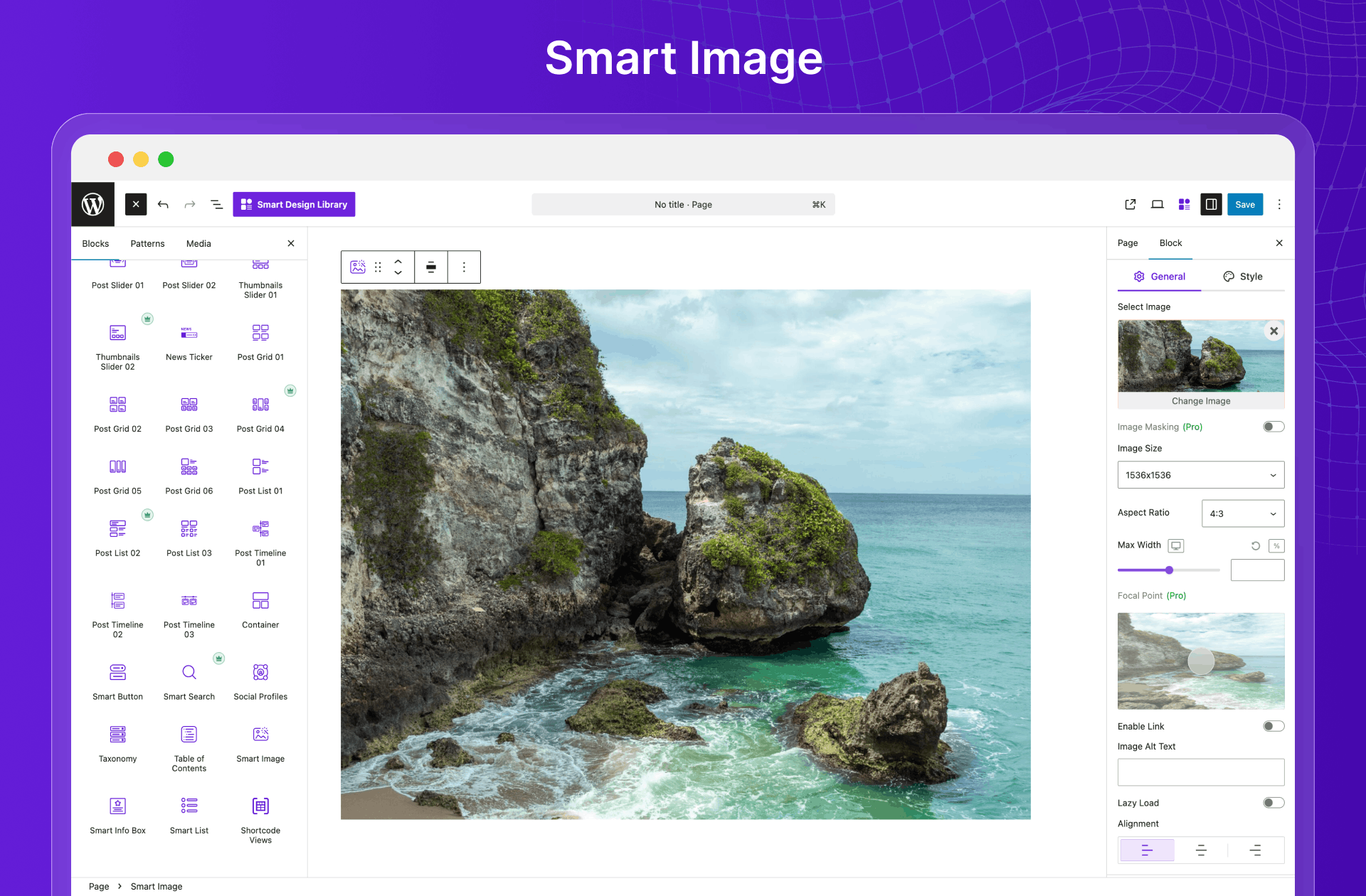
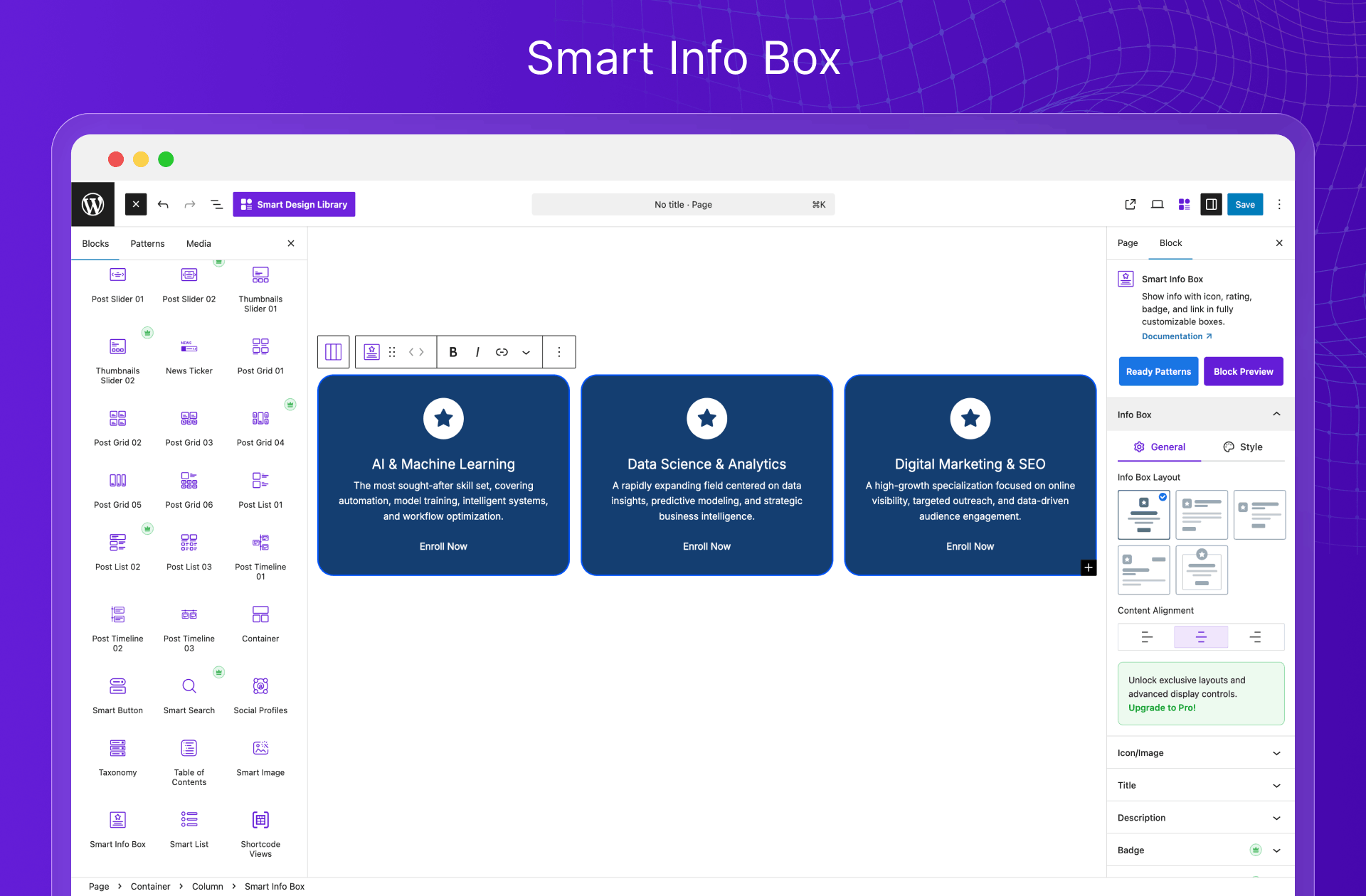
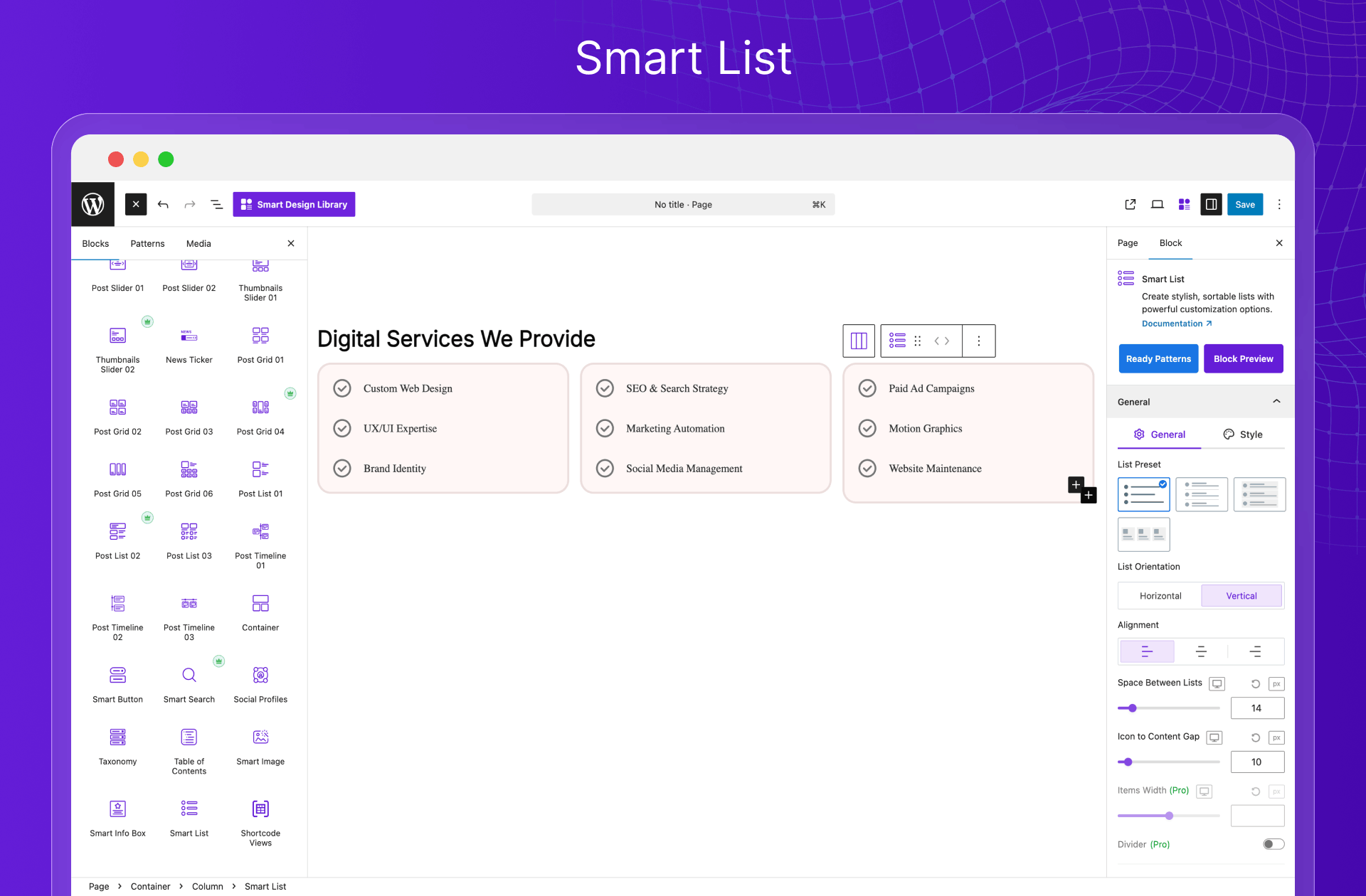
Build clean, functional layouts with Smart Page Builder Blocks. From headings and containers to search, taxonomy, and interactive elements—everything you need to create modern pages inside Gutenberg.
Take full control of your content with an advanced post query builder designed for flexibility and precision. Showcase desired content using powerful, quick filters, flexible queries, and custom display conditions to display exactly what you intend to show.
Display posts by category
Display posts by tags
Display posts by category and tags
Display specific posts or pages
Display custom post types
Filter posts by author
Filter posts by date
Filter posts by keyword
Filter posts by custom field
Show popular posts
Show related posts
Show recent posts
Show random posts
Show oldest posts
Show most liked posts
Show most viewed posts
Show the most commented posts
Order posts by ASC & DSC
Reorder posts easily
Include specific posts
Exclude specific posts
Exclude posts by term and author
Exclude sticky posts
Exclude current posts
Exclude children’s posts
Exclude posts without an image
Help Users Instantly Find What They’re Looking for
With Smart Post’s Ajax-powered search, filters, and pagination, users can quickly find and browse content without reloading the whole page. You have all the essential smart frontend post-filtering options, including:
Filter by Category
Filter by Tags
Filter by Author
Filter by Date
Filter by Post Order (Asc & Dsc)
Sort By Filter
Keyword Search Filter
Custom Taxonomy Filter
Clear or Reset Filter
Create Reusable Templates for Any Page Builder ????
Build custom templates once, then reuse them anywhere on your site in any page builders– as many times as you want. It works seamlessly with Elementor, Divi, WP Bakery, Gutenberg, and all major page builders, saving hours of repetitive work while maintaining perfect consistency.
Build Faster, Design Visually Without Limits
Create ultra-fast, high-performing websites with Smart Post’s powerful Gutenberg blocks, built for speed and results. Design stunning layouts that load instantly and keep visitors engaged. Customize everything visually—from colors to styles—with complete flexibility and zero coding.
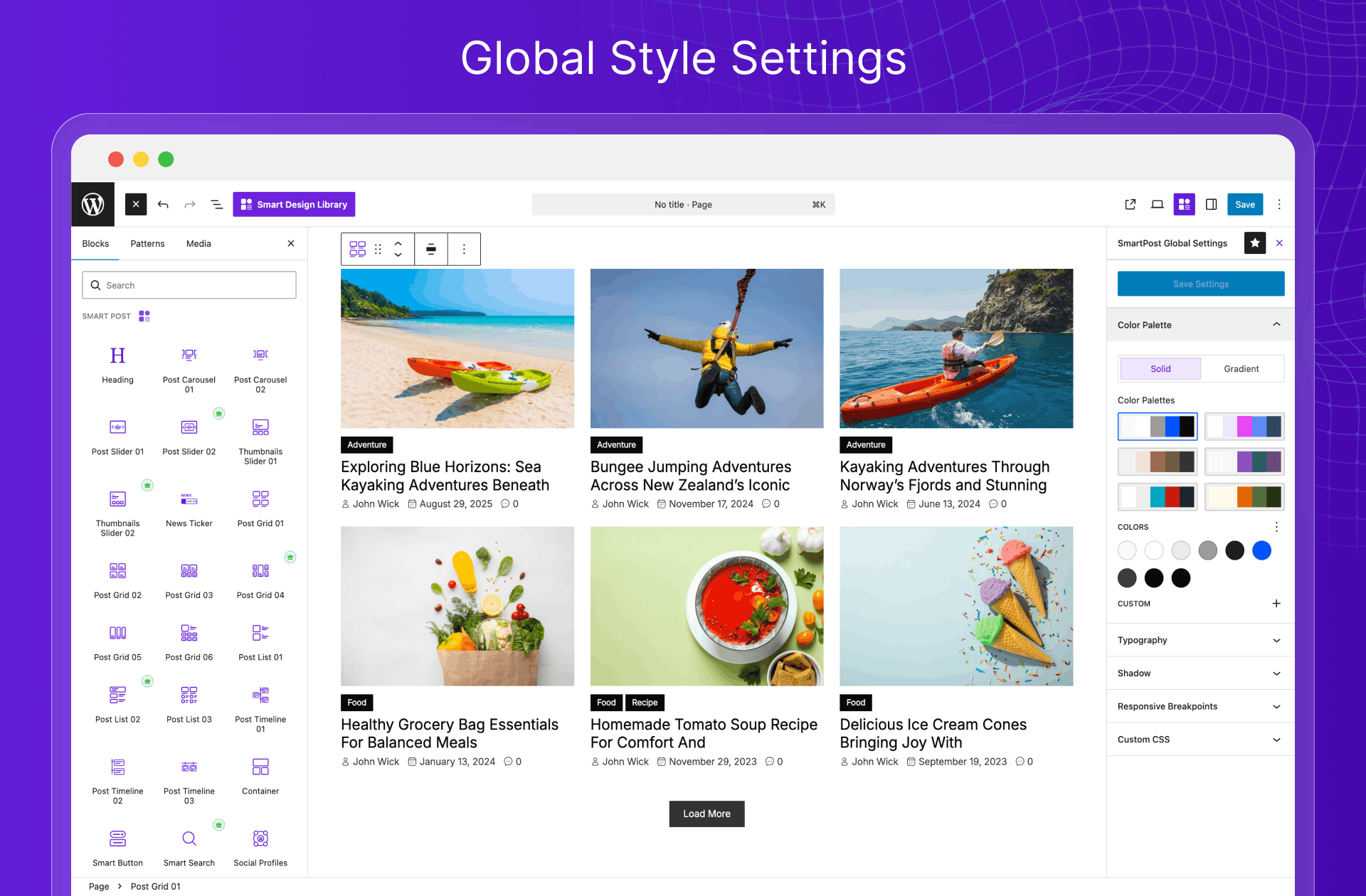
Set your styles once and watch them apply instantly across your entire site with powerful global settings. Maintain a consistent, professional look without manually tweaking every single block. Spend less time on repetitive design tasks and more time creating great content. One change, site-wide impact– simplicity at its finest.
???? Improve Readability and Keep Readers Engaged Longer
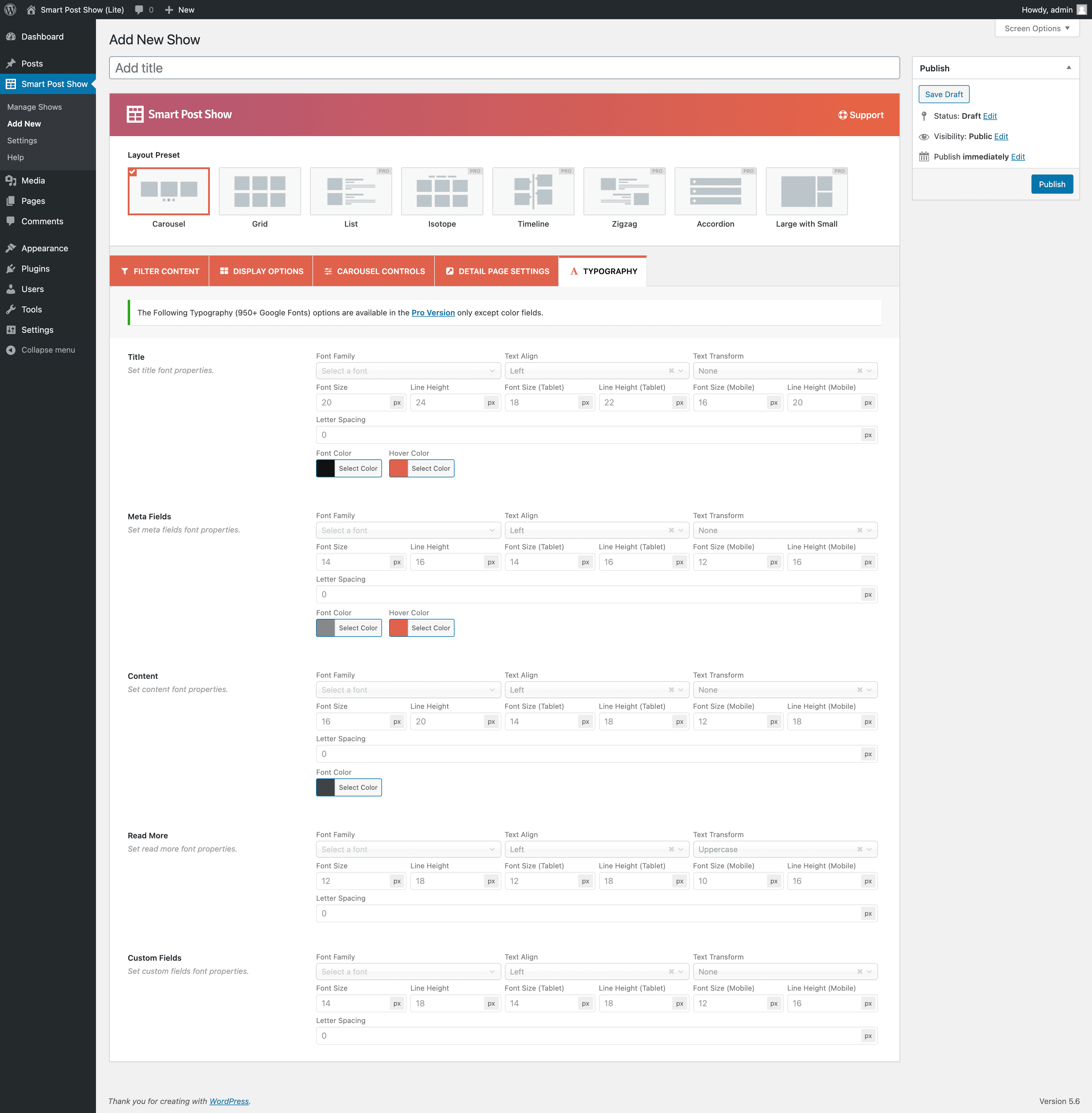
Use clean, well-structured typography to make your content easier and more comfortable to read. Customize fonts, sizes, and styles to match your brand, improve clarity, and keep visitors engaged with your content for longer.
Starter Sites and Website Builder (upcoming)
Smart Post Starter Sites provide ready-to-import website templates to help you get started faster. Browse the collection, choose a design that fits your needs, customize it easily, and go live in no time—perfect for building your own site or delivering client projects efficiently.
❇️ AI-Powered Content Generation (upcoming)
Integrated ChatGPT and Gemini support inside Gutenberg to generate post content, descriptions, and ideas, making content creation faster and more efficient.
???? Fully Compatible with Page Builders & Themes
No compatibility worries! Smart Post works flawlessly with your existing setup. It seamlessly integrates with:
Gutenberg Block Editor
Popular Page Builders: Elementor, Divi, WPBakery, Beaver Builder, and more
Top WordPress Themes: Avada, X Theme, BeTheme, Astra, OceanWP, and others
Multilingual Plugins: WPML, Polylang, Loco Translate, qTranslate, etc. You can translate Smart Post on translate.wordpress.org.
Popular Plugins: ACF, The Events Calendar, Events Manager, Membership plugins, and more
WooCommerce and other essential tools
???? Boost Your Website SEO with Smart Post
Easily connect with popular SEO plugins and display custom meta descriptions in place of default excerpts to improve your content’s search performance. SEO plugins include:
Yoast
Rank Math
All-in-One SEO
Squirrly
SEOPress
???????????? Author
Smart Post is developed by ShapedPlugin LLC, a team with over a decade of experience in building WordPress plugins, focused on quality, performance, and ongoing improvements.
???? Documentation & Support
Although Smart Post is beginner-friendly with a minimal learning curve, it is well-documented. It provides dedicated support whenever you need.
Discover our powerful WordPress and WooCommerce plugins designed to save time, boost performance, and enhance your website experience:
Real Testimonials – Showcase authentic customer reviews with stylish layouts to build trust, boost credibility, and increase conversions effortlessly on your website.
WP Carousel – Create responsive carousels for posts, images, and content with smooth navigation to engage visitors and beautifully highlight your key content.
Smart Tabs – Organize content into clean, responsive tabs to improve user experience, reduce clutter, and present information in a structured, engaging way.
Location Weather – Display real-time weather updates for any location with customizable layouts, enhancing user engagement and adding dynamic, useful content to your site.
Easy Accordion – Add responsive, SEO-friendly accordion sections to organize content efficiently, improve readability, and create a clean, interactive browsing experience.
Smart Team – Showcase your team members with stylish, customizable layouts to build trust, highlight expertise, and present your organization professionally.
Logo Carousel – Display client, partner, or brand logos in responsive carousels to build credibility, strengthen brand identity, and showcase partnerships effectively.
Reno Product Gallery – Create beautiful, responsive product galleries for WooCommerce to showcase images attractively, improve user experience, and increase product engagement.
Smart Swatches – Replace default WooCommerce variation dropdowns with color, image, and label swatches to improve product selection and enhance the shopping experience.
Product Slider (Smart Store) – Build modern, conversion-focused WooCommerce store layouts with advanced features to improve product visibility, user experience, and sales performance.
Reno Product Category – Display WooCommerce product categories in stylish grids or sliders to improve navigation, highlight collections, and enhance store browsing experience.
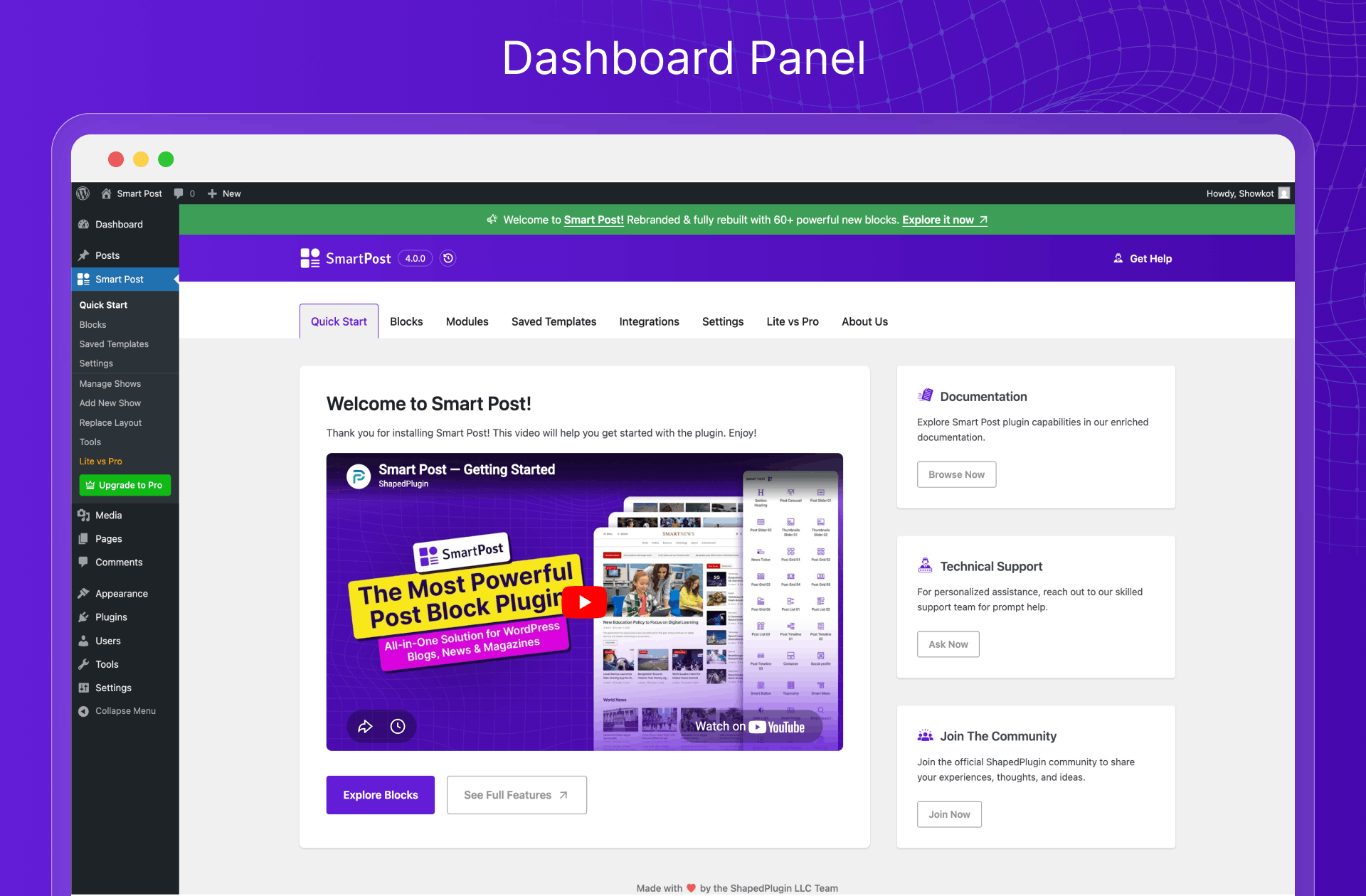
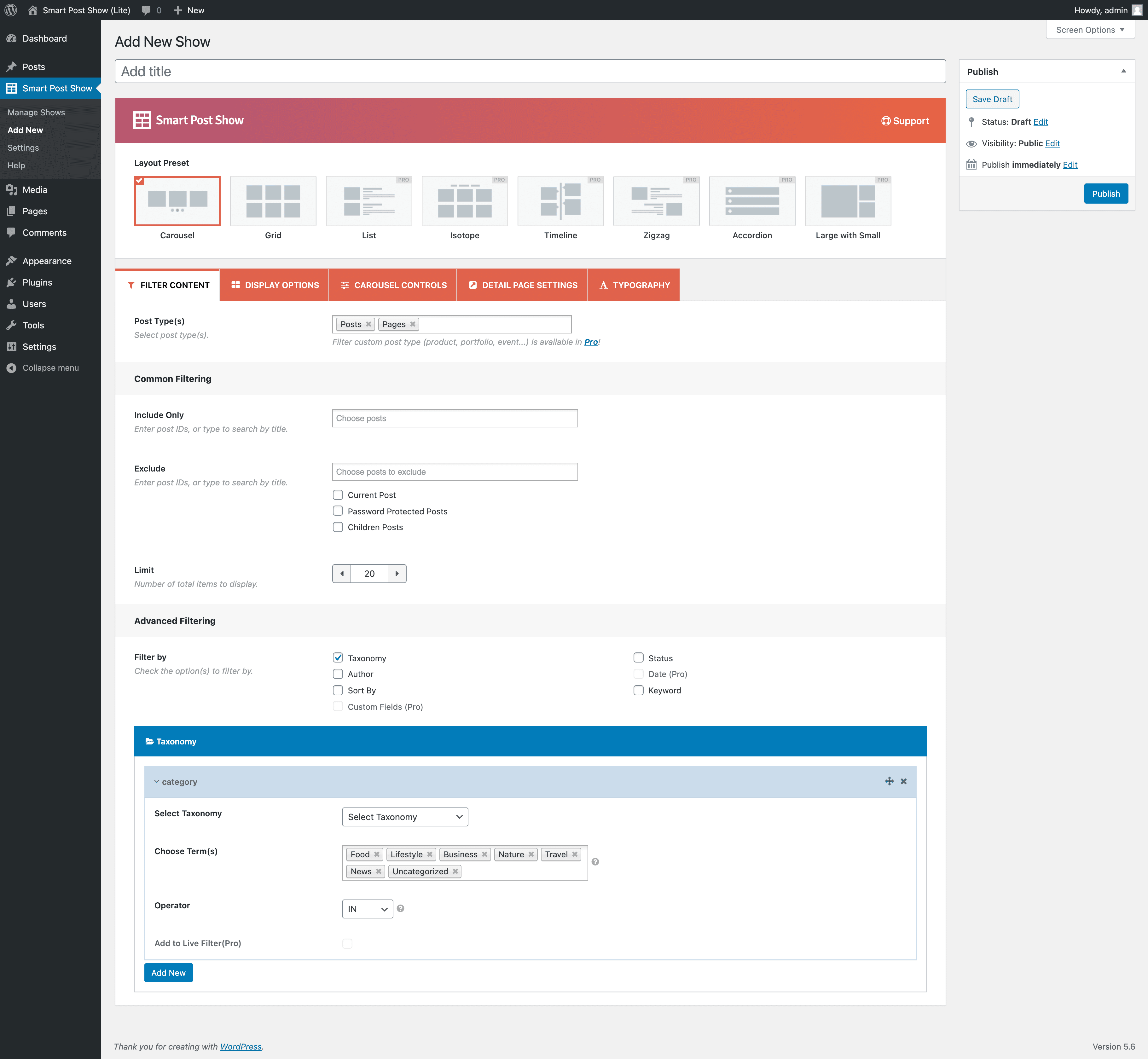
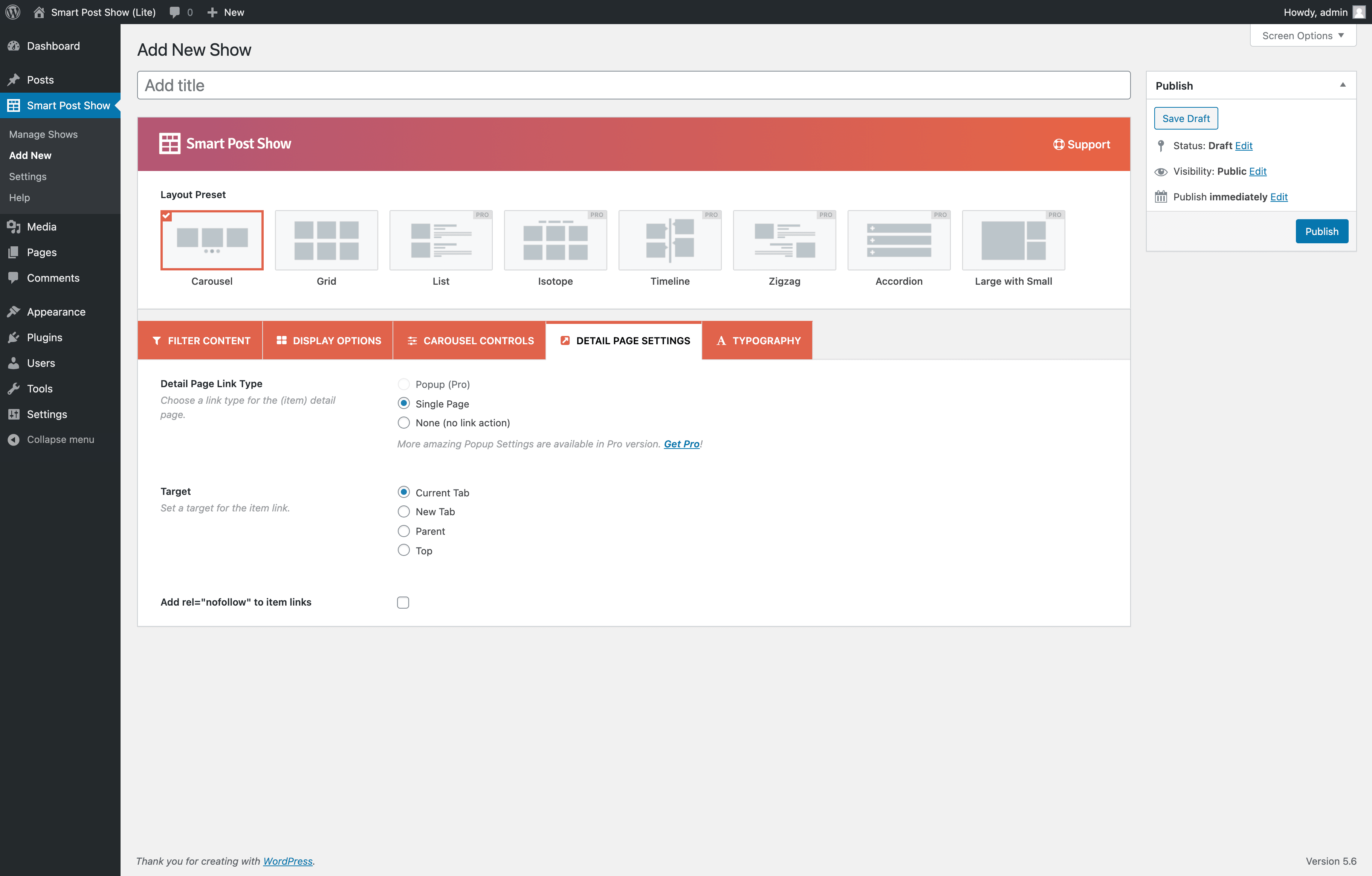
After activating the plugin, you will see “Smart Post Show” in the WordPress admin dashboard.
Three Steps to Create Your Post Carousel or Grid
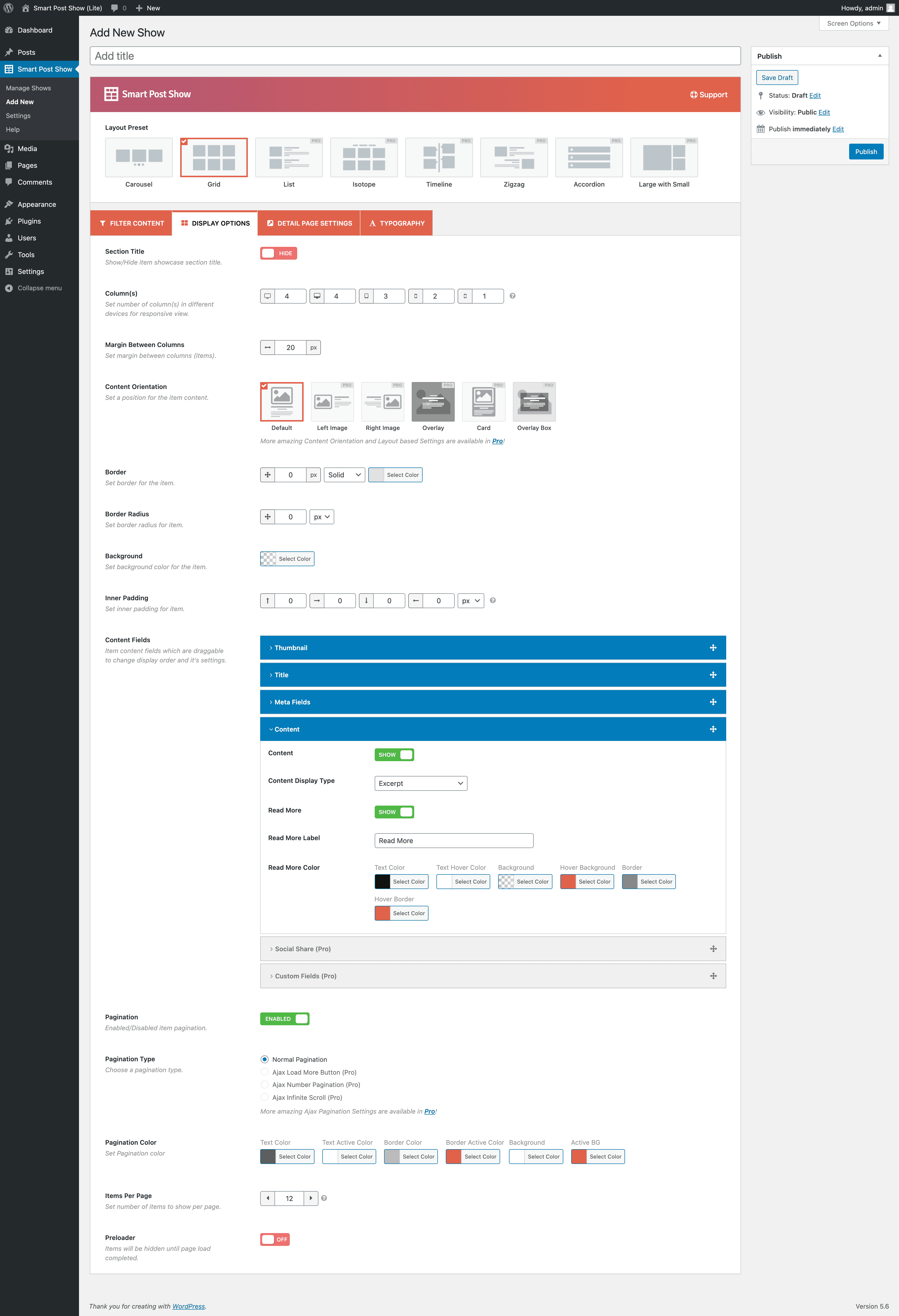
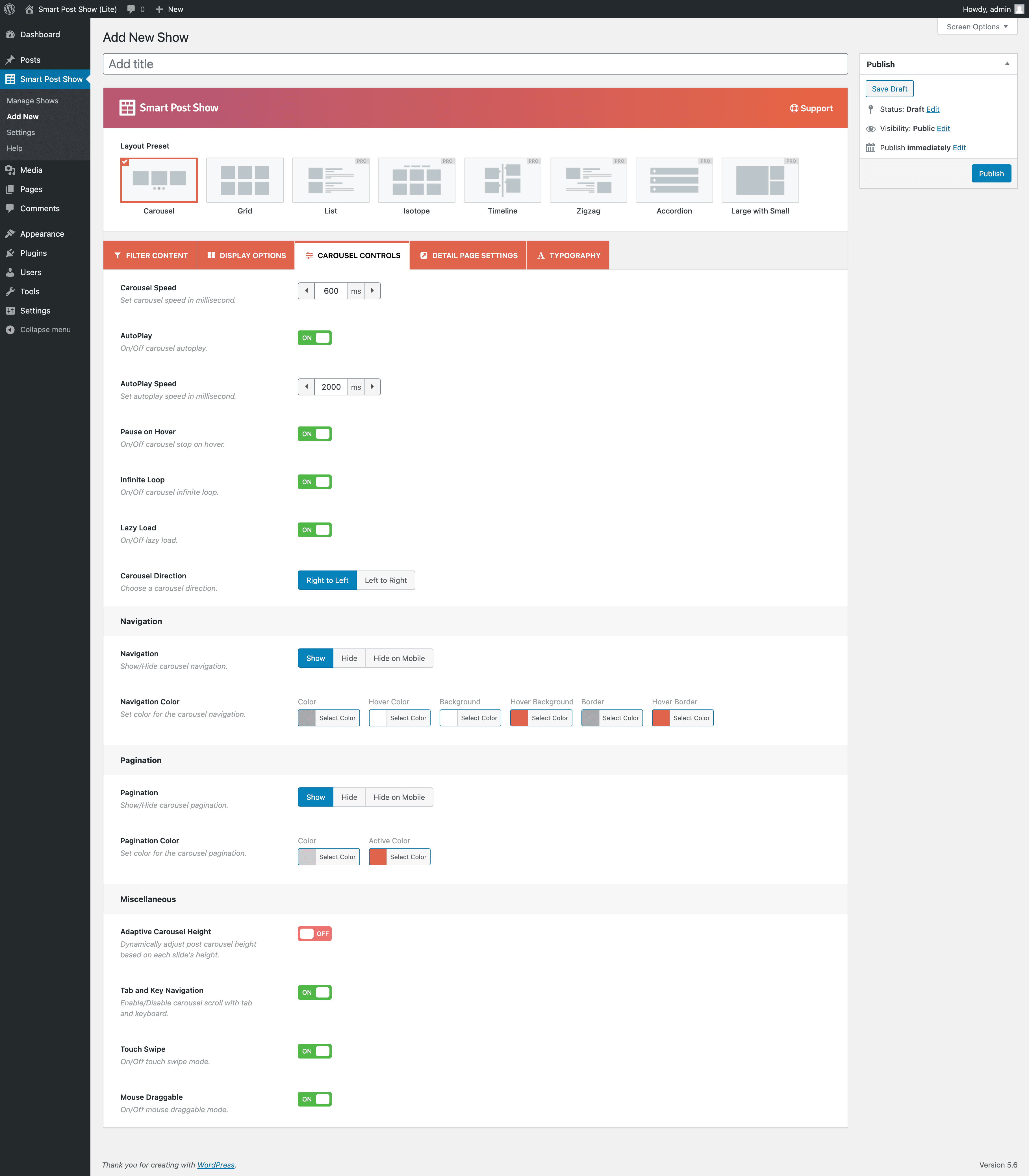
* Step 1: Select a carousel or grid layout to display your posts. Customize the layout with various settings.
* Step 2: Filter posts by type (posts, pages), ID, taxonomy (categories, tags, post formats), author, keyword, status, and sort order (ID, title, date, modified date).
* Step 3: Paste the generated shortcode where you want to display your post carousel or grid.
I’d like access to more features. How can I get them?
Additional features are available in the Pro version of the plugin.
What if I upgrade to the premium version?
Your existing Post Carousels or Grids content will work with premium version. You won’t lose your existing content.
Do I need coding skills to use Smart Post?
No coding skills are required. You can create post carousels and grids without writing shortcode attributes.
Is Smart Post responsive?
Yes, Smart Post is responsive and works on mobile and touch devices.
Can I show Post Carousel or Grid anywhere on my website?
Yes, you can add Post Carousel or Grid inside blog posts, pages, widgets, and elsewhere on your WordPress site using a shortcode or PHP function.
How to show Post Carousel or Grid on my homepage, header.php, or PHP files?
Can I have multiple Post Carousels or Grids with separate settings?
Yes, you can create unlimited Post Carousels or Grids with separate settings on pages, posts, templates, widgets, or elsewhere.
Will Smart Post work with my theme?
Smart Post works with any WordPress theme that follows WordPress standards.
Where can I report bugs?
If you find a bug, please report it in our support. You will be replied once the issue is resolved.
Is Smart Post Multilingual Ready?
Yes, Smart Post is translation-ready and compatible with WPML, Polylang, Loco Translate, qTranslate-x, GTranslate, Google Language Translator, WPGlobus, and others.
Is Smart Post ready with multisite?
Yes, Smart Post works with WordPress multisite networks.
Fixed: A PHP warning on the Recommended plugins page when a plugin icon was missing.
Tested: WooCommerce 11.3.0 compatibility.
4.0.10 – Oct 30, 2026
Improved: Strengthened output security across blocks, filters, Smart Search, the video gallery, and Table of Contents.
Improved: Tightened permission checks for settings, show import/export, block CSS saving, and editor data.
Improved: The Author Filter now lists only authors with published posts.
4.0.9 – Oct 21, 2026
Improved: Strengthened editor security by making block preview and page content lookups available to authorized users only.
Improved: The shortcode now displays only published, non-password-protected saved templates, keeping private content private.
Improved: Post queries now work with public post types only, for a safer and more predictable experience.
Improved: Reusable block CSS saving now follows the proper permission checks for each context.
Improved: Post queries are capped at 100 posts per page for faster, smoother performance.
Tested: Compatible with WordPress 7.1.3
Tested: Compatible with WooCommerce 11.2.1
4.0.8 – Sep 02, 2026
Fix: The password-protected post content was exposed through the post preview modal. Reported by Revanth Hari Narayana Matte via WPScan.
Fix: The Saved Templates duplicate permission issue that allowed unauthorized users to duplicate private saved templates. Reported by Revanth Hari Narayana Matte via WPScan.
4.0.7 – Aug 20, 2026
Fix: The Offloading images issue.
Tested: WordPress 7.1 compatibility.
Tested: Compatible with WooCommerce 11.0.1
4.0.6 – Jul 27, 2026
New: “Start with Smart Post Blocks” button on the Manage View screen — opens the block editor so you can start building Post layouts visually with Smart Posts blocks.
Improved: The plugin quick start page’s call to action enhanced.
Improved: Replaced unserialize() with WordPress plugins_api() for the recommended plugin section.
Improved: The plugin menus are reorganized.
Fix: The Saved Template Divi Addon compatibility issue with Divi 5.
Fix: The Post Carousel 01 and Post Carousel 02 category was not showing at Smart Design Library.
Removed: The modal to set editor preference to create post showcase.
Tested: WooCommerce 10.9.4 compatibility.
4.0.5 – Jun 19, 2026
Fix: The warning found in the Widget Editor for the non-block theme.
4.0.4 – Jun 10, 2026
Fix: The post title length issue of post slider block.
Fix: The switch back to classic link issue in popup.
4.0.3 – Jun 09, 2026
New: The Default Editor option in the plugin settings tab to set editor preference to create post showcase.
New: The Shortcode area added to the Saved Templates’ right sidebar to copy shortcode easily.
Improved: WordPress minimum version requirement updated from 5.0 to 5.9 for better Gutenberg block compatibility.
Improved: Classic shortcodes added to the Saved Template list table.
Improved: The Plugin Dashboard Panel has been enhanced.
Improved: The Ready Patterns Library style.
Improved: The Tools (Export/Import) panel moved to Settings page.
Tested: Compatible with WooCommerce 10.8.1.
4.0.2 – May 20, 2026
Fix: Info Box block loading issue.
4.0.1 – May 11, 2026
Fix: The Fontawesome icon CSS conflict issue.
Fix: The common CSS selector issue.
4.0.0 – Apr 24, 2026
New: Smart Frontend Filter block.
New: Post Carousel 01 block.
New: Post Carousel 02 block.
New: Post Slider 01 block.
New: Thumbnails Slider 01 block.
New: News Ticker block.
New: Post Grid 01 block.
New: Post Grid 02 block.
New: Post Grid 03 block.
New: Post Grid 05 block.
New: Post Grid 06 block.
New: Post List 01 block.
New: Post List 02 block.
New: Post List 03 block.
New: Post Timeline 01 block.
New: Post Timeline 02 block.
New: Post Timeline 03 block.
New: Container block.
New: Smart Button block.
New: Social Profiles block.
New: Taxonomy block.
New: Table of Contents block.
New: Smart Image block.
New: Smart Info Box block.
New: Smart List block.
New: Heading block.
New: Smart Pagination (child block).
New: Taxonomy Filter (child block).
New: Smart List Item (child block).
New: Elementor integration for Smart Post Saved Templates.
New: Divi integration for Smart Post Saved Templates.
New: WPBakery integration for Smart Post Saved Templates.
New: Oxygen integration for Smart Post Saved Templates.
New: Beaver Builder integration for Smart Post Saved Templates.
New: Bricks integration for Smart Post Saved Templates.
Improved: Rebuilt with a focus on Gutenberg blocks.
Improved: Renamed plugin from Smart Post Show to Smart Post.
Updated: Rearranged plugin submenus for better usability.