
POLL MAKER plugin allows you to make an unlimited number of polls (choosing, rating, voting)
| Author: | Poll Maker Team (profile at wordpress.org) |
| WordPress version required: | 4.0 |
| WordPress version tested: | 6.5.2 |
| Plugin version: | 5.2.1 |
| Added to WordPress repository: | 15-11-2018 |
| Last updated: | 27-02-2024 |
| Rating, %: | 86 |
| Rated by: | 71 |
| Plugin URI: | https://ays-pro.com/wordpress/poll-maker/ |
| Total downloads: | 376 180 |
| Active installs: | 6 000+ |
 Click to start download |
|
WordPress Poll Plugin
WordPress Poll plugin is developed to build awesome polls and conduct interactive elections super easily and quickly.
Our WordPress Polling Plugin gives impressive tools to create powerful and simple polls. You have 5 poll types to choose from, advanced settings, dozens of style options included 7 pre-build themes, and many more functionalities a professional poll builder will wish for. Looking for the best poll plugin for WordPress via which you can create a poll in minutes? You are in the right place!
Create and publish your first pol in 3 simple steps:
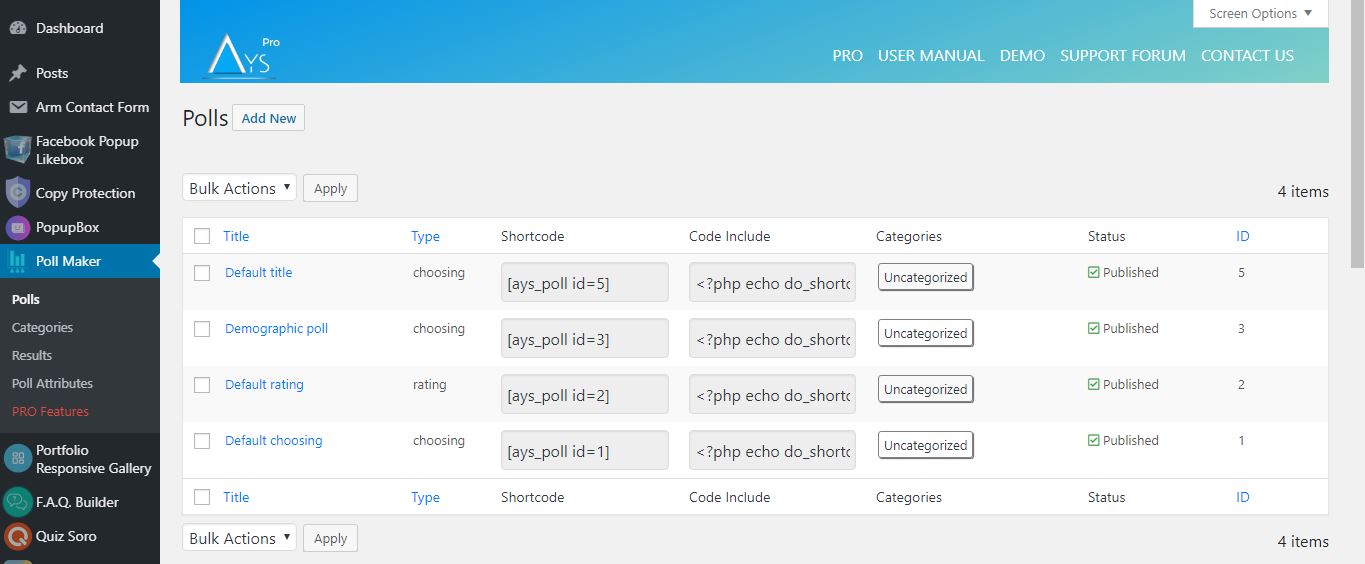
- Click on the Add new button on the Polls page,
- Choose the type, and fill out other necessary information such as a question, answers, etc.
- Save it and copy the generated shortcode and insert it into any post or page to make your poll public.
Poll shortcode
[ays_poll id=’your_poll_id’]
Data is an essential part of any business process, don’t you agree? Data-oriented companies are the most successful ones nowadays. So, if you want to compete with them, you need to have this lead generator tool at your disposal. You need to imply the “give and take” rule: provide interactive content to your audience and get new leads.
The benefits of receiving new leads are many:
- Increase the traffic of your website
- Use the plugin as an effective marketing tool and build your Social Media strategy based on it: email marketing, SMM marketing, etc.
- Receive customer feedback, do market research, and improve your services and products
- Get insights and take action: create an opinion poll, know more about your customers’ habits, preferences, interests, and so on.
WordPress Poll maker plugin features, advantages
Poll question
There is a default WordPress classic editor for adding and editing the question. You can use it for formatting your question text. Most importantly, it allows you to create an image poll, video poll or audio poll. If you have CSS or HTML skills, you are free to write your own code and design your question the way you wish it to be. Moreover, you can insert a shortcode of any other plugin easily. This WordPress Vote plugin’s developers continually do their best to build the Best WordPress Poll Plugin ever. All you need is to grab the chance and give it a try!
Poll types
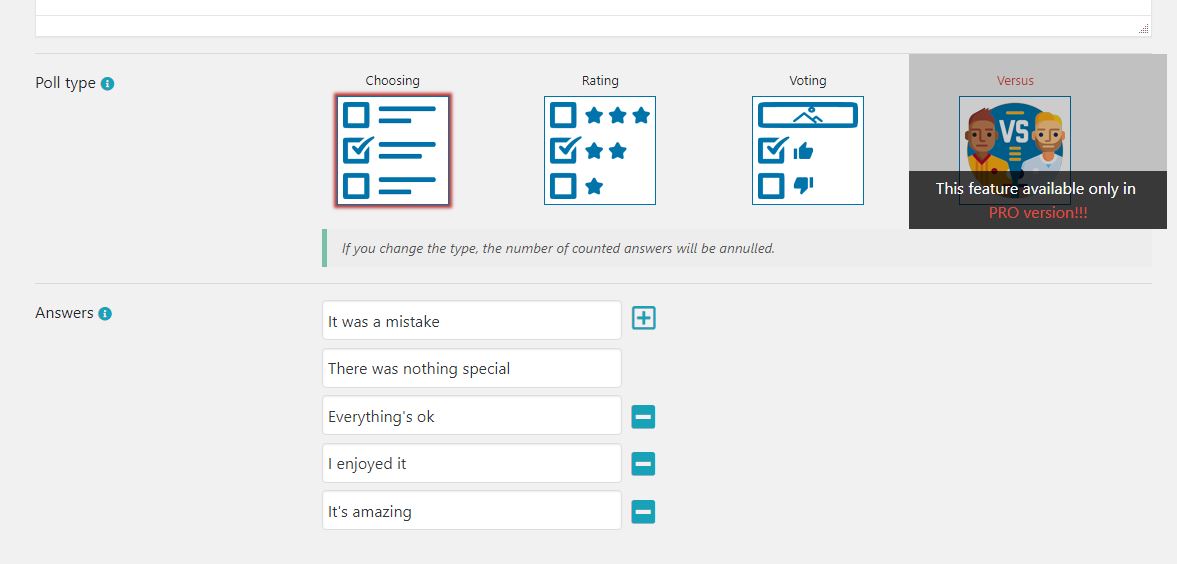
This WordPress Poll plugin allows you to make 7 types of online polls:
- Choosing – You can add as many options for choosing as you want. There is also an option that allows users to add their custom option(Pro).
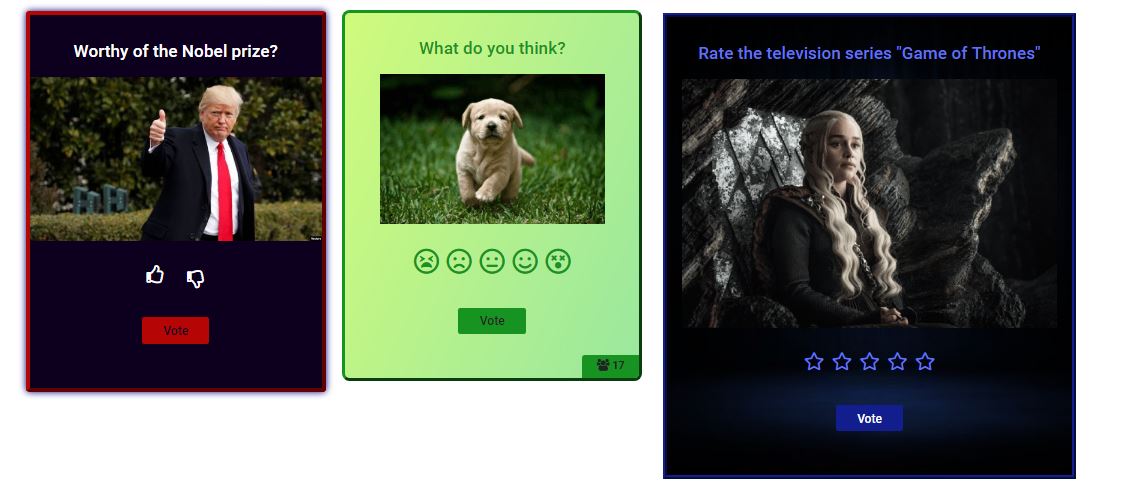
- Rating – With this type, you can make voting forms with rating a single product. It allows you to choose the type of rating: with stars or with emojis. It depends on the subject you want to examine.
- Voting – With this type, you can make voting forms with voting. Here are again two types: like/dislike or emojis. It is an easy way to understand users love your product or not.
- Dropdown (Available only in Pro version) – You need to write the possible answers in the field of ‘Answers’, which are 2 by default. The participants need to choose one answer from a list of choices presented in a dropdown menu.
- Range (Available only in Pro version) – It allows a participant to select answers in 1-100 range.
- VS (versus) (Available only in Pro version) – This is the type of competition with two products or persons. There are awesome styles for making versus votes.
- Text (Available only in Pro version) – Get the most detailed responses. Give poll participants the opportunity to provide full answers to your questions, using both Short Text answers and Paragraphs.
Features
- Poll types – choosing, rating, voting
- Unlimited polls
- Unlimited answers
- Unlimited results
- Different icons
- Categorize polls
- Category-multiple view
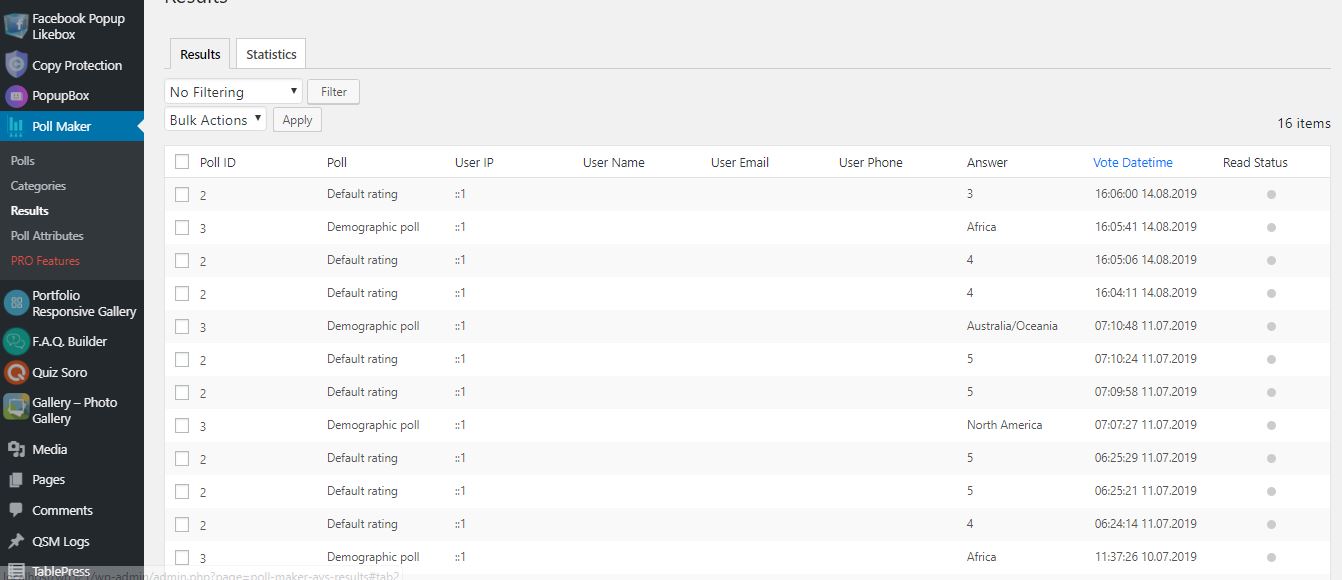
- Reports in dashboard
- Social share buttons
- Notification by e-mail
- Limit users rate once
- Only for logged in users option
- Limit by user roles
- Style settings (10+)
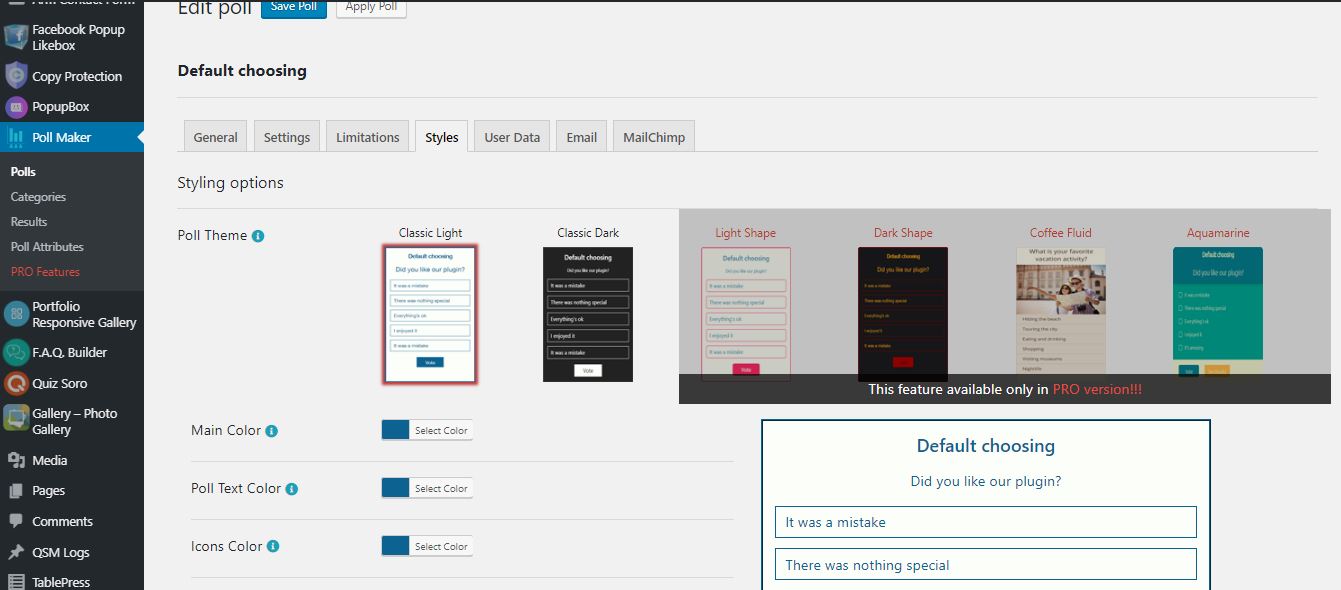
- Two themes
- Live preview
PRO Features
- Includes ALL Free version Features and
- VS type of poll (versus)
- User information form
- Ability to add custom option
- Extra 4 themes
- Results with charts
- Export results to CSV
- Custom Form Fields
- Text instead of results
- Vote reason option
- Voted user location
- Import/Export polls
- Anonymous poll
- Allow multivote
- Password protected poll
- Vote session
- Send mail to user
- Messages based on answers
- Display category shortcode
- User History shortcode
- Leaderboard
- Poll creation by user
- Summary emails
- Copy protection
- Klaviyo integration
- MyCred integration
- Aweber integration
- Mailpoet integration
- Multilingual polls
- Text to speech
- More on the way …
Connect with your Favorite Tools (PRO)
* MailChimp integration
* Campaign Monitor integration
* Zapier integration
* ActiveCampaign integration
* Slack integration
* SendGrid integration
* GamiPress integration
* Mad Mimi integration
* ConvertKit integration
* GetResponse integration
* Google sheet integration
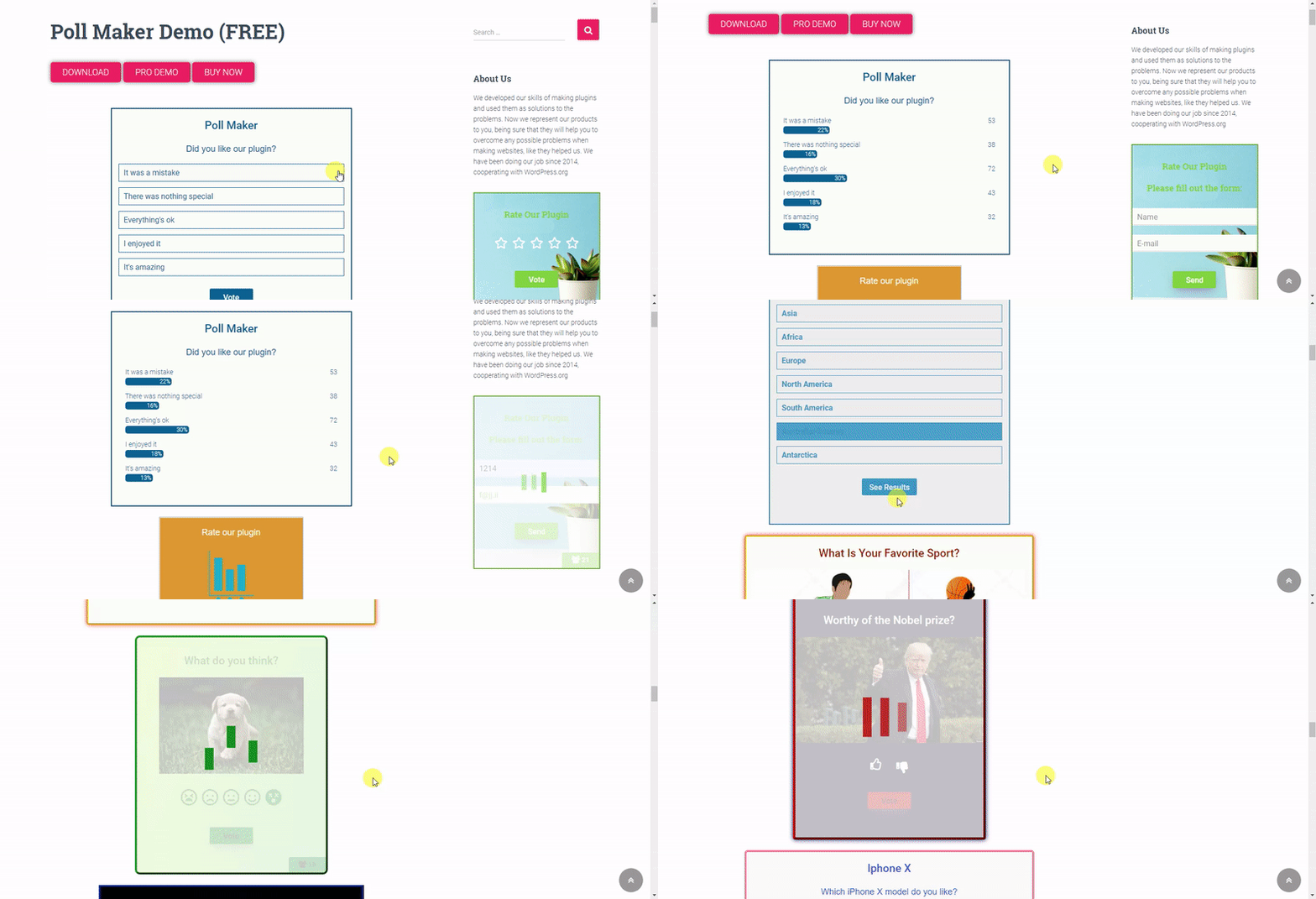
Poll Demos (Free)
Poll Demos (Pro)
Multivote functionality: By selecting Choosing type, you can also activate Multivote functionality. It allows your respondents to choose more than one answer to your question. Moreover, you can give a maximum number to it, so your respondents can not vote more than the assigned count of answers to the given question.
Notify admin by email
With our Vote plugin, you can be notified via email each time a vote is submitted. All you need is to enable the Results notification by email option from your form’s settings and enter your email address in the corresponding field. It allows you to be informed and doesn’t check your admin dashboard frequently.
Save your time, and in the meantime, be informed with our WordPress Voting Plugin!
Redirection (Individual and Global)
Redirection is a super-effective technique to boost your website traffic. Attract your website visitors via engaging polls and after voting, redirect them to another webpage. You can either redirect no matter the answer they give or redirect based on their answer. The latter one is a powerful call-to-action trick. For instance, if you are selling books, you can make a question like What book genre is your personality?. Then, redirect the participants to different book pages based on their answers. This a great marketing idea, isn’t it?
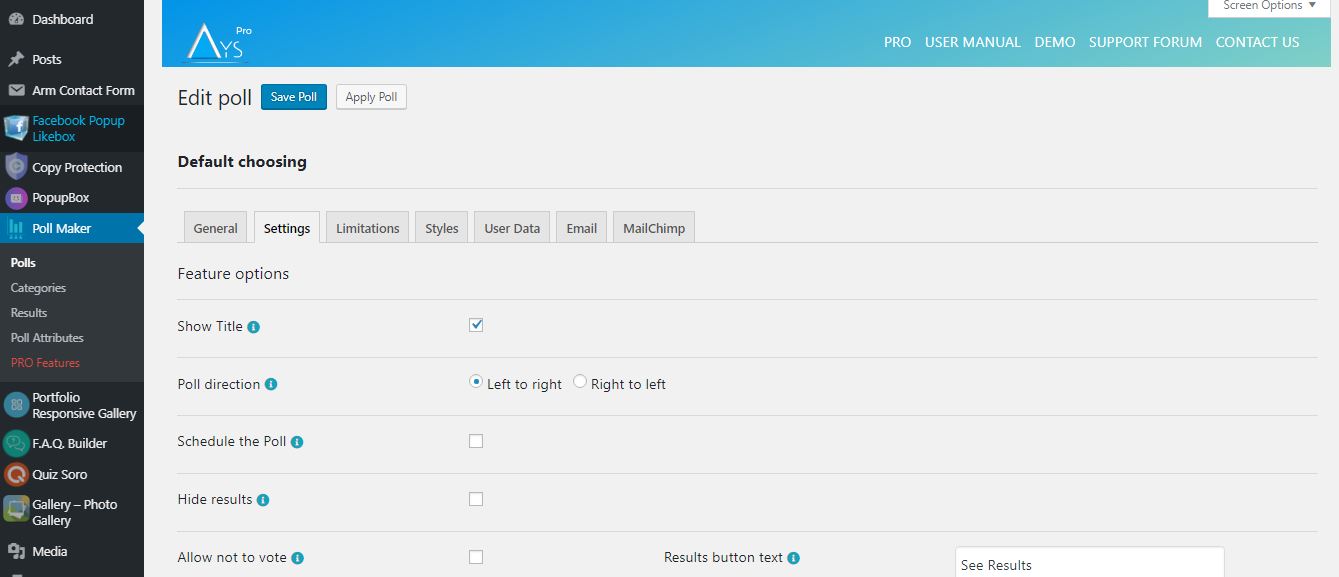
Schedule Poll
Now there is wide used function: schedule. We also include this function in our poll builder plugin.
It saves a mass of time. For example, if you are going to make an election in the near future, you don’t need to remember and set the alarm for that. You can make it right now and set a start date for displaying it.
Also, it is important to set an end date for the vote, as long as you may need to check product ratings for a specific period of time. The plugin will show the expiring message after the end date, which is provided from the dashboard. #1 poll plugin for WP, don’t you agree?
Moreover, you can create a WordPress event poll and schedule it to get people engaged at a certain date.
Limit by User Roles
This feature allows you to select specific user roles for displaying your online form. Only users with the selected user group can take it. Also, you can set the restriction that only logged-in users have permission to take the form. There is a message parameter for every option.
Limit to vote only once
Want to have accurate results? This online voting tool give it to you! By activating the Maximum number of attempts per user option, you will not receive multiple votes from the same person. The plugin offers 4 detection methods: By IP address, by WP user ID, by Cookie, by Cookie and IP.
Password Protected Poll
Create a password-protected poll to ensure privacy, limit participation to only authorized individuals, and safeguard sensitive information or opinions shared during the polling process. The password serves as a protective barrier, preventing unauthorized users from participating in the poll. This security feature can be useful when the poll involves confidential information, or when the poll is intended for a specific audience or group of individuals. The given feature is available in the premium version of the plugin.
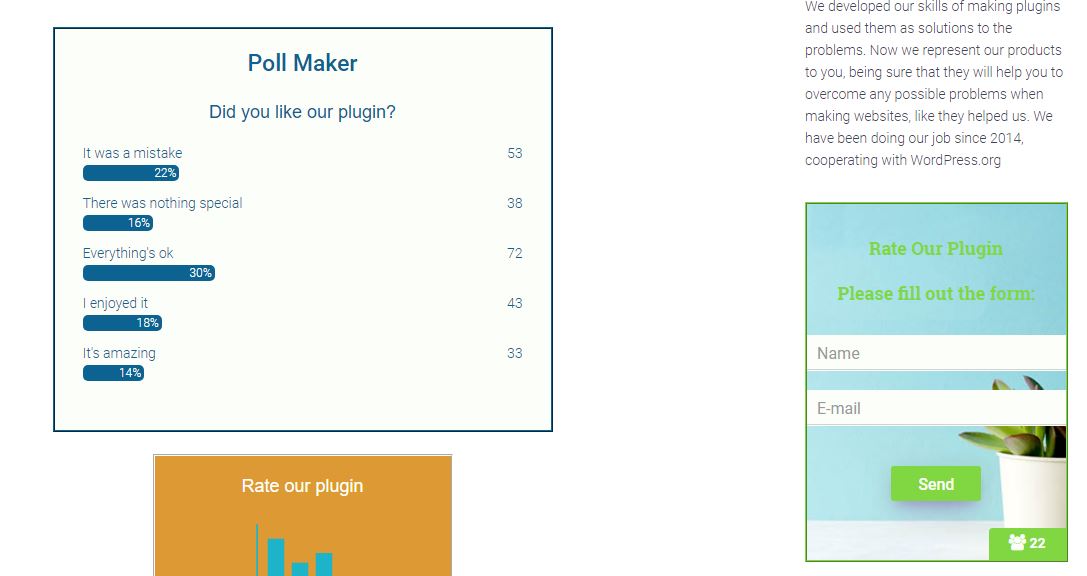
Results page on the front-end
The plugin lets you configure the result page and customize it on your own. You can either …
Screenshots
FAQ

ChangeLog