

Offer your clients the best experience in e-Commerce.
| Author: | Johana Frezza (profile at wordpress.org) |
| WordPress version required: | 6.8 |
| WordPress version tested: | 7.1.5 |
| Plugin version: | 1.4.1 |
| Added to WordPress repository: | 27-11-2024 |
| Last updated: | 18-11-2026 |
| Rating, %: | 74 |
| Rated by: | 3 |
| Plugin URI: | https://openpayargentina.com.ar |
| Total downloads: | 4 308 |
| Active installs: | 100+ |
 Click to start download |
|
With this plugin your customers can pay with debit, credit and prepaid cards, easily, quickly, securely and with low fees.
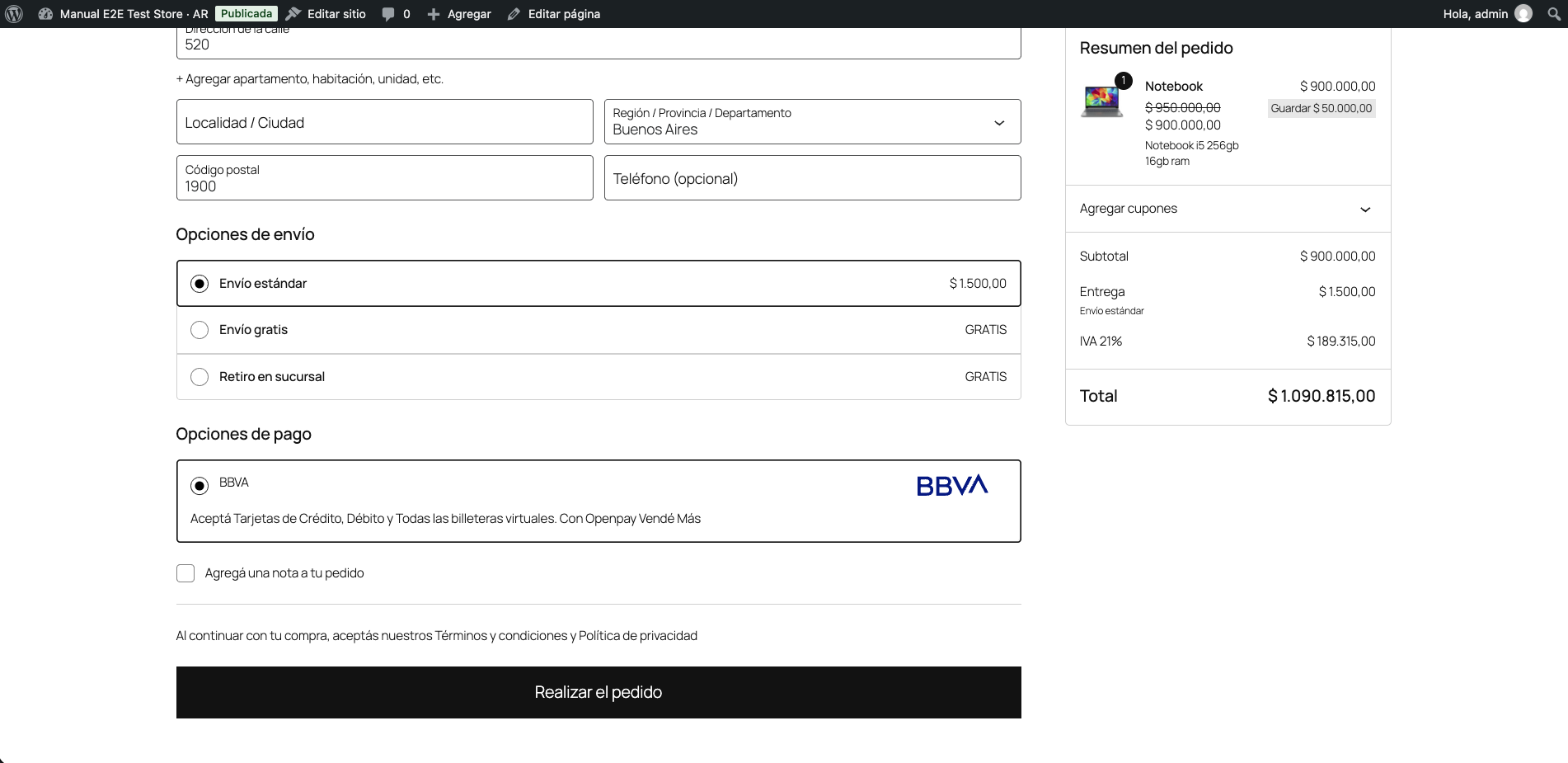
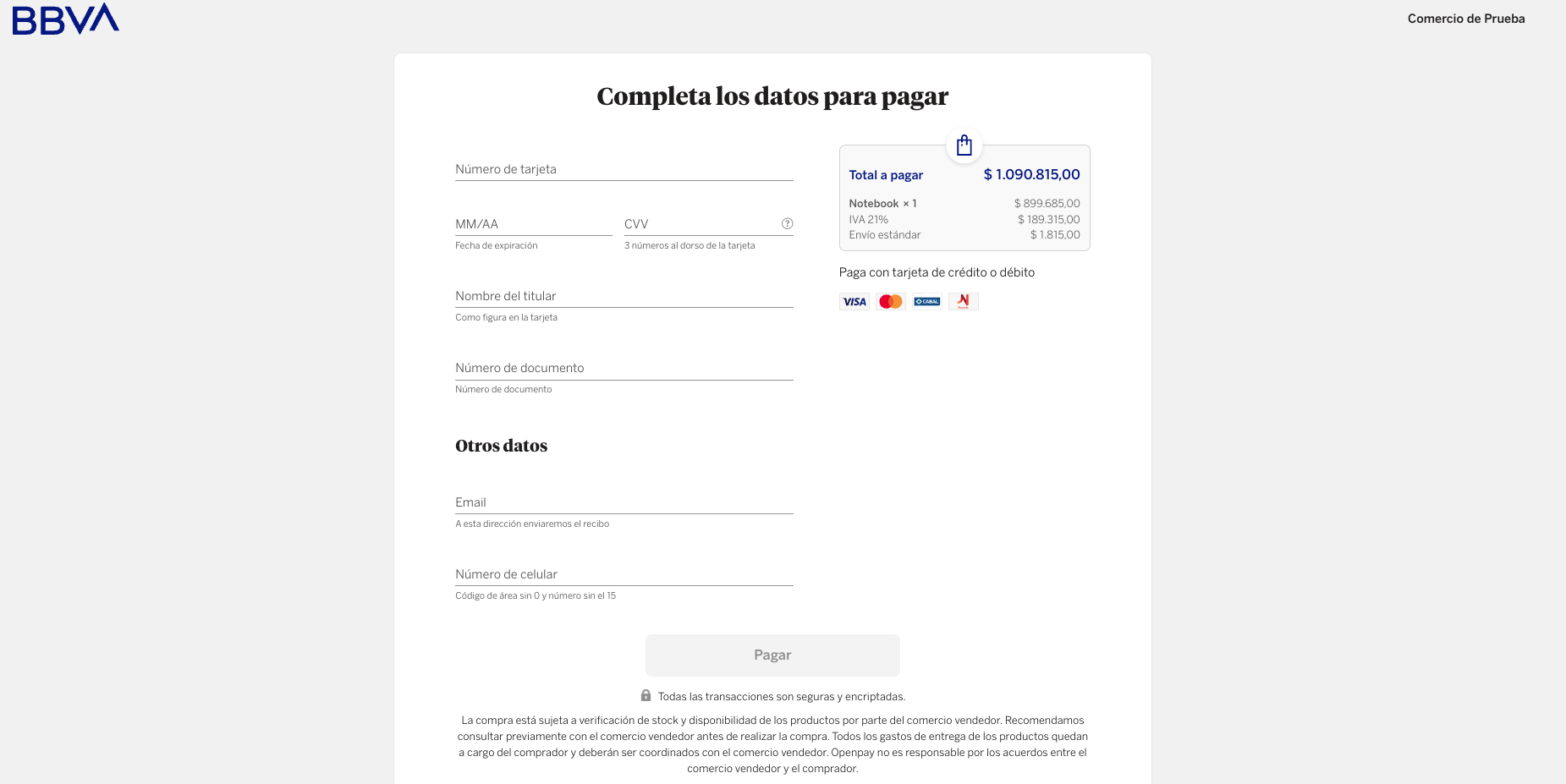
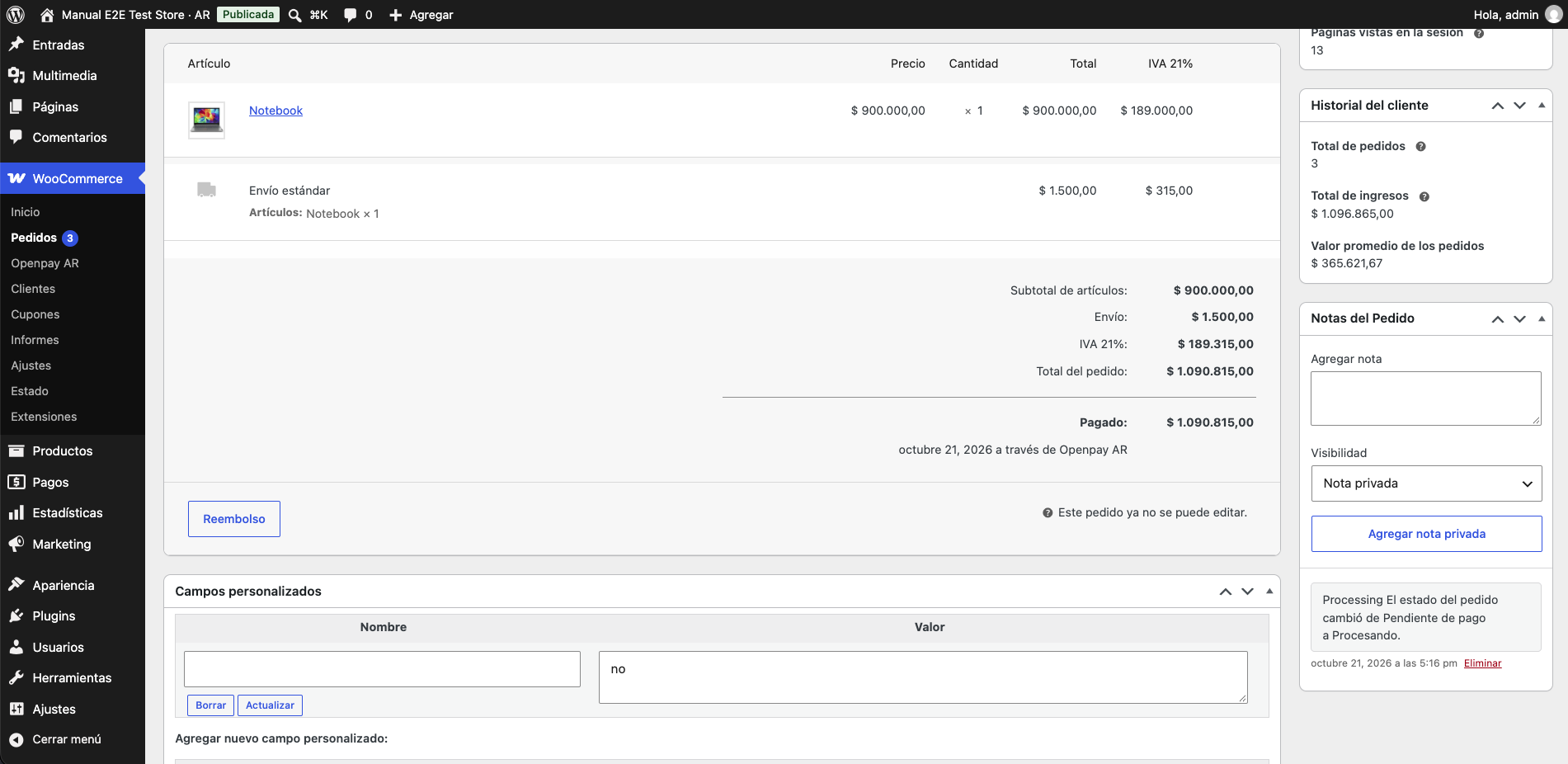
When customers choose Openpay at checkout, they complete the payment on Openpay’s secure checkout and are then sent back to your store. The order is updated automatically once the payment is confirmed, with no manual checks on your side.
Adding Openpay as a payment method is simple:
- If you are not an Openpay customer yet, download the app from the App Store or Play Store and sign up.
- If you are already a customer, sign in at https://dashboard.openpayargentina.com.ar and generate your integration credentials.
- Install the plugin in WooCommerce.
- Enable and configure Openpay as a payment method in WordPress.
Read the terms and conditions.
For more information and technical documentation, visit https://openpayargentina.com.ar/woocommerce.
External services
This plugin relies on Openpay, a third-party payment service, to process payments. It cannot work without it. Openpay’s payment processing is provided by the GeoPagos platform, so the plugin connects to these GeoPagos servers:
auth.prd.geopagos.io(authentication): receives your Client ID and Secret ID and returns a temporary access token.api.geopagos.io(payments): creates the payment link for each order and checks its payment status.
Data is sent in these cases:
- When you click “Verificar Credenciales” on the settings screen: your Client ID and Secret ID are sent to
auth.prd.geopagos.ioto check that they are valid. - When a customer places an order with Openpay: your Client ID and Secret ID are sent to
auth.prd.geopagos.ioto obtain an access token. Then the plugin sends toapi.geopagos.iothe order ID, the items (ID, name, quantity and unit price), the taxes, the currency, your store URL, the pages the customer returns to after paying, the address of your store where the service reports the payment result, and how long the payment link stays valid. For orders that need shipping, it also sends the shipping method and amount, the shipping address, and the customer’s first name, last name and email. - While an order is pending payment: the order’s payment reference is sent to
api.geopagos.ioto check whether the payment was confirmed.
The customer enters their card details on the payment page hosted by the service. Card details never pass through your store.
- Openpay terms and conditions: https://www.openpayargentina.com.ar/terminos-condiciones
- Openpay privacy policy: https://www.openpayargentina.com.ar/politicas-privacidad
The plugin settings screen also loads the Roboto font from Google Fonts (fonts.googleapis.com), which receives the administrator’s IP address and browser details. See the Google privacy policy: https://policies.google.com/privacy
Screenshots
FAQ

ChangeLog