

Adds a "Notification Review" submenu item under Forms to display a table of all Gravity Forms notifications on your website.
| Author: | Grant Bivens (profile at wordpress.org) |
| WordPress version required: | 6.0 |
| WordPress version tested: | 6.9.4 |
| Plugin version: | 1.4 |
| Added to WordPress repository: | 27-08-2025 |
| Last updated: | 14-04-2026 |
| Rating, %: | 0 |
| Rated by: | 0 |
| Plugin URI: | https://www.lunr.pro/plugins/notification-rev... |
| Total downloads: | 701 |
 Click to start download |
|
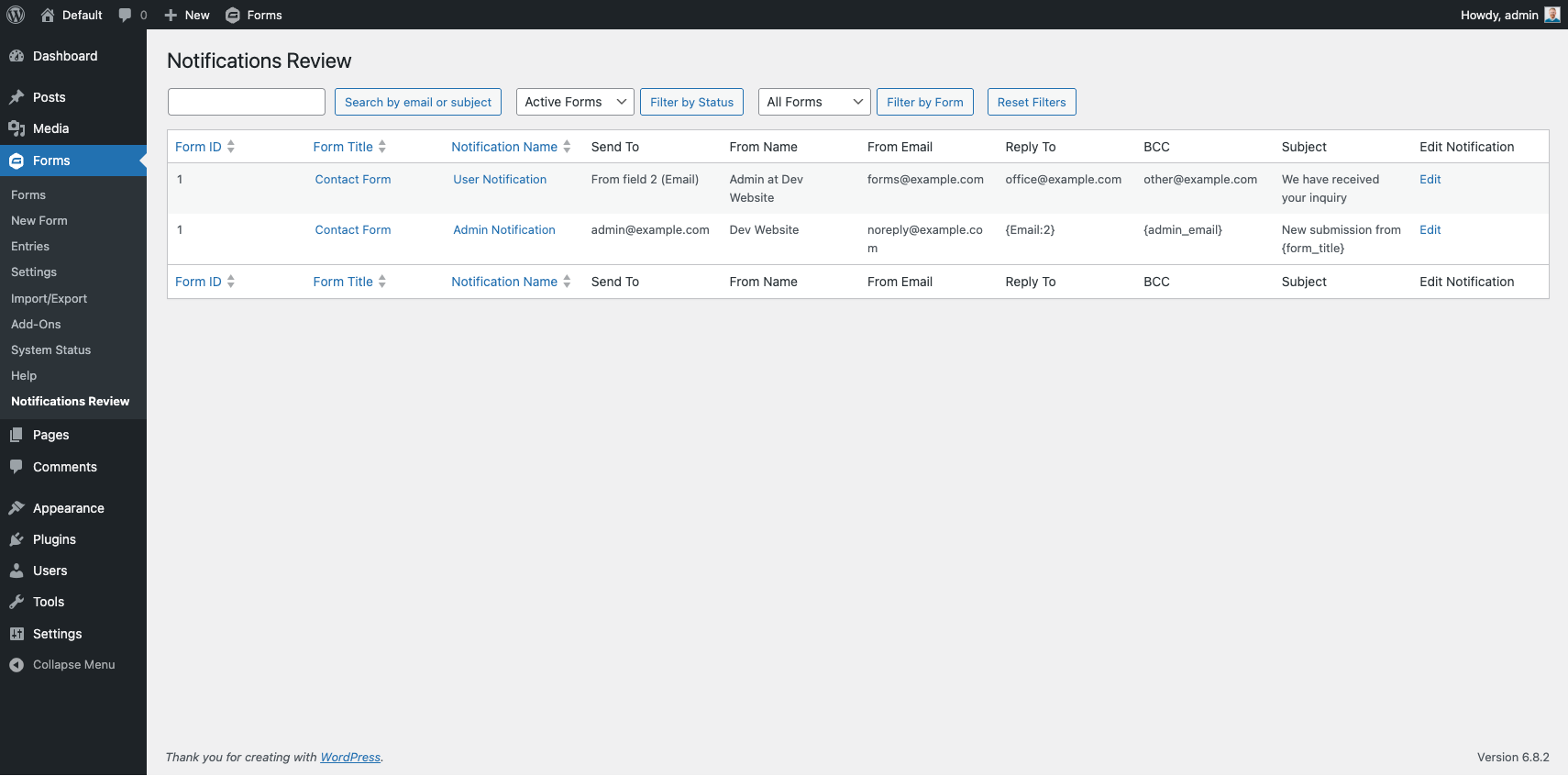
Notification Review for Gravity Forms solves a common problem: when you have many forms sending notifications to many different people, it can be difficult to get a clear picture of who is receiving what.
This plugin adds a Notification Review submenu item under the Gravity Forms menu that displays a searchable, filterable table of every notification across all your forms — including Send To, From Name, From Email, Reply To, BCC, and Subject.
Features
- Centralized table of every Gravity Forms notification across all forms
- Filter by form status (Active / Inactive / All)
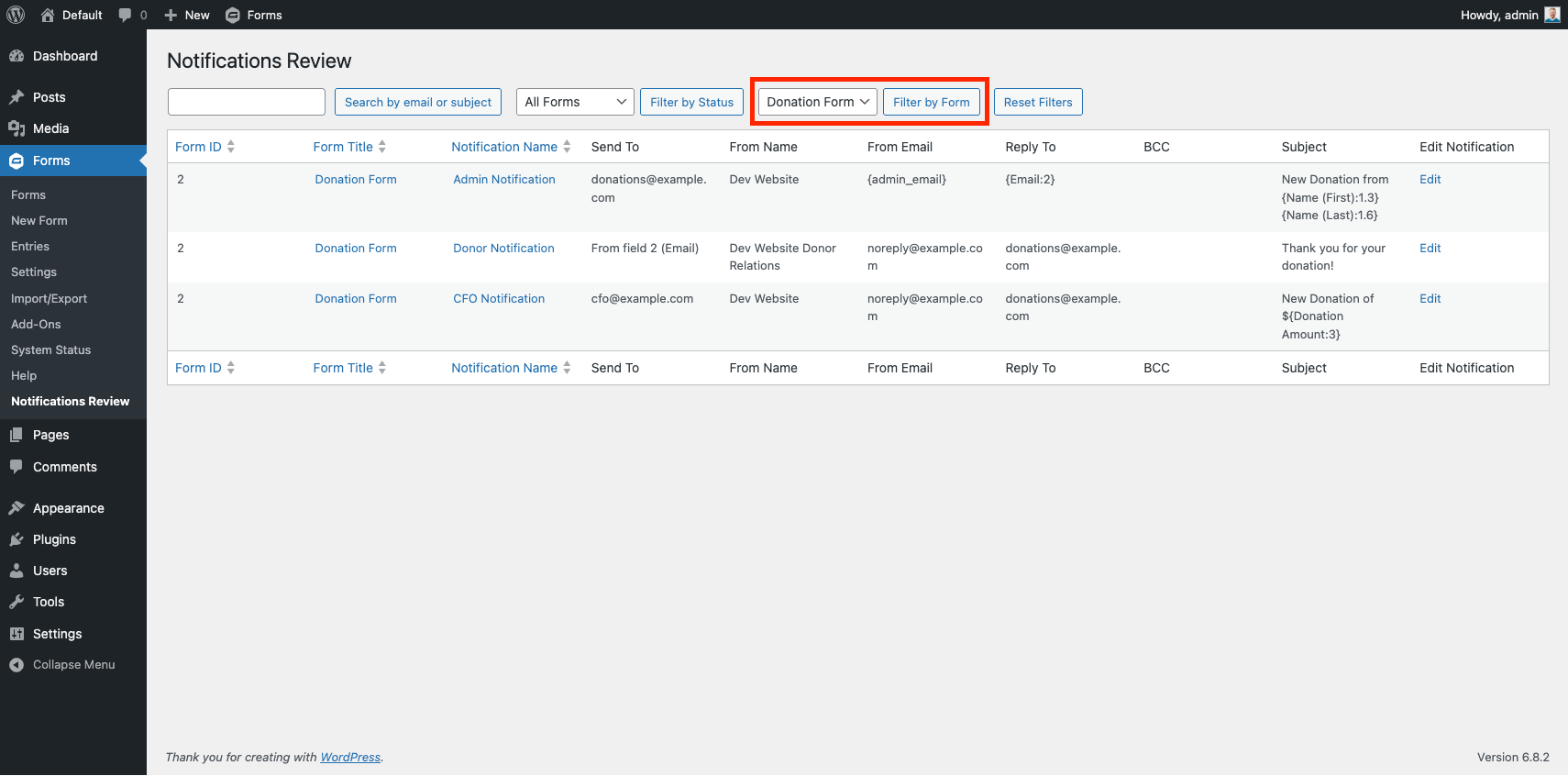
- Filter by individual form
- Filter by notification status (Active / Inactive / All)
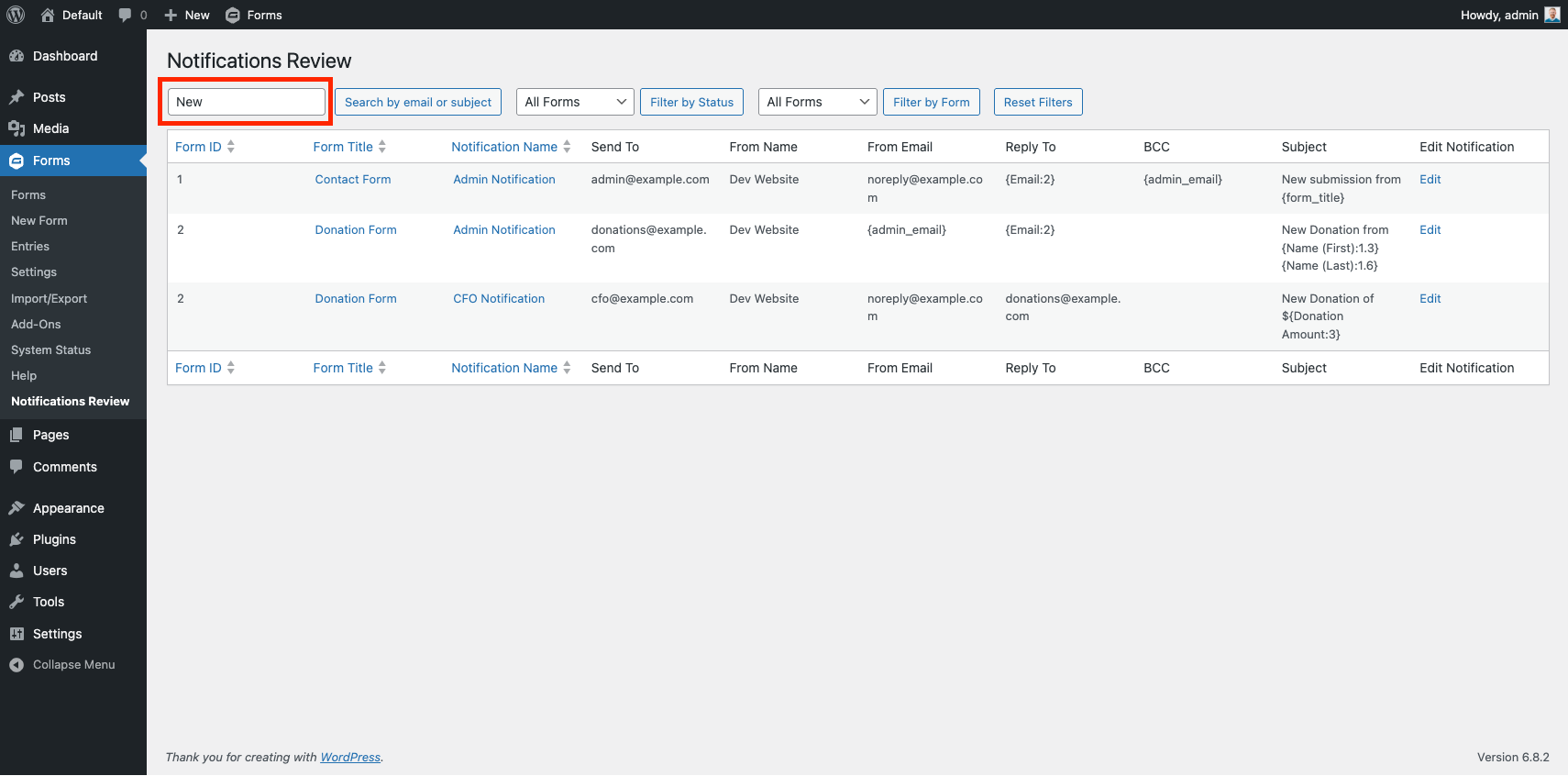
- Search by email address or subject
- Sortable columns (Form ID, Form Title, Notification Name)
- Column visibility toggles via the Screen Options tab
- Direct edit links to each notification in Gravity Forms
- Reset Filters button to return to the default view
Use Cases
- Auditing notifications before off-boarding a staff member — find every notification going to their email address in seconds
- Verifying delivery addresses after a domain migration
- Quickly spotting inactive or misconfigured notifications across a large form library
- Compliance review — confirm who receives sensitive form data
Screenshots
FAQ
ChangeLog