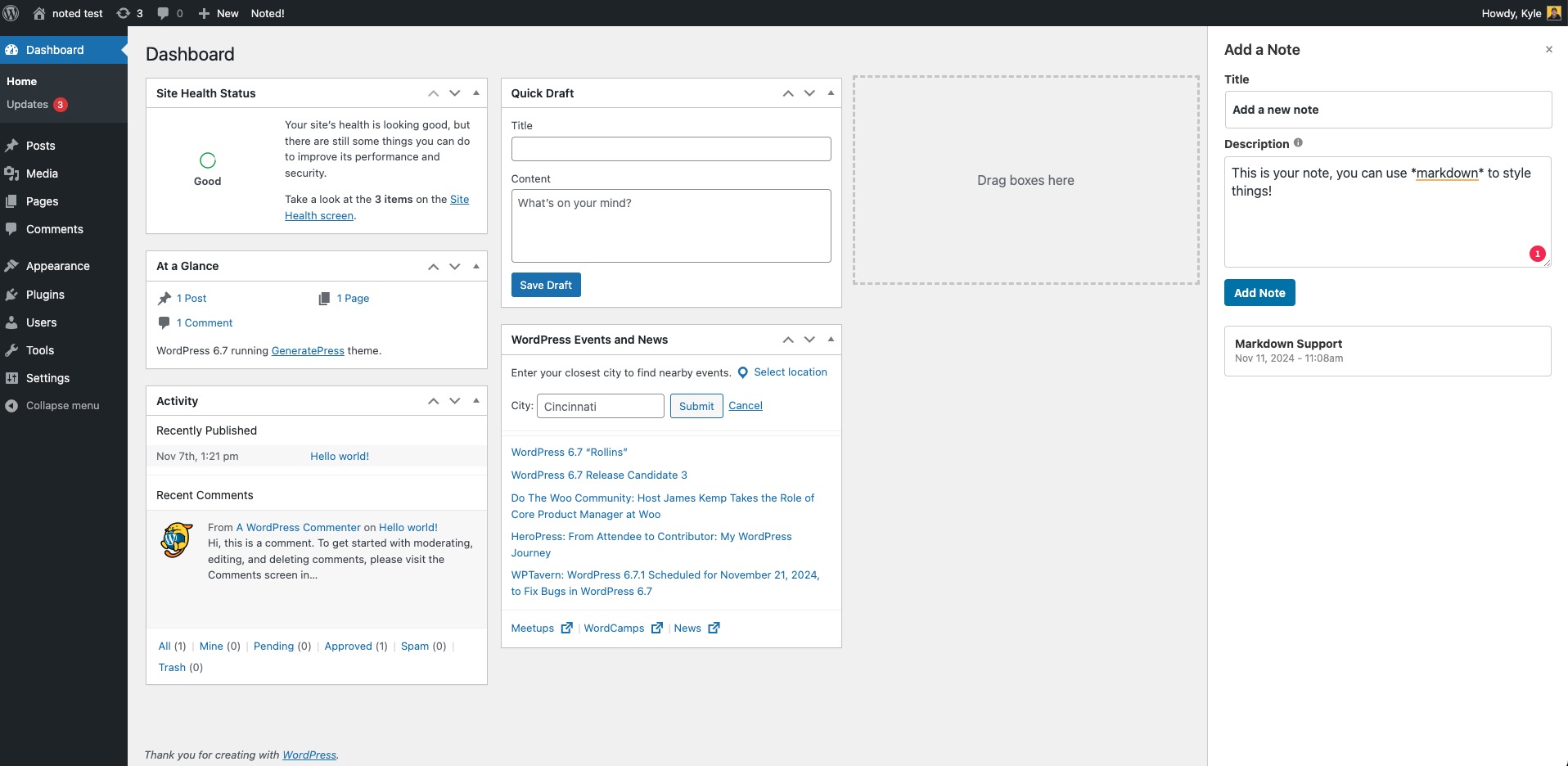
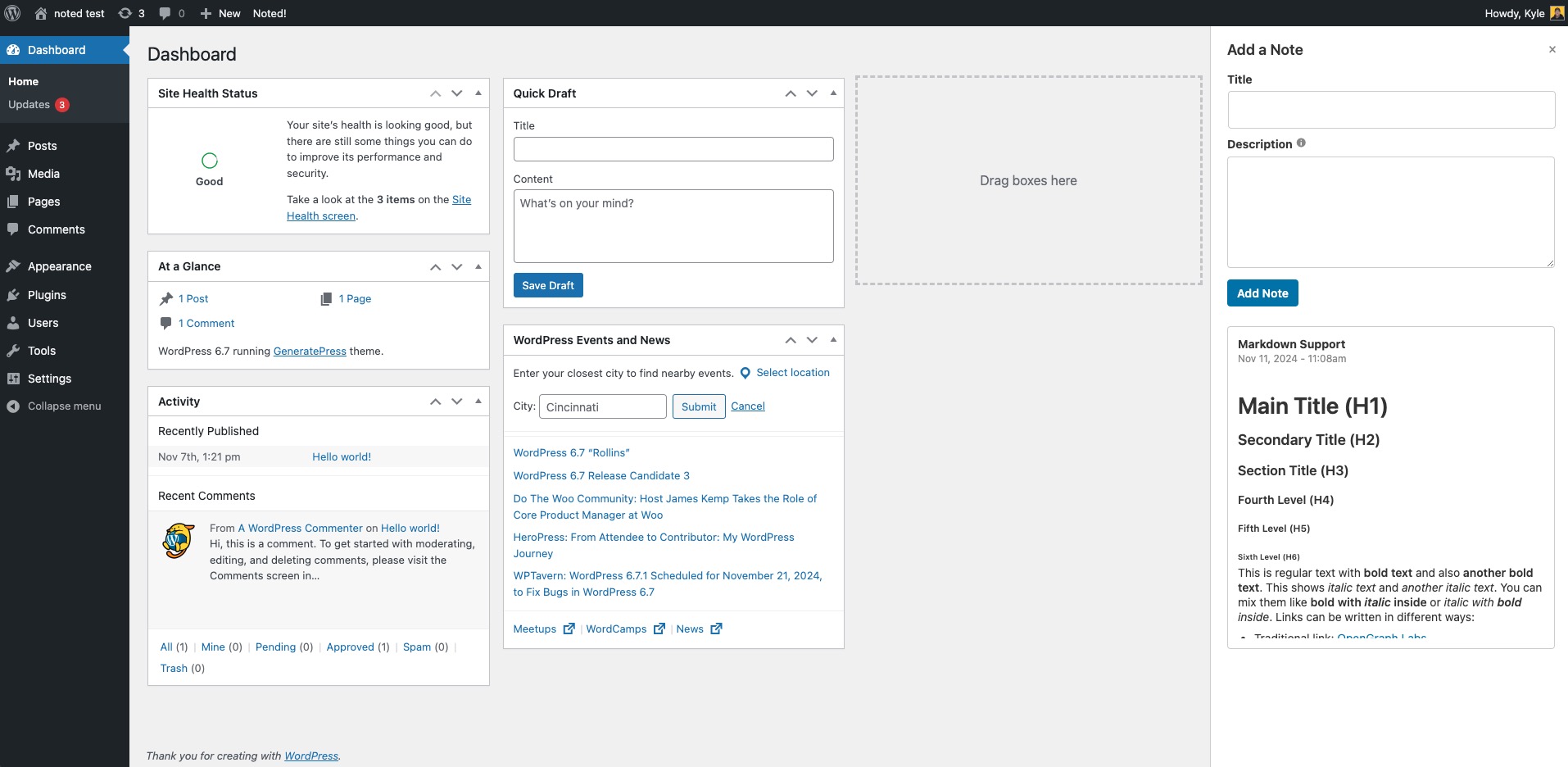
Noted! is a lightweight note-taking plugin for WordPress. Capture project notes, attach reminders to specific posts and pages, and leave notes on individual blocks in the editor — all without leaving the admin.
Your Project Memory Bank
Store project-specific notes, instructions, and reminders in one place — no more digging through old emails or docs.
Always One-Click Away
Open Noted! from the admin bar on any screen, front-end or back-end.
Lightweight and Clutter-Free
No bloat. Noted! is there when you need it and out of the way when you don’t.
Features
Quick general notes from the admin bar.
Page-level notes attached to any post or page.
Block-level notes that travel with the block when copied or pasted.
Pin important notes and see them on your dashboard.
Fixed: Inline code now works in notes. Text between backticks is shown exactly as typed.
Fixed: Underscores inside words (field_name, snake_case, URLs) are no longer turned into italics.
Fixed: A # in the middle of a line (“issue #42”, “C#”) no longer turns the rest of the line into a heading.
Fixed: A numbered list straight after a bulleted list (or the other way round) is now its own list.
Fixed: Links at the end of a sentence no longer include the full stop, and bare links survive editing older notes.
Fixed: “Requires PHP” now says 8.1, the version Noted! actually needs, so WordPress won’t activate it on older PHP and break the site.
2.0.2
Fixed: Note fields no longer appear inside other plugins’ preview iframes in the editor, such as the MetaSlider block.
Improved: Updated the settings framework — dropdowns on the settings page position correctly, and other plugins’ admin notices no longer clutter the Noted! settings screen.
2.0.1
Fixed: Block notes on server-rendered (dynamic) blocks no longer fail attribute validation.
Fixed: Noted panel uses full width on narrow viewports (still capped at 400px).
Fixed: Settings page wireframe assets load correctly on Windows when the package path contains backslashes.
2.0
New: Page-level notes — attach notes to any post or page from the block editor sidebar or the classic editor.
New: Block-level notes — leave a note on any individual block in the editor. Notes travel with the block when copied or pasted.
New: Pin your most important notes to keep them at the top of the list.
New: Pinned Notes dashboard widget so the things you need to remember are waiting for you when you log in.
New: Settings page under Tools → Noted! to turn features on or off, control who sees what, and back up your settings.
New: Role-based access — by default only administrators can see and manage notes, but you can now lower the bar to let editors, authors, or contributors view or manage them.
New: Markdown reference tab so you can see exactly which formatting is supported.
New: Import and export your settings as a JSON file.
New: Optional “delete all data on uninstall” toggle — off by default so upgrades stay safe.
New: Translation-ready — the plugin can now be translated into other languages.
New: Now respects your WordPress admin color scheme.
Improved: Compatibility support for plugins that dequeue all scripts on their admin pages.
Improved: Cleaner, faster note panel with a tidier date format.
Improved: Empty notes (no title and no body) are hidden from the list automatically.
Improved: Better safeguards so notes can only be attached to posts you have permission to edit.