
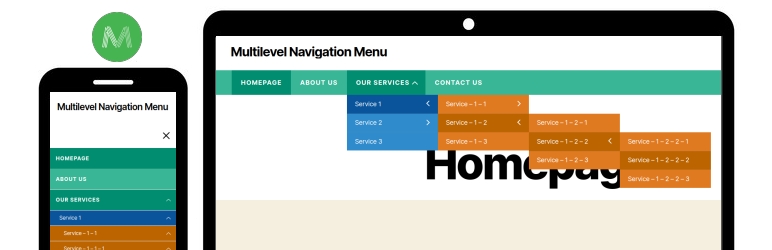
Multilevel Navigation Menu plugin ability to add a full-screen navigation menu to our website.
| Author: | Laxman Prajapati (profile at wordpress.org) |
| WordPress version required: | 4.7 |
| WordPress version tested: | 6.1.6 |
| Plugin version: | 1.0.8 |
| Added to WordPress repository: | 24-03-2020 |
| Last updated: | 29-01-2023 |
| Rating, %: | 100 |
| Rated by: | 3 |
| Plugin URI: | https://wordpress.org/plugins/multilevel-navi... |
| Total downloads: | 8 196 |
| Active installs: | 700+ |
 Click to start download |
|
Multilevel Navigation Menu plugin ability to add a full-screen navigation menu to our website. An easy way to use the plugin on our website.
You can use the [multilevel_navigation_menu] shortcode in your header file and after that, the menu will be shown automatically on the front side.
Make sure you have hide your default navigation menu before adding a shortcode. From CSS, javascript or any other way.
Awesome features
- Display the menu with full-width or container width
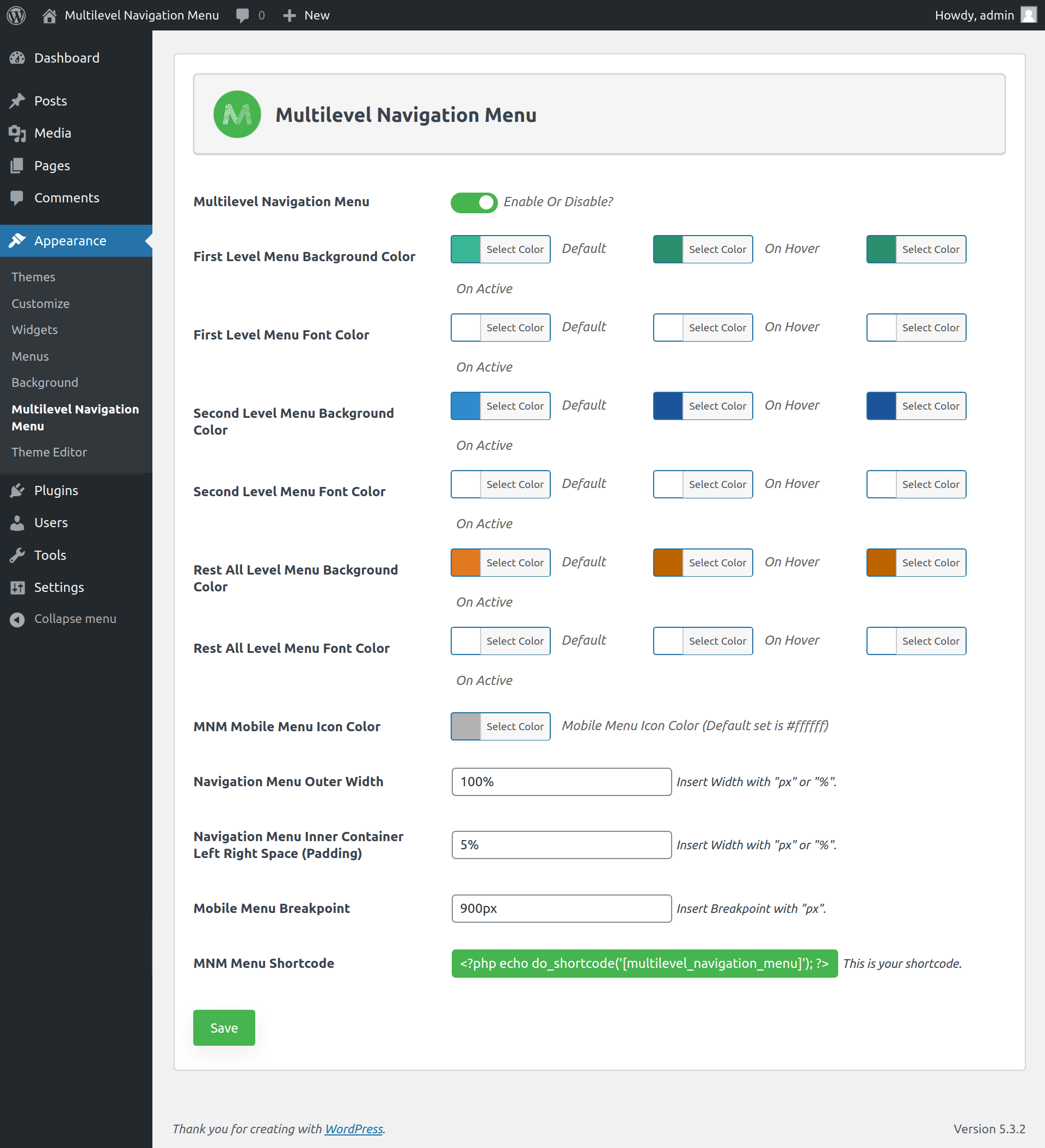
- Set menu outer width as well as inner container left and right spacing of the menu
- Display the multi-level menu (Level 1, 2, 3, 4, 5)
- Set menu background and font color based on the menu level
- Set the responsive breakpoint of menu
Shortcodes
- [multilevel_navigation_menu] – Show the navigation menu in the header(front side).
Screenshots
FAQ


ChangeLog