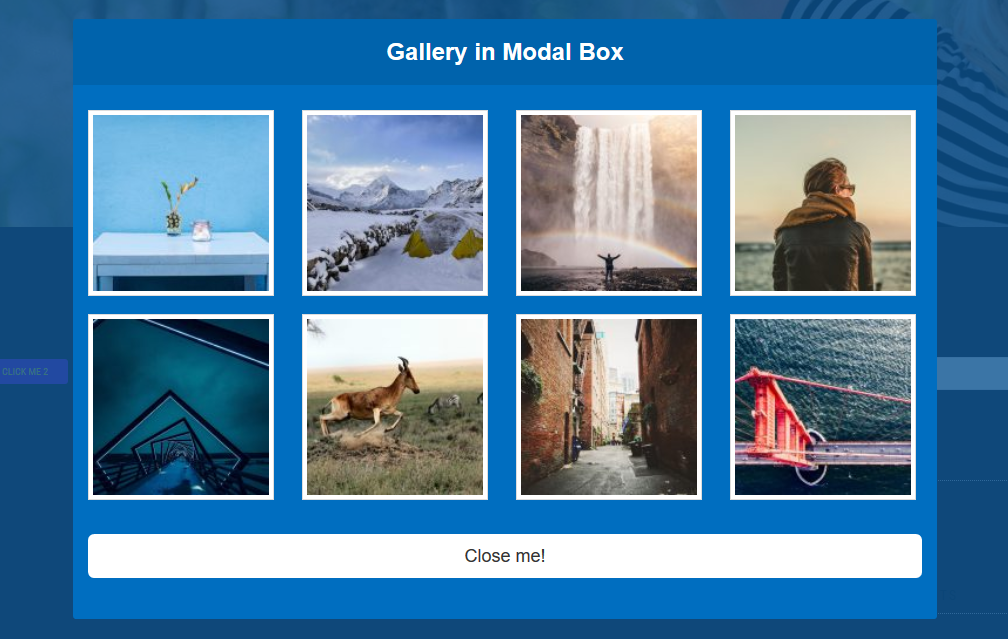
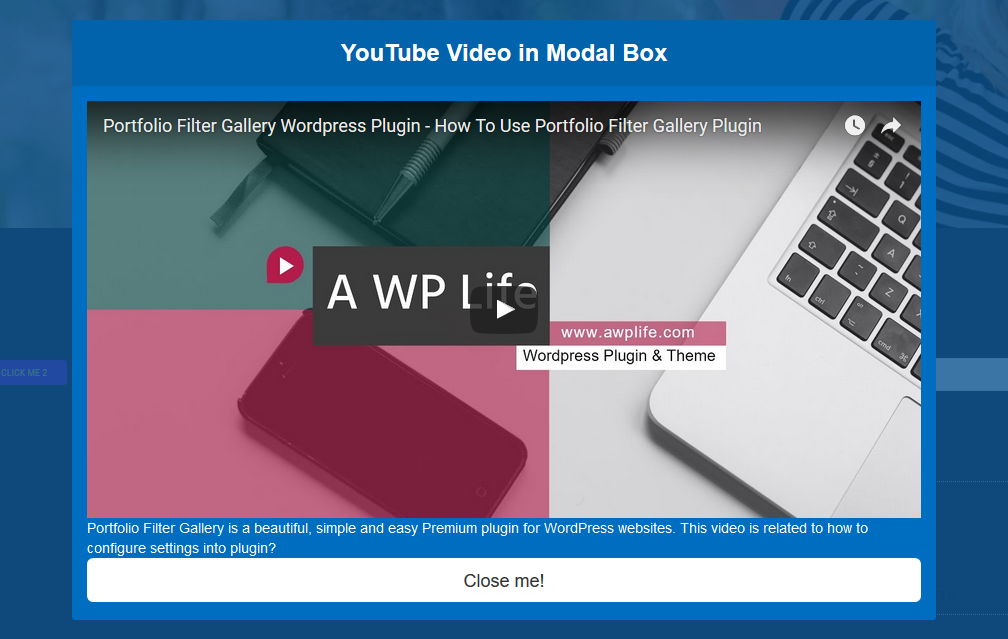
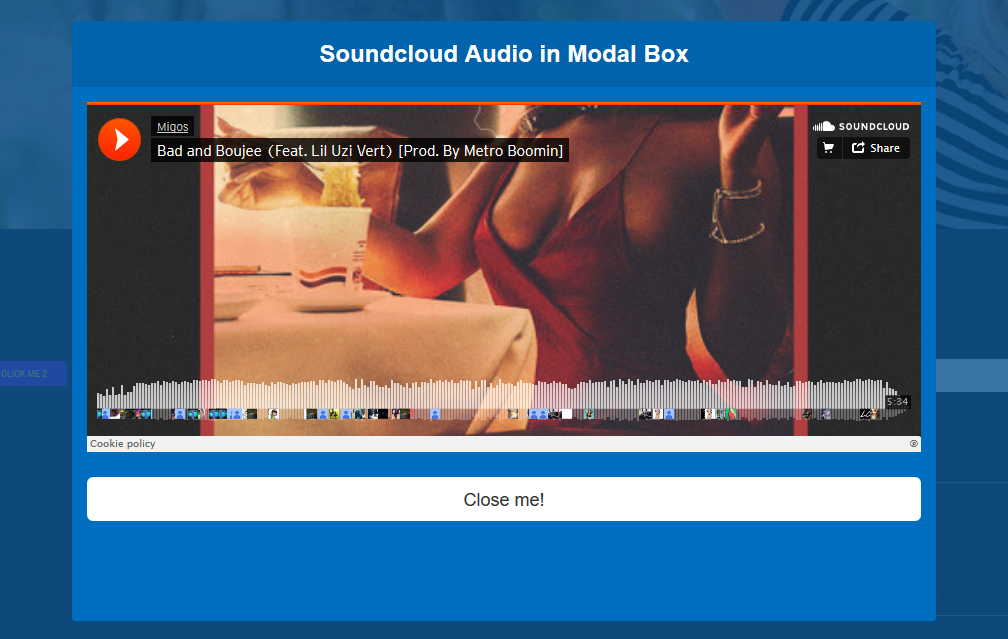
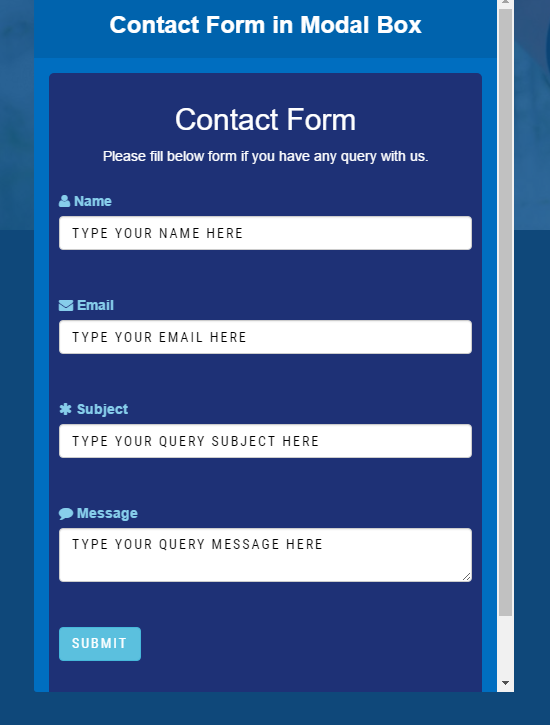
Modal Popup Box is a powerful popup maker or builder designed for WordPress. Whether you need a popup to announce a sale, share breaking news, collect email subscribers, or embed a video, this plugin gives you everything you need without writing a single line of code.
The popup builder comes with a clean settings panel where you choose colors, animations, triggers, and content. Every popup you create is fully responsive and looks sharp on desktops, tablets, and mobile devices. You can place your popup anywhere on your site using a simple shortcode.
Most popup makers slow your site down with heavy frameworks and bloated scripts. Modal Popup Box takes a different approach. It runs on lightweight custom CSS and vanilla JavaScript with zero dependency on Bootstrap or jQuery. That means faster page loads, fewer style conflicts, and a popup that works reliably across every WordPress theme, including Full Site Editing block themes like Twenty Twenty-Five.
This popup builder is built for real WordPress users. You do not need any design or coding skills. Just pick a color preset, choose an animation, add your content, and publish. Your popup is ready in under a minute.
What You Can Do With This Popup Builder
Display promotional offers, discount codes, and seasonal sale announcements
Share important news updates or site-wide notifications with visitors
Embed YouTube or Vimeo videos that auto-pause when the popup closes
Load contact forms like Contact Form 7 directly inside a popup
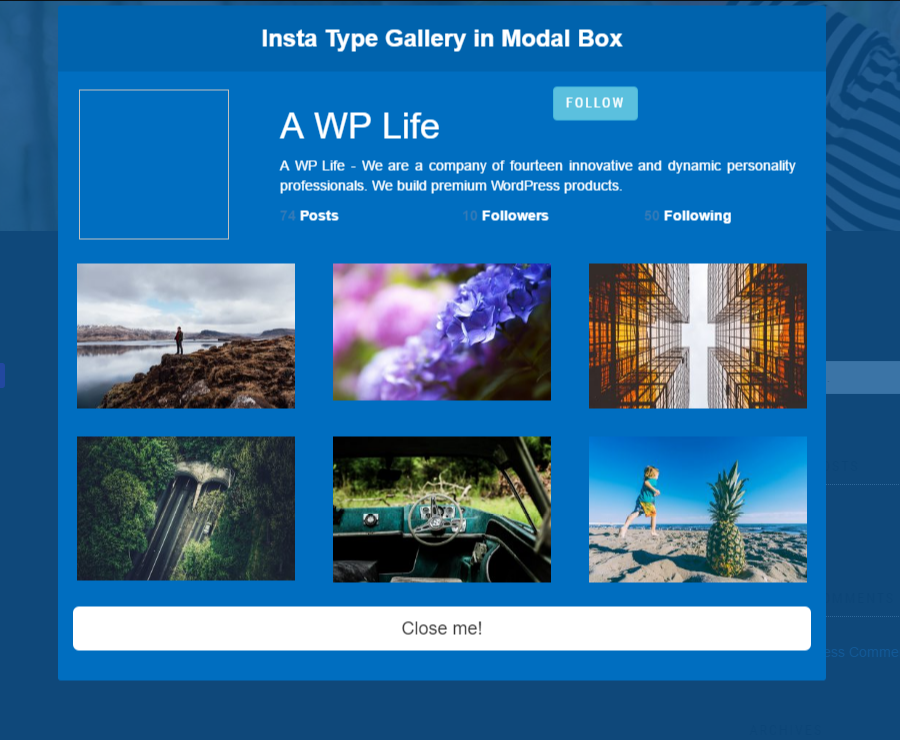
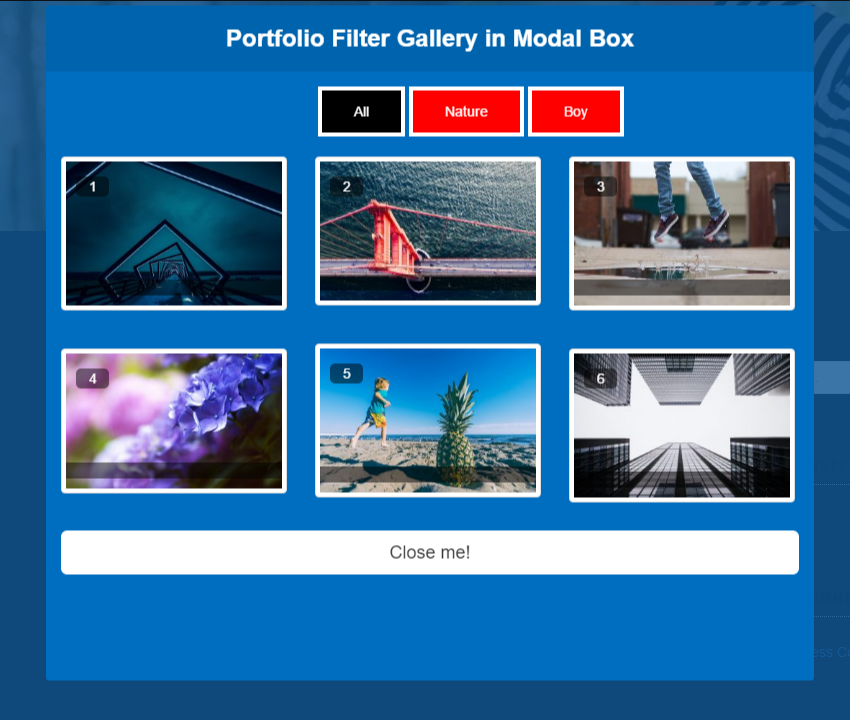
Showcase image galleries, portfolios, or product highlights
Run lead generation campaigns with newsletter signup forms
Key Features of This Popup Maker (Free Version)
Two Trigger Modes – Open your popup automatically on page load or let visitors click a button to open it
Open Delay Timer – Set a custom delay from 0 to 60 seconds before your popup appears after page load
5 Color Presets – Choose from Blue, Red, Green, Purple, or Orange themes, or set a custom background color
4 Animation Effects – Fade and Scale, Slide Right, Side Fall, and 3D Flip for smooth popup transitions
Overlay Opacity Control – Adjust background dimming from 0 percent to 100 percent to match your design
Custom Button Styling – Change the popup trigger button text, font size, and color to fit your theme
Simple Shortcode System – Place your popup on any page, post, or widget area with a single shortcode
Fully Responsive Layout – Your popup adapts to every screen size without any extra configuration
Content Flexibility – Embed text, HTML, shortcodes, images, videos, and forms inside your popup
Lightweight and Fast – No Bootstrap, no jQuery, just clean code that loads quickly on every page
Block Theme Compatible – Works perfectly with Full Site Editing themes and the WordPress block editor
Accessible Design – Keyboard focus trapping and proper ARIA markup for screen reader support
Built for Every WordPress Setup
This popup builder works with every major page builder and theme framework. Whether you use Elementor, Divi, Beaver Builder, WPBakery, or the default WordPress block editor, just paste the shortcode and your popup will render correctly. There are no compatibility issues to worry about.
How to Create a Popup
Premium Popup Maker Features
The premium version of this popup builder adds powerful features for advanced use cases. If you need more control over design, targeting, scheduling, or visitor behavior, the upgrade gives you everything below.
19 Animation Effects – Fall, 3D Slit, Super Scaled, Blur, Rotate, and many more opening styles
Advanced Popup Triggers – Open your popup based on exit intent, scroll percentage, or user inactivity
Full Color Customization – Set individual colors for the header, content area, footer, overlay, and close button
Typography and Spacing – Control font sizes, text alignment, padding, and background colors for each section
Dual Footer Buttons – Add two action buttons with separate URLs, colors, sizes, and hover animations
Overlay Color Picker – Choose any custom color for the popup overlay background
Transition Speed Control – Fine-tune the opening and closing animation speed for your popup
Border Radius and Box Shadow – Add rounded corners and shadow depth to match your brand design
Close Button Customization – Choose between icon, text, or both with fully customizable colors
Cookie-Based Dismissal – Hide the popup for returning visitors who have already seen it
Page-Level Targeting – Show or hide your popup on specific pages, posts, or custom post types
Date-Based Scheduling – Set start and end dates for time-limited popup campaigns
Auto-Close Timer – Automatically dismiss the popup after a set number of seconds
Clone and Duplicate – Instantly copy any popup with all its settings to create variations quickly
Import and Export – Move popup configurations between WordPress sites using JSON files
Go to Modal Popup Box > Add New in your WordPress dashboard. Add your content in the editor, choose your preferred color preset and animation style, select whether the popup should open on page load or on button click, and hit Publish. Copy the generated shortcode and paste it wherever you want the popup to appear.
Can I set a popup to open automatically when the page loads?
Yes. In the popup settings panel, select the “On Page Load” trigger option. You can also set a delay timer so the popup appears after a specific number of seconds, giving visitors time to engage with your content first.
Does this popup maker work with contact form plugins?
Yes. You can embed any shortcode-based form plugin inside your popup. Contact Form 7, WPForms, Ninja Forms, and similar plugins all work. Just paste the form shortcode into the popup editor content area.
Will my popup display correctly on mobile devices?
Every popup created with this popup builder is fully responsive. The layout automatically adjusts to fit smartphones, tablets, and desktop screens without any additional configuration on your part.
Can I use this popup builder with Elementor or other page builders?
Yes. The popup works through a simple shortcode that you can paste into any page builder, including Elementor, Divi, Beaver Builder, WPBakery, and the default WordPress block editor. There are no compatibility issues.
Does the popup work with WordPress block themes?
Yes. Starting from version 2.1.0, this popup maker is fully compatible with Full Site Editing block themes such as Twenty Twenty-Five. The plugin uses inline styles and data attributes instead of inline scripts, so popups render reliably in block-based layouts.
How many popups can I create?
There is no limit. You can create as many popups as you need using this popup builder. Each popup has its own shortcode, so you can display different popups on different pages.
Is this popup maker lightweight and fast?
Yes. The plugin does not load Bootstrap, jQuery, or any other heavy framework. It uses custom lightweight CSS and vanilla JavaScript, so it has minimal impact on your page load speed.
Can I embed a YouTube video inside a popup?
Yes. Paste a YouTube or Vimeo embed code into the popup content area. The plugin automatically injects the enablejsapi parameter so the video pauses when visitors close the popup.
What animation effects are available in the free popup builder?
The free version includes four animation effects: Fade and Scale, Slide Right, Side Fall, and 3D Flip. The premium version unlocks 19 animation styles including Blur, Rotate, Super Scaled, 3D Slit, and more.
Feature: Implemented smooth auto-deactivation upgrade flow when switching to Premium.
Fix: Enhanced close button styling and high-contrast accessibility across custom theme button styles.
Fix: Corrected admin list table shortcode copy target selector behavior.
Security: Hardened transient refresh actions with nonce and capability verification.
2.1.2
Date: 30 June, 2026
Fixed: Abrupt exit transitions by adding a 300ms closing delay to allow CSS transitions and overlay fades to play smoothly.
Fixed: Style loss and overrides when multiple shortcodes are rendered concurrently or stylesheet is printed in the head early by utilizing unique style handles.
Enhancement: Namespaced close button, body, and button padding rules to target individual modal IDs and prevent cross-modal styling conflicts.
Enhancement: Modularized logic architecture to isolate settings and doc handlers for cleaner codebase.
Enhancement: Optimized SEO readability standards across descriptions and saturated key terms (Popup Builder/Maker).
Security: Completely excised redundant custom CSS inputs in compliance with hardened WordPress.org guidelines.
2.1.0
Fix: Implemented full compatibility with WordPress Block Themes (FSE) like Twenty Twenty-Five.
2.0.2
Enhancement: Migrated configuration delivery from inline scripts to HTML data-attributes for better reliability in block-based rendering.
Enhancement: Replaced wp_add_inline_style() with native HTML5 <style> block injection to ensure per-modal styling renders reliably in FSE themes.
Enhancement: Refactored JavaScript to automatically detach modal wrappers and append them to the document body, preventing CSS clipping from theme stacking contexts.
2.0.1
Security: Implemented granular data sanitization for admin settings and AJAX imports.
Namespace Safety: Applied ‘mpb-‘ prefix to all generic CSS classes to prevent conflicts.
Performance: Migrated dynamic CSS to wp_add_inline_style() for CSP compliance.
Accessibility: Implemented keyboard focus trap and ARIA-compliant HTML structure.
YouTube Fix: Added automatic ‘enablejsapi=1’ injection for reliable auto-pause on close.
Fixed: Critical fatal error related to versioning constant mismatch.
Fully hardened for WordPress.org repository compliance.
2.0.0
Enhancement: Removed Bootstrap dependency and replaced with custom lightweight utility classes to improve performance and prevent theme conflicts.
New Feature: Added “Custom” color design option with a modal background color picker for greater design flexibility.
Enhancement: Refined close button customization — removed size selection for a consistent Medium size and added background, text, and icon color settings.
Enhancement: Added a smooth hover effect for the close icon with a matching border color.
Improvement: Modernized settings page layout with a responsive 9/3 column grid and a premium-style action bar.
Major Update: Complete plugin rewrite with modern architecture
New Feature: 5 color presets (Blue, Red, Green, Purple, Orange)
New Feature: 4 animation effects (Fade & Scale, Slide Right, Side Fall, 3D Flip)
New Feature: Open Delay timer (0-60 seconds) for page load trigger
New Feature: Overlay Opacity control (0-100%)
New Feature: Redesigned admin dashboard with premium-style UI
Enhancement: Improved modal centering across all themes
Enhancement: Removed legacy code and unused dependencies
Security: Improved data sanitization and escaping throughout