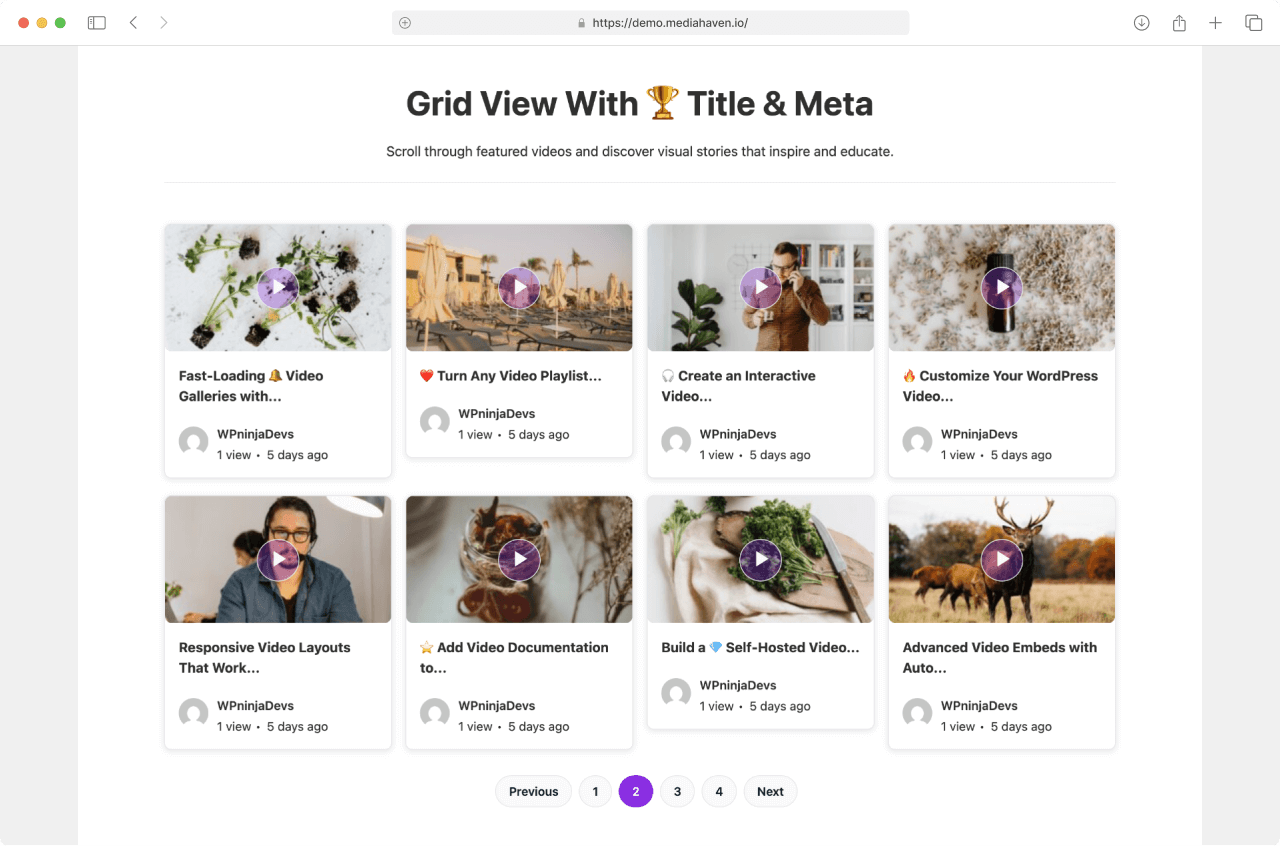
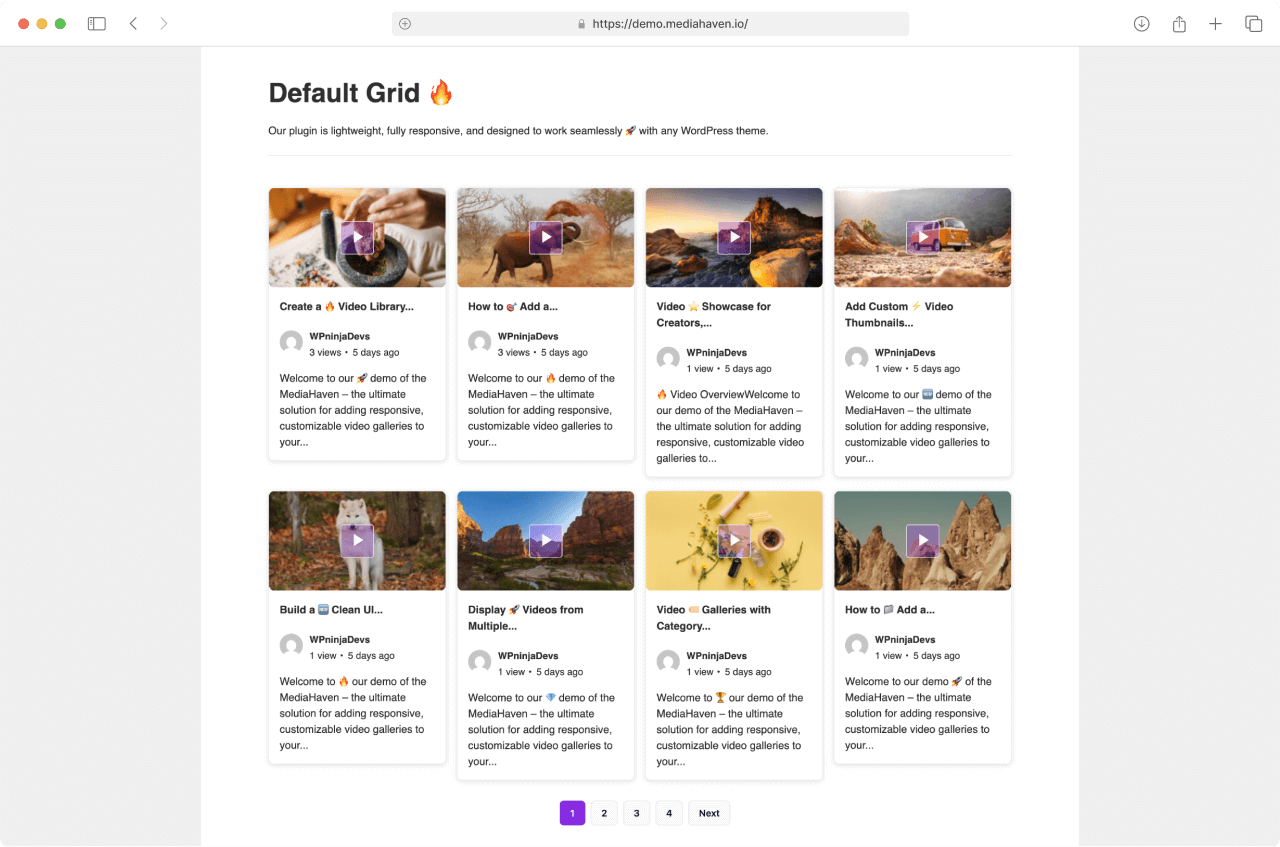
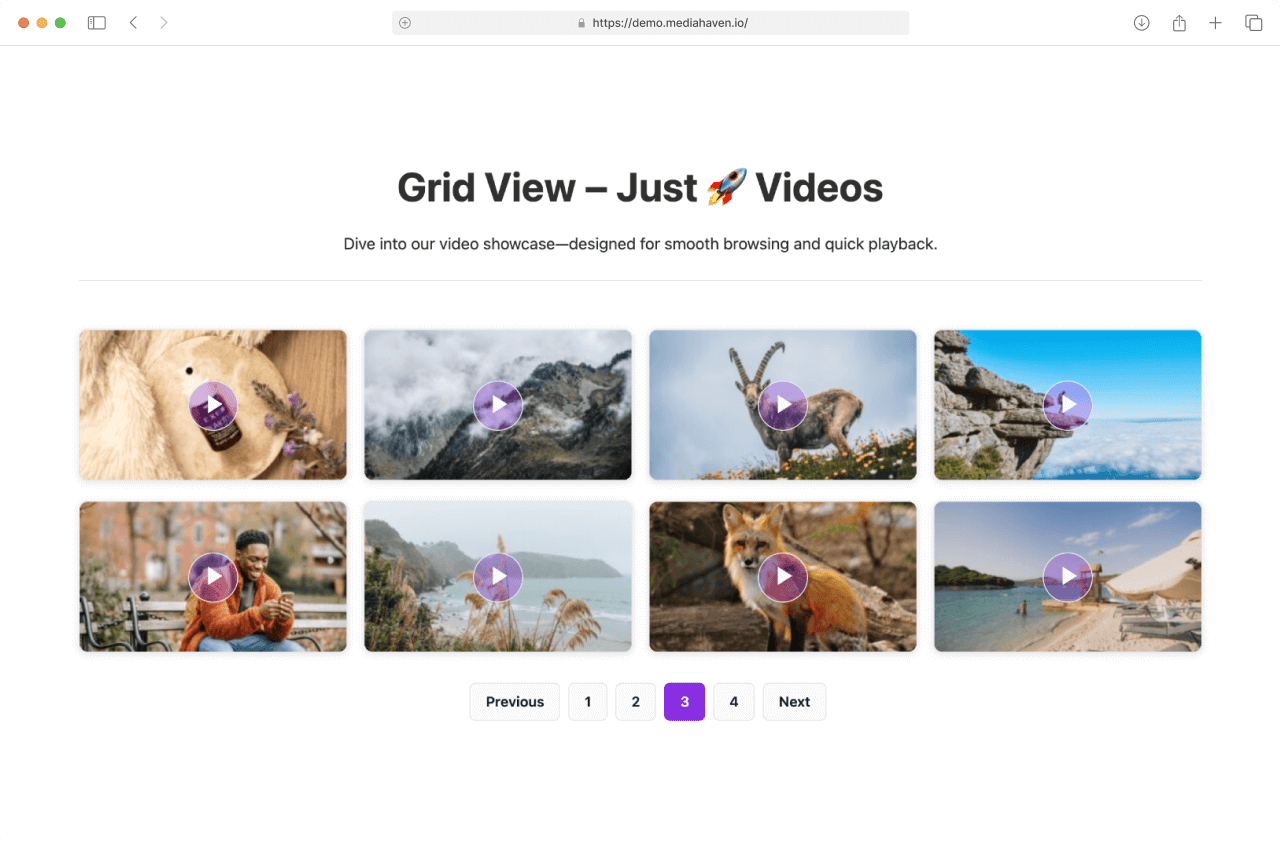
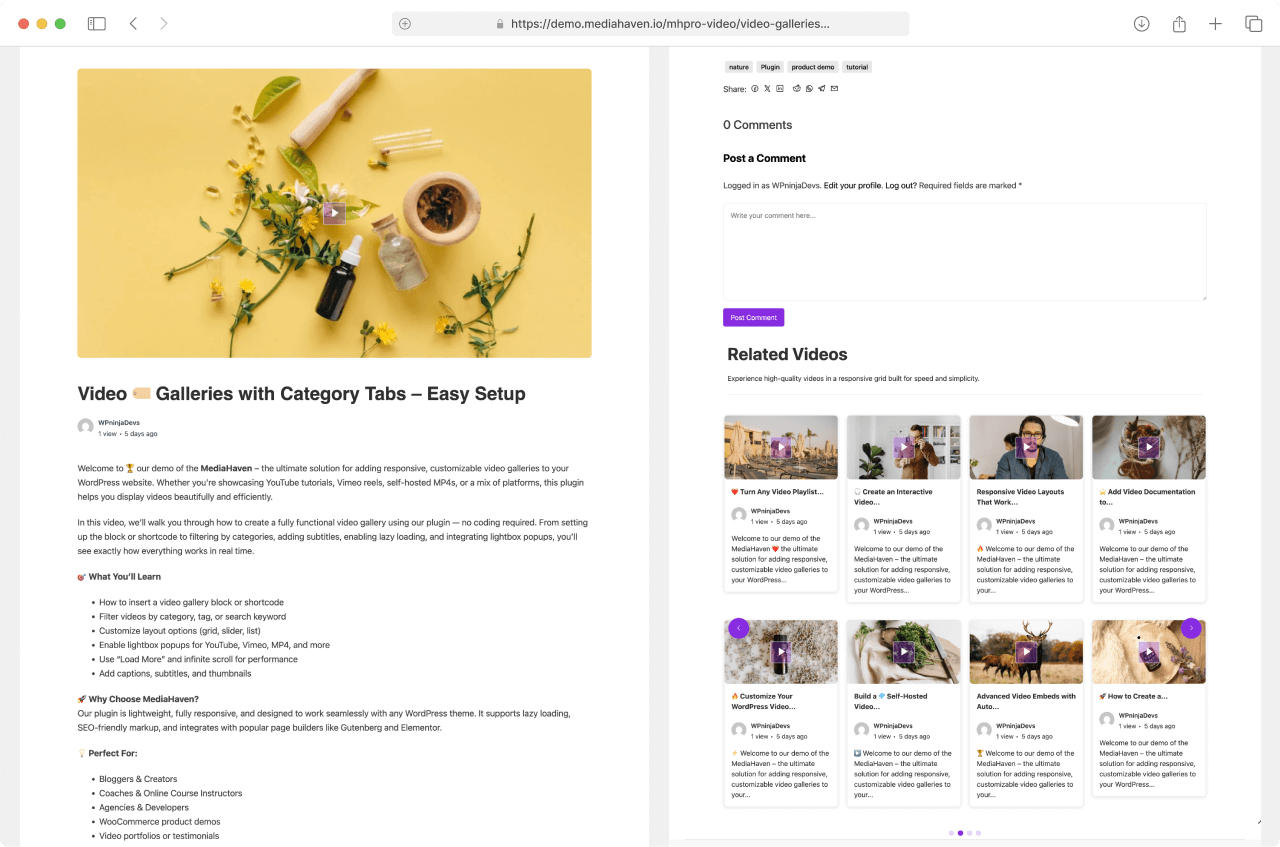
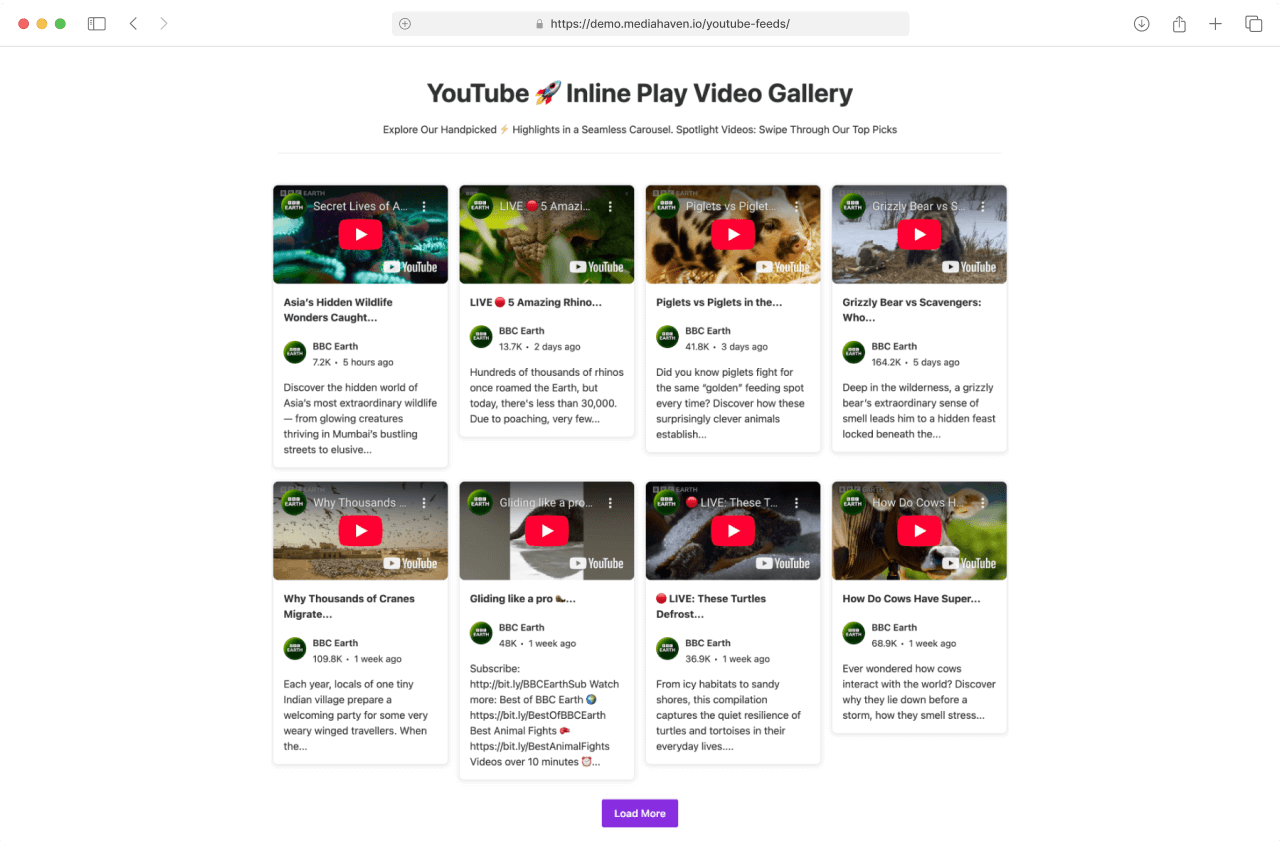
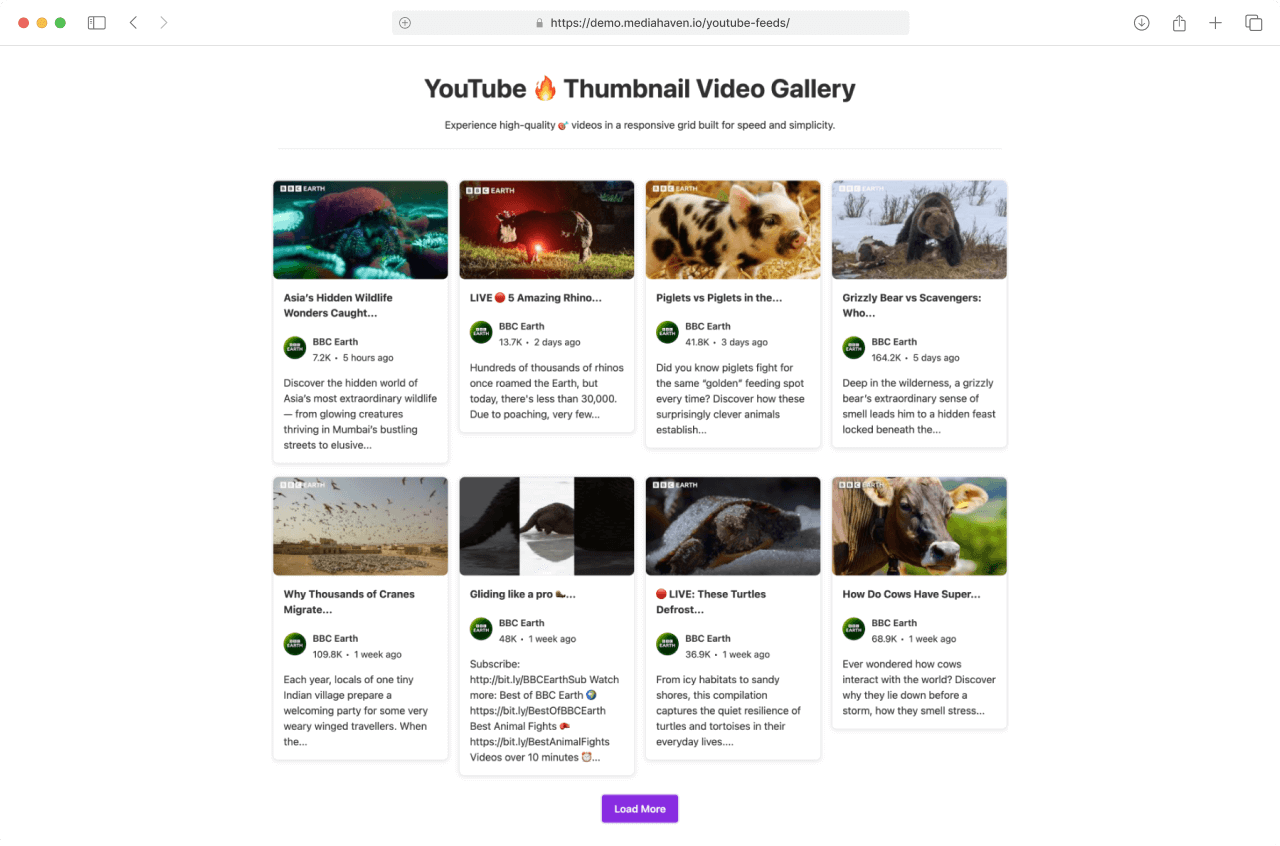
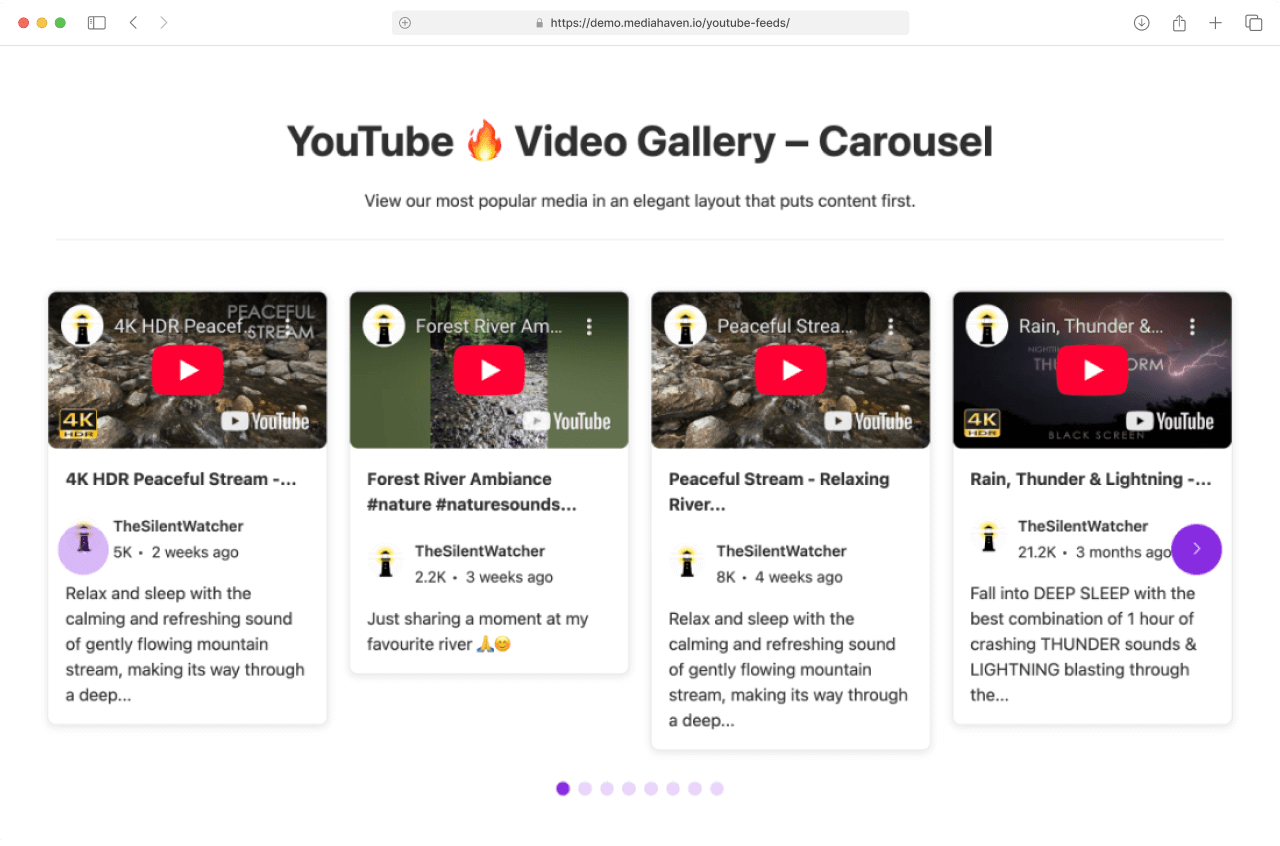
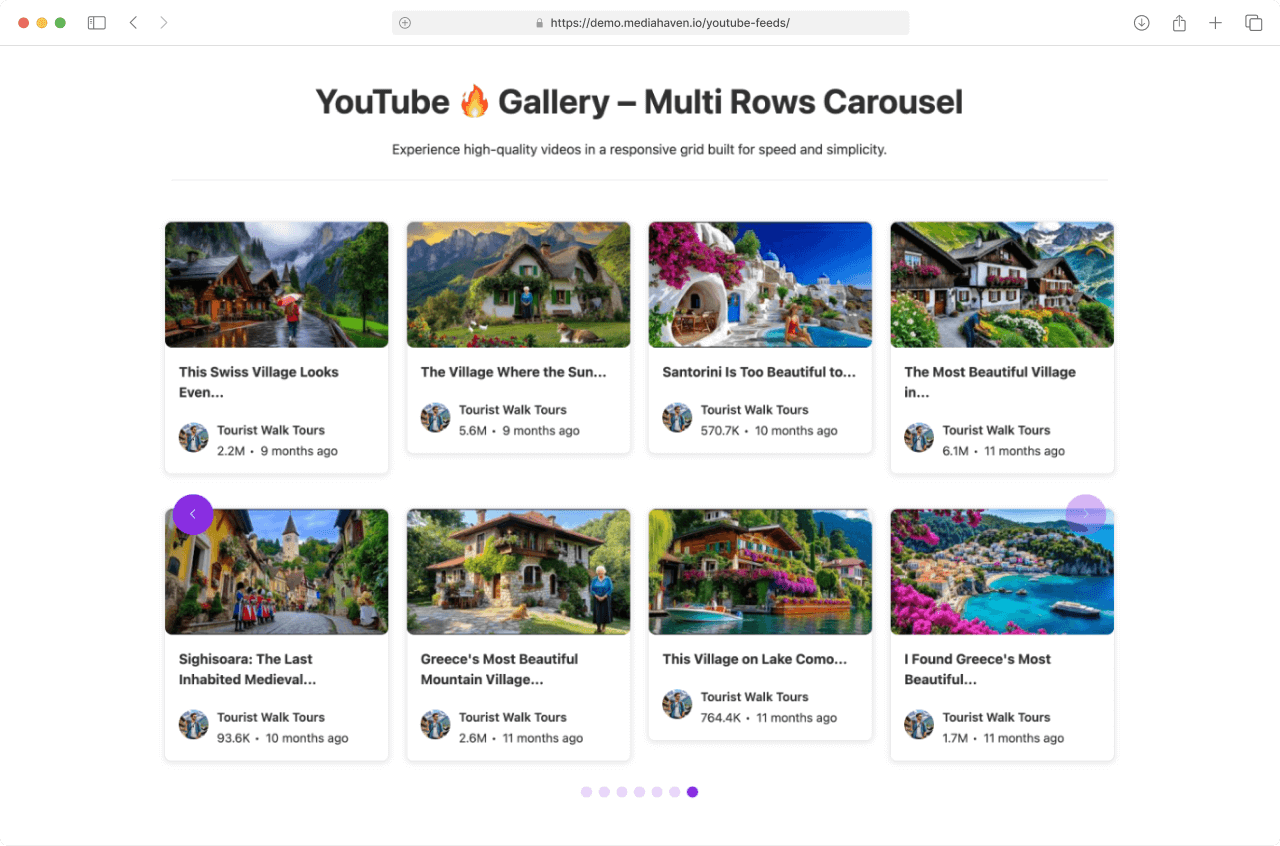
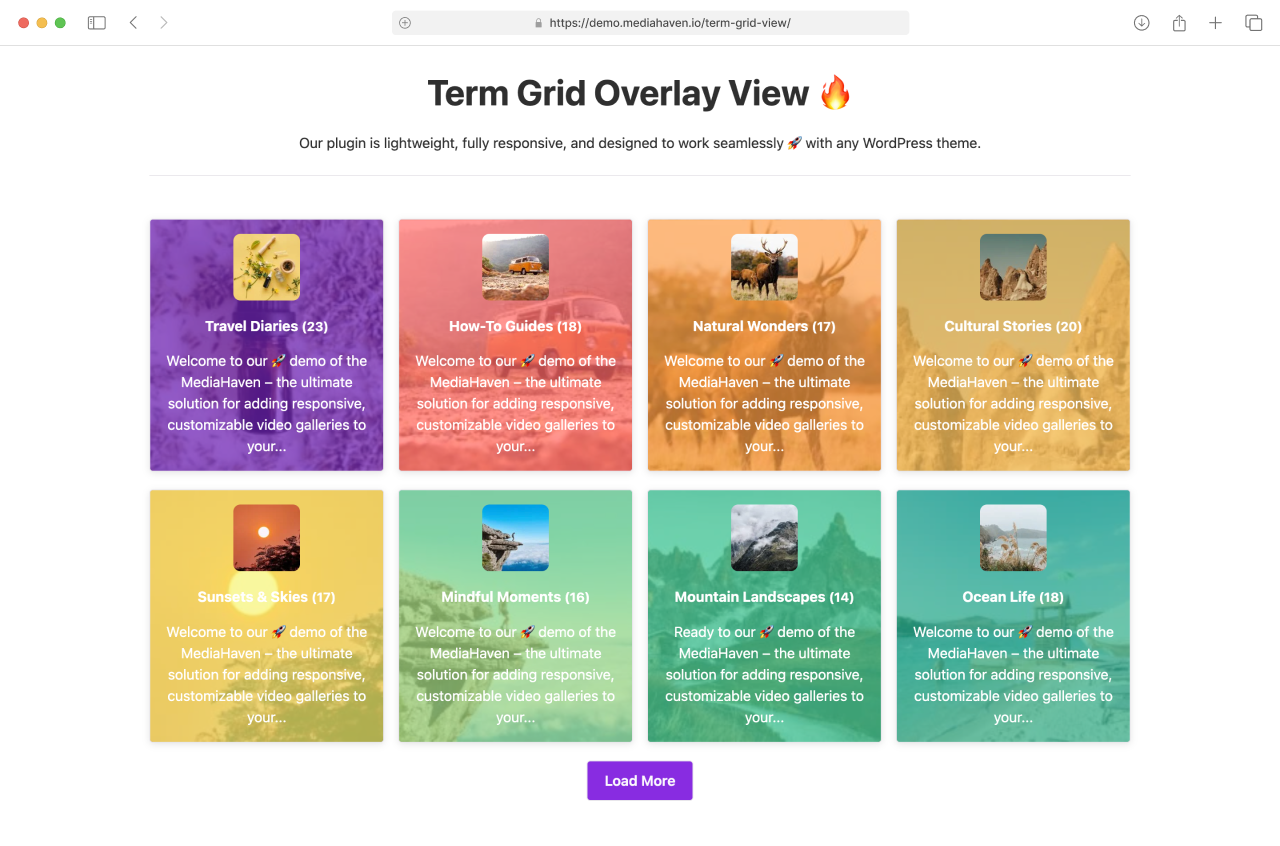
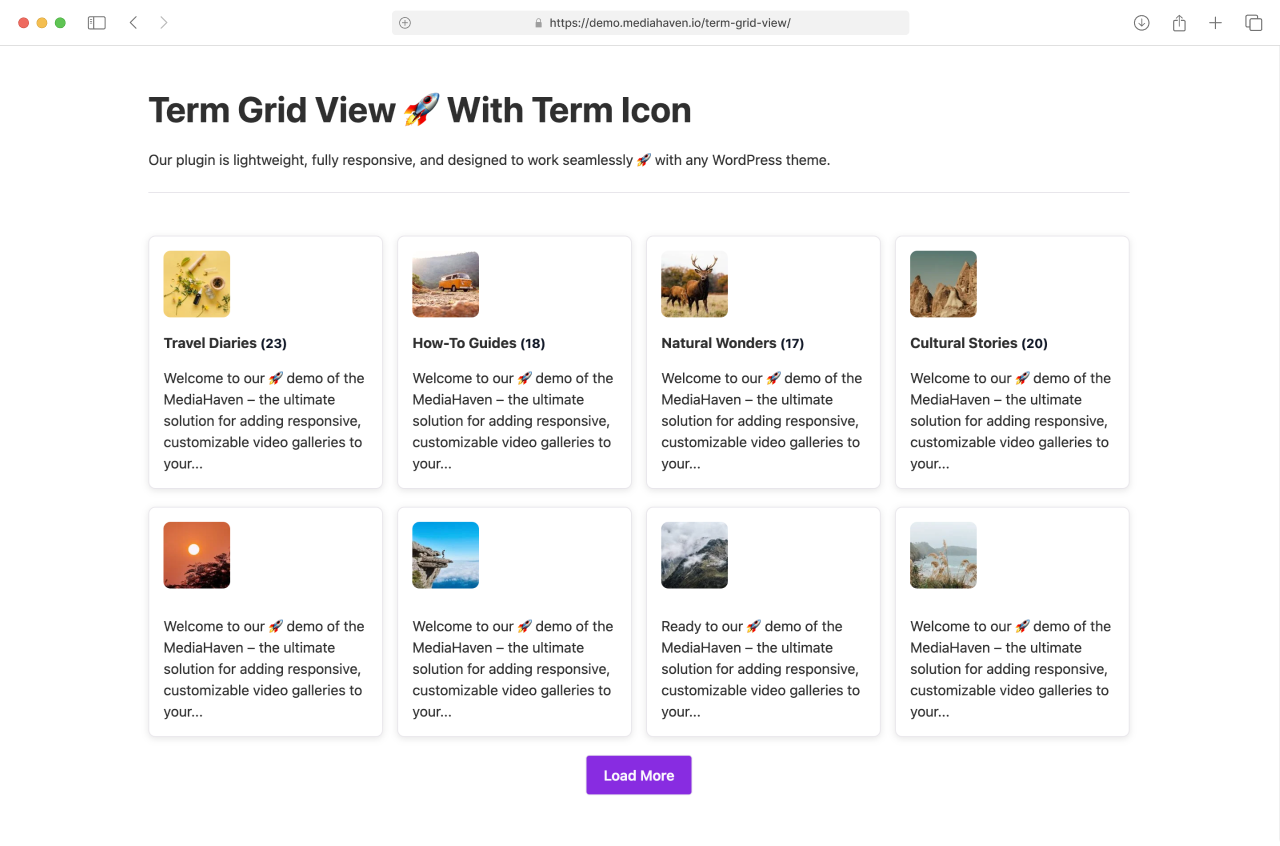
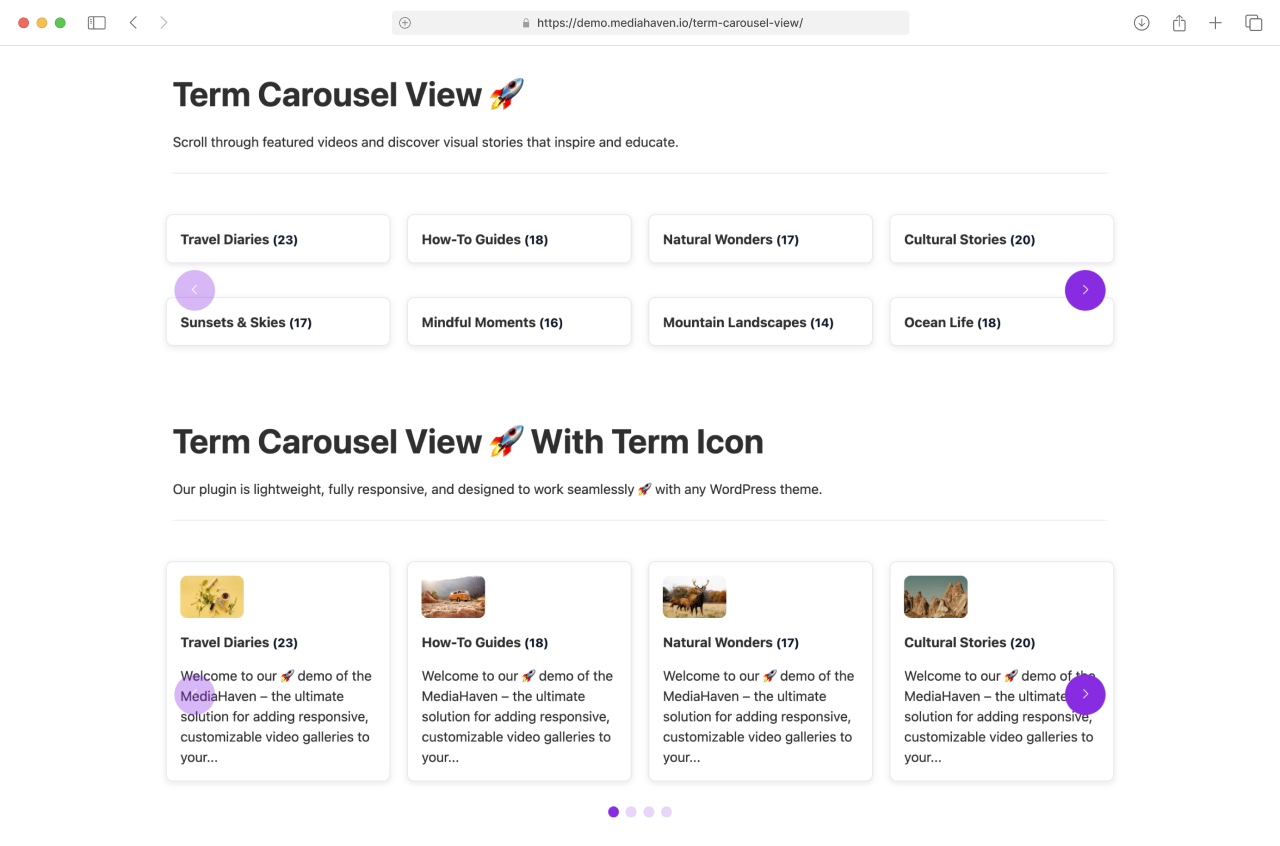
???? Display a responsive video gallery with YouTube Feed, Vimeo, external or self-hosted videos. Supports grid, carousel, slider.
MediaHaven supports video subtitles for improved accessibility and SEO. Basic single-language subtitle support is available in the free version.
Turn your WooCommerce product gallery into an interactive video shopping experience.
MediaHaven is built for the long term. We are continuously improving security, performance, scalability, and features — with a data structure designed to stay compatible with modern WordPress standards and future technologies.
If you find a bug, have a feature request, or just want to say hello — we would love to hear from you ???? assist.wpninjadevs@gmail.com
MediaHaven integrates with Bunny.net for video hosting, streaming, and CDN delivery. If you sign up through one of our Bunny.net referral links, we may earn a commission at no additional cost to you. This helps support the continued development of MediaHaven.
Is MediaHaven free? What do I get with the Pro version?
MediaHaven Lite is completely free and includes powerful features to get you started — including automatic secure HLS video streaming, Bunny Stream CDN, YouTube & TikTok feeds, responsive gallery layouts, AJAX load more, video view counter, like/dislike system, and more.
The Pro version unlocks advanced features including:
– Bunny Storage — offload ALL media to Bunny Cloud CDN
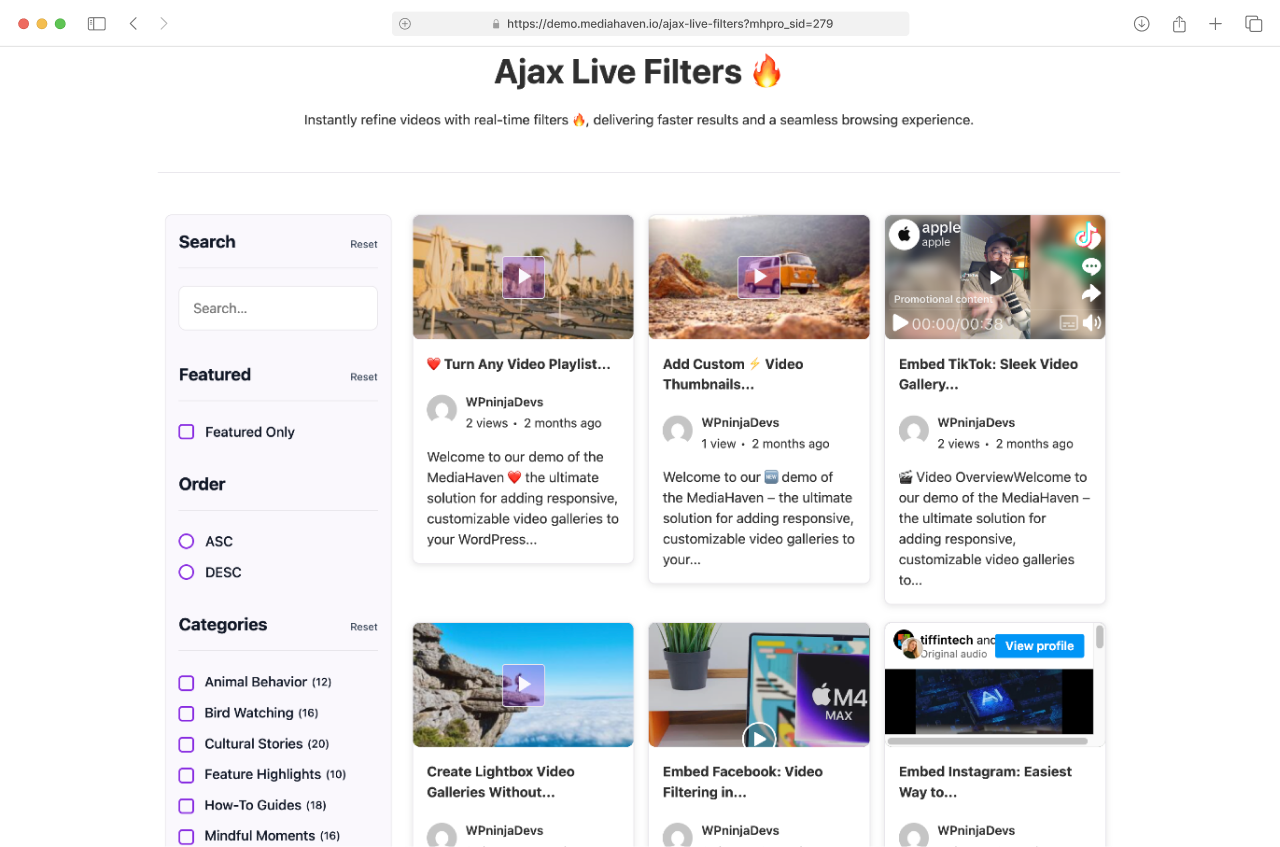
– Ajax Live Filter with search, category, tag, and duration filtering
– Drag & Drop layout builder for video cards and single pages
– Shoppable video with VAST ads for self-hosted content
– Interactive video chapters
– Dynamic subtitles with multi-language support
– Custom player styles — colors, controls, progress bar
– WebP image conversion
– Priority support
👉 See all Pro features and upgrade
Can I add videos to my WooCommerce product gallery?
Yes! MediaHaven Pro lets you replace static WooCommerce product images with engaging videos or display videos alongside existing gallery images.
You can also:
- Display videos inside the native WooCommerce gallery
- Replace featured product images with videos
- Assign different video galleries to different products
- Display galleries before or after the product summary
- Add videos inside custom WooCommerce hooks
- Turn product videos into interactive shoppable experiences
Perfect for:
- Product demonstrations
- Installation guides
- Unboxing videos
- Customer testimonials
- Product comparisons
- Fashion lookbooks
Explore both MediaHaven Lite and MediaHaven Pro features on a live WooCommerce product page.
👉 View Live WooCommerce Demo
Can I embed YouTube, Vimeo and self-hosted videos?
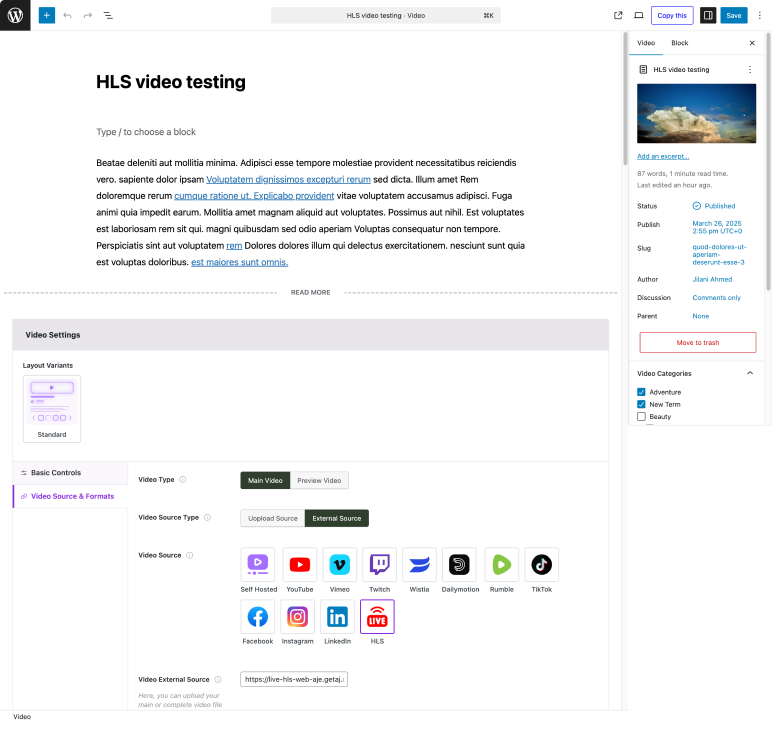
Absolutely. MediaHaven supports embedding videos from YouTube, Vimeo, TikTok, Twitch, Wistia, Dailymotion, Rumble, Facebook, Instagram, LinkedIn, and self-hosted HLS streams.
Self-hosted videos support all major formats including MP4, WebM,
MOV, MKV, AVI, and HLS / M3U8 streams.
👉 Take a look at the demo
Can I display YouTube videos using my Channel ID or Playlist ID?
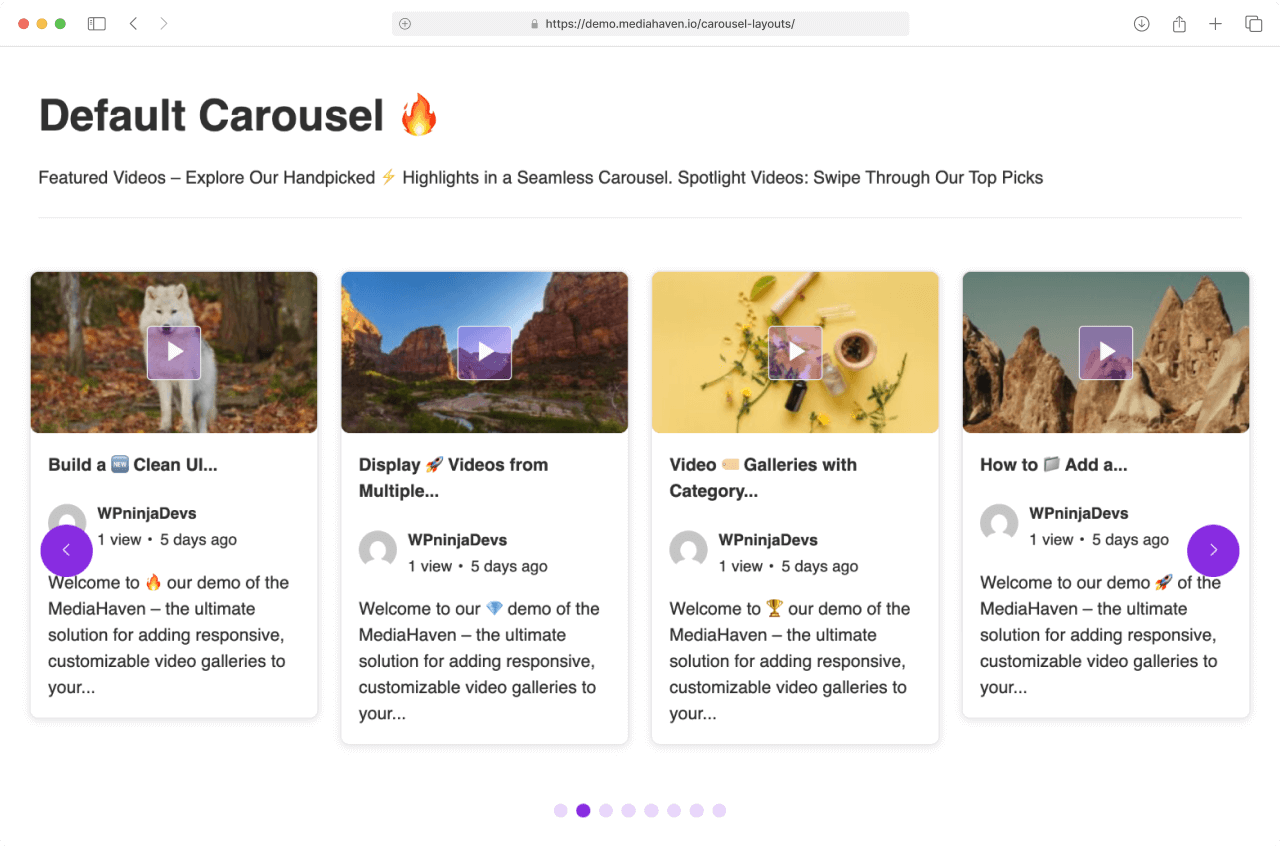
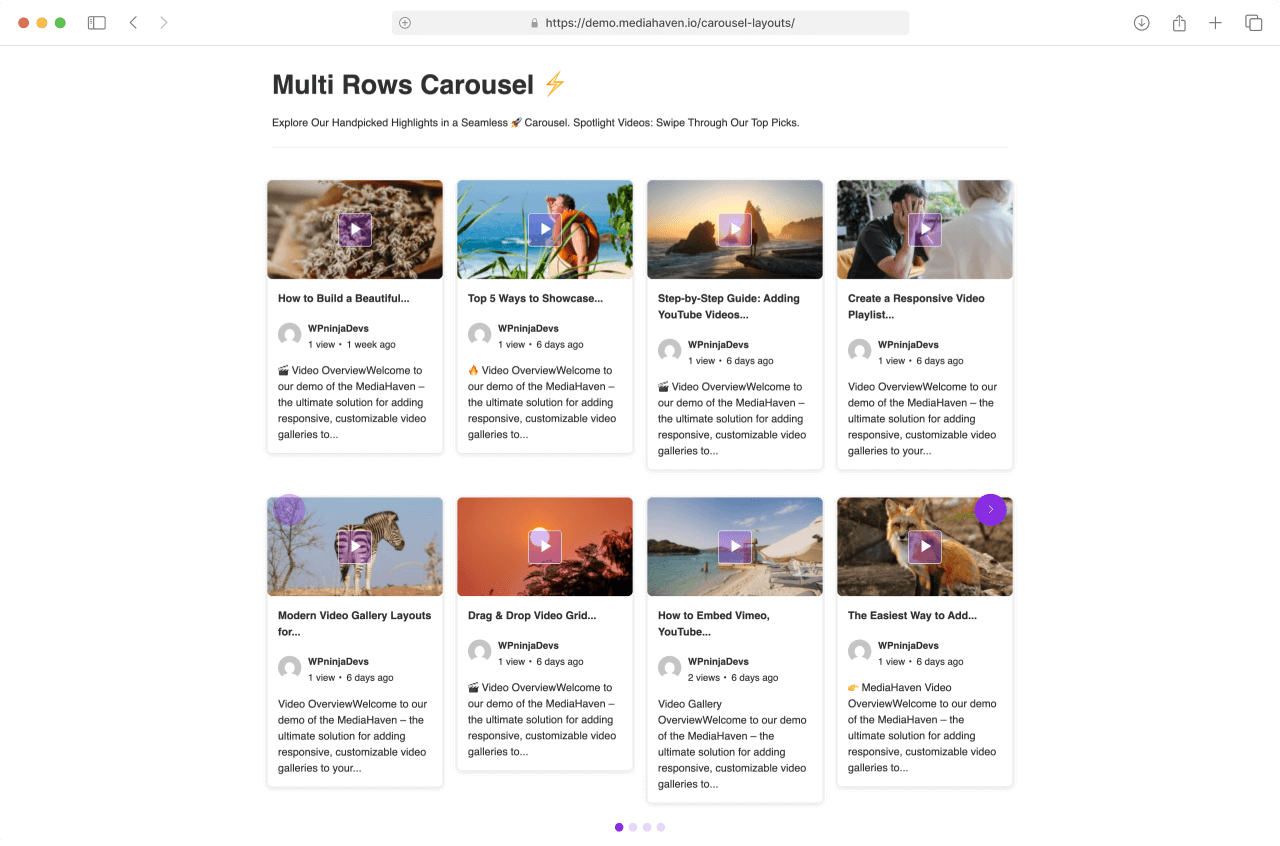
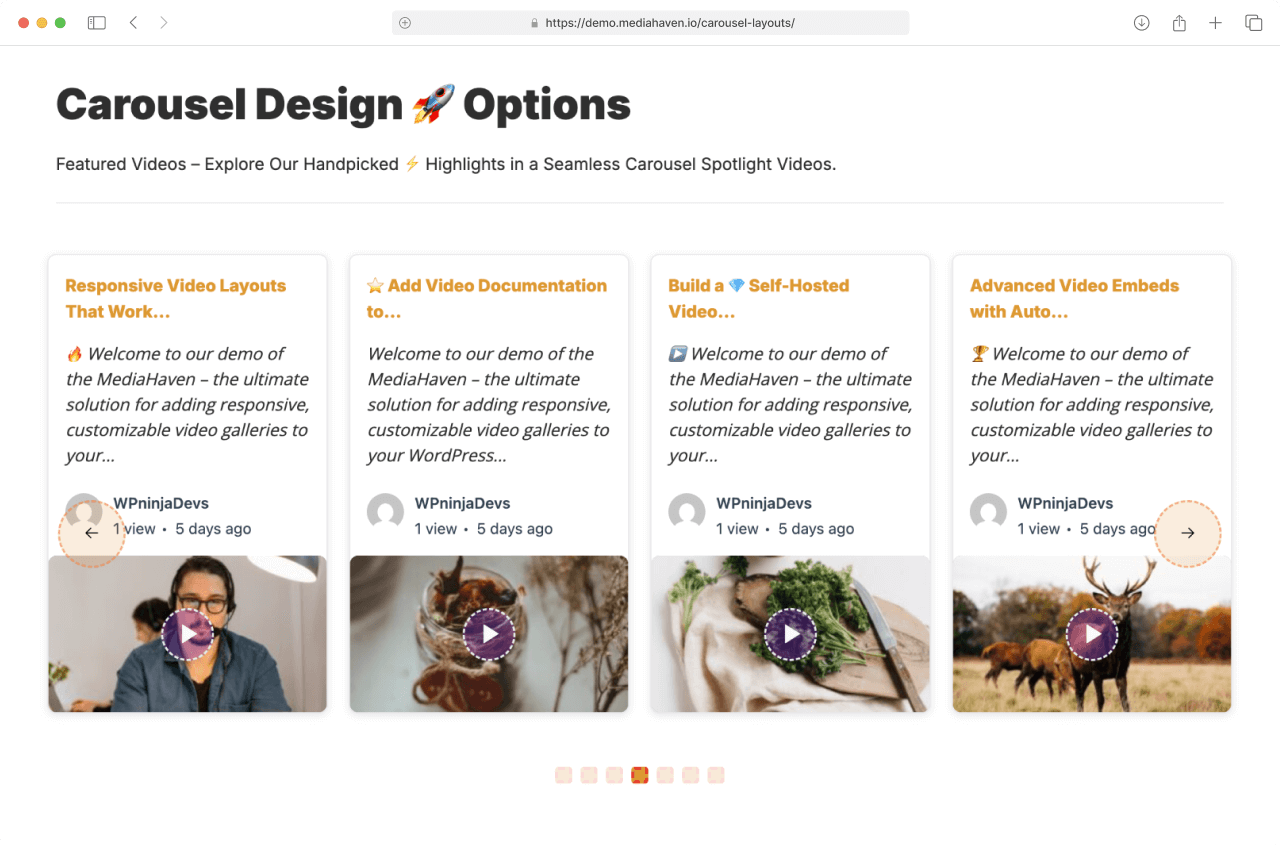
Absolutely! You can effortlessly showcase unlimited YouTube videos from any Channel ID or Playlist ID. Enhance your display with creator avatars, likes, and view counts — all beautifully arranged in responsive Grid, Carousel, or Multi-row Carousel layouts.
For even more flexibility, you can load unlimited videos with a “Load More” button. The feed is lightning fast and smartly cached to reduce YouTube API usage.
Plus, you can add multiple YouTube API keys — the plugin will rotate them automatically to help avoid hitting usage limits.
👉 Take a look at the demo
Does MediaHaven automatically convert my videos to HLS format?
Yes — and this is one of MediaHaven’s most powerful free features.
When you connect Bunny Stream and click Sync on any video, it is automatically converted to secure HLS (HTTP Live Streaming) format on Bunny Stream — no manual encoding or extra tools needed. You stay in full control of which videos get synced and when.
This means:
– 📶 Adaptive bitrate — video quality adjusts automatically to the viewer’s internet speed, even on slow 3G connections
– 🔒 Encrypted delivery — videos can’t be hotlinked, scraped, or downloaded directly
– 📱 Universal playback — works on every device and browser without plugins
– ⚡ Zero buffering — smooth playback for every viewer regardless of connection speed
No manual encoding, no extra tools — just hit Sync and it converts automatically. Completely free.
How do I set up Bunny Stream for video CDN delivery?
Setting up Bunny Stream with MediaHaven takes about 10 minutes and requires no technical experience.
- Create a free account at bunny.net
- Create a Stream Library and copy your API Key, Library ID, and CDN Hostname
- Enable Token Authentication in your Bunny Stream library
- Go to MediaHaven → Settings → Storage & CDN
- Select CDN under Serve From
- Select Bunny Stream as your Storage Provider
- Enter your Bunny Stream credentials and enable Secure Stream Playback
- Save Settings, upload a test video, then click Sync to push it to Bunny Stream or Storage
👉 Full setup guide
What is Bunny Storage and how is it different from Bunny Stream?
Both are part of the Bunny.net CDN platform but serve different purposes:
Bunny Stream (Free)
– Handles video files only
– Automatically converts videos to secure HLS format
– Adaptive bitrate streaming built in
– Best for video-heavy WordPress sites
Bunny Storage (Pro)
– Offloads ALL media files — images, audio, documents, and videos
– No automatic HLS conversion — files served as-is from CDN
– Best for sites that want to offload their entire media library
– Dramatically reduces server storage costs
👉 Upgrade to Pro for Bunny Storage
Can I offload all my WordPress media files to Bunny Cloud?
Yes — with the Pro version and Bunny Storage integration.
Once connected, every media file you upload and hit sync — images, audio, documents, and videos — is automatically offloaded to Bunny’s global CDN. Your hosting server no longer stores or serves any media files, which means:
💰 Lower hosting costs — no more paying for growing server storage
🌍 Faster delivery globally — CDN serves files from the nearest location to each visitor
🚀 Better Core Web Vitals — faster media = higher Google rankings
🛡️ Secure delivery — token authentication protects all file types
👉 Upgrade to Pro
Can I use MediaHaven for shoppable video on my WooCommerce store?
Yes! With MediaHaven Pro’s VAST ad and overlay system, you can turn any self-hosted product video into a shoppable video experience — similar to TikTok Shop and Instagram Shopping, built directly into WordPress.
You can display:
– 🛍️ Clickable product cards inside videos
– 📣 Promotional banners with discount codes
– 🔗 Direct add-to-cart or product page links
– 💥 Timed CTAs that appear at the perfect moment in the video
Works with WooCommerce, FluentCart, SureCart, and any WordPress eCommerce platform.
⚠️ Important: Shoppable video and VAST ads work with
self-hosted videos only — including MP4, WebM, MOV, MKV,
AVI, HLS streams, and Bunny Stream videos. They are not
available for YouTube, TikTok, Vimeo, or other externally
embedded platform videos, as those platforms control their
own player and ad systems.
👉 Live Demo
Can I add video chapters to my videos?
Yes — with MediaHaven Pro. Interactive Video Chapters let you divide any self-hosted or HLS video into structured, clickable sections. Viewers can jump to any chapter instantly — perfect for:
- 🎓 Online course modules and tutorials
- 📋 Long-form training and webinar recordings
- 🎬 Product demos with multiple sections
- 📰 Documentary or interview content
Chapters improve viewer engagement, watch time, and make your content more discoverable in search results.
👉 Live Demo
Can I add subtitles to my videos?
Yes — with MediaHaven Pro. Dynamic Video Subtitles let you add precise, timed subtitles to any video with full multi-language support.
Benefits include:
– ♿ Accessibility — WCAG-compliant for hearing-impaired viewers
– 🌍 Global reach — support multiple languages for international audiences
– 🔍 SEO boost — subtitle content is indexed by search engines
– 📈 Higher engagement — studies show subtitles increase average watch time significantly
👉 Live Demo
Does MediaHaven support live video streaming?
Yes! MediaHaven supports live video streaming in M3U8 / HLS format. Simply add your live stream URL as the video source and it will play directly in the MediaHaven player — no third-party embed required.
Perfect for:
– Live webinars and events
– Live course broadcasts
– Live sports or event coverage
– Live gaming streams via your own server
Can I filter and search videos without page reloads?
Yes — with the Ajax Live Filter (Pro). Visitors can instantly search and filter your entire video library without any page reloads, using:
🔍 Live search as you type
🏷️ Filter by category, tag, author, duration, resolution
⭐ Filter by featured videos
📄 Pagination — numbered, Load More, or Infinite Scroll
🔗 SEO-friendly filter URLs for better search visibility
👉 Live Demo
How fast is the MediaHaven video gallery plugin?
MediaHaven was built from the ground up with performance in mind:
- Bunny Stream CDN — videos served from the nearest global edge location to each viewer
- Smart asset loading — plugin CSS and JS load only on pages where galleries exist
- Built-in lazy loading — images, videos, and iframes load only when they enter the viewport
- Smart caching — YouTube API data cached locally to reduce requests
- Built-in image optimizer — automatic compression and thumbnail optimization built in. WebP conversion available in Pro.
- Clean optimized code — no bloat, no unnecessary requests
Is the plugin compatible with popular page builders?
Yes! MediaHaven works seamlessly with all major page builders:
Elementor, WPBakery, Divi Builder, Beaver Builder, Gutenberg, Bricks Builder, and more.
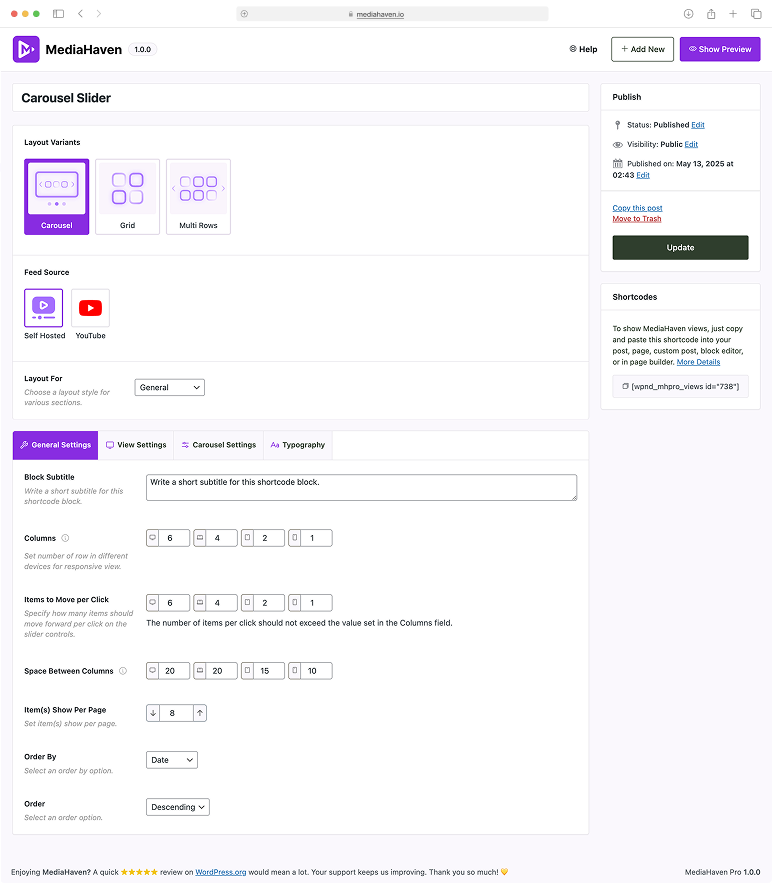
Simply create your gallery using the Shortcode Builder, then insert the generated shortcode into any page builder’s shortcode or text widget — no coding required.
Can I export and import my video galleries?
Yes. MediaHaven includes built-in Export & Import tools supporting both JSON and CSV formats — making it easy to:
- Migrate galleries between WordPress sites
- Back up your entire video library configuration
- Duplicate gallery setups across multiple projects
- Bulk import large video libraries quickly
What does “Seamless Image Optimization Built In” mean?
MediaHaven automatically optimizes all video thumbnail images behind the scenes — no extra plugins or manual steps needed.
With the Pro version, the plugin can also automatically convert all thumbnails to the modern WebP format, which reduces file sizes by up to 35% without any quality loss — giving your site an additional speed and SEO boost.
🚀 Result: Faster page loads, improved Core Web Vitals, better SEO scores, and a smoother user experience — all handled automatically.
How many video galleries can I create?
Unlimited — there are no restrictions on the number of galleries you can create.
Each gallery can have its own layout, video source, styling, and shortcode. Create one gallery or a hundred — the plugin handles it all without any performance impact thanks to smart asset loading.
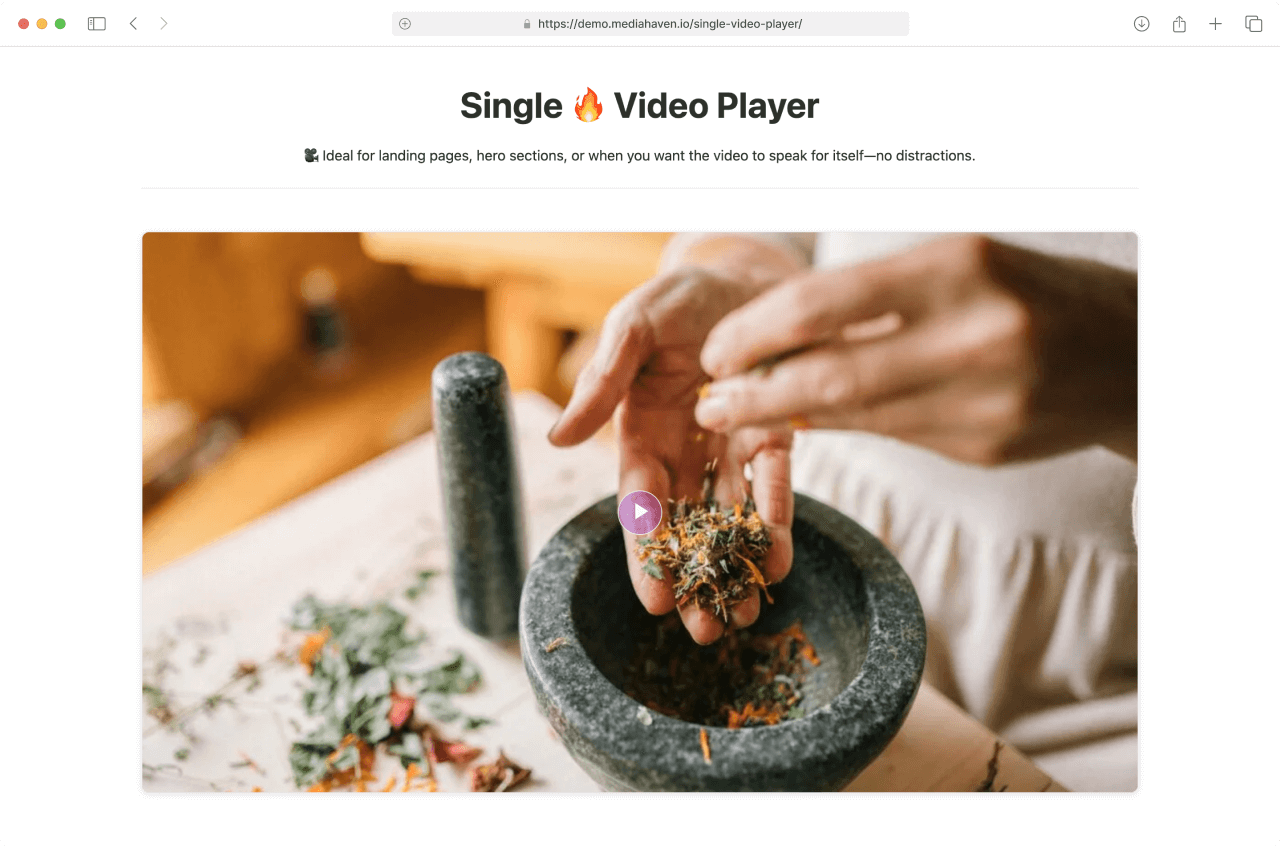
Can I display a single video without title, description, or metadata?
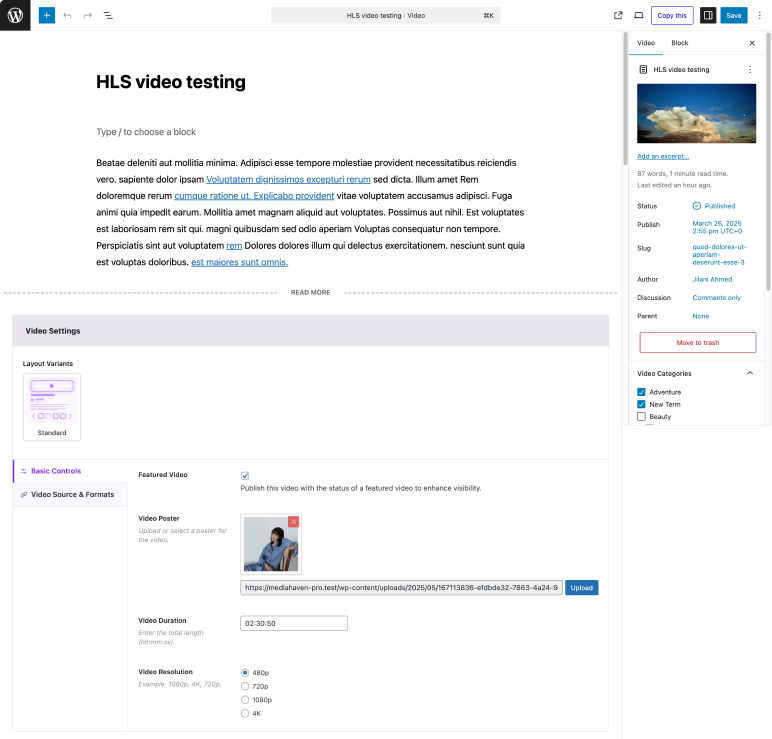
Yes, absolutely. Use the built-in display options to toggle off any elements — title, description, publish date, meta, author — showing only the video itself.
👉 Take a look at the demo
🎥 Perfect for landing pages, hero sections, or anywhere you want the video to speak for itself without distractions.
Can I customize the video player to match my brand?
Yes — with MediaHaven Pro. You have full control over every visual aspect of the player:
🎨 Custom colors for play button, control bar, volume, and progress bar
🖱️ Drag & drop video card layout — arrange media, title, meta, and description sections in any order
🔤 Google Fonts support with full typography controls
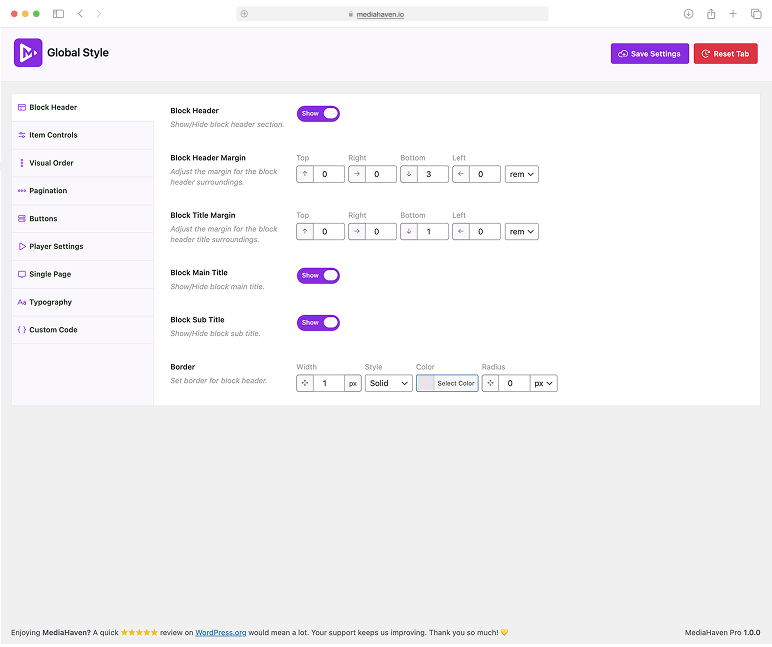
🎨 Per-shortcode and global style overrides
No coding needed — everything is point, click, and style.
How do I create a YouTube API Key via Google Cloud?
To use YouTube feeds in this plugin, you’ll need a free YouTube Data API v3 key:
- Go to Google Cloud Console
- Click “Select a project” → create a new one or use existing
- Go to APIs & Services → Library
- Search for “YouTube Data API v3” → click Enable
- Go to APIs & Services → Credentials
- Click + Create Credentials → select API key
- Copy your generated key
Paste it into MediaHaven → Settings → API Settings under YouTube API Key.
👉 Full YouTube API setup guide
Are YouTube channel videos cached for faster loading?
Yes. The plugin stores a local copy of all YouTube API data, so video information loads instantly on repeat visits — reducing API requests and keeping your gallery fast even with large YouTube channel feeds.
You can also add multiple YouTube API keys and the plugin will rotate them automatically to avoid hitting usage limits.
Can I display multiple galleries on the same page?
Yes. You can display as many galleries as you need on a single page — each with different layouts, sources, and styles. Each gallery gets its own unique shortcode ID.
Thanks to smart asset loading, adding multiple galleries does not impact page performance.
Will my video galleries work on mobile devices?
Yes — all layouts are fully responsive and optimized for every screen size. Galleries automatically adapt to desktop, tablet, and mobile — with touch-friendly carousel navigation and fluid grid layouts.
Is there a Gutenberg block available?
Yes. MediaHaven includes a dynamic Shortcode View Gutenberg block with live preview — fully compatible with block-based themes and the full site editor. All plugin features and templates work seamlessly inside the Gutenberg block editor.
What is MediaHaven and who is it for?
MediaHaven is a high-performance WordPress video gallery plugin built for speed, security, and scalability. It combines automatic HLS video streaming, Bunny Cloud CDN offloading, and a powerful gallery builder supporting YouTube, TikTok, Vimeo, and 10+ video sources.
It is perfect for:
– Course creators & educators — secure HLS video, chapters, subtitles, and protected delivery
– WooCommerce & eCommerce stores — shoppable product videos with clickable CTAs and VAST ads
– Marketers & agencies — YouTube and TikTok feed galleries, Ajax filters, and video campaign tools
– YouTubers & content creators — channel feed galleries with real-time views, likes, and Load More
– Membership site owners — encrypted, non-downloadable video delivery with token authentication
– Podcasters with video — adaptive playback on every device and connection speed
– WordPress developers — clean code, Gutenberg block, shortcode builder, and full page builder support