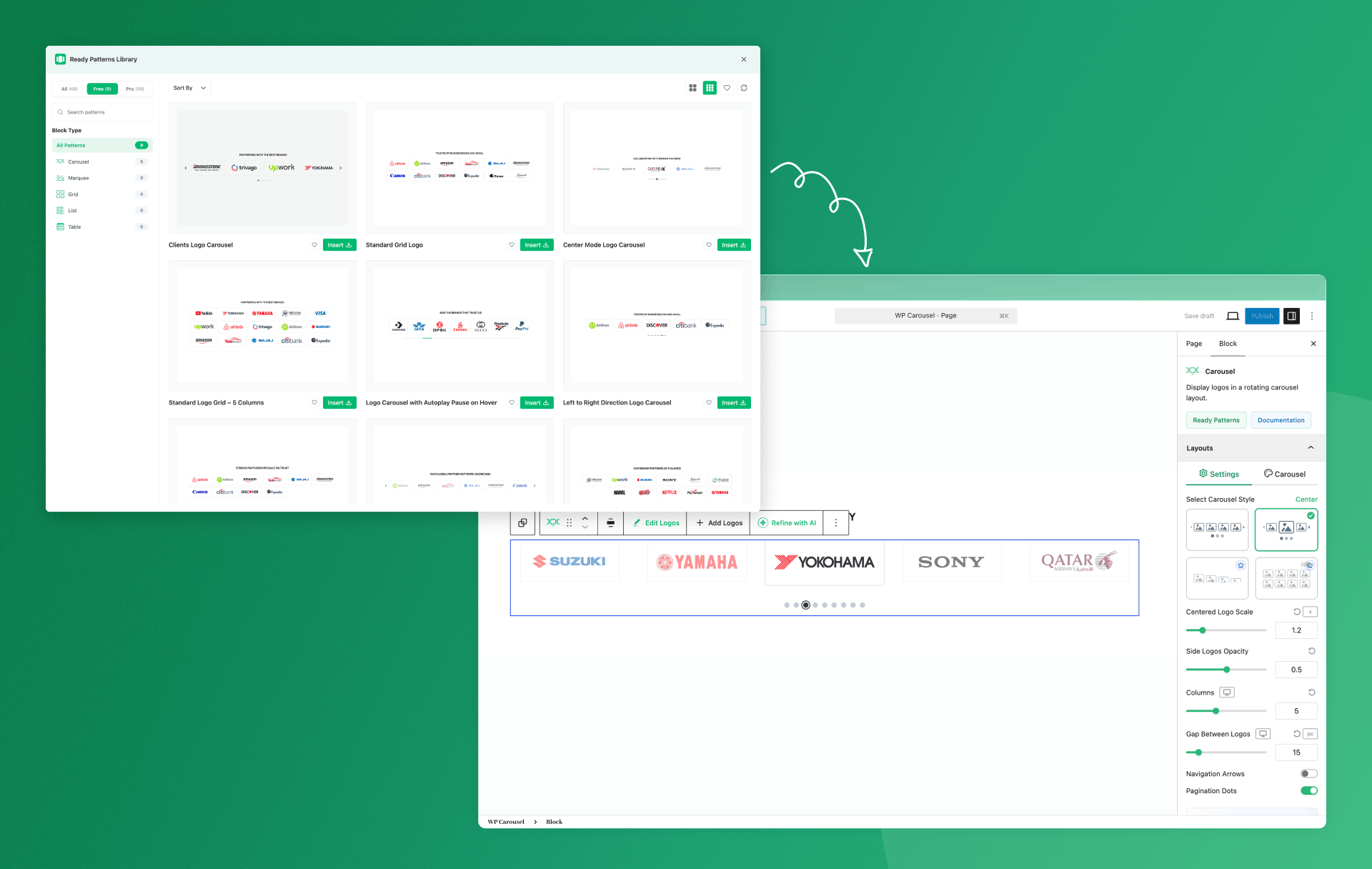
Logo Carousel is a logo showcase plugin for the WordPress block editor. Add the Carousel or Grid block from the Logo Carousel category, drop in your logos and style every detail — or start from a Ready Pattern, or describe the showcase you want and let the AI builder create it. Perfect for clients, sponsors, partners, affiliates, supporters and brand logos, with NO CODING knowledge required.
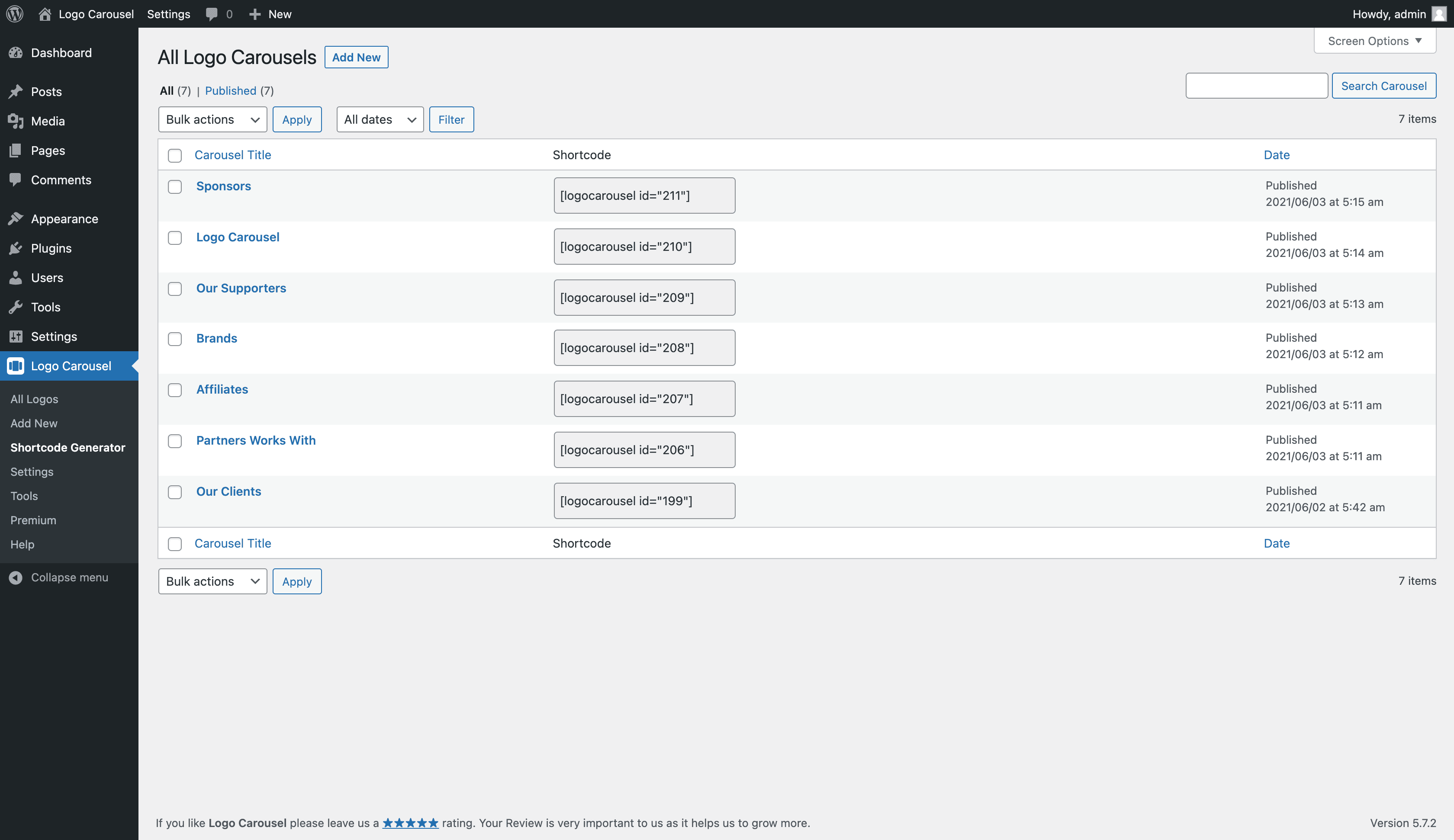
Version 4.0 is a complete rebuild around Gutenberg blocks. Your existing shortcodes ([logocarousel id="…"]), the classic Logo Carousel block and the Elementor widget keep working exactly as before.
Carousel block – Standard and Center styles with autoplay, speed, pause on hover, infinite loop, adaptive height, and free scroll. Navigation arrows with 12 icons and 9 positions, and 6 pagination styles (Dots, Dynamic, Ring, Dash, Scrollbar, and Numbers).
Grid block – Standard grid with responsive columns, gaps, and left or right alignment.
Marquee block (Pro) – A continuous, auto-scrolling marquee of partner, client, or brand logos.
List block (Pro) – Logos displayed vertically in a clean stacked list.
Table block (Pro) – Logos displayed in a structured table layout.
Pro also unlocks the Ticker, Staggered, and Multi Columns carousel styles, vertical and multi-row carousels, the Strip, Staggered, and Zigzag grid styles, and Ajax pagination (Numbers, Load More, and Infinite Scroll).
Key features
Fully responsive: columns, gaps, and visibility per device.
Upload logos or pick them from the Media Library, then edit the title, alt text, and image of each logo.
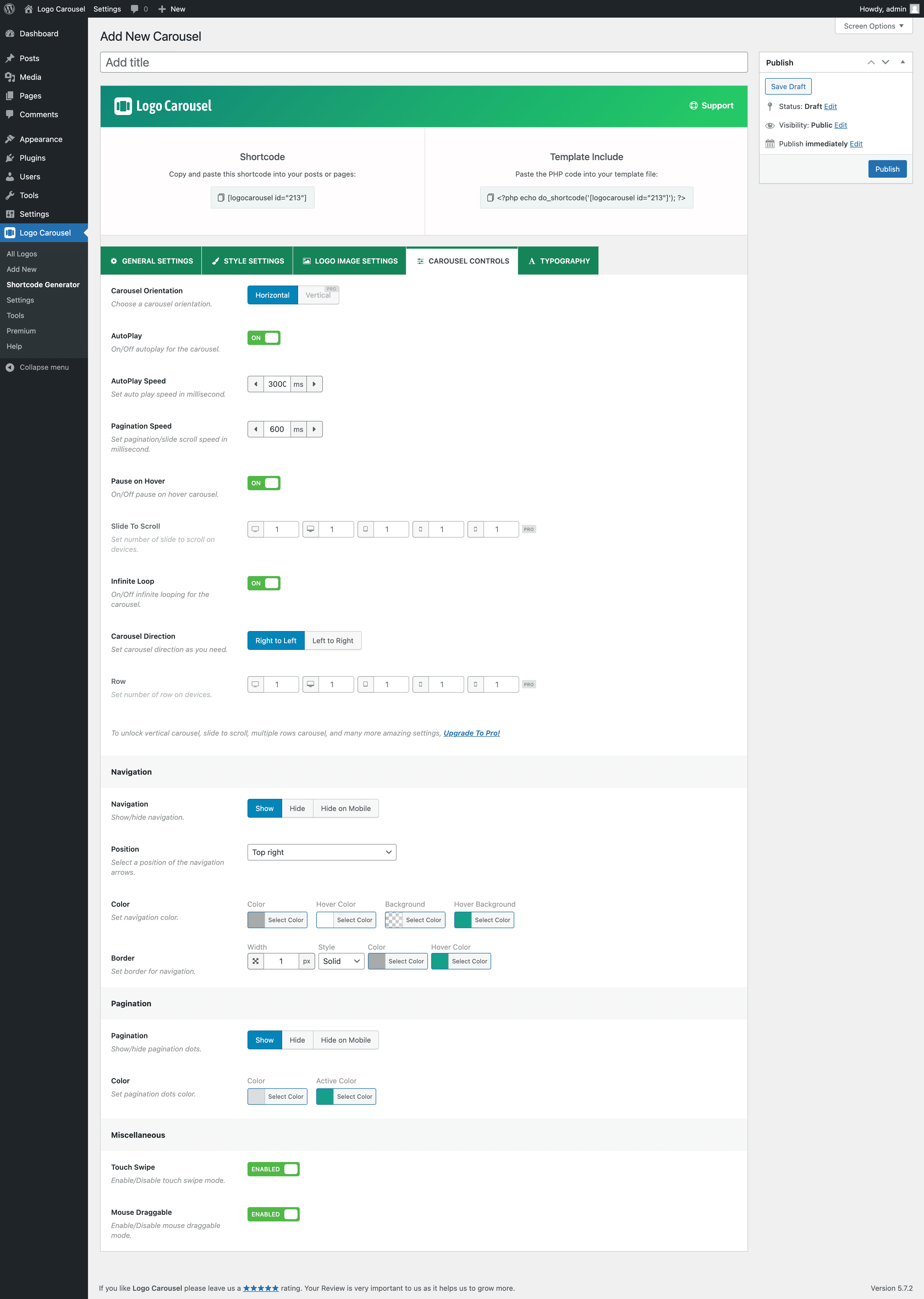
Carousel controls: autoplay, speed, pause on hover, infinite loop, adaptive height, keyboard, mousewheel, and free scroll.
12 navigation arrow icons with 9 positions, and 6 pagination styles, fully styleable.
Logo image settings: aspect ratio, size, and lazy loading.
SVG logo uploads.
Section background, spacing, responsive visibility, and custom CSS class.
Ready Patterns Library – insert pre-designed logo showcases in one click.
Create with AI – describe a logo showcase and the AI builder matches a pattern or builds the block (uses your own OpenAI, Groq, Anthropic, or Google Gemini API key, or a provider connected in WordPress; optional).
Saved Templates – save a showcase once and reuse it anywhere with the [lc_template] shortcode.
A modern dashboard to switch blocks and modules on or off, plus a setup wizard.
Import and export logos and logo carousels (JSON).
Custom CSS and JS, and FontAwesome/Swiper enqueue controls.
Translation ready, RTL ready, developer friendly, and SEO friendly.
Logo Carousel Pro
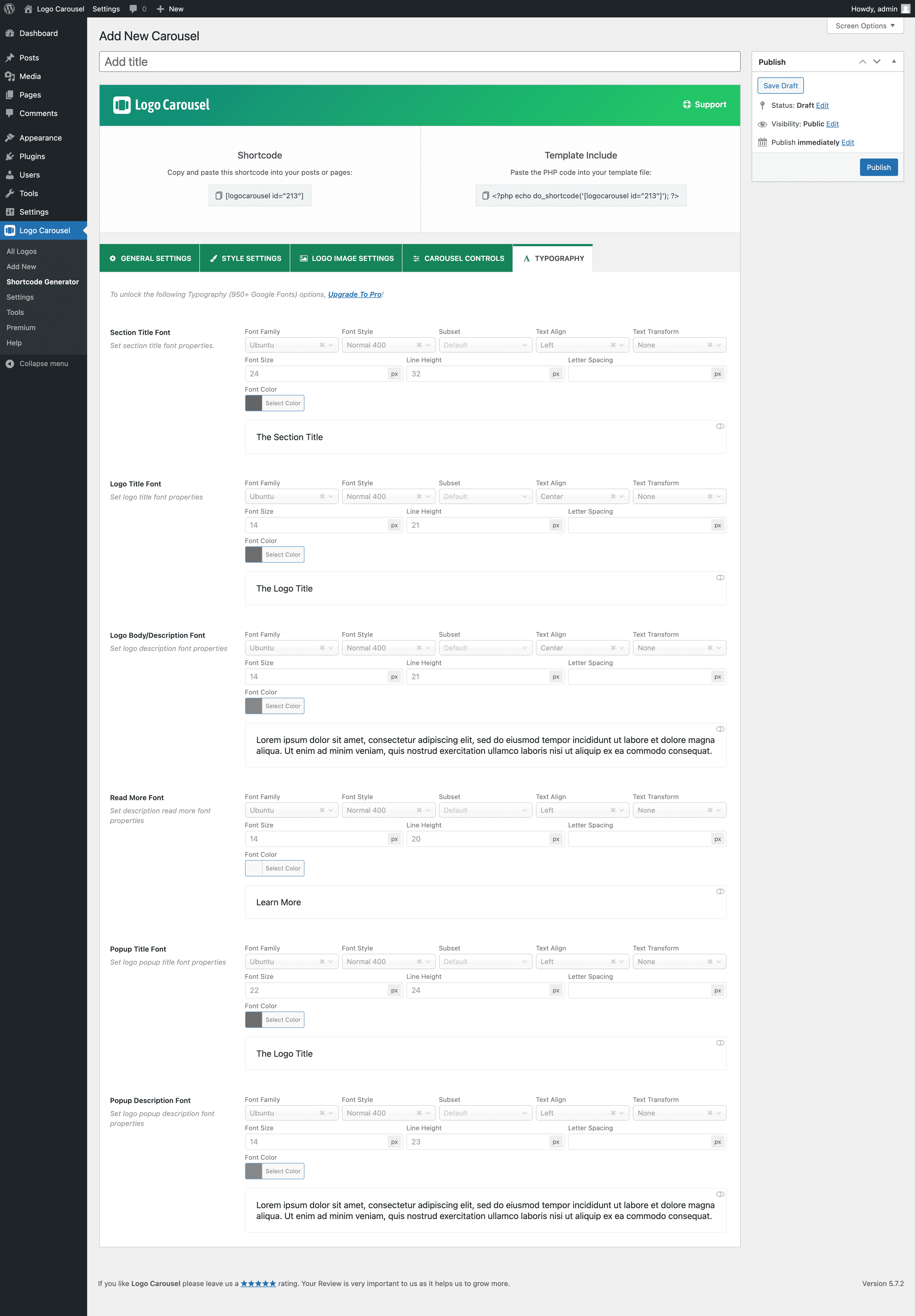
Need more? Logo Carousel Pro adds the List, Marquee, and Table blocks, logo titles, descriptions, and read more, tooltips, custom links or a details popup per logo, 40+ hover animations, image filters, overlays, Ajax Live Filter and Ajax Search, sliding effects, slide to scroll, Scheduling, Motion Effects, Glassmorphism backgrounds, Logo Analytics (impressions and clicks), and priority support. See the Lite vs Pro tab in the plugin dashboard for the full comparison.
For fast support, features request, and bug reporting
We are very responsive about support requests – so if you face a problem or find any bugs, post it in the support, and we will respond within 15 hours (except holidays).
Open any page or post in the block editor and add the Carousel or Grid block from the Logo Carousel category. Choose Ready Patterns, Build with AI, or Build from Scratch, add your logos, and customize the block from the settings sidebar.
Will my existing shortcodes still work after updating to version 4?
Yes. Your [logocarousel id="…"] shortcodes, the classic Logo Carousel block, and the Elementor widget keep working exactly as before. Your plugin settings are kept and now live in Logo Carousel > Settings.
Do I need coding skills to use Logo Carousel?
No. Everything is set up with visual controls in the block editor or the settings panel.
Do I need an API key to use Build with AI or Refine with AI?
Only for the AI features. Add your own OpenAI, Anthropic, Google Gemini, or Groq API key in the plugin settings, or use an AI provider already connected in WordPress. Ready Patterns and Build from Scratch work without any API key.
Can I use Logo Carousel with Elementor, Divi, or another page builder?
Yes. Save your logo showcase as a Saved Template and add it with the [lc_template id="xxx"] shortcode, or use the built-in integration for Elementor, Divi 4 and Divi 5, WPBakery, Beaver Builder, Bricks, or Oxygen.
Can I upload SVG logos?
Yes. SVG logos are uploaded securely, and administrators can turn SVG uploads on or off.
Can I use Logo Carousel as a client logo slider or logo gallery?
Yes. Use the Carousel block as a client logo slider, or the Grid block as a logo gallery that shows every logo at once.
How do I display brand logos or partner logos on my site?
To display logos on any page or post, add the Carousel or Grid block, choose your brand logos or partner logos from the Media Library, and publish. You can also start from a Ready Pattern or build the layout with AI.
Is Logo Carousel responsive?
Yes. Logo Carousel is fully responsive and touch friendly, and you can set columns, gaps, and visibility separately for desktop, tablet, and mobile.
Can I add more than one logo carousel?
Yes. You can add as many logo carousels and grids as you like, each with its own settings, on any page, post, or template.
Can I link each logo to a website?
Yes. Add a custom link to any logo in the free version, in both the blocks and the classic shortcode. The logo details popup is available in Logo Carousel Pro.
Will Logo Carousel work with my theme?
Logo Carousel works with any theme that follows WordPress coding standards. If something doesn’t look right, contact our support team and we’ll help.
Does Logo Carousel work on WordPress multisite?
Yes. Logo Carousel works on WordPress multisite networks.
Is Logo Carousel translation ready?
Yes. Logo Carousel is translation ready, includes German, Spanish, French, Italian, Japanese, and Dutch translations, and works with WPML, Polylang, GTranslate, WPGlobus, and other multilingual plugins.
What happens to the free version if I install Pro?
When Logo Carousel Pro is active, it takes over and the free version steps aside, so your logo showcases keep working without conflicts.
Where can I get help or report a bug?
Post your question in the support forum or open a support ticket. Please include your WordPress and plugin versions so we can help you faster.
Fixed: The 3D Carousel block now shows its 3D effect in the editor preview as soon as the block loads and after switching the preview device.
Version 4.1.0 – Nov 20, 2026
New: Masonry block that fits logos of different sizes into a compact, gap-free layout with no wasted space.
New: 3D Carousel block that makes your logos stand out with eye-catching depth and motion.
New: Custom Link feature for blocks and the classic shortcode, so every logo can link to its website.
New: Classic Shortcode block can be turned on or off from the Blocks tab, so you only keep the blocks you use.
New: German, Spanish, French, Italian, Japanese, and Dutch translations, so you can use the plugin in your own language.
Improved: Logo image Opacity option now works in the classic shortcode for a consistent look across your showcases.
Improved: Build with AI now uses Ready Patterns even when the Patterns Library is turned off, so you always get polished results.
Fixed: Logo boxes with a fixed aspect ratio now display as true squares for a neat, even layout.
Fixed: Block settings tab icons now line up with their labels, making settings easier to scan.
Updated: Language (.pot) file, so translations stay up to date.
Tested: Compatible with WordPress 7.2.
Version 4.0.2 – Nov 11, 2026
Fixed: Password-protected carousels, logos, and saved templates could be displayed without entering the password.
Version 4.0.1 – Nov 05, 2026
Improved: The bundled Swiper library has been updated to the latest version for smoother sliding.
Improved: The logo import now only accepts real image files from public URLs.
Fixed: Carousel styles could break when CSS optimization plugins minify or combine stylesheets.
Fixed: The navigation and pagination Hide on Mobile options were not applied.
Fixed: Private, pending, and scheduled carousels could be displayed to visitors.
Fixed: Settings framework actions could affect data outside the plugin.
Version 4.0.0 – Oct 23, 2026
New: Carousel block with Standard and Center styles for smooth, eye-catching logo sliders.
New: Grid block with responsive columns that look great on every device.
New: Create with AI module to describe a showcase and get a ready-made design, using your own OpenAI, Anthropic, Gemini, or Groq key, or a provider connected in WordPress.
New: Ready Patterns library to insert pre-designed logo showcases in one click.
New: Saved Templates to design once and reuse anywhere with the [lc_template] shortcode, including Elementor, Divi 4 and 5, WPBakery, Oxygen, Beaver Builder and Bricks.
New: Edit Logos window to reorder logos, update titles, alt text, links and descriptions, and add more from the Media Library in one place.
New: Secure SVG logo uploads and lazy loading for logo images.
Improved: Admin Dashboard with a Placements tab showing where each showcase is used.
Improved: Rebuilt around Gutenberg blocks, while existing shortcodes, the classic block, and the Elementor widget keep working unchanged.
Improved: 12 navigation arrow icons, including all former Pro styles, and 6 pagination styles, all fully customizable.
Improved: Settings, Control Assets, Import & Export, and Custom CSS now live in the dashboard; old pages redirect there automatically.
Improved: Now requires WordPress 6.3 and PHP 7.4.
Tested: Compatible with WordPress 7.1.3.
Version 3.6.14 – Aug 18, 2026
Fixed: Logo Carousel block compatibility with WordPress 7.1 iframed editor.
Fixed: Security issue with dismissing admin notices without proper permission verification.
Version 3.6.13 – Jul 21, 2026
Improved: Added comprehensive capability checks to all AJAX handlers and admin actions to prevent unauthorized access.
Improved: Implemented safe unserialize() with is_serialized() check and allowed_classes restriction to prevent PHP object injection.
Improved: Added CSS output sanitization to prevent XSS through dangerous CSS patterns.
Improved: Replaced manual WordPress.org API calls with core plugins_api() function for better reliability.
Fix: Fixed undefined array key issue in uninstall.php that could cause PHP warnings.
Version 3.6.12 – Jun 17, 2026
Fix: Resolved WPCS-related code warnings to align with WordPress coding standards.
Compatibility: Tested and confirmed compatibility with the Elementor Atomic Editor