
Add a button to like any post type.
The Like Post Block plugin registers a WordPress block that allows you to add a like button to your WordPress block editor.
You can insert this block in a single post, page, custom post type, and you can also insert it in any Gutenberg template.
Key Features
- Add a like button to any post, page or custom post type
- Limit the number of likes per user
- Save user’s IP address to prevent multiple likes
- Supports any Gutenberg template
Development
Screenshots
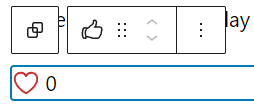
Like Post block
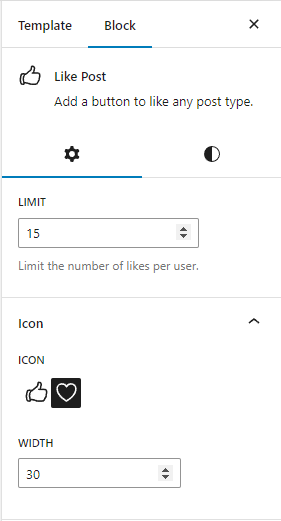
Like Post block settings
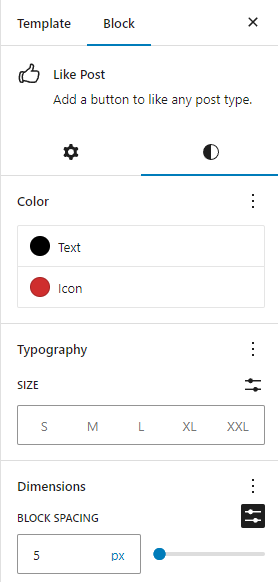
Like Post block style settings
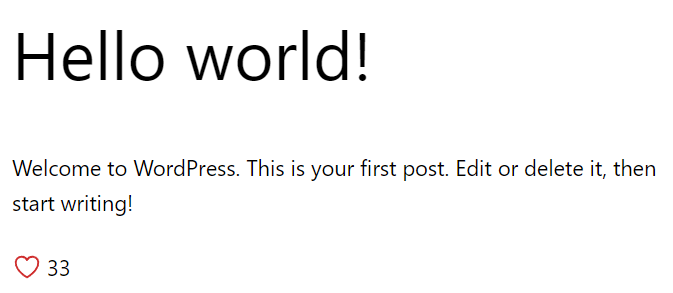
Inactive like button on the front-end
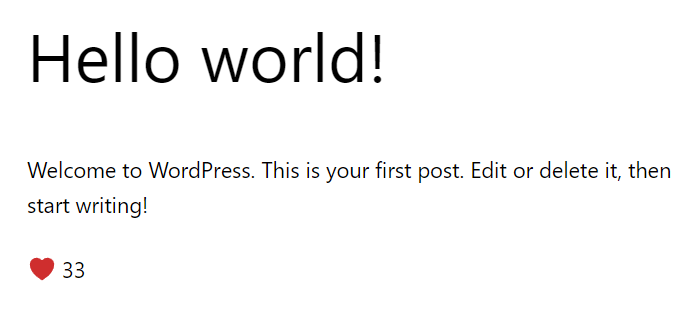
Active like button on the front-end
Can I insert the block in any Gutenberg template?
Yes, you can insert the block in any Gutenberg template.
Can I limit the number of likes per user?
Yes, you can limit the number of likes per user. The default value is 10 and the minimum value is 1. This setting is per block, so you can have different values for each block.
Can I save the user’s IP address to prevent multiple likes?
Yes, you can save the user’s IP address to prevent multiple likes. This action happens automatically.
Can the user likes comments?
No, the user can only like posts, pages and custom post types.
ChangeLog
1.5.0
- Feature: Option to Track Likes by User Account Only (Ignore IP Address) (#15)
1.4.0
- New setting: Unlike when click the button again (#10)
- New setting: Add unlimited setting (#12)
1.3.0
- Like counter functionality uses last post inside query loop (#8).
1.2.0
- Restore the
index.asset.php file because it’s needed by WordPress.
1.1.0
- Render the like button with AJAX to avoid caching systems.
- The
rolpb_likes meta key can be found in each REST API for posts, pages and custom post types.
- New
Likes column in the posts, pages and custom post types list tables.
1.0.0

