
Lightweight GA4 tracking plugin with manual API token support, tabbed settings, and optional GTM integration. Support for manual GA4 API access tokens …
| Author: | Maidul (profile at wordpress.org) |
| WordPress version required: | 6.2 |
| WordPress version tested: | 7.1.5 |
| Plugin version: | 1.2.1 |
| Added to WordPress repository: | 02-04-2025 |
| Last updated: | 21-11-2026 |
| Rating, %: | 0 |
| Rated by: | 0 |
| Plugin URI: | |
| Total downloads: | 1 333 |
| Active installs: | 10+ |

Click to start download
|
Lean GA4 Tracker adds the Google Analytics 4 tag (gtag.js) to your site from a settings page, and sends WooCommerce shopping events to GA4 for stores that use the classic cart and checkout pages. It has no reporting screens that you need: you read your data in Google Analytics.
What it does
- Adds gtag.js with your GA4 Measurement ID (G-XXXXXXXXXX).
- WooCommerce events on the classic shop, product, cart and checkout pages:
view_item, view_item_list, select_item, view_cart, begin_checkout, add_shipping_info, add_payment_info and purchase, with product category and brand.
- Optional Google Consent Mode defaults. Consent Mode is off until you turn it on in the Privacy tab.
- Exclude user roles from tracking in the Tag Manager tab.
- Your own custom GA4 events, entered as a JSON array in the Events tab. Each one fires on every page view.
- Multisite: network-wide settings with optional enforcement.
Limits you should know about
- WooCommerce Cart and Checkout blocks are not tracked. Events use the classic page hooks.
- Add-to-cart and remove-from-cart events can be missed on some themes. Check them in GA4 DebugView before you rely on them.
- The plugin does not track form submissions.
- Consent Mode here is not a complete consent solution. Use it only together with a consent banner you have tested, and check that it meets your legal obligations.
Privacy. Once you save a Measurement ID, every visitor’s browser loads Google’s gtag.js and sends data to Google Analytics, including the visitor’s IP address and cookie identifiers. When WooCommerce tracking is enabled, product and order information is sent to GA4 (such as product name, category, brand, price and quantity). Customer names and email addresses are not sent. Mention Google Analytics in your privacy policy, and review your GA4 settings against your local privacy laws (such as GDPR and CCPA).
Resources
External services
When you enter a Measurement ID, this plugin loads Google’s tracking code in your visitors’ browsers.
Google Analytics (gtag.js) – https://www.googletagmanager.com/gtag/js. Loaded on every page for every visitor once a Measurement ID is saved. Google receives the visitor’s IP address, browser details, page URL and cookie identifiers, plus the WooCommerce and custom events described above.
Terms: https://marketingplatform.google.com/about/analytics/terms/us/ – Privacy policy: https://policies.google.com/privacy
Google Tag Manager – https://www.googletagmanager.com/gtm.js and https://www.googletagmanager.com/ns.html. Loaded only if you enter a Tag Manager container ID.
Terms: https://marketingplatform.google.com/about/analytics/tag-manager/use-policy/ – Privacy policy: https://policies.google.com/privacy
Google Analytics Admin and Data APIs – https://analyticsadmin.googleapis.com and https://analyticsdata.googleapis.com. Called from your server, in the admin only, if you enter a GA4 Property ID and an access token for the plugin’s dashboard report. Your token is sent to Google.
Terms: https://developers.google.com/terms – Privacy policy: https://policies.google.com/privacy
jsDelivr – https://cdn.jsdelivr.net. Serves the Chart.js library on the plugin’s admin dashboard page only. Your browser requests it when you open that page.
Terms: https://www.jsdelivr.com/terms – Privacy policy: https://www.jsdelivr.com/terms/privacy-policy-jsdelivr-net
Screenshots
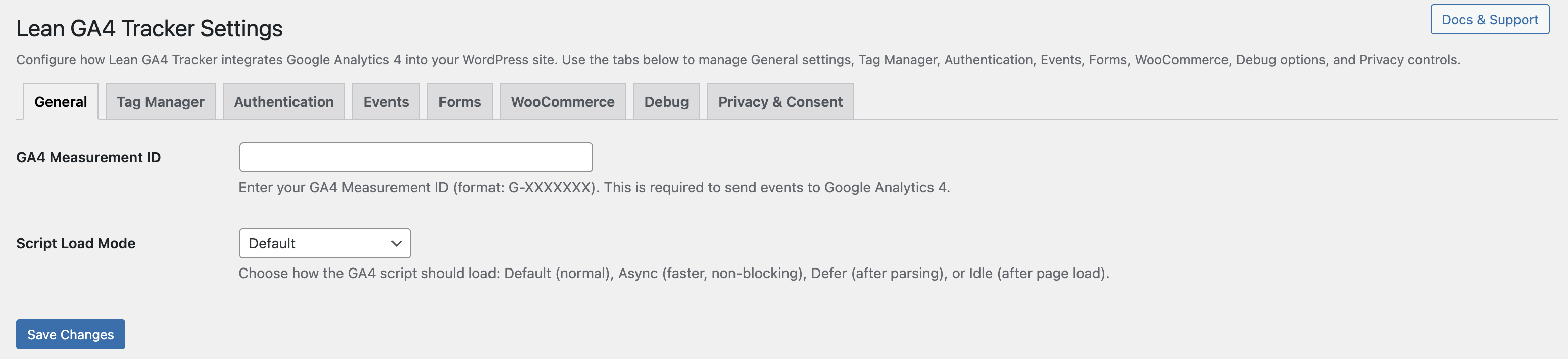
General tab: Configure GA4 Measurement ID and Script Load Mode
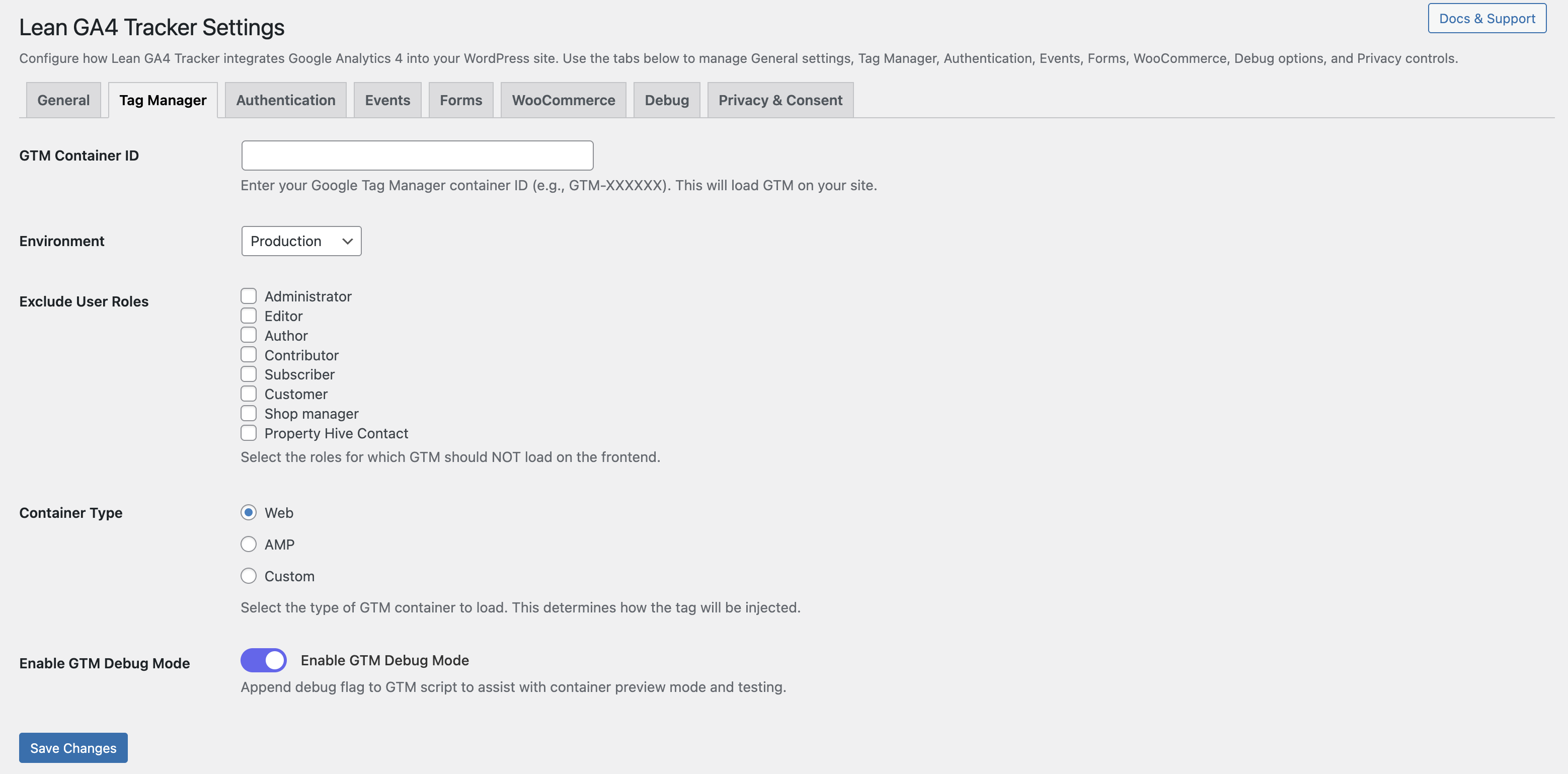
Tag Manager tab: Optional GTM container and user role exclusions
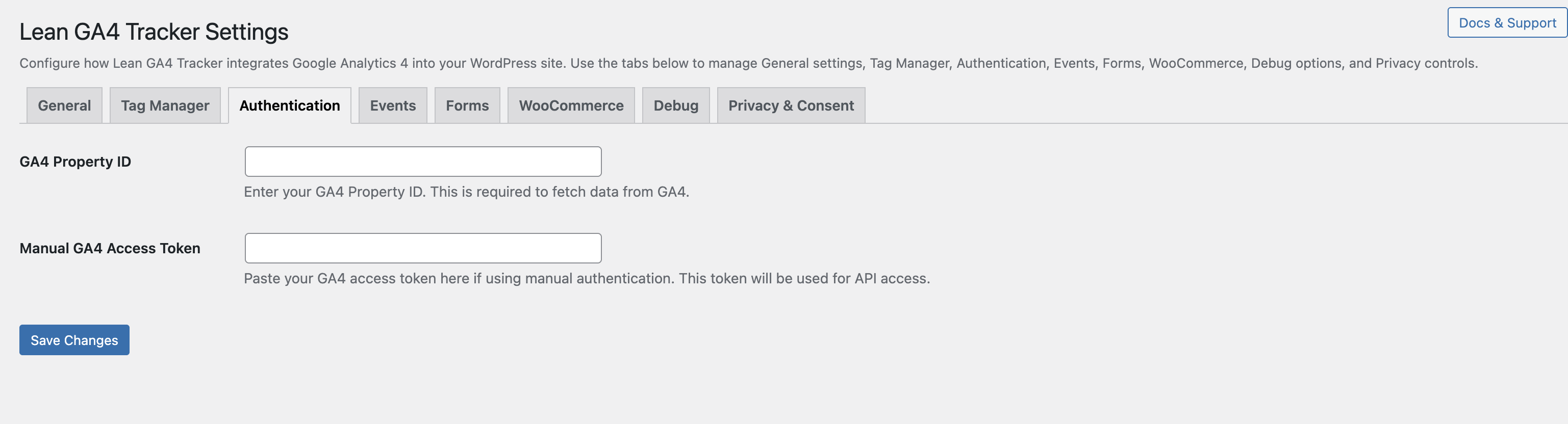
Authentication tab: optional Google account connection for the admin dashboard
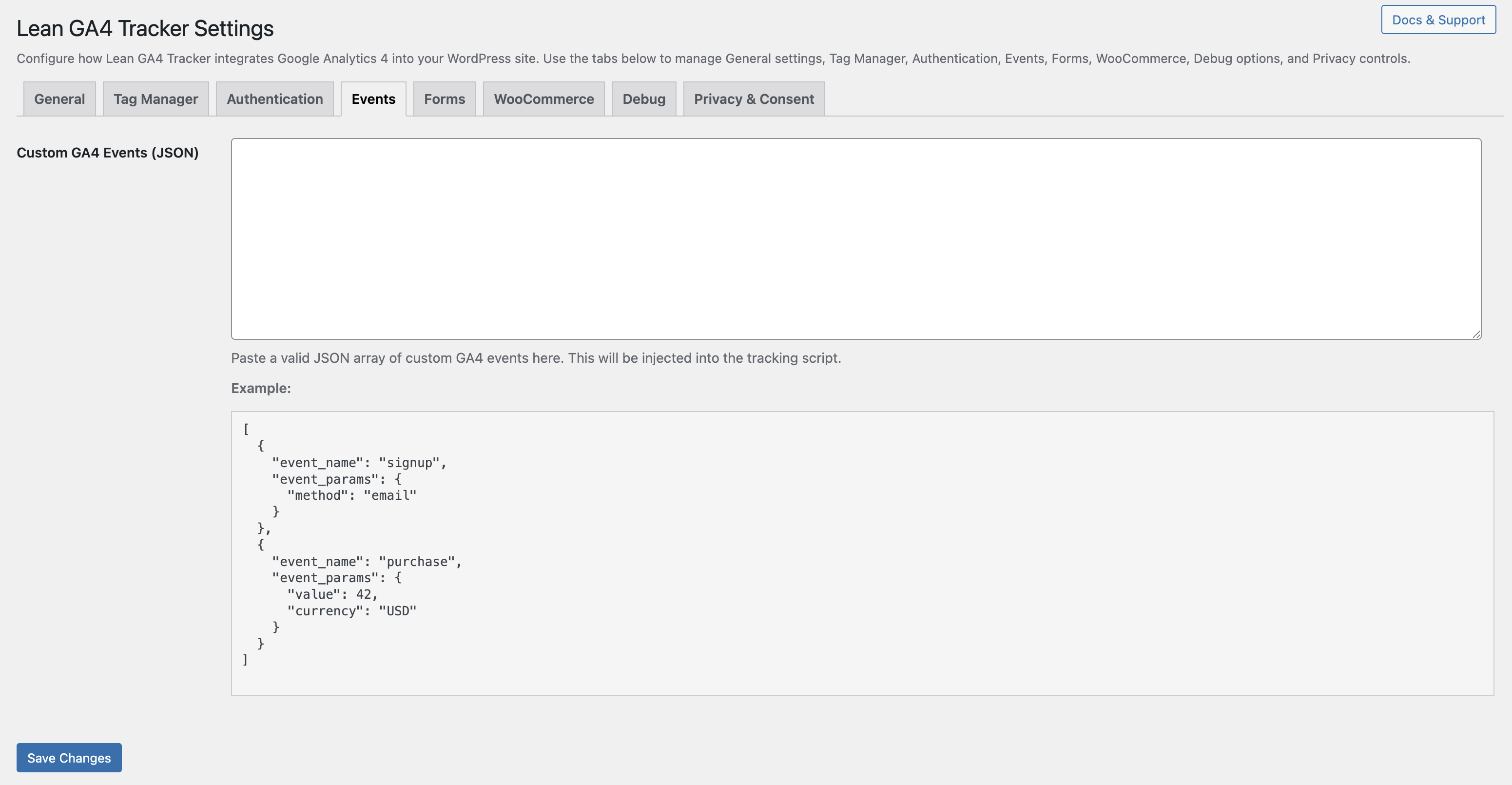
Events tab: Define custom GA4 events using a JSON array
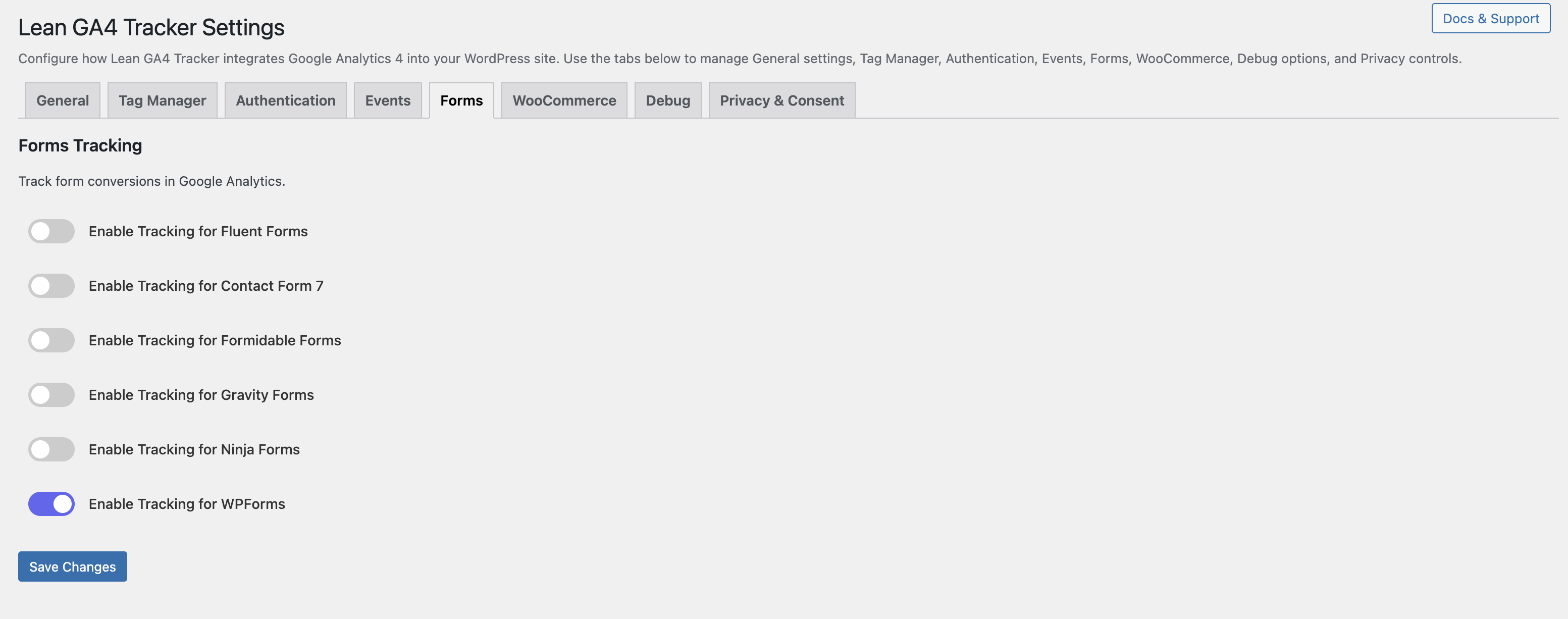
WooCommerce tab: Toggle GA4 eCommerce event tracking for product views, checkout, and purchases
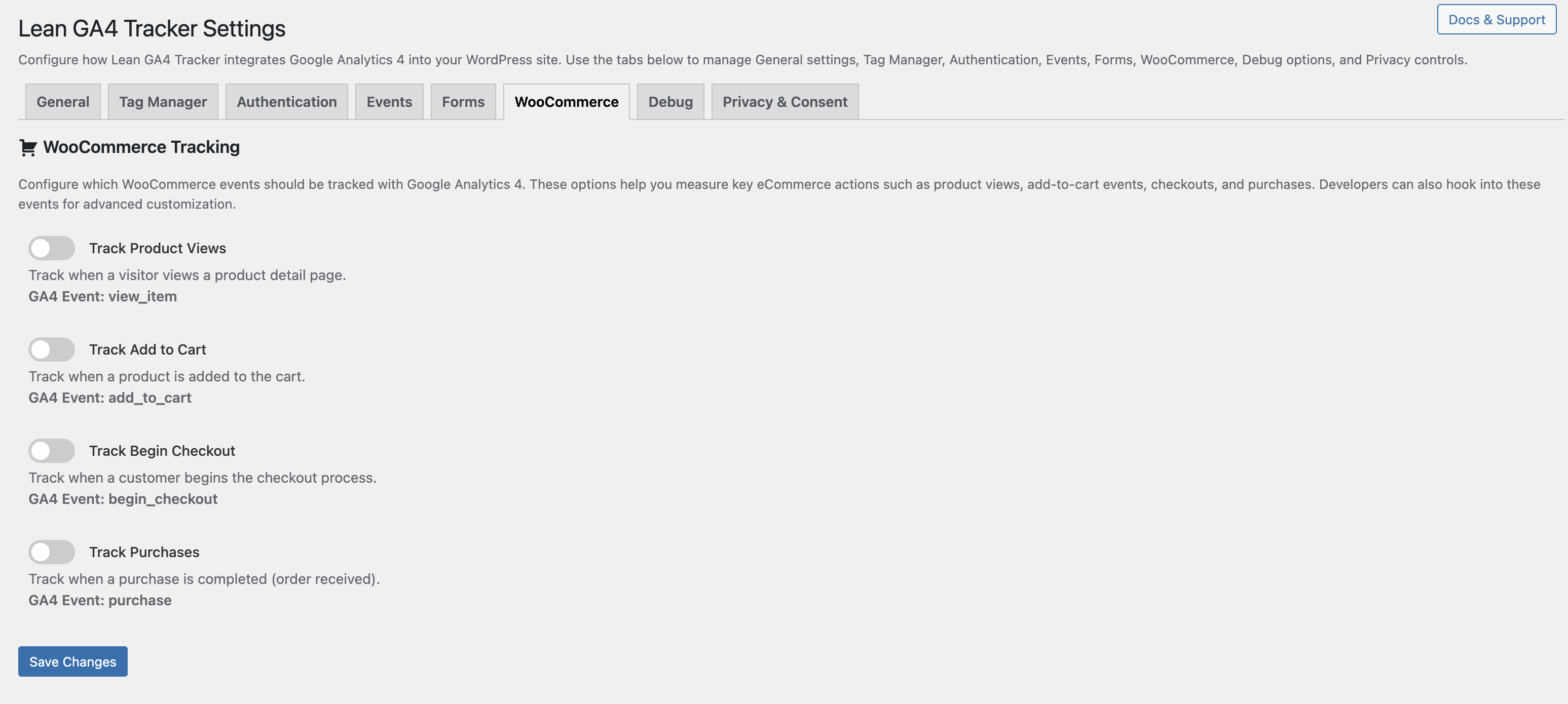
Forms tab (form tracking does not work in this version)
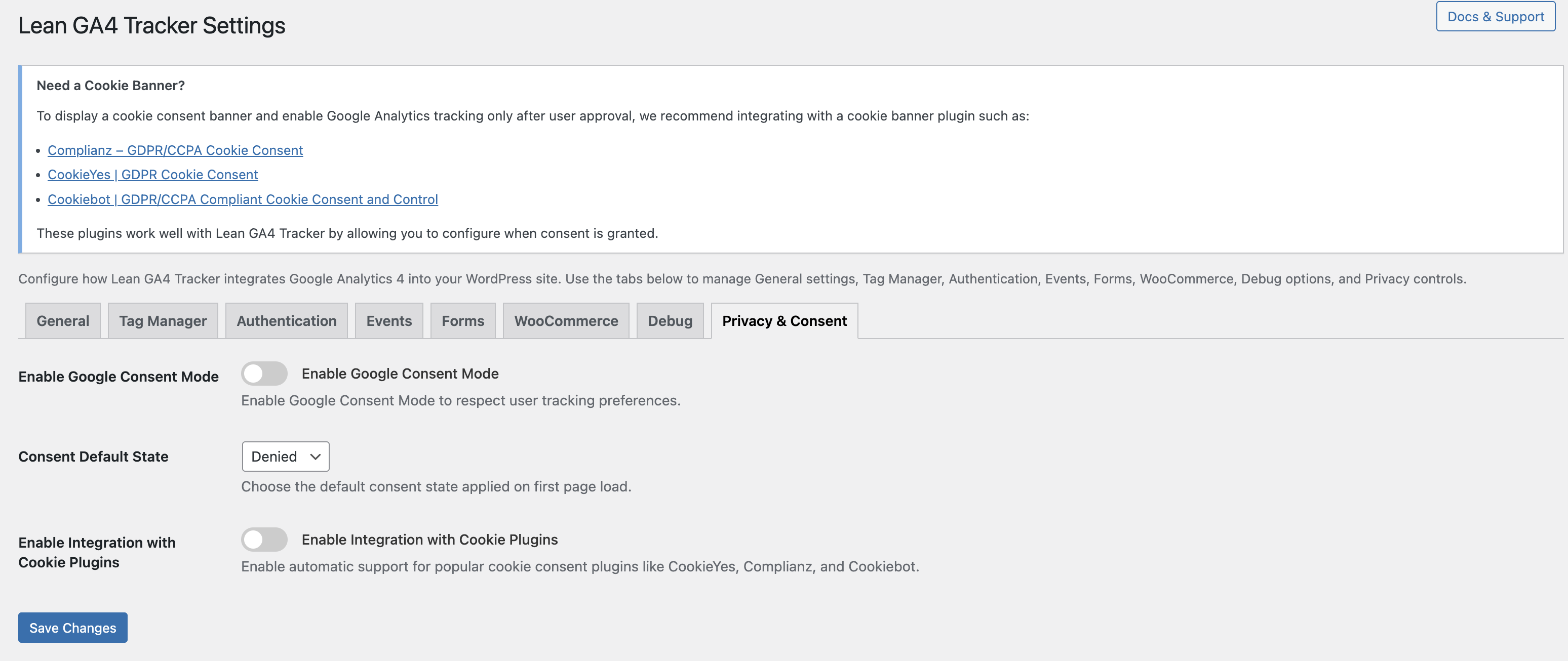
Privacy & Consent tab: Optional Consent Mode defaults
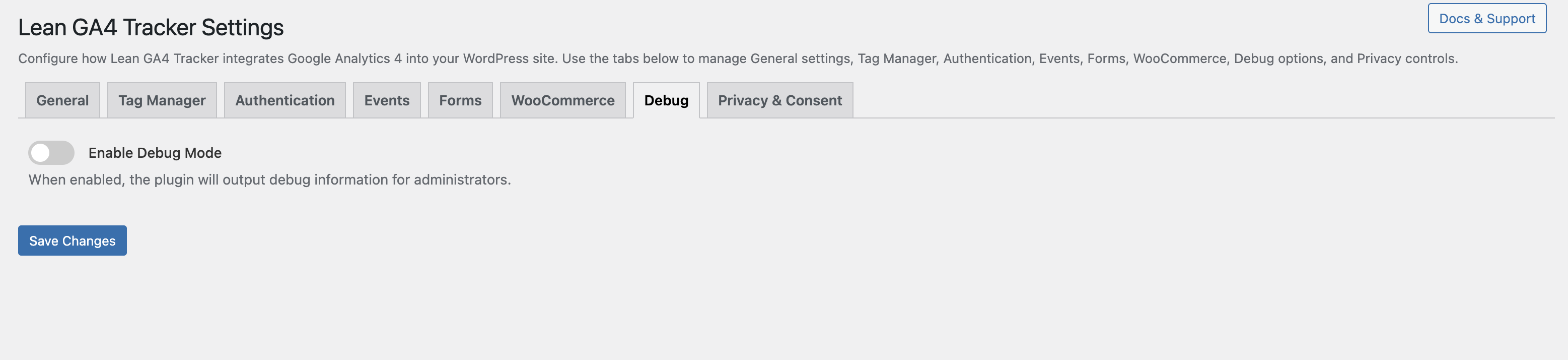
Debug tab: Enable Debug Mode to print event tracking output for admins
Does this plugin support WooCommerce eCommerce tracking?
Yes, on stores that use the classic cart and checkout pages. It sends GA4’s eCommerce events, including product category and brand. The Cart and Checkout blocks are not tracked, and add-to-cart and remove-from-cart events can be missed on some themes. Use GA4 DebugView to check your store.
Can I track custom GA4 events without writing code?
You can define a JSON array of custom events in the Events tab. Each event fires on every page view, so this suits site-wide events rather than button clicks.
Does the plugin support Consent Mode?
Consent Mode is optional and off by default. If you enable it in the Privacy tab, the plugin sets Google’s consent defaults (ad_storage and analytics_storage). It is not a complete consent solution, so test it together with your cookie banner.
Is tracking on by default?
Tracking starts as soon as you save a Measurement ID. Consent Mode is off by default.
Does it work in multisite?
Network admins can set GA4 settings for all sites or allow site-level overrides.
Does this plugin support product categories and brands in WooCommerce?
Yes. WooCommerce eCommerce events include product category and brand attributes in the GA4 event payloads.
Can I disable tracking for logged-in administrators or editors?
Yes. You can exclude specific user roles from tracking in the Tag Manager settings tab.
What does the plugin send to other servers?
See the External services section.
ChangeLog
1.2.1
- Compatibility: tested with WordPress 7.1.
1.2.0
- Enhanced eCommerce Tracking: Complete GA4 eCommerce funnel support
- Added
view_item_list event – Track product list views on shop, category, tag, and search pages
- Added
select_item event – Track product clicks from lists with item position tracking
- Added
view_cart event – Track when customers view their shopping cart
- Added
remove_from_cart event – Track item removals from cart (server-side and AJAX)
- Added
add_shipping_info event – Track shipping method selection during checkout
- Added
add_payment_info event – Track payment method selection during checkout
- Improved category name display in all eCommerce events (shows category name instead of ID)
- Updated WooCommerce settings tab with 6 new tracking toggles
- Enhanced product tracking with
item_list_name, item_list_id, and index parameters
1.1.6
- Added Recommended GA4 Events section in Events tab with toggles for generate_lead, sign_up, and purchase
- Improved GA4 Property ID field with better placeholder, validation, and help text in Authentication tab
- Added Manual GA4 Access Token support for dashboard charts
- Added initial DashboardPage class with basic GA4 metrics and Chart.js visualization
1.1.5
- Improved admin UI with modern toggle switch design for settings
- Added scoped admin CSS file for cleaner styling
- Enhanced WooCommerce tracking descriptions with GA4 event names
- Updated settings header with Docs & Support and Upgrade to Pro buttons
- Improved help texts and tooltips for better user guidance
- Codebase refactored to use LEAN_GA4_TRACKER_URL constant for assets
1.1.4
- Added new Script Load Mode option: “Idle (after page load)” using requestIdleCallback with fallback
- Improved admin settings UI for script placement options
- Enhanced sanitization to support new load mode
- Minor code refactoring and documentation updates
1.1.3
- Improved Consent Mode compatibility with WordPress and third-party consent plugins
- Added listener for WordPress’s wp_consent_granted event
- Confirmed WooCommerce support with product, cart, checkout, and order tracking
- Enhanced leanGA4ConsentGranted()
- Added WooCommerce tab for toggling GA4 event tracking
- Supports product views, add to cart, begin checkout, and purchase events
- Events dispatched using gtag() with product ID, name, price, and order data
- Enhanced WooCommerce tracking security and GA4 payload accuracy — added JSON-encoded event payloads, quantity/currency support, duplicate purchase prevention, and front-end-only tracking hooks
1.1.1
- Added Forms tab with toggles for form submission tracking
- Supports Contact Form 7, WPForms, Gravity Forms, Ninja Forms, Formidable Forms, and Fluent Forms
- GA4 events include form title and form ID using gtag()
1.1.0
- Added toggle to enable/disable cookie plugin integration (Complianz, CookieYes, Cookiebot)
- Integrated JS listeners for automatic consent handling via supported plugins
- Improved ConsentManager logic with extensible update function
- Added dynamic consent update helpers for developers and cookie plugins
1.0.9
- Added “Exclude User Roles” option in Tag Manager settings
- Added AMP-compatible container injection using tag
- Added support for “Custom” container type to allow manual GTM handling
- Ensured all Tag Manager settings are properly registered on admin_init
- Improved container-type-specific GTM rendering logic
- Fixed settings save behavior for checkboxes and radios with fallback handling
1.0.8
- Added GTM Debug Mode toggle in Tag Manager settings
- Enhanced container type support: Web, AMP, and Custom
- Improved script injection logic and frontend behavior
1.0.7
- Improved Multisite Compatibility for Custom Events
- Added sample GA4 event JSON and live validation to both site-level and network-level settings
- Enhanced admin UI guidance for defining custom events across installations
1.0.6
- Added Privacy & Consent settings tab with support for Google Consent Mode
- Added notice recommending cookie banner plugins for frontend consent control
- Improved ConsentManager handling and script modularity
1.0.5
- Introduced tab-based settings UI with General, Authentication, Events, and Debug sections
- Added manual GA4 access token and property ID input for non-OAuth usage
- Added GTM container injection option with
<head> and <noscript> support
- Improved internal structure for OAuth and manual mode support (future-ready)
1.0.4
- Added async script loading via WordPress 6.3+ ‘strategy’ attribute
- Replaced placeholder script with inline-only registration for GA4 config
- Injected official gtag.js loader from Google using proper async method
- Improved inline script structure using wp_json_encode and output validation
1.0.3
- Improved GA4 inline script injection with reliable output structure
- Replaced empty script handle with placeholder registration for consistent rendering
- Verified compatibility with themes and ensured presence of GA4 tag in frontend
1.0.2
- Refactored to a modular, class-based architecture using namespaces
- Added support for multisite network settings with enforcement
- Introduced debug mode and custom event JSON handling
- Integrated script loading mode (default, async, defer)
- Added error notices for invalid JSON input
1.0.1
- Update code following PHPCS
- escaped all code properly
1.0
