
Easy to use text to image shortcode
| Author: | Lana Codes (profile at wordpress.org) |
| WordPress version required: | 4.0 |
| WordPress version tested: | 6.2.2 |
| Plugin version: | 1.1.0 |
| Added to WordPress repository: | 08-12-2021 |
| Last updated: | 23-06-2023
Warning! This plugin has not been updated in over 2 years. It may no longer be maintained or supported and may have compatibility issues when used with more recent versions of WordPress.
|
| Rating, %: | 0 |
| Rated by: | 0 |
| Plugin URI: | https://lana.codes/product/lana-text-to-image... |
| Total downloads: | 1 450 |
| Active installs: | 10+ |
 Click to start download |
|
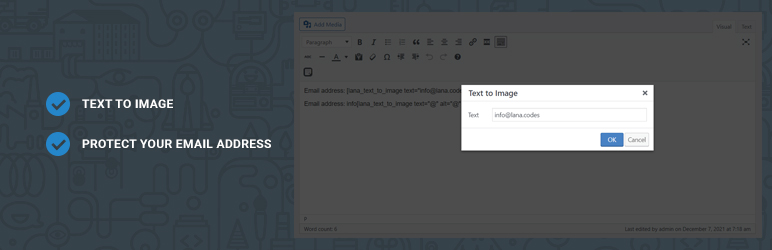
Lana Text to Image is a useful privacy plugin, whose primary purpose is to hide the email address from bots.
Optical Character Recognition (OCR) can recognize the content of text in an image. But it requires a special resource.
Shortcodes list:
Text to Image shortcode
[lana_text_to_image text=”info@lana.codes” class=”lana-email” alt=”protected email” color=”#000000″ font_size=”13px”]
Text to Img shortcode
[lana_text_to_img text=”info@lana.codes” class=”lana-email” alt=”protected email” color=”#000000″ font_size=”13px”]
Both shortcodes are the same, [lana_text_to_img] is an alternative shorter name.
Examples:
Email address as text:
[lana_text_to_image text=”info@lana.codes”]
Only the @ from the email address as text:
info[lana_text_to_image text="@" alt="@"]lana.codes
You can specify the 'alt' parameter and the text image will be copiable.
Lana Codes
Screenshots
FAQ


ChangeLog