
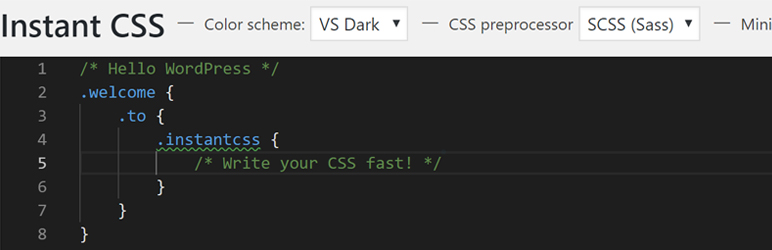
Use the power of Visual Studio Code in WordPress
| Author: | Dylan Blokhuis (profile at wordpress.org) |
| WordPress version required: | |
| WordPress version tested: | 6.3.2 |
| Plugin version: | 1.2.2 |
| Added to WordPress repository: | 27-03-2019 |
| Last updated: | 21-09-2023 |
| Rating, %: | 98 |
| Rated by: | 14 |
| Plugin URI: | |
| Total downloads: | 10 926 |
| Active installs: | 2 000+ |
 Click to start download |
|
Use the power of Visual Studio Code in WordPress to write your CSS or SCSS
The plugin uses autoprefixer to parse your CSS/SCSS into CSS that will work on older browsers, no need to write -webkit, -moz or -o.
You can also choose to use SCSS, more info about SCSS here: https://sass-lang.com/guide
Features
- Use all the powerful features from Visual Studio Code
- Your CSS gets compiled with autoprefixer to work on older browsers
- Use SCSS to create efficient stylesheets with variables, mixins, etc.
- Option to minify your CSS to reduce loading times
- No refreshing on saving
- Live editor updating styles on save and have the browser update simultaneously
ChangeLog