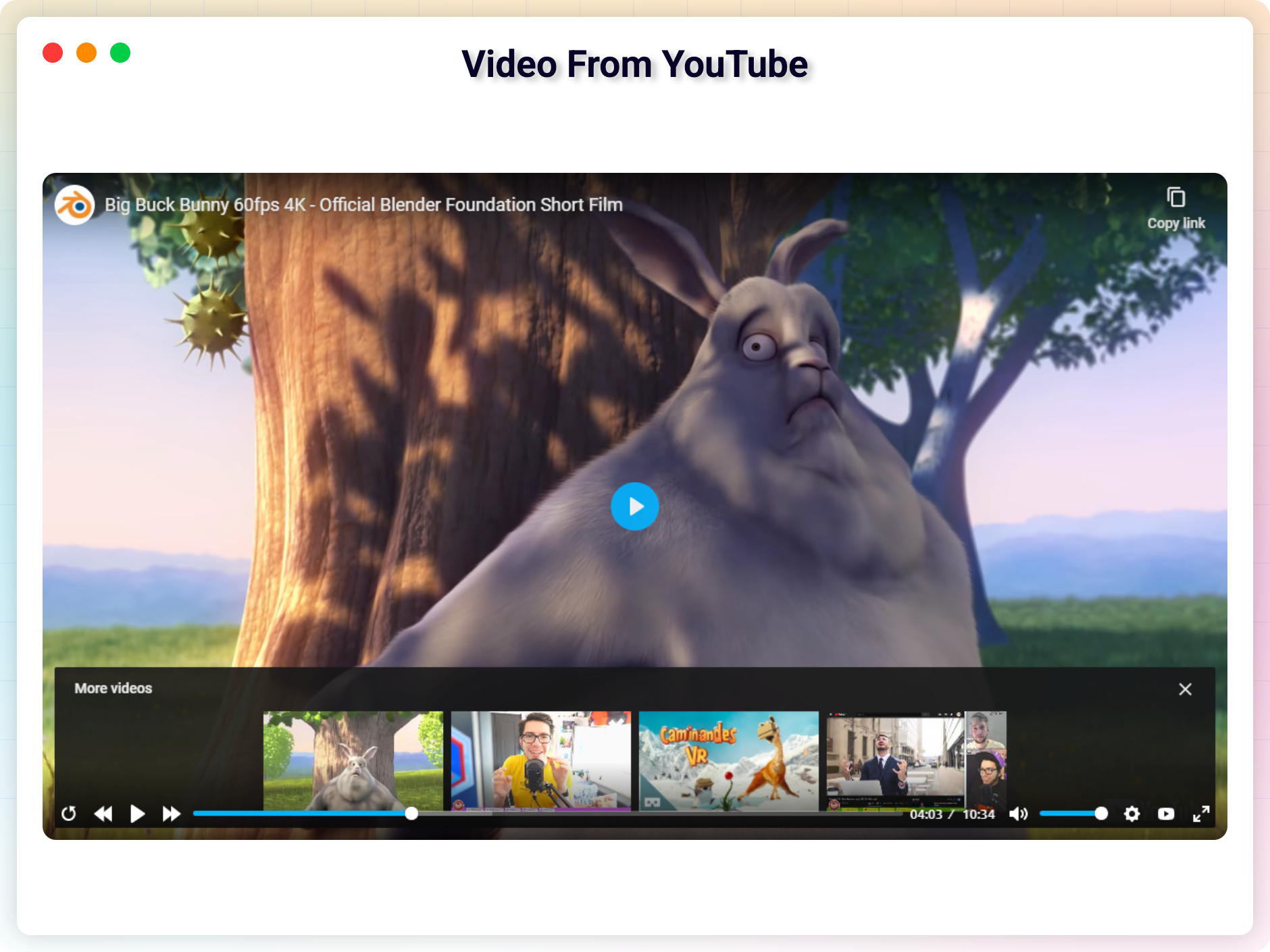
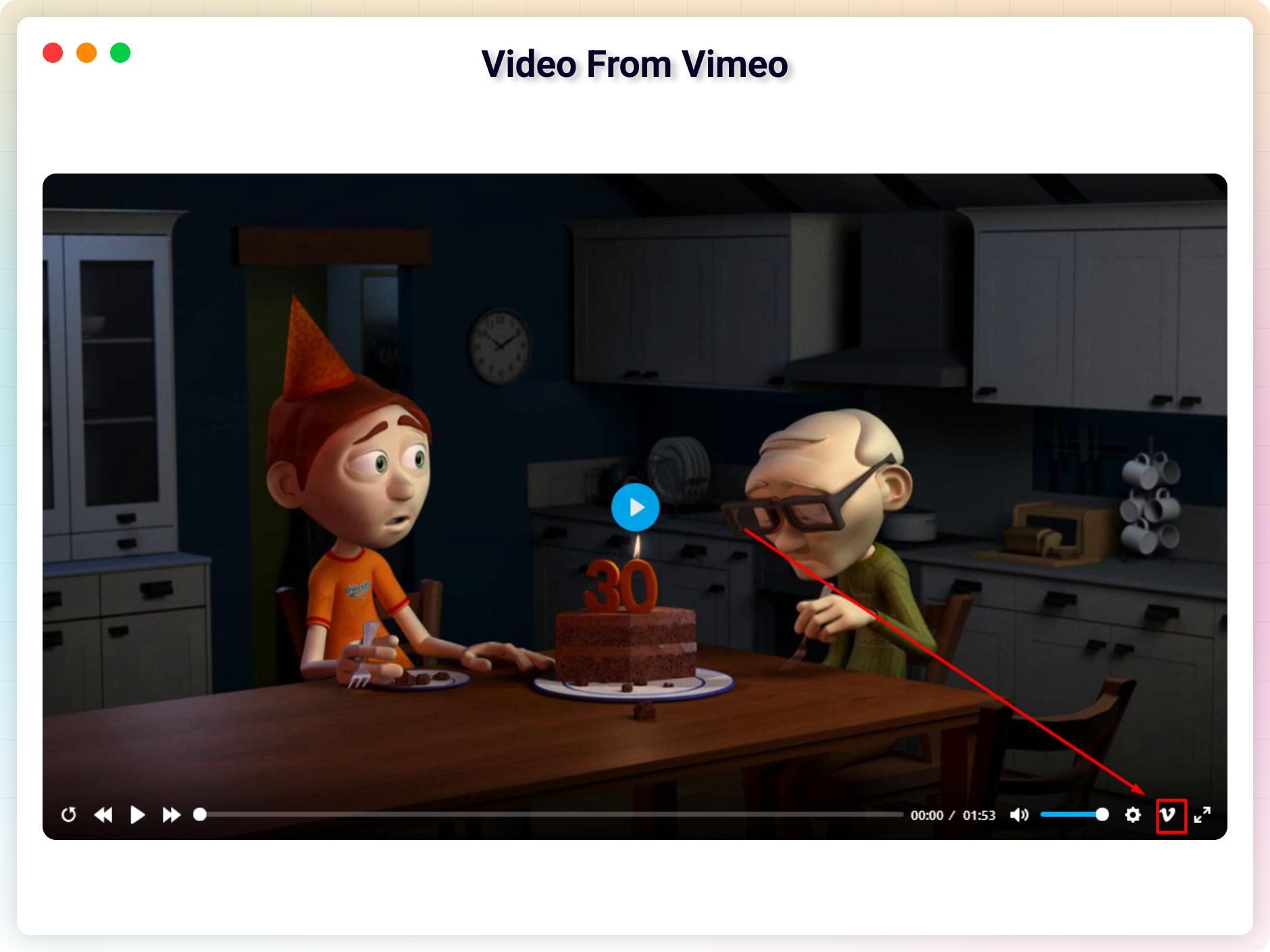
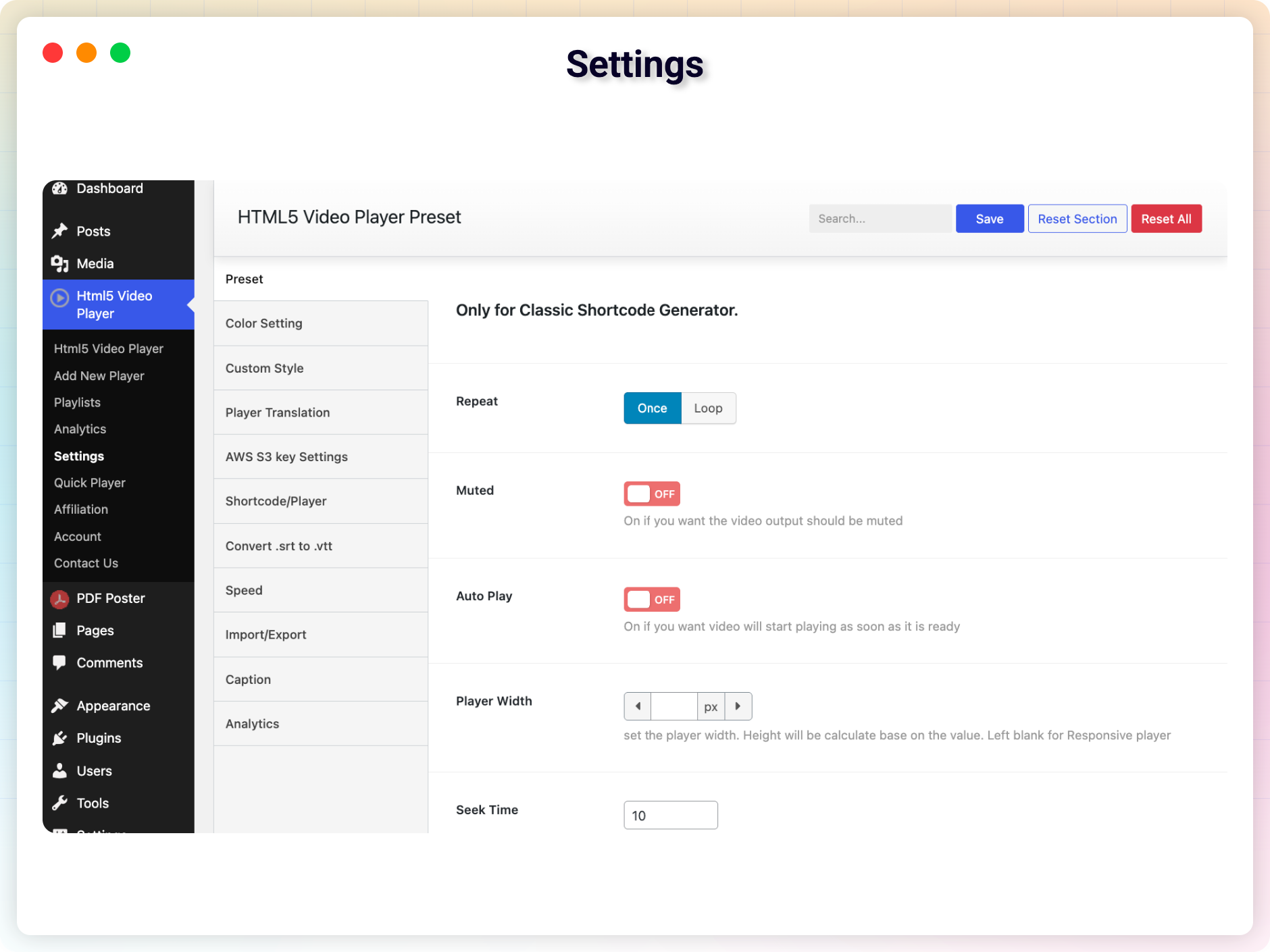
HTML5 Video Player is a flexible, fully responsive video player plugin for WordPress. Embed MP4 and other video formats with ease, customize the player to match your site design, and enjoy smooth playback across all major browsers and devices.
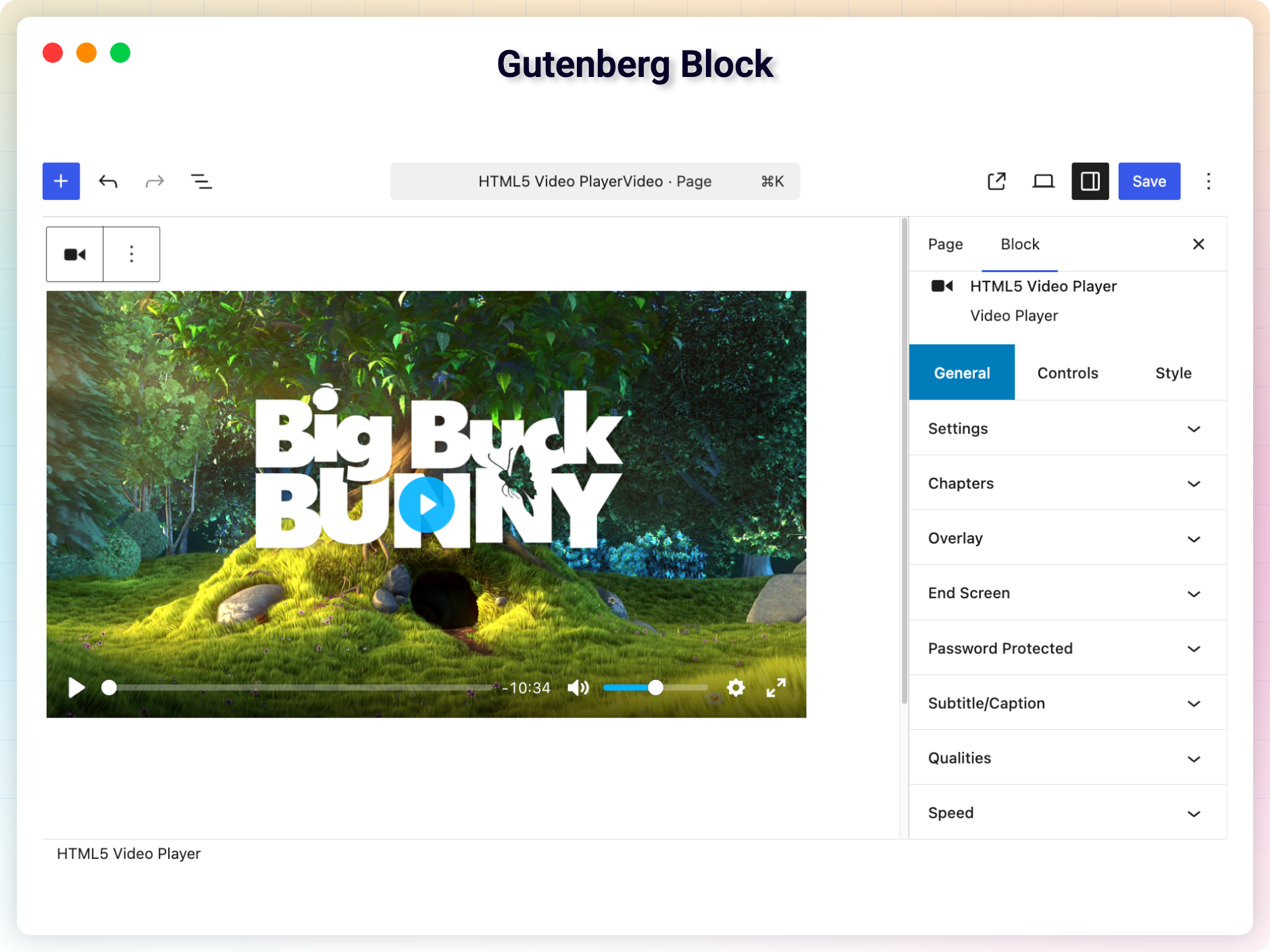
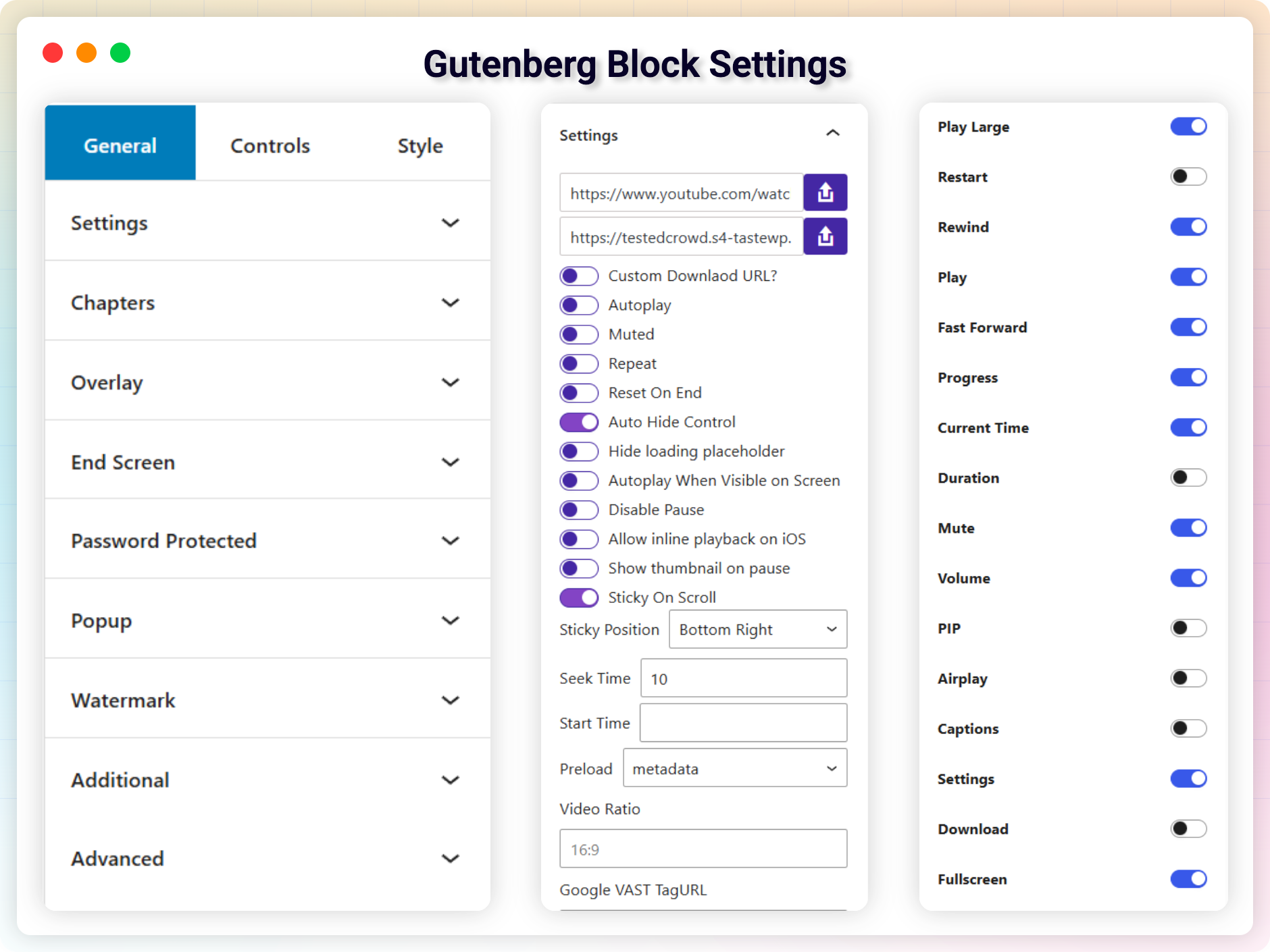
Add players to posts, pages, or widgets using shortcodes or the Gutenberg block – no code needed. Built-in options let you control video behavior such as autoplay, loop, mute, and more, while schema markup helps search engines understand and index your videos.
Free Features
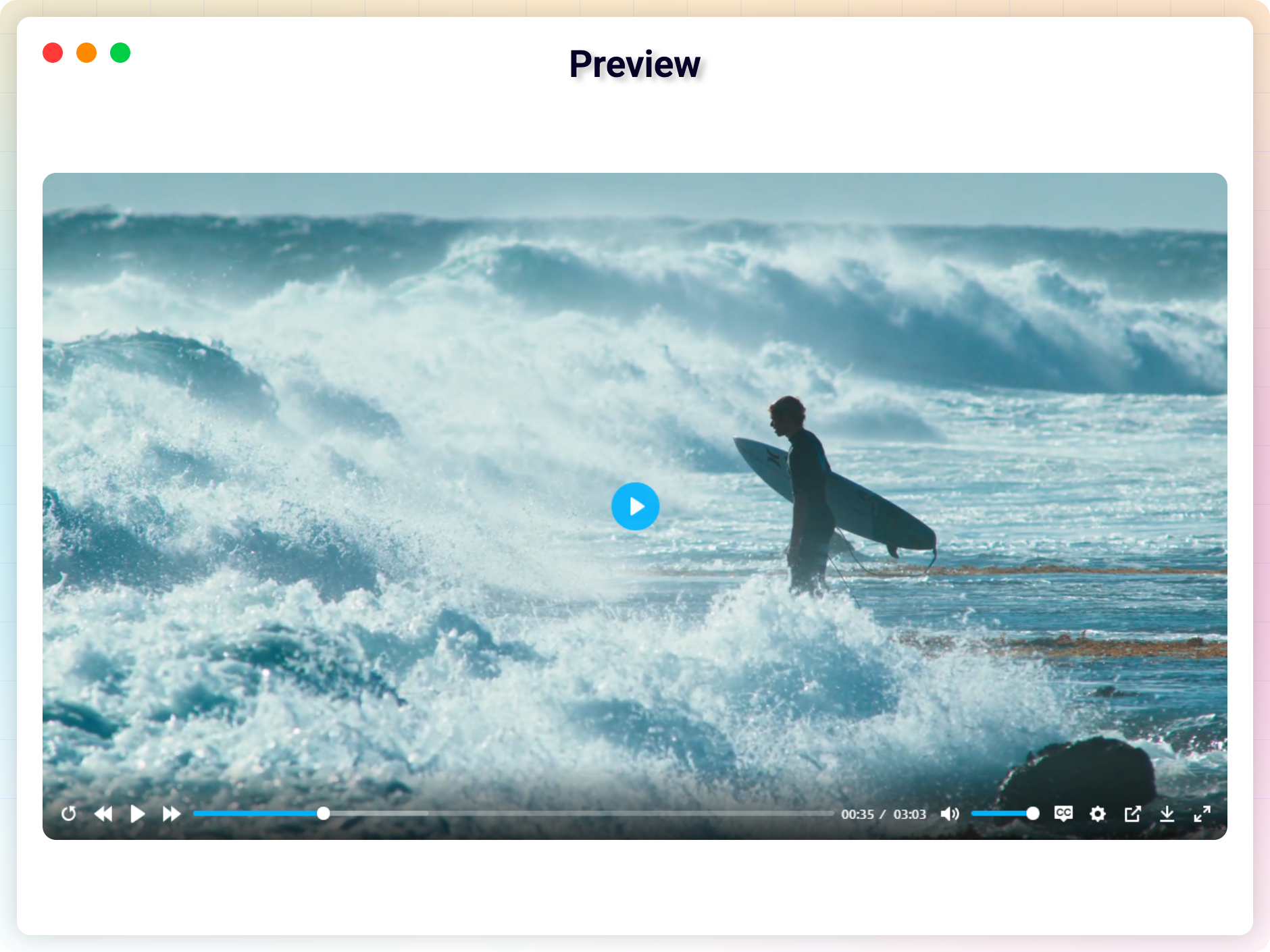
Responsive HTML5 Video Player: Seamlessly adapts to all devices and screen sizes.
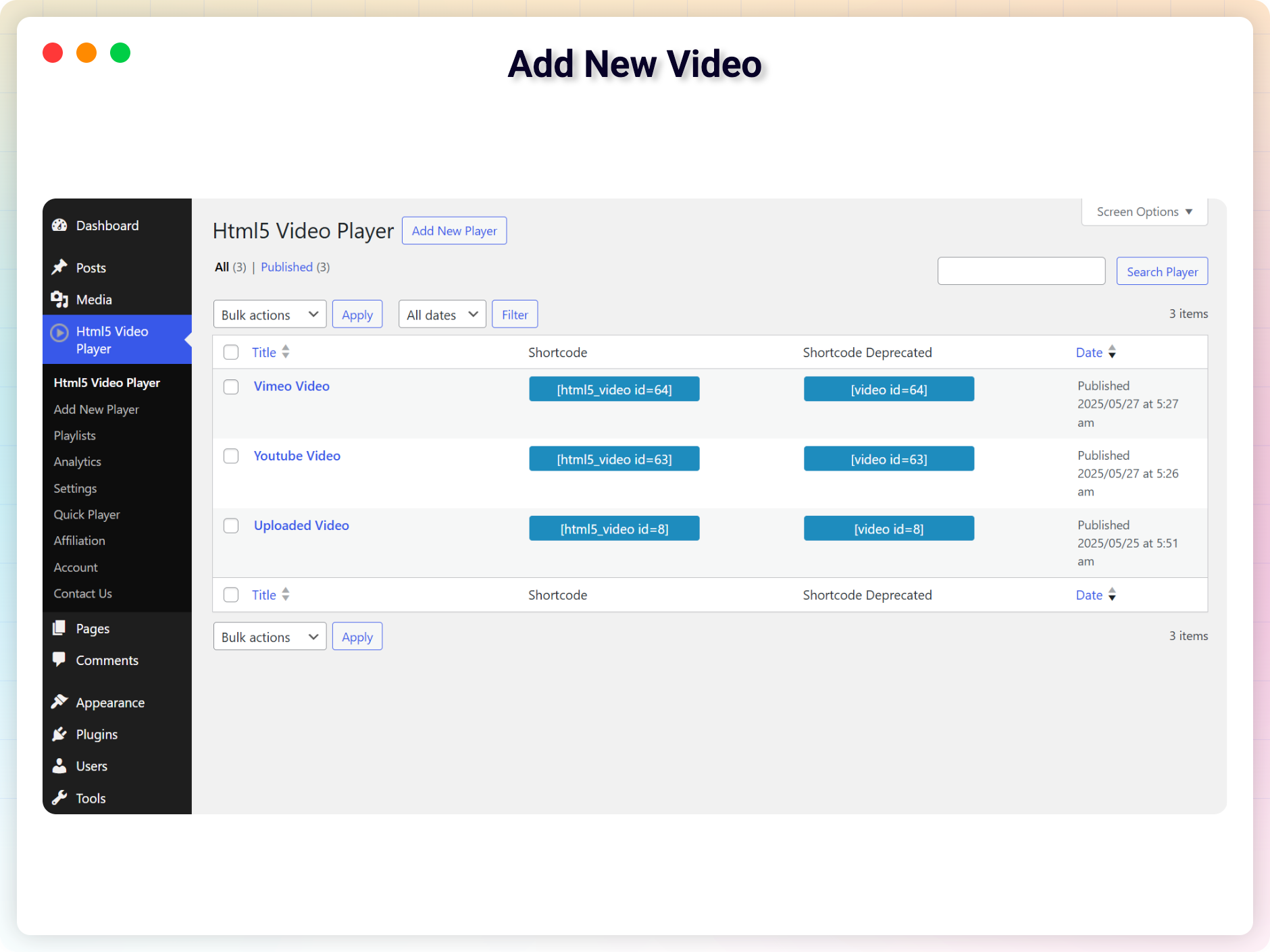
No-Code Embedding: Use shortcodes to quickly add videos anywhere on your site.
Cross-Browser Compatibility: Works perfectly on Chrome, Firefox, Safari, and more.
iOS & Mobile Friendly: Plays video files on all major devices without extra plugins.
Autoplay, Loop & Mute Options: Customize how your videos behave.
Preload Options: Choose how much of the video loads up front (metadata, auto, none) to balance speed and bandwidth.
Inline iOS Playback: Play videos inline on iOS devices instead of forcing fullscreen.
Skins & Color Customization: Style the player to match your brand.
Supports Multiple Formats: Embed MP4, WebM, OGG, and MOV files.
Preview for Paid Content: Great for selling digital video files with previews.
Lightweight & Compact: Doesn’t take up unnecessary space on your page.
Fast by Default: YouTube and Vimeo load only when played, players below the fold load as they scroll into view, and the page never jumps while a player loads.
Custom CSS Support: Fine-tune your player with custom styles.
SEO Optimized: Schema markup helps search engines understand and index your videos.
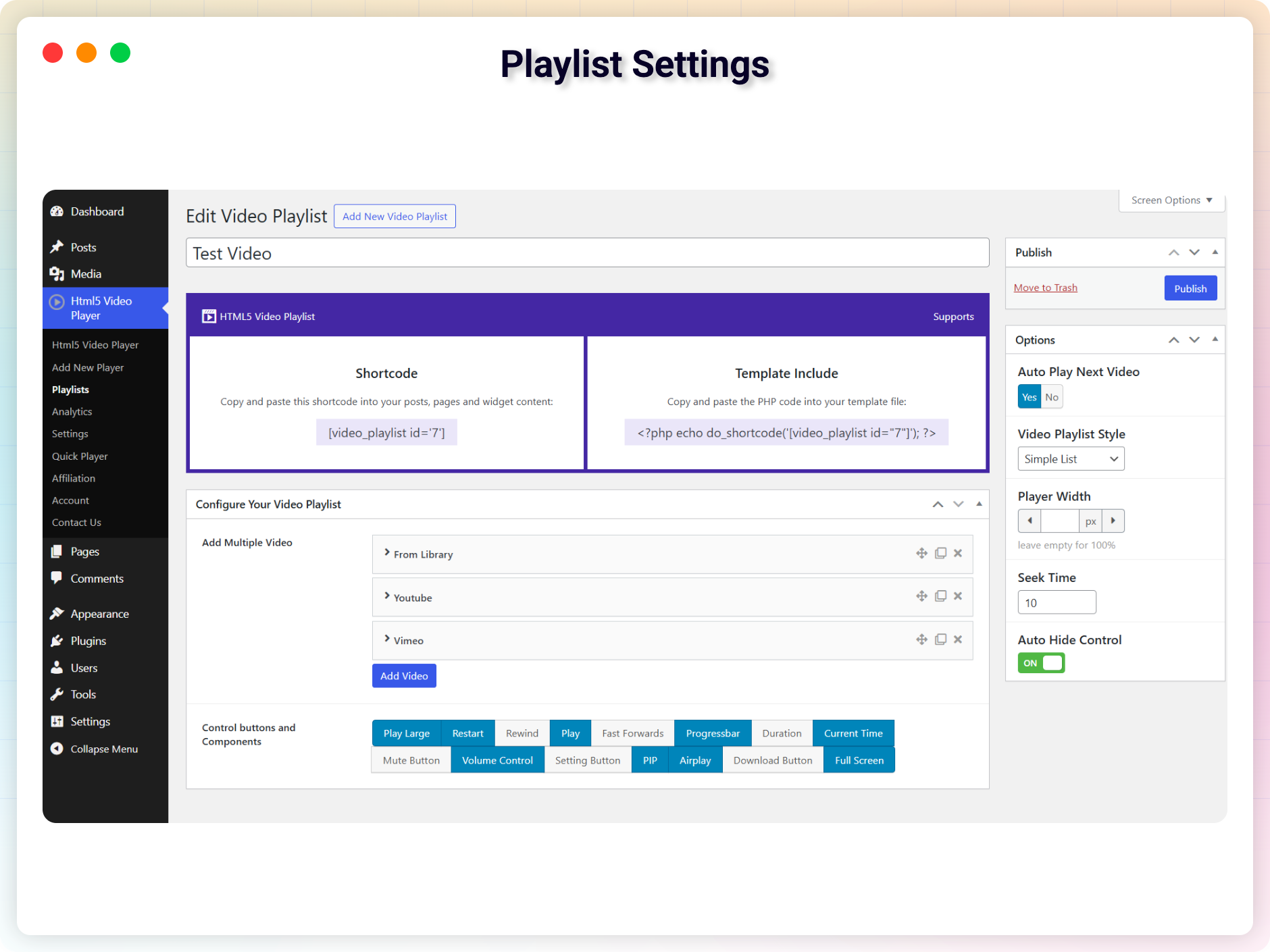
Video Playlist Block: Build a playlist of videos with a simple list layout, auto-play next with a 5-second “Up Next” countdown, custom thumbnails, and duration badges.
HLS Streaming: Play .m3u8 adaptive streams, with automatic quality levels.
Subtitles & Captions: Add a .vtt caption track to any player, with your own language label.
Player Alignment: Align the player left, centre or right from the block editor, the classic metabox, the Quick Player settings, the shortcode or Elementor.
Audio Player Block: A skinnable audio player with four skins — Modern Bar, Waveform, Podcast Card and Compact Pill — plus speed, skip, volume and download controls.
Pro Version
The Pro version adds more flexibility and advanced controls for managing video playback and customization:
Color Picker: Change player colors to match your site perfectly.
External Hosting Support: Embed videos from Amazon S3 and other sources.
Multiple Subtitles Support: Add more than one caption track and let viewers choose the language.
Advanced Playlists: Three extra playlist layouts (List With Thumb, List on Right Side, Grid), a live search filter, prev/next arrows, plus a playlist post type and [video_playlist] shortcode.
DASH Streaming: Play .mpd adaptive streams alongside HLS.
Quality Switcher: Viewers can toggle video quality like on YouTube.
Page Load Optimizer: Defer player assets and video loading for better page speed scores.
Restart, Rewind, Fast Forward: Full playback control buttons.
Download Button Toggle & Custom Download URL: Enable, hide, or redirect video downloads.
Customize Every Control: Show/hide any button or control.
Speed & Quality Control: Let users adjust playback speed and resolution.
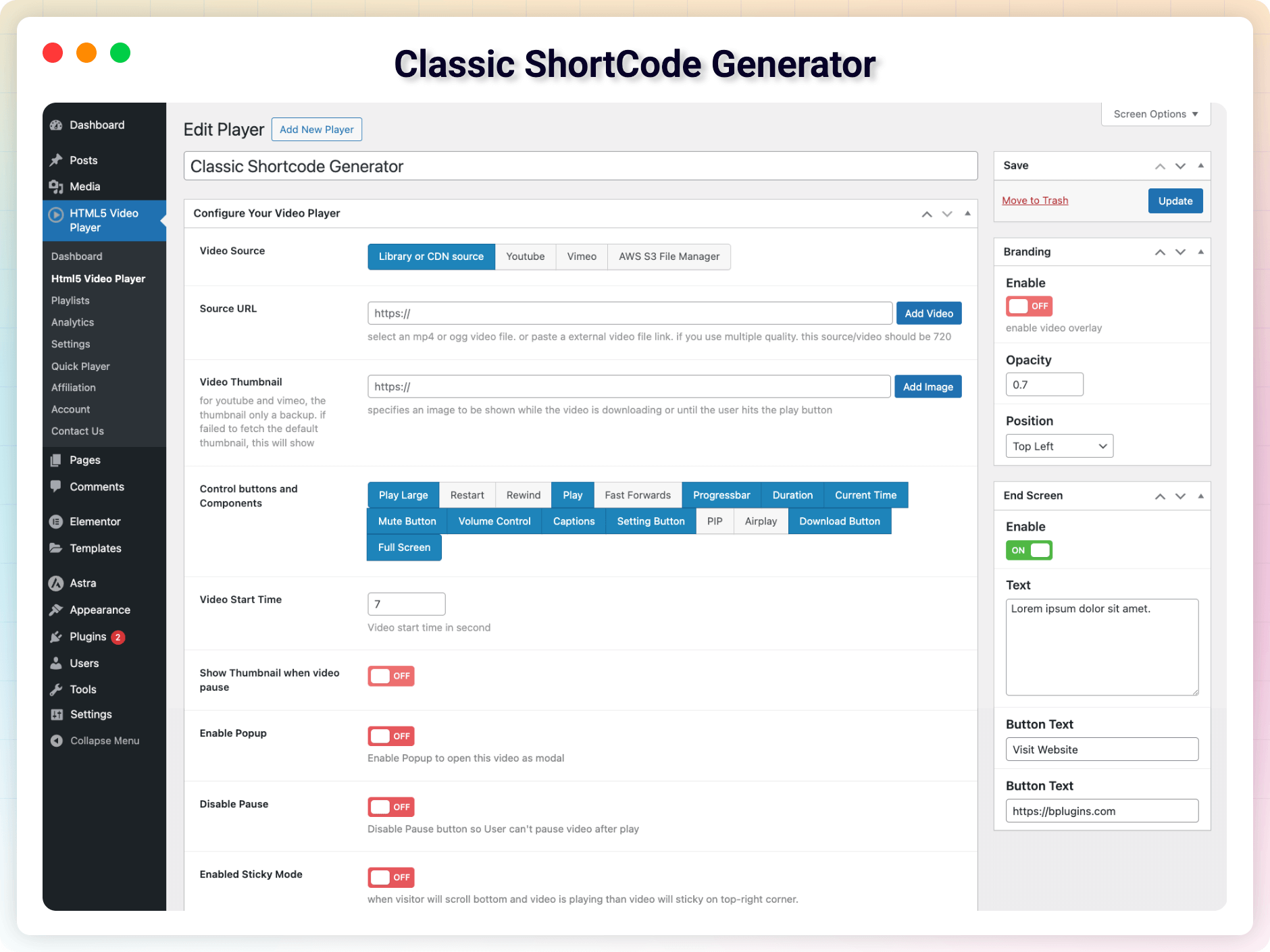
Advanced Shortcode Generator: Right inside your post/page text editor.
Autoplay When Visible on Screen: Smart autoplay triggers only when the video enters the viewport.
Disable Pause: Prevent viewers from pausing the video.
Show Thumbnail on Pause & Sticky on Scroll: Keep viewers engaged as they browse.
Seek Time & Start Time: Customize jump distance and auto-start position.
Google VAST Tag URL: Integrate ad tags using Google VAST for monetization.
Chapters & Overlay: Add chapter markers and custom overlays for a better experience.
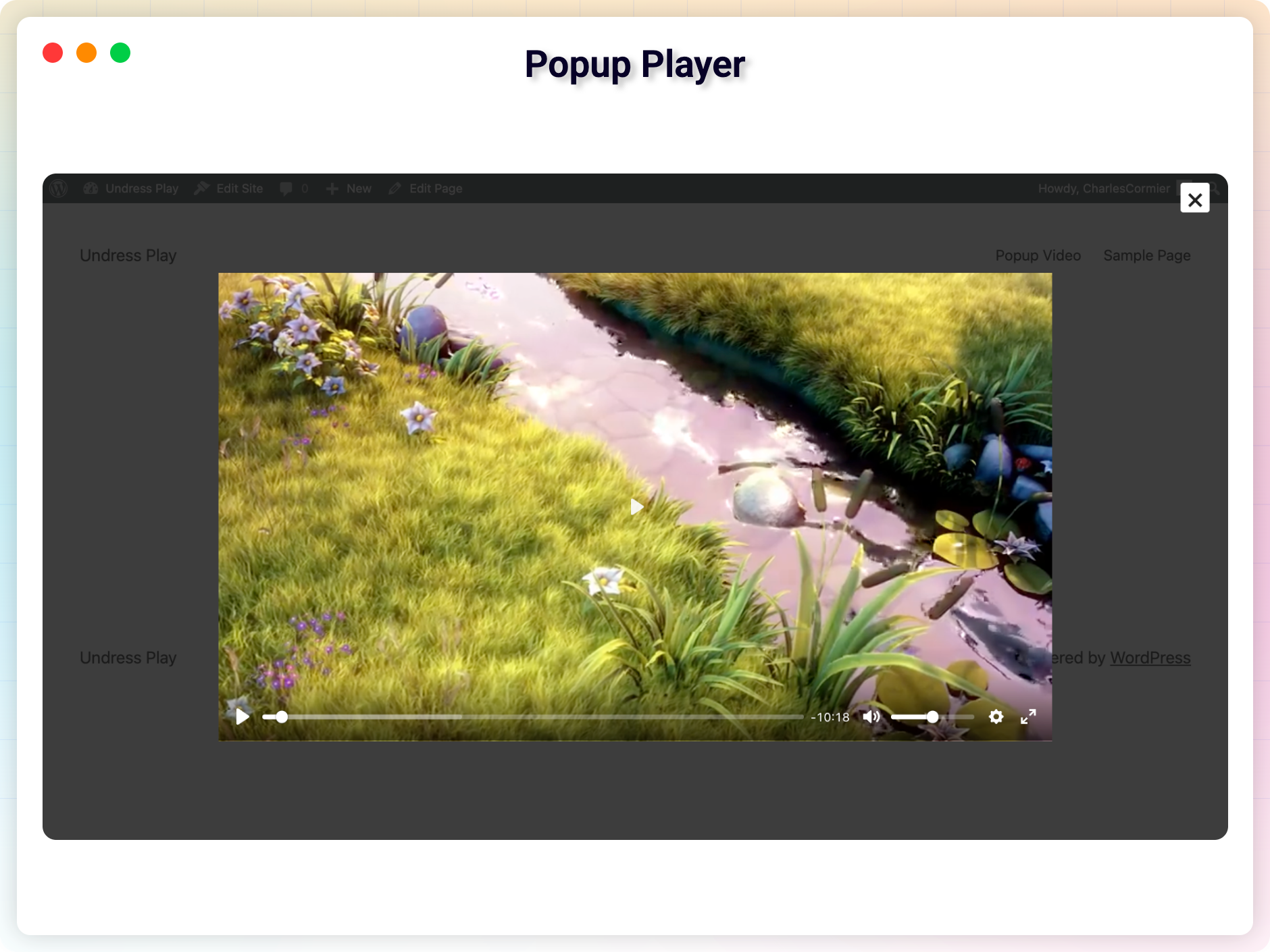
End Screen & Popup Player: Show a custom end screen or open videos in a distraction-free modal.
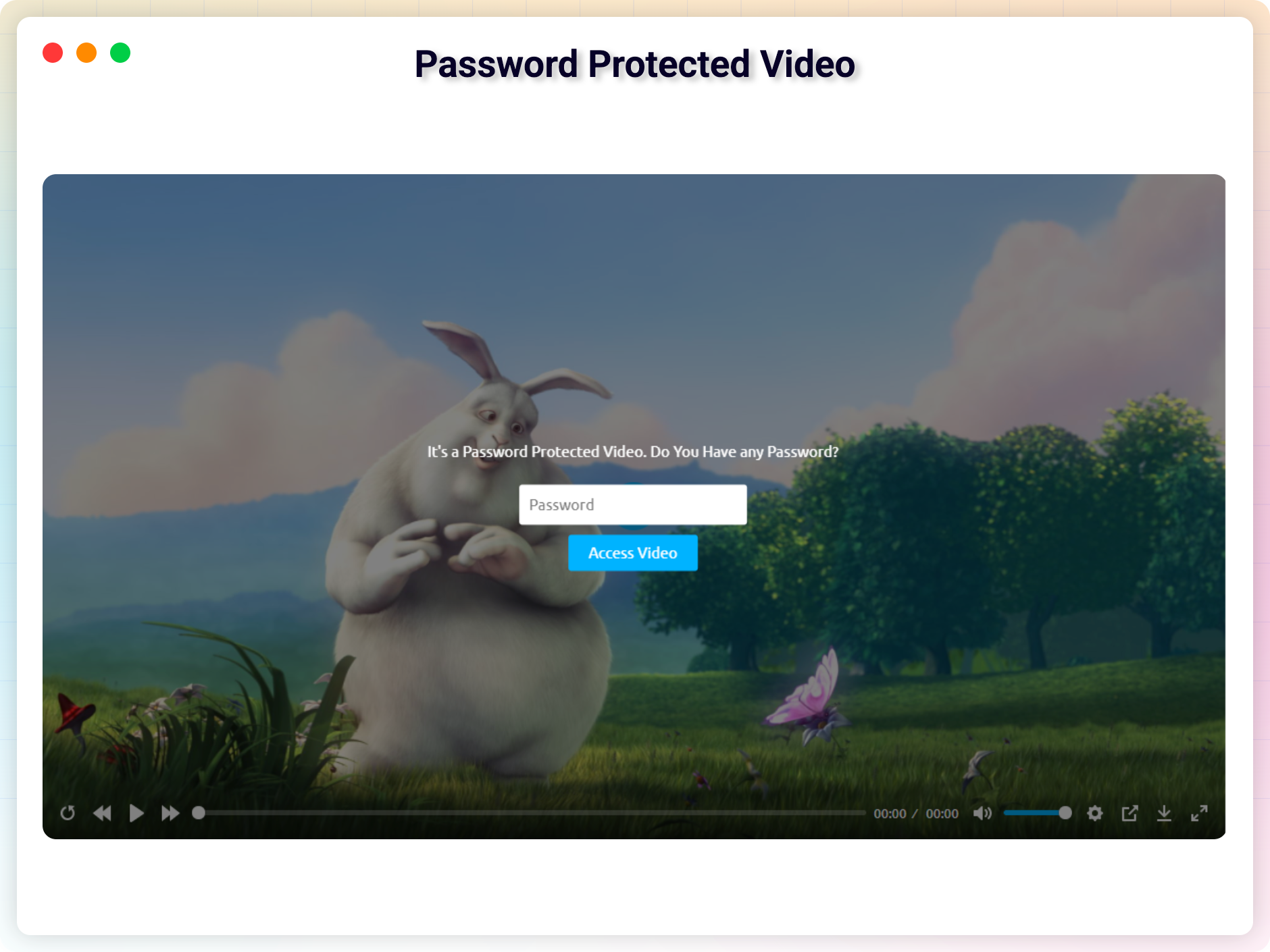
Password Protected Videos: Restrict video access to users with a valid password.
Watermark Support: Add branding or copyright with a watermark.
Additional ID/CSS Class: Add unique IDs or CSS classes for advanced custom styling.
Product Demos: Embed demo videos on landing and product pages.
Courses & Tutorials: Display video tutorials and course content.
Testimonials: Showcase client testimonial videos.
Portfolios: Build a video portfolio of your work.
Digital Sales: Add previews for paid video content.
What Users Say
❛❛We got multiple support from the developer. Outstanding and fabulous! 100 % satisfied and my personal recommendation for video player plugin!❜❜ -newbie2004
❛❛This guy is the future of WordPress plugins. The interface is the very definition of simplicity and everything just works right out of the box.❜❜ -amallulla
Purpose: Provides the options framework for the plugin’s settings and shortcode generator.
Plyr
– Version: 3.8.4
– Purpose: Provides the customizable HTML5, YouTube, and Vimeo media player interface used to render videos.
– License: MIT
– Website: https://plyr.io
– Source code: https://github.com/sampotts/plyr
– Bundled file: public/js/plyr-v3.8.4.polyfilled.js
hls.js
– Version: 1.7.0
– Purpose: Adds HLS (.m3u8) streaming playback with automatic quality levels; only loaded on pages that actually contain an HLS source.
– License: Apache-2.0
– Website: https://github.com/video-dev/hls.js
– Bundled file: public/js/hls.min.js
Purpose: Shared utility library providing admin dashboard components and common Gutenberg editor controls.
External Services: The library may connect to bPlugins, WordPress.org, and Freemius services for product data and checkout functionality. See full details: https://github.com/bPlugins/bpl-tools#external-requests–why-they-are-made
Purpose: Provides opt-in usage tracking and analytics to help improve the plugin.
External Services
This plugin connects to the following third-party services:
YouTube oEmbed
When you save a video player whose source is a YouTube URL, the plugin sends the video ID to YouTube’s public oEmbed endpoint (https://www.youtube.com/oembed) to fetch the video’s title for display in the admin list and Video Manager. No personal data is sent — only the video ID. This request is cached for 24 hours and is not made on page views by site visitors. YouTube Terms of Service: https://www.youtube.com/t/terms
Vimeo API
When you save a video player whose source is a Vimeo URL, the plugin sends the video ID to Vimeo’s public oEmbed-style endpoint (https://vimeo.com/api/v2/video/{id}.json) to fetch the video’s title, the same way as above. Vimeo Terms of Service: https://vimeo.com/terms
Install it like any regular WordPress plugin – from Plugins → Add New in your dashboard, or by uploading it manually. See the Installation tab for step-by-step instructions.
What video types can I play?
The free version plays MP4, WebM, OGG, and MOV video files, and you can also embed YouTube and Vimeo videos.
How many players can I publish on my site?
You can publish unlimited videos – there are no limits.
Can I add a video player without writing code?
Yes. Use the shortcode generator or simply add the HTML5 Video Player Gutenberg block, select your player, and publish.
Can I protect a video with a password?
Yes. The Pro version lets you restrict video access to users with a valid password.
Will this plugin work/be compatible with the theme I use?
This plugin is compatible with most themes. Unfortunately, we cannot check it with all third-party themes (especially paid ones), so there are cases when it may not work with a specific theme. We constantly test for compatibility, and if we find an incompatibility we can fix on our side, we release an update. If you find a conflict between our plugin and a third-party theme, please let us know and we will work on a fix.
Will this plugin work/be compatible with other plugins that I use?
This plugin is compatible with most plugins. We cannot test against every third-party plugin (especially paid ones), but we constantly check compatibility and release fixes when issues are found on our side. If you find a conflict with another plugin, please let us know and we will work on an update to fix it.
What PHP version is required?
The free version requires PHP 7.4 or higher.
The Pro version (with advanced features and Freemius integration) requires PHP 8.1 or higher.
Where do I report security bugs found in this plugin?
Please report security bugs found in the source code of the HTML5 Video Player plugin through the Patchstack Vulnerability Disclosure Program. The Patchstack team will assist you with verification, CVE assignment, and notify the developers of this plugin.
Enhancement: Added Black Friday promotional banner and campaign notices.
Fixed: Guided setup wizard redirects according to the chosen editor (Shortcode opens classic screen, Gutenberg opens block editor, Elementor opens pages).
2.14.2 – 31 October, 2026
Security: Player settings saved in a block are now also checked in the block editor and when a post is saved, not only on the published page. Reported through the Patchstack VDP
Security: Subtitle labels are now shown as plain text in the player’s captions menu
Security: Hardened the bundled Plyr library’s menu labels and the player’s custom styles
Update: Freemius SDK updated to 2.13.5
Fixed: The player always loads its own Plyr library and styles, even when HTML5 Audio Player is active on the same site
2.14.1 – 27 October, 2026
Security: Player settings saved in a block (download link, ad tag URL, controls, chapter labels) are now checked before they reach the page, so they can no longer load outside scripts or run code. Reported through the Patchstack VDP.
2.14.0 – 14 October, 2026
Improved: Much faster pages. YouTube and Vimeo players now show a lightweight thumbnail and load the full player only when the visitor presses play (mobile PageSpeed score 71 → 99 on a YouTube page)
Improved: Players further down the page load only when they are scrolled into view — a page with five videos now downloads about 0.5 MB on load instead of 17.8 MB
Improved: No more layout shift while players load (CLS 0). Space is reserved for videos, playlists and audio players before they appear
Improved: Each video file is downloaded once instead of up to three times, and the player no longer fetches a blank video from cdn.plyr.io
Improved: Player scripts no longer block the page from rendering, jQuery and Underscore are no longer loaded on the front end, and the HLS library loads only when an HLS video plays
Improved: Playlists load YouTube/Vimeo items only on play, and read video durations after the page has finished loading
Improved: The audio player uses far less CPU while playing
Improved: Works smoothly with caching and optimization plugins such as WP Rocket (“Delay JavaScript execution”), Autoptimize and WP Super Cache
Improved: A “Copied!” confirmation when you copy a player’s shortcode
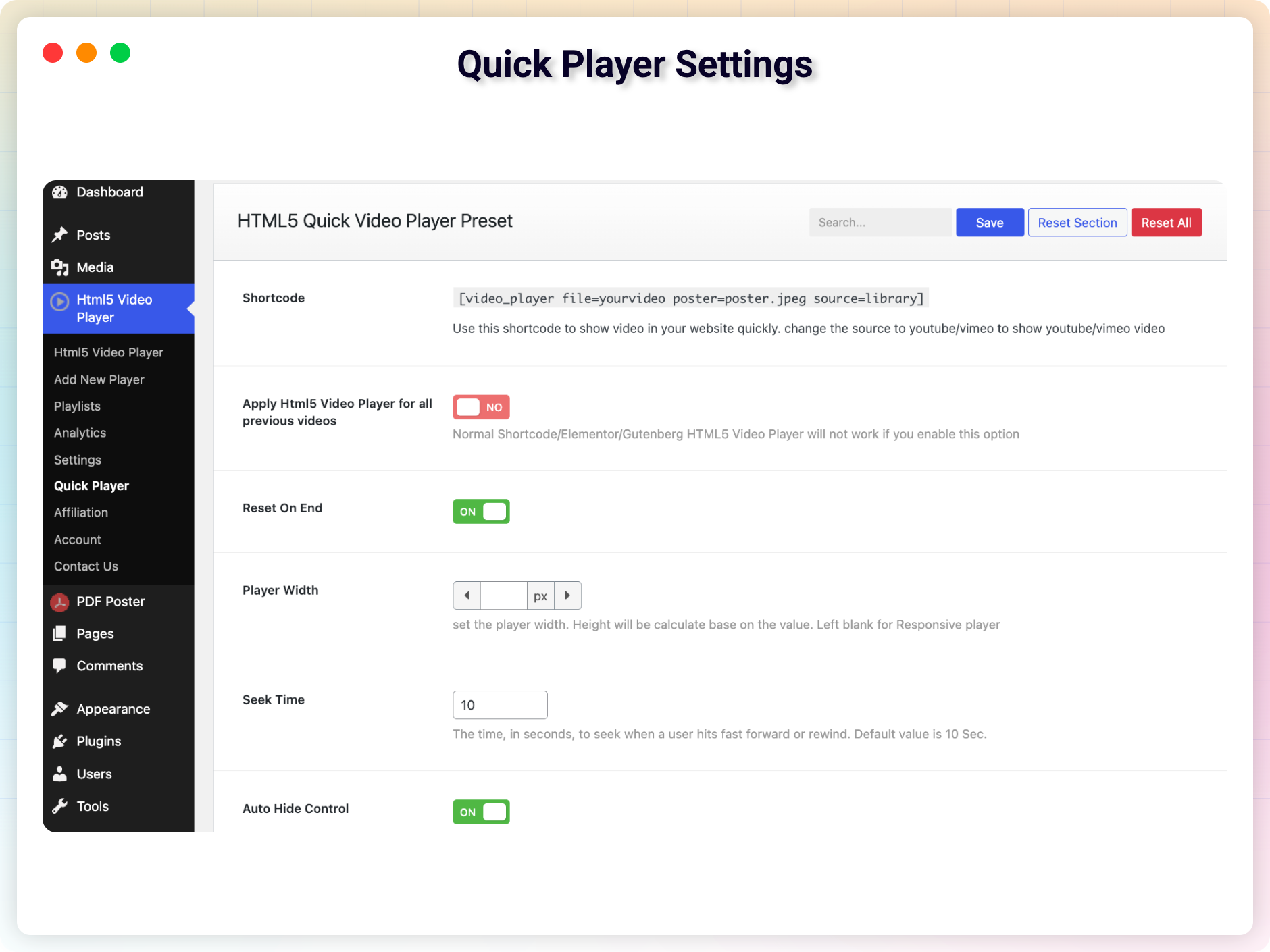
Improved: A copy icon next to the Quick Player shortcode
Improved: The admin settings page remembers the tab you were on
Fixed: On iPhone and iPad, YouTube videos did not start when tapped; they now also play inline instead of forcing fullscreen
Fixed: Captions stayed on screen after being turned off with the CC button
Fixed: YouTube live/ links were rejected as invalid
Fixed: Entering a Vimeo link or a video ID did not work in some cases
Fixed: A playback issue in the single video player
Fixed: A PHP warning, and the playlist scrollbar styling
Fixed: The download button color
Fixed: A narrower, centered player briefly showed at full width while loading (Elementor)
2.13.1 – 16 September, 2026
Fix: The Elementor widget did not appear in the Elementor editor.
2.13.0 – 22 August, 2026
Added: Video Playlist block — simple list layout, auto-play next with a 5-second “Up Next” countdown, duration badges, custom thumbnails, and Library/YouTube/Vimeo sources
Added: Audio Player block with four skins (Modern Bar, Waveform, Podcast Card, Compact Pill), plus playback speed, 10-second skip, volume, download, and title/artist/artwork fields
Added: HLS (.m3u8) streaming with automatic quality levels
Added: Subtitle/caption support — attach a .vtt track with your own language label from the block editor, the classic metabox, the [video_player] shortcode or Elementor
Added: Player alignment (left/center/right) in the block editor, the classic metabox, the Quick Player settings, the shortcode and Elementor
Added: Preload option (none/metadata/auto), moved down from the Pro version
Added: “Allow Inline Playback on iOS” option, moved down from the Pro version
Fixed: the Elementor widget never rendered a player inside the Elementor editor preview
Fixed: block-level classes and styles were dropped from the video block’s front-end markup, because the wrapper emitted two class attributes and the browser kept only one
Fixed: a poster image passed to the player was ignored unless it was re-applied by hand after the player was created
Improved: the block’s “Choose a Video Type” screen now uses icon cards for Video, YouTube, Vimeo and Audio instead of plain buttons
Improved: the video block’s start screen now supports drag-and-drop uploads, the media library and pasting a URL, all in one place
Improved: player, poster, thumbnail and artwork URLs are now sanitized before rendering
Changed: the “Delete data during uninstall” option moved to a new storage key — if you had it switched on, switch it on again after updating
2.12.0 – 3 August, 2026
Added: Extensions & Modules manager for managing plugin add-ons
Added: Guided setup wizard shown after activation — walks you through choosing an editor, setting player defaults, and creating your first player
Added: “Guided Setup” link in the plugin dashboard so you can re-run it any time
Improved: Site-wide settings changes now require the manage_options capability
2.11.4 – 11 July, 2026
Update: Freemius WordPress SDK
2.11.3 – 16 June, 2026
Improved: Updated admin dashboard design
Improved: Removed unused code, dead asset registrations, and leftover images
Improved: Code quality and general maintenance
Fixed: Custom poster not showing for Vimeo player
2.11.2 – 20 May, 2026
Fixed: Player does not showing
Fixed: Block encounter error
2.11.1 – 18 May, 2026
Removed: Locked premium-only fields
Improved: Security hardening for video data storage and AJAX request handling
Improved: Code cleanup — removed unused code
2.11.0 – 26 Apr, 2026
New: Added 6 Skin (Default, Stacked, Modern, Floating Pill, Classic Minimal, Stacked Dual-Row, Modern Mobile Stack) (Pro)