

Download and Insert images to WP Media Library from External URLs.
| Author: | Asiqur Rahman (profile at wordpress.org) |
| WordPress version required: | 2.6.0 |
| WordPress version tested: | 6.7.1 |
| Plugin version: | 3.1 |
| Added to WordPress repository: | 29-06-2022 |
| Last updated: | 29-11-2024
Warning! This plugin has not been updated in over 2 years. It may no longer be maintained or supported and may have compatibility issues when used with more recent versions of WordPress.
|
| Rating, %: | 100 |
| Rated by: | 6 |
| Plugin URI: | https://greenlifeit.com/plugins |
| Total downloads: | 8 427 |
| Active installs: | 700+ |
 Click to start download |
|
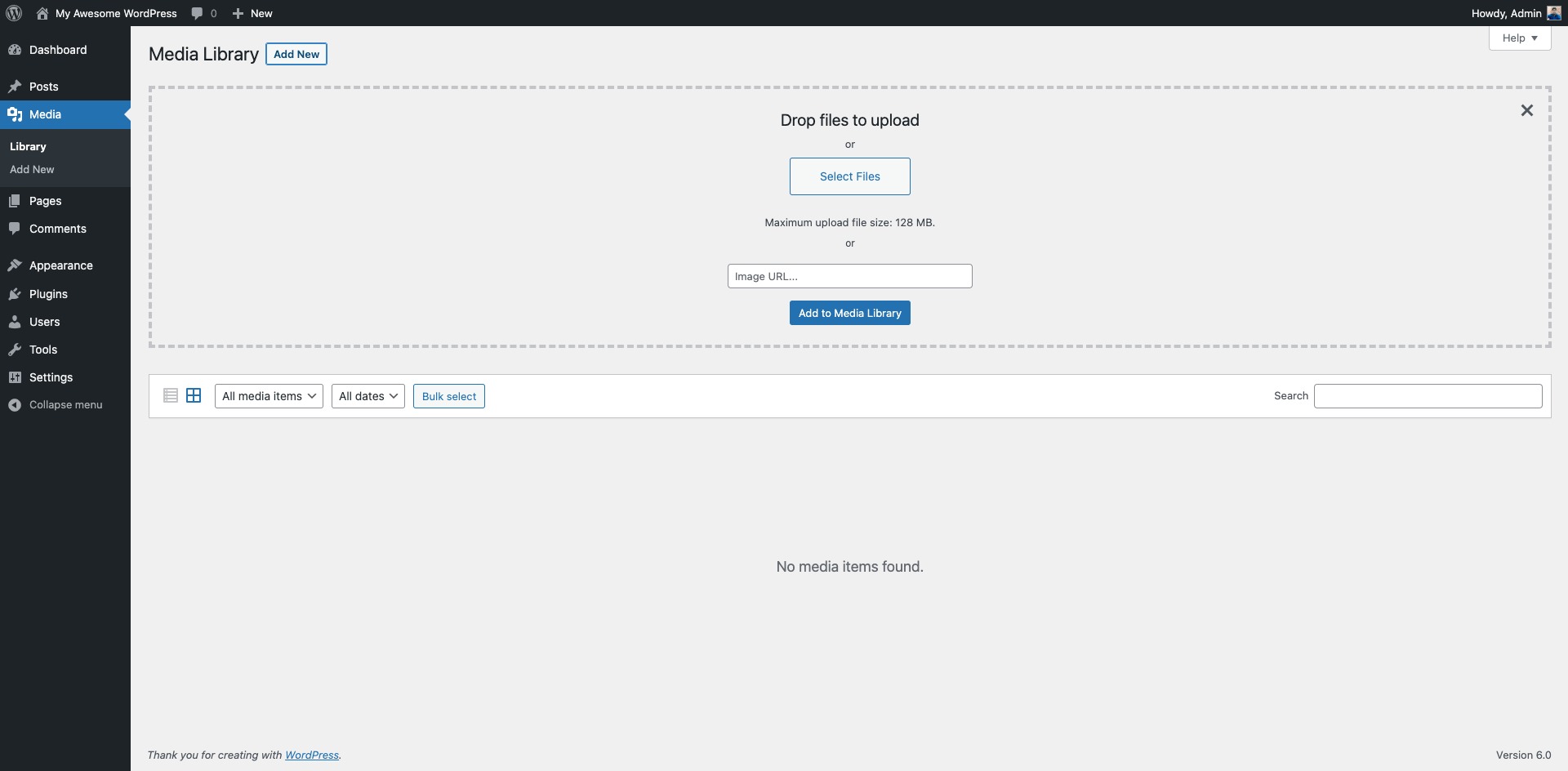
With the help of this plugin, you can become hassle-free from downloading and re-uploading images from hosted elsewhere to your site.
The GL Import External Images plugin for WordPress is designed to facilitate downloading and inserting images directly into your WP Media Library from external URLs, streamlining the process of importing media content. This plugin enhances user efficiency by allowing seamless integration of external images, thereby improving content management workflows. Be a better online citizen: avoid image hot-linking with ease!
Features
- Easily download images from external URLs directly into your WordPress Media Library.
- After successful uploading, you can select or edit (like caption, title, alt, description) the image.
- Full integration with WordPress Media Library – including creation of thumbnail images.
- Simplifies the process of adding external images to your website and saves you time.
- Saves time by automating the image import process.
- Lightweight and code written following WordPress coding standards.
Like this plugin? Please consider leaving a 5-star review
Want to suggest any feature? Please consider Create a new topic
Screenshots
FAQ

ChangeLog