

A WooCommerce plugin that allows you to force add a product to the shopping cart.
| Author: | WP Geeks (profile at wordpress.org) |
| WordPress version required: | 5.0 |
| WordPress version tested: | 6.6.1 |
| Plugin version: | 1.0 |
| Added to WordPress repository: | 16-08-2024 |
| Last updated: | 16-08-2024
Warning! This plugin has not been updated in over 2 years. It may no longer be maintained or supported and may have compatibility issues when used with more recent versions of WordPress.
|
| Rating, %: | 0 |
| Rated by: | 0 |
| Plugin URI: | https://wpgeeks.com/force-add-to-cart/ |
| Total downloads: | 1 051 |
| Active installs: | 10+ |
 Click to start download |
|
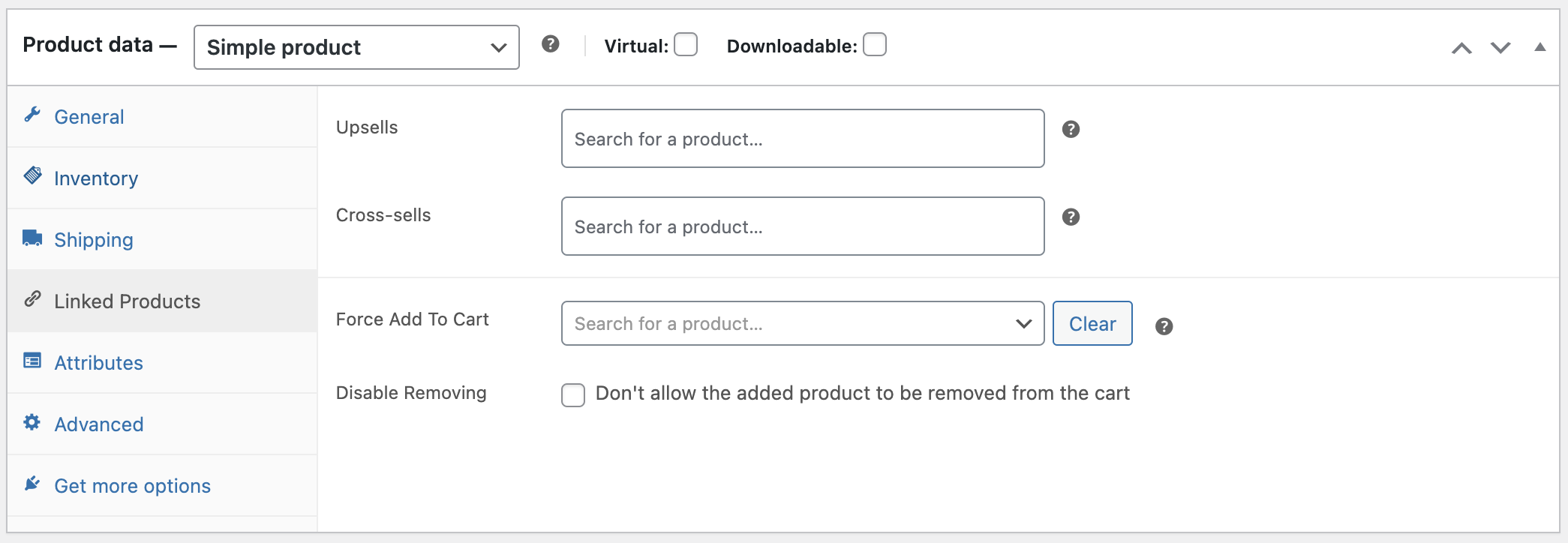
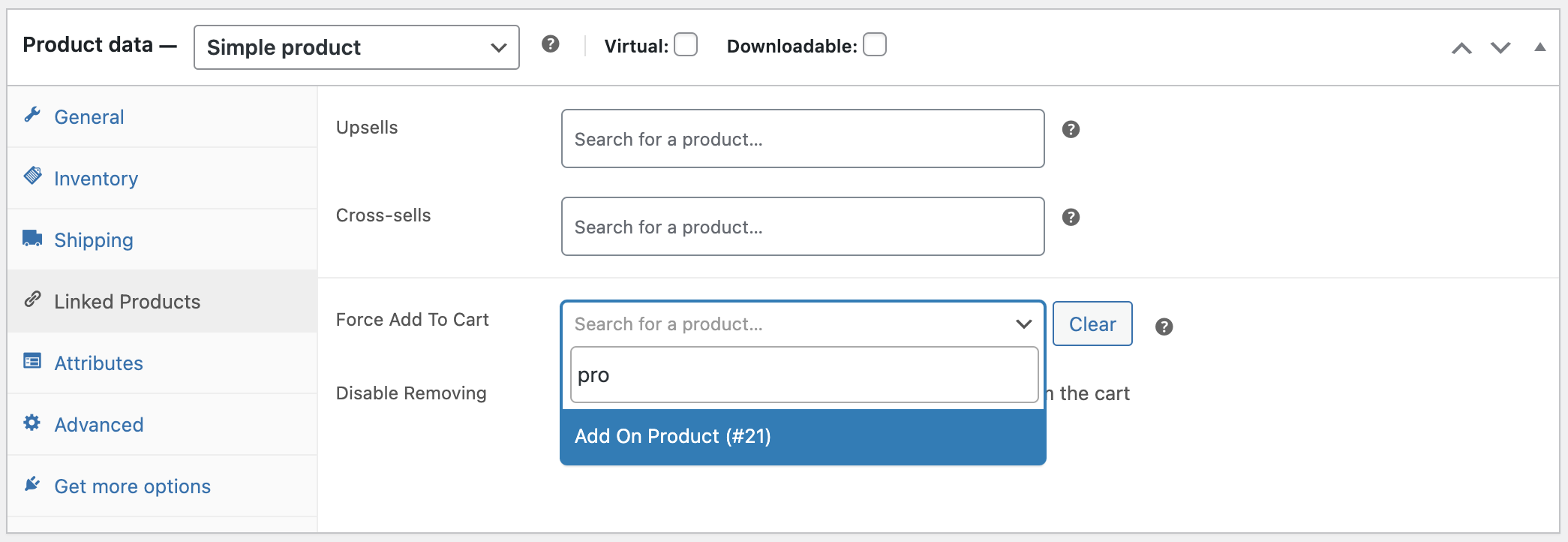
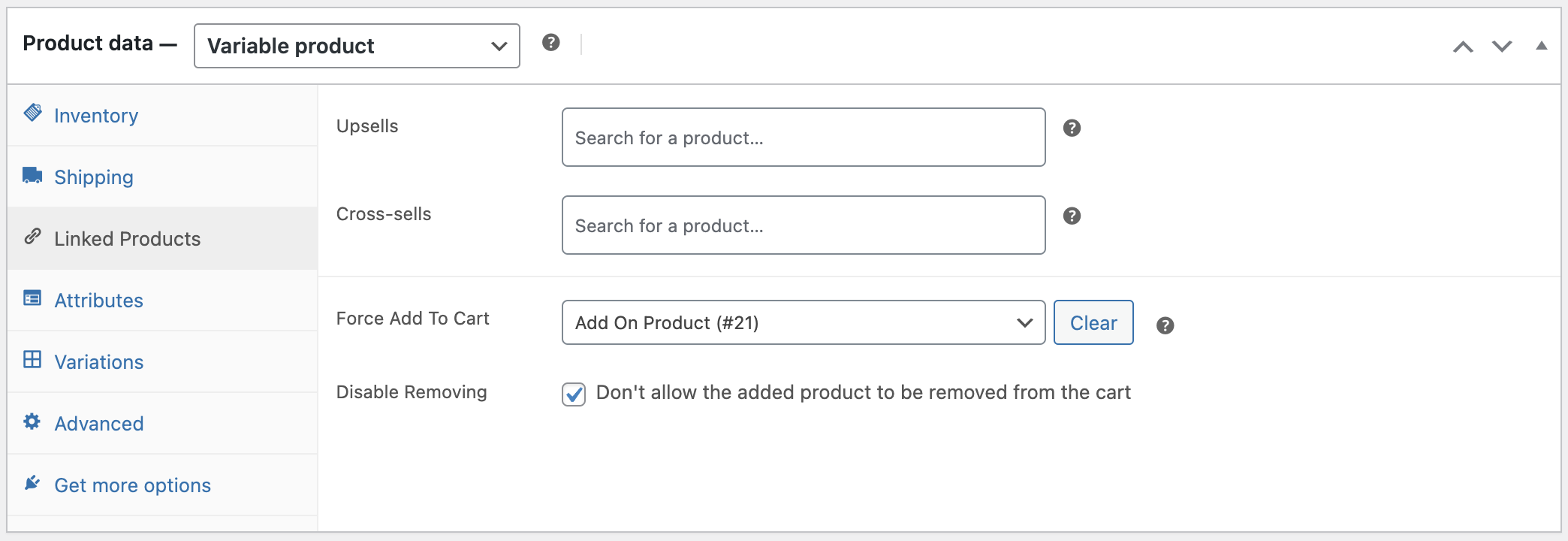
Force Add To Cart for WooCommerce allows you to select a product which will automatically be added to the shopping cart when another product is added to the cart. Simply visit the “Linked Products” section on the edit product page and choose the product to be force added to the cart when that product is added.
Additionally, you have the ability to select whether a visitor is able to remove the product that was forcefully added or to restrict removing the product from the cart.
The plugin works with both the classic cart experience and the new React based cart block.
Built by WP Geeks.
Usage
Once you have installed the plugin, you will find the settings on the Edit Product page in WooCommerce, under the section Linked Products in the Product Data metabox.
Screenshots
FAQ
ChangeLog