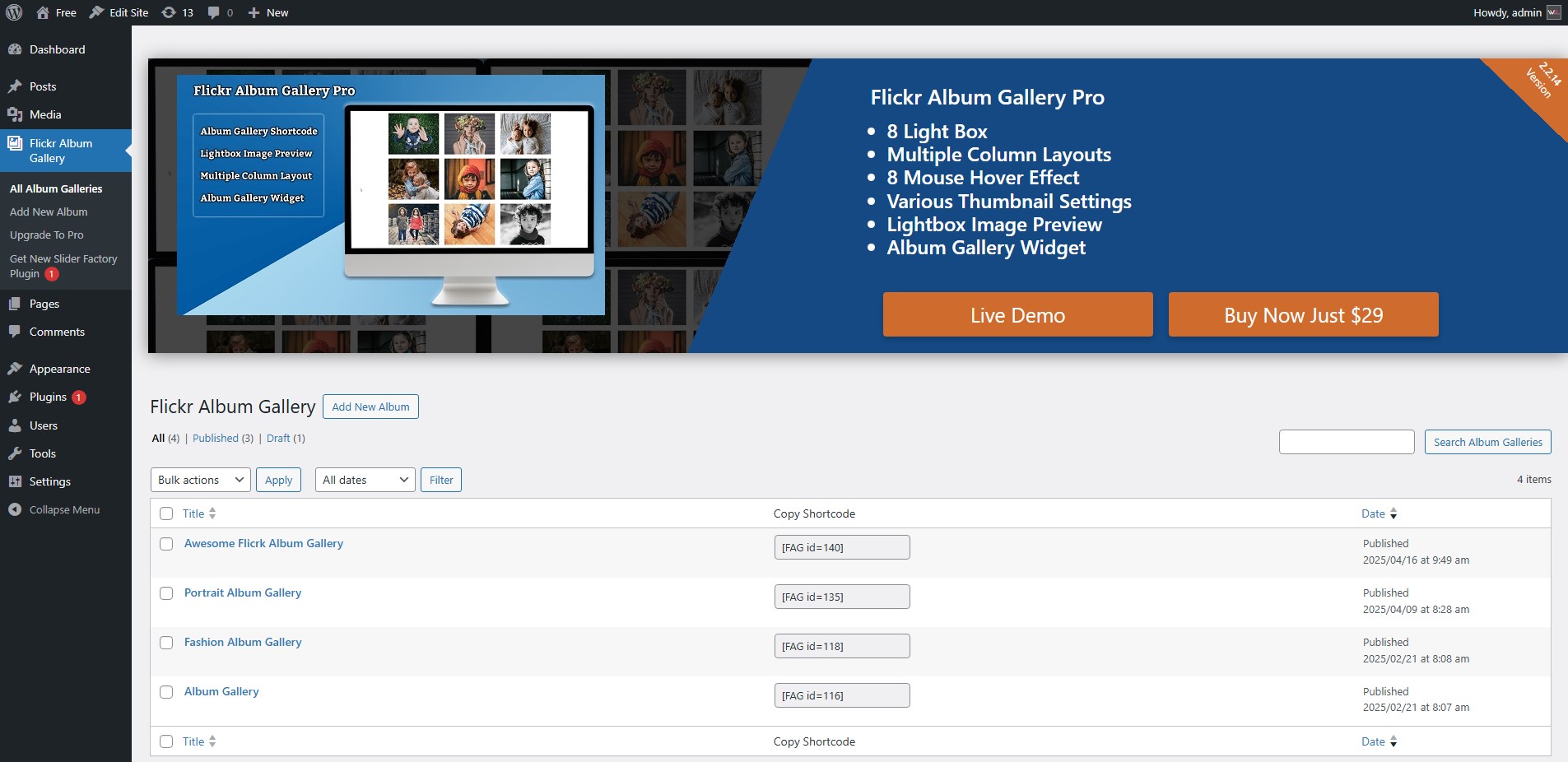
Flickr Album Gallery helps you showcase your Flickr photo collections directly on your WordPress website. Whether you’re a photographer sharing your portfolio, a blogger documenting your travels, or a business highlighting your work, this plugin provides a straightforward way to embed and display Flickr albums.
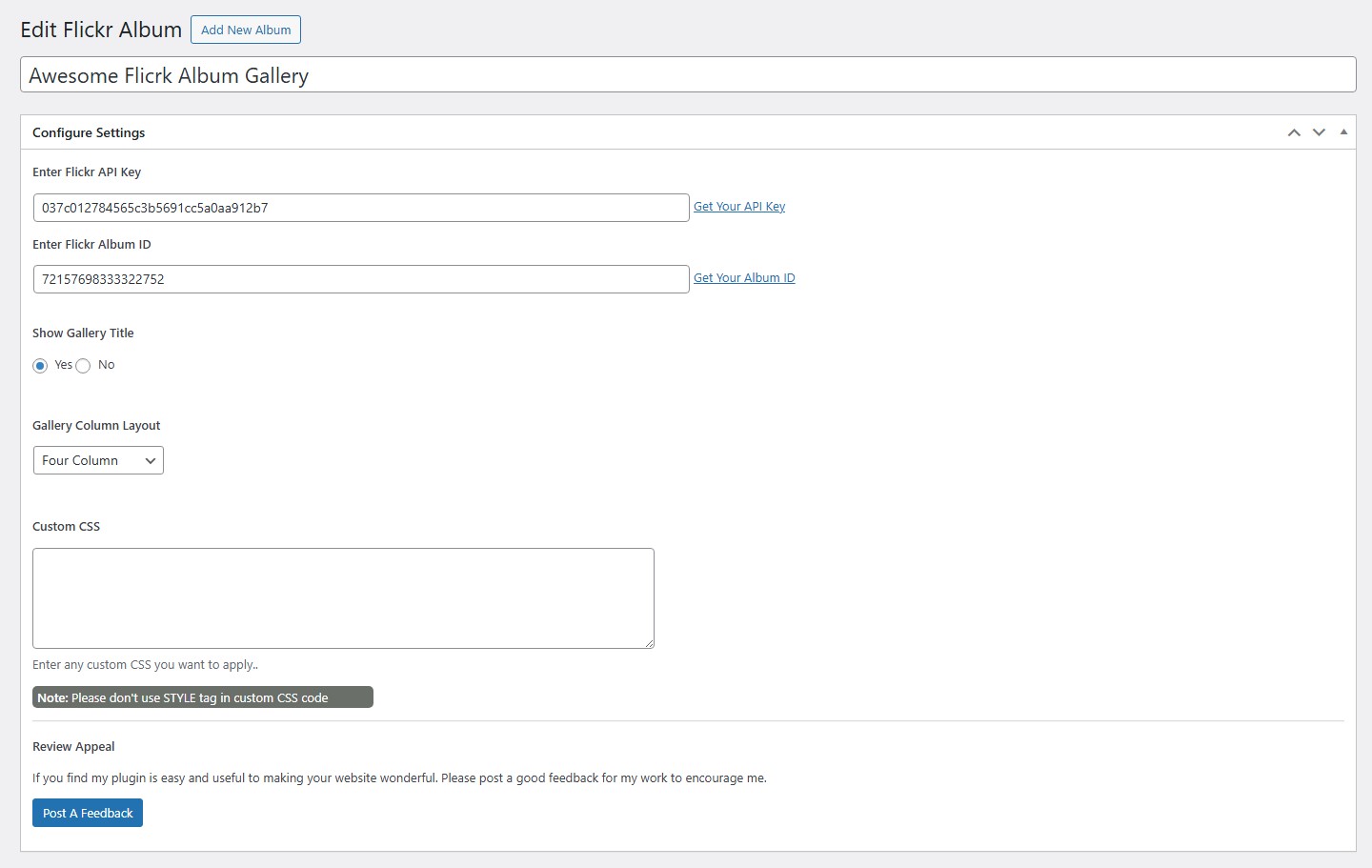
Connect your Flickr account using your API Key and Album ID, then use a simple shortcode to display your gallery anywhere on your site. The plugin fetches your photos and displays them in a clean two-column layout with lightbox functionality for full-size viewing.
Video Tutorial
Watch this tutorial to learn how to set up Flickr Album Gallery:
Key Capabilities
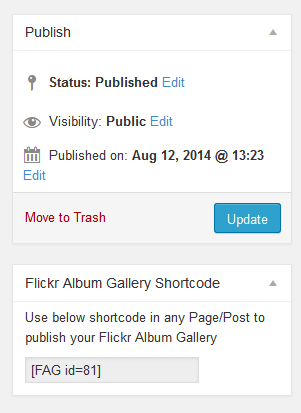
Embed Flickr albums using shortcode [FAG id=123]
Two-column responsive gallery layout
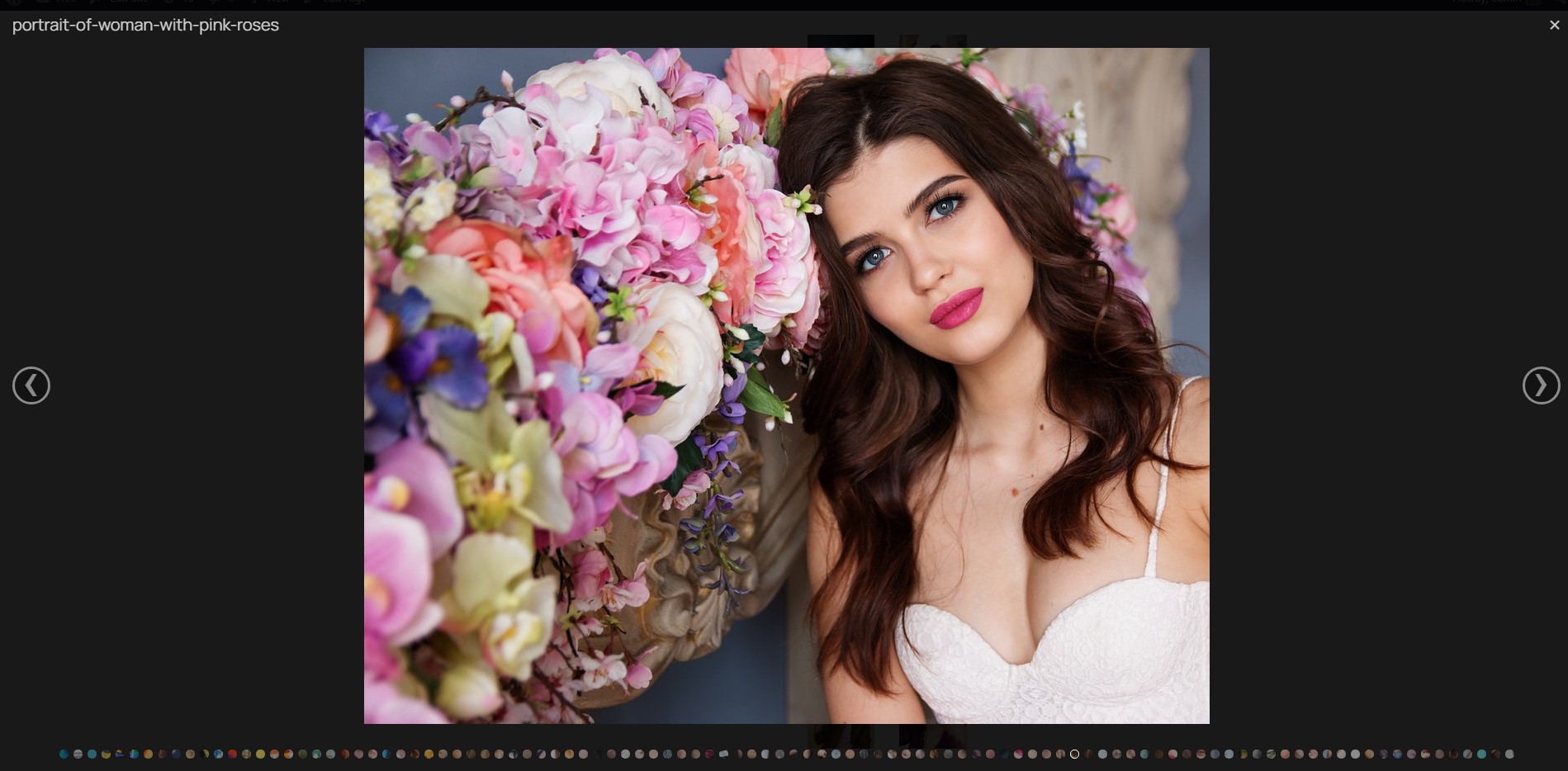
Lightbox preview for enlarged image viewing
SEO-optimized with proper title tags and alt text
Works with posts, pages, and widget areas
Compatible with Gutenberg and page builders like Elementor
Display up to 200 photos per album
Who Is This For?
This plugin works well for photographers who already host their images on Flickr and want to display them on WordPress without re-uploading. It’s also useful for bloggers and businesses who maintain Flickr albums and need an easy integration method.
Free Version Features
Gallery title customization
Two-column layout
Lightbox image preview
SEO-friendly output with alt text
Custom CSS support
Up to 200 images per album
Shortcode-based embedding
Widget support
Pro Version Features
The Pro version adds advanced customization and layout options:
Visit Flickr API Guide for step-by-step instructions on obtaining your API key from Flickr.
How do I find my Flickr Album ID?
Open your Flickr album in a browser. The Album ID is the number in the URL after /albums/. See our detailed guide for help.
Is this plugin compatible with the latest WordPress version?
Yes, we regularly test and update the plugin for compatibility with new WordPress releases.
Can I use this plugin with Elementor, Gutenberg, or other page builders?
Yes, the shortcode [FLICGAL id=123] works with all major page builders including Elementor, Gutenberg, Divi, and others.
How many photos can I display per album?
There are no artificial limits in this version. The plugin will attempt to fetch all available images in the album provided by the Flickr API.
Can I display multiple galleries on the same page?
Yes, you can add multiple shortcodes with different gallery IDs on the same page or post.
How do I update my gallery when I add new photos to Flickr?
The plugin fetches photos from Flickr each time the page loads, so new photos appear automatically. If you’re using caching, clear your cache to see updates.
Does this plugin work with private Flickr albums?
No, only publicly visible Flickr albums can be displayed.
Why are my images not loading?
Check that your API Key and Album ID are correct. Also verify that the album is set to public on Flickr. If using a caching plugin, try clearing the cache.
Can I customize the gallery appearance?
Yes, you can choose from multiple column layouts.
Does the plugin affect page load speed?
The plugin is now lightweight and does not depend on external frameworks like Bootstrap, improving overall performance.