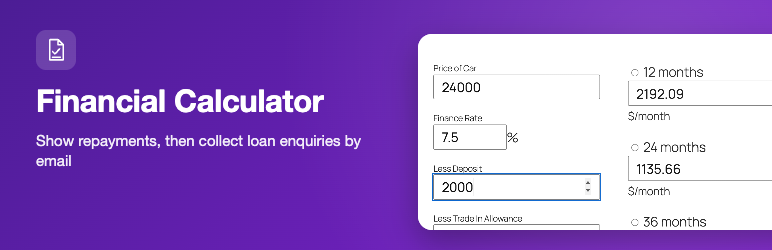
WP Finance Calculator is a drop in form for users to calculate indicative repayments. It can be implemented on a page or a post.
The Financial Calculator is a comprehensive tool designed to enhance user experience by offering a seamless way to calculate indicative loan repayments. Easily integrated into any webpage or blog post, this plugin is equipped with a user-friendly form and utilizes AJAX for real-time calculations, ensuring immediate feedback without the need for page refreshes. This modern approach is complemented by compatibility with older browsers, where the plugin gracefully degrades and introduces a calculation button for manual repayment computation.
Screenshots

Repayment options calculated from the price, deposit and finance rate.
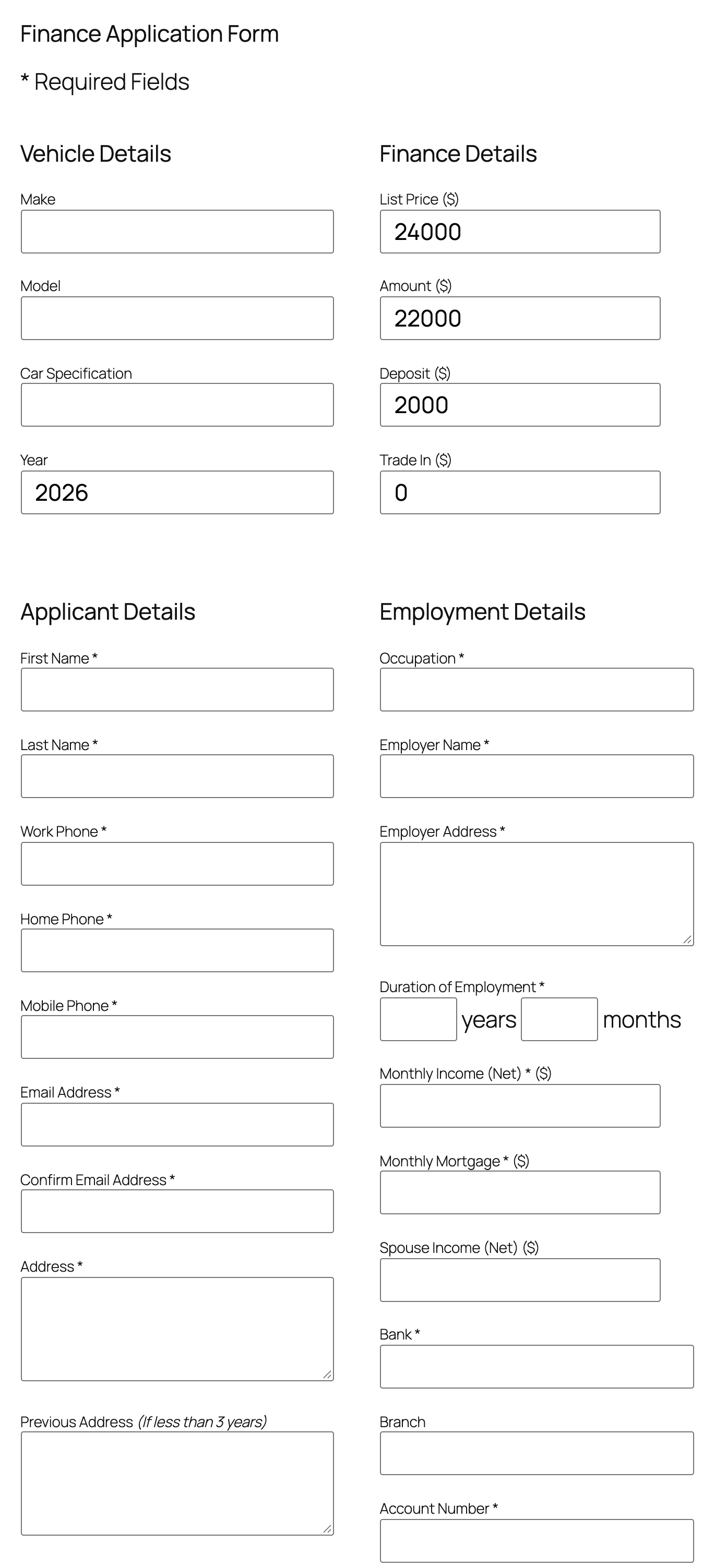
The finance application form shown after the calculation.
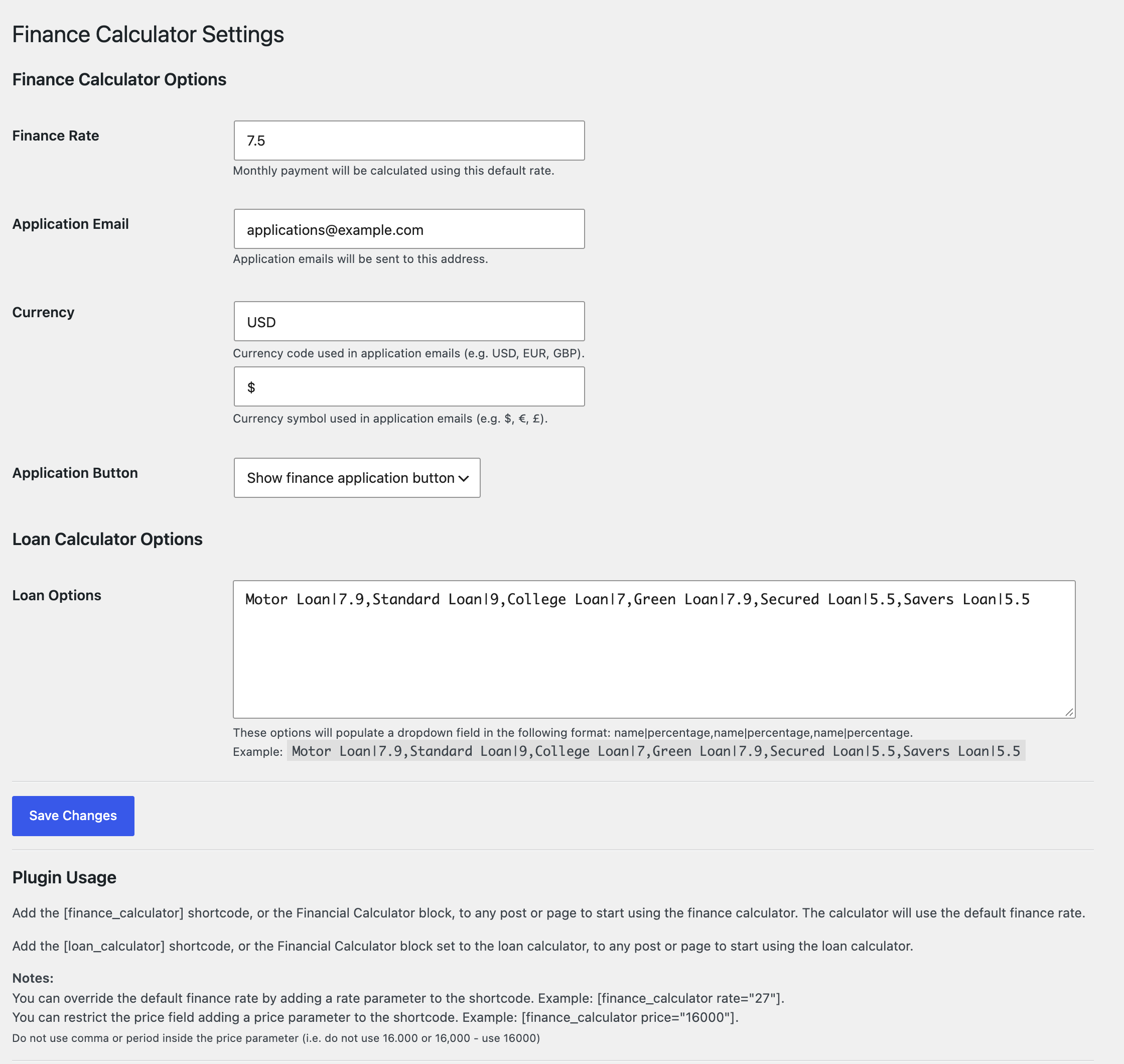
The settings page: finance rate, application email, currency and loan options.
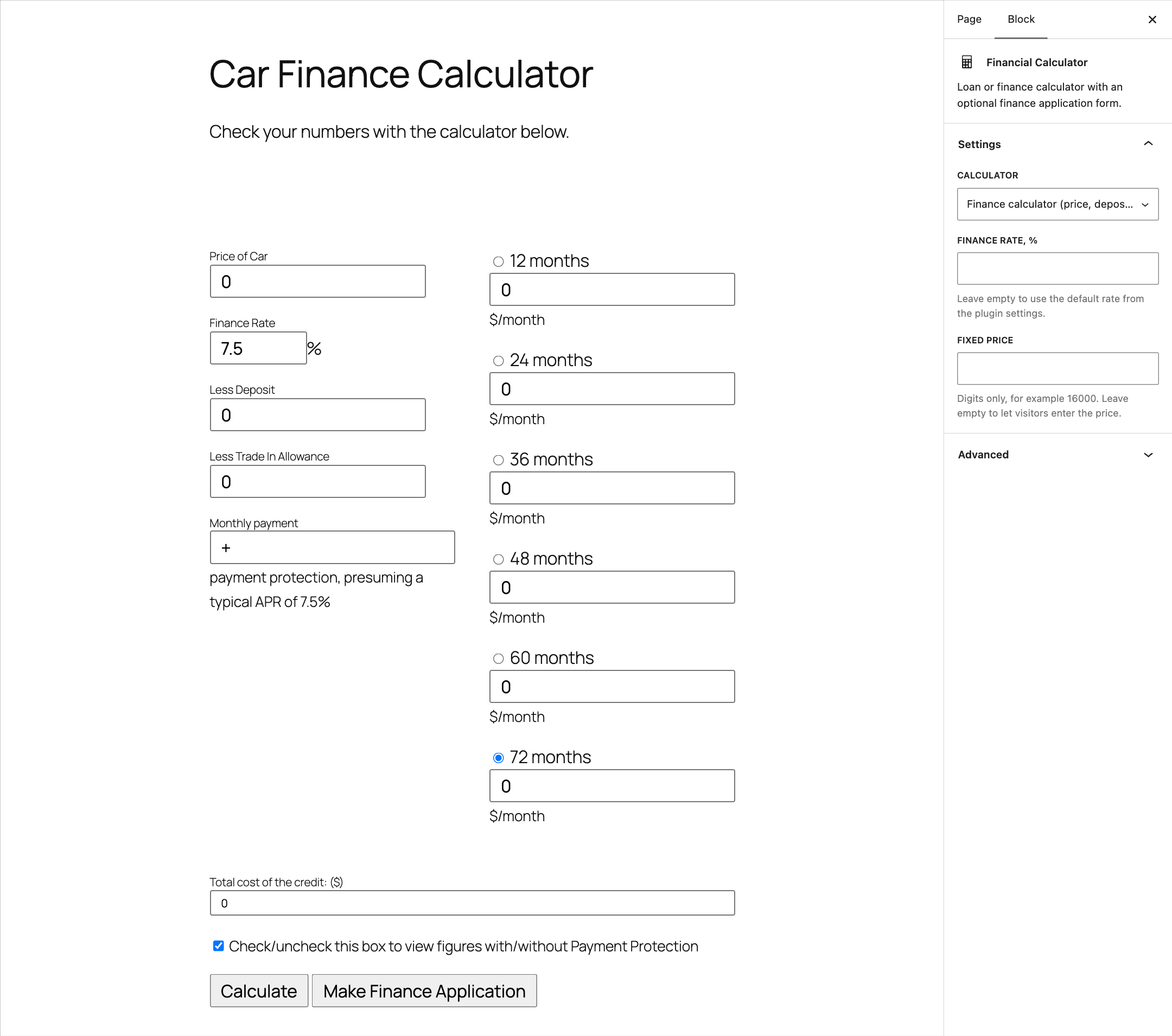
The Financial Calculator block in the block editor, with its settings in the sidebar.
How do I add the loan calculator to a post or page?
Add the Financial Calculator block in the block editor and pick the loan calculator or the finance calculator in the sidebar. Or put the [loan_calculator] or [finance_calculator] shortcode in the body of the post or page.
What is the difference between the loan calculator and the finance calculator?
The loan calculator lets the visitor pick one of your loan types, enter an amount and a period in years, and shows weekly, fortnightly and monthly payments. The finance calculator works from a price, a deposit and a trade-in allowance and shows monthly payments for 12 to 72 months, with an optional application form.
Where are the application submissions sent?
They are sent by email (using WordPress’ wp_mail function) to the address you enter under Application Email on the plugin’s settings page. The applicant’s email address is used as the Reply-To address.
Are submissions stored in the WordPress database?
No. The plugin sends the application by email and does not save it in the database. Because the form collects personal details, make sure your site has a privacy notice and that you handle the emails you receive in line with the data protection rules that apply to you.
Can I change the interest rate and the loan types?
Yes. Set the default finance rate in the settings, or override it per page with the rate attribute, for example [finance_calculator rate="7.5"]. For the loan calculator, enter your own loan types and rates in the Loan Options box, in the format name|percentage,name|percentage.
Can I hide the application form?
Yes. In the settings choose “Hide finance application button”. The calculator then works on its own.
Is it suitable for car finance and personal loans?
Yes. The finance calculator is built around a price, deposit and trade-in allowance, which suits vehicle finance, and the loan calculator lets you define loan types such as motor or personal loans. Results are indicative repayments, not a loan offer.
ChangeLog

