FileBird Document Library is a lightweight plugin that helps you create and publish document galleries using Gutenberg and FileBird folders. It offers two layout styles and supports multiple document categories.
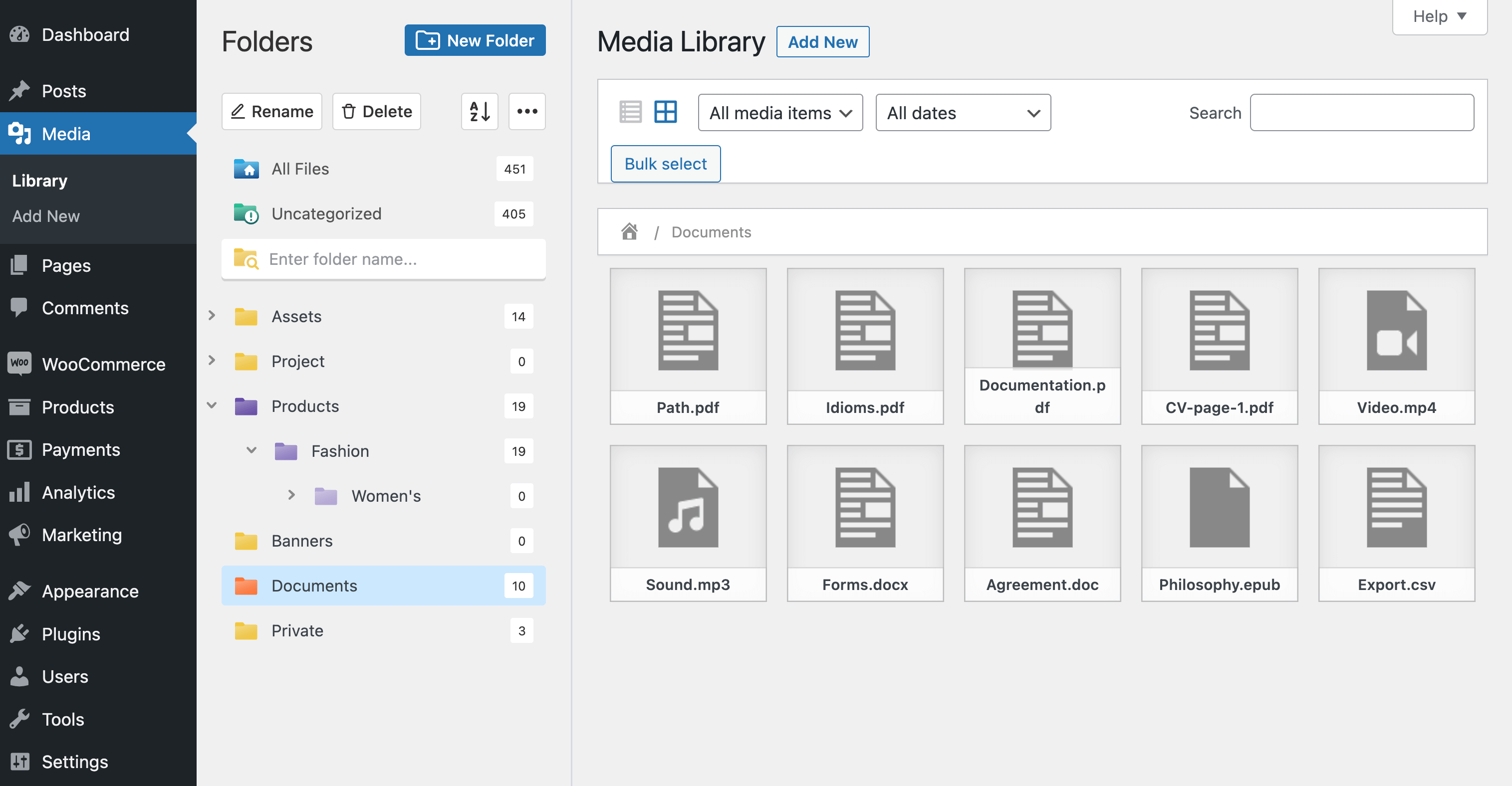
Thanks to FileBird plugin, which has an amazing folder structure for organizing your files, you can make those FileBird folders work as your document categories.
.prc, .epub, .mobi, .azw, .djvu (ebook formats) and more ++
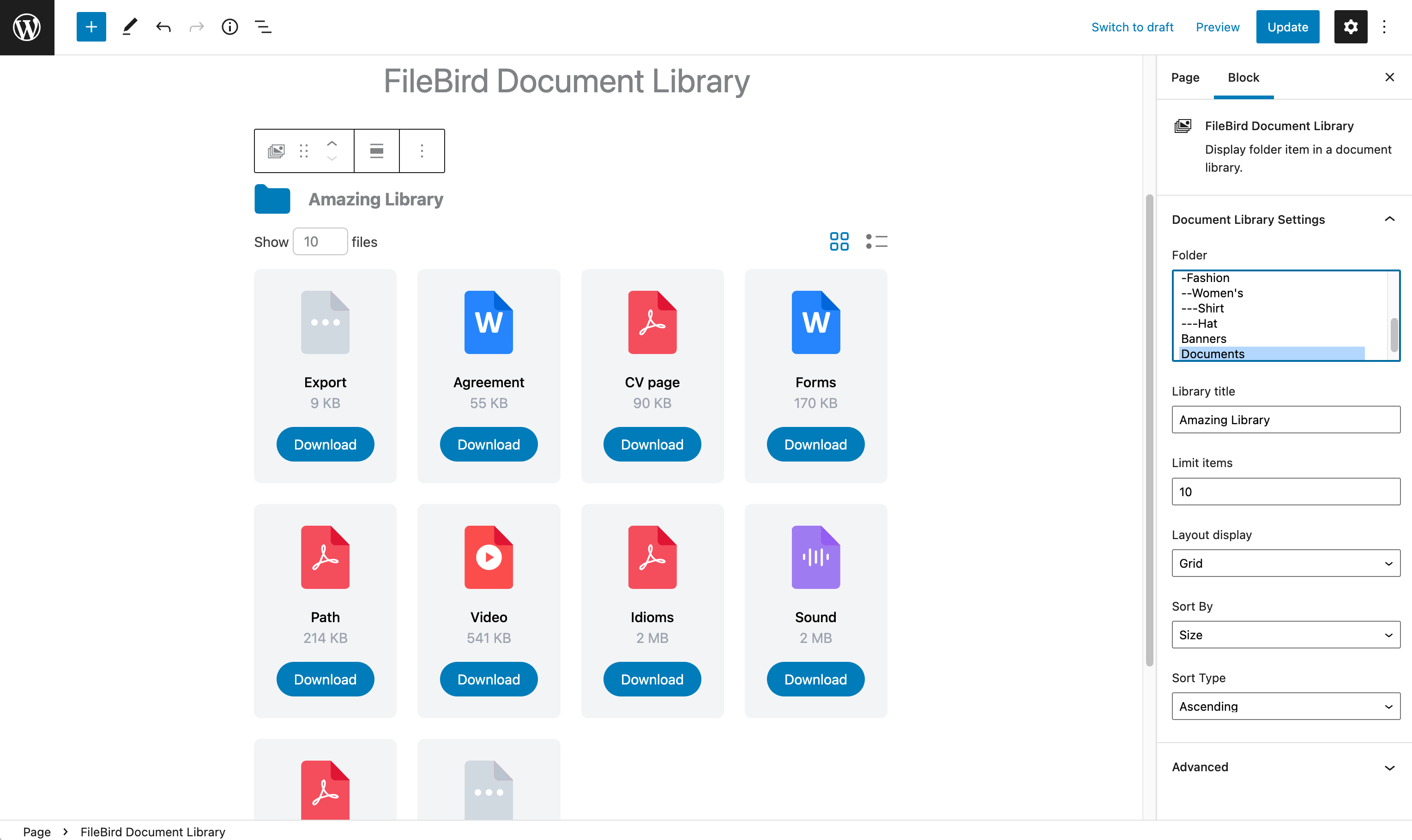
For further customization, you will be able to display the document gallery in grid or list style. Various options are built to help you customize the library appearance the way you want.
Works seamlessly with Gutenberg
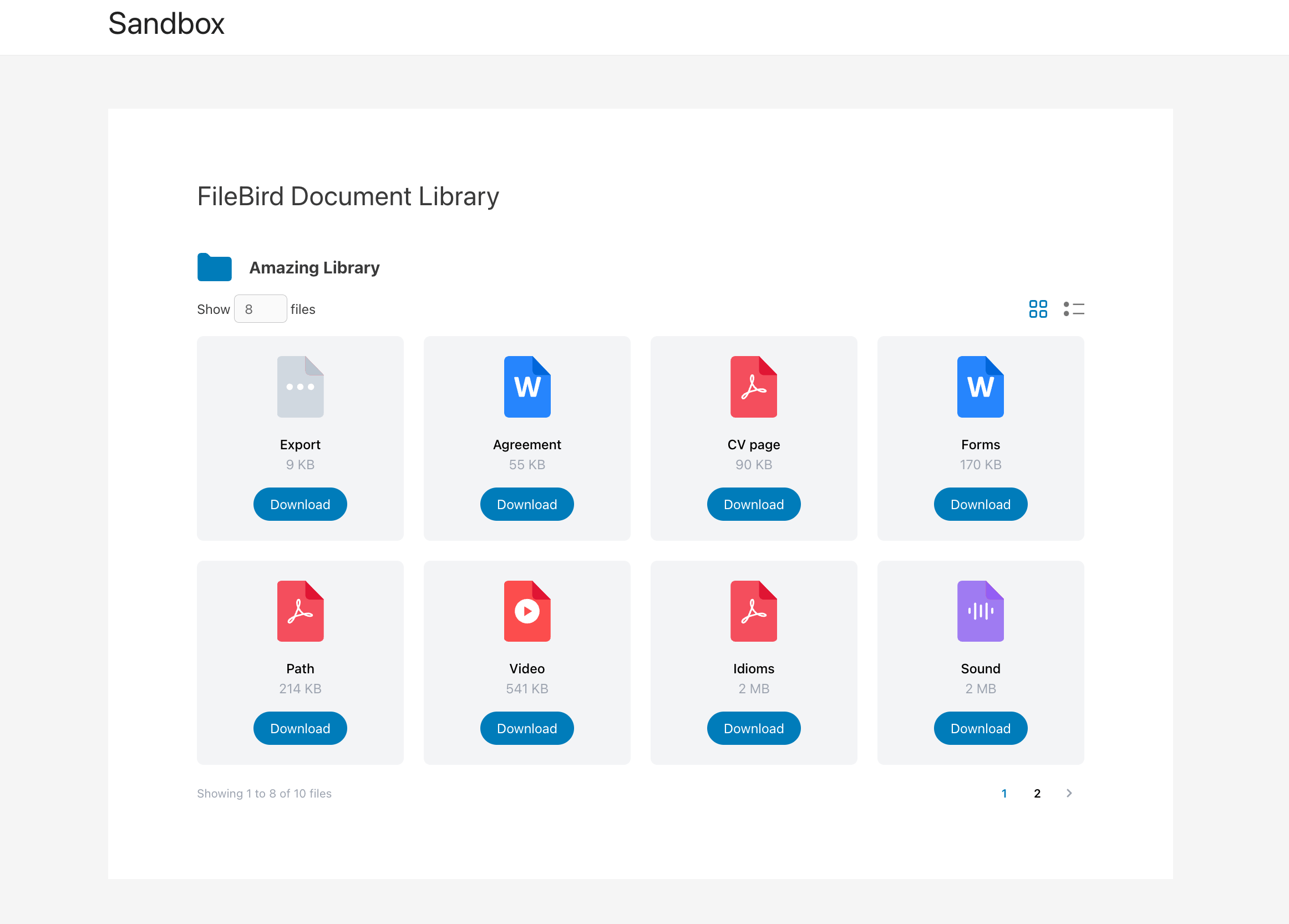
Clean interface and modern gallery design
Single folder and multiple folders supported
Folder icon and custom title
Limit document items per page
Multiple layouts: Grid & List style
Interactive front-end: Library sections are switchable by the visitors
Yes, it is. You should have FileBird (Free or Pro, version 5+) installed and activated in advance so that you can use the FileBird document library Gutenberg block feature.
How many document libraries can I create in the Free version?
The Free version allows you to create unlimited library blocks through Gutenberg, but only 1 document library shortcode.
If you need multiple libraries for different pages using WordPress page builders, you’ll need the Pro version.
When I move a document file to another folder, does this action affect the document gallery?
Yes, if you move/remove/add new files to your FileBird folders, it will also be reflected on the front page/post of the document gallery.
Does it work with Elementor?
Definitely yes! To make FileBird Document Library work with Elementor, just create a shortcode for your document library, and then embed it into Elementor page builder.